


Nano Banana really has tons of features, besides the sticker-making we introduced before, “One Click Sticker“”, 28 style conversions of “”Nano Bananary, switching between different erasPictureMe and Past Forwardetc. This time I’d like to recommend a very powerful Hackathon Explorer website that organizes over 800 ways to use Nano Banana. There are uses for all kinds of purposes, and you’re sure to find something you’ve never seen before. It’s definitely worth bookmarking.
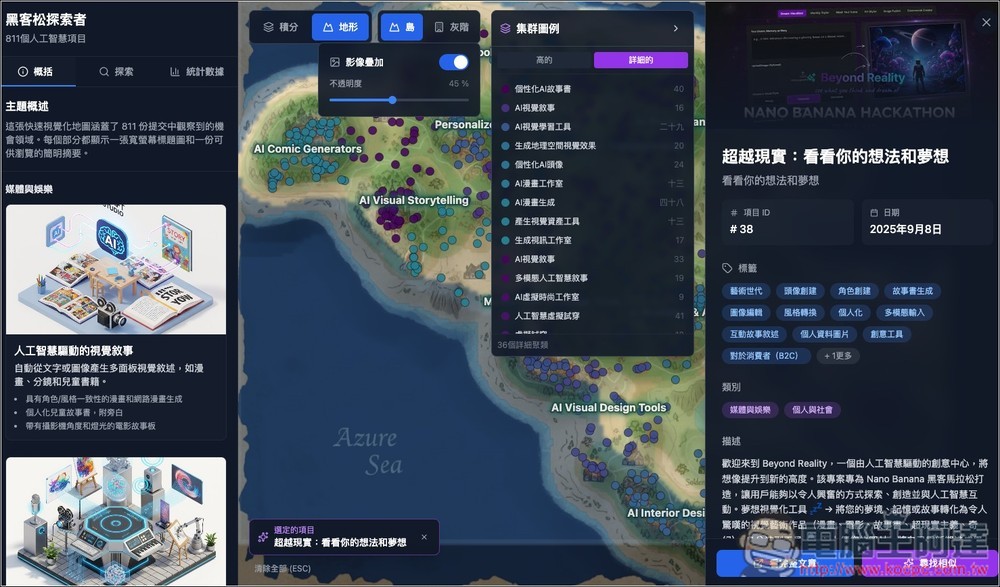
Get over 800 Nano Banana gameplay options at once with Hackathon Explorer — all completely free to use.
Hackathon Explorer is a website that collects 811 submissions from Hackathon participants. The works are categorized by theme and presented visually, allowing everyone to quickly understand what popular AI applications currently exist.
There are many categories, including media and entertainment, fashion e-commerce, architecture and real estate, design and development tools, marketing and advertising, personalization and social tools, productivity tools, science and health, and security and forensics.
After clicking the link above to enter Hackathon Explorer, you’ll see a map in the center with some English words on it—these are the categories, and the small dots after the English words are the tools in those categories. If you find reading English difficult, you can use your browser’s translation feature to translate the entire page into Chinese.
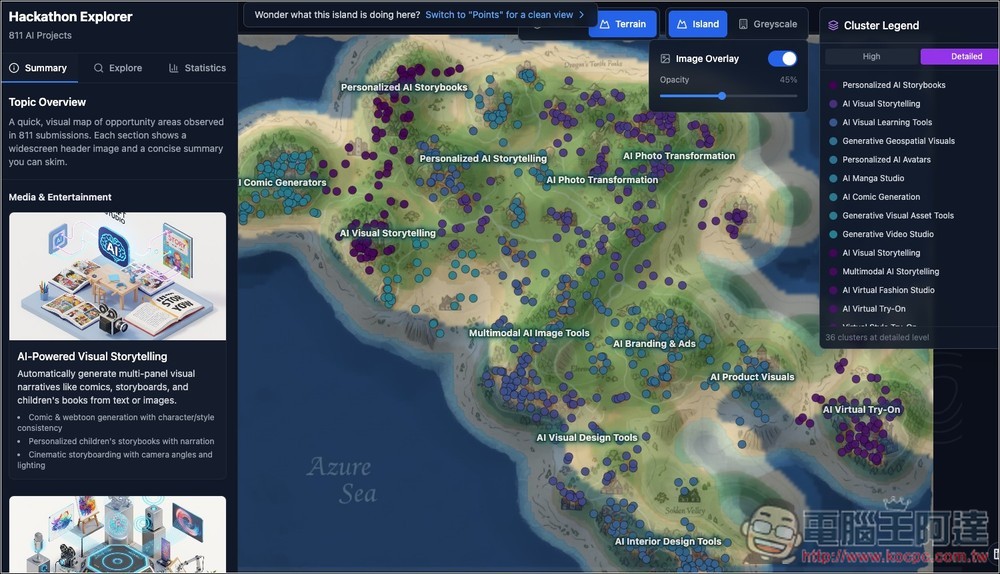
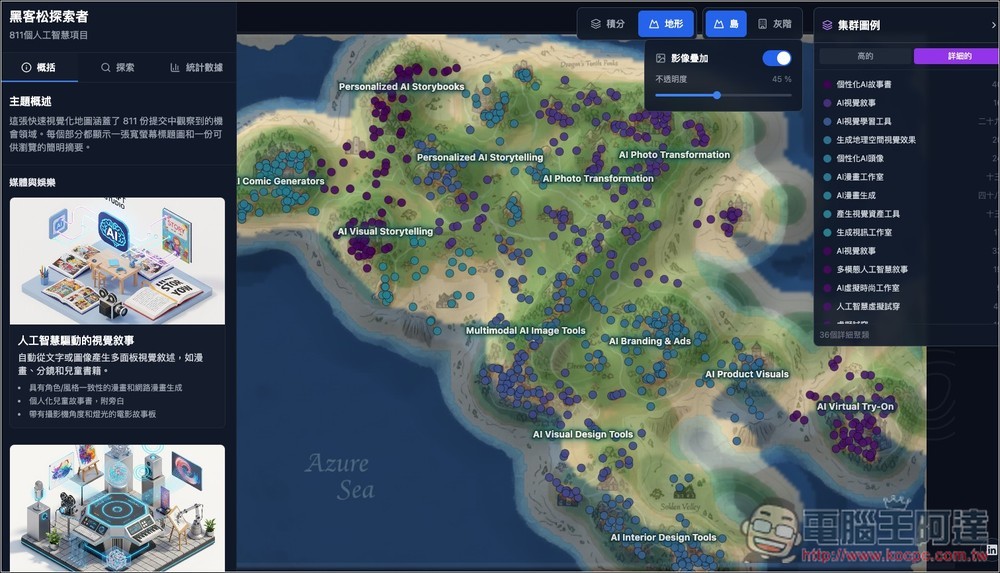
Like this, it becomes much easier to read once it’s in Chinese! The English text on the map is part of the image, so it can’t be translated.
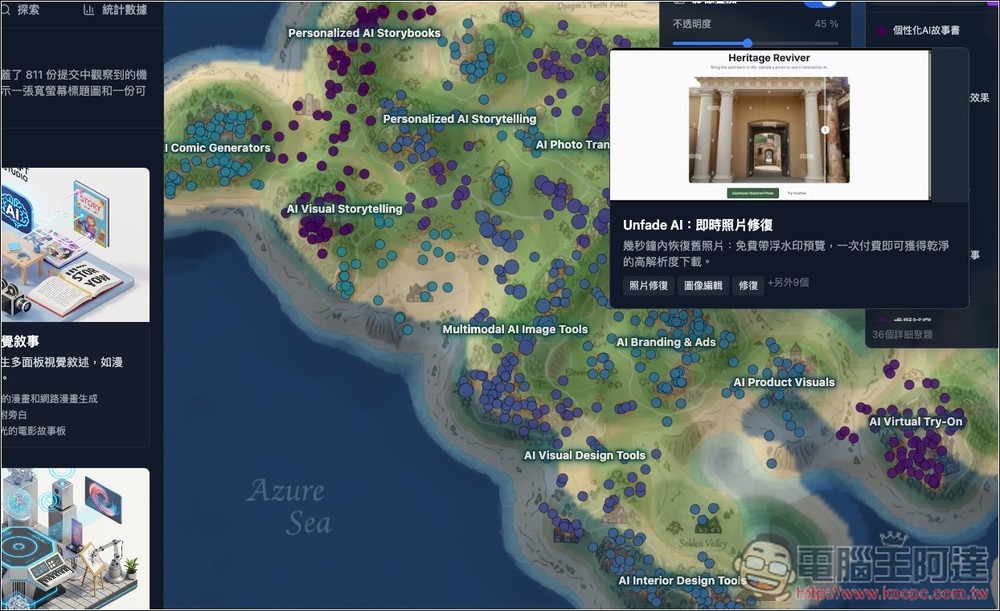
Hover the mouse over the dot, and a description of the tool will appear. The one in the image below is for restoring old photos:
If you find the map a bit hard to navigate, you can also check the “cluster legend” on the right side, with the categories listed below—each one shows how many tools it contains on the right:
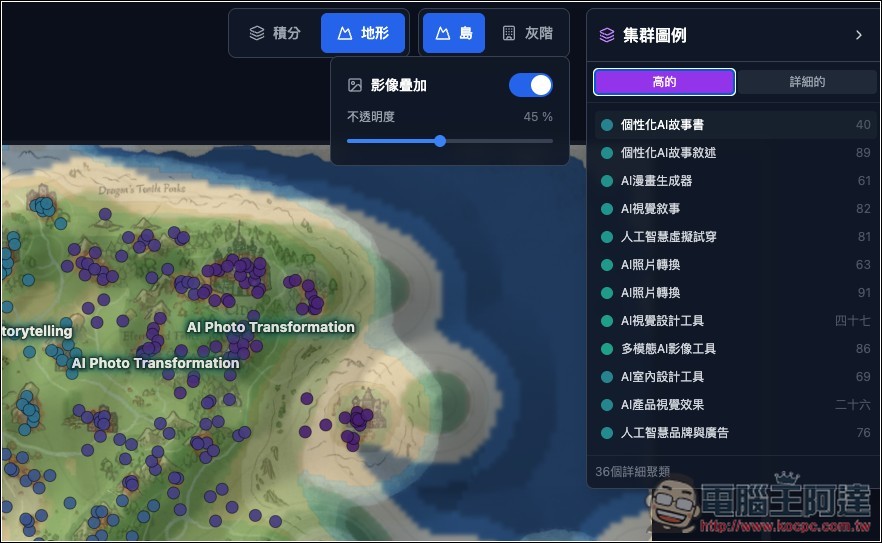
After expanding, you can view each tool, but I think it’s not very easy to find here because there are too many names:
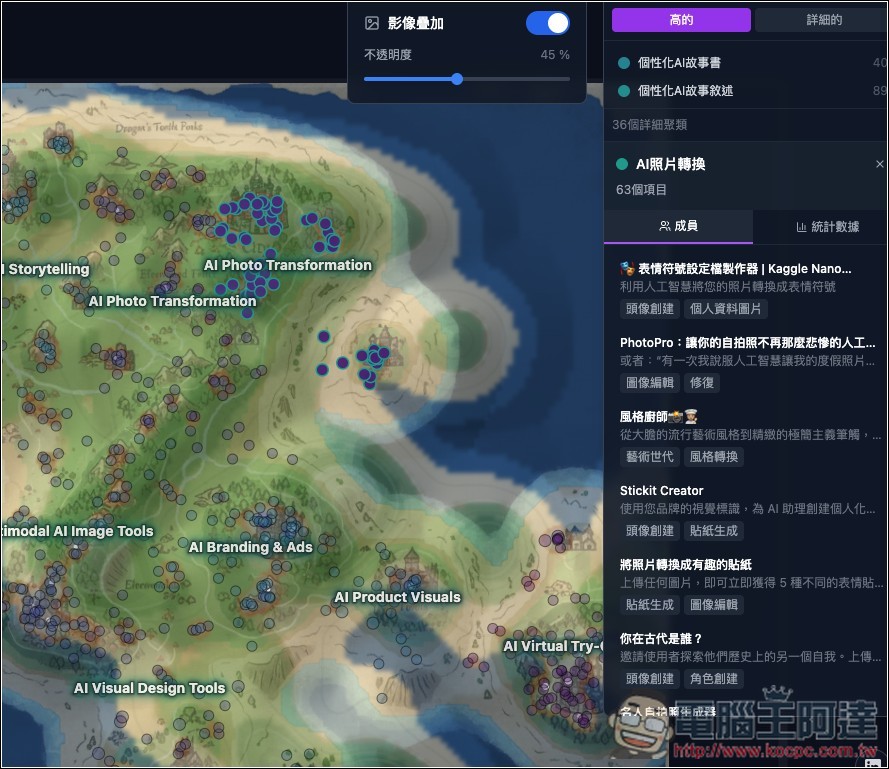
Once you find a tool you want to try, click on it and a brief description will appear on the right. Then, tap the “View Full Article” button below.
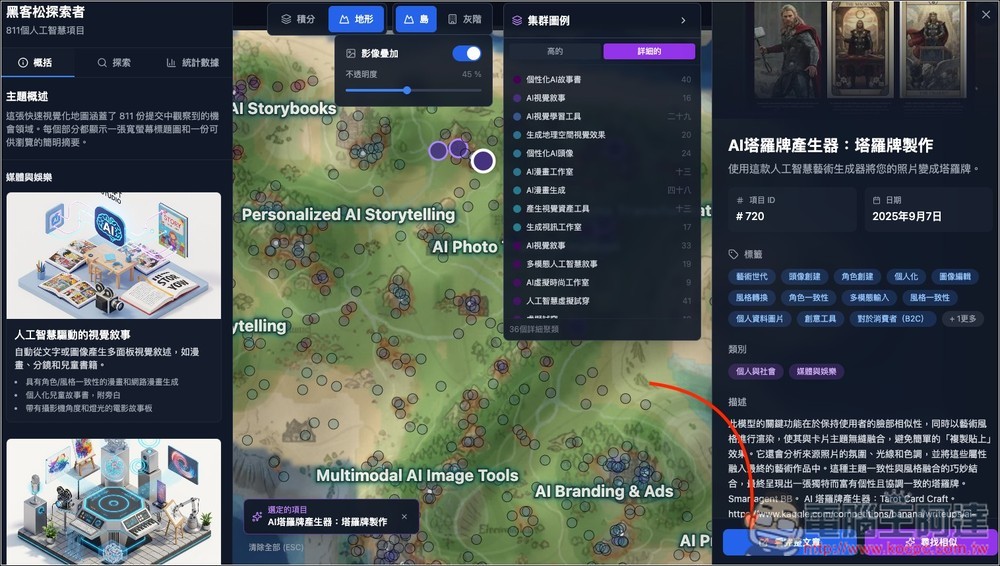
It will open a new tab, which will show who the author of this tool is, an instructional video, and other related information:
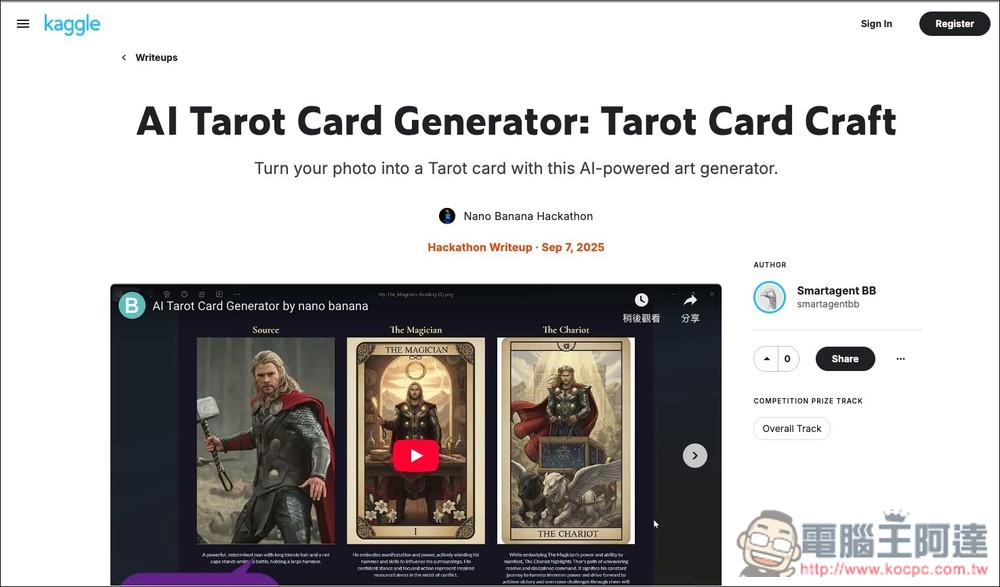
Scroll down to the Project Link section to find the link to the tool:
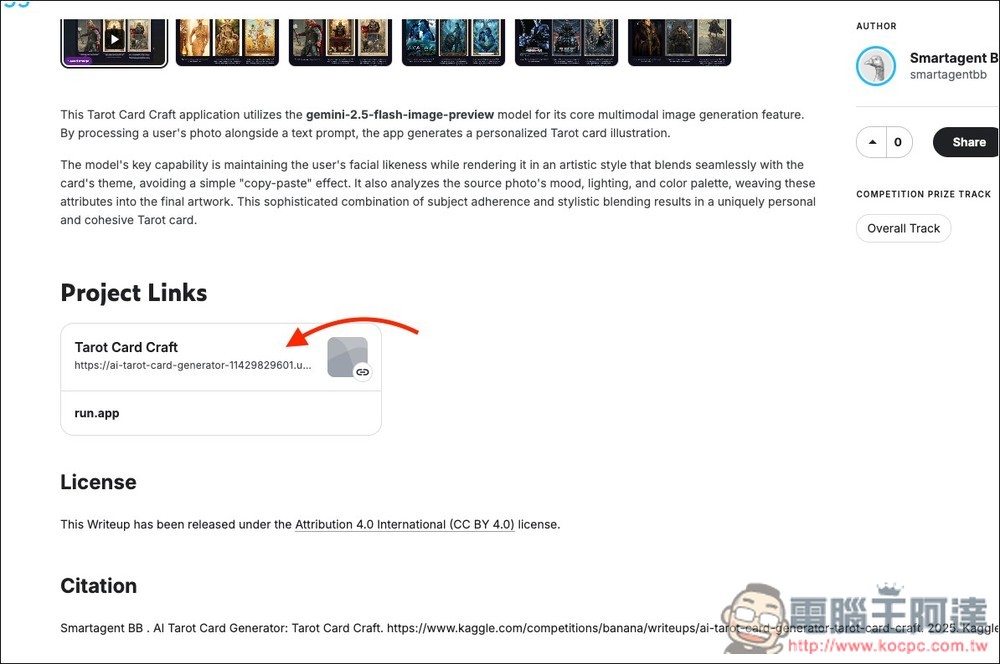
Open it and you can start playing right away. The image below shows a tarot card style generation tool—upload your image:
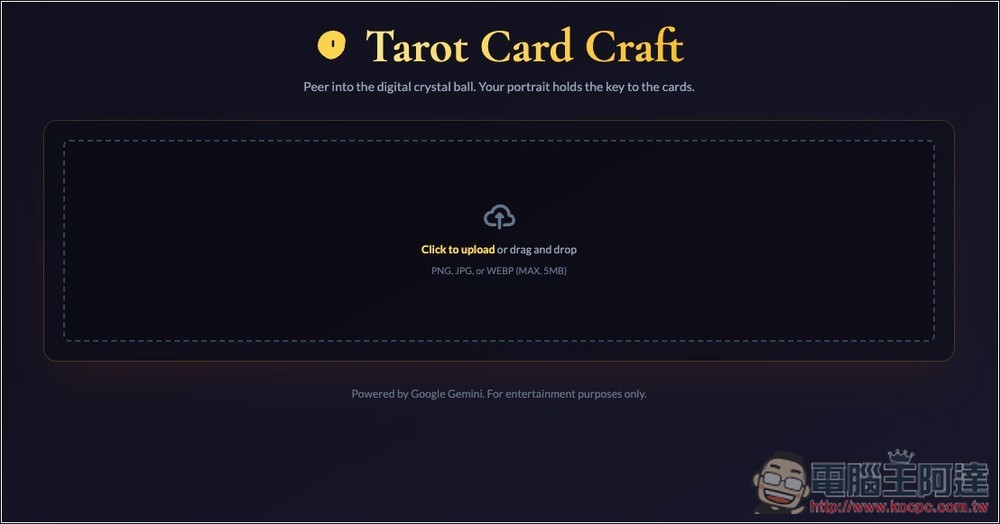
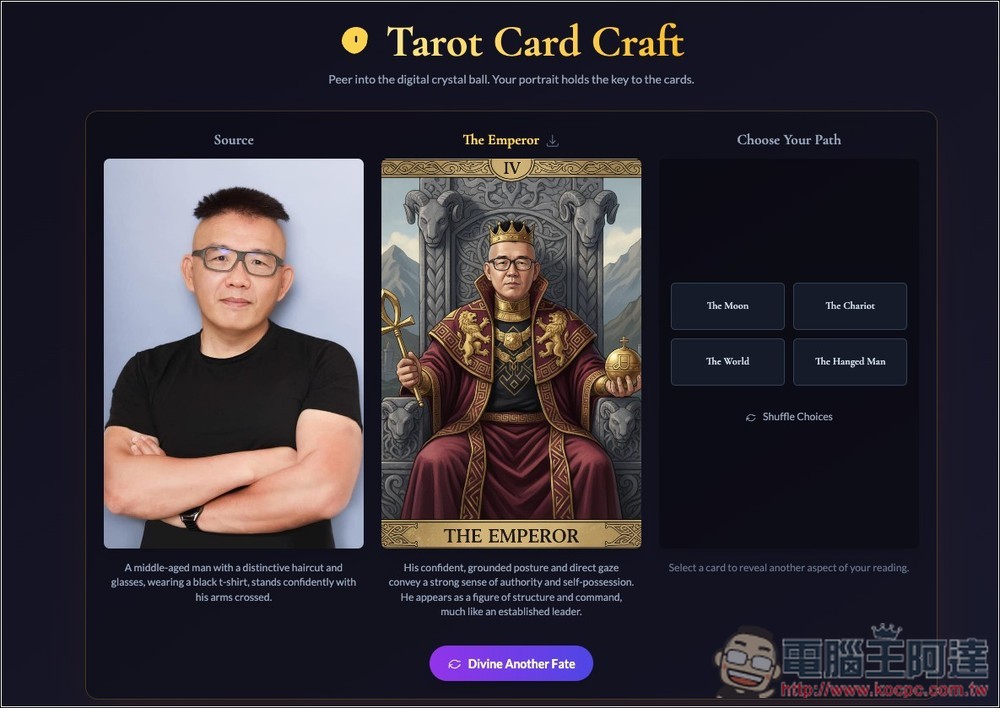
It will then convert this reference image into a tarot card style image:
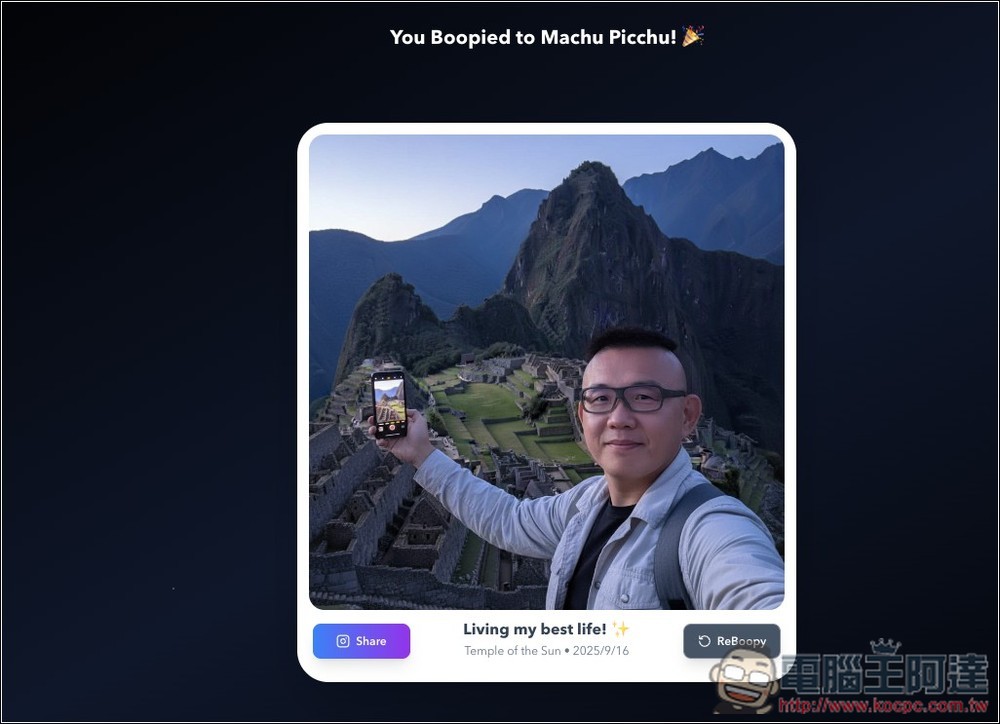
This Boopy is also fun to play with—it takes the images you upload and creates pictures of you traveling around the world.
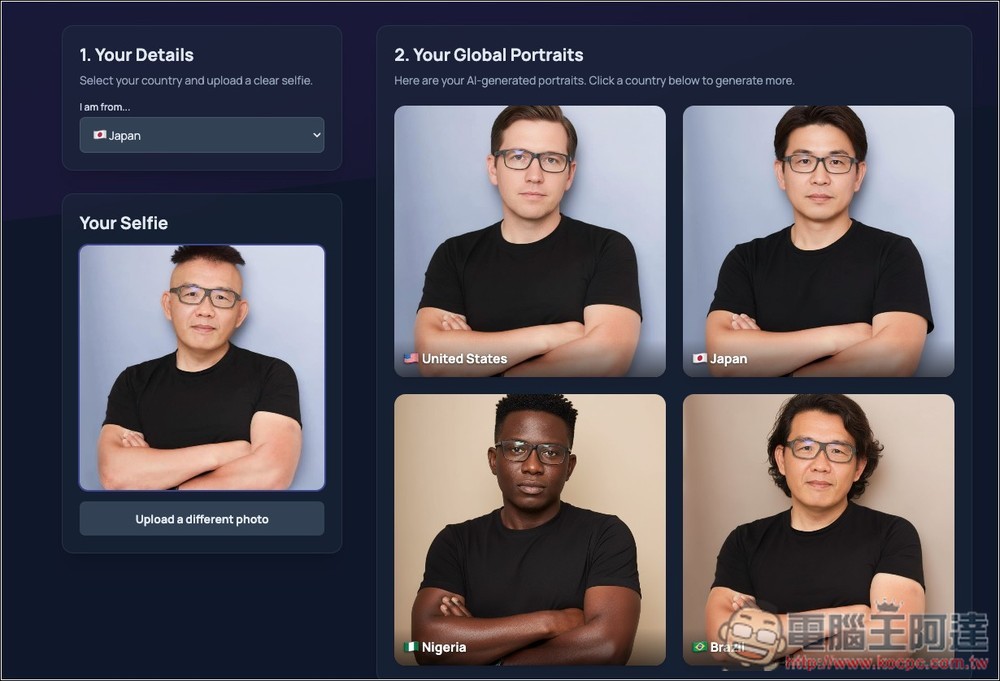
Global Me is fun to try too—you can see what you’d look like if you became a person from another country.
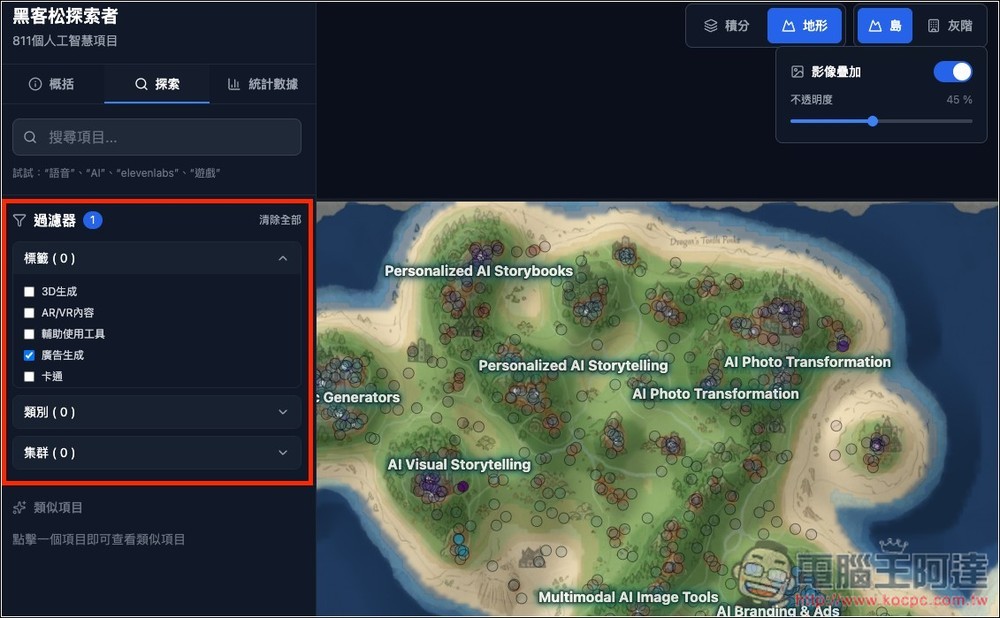
If you find there are too many points on the map and it’s hard to browse, you can open the explore menu on the left side, which has filter settings. For example, if I only check “ad generation,” the map will only keep points for related tools:
Source: KOCPC Chinese