


AI After using these tools for such a long time, many people must be curious about how well they understand generative AI tools. Recently, Google for Education launched an interesting Gemini Certified Educator quiz, with 37 questions in total, all about Gemini and NotebookLM For the application, as long as you finish answering and reach the passing standard, you can obtain a digital certificate officially issued by Google. It’s completely free, and anyone with a Google account can take the test.
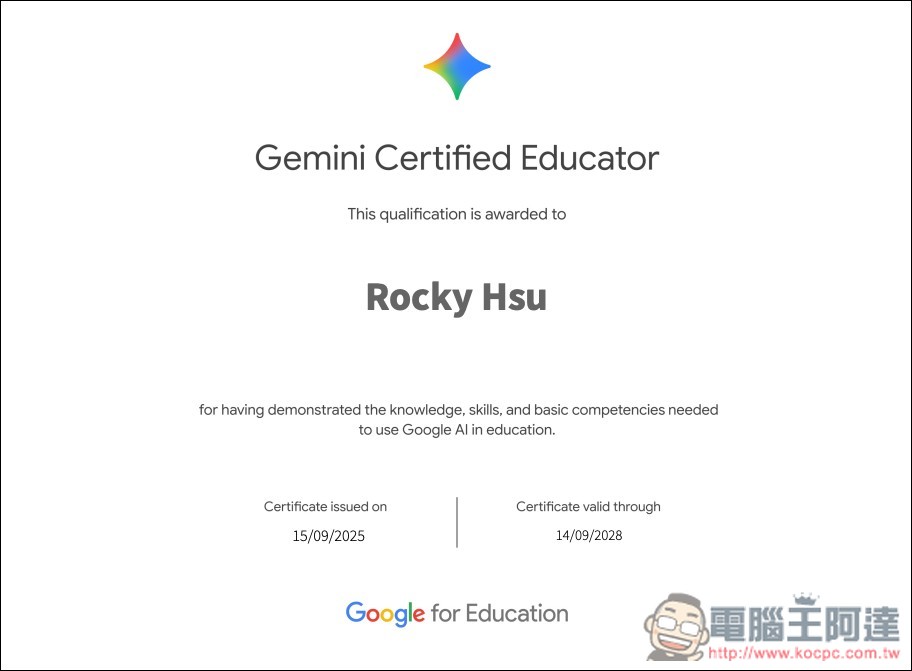
Google launches a free Gemini certification quiz event—pass it to earn an official digital certificate.
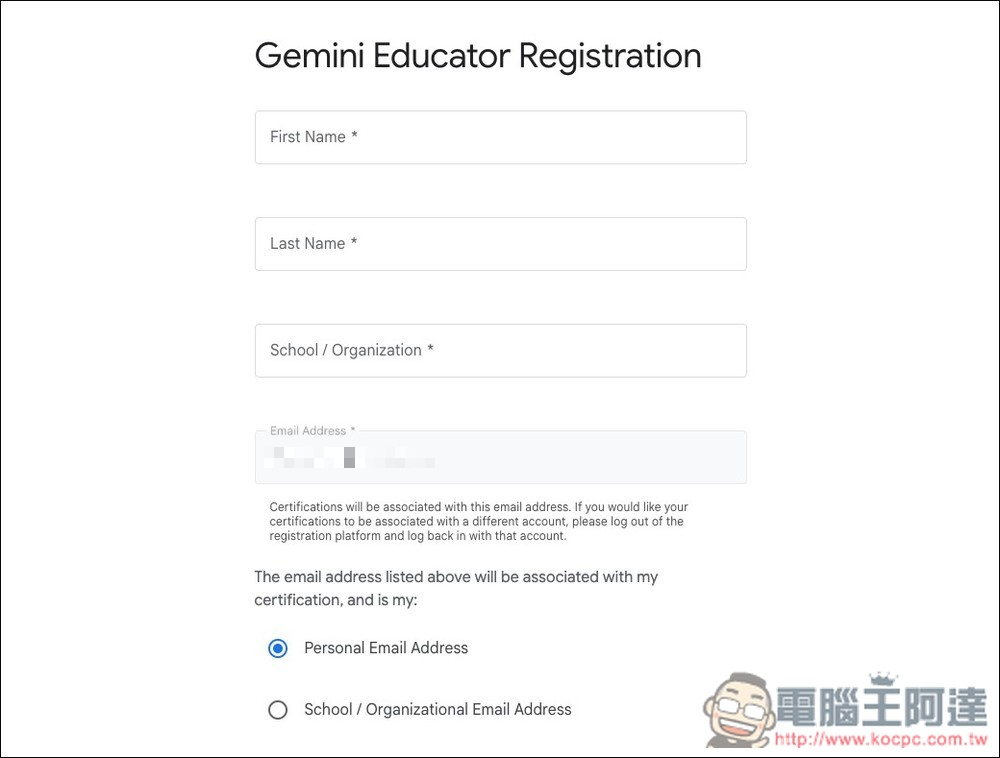
Before taking the test, you need to fill in some basic information, such as name, job title, country, and educational institution. For the educational institution part, you can fill in anything. Same for Email, just fill in your logged-in Google account.
Below are the complete operation steps. The registration part will take some time. Also, the questions are currently only available in English. It’s okay if you don’t understand them; you can use your browser’s translation feature to translate them into Chinese.
After clicking the link above to enter Google for Education, log in to your Google account.
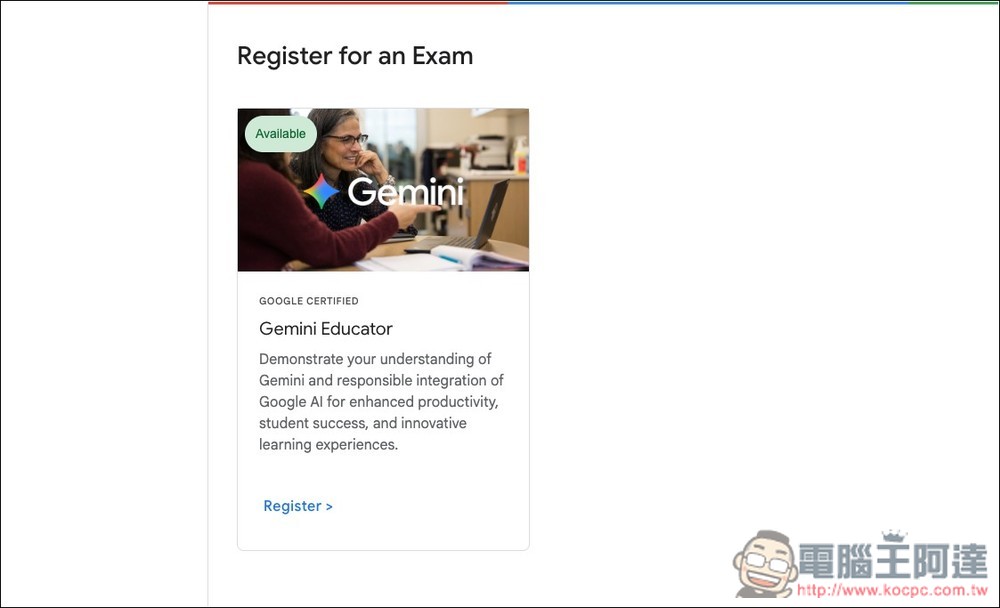
You will then see Gemini Educator. Click the Register button below to sign up:
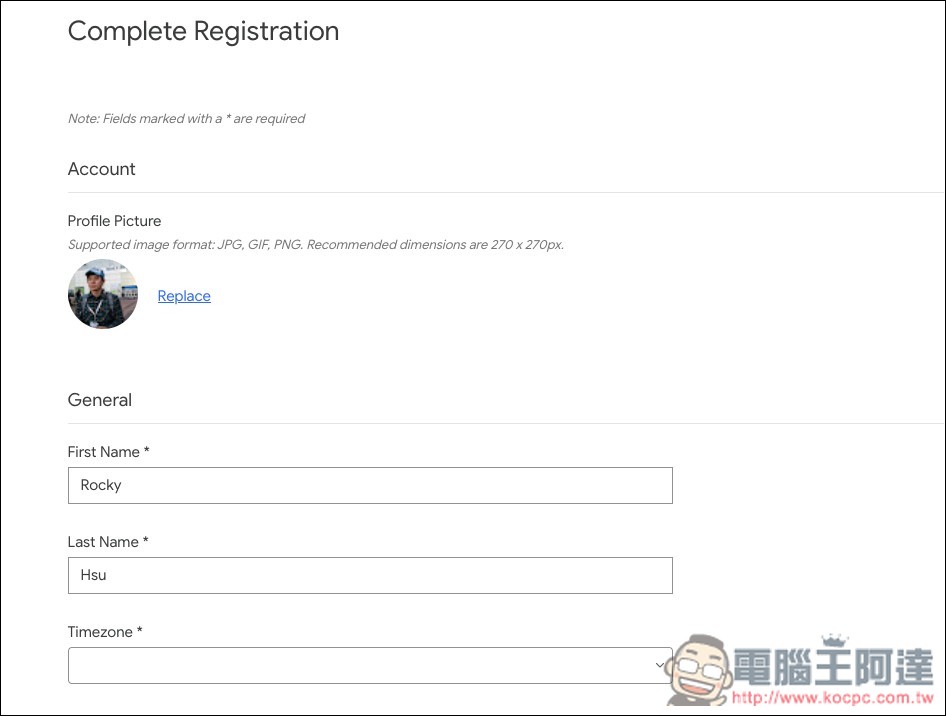
Start filling in your basic information. If the certificate is important to you, remember to fill in your real name, as this is the name that will appear on the certificate:
After registration, click Take Exam to start the test. There are quite a few questions, 37 in total, so it will take some time. If you aren’t able to concentrate on answering yet, you can come back later to take it; the test will be open for 14 days:
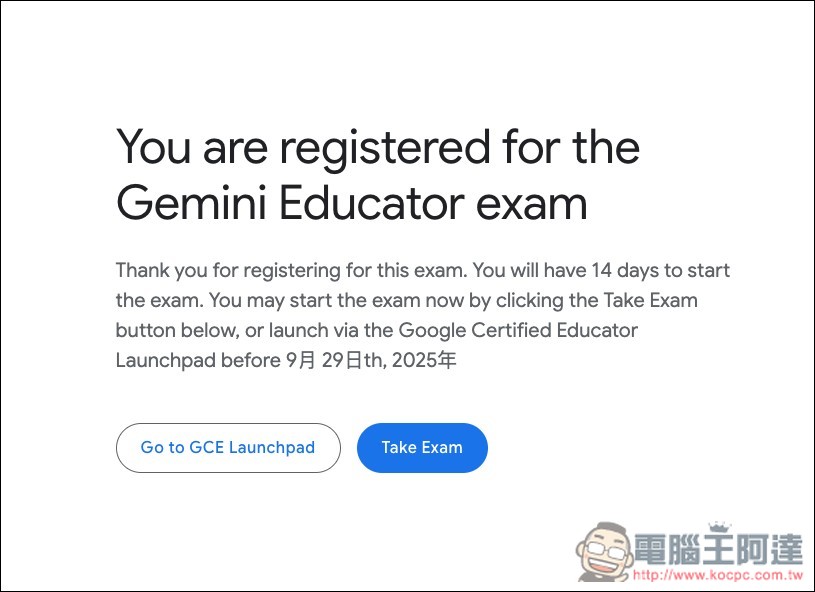
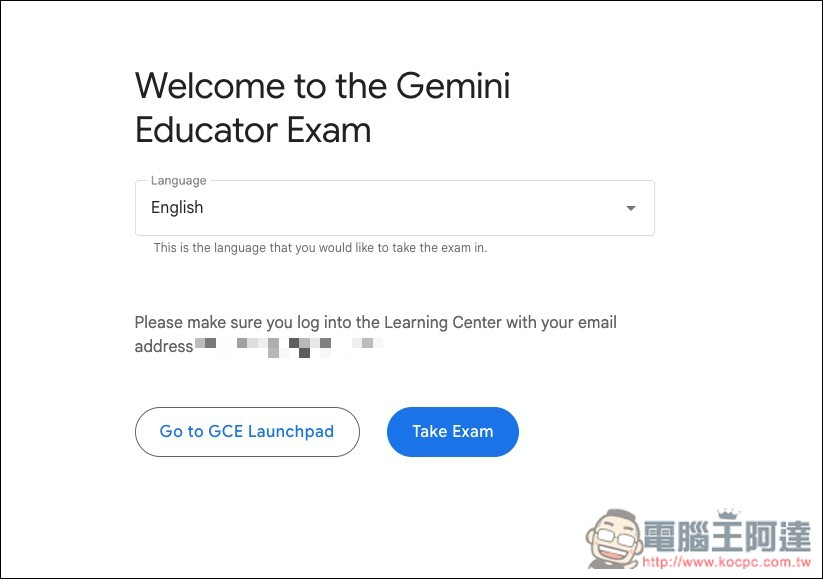
The language is currently only available in English.
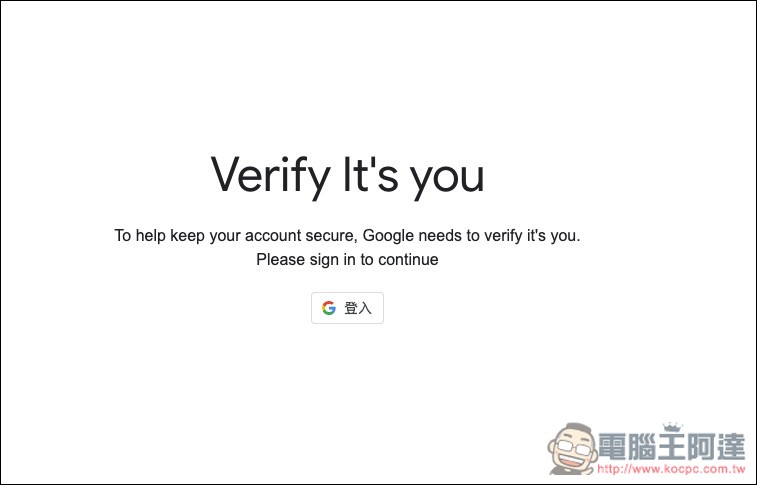
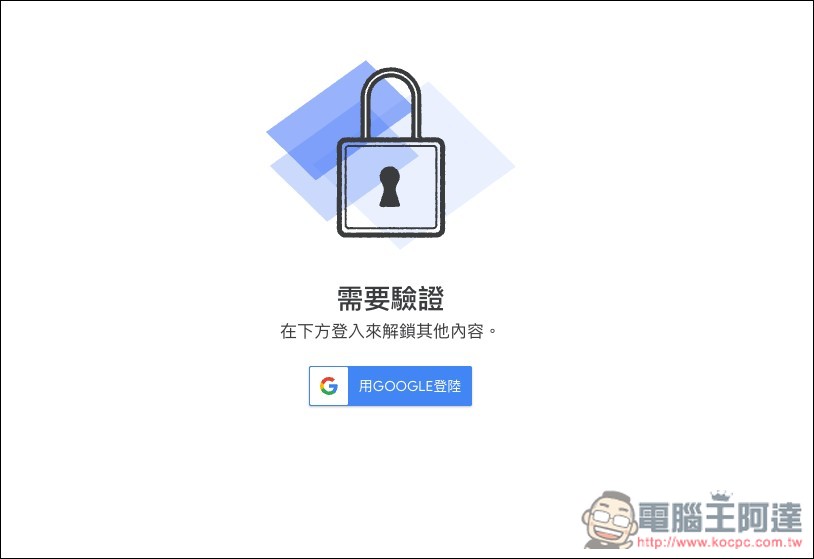
Next, a prompt may appear requesting verification, asking you to sign in to your Google account again:
Check whether your registration information is correct. You can also upload other photos in the photo section.
Once everything is ready, press Start below:
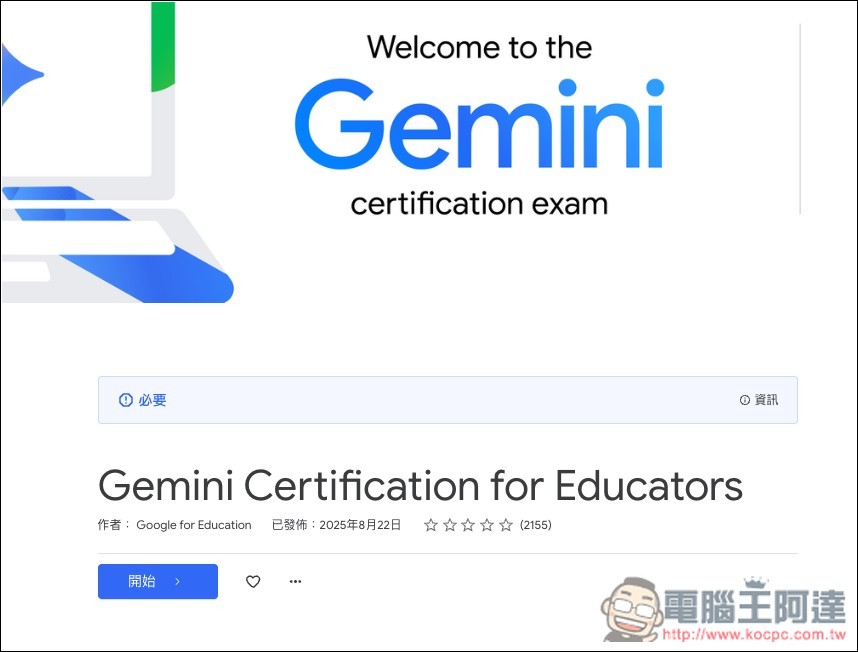
Then you can start answering the questions. Most of them are multiple choice, but a few will ask you to arrange the answers in order. If you’re worried about not understanding the English, use your browser’s page translation feature to convert it to Traditional Chinese, or paste the questions and answers into an AI and ask it to translate them into Chinese. There’s no time limit for answering, so there’s no need to rush. If a question is too hard, feel free to take your time thinking it through.
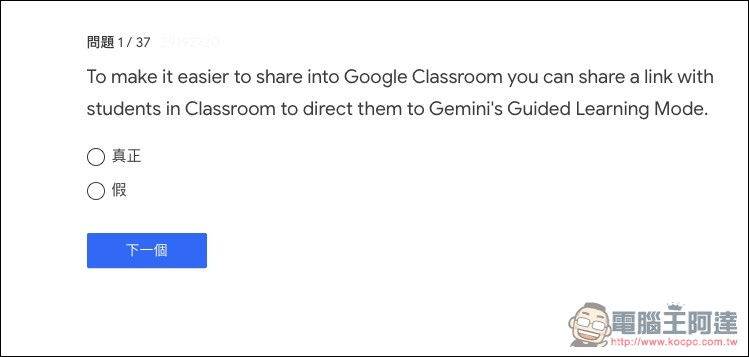
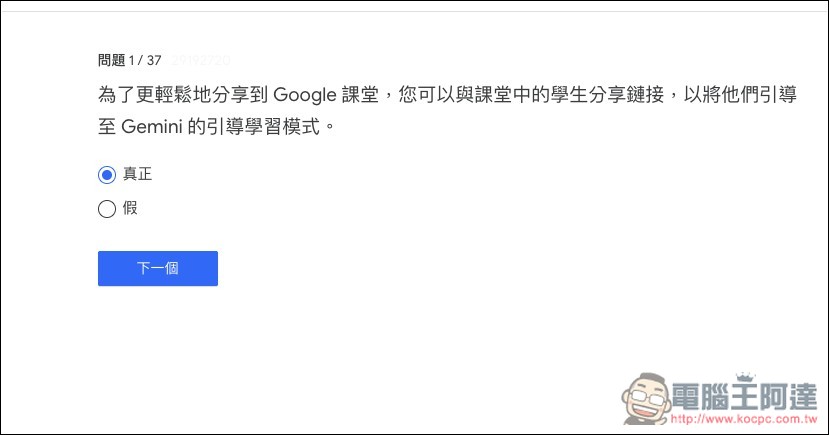
After it’s translated into Chinese, there’s no need to worry about not understanding it. The answer section can still be modified at the final step, so if you notice you got something wrong earlier, don’t worry—you can just fix it later.
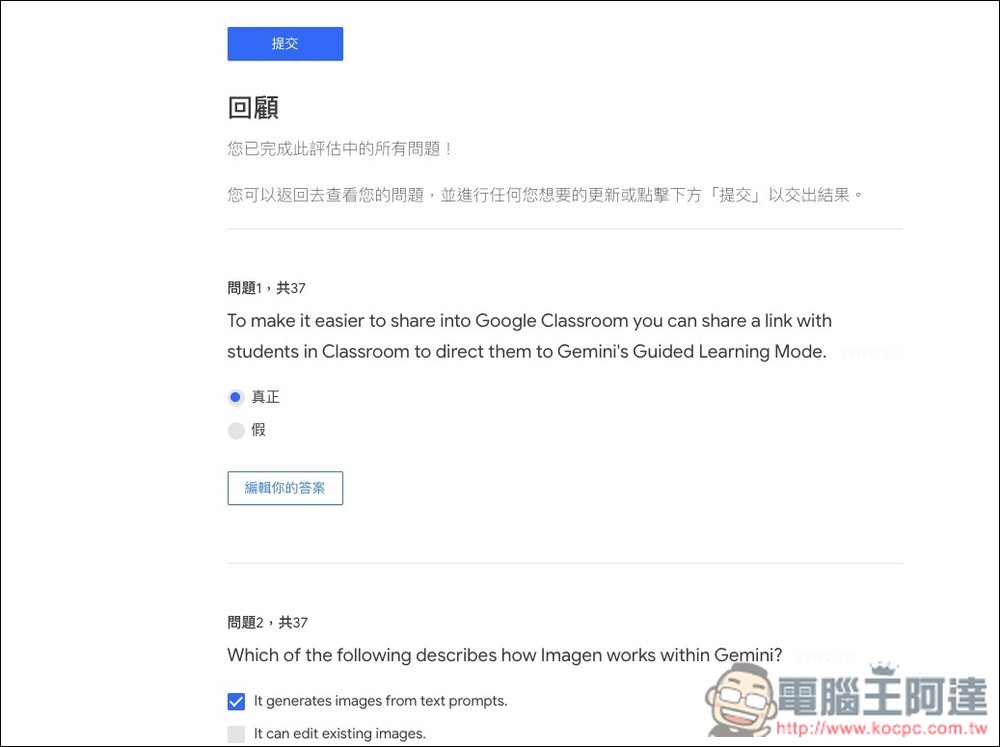
The image below shows the final step, which displays all the questions and your answers. If there are any mistakes, click “Edit your answers” to make changes.
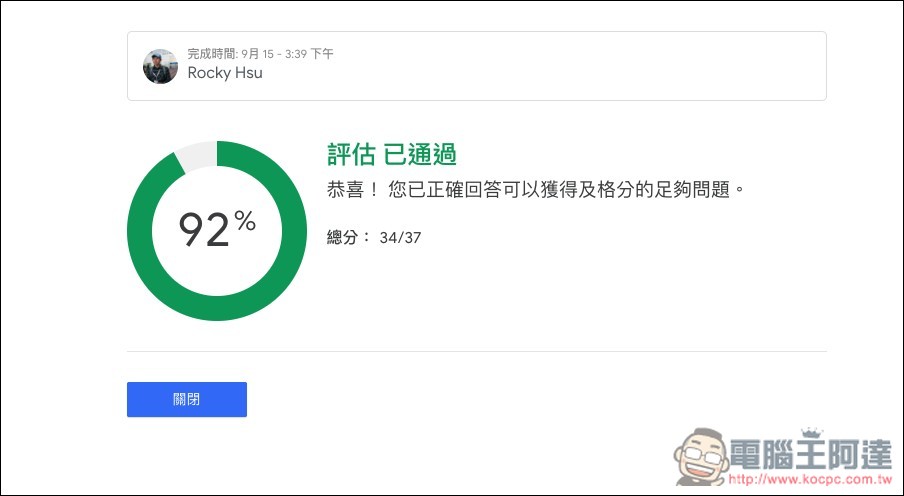
Then it will tell you how many questions you answered correctly in total, and whether you passed the test. If you pass, the digital certificate will be sent to your email within a few minutes. The only pity is that it won’t tell us which questions were answered incorrectly.
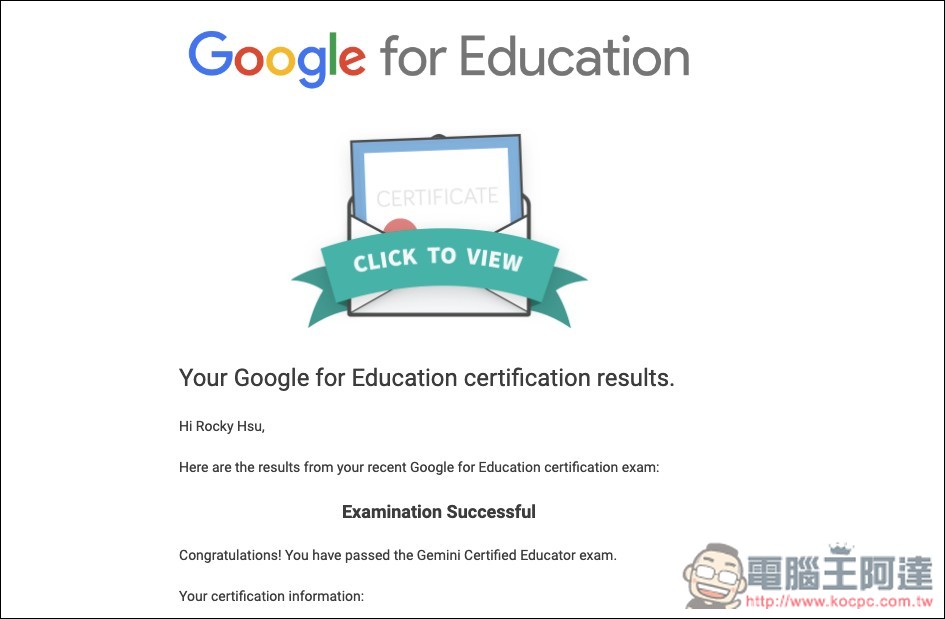
You will receive this letter in your mailbox. Scroll down to find “Share your secure digital credential” and click the hyperlink to obtain your certificate.
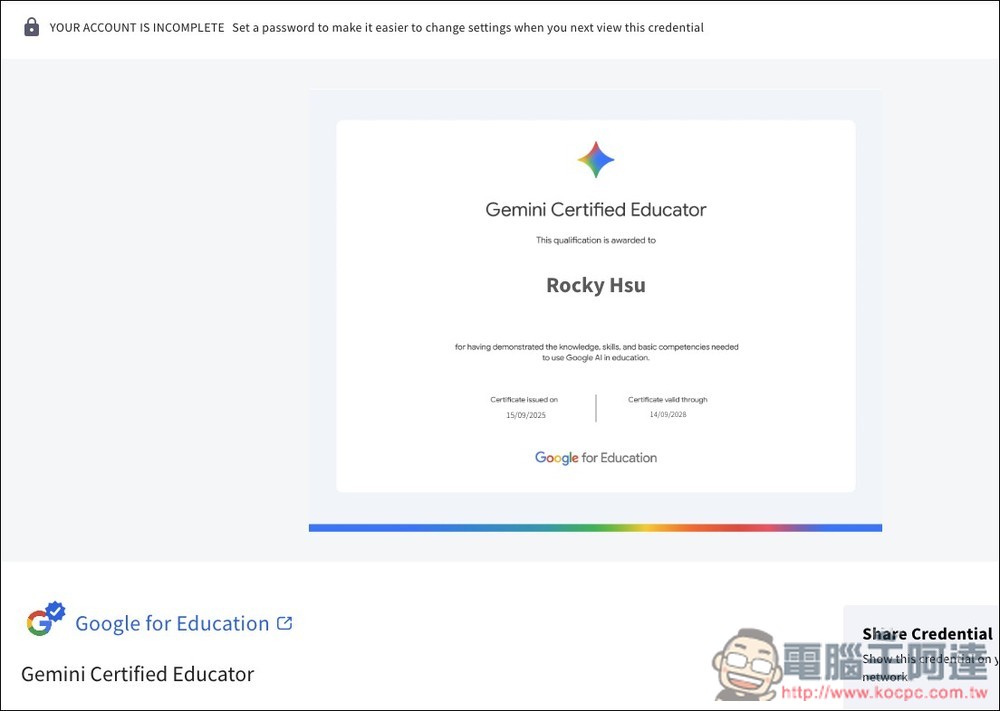
It will open a screen like this, and at the top is your digital certificate, valid for three years:
Source: KOCPC Chinese