


Many people should have heard of the WinX HD Video Converter software. We have introduced it before. It is an all-round audio and video software that can not only convert files, download, but also record videos, etc. With the development of AI, they have recently introduced new AI functions, using AI to improve the resolution and quality of pictures and videos, and even modify the style. The name of the new software is “Winxvideo AI”. Recently, the official website has launched a limited-time free event, which allows you to use all the functions of the current version for free forever. It is highly recommended that everyone give it a try.
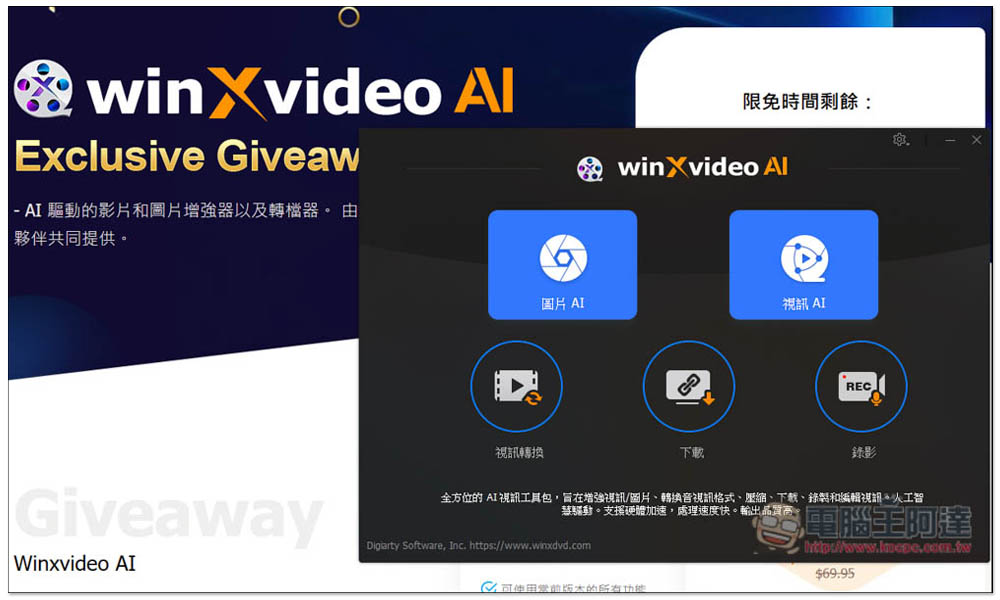
“Winxvideo AI” is free for a limited time! Built-in AI video and image enhancement, and provides file conversion and video download functions
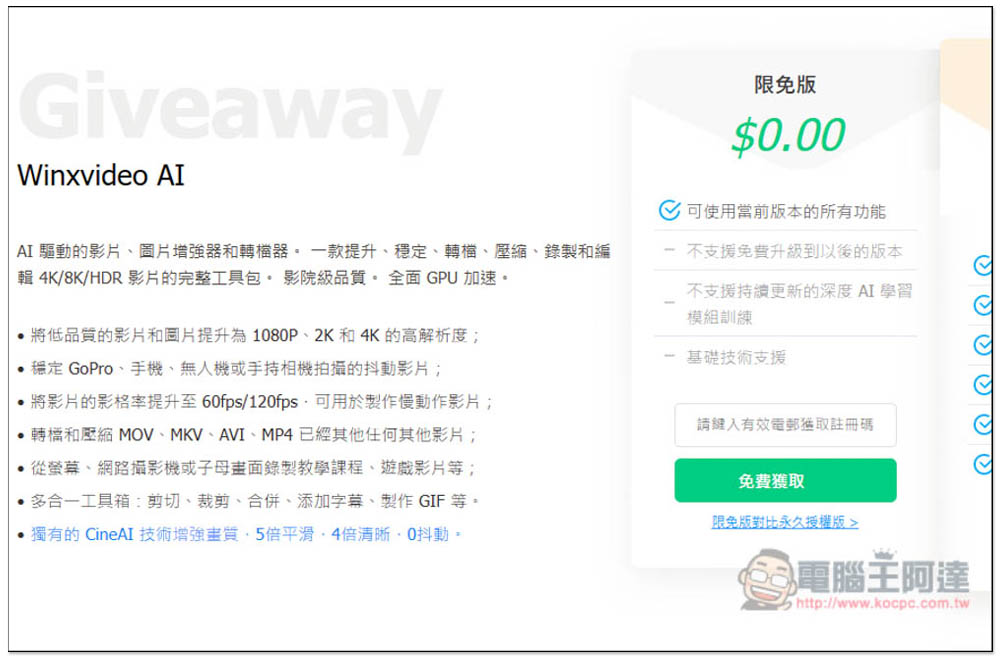
Click the link above to enter the “Winxvideo AI” limited free event page, and click to get it now. There are still more than 14 days left:

Then enter your email address, remember to enter one that can receive emails, and the serial number will be sent to the email address:
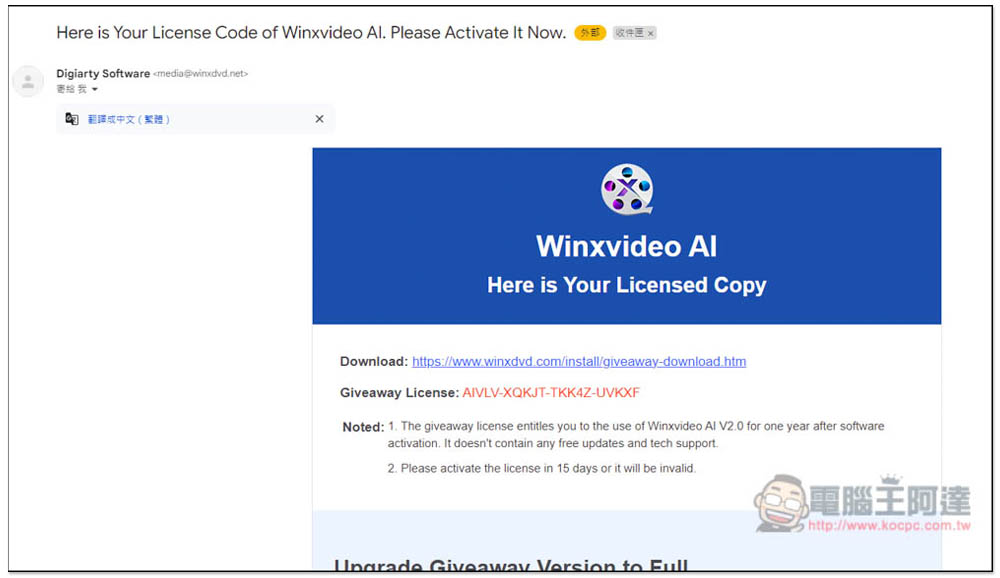
As shown in the picture below, you will receive this letter. The serial number is in the letter, and there will also be a software download link:
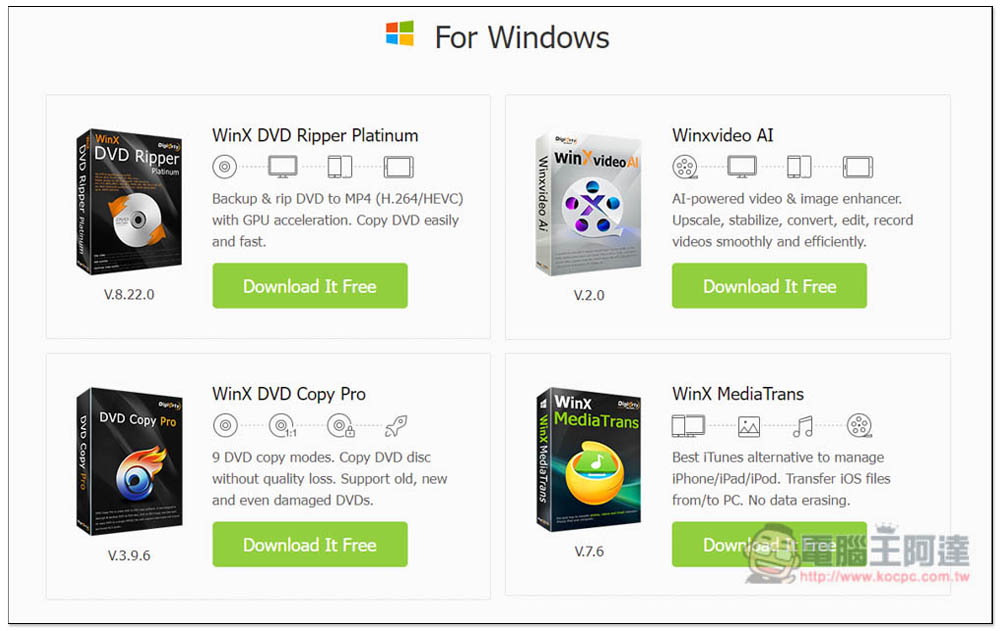
Download the Winxvideo AI one in the upper right corner:
If there are no special requirements during the installation process, just keep pressing Next:
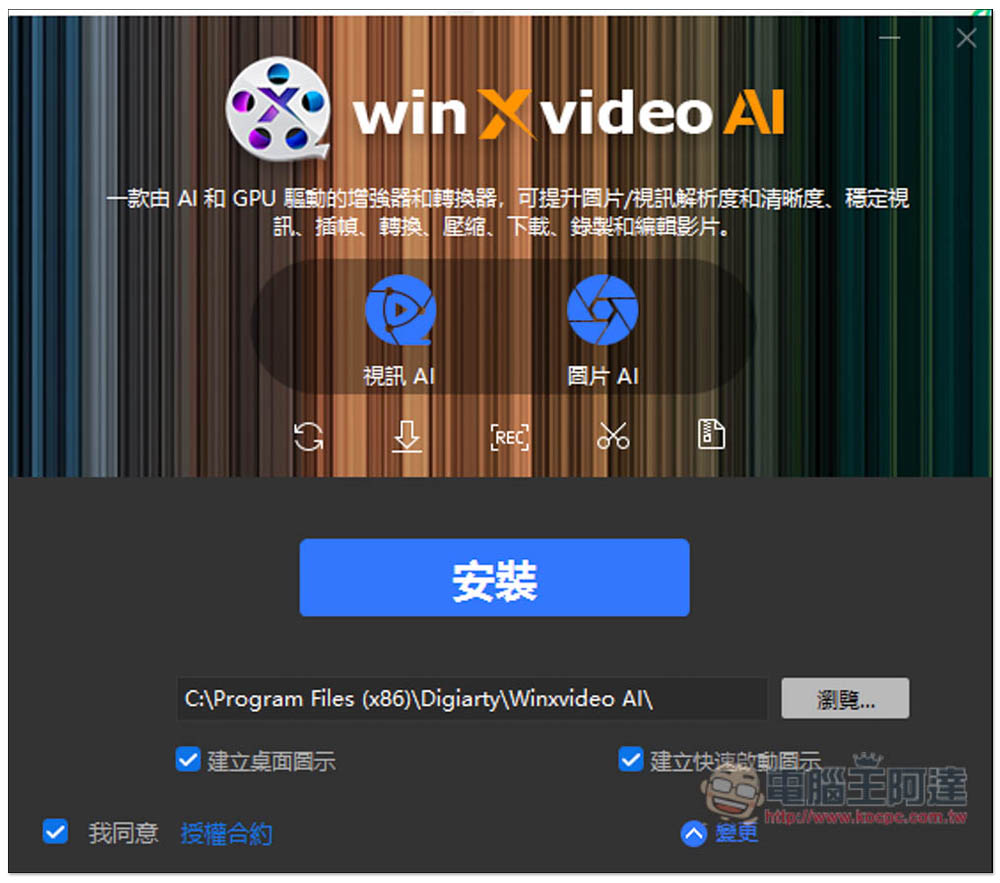
After installation, open it and you will be asked to enter the activation serial number. Fill in your email address and the obtained serial number, click activate, and you are done:

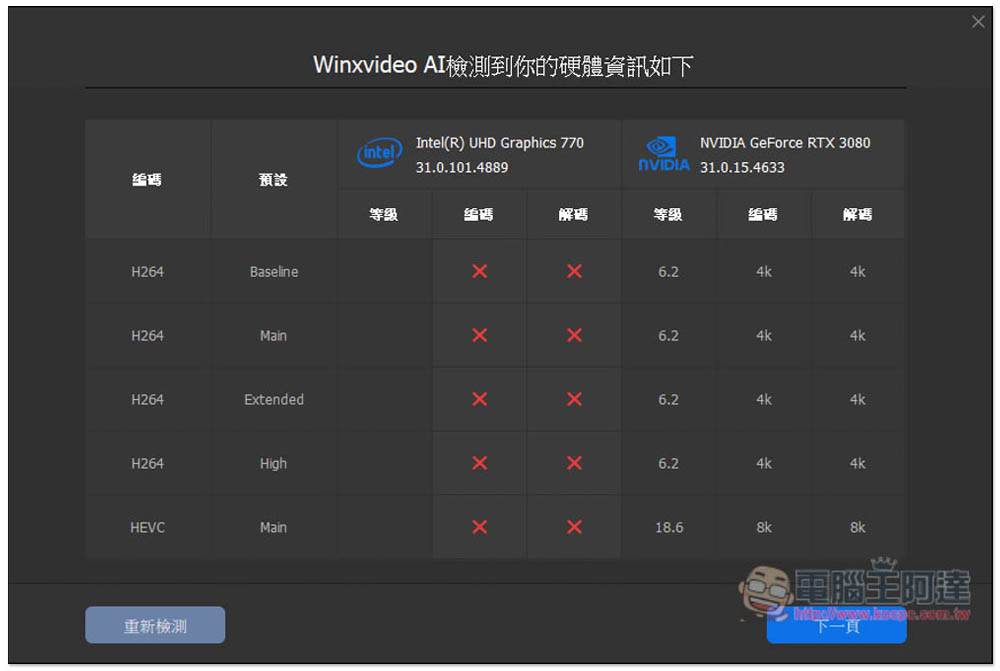
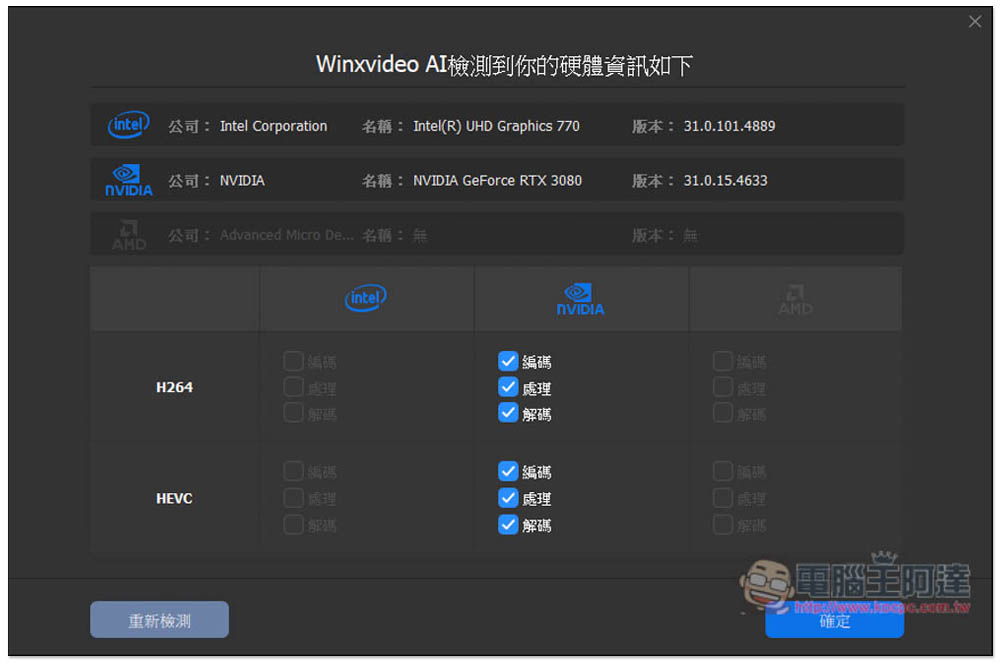
Before use, Winxvideo AI will first detect your computer hardware to see if it meets hardware acceleration. I have installed a discrete graphics RTX 3080 and successfully detected:
NVIDIA’s hardware acceleration will be enabled:
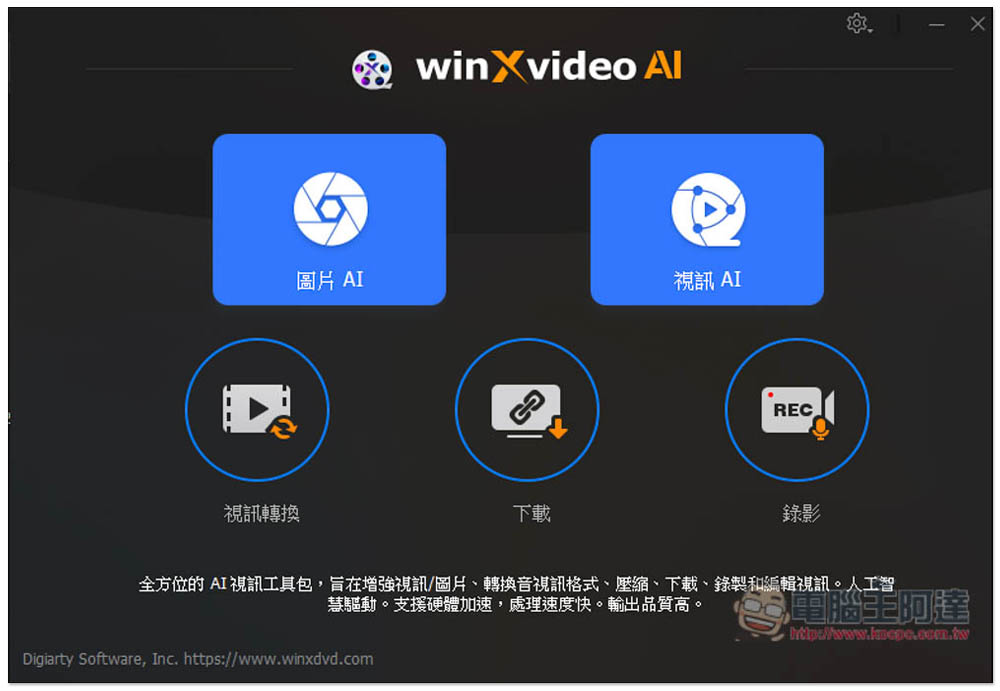
The software interface is similar to the old version of WinX HD Video Converter, but the upper part is changed to picture AI and video AI, and the lower part also has video conversion, downloading and recording, with a total of 5 functions:
I tested the picture AI. After entering the editing page, the effects before and after editing will be displayed. You can drag the middle bar to view it. However, in the pre-editing part, this software seems to deliberately blur the image, which is not worthy of belief. The edited effect is not very visible here. It is recommended to output directly to see the final effect. The main functions of image AI are “enlarging images” and “enhancing images”:
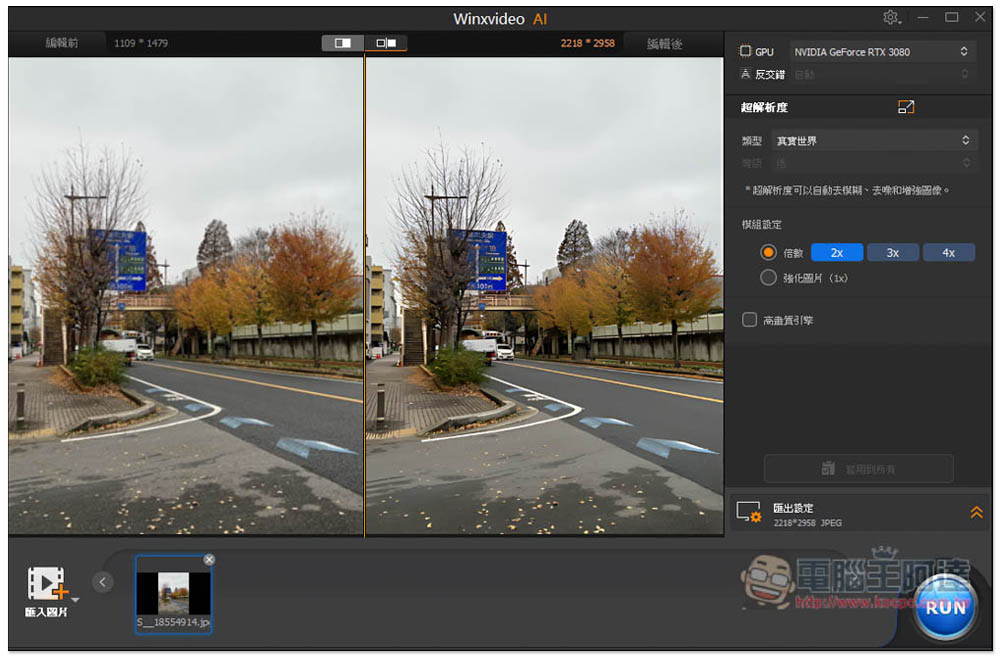
I first tested the enhanced image, and the effect was not obvious. I felt that there was no difference:
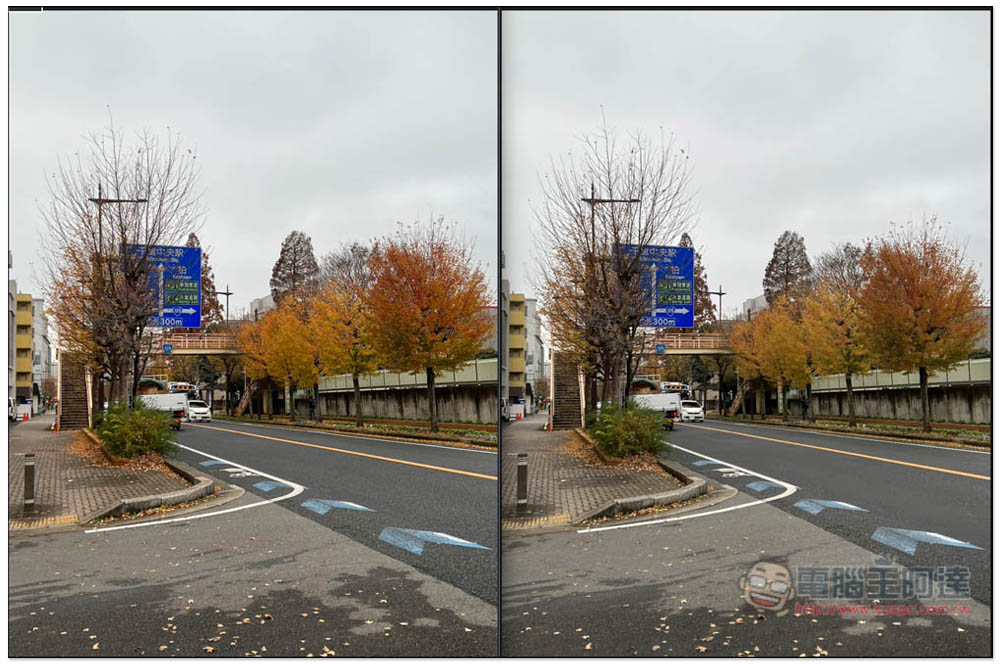
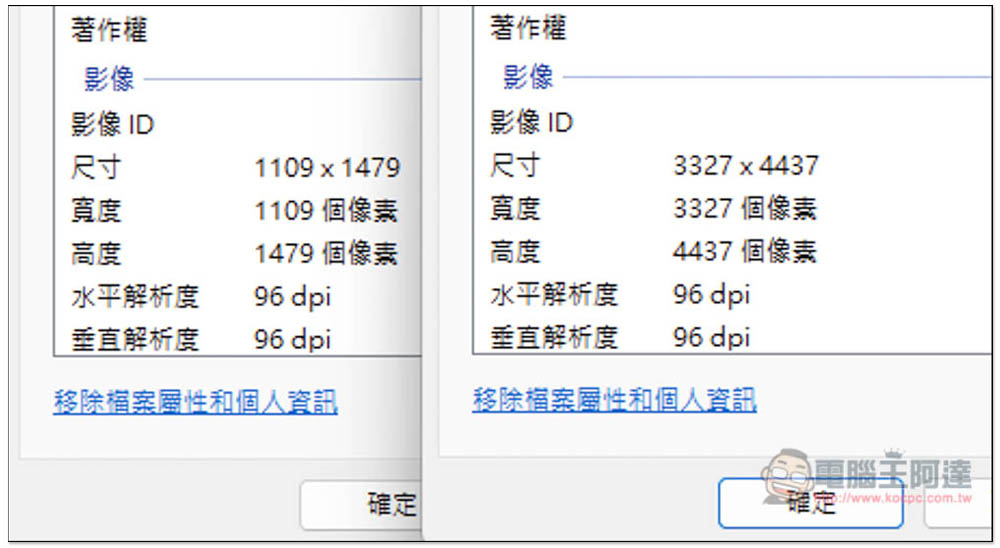
The resolution is very good when enlarging it. I directly enlarged it 3 times. The left is the original image and the right is the enlarged image. The resolution is 3327×4437:
I zoomed in on the details of the picture. The original picture on the left is very blurry, and the picture on the right is 3 times magnified, and it becomes very clear:
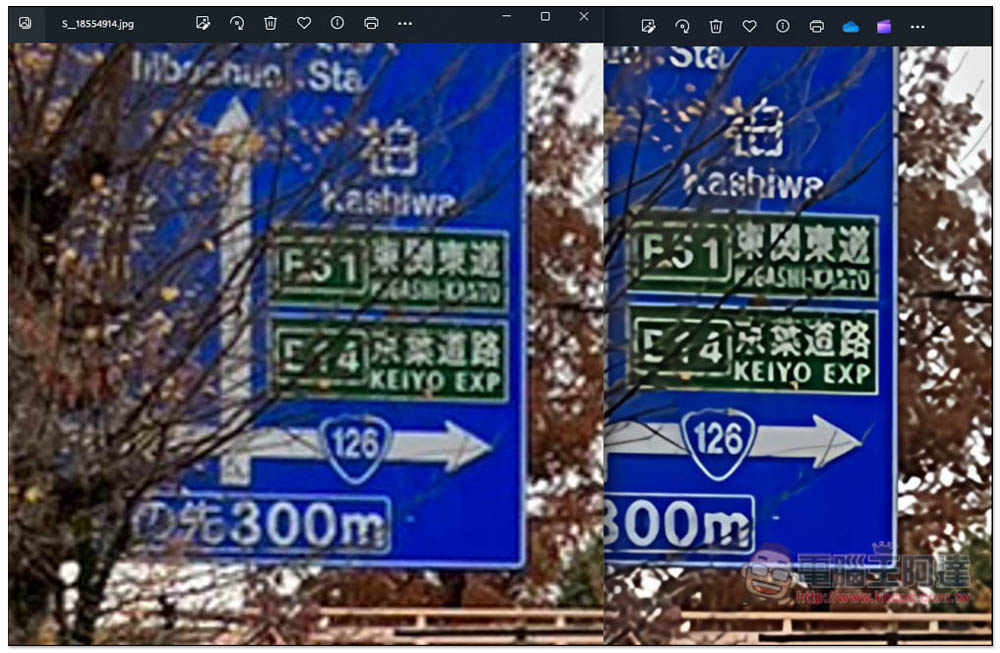
So, if you have some pictures that are too small and want to enlarge them, you can use this software to do it.
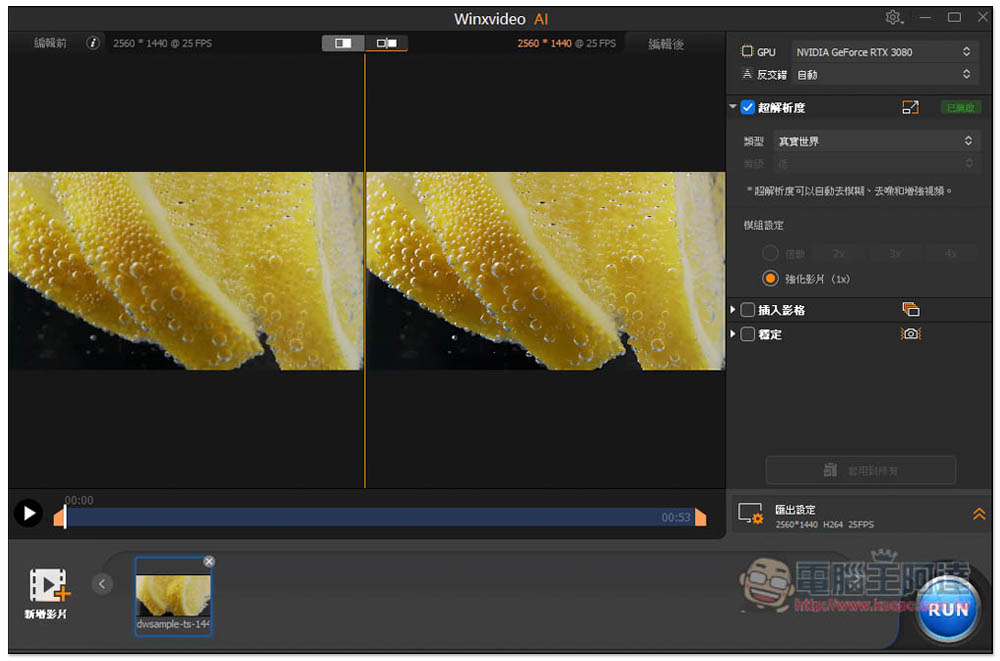
The AI video part has three functions, namely “enlarge video and enhance video”, “insert frame” and “stabilize”:
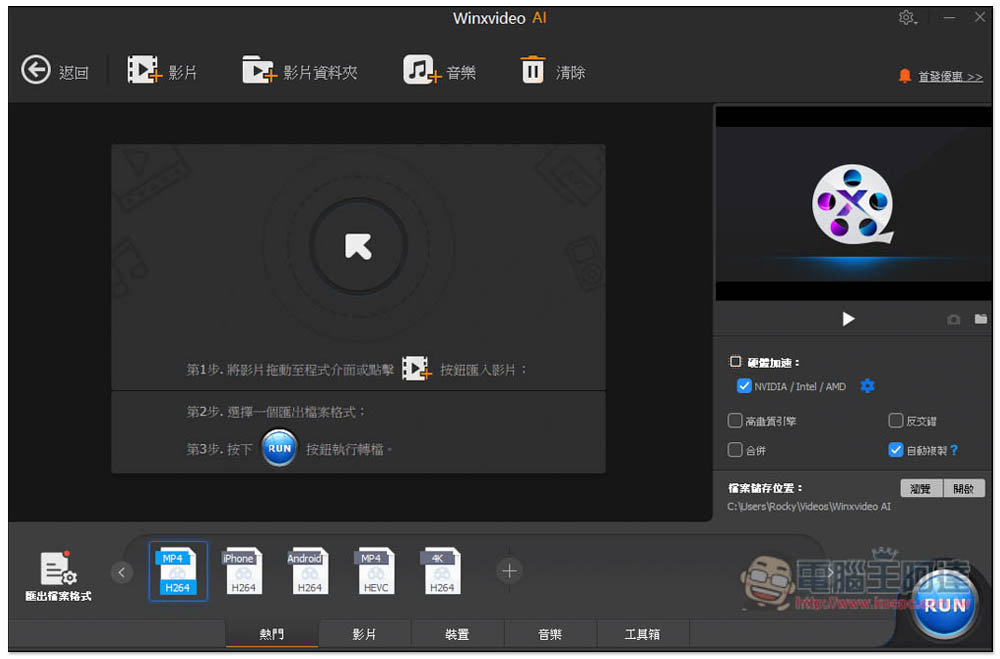
The conversion function is also very simple to operate. Import the video or music you want to convert, select the format you want to convert below, and then press RUN. The conversion speed is pretty good:
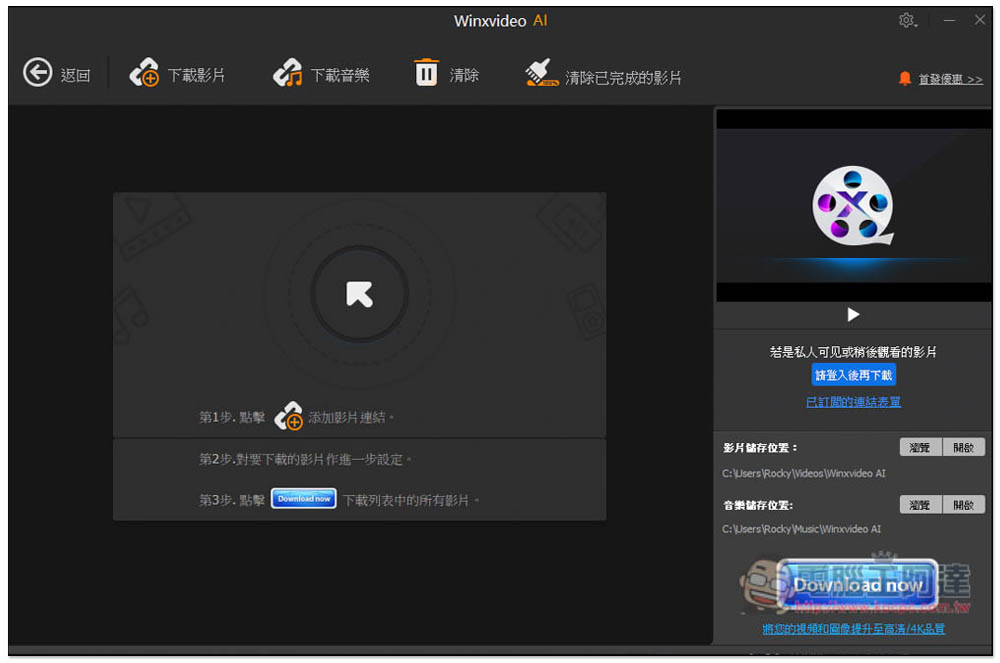
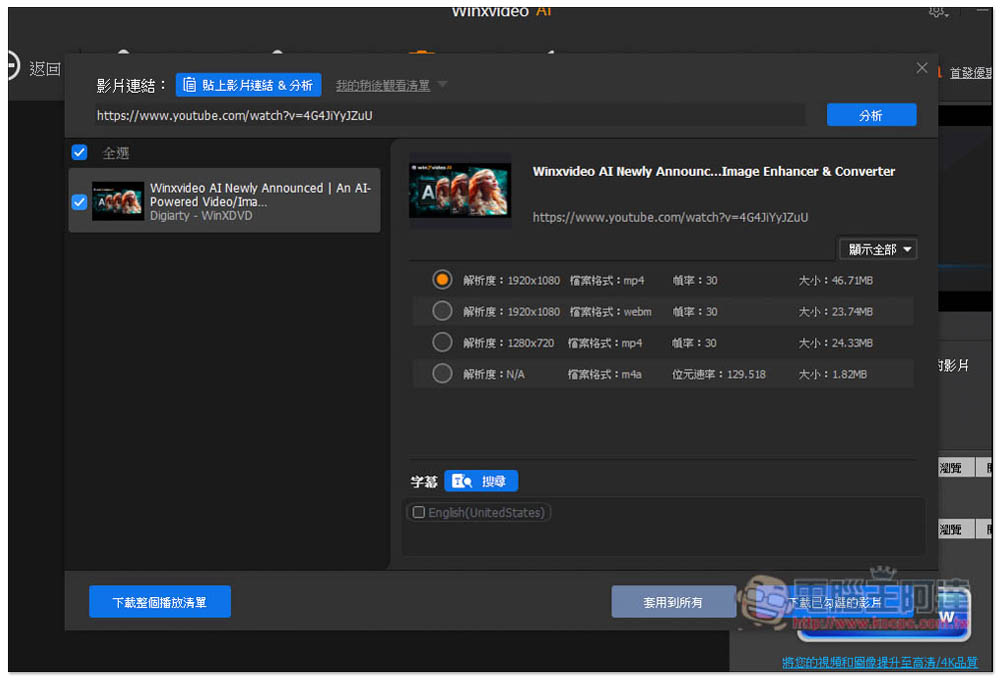
This software supports many video download websites, including YouTube. Just copy the URL of the video you want to download, click “Download Video” above and paste the URL:
You will find the download point. Unfortunately, the video only supports 1080p. I am not sure if it is because of the limited free version:
Source: KOCPC Chinese