


If you often read computer technology articles, you must often see the term “hardware”. “Software” is easy to understand at a glance. Although hardware is not difficult to understand, how should it be accurately defined? What components or peripherals does the scope of computer equipment cover? Hardware is the indispensable foundation for running and using software. This time we will take a closer look at the term computer hardware.
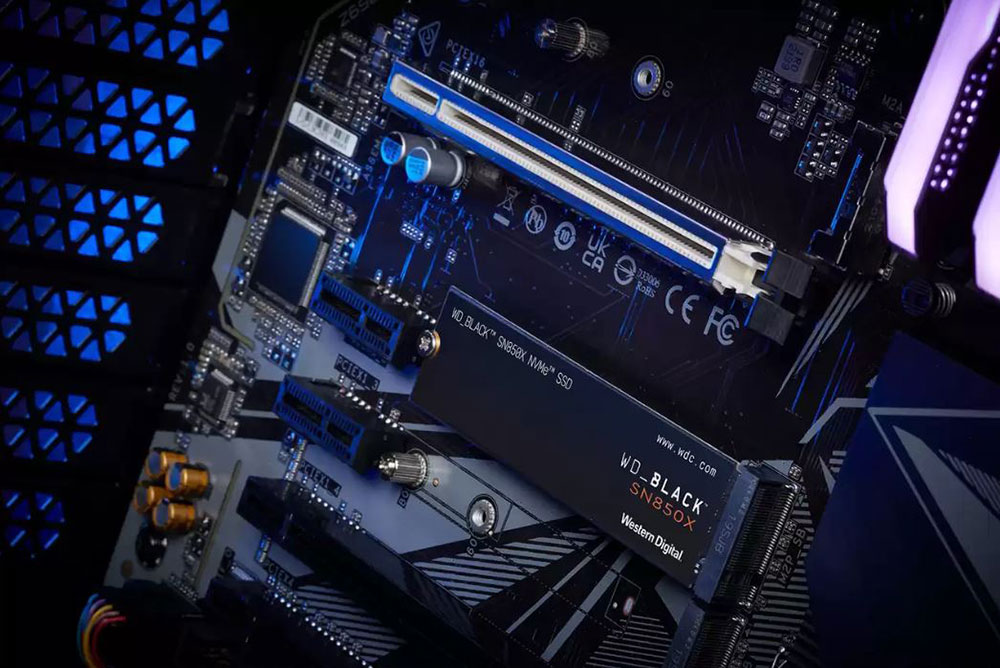
What does “computer hardware” mean? What is the scope included?
What does hardware mean?
Hardware is the name we use to describe the physical components of a device—the things you can see, touch, and interact with. The word hardware is not only related to computer equipment, but can also be extended to many other types of consumer electronics products, such as laptops, game consoles, and smartphones. Even tangible technologies such as wireless headsets and smart switches can be called hardware.
Hardware is a relative term for software. Software is a set of instructions that run on hardware, such as operating systems, programs, games, and web browsers. Software must cooperate with hardware to run. Without software, hardware is just a pile of processed and designed scrap metal and plastic; without hardware, software has no stage to operate and display its capabilities, and is therefore useless.
We can divide computer hardware into two major types: internal hardware and external hardware. Next, we will talk about what these two types have to understand how the computer operates.
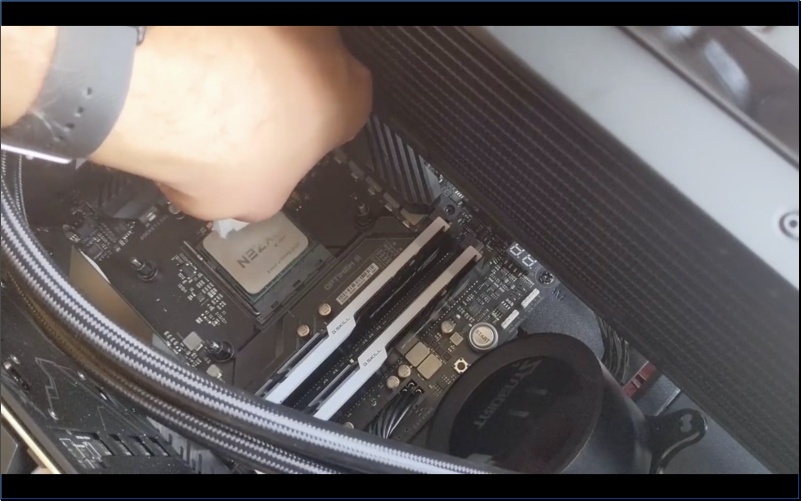
Internal hardware
Internal hardware refers to the physical components within a computer case, which can be considered hardware in their own right. When you hear computer enthusiasts talking about hardware, they are usually referring to internal hardware. The internal hardware is crucial to the functioning of your computer as it allows all the different operations. Please note that not all computer hardware is advanced technology that operates on tiny transistors. Some hardware in the computer is very simple in design and has a very simple purpose, such as the cooling fan, which does not run any hardware, but it is a critical part of the computer hardware and is still controlled by software code in most modern computers. Below is the most basic internal hardware and their respective roles:
- Chassis: The outer shell that houses all internal hardware.
- Power supply unit (PSU): The PSU takes alternating current (DC) from the outlet, converts it into direct current (AC), and then distributes it to other computer components.
- Motherboard: It is composed of a printed circuit board (PCB) and dozens of very small electronic components, such as connectors and voltage regulators. It is a component that connects all hardware together.
- Central processing unit (CPU): The brain of the computer, responsible for most computing tasks.
- Memory (RAM): An extremely fast, volatile storage element that temporarily stores the data the computer is using at any given moment.
- Graphics Card: The graphics card houses the GPU and is responsible for rendering the images displayed on the screen. If your CPU already has an integrated GPU (commonly known as internal graphics), the graphics card is optional hardware.
- Storage: SSD and HDD provide a way to permanently store data on the computer. From operating systems to games, every software is stored on the storage device.
- Fan and radiator: Fans and radiators work together to remove waste heat generated when cooling components operate, allowing important computer components to continue to operate within a safe temperature range.
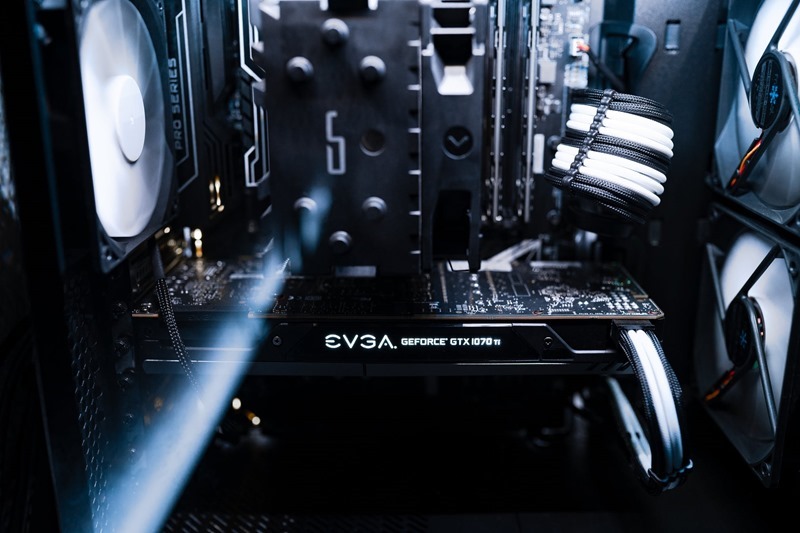
There are other internal hardware components that are not required but serve specific functions. Expansion cards such as sound cards and Wi-Fi cards can respectively improve the sound quality or add Wi-Fi connectivity to the computer. Optical disc drives are another example, allowing you to read and write data on DVDs and Blu-ray discs.
external hardware
External hardware refers to computer components outside the case, more commonly known as “peripherals.” You may be familiar with most of these components, but they can be further divided into two types: input and output. Input devices are used to issue instructions to the computer, and output devices are used to allow the computer to output data.
Common input devices
- Mouse: You can use your mouse to move the cursor and interact with elements on the screen.
- Keyboard: You can use the keyboard to enter text and numbers and perform various other inputs.
- Controller: Used primarily by consumers for gaming, allowing you to enter commands similar to a mouse and keyboard.
- External storage: Like pen drives, mobile hard drives, external hard drives are similar to internal storage hardware and allow you to store data permanently.
- Microphone: Record audio and convert it into electrical signals that computers can understand.
- Webcam: Like a microphone, a webcam captures an image and converts it into an electrical signal.

Common output devices
- Monitor: used to display screen graphics output from the computer.
- Speakers and headphones: These devices output audio from your computer.
- Printer: Paper and 3D printers can use various materials to output designs and documents into tangible products
You can think of anything that plugs into your computer as external hardware. Some other examples include trackpads, stylus pens, foot switches, racing wheels, and eye trackers.

Computer hardware is the backbone of our technological civilization, and now you know how all of it is combined with software so that we can work, talk to friends, watch videos, and play games. Technological leaps, such as self-driving cars and advanced generative artificial intelligence, depend on continued advances in computer hardware. Remember, hardware and software are equally important. They complement each other like lips and teeth. Without one, the other cannot function.
Source: KOCPC Chinese