


Although Mac can read NTFS-formatted hard drives, it does not support writing. Therefore, this is a troublesome thing for Mac users. This article will recommend a new software “BuhoNTFS” that has just been launched. After installation, the Mac system can read and write NTFS hard drives normally, and it can be installed on M1~M3 and Intel Mac. As we have introduced before BuhoCleaner Developed by the same company, in order to celebrate the launch, a lifetime version is currently available for free. Those who don’t have it can take advantage of this opportunity to get it.
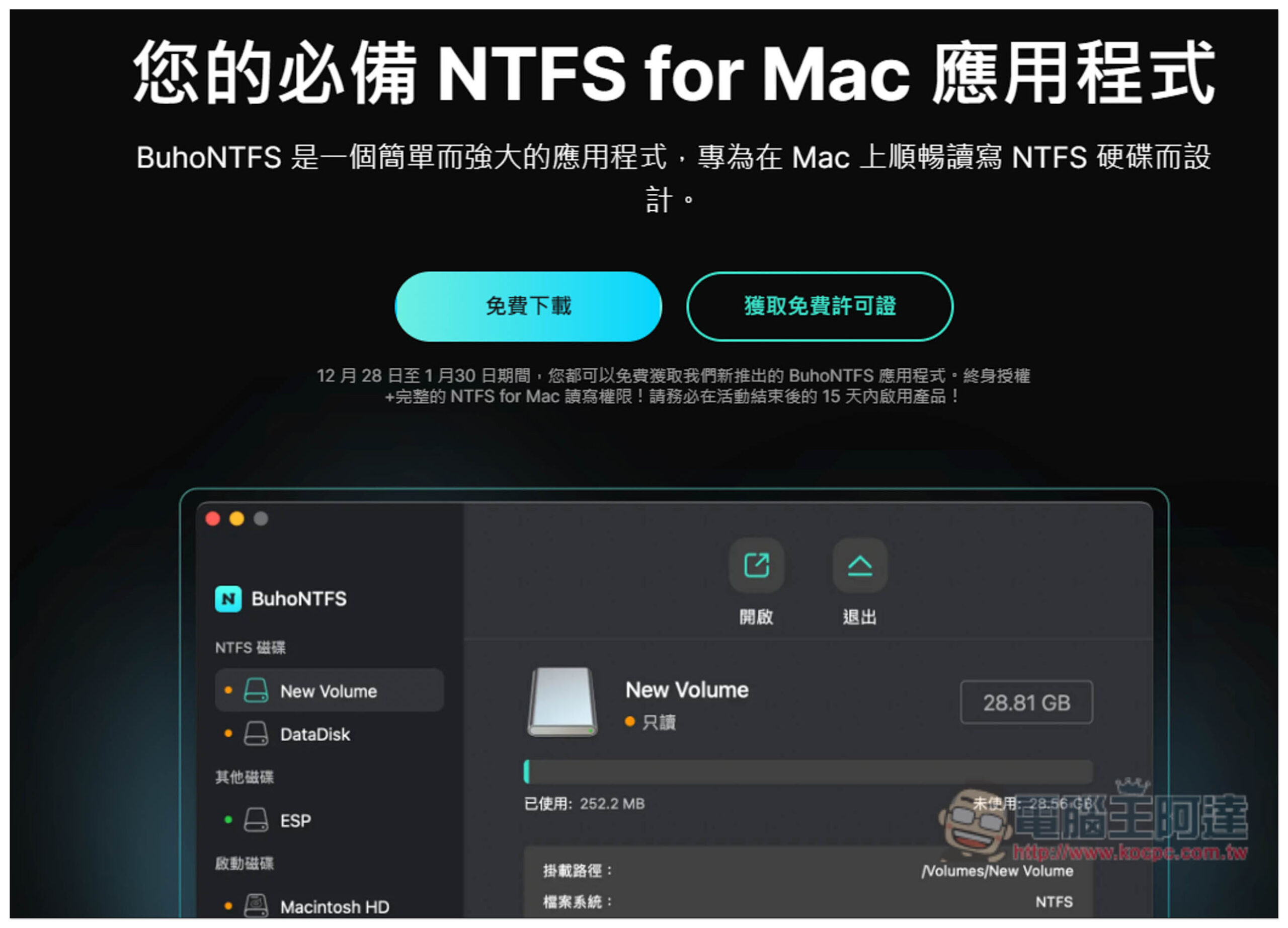
BuhoNTFS lifetime version is free! Allow Mac to read and write NTFS hard drives, both Intel/M series support it
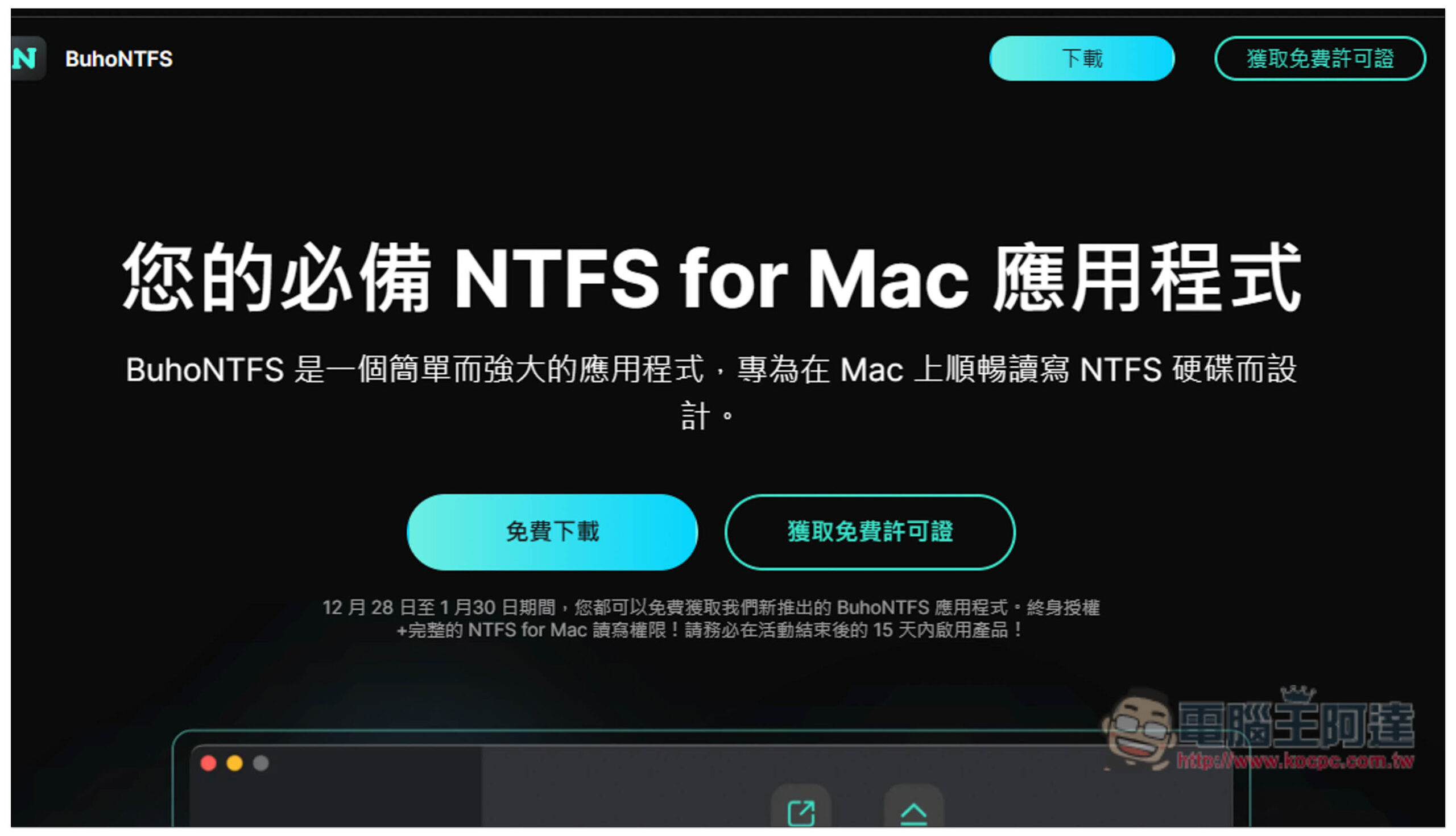
Click the link above to enter the BuhoNTFS official website, click “Free Download” to download the installation file, and then click “Get Free License” to obtain the lifetime version serial number. It is also noted below that the limited exemption period ends on January 30, which is about half a month away. After obtaining the serial number, you must activate it within 15 days after the end of the event, otherwise it will expire:
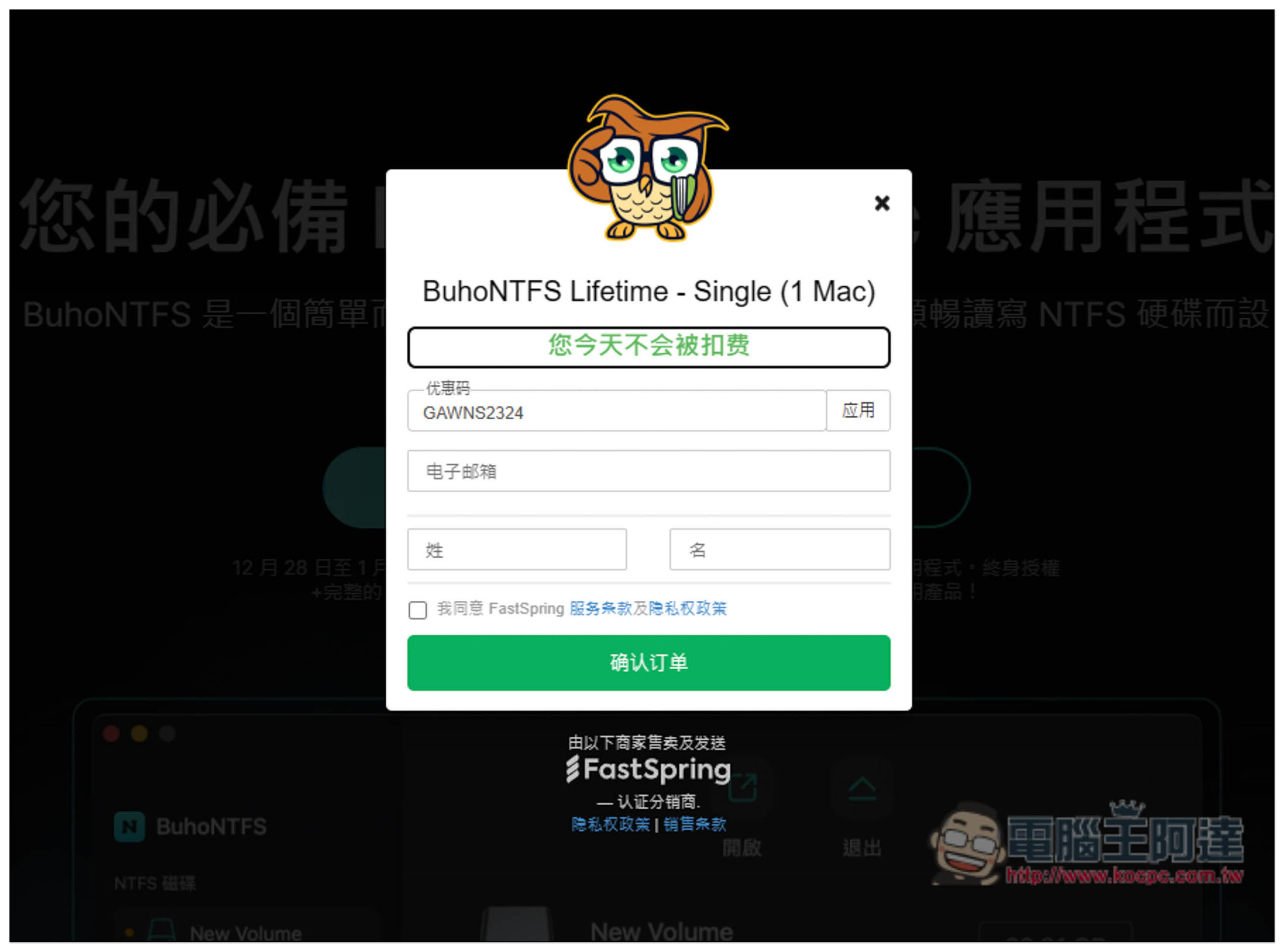
Enter your email, first and last name, check “I agree to FastSpring” and click below to confirm your order without filling in any payment information:
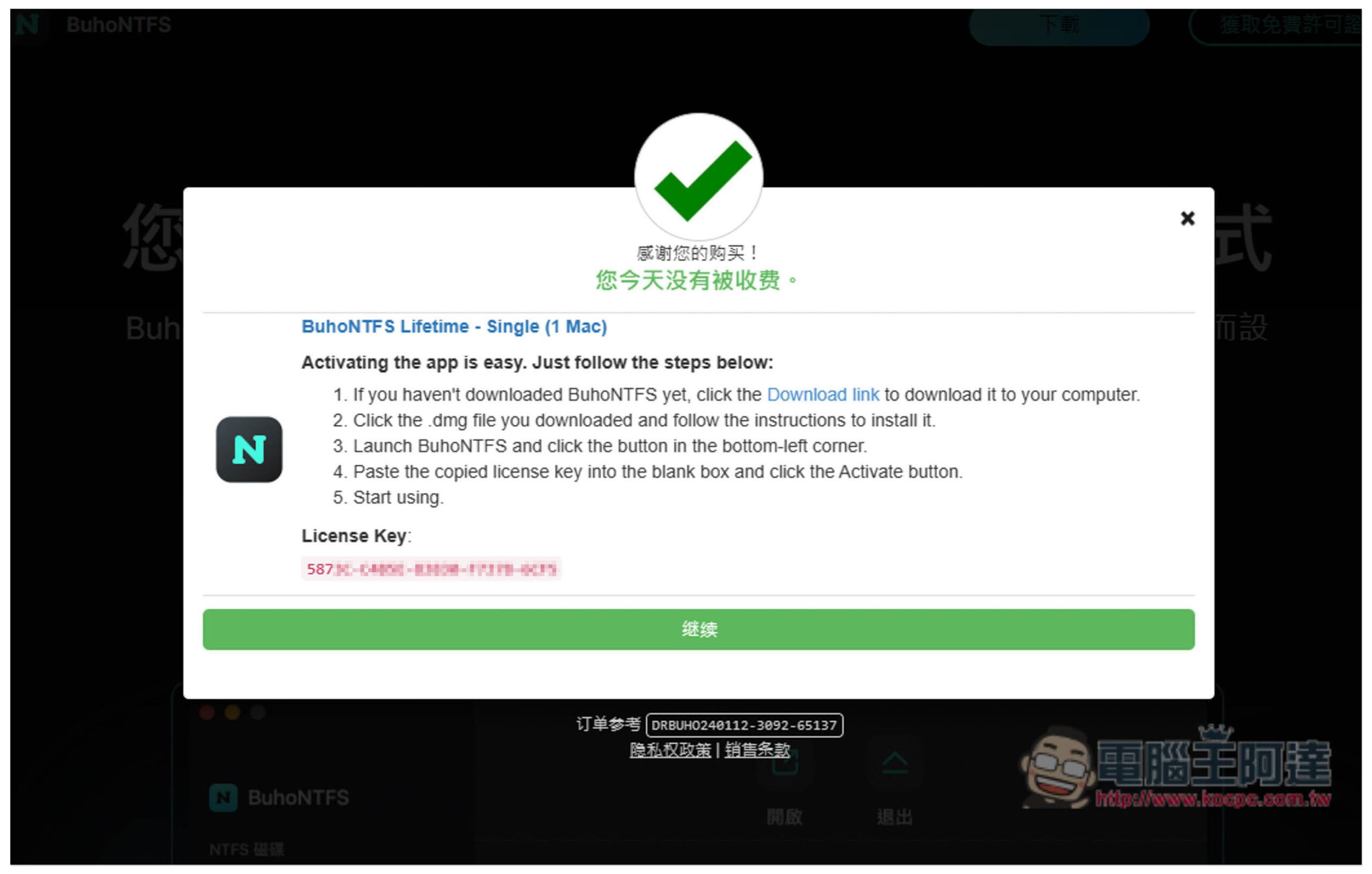
Then you will get the lifetime version serial number below. It is also marked BuhoNTFS Lifetime on the top. Remember to copy the serial number and keep it. If you turn it off, you will not be able to find the serial number and the letter will not be sent to the mailbox. A serial number can only enable one Mac:
Drag BuhoNTFS to the Applications folder:
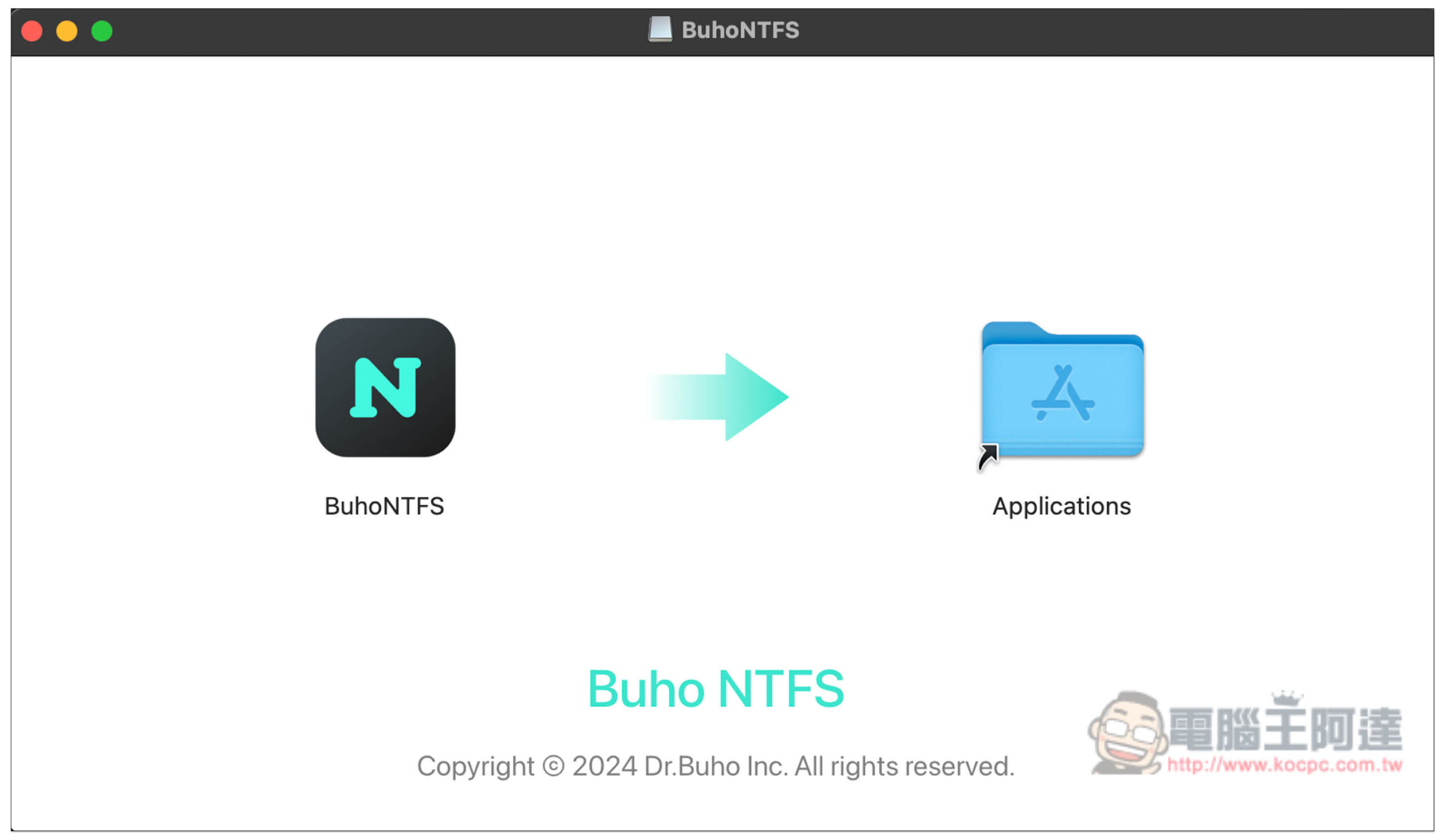
After installation, open it and go to the Launchpad page to find BuhoNTFS:

It depends on whether you want to turn on the automatic update function. To use it, you need to grant full disk access permissions to BuhoNTFS. Click “Open System Settings”:
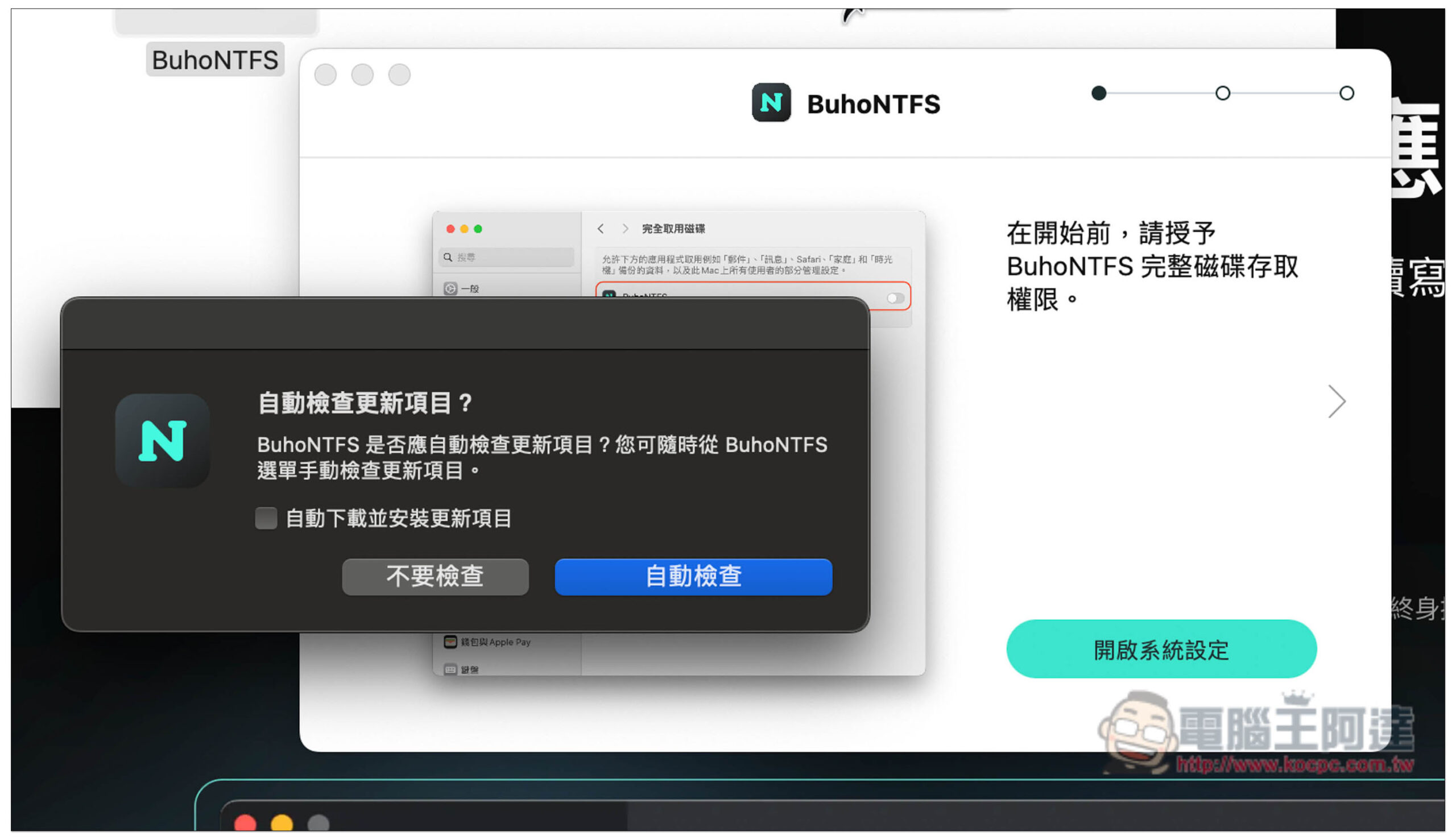
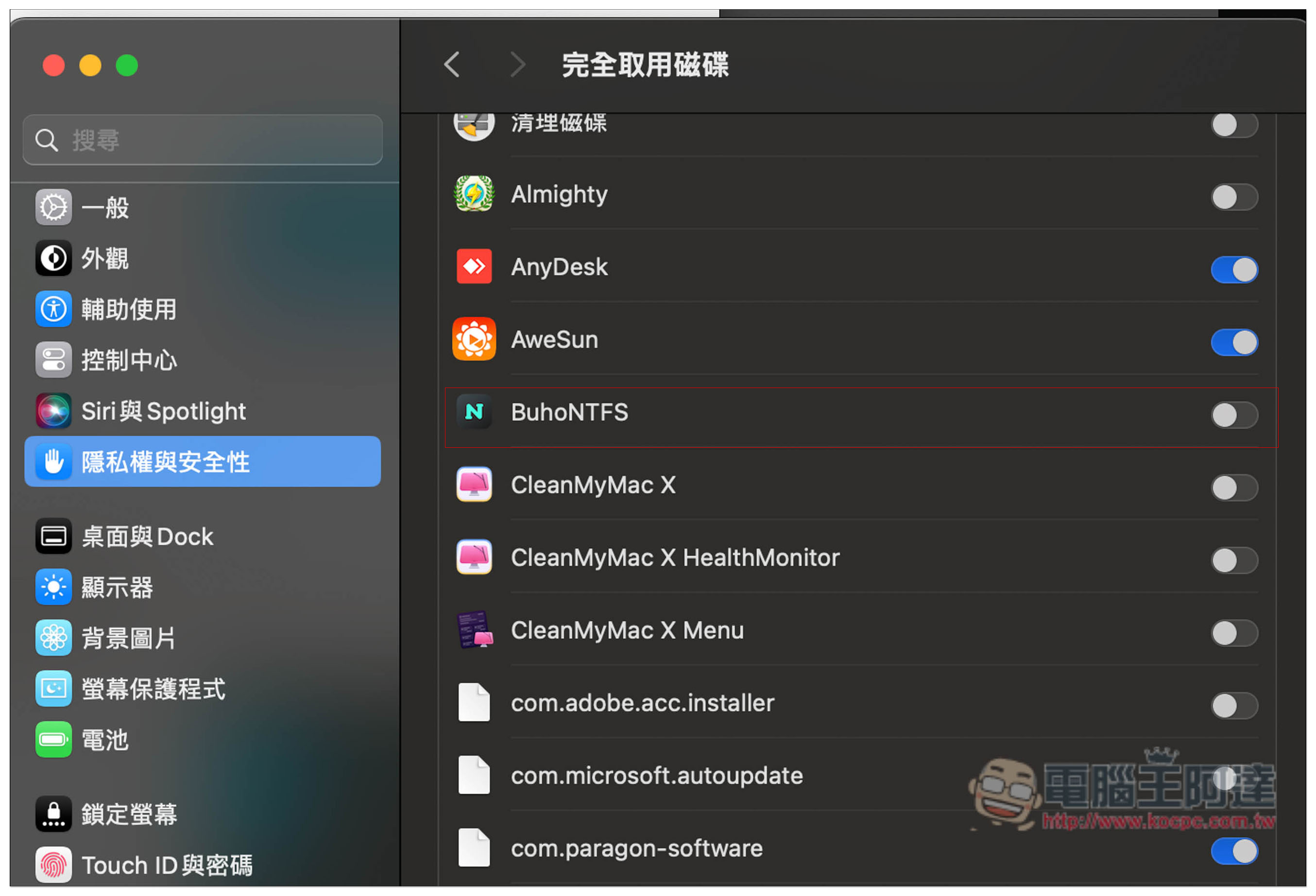
Turn on the switch on the right side of BuhoNFTS. If your Mac does not automatically open this page, go to Settings -> Privacy & Security -> Full Disk Access -> BuhoNTFS:
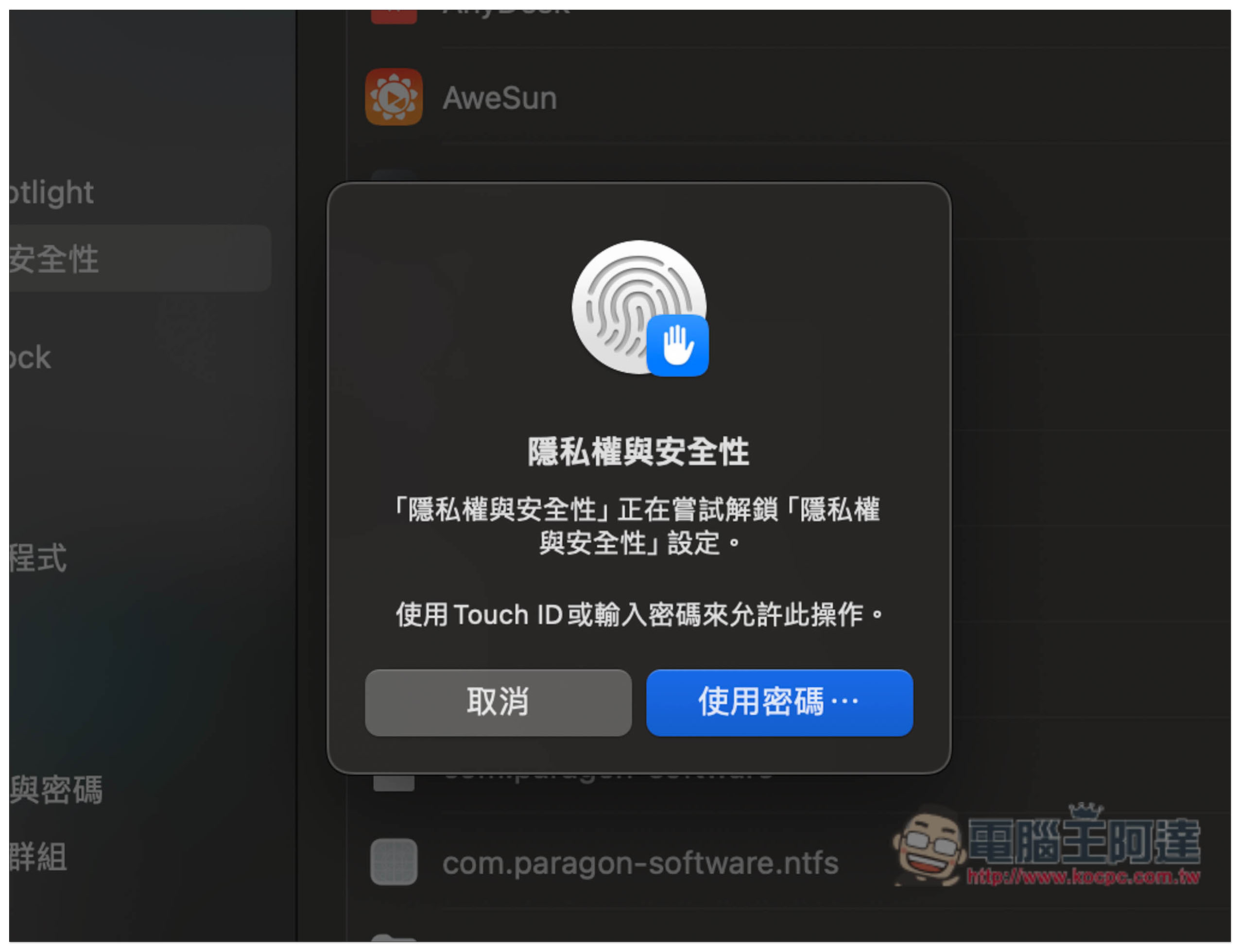
You will need to enter a login password or use Touch ID to allow this operation:
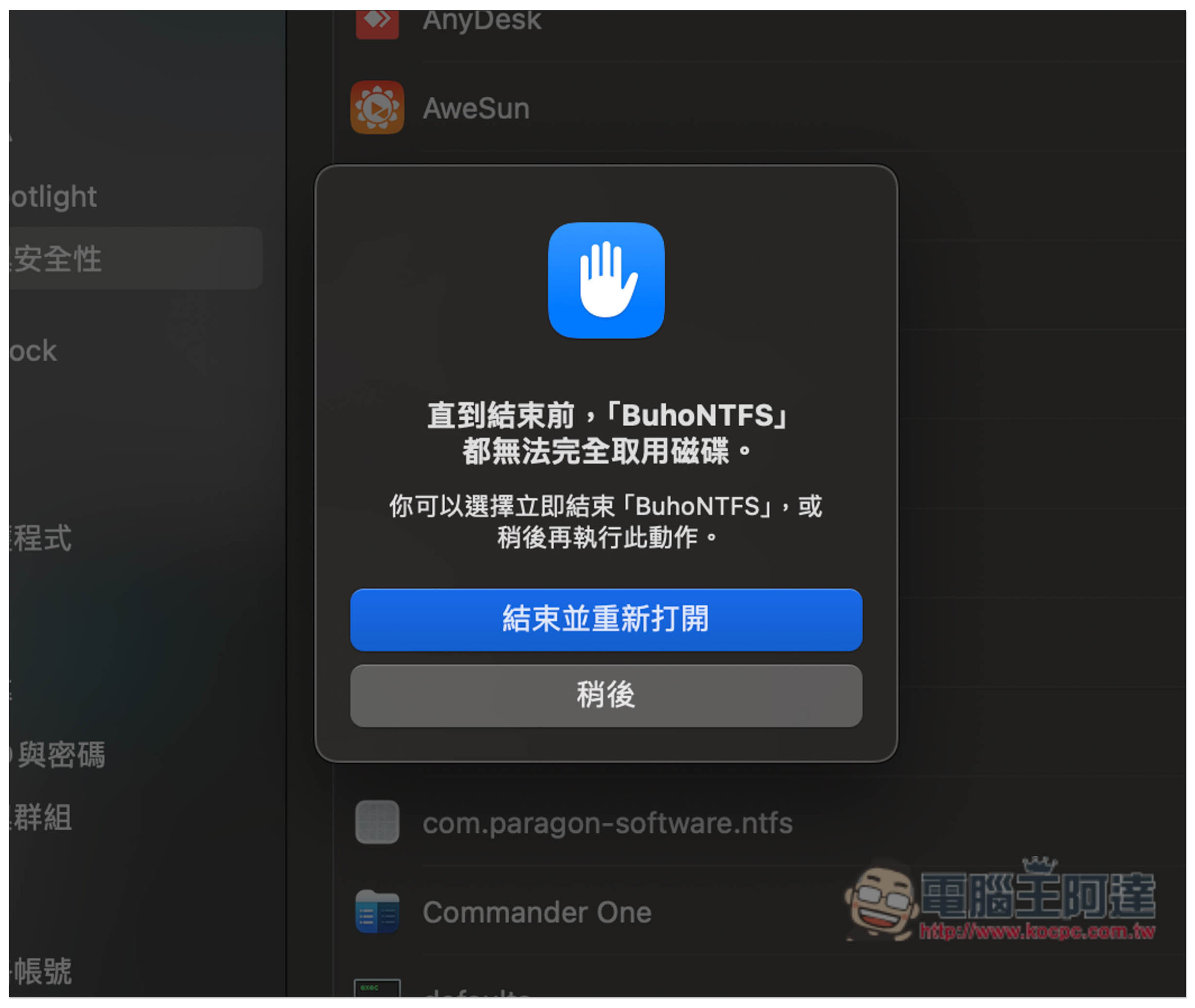
After allowing, please restart BuhoNTFS and click “End and Reopen” to complete the preparatory work:
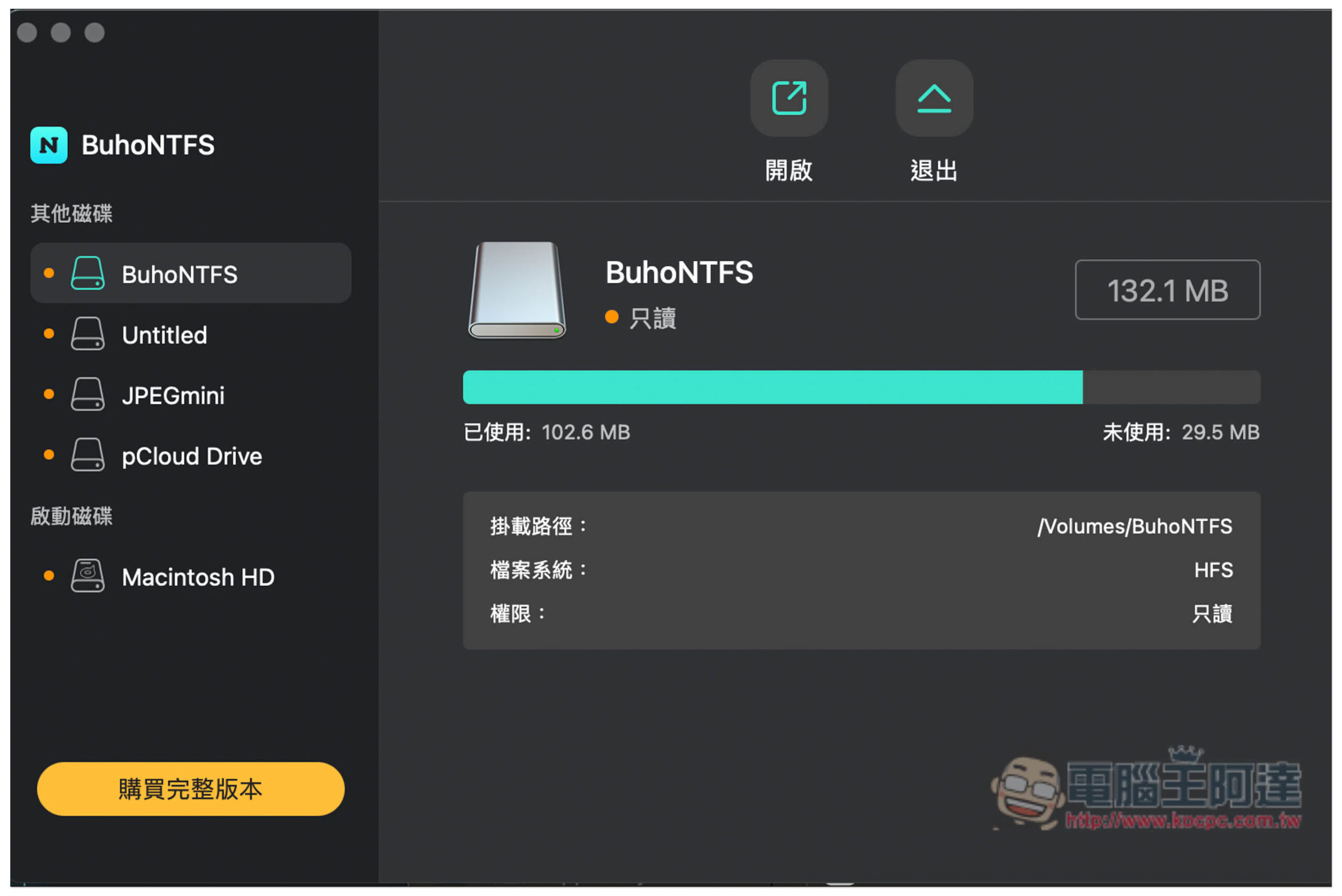
After opening the software, remember to activate the lifetime version serial number you just got and click “Buy Full Version” in the lower left corner:
Click “Enter Activation Code” in the upper right corner, and then enter the serial number you just obtained. This serial number must be activated 15 days before the end of the event. If it is exceeded, it will become invalid, even if you obtain it during the limited time:

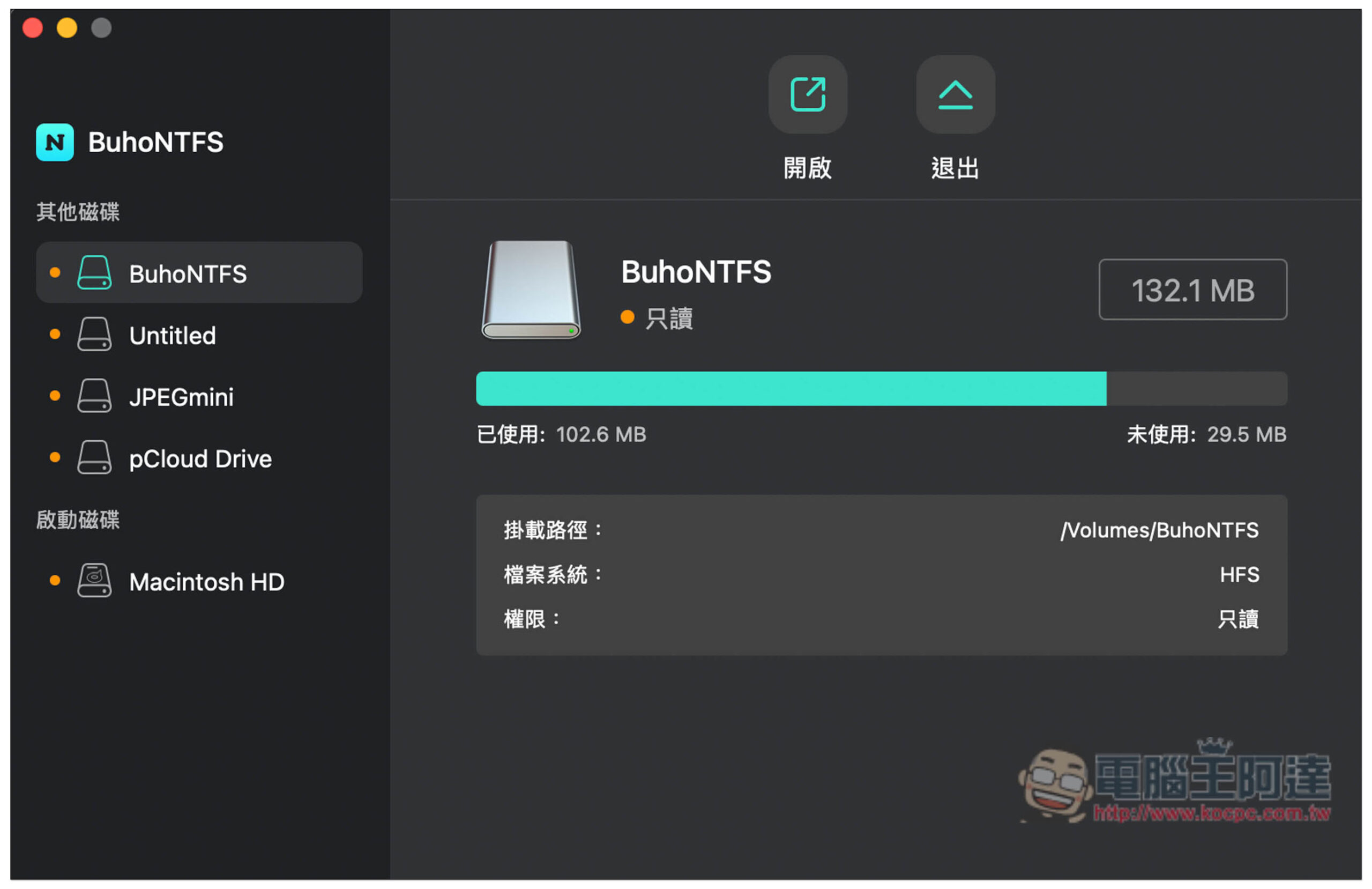
In this way, it has been successfully used and is already a complete version:

The original button to buy the full version in the lower left corner has disappeared, and there is no expiration date marked, so it is really the full version:
As for which one has better performance compared with other Mac NTFS software such as Paragon Software, I have not specifically tested this part. Those who are interested can test it by themselves. After all, it is free now.
Source: KOCPC Chinese