


I believe many people would want to take advantage of AI tools to boost one’s productivity, but figuring out how to use and combine them isn’t easy—it requires constant trial and error. To help users more easily experience the high efficiency that AI brings, a few days agoMicrosoft The CEO shared 5 practical GPT-5 prompts on personal social media, covering everything from organizing meetings and analyzing project progress to time allocation. Here they are compiled below.
Microsoft CEO shares 5 GPT-5 prompts to boost work efficiency
A few days ago, Microsoft CEO Satya Nadella was at LinkedIn Pulse The post states: “It has been a few weeks since we brought GPT-5 into Microsoft 365 Copilot, and it quickly became a part of my daily workflow. It brings a whole new layer of intelligence to all applications.”
Although Satya Nadella uses Microsoft 365 Copilot, it is also powered by the GPT-5 model, so it works for ChatGPT users as well. In fact, this kind of prompt can be used with any LLM language model.
Additionally, many of these 5 prompts are paired with Microsoft services, such as email and contacts. If you happen to be a Microsoft 365 Copilot user, you can use them directly. For ChatGPT, you can instead pair it with Gmail or similar, or simply paste the content directly.
Satya Nadella’s post includes a demo video—those interested can go check it out.
First is the “pre-meeting key points summary,” which is also the one he uses most often.
“Based on my prior interactions with [/person], give me 5 things likely top of mind for our next meeting.”
(Based on my previous interactions with [/person], here are 5 key points to focus on for the next meeting.)
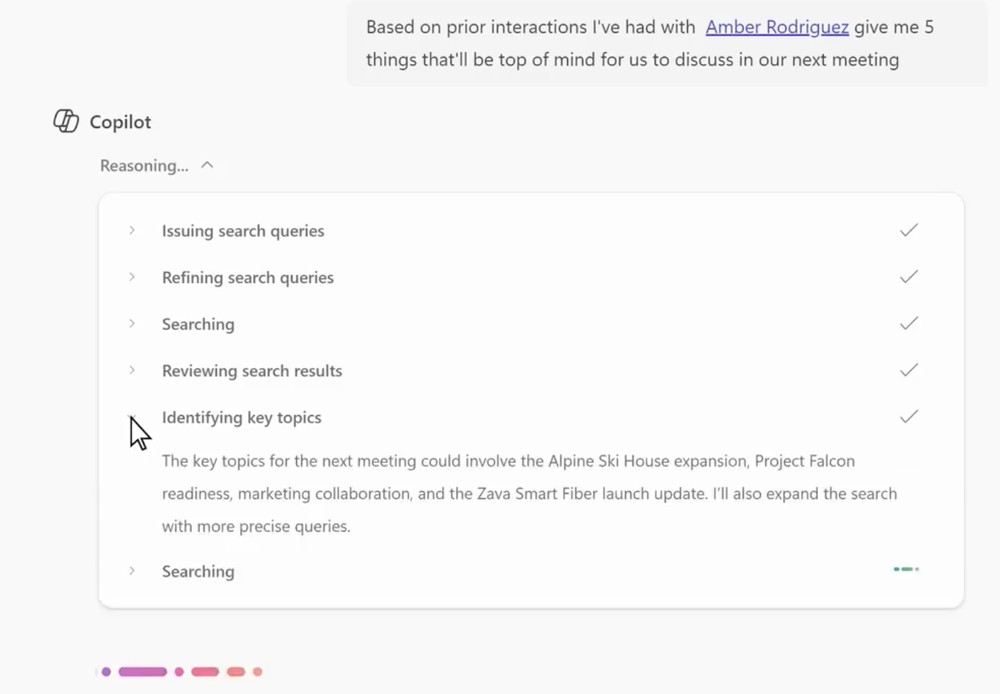
This allows Copilot to scan past emails, chat logs, and meeting content, and generate tailored priority lists for upcoming meetings.
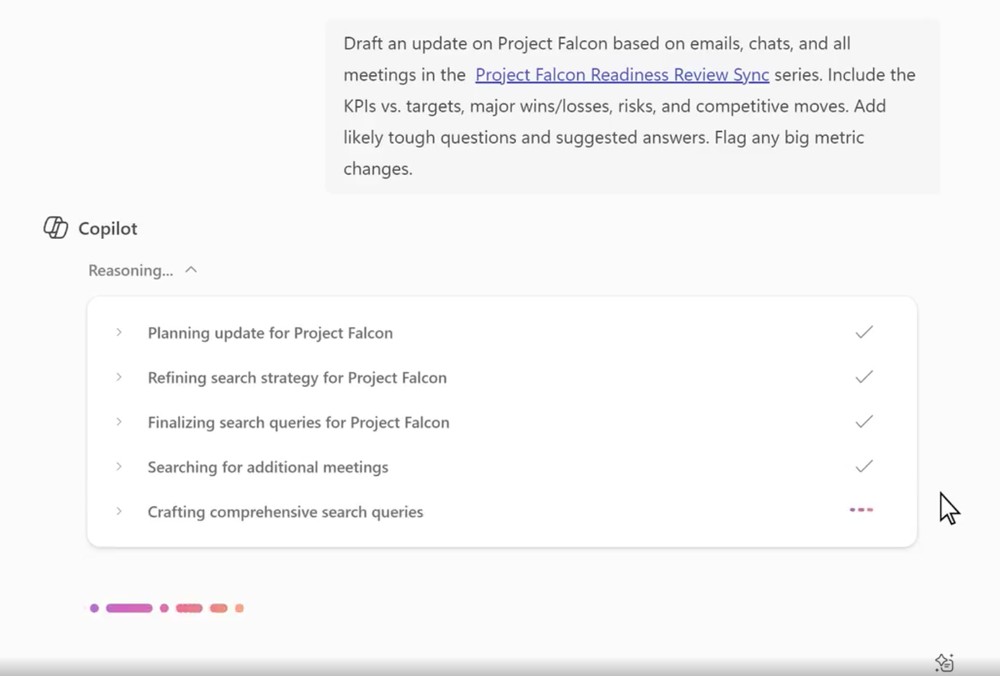
Next is the “Project Progress Summary and Analysis,” which consolidates scattered information into structured project reports, making it more convenient for you to review and make decisions.
“Draft a project update based on emails, chats, and all meetings in [/series]: KPIs vs. targets, wins/losses, risks, competitive moves, plus likely tough questions and answers.”
(Based on the emails, chats, and all meetings in [/series], draft a project update: include KPI comparisons against targets, successes and failures, risks, competitive dynamics, and potential tough questions with answers.)
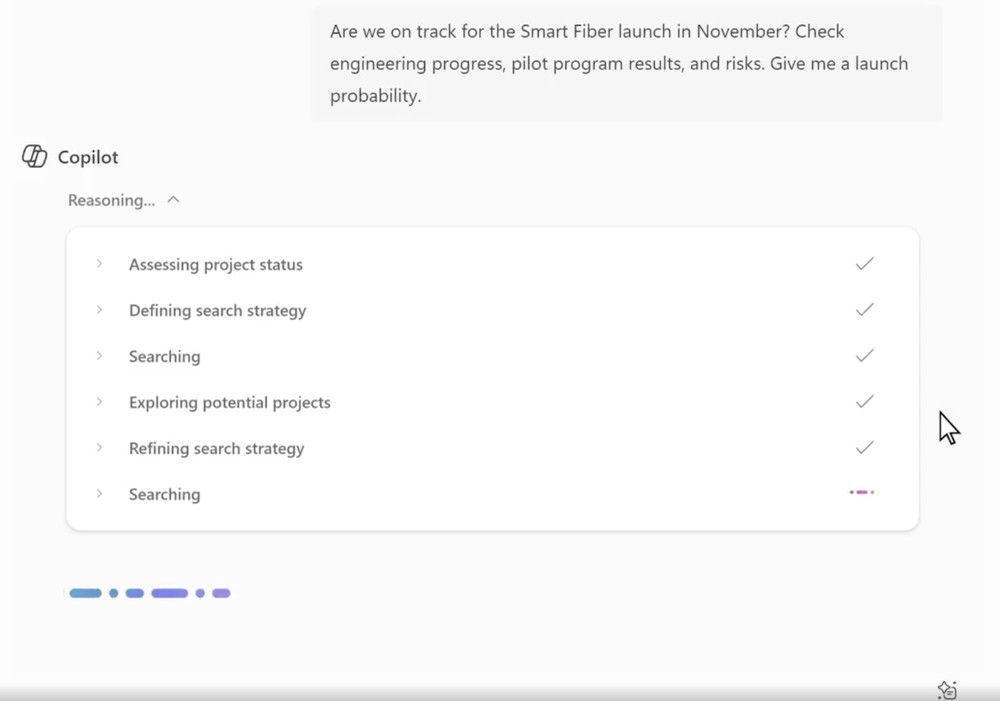
The third one is about “Product Launch Progress and Risk Assessment.” GPT-5 will provide data-based “probability judgments” to help managers assess whether a project can be completed on schedule, making it highly suitable for risk control before major decisions.
“Are we on track for the [Product] launch in November? Check eng progress, pilot program results, risks. Give me a probability.”
(Are we on track to launch [Product] in November as scheduled? Please review the engineering progress, pilot program results, and risks, and provide a probability assessment.)
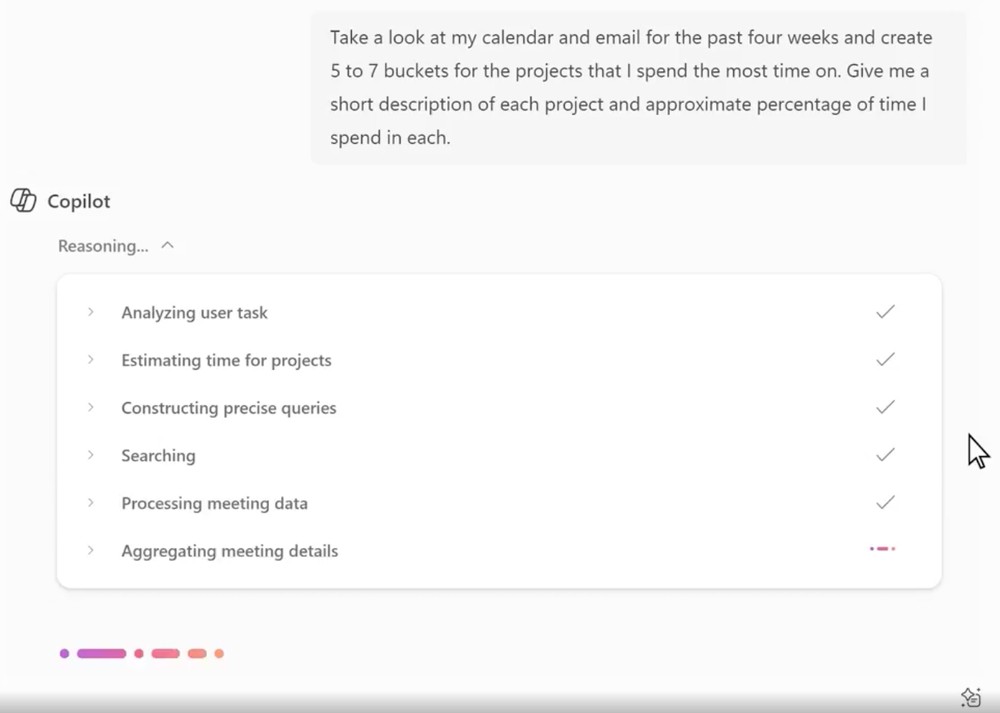
The fourth is “time allocation,” which many people want to learn. Using this prompt, you can analyze where your time is spent, review whether actual investment aligns with strategic objectives, and ultimately find ways to adjust your time.
“Review my calendar and email from the last month and create 5 to 7 buckets for projects I spend most time on, with % of time spent and short descriptions.”
Review my calendar and emails from the past month, divide the projects I spent the most time on into 5 to 7 categories, and indicate each one’s proportion along with a brief description.
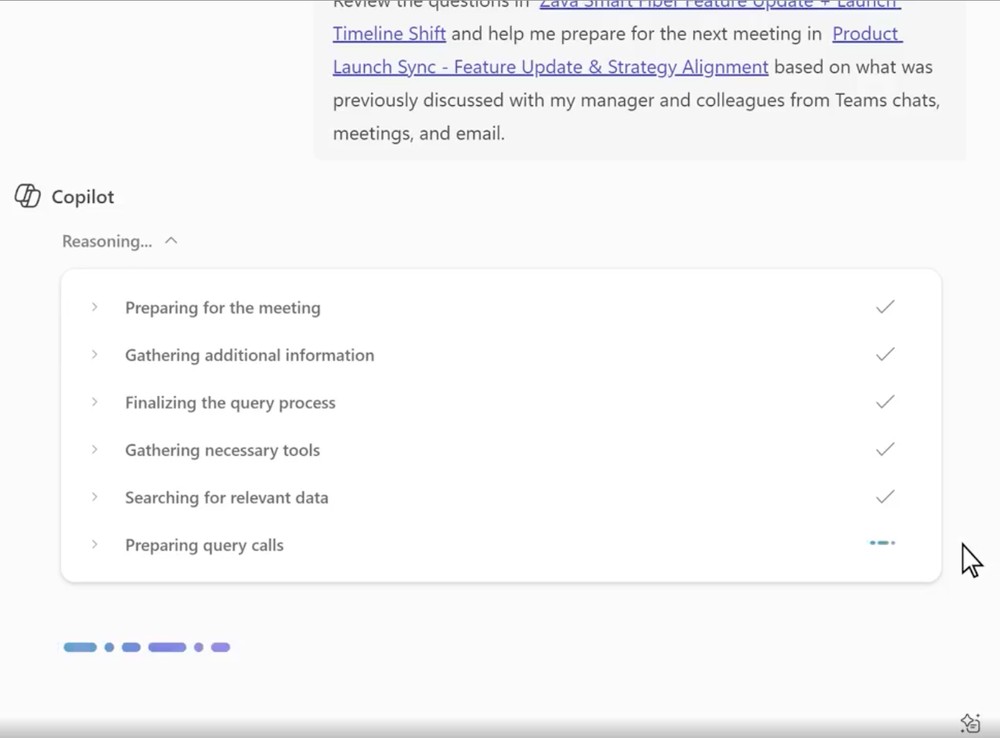
Finally, there’s “preparation before the meeting briefing,” which lets GPT-5 quickly organize the meeting’s context and background, ensuring you have complete information before meeting with your team or supervisors.
“Review my calendar and email from the last month and create 5 to 7 buckets for projects I spend most time on, with % of time spent and short descriptions.”
(Review the [/select email], and based on past discussions between managers and the team, prepare me for the next [/series] meeting.)
For the prompt shared above, remember to replace the content inside the brackets with your own.
Source: KOCPC Chinese