


Previously we introduced aRunway website that can generate AI videos and animate images through text, this is actually very powerful, but Pika.art is even more powerful. Not only does it work better than Runway in my opinion, but it also supports Chinese Prompt, which means you can type in Chinese. More importantly, it can even modify the video, such as making the characters in the video wear sunglasses. I will quickly introduce it to you below.
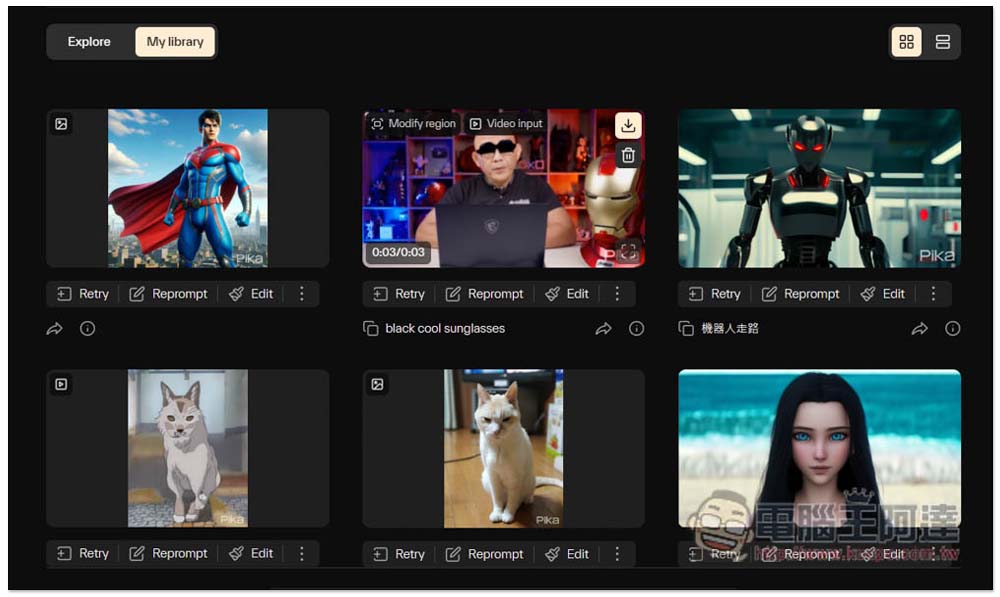
Pika.art is a super awesome AI tool! Enter text to generate AI videos, modify existing video content, and animate pictures (also available in Chinese)
Pika.art is not currently open to the public for everyone to use. You need to join the wish list and wait in line. My account has been opened recently, so I will quickly play it and show it to everyone:
Before starting, let’s watch the official introduction video first, and you can clearly feel how powerful this tool is:
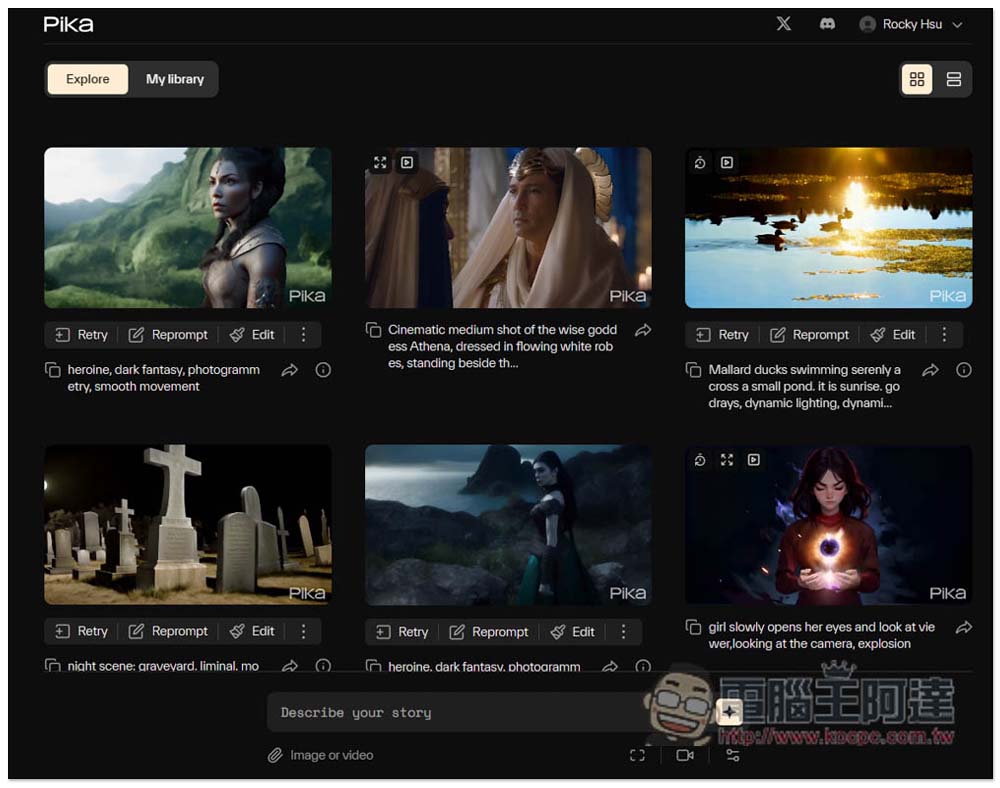
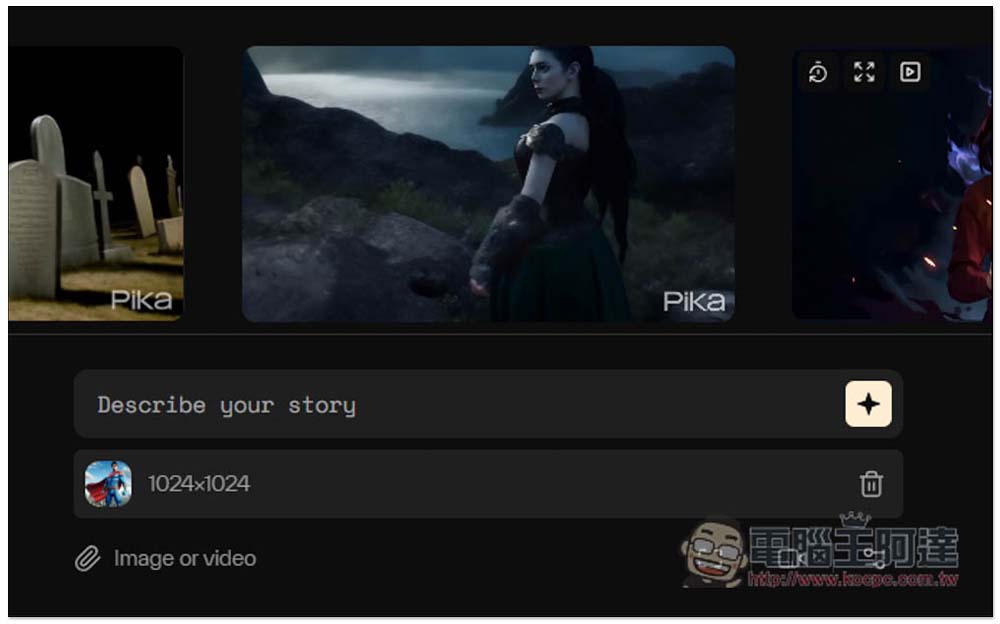
The interface of Pika is very simple. After entering the homepage, enter the description of the AI video you want to generate in the Describe your story field below. The Explore above is the AI picture generated by others, and there are complete prompts below, so you can also learn other people’s prompts to generate it. Although the Prompt part is also supported in Chinese, I tested that if it is too long, the effect may not be very good, so it is best to enter English. If you want to modify the video or animate the image, click Image or video below to upload the file:
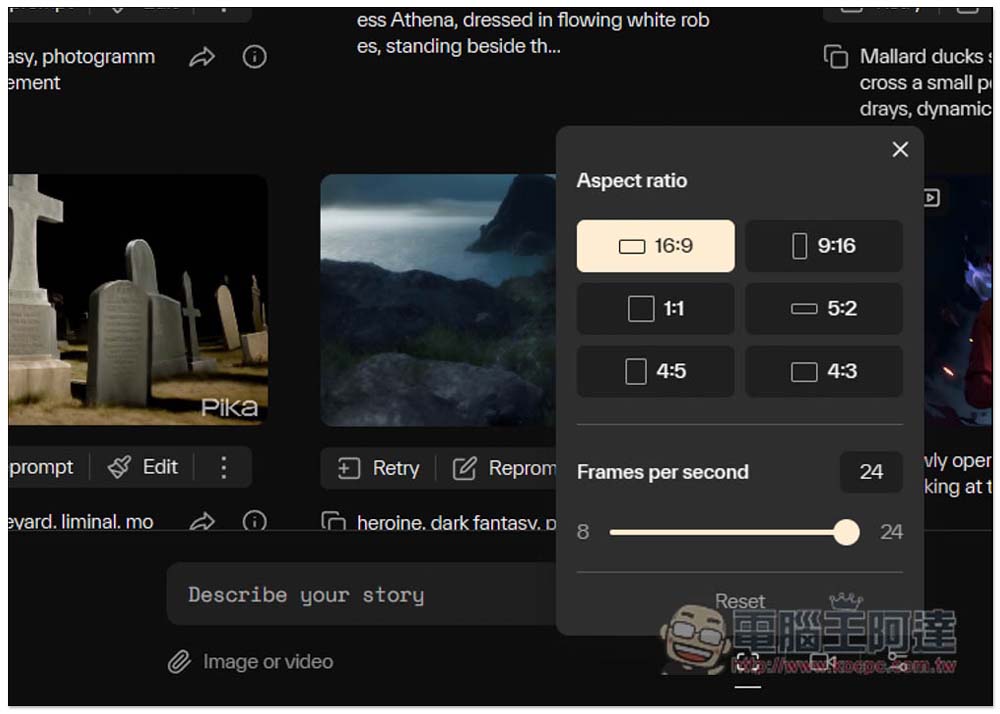
There are also three setting icons in the lower right corner. Aspect ratio can set the video size you want, and FPS can also be adjusted. The default is up to 24 FPS, and can be as slow as 8 FPS:
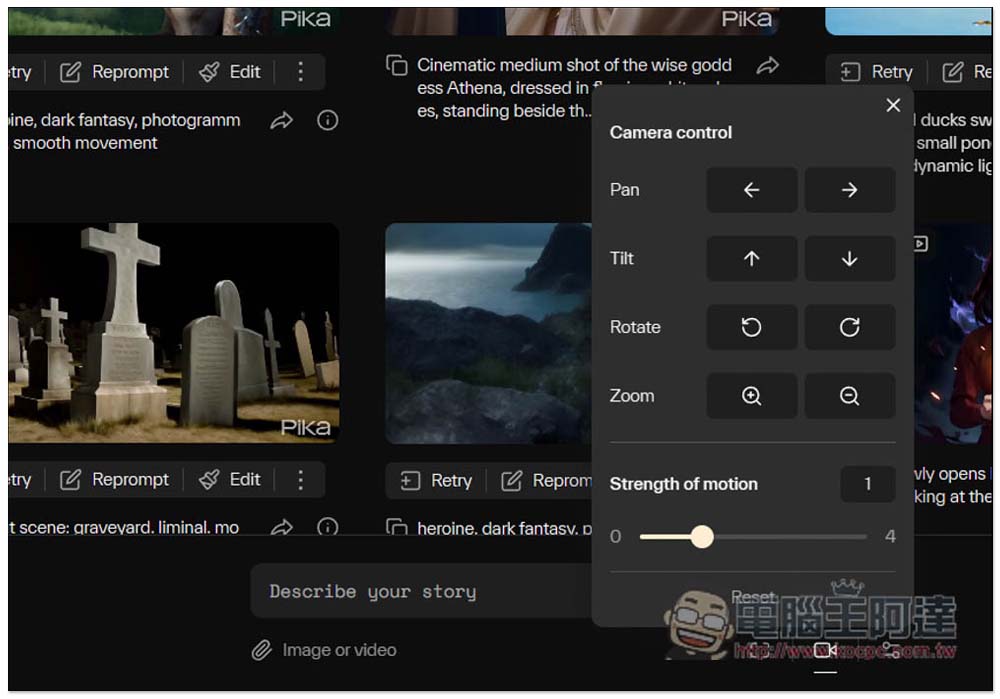
In addition, there are camera control and strength of motion. If you don’t know what the function is used for, just test it and see. Currently, generating AI videos is free:
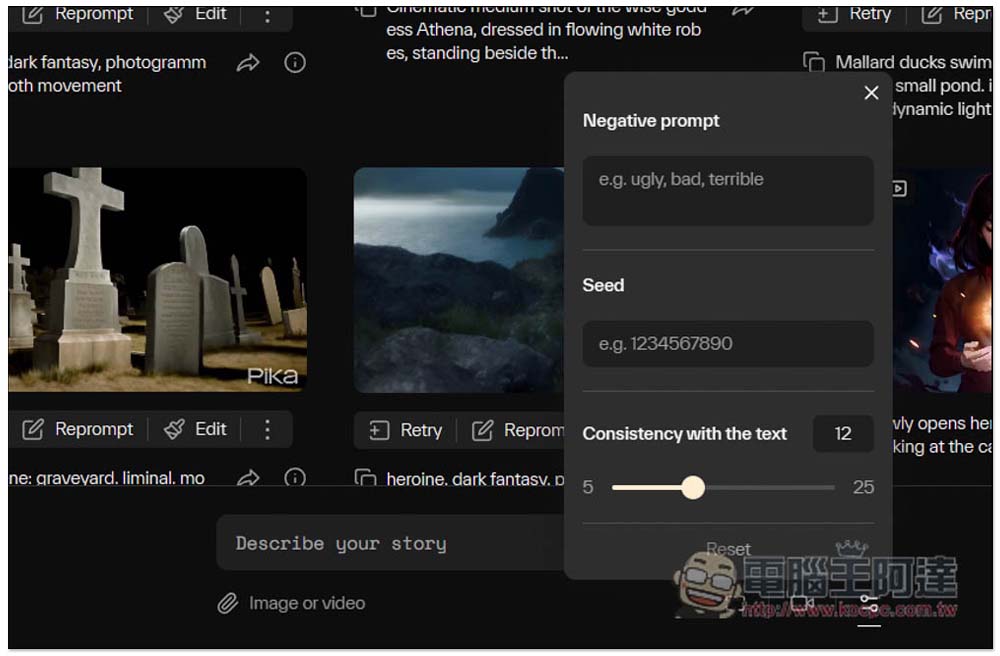
Even unnecessary Prompts can be set. This is really special. I’m not sure what Seed is used for:
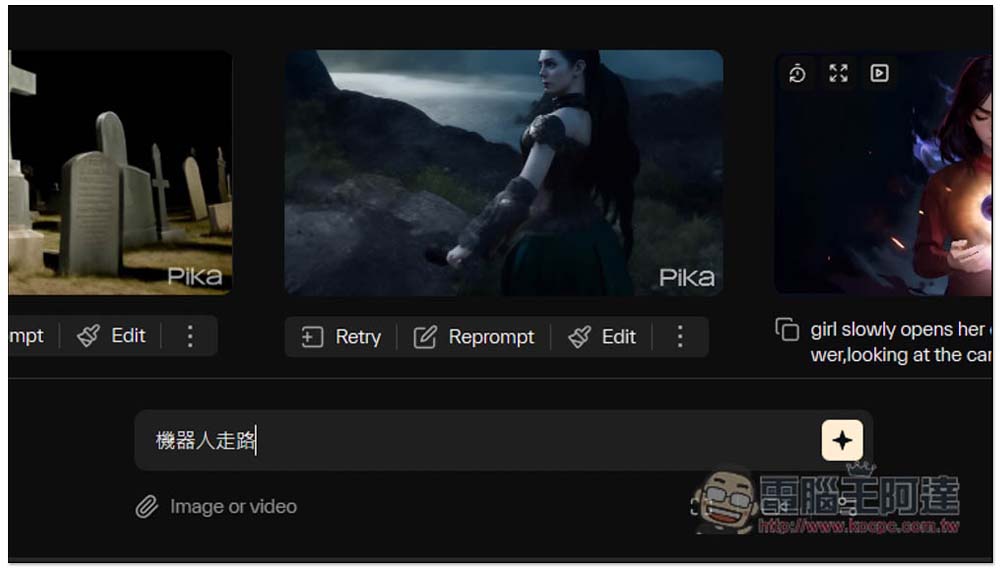
First, I tested a very simple “robot walking”. After inputting, press the icon on the right to start generating, which will be completed in about tens of seconds:
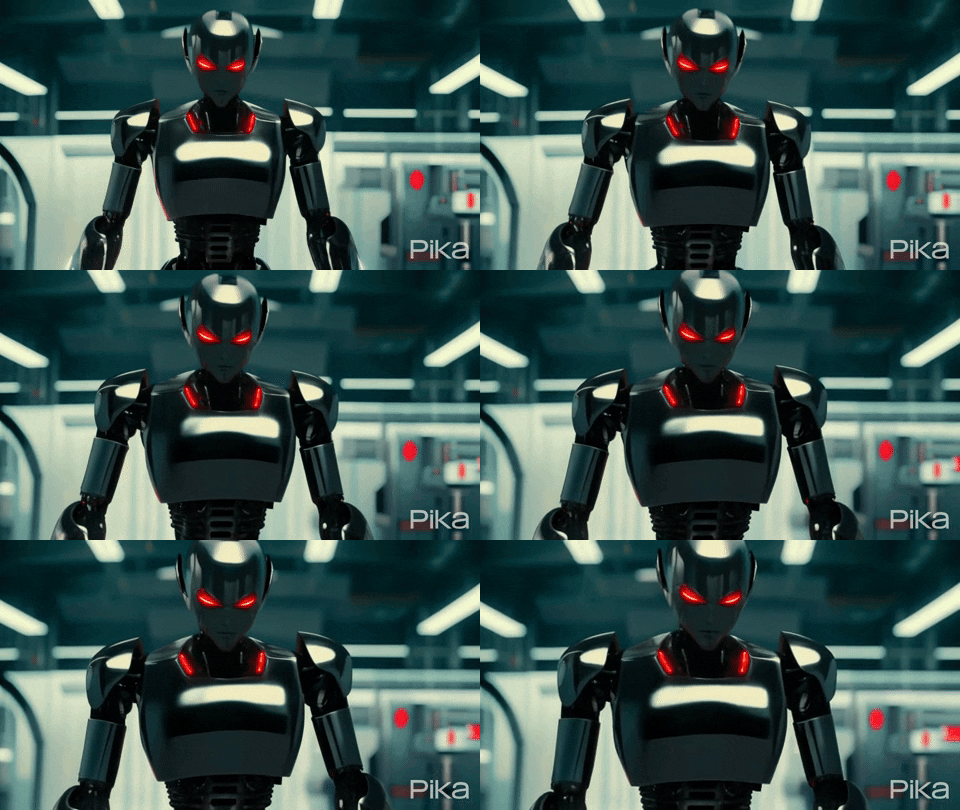
The default is to generate a 3-second short film. The picture below is an AI video of “robot walking”. The effect is really good. When I tested it for the first time, I really didn’t expect that I could speak Chinese:
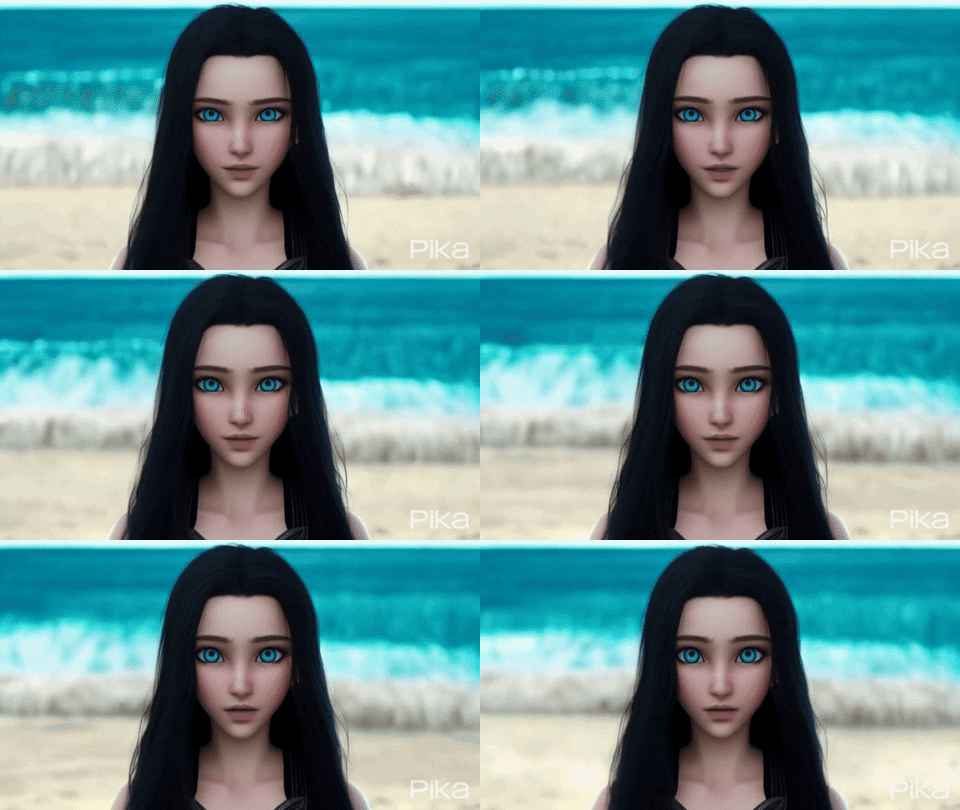
Next, I also tested the “Beautiful woman at the beach” prompt, and the results were quite good. Not only did the facial expressions change slightly, but the waves behind me were also really moving:
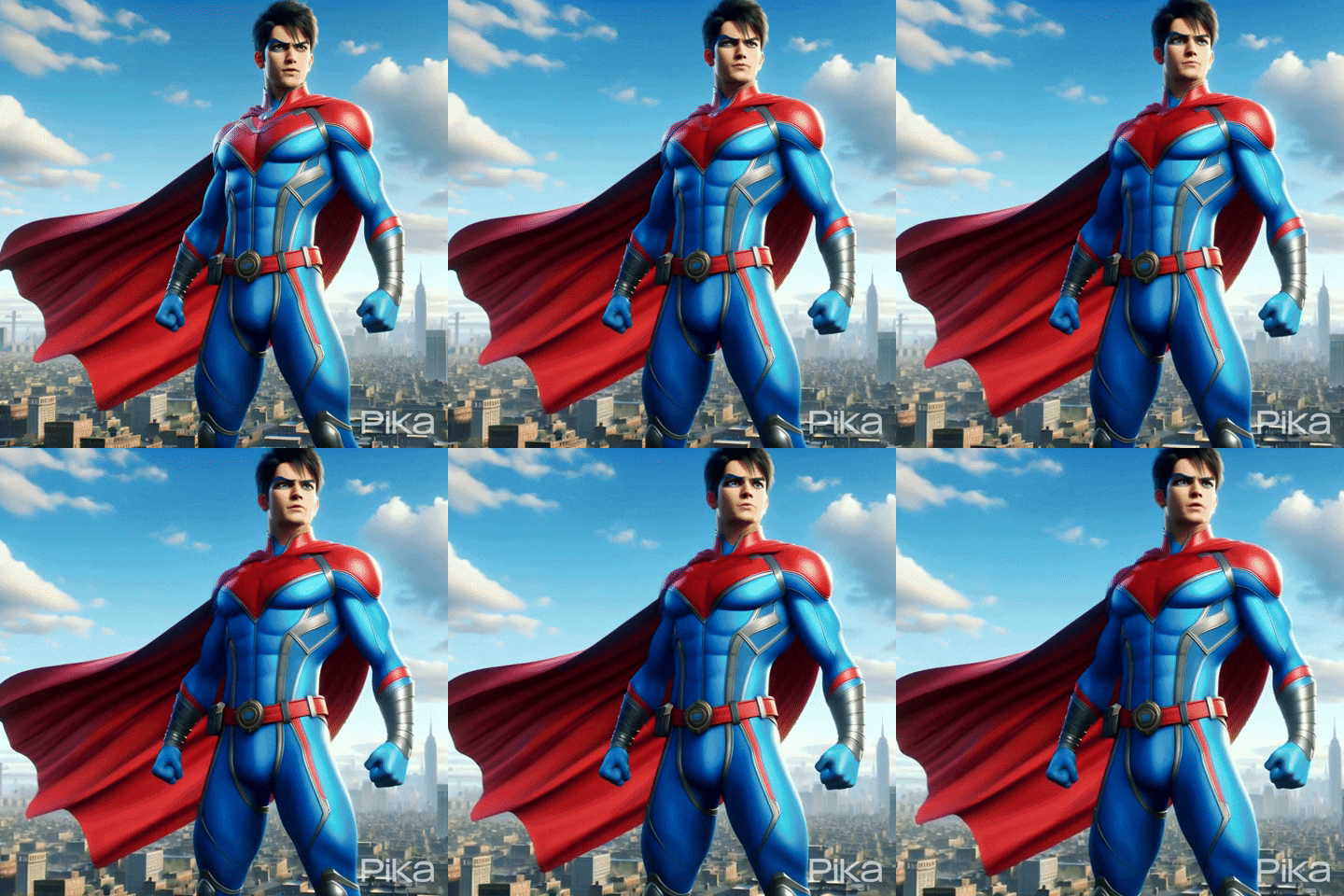
Next, I tested the effect of making the picture move. I used DALL-E to generate a Superman picture, and then threw it into Pika. I didn’t put any prompts and let it detect how to move by itself:
This one is quite fierce, even the mouth moves, it feels like it is saying something:
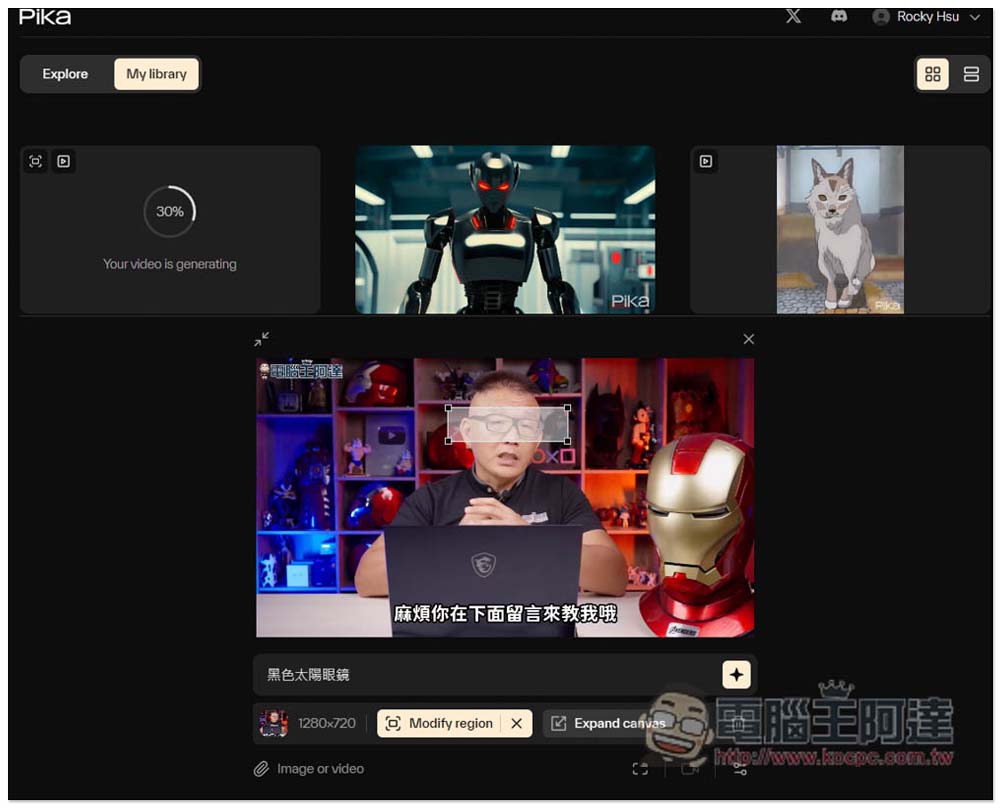
The last step is to modify the video content.I used Ada for this video, I want Ada to wear sunglasses:
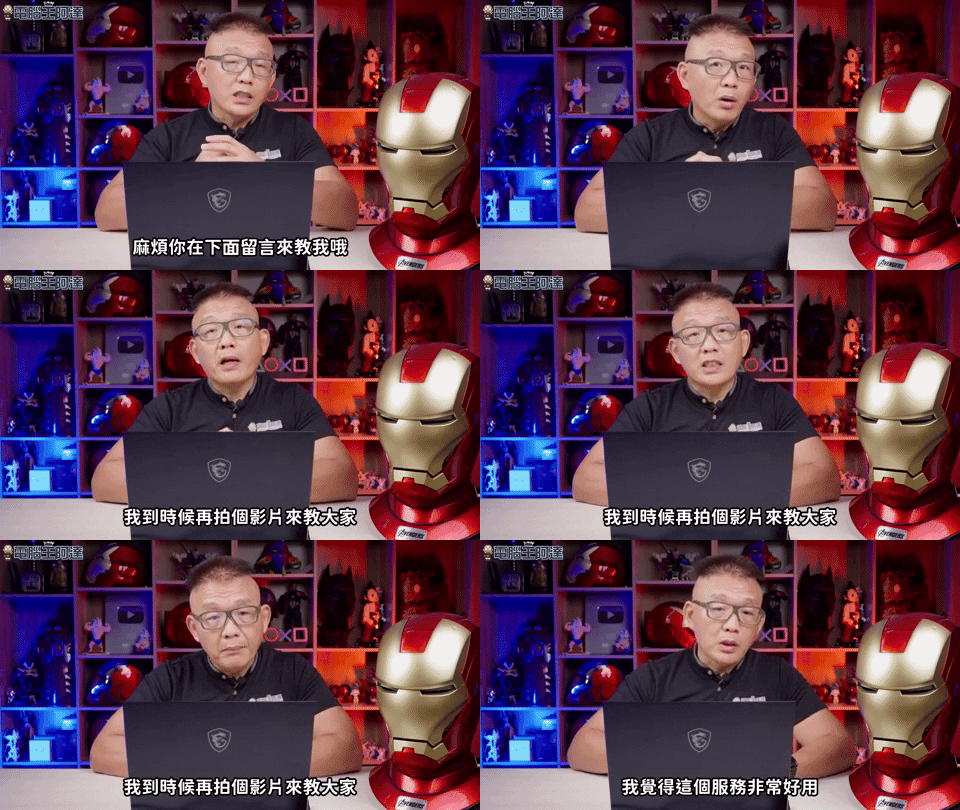
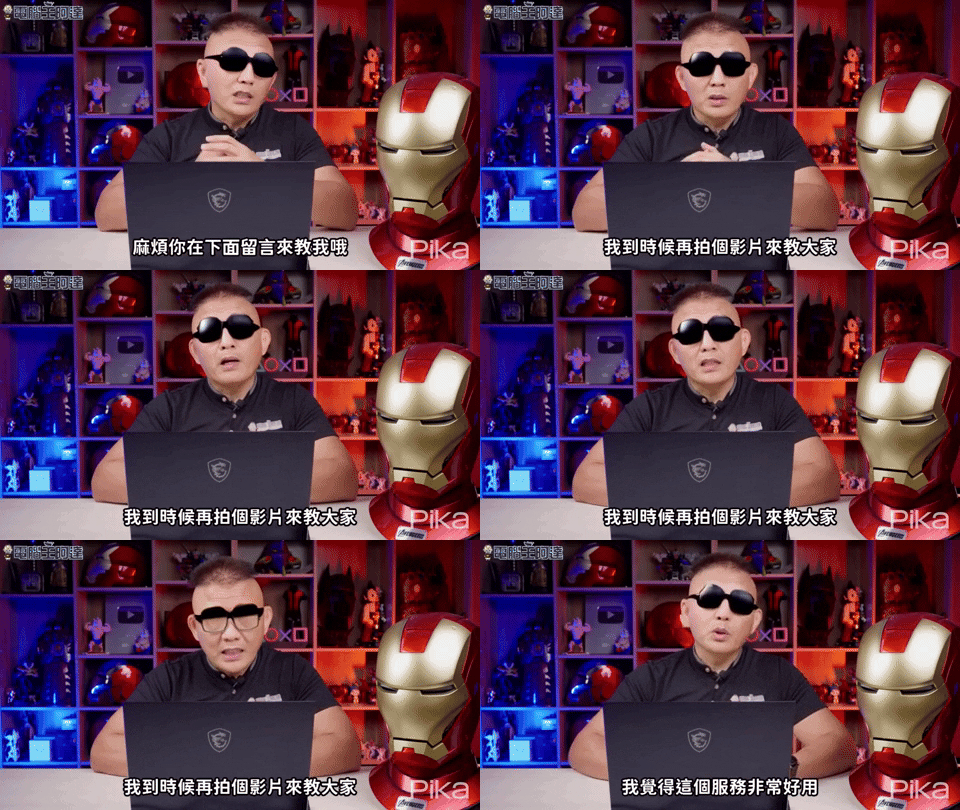
After selecting the video, two options will appear on the right. Modify region is the range you want to modify. I circled the eye area. Expand canvas is to expand the video range. I didn’t use this, so I didn’t adjust it. In the Prompt section, it is recommended to enter English. When I tested black sunglasses, the effect was not very good, but changing it to black sunglasses was successful:
However, there is still room for improvement in realism, but being able to accurately determine the location is already impressive:
It is highly recommended that everyone apply for it. This AI tool should become more and more popular in the future.
Below is an AI video made by a netizen. I think it’s very strong. The prompt is “A dreamy and adorable young girl joyfully raising her arms in a ‘banzai’ cheer, surrounded by gently falling snow in Nara, Japan, with enchanting traditional Japanese architecture in the background.”

Source: KOCPC Chinese