


Google has been continuously enhancing NotebookLM’s features recently. Following the addition of Traditional Chinese and over 80 other languages to Video Overviews video summaries at the end of last month, the company has now announced in its official community that Audio Overviews voice summaries have added 4 new formats, allowing content to generate more tailored voice summaries for different purposes and needs, thereby providing additional perspectives.
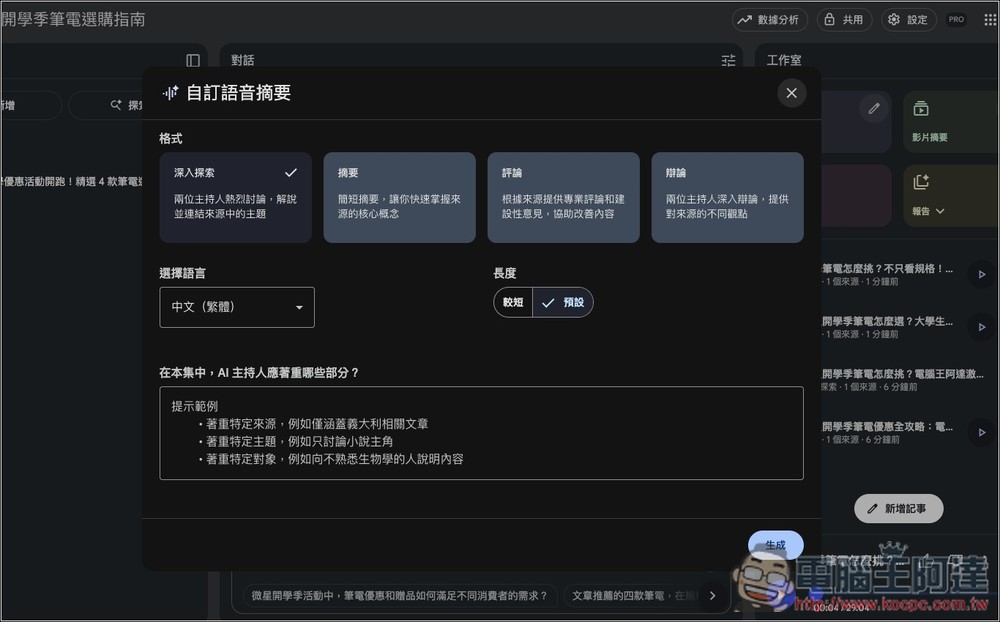
NotebookLM’s “Voice Summary” introduces 4 new formats, offering more diverse perspectives and use cases.
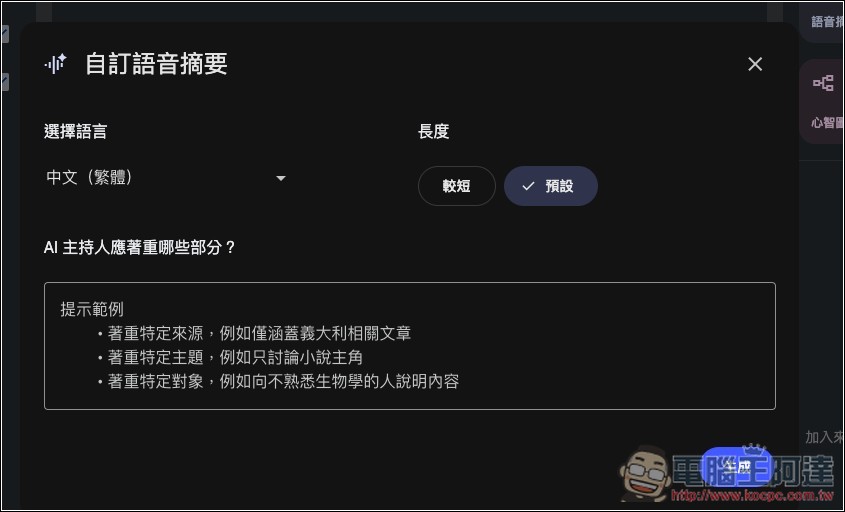
The image below shows the old version of the voice summary screen, where you can only set the language, length (shorter, default), and which parts the AI host should focus on (prompt):
Earlier, NotebookLM announced on its official X community that it’s launching a new voice summary format, divided into 4 options. The official account added in the comments that it’s being rolled out gradually to all Google users, not all at once, and is expected to reach 100% of users by this weekend. I checked my Google accounts, and most have already switched to the new voice summary interface, with only one still on the old version. So at this pace, those who haven’t received it yet should soon be getting the new version with format choices:
🚨Rolling out NEW audio overview formats:
(Default) Deep Dive: a thorough examination of your sources
Brief: 1-2 minute, bite-sized overviews
Critique: an expert review, offering constructive feedback on your material
Debate: a thoughtful debate between two hosts pic.twitter.com/m3z3yASMyF— NotebookLM (@NotebookLM) September 2, 2025
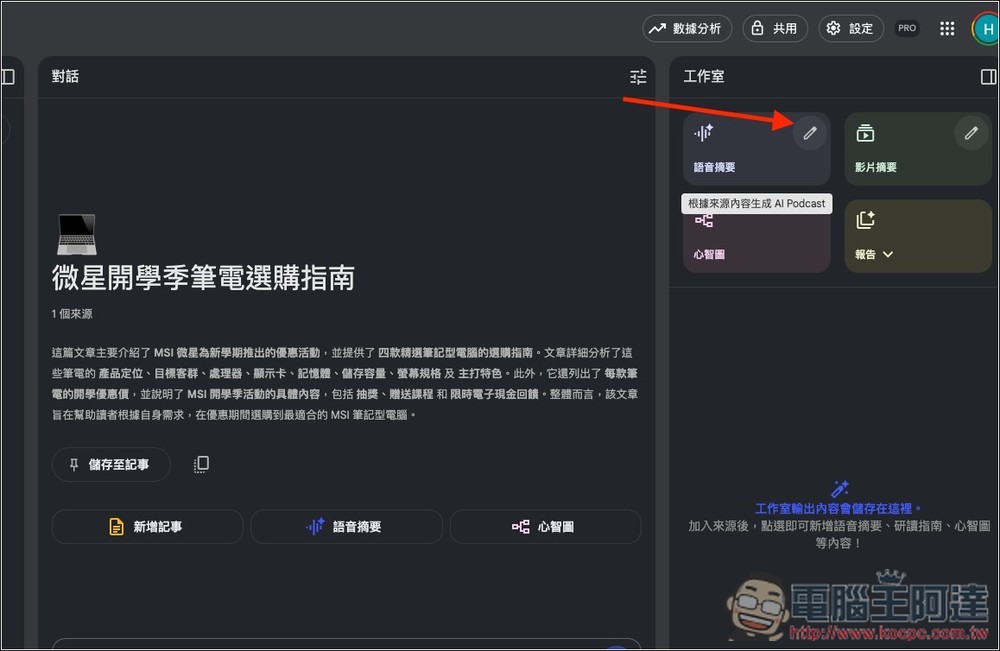
For those who want to try, after opening the NotebookLM notebook, click the pencil icon at the top-right corner of the voice summary:
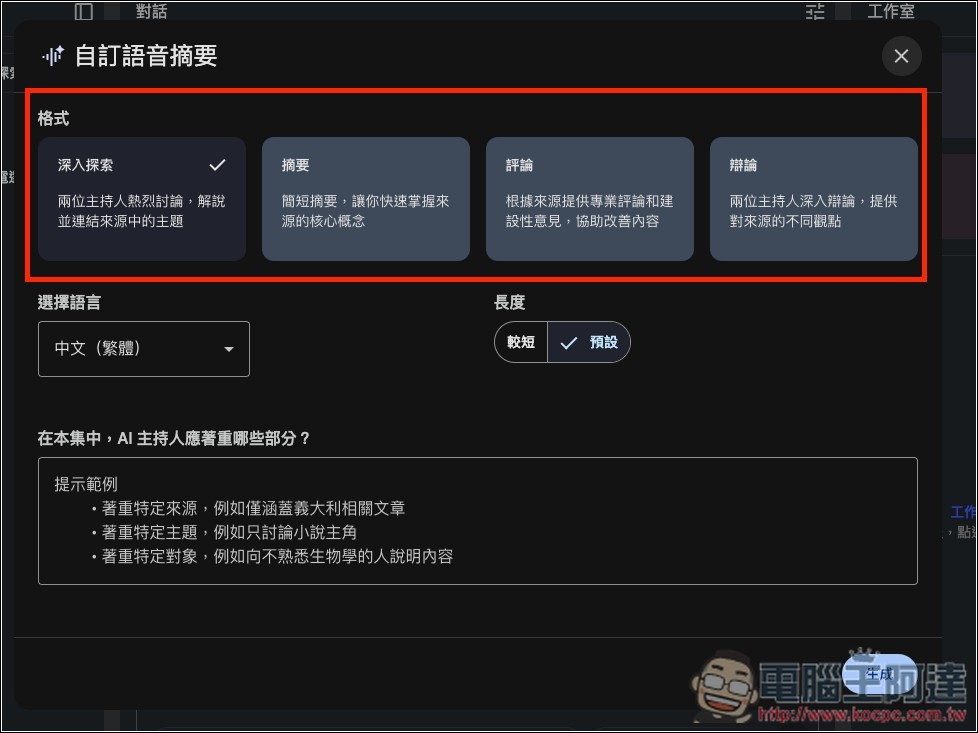
Next, you will see the 4 newly added formats:
- Deep Dive (Default): Two hosts engage in a lively discussion, explaining and connecting the themes from the source.
- Summary: A brief summary that lets you quickly grasp the core concepts of the source.
- Comment: Provide professional review and constructive feedback based on the source to help improve the content.
- Debate: The two hosts engage in an in-depth debate, presenting different viewpoints on the source.
I think debate is pretty great—it lets you understand your notebook content more deeply from different perspectives.
Each format can also set language, length, and prompt words:
If you don’t know which format to generate, you can also ask for all four formats to be generated—it’ll just take more time. In my tests, the review and debate formats took about the same amount of time, while the deep dive format was extremely long; a single article could produce nearly or over 30 minutes of audio summary. The summary format, on the other hand, was much shorter, but the content was relatively less rich.
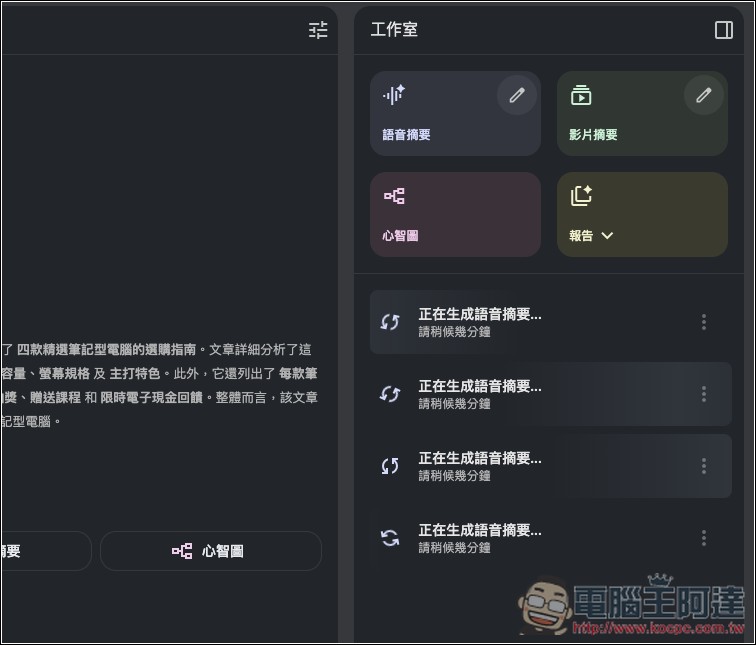
Additionally, each format uses a different voice. NotebookLM also added in a comment: “These new voice summary formats actually come with a brand-new voice! Go listen!”
As voice summaries add new format options, it’s highly likely that video summaries will also offer similar features in the future.
Five NotebookLM features you definitely need to know
- Multi-source integration: Supports PDF, Google Docs, Slides, website links, YouTube, and audio files, with citations included in responses for quick verification.
- Notebook Guide: One-click generation of various organizational formats such as FAQ, summary, timeline, Study Guide, presentation outline, and more.
- Voice and video summaries: convert notebooks into two-person dialogue audio or short video explanations, with support for multilingual quick review.
- Mind map: automatically creates a diagram showing the connections between a topic and its sub-concepts, helping you visualize and understand complex content.
- Learning and research assistant: from lecture handouts and research literature to meeting transcripts, it organizes everything into key points plus audio/video—ideal for students, researchers, and businesses.
Source: KOCPC Chinese