


PDF can be said to be one of the most commonly used formats now, so you will encounter situations where you need to edit, convert, and delete PDF pages. If the PDF is not very important, then you can just use online tools. PDFWind, which is recommended in this article, is a very good choice. It provides many PDF tools. One website can solve most of your PDF editing needs. It is 100% free, has a Chinese interface, and is very simple to operate. You can use it without registration.
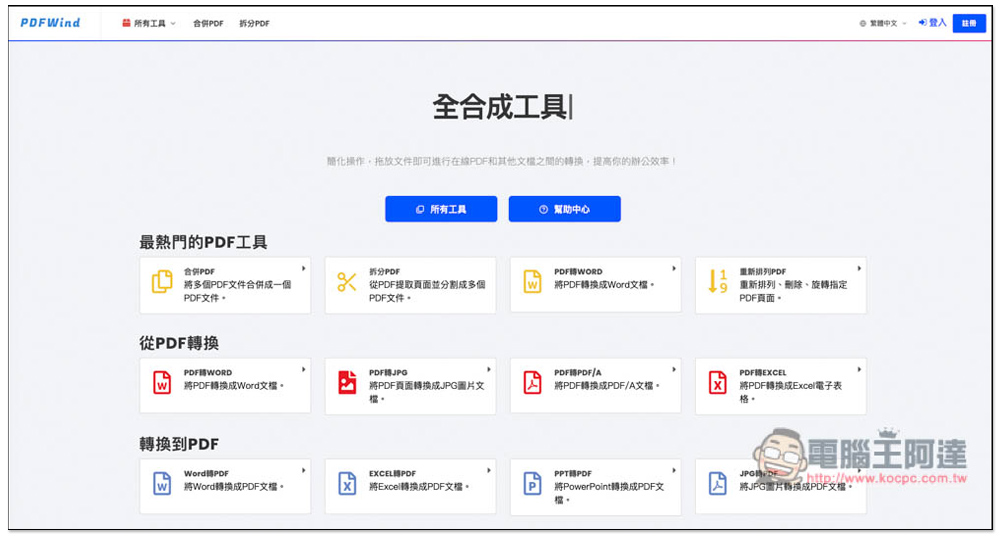
PDFWind is a one-stop PDF solution, including conversion, editing, compression, encryption and decryption, etc., completely free
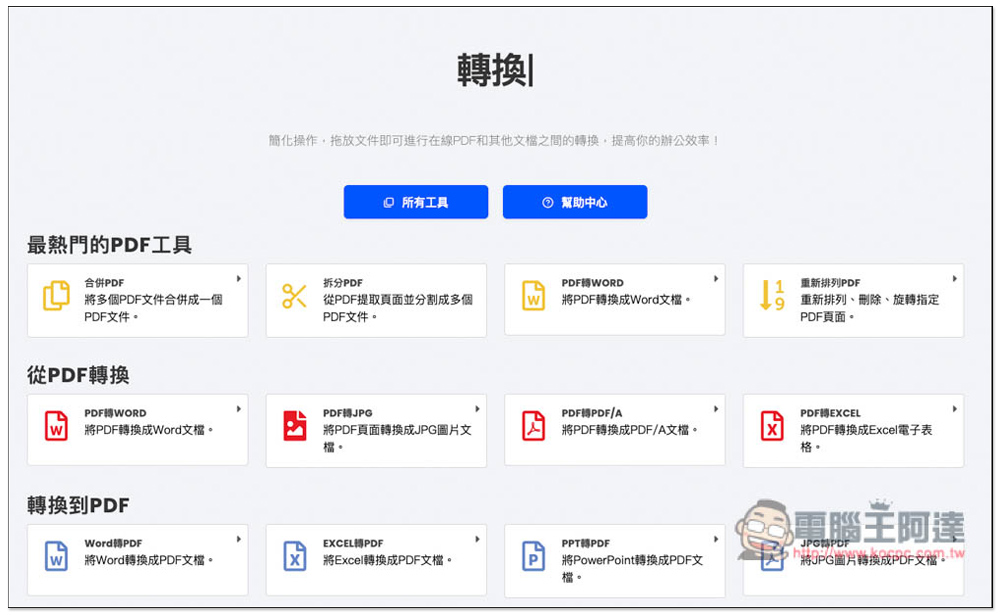
After entering the PDFWind website, several commonly used PDF tools will be listed below. Also a reminder, this website is an online tool, which means you need to upload PDFs to the website’s server. Although it advertises that all links are transmitted through TLS security to protect document security, it is still not recommended for important or PDF files that cannot be leaked. It is not sure how long it will take for this website to delete the files we upload:
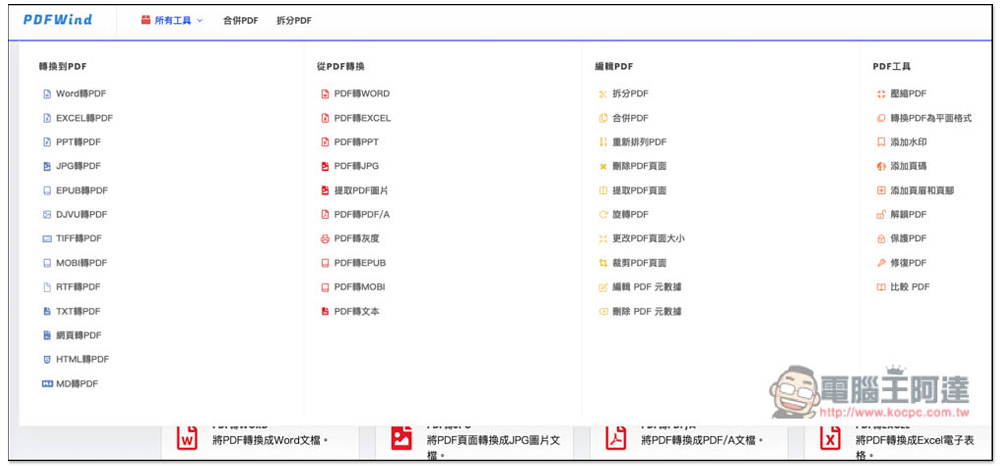
Click “All Tools” above to view all provided functions. There are four categories, including “Convert to PDF”, “Convert from PDF”, “Edit PDF”, and “PDF Tools”. The conversion part supports almost all common formats, such as Word, Excel, PPT, EPUB, text, etc. In terms of editing, there are splitting, merging, rearranging, deleting, rotating, etc. It is a pity that no real “editing content” is provided, which can only be achieved by PDF software. The PDF tools are other additional functions, such as: compression, adding watermarks, page numbers, unlocking/protecting, etc.:
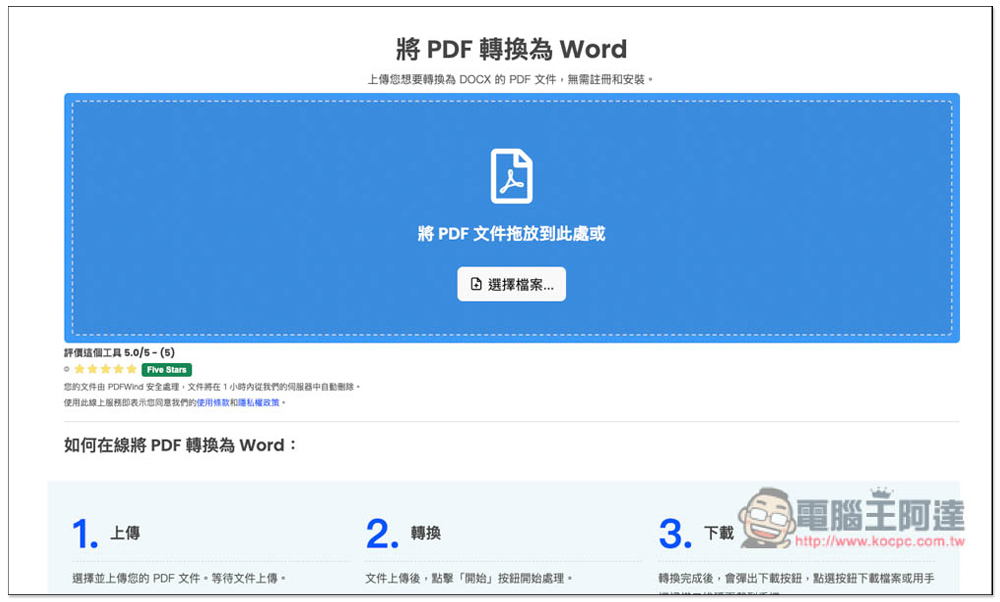
The usage is very simple and you can use it directly without registering. Click on the function you want to use, such as I chose “Convert PDF to Word”, and then drag the file into the window:
After the upload is completed, click Start Conversion to start the conversion. Batch processing is supported, that is, you can drag multiple files in at one time:
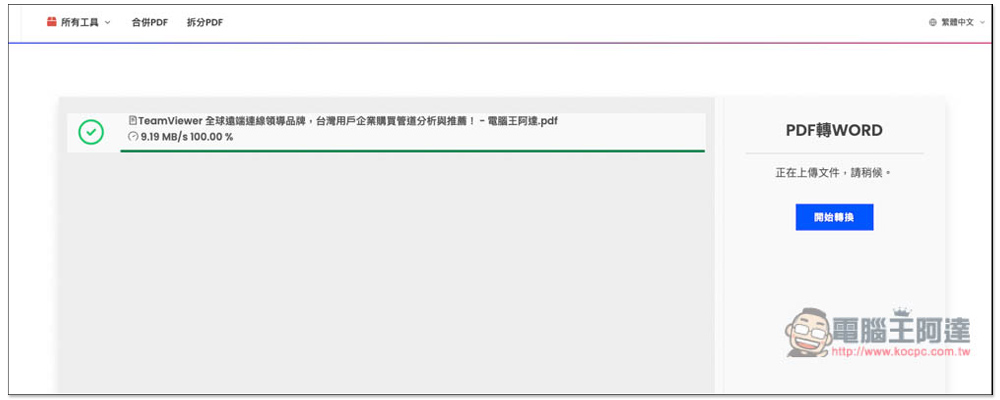
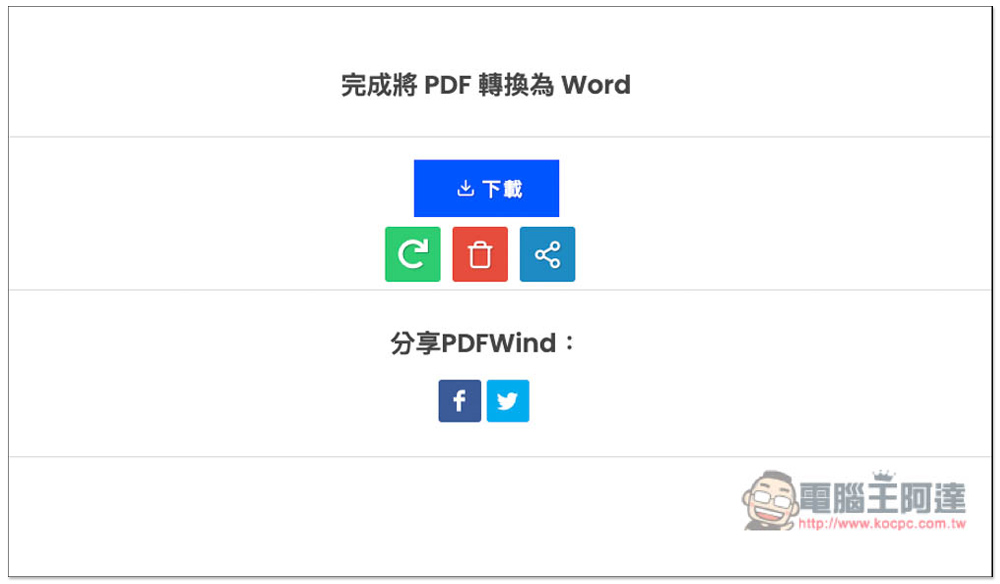
The conversion speed is very fast and will be completed in a few seconds. Then a download button will appear. Click download to save it to your device:
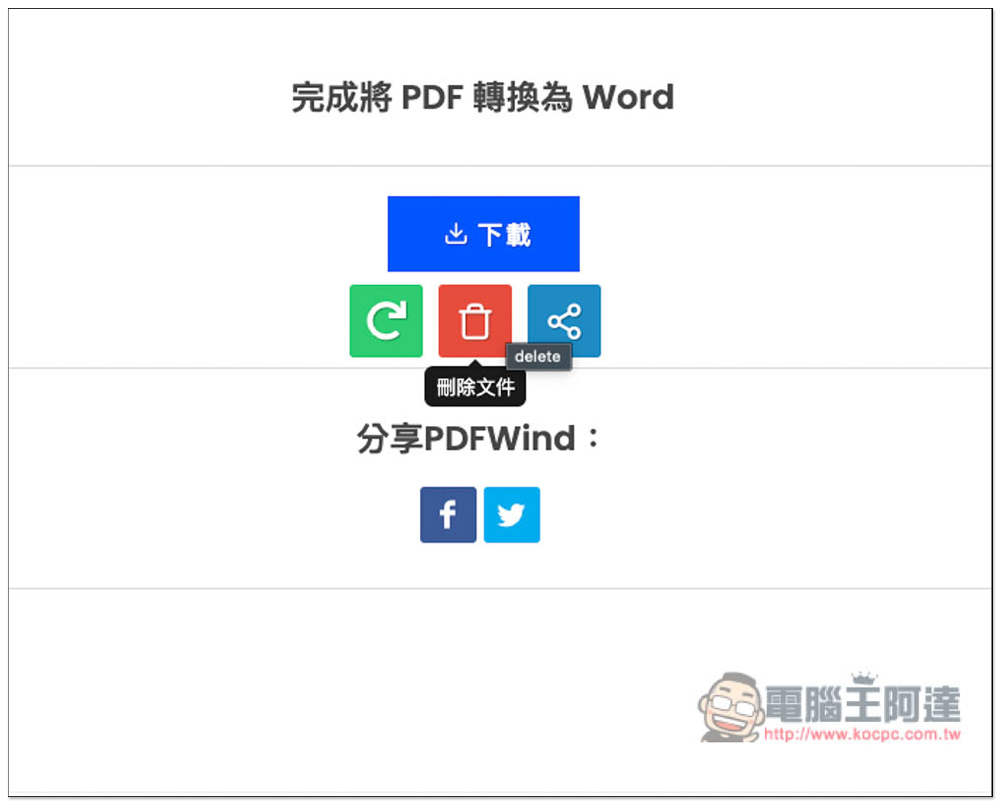
There is a “delete file” function in the trash can below, but nothing happens when I try to click it. It seems that this function is not provided. Therefore, the uploaded and converted files can only be deleted on the website side, and we cannot delete them manually:
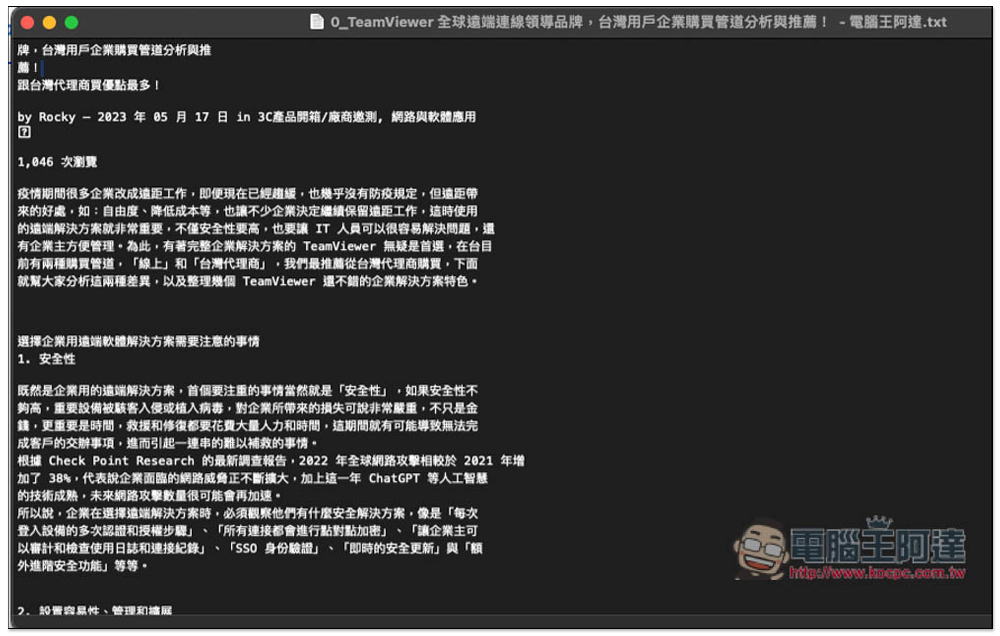
I also tested converting it into text, and it was no problem at all. The recognition ability of converting images into text is also quite good, with almost no errors:
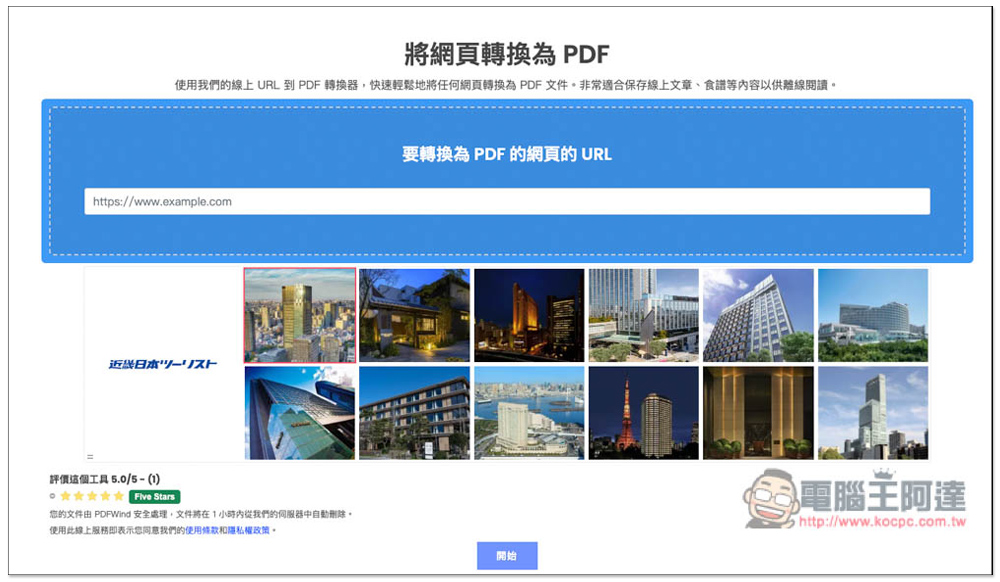
There is also a “convert webpage to PDF” function. If you are not very satisfied with the PDF files saved using the browser’s printing function, you can try this function:
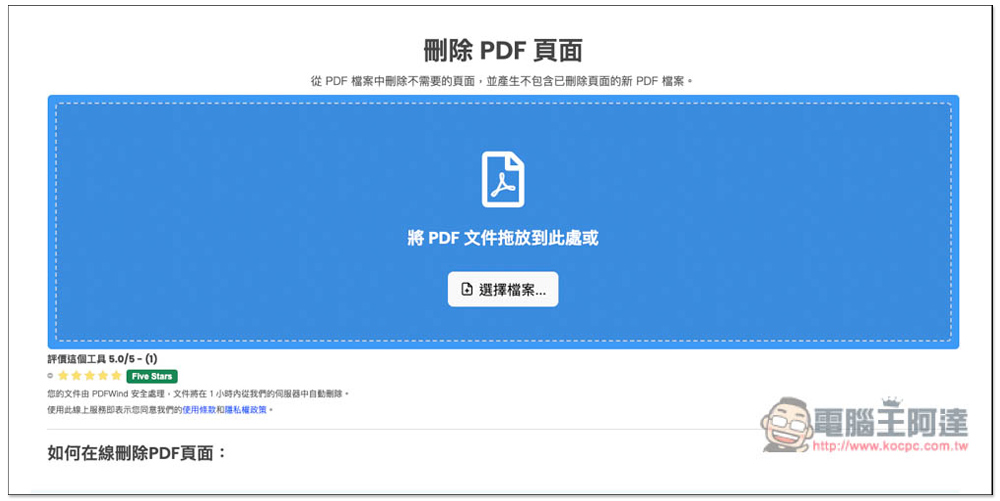
The operation methods of editing tools will be different. Taking “Delete PDF Page” as an example, drag the file in first:
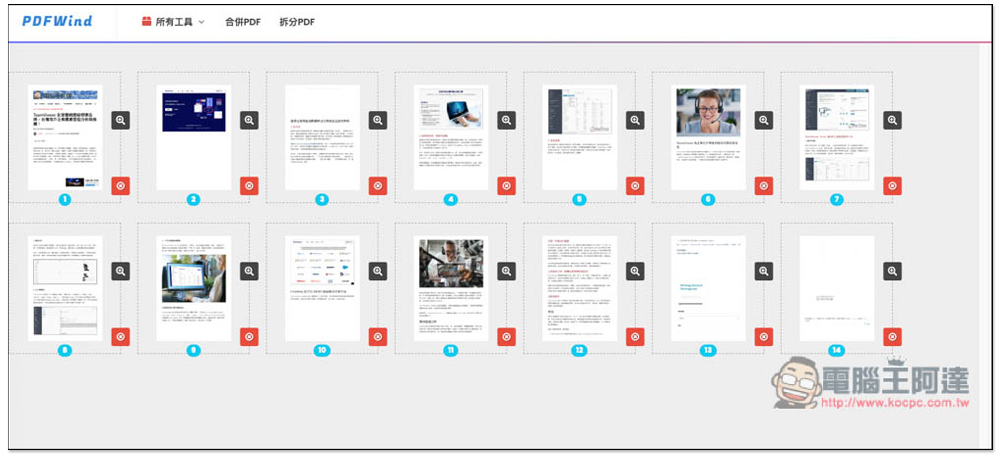
After the upload is completed, you will go directly to the editing page. I deleted the last two useless PDF pages. Click the red icon to delete them:
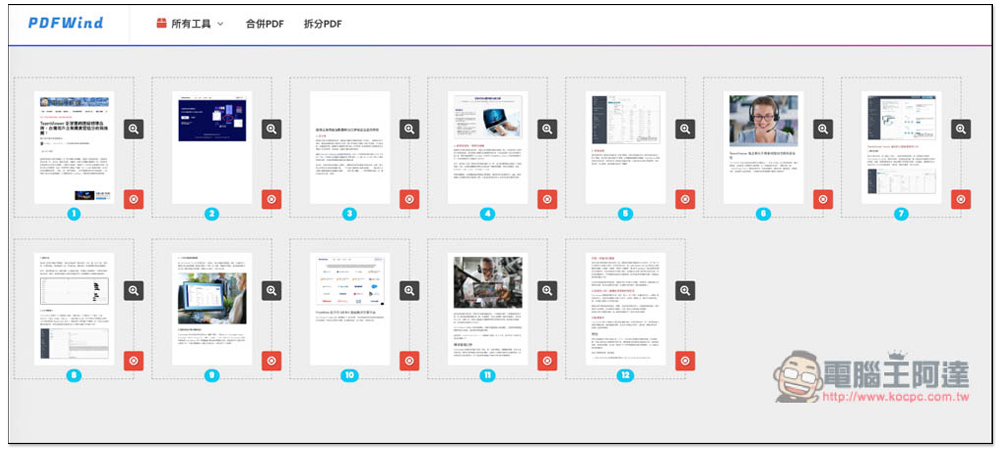
After deleting, click Start on the right and it will be processed. Then the downloaded PDF file will not have the pages I deleted:
This one-stop PDF solution was only launched in 2022. Some pages on the website seem to have not been produced yet, but as a PDF tool, it is quite easy to use.
Source: KOCPC Chinese