


As AI artificial intelligence becomes more and more powerful, the effect of online free back removal tools can be said to be getting better and better. This Pixian.AI is a highly recommended tool for back removal recently discovered. Not only is it free, no registration is required, and the removal speed is fast, but its effect is also very good. I tested three photos of different difficulties. Even in places with complex backgrounds, it can provide satisfactory back removal results. What’s even better is that if the character is holding something, it will also retain the item, which is very good.
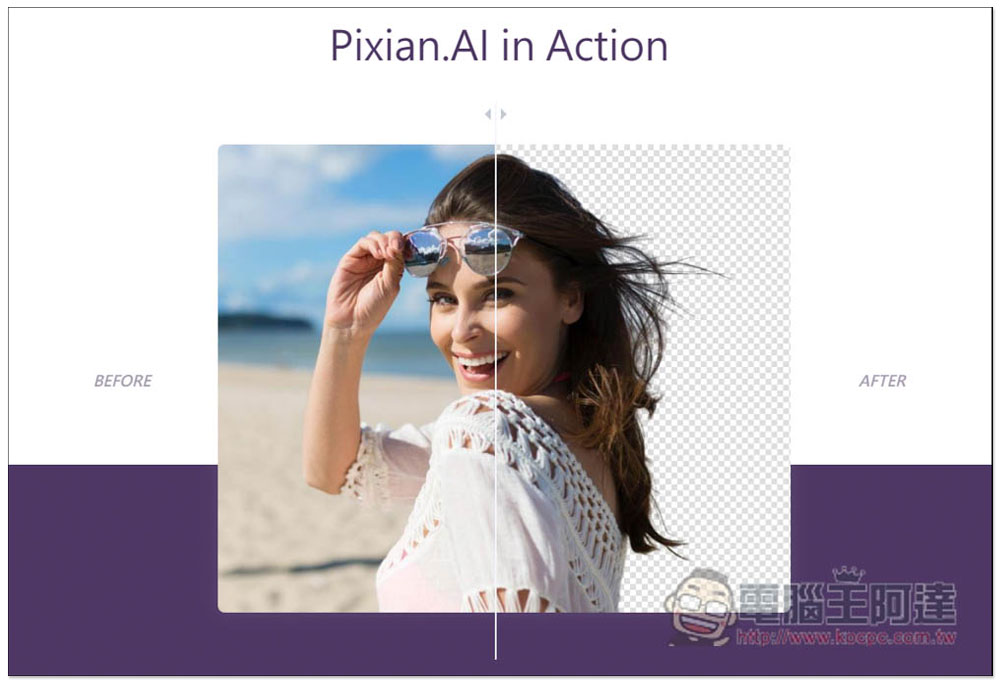
Pixian.AI uses AI to get the best one-click image memorization. It’s free and can be used without registration.
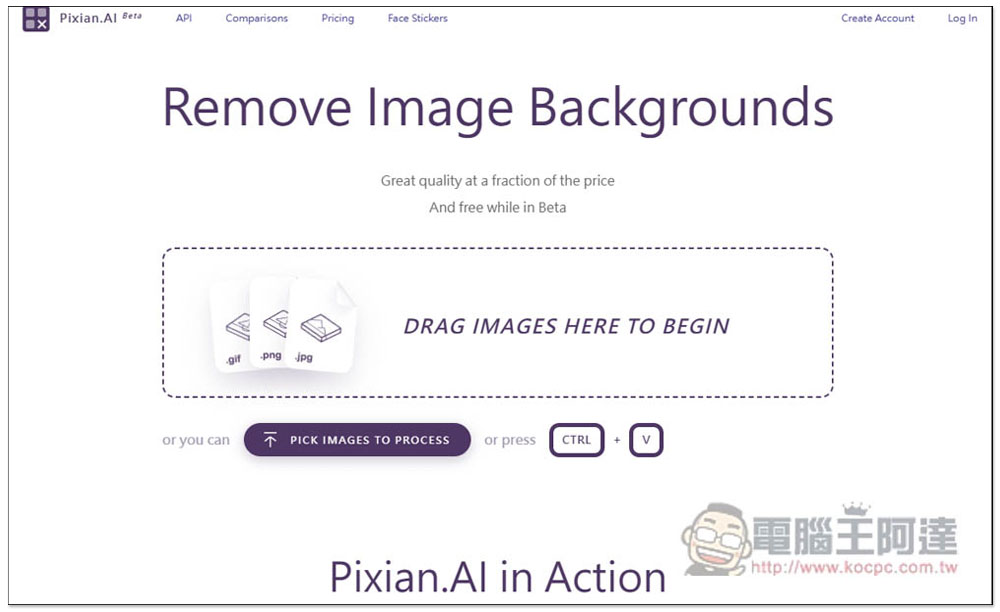
Although the tool Pixian.AI is still in the beta stage, with the power of AI, it can now provide excellent back removal effects. The method of use is very simple. After entering the website, drag in the photos and images you want to memorize, or click DRAG IMAGES HERE TO BEGIN to select manually. It supports a variety of formats. In addition to the common .png and .jpg, .gif, .tiff, .jfif, .bmp, etc. are also supported. This is a plus. Most memorization tools only support PNG and JPG:
First, I tested this one with a simple background. Most of the back removal tools can provide very good results:
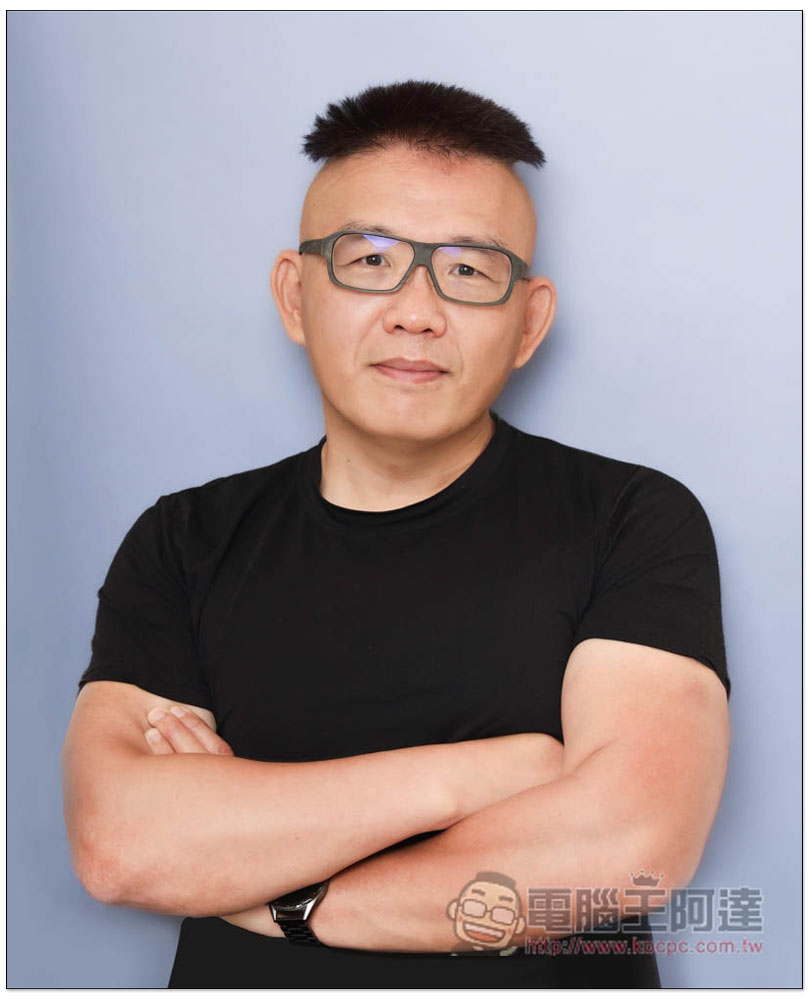
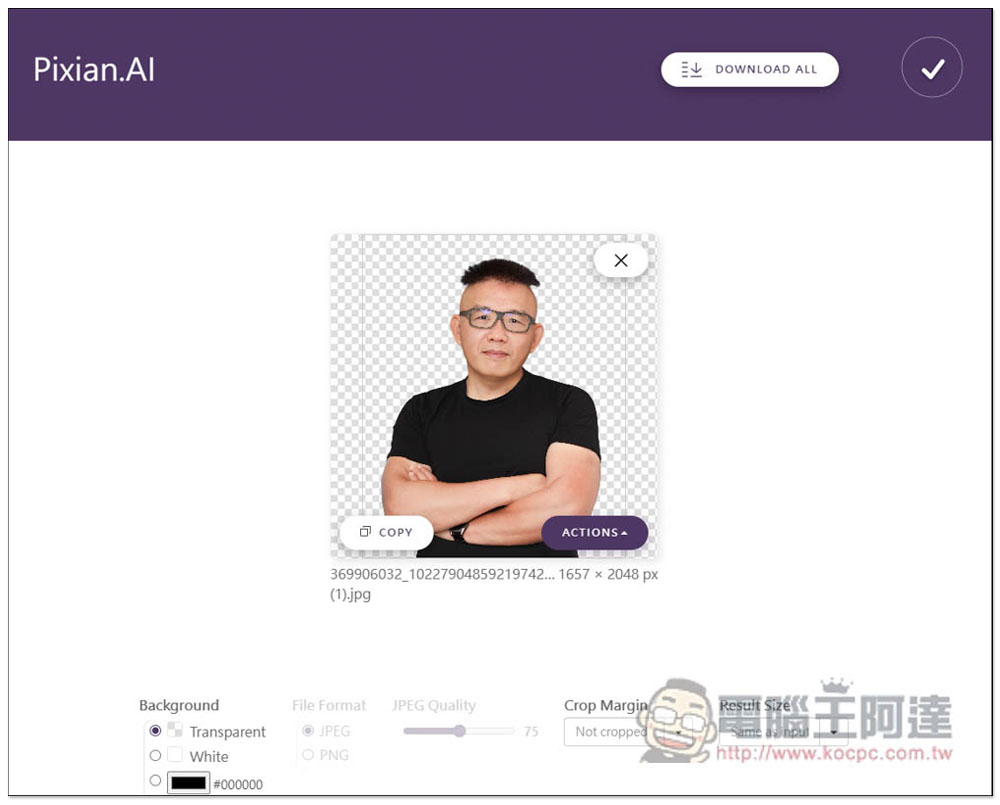
As expected, Pixian.AI is not a problem. The effect of removing the back is very good, even on the hair:
Let me test another one. The difficulty of this one is that there are things in the hands. Some back removal tools will remove things from the hands, causing the photos behind the removal to look strange, or there may be things retained, but there are many flaws on the edges:
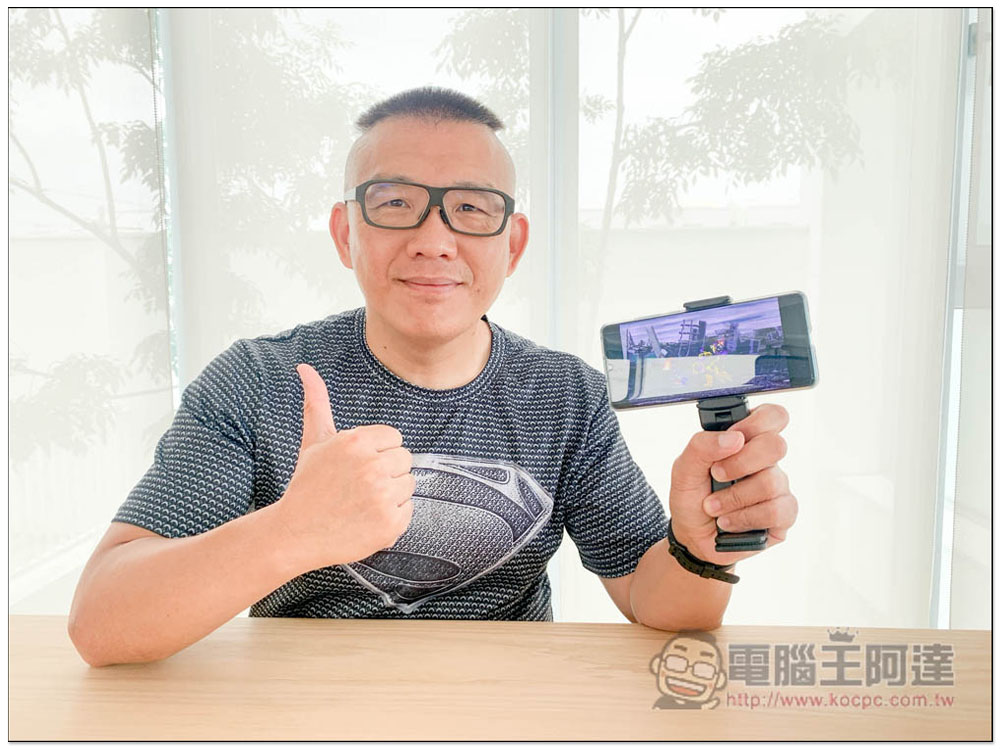
It has no trouble with AI, and the mobile phone in hand is completely preserved:
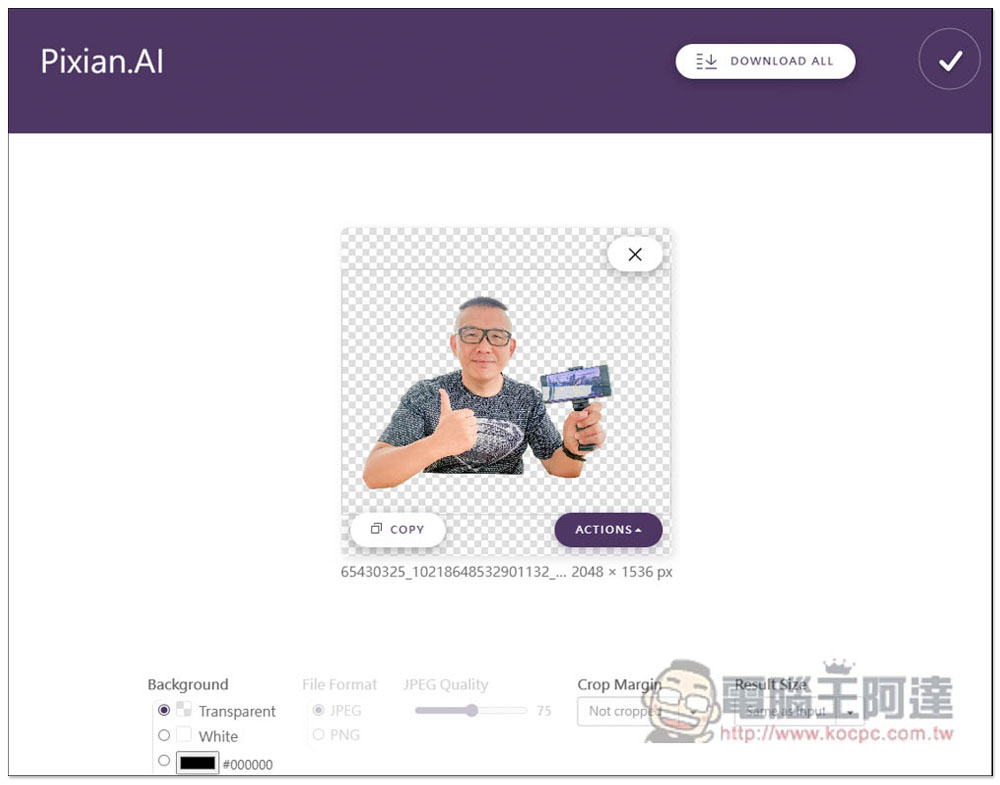
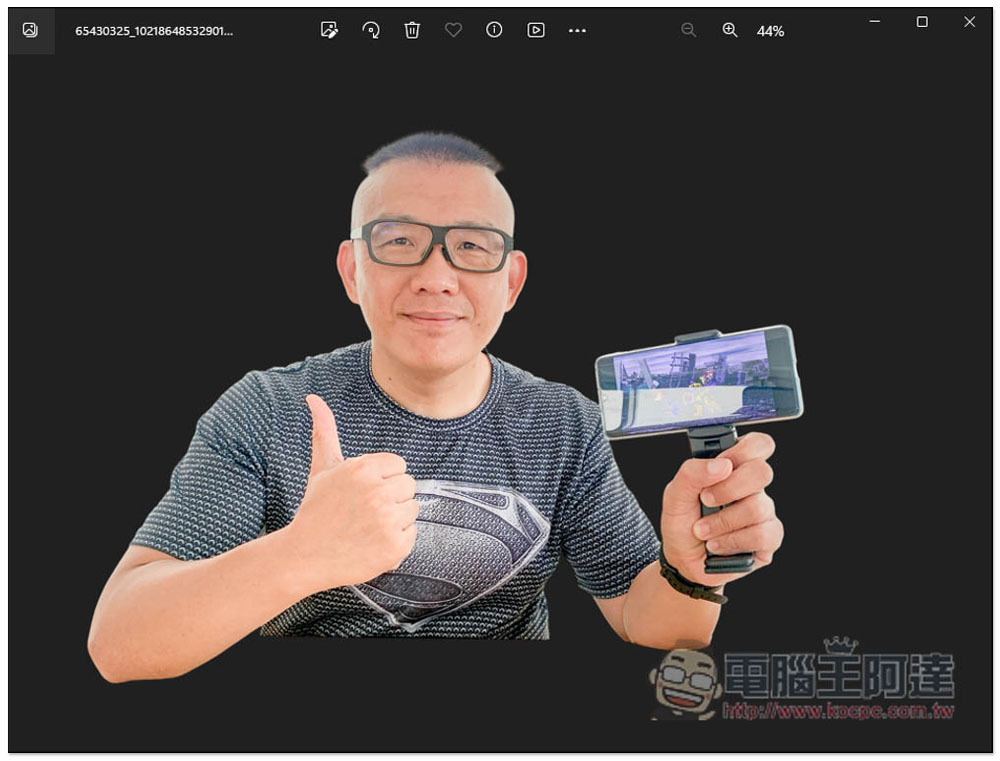
If you remove the photo behind it, the effect is really great. You don’t need to modify anything at all. You can apply it directly on top of other pictures. In addition, the de-backed images after downloading with this tool are all high-resolution:
Finally, I tested this one with a complex background, which is very difficult. Generally, the effect of memorizing tools is very poor:
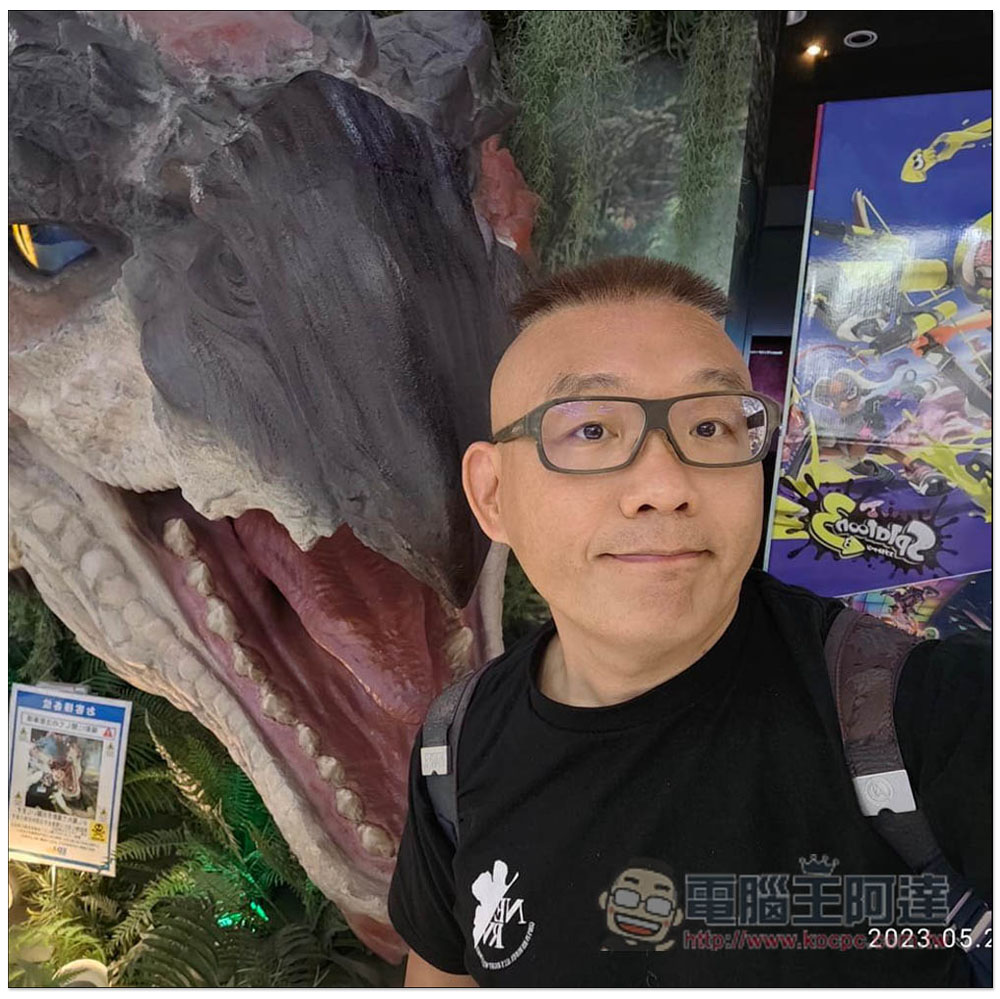
I was really surprised by Pixian.AI’s memorization results. It was almost perfect, except for a small area on the right side of the face that was not memorized. It only needs to be fine-tuned through other editing software. Everything else is fine:
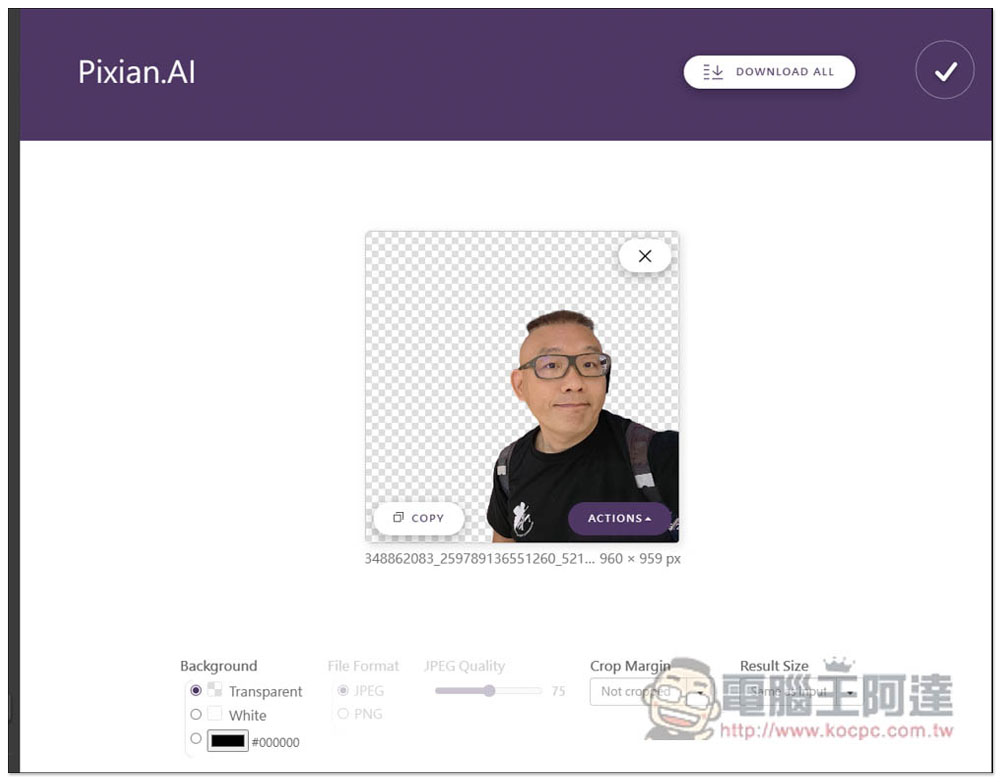
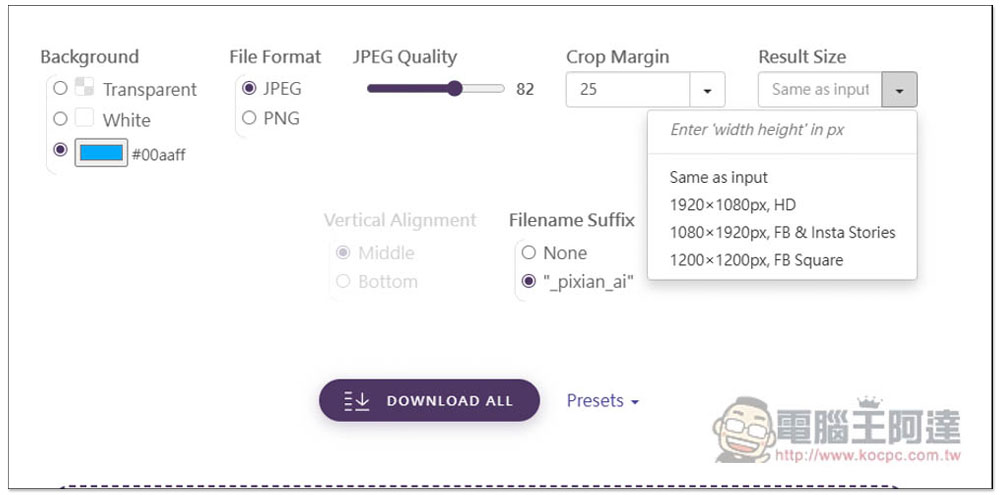
In addition to a transparent background, it also provides a solid color for the background:
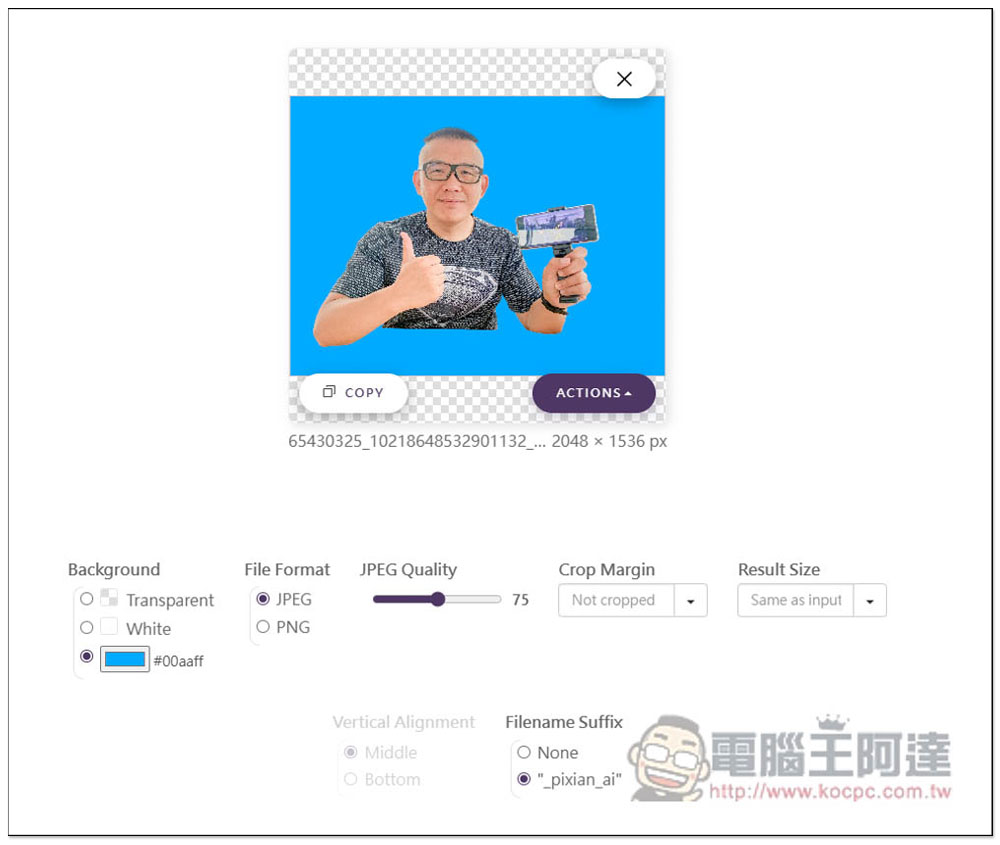
The Crop Margin below can also adjust the main position:
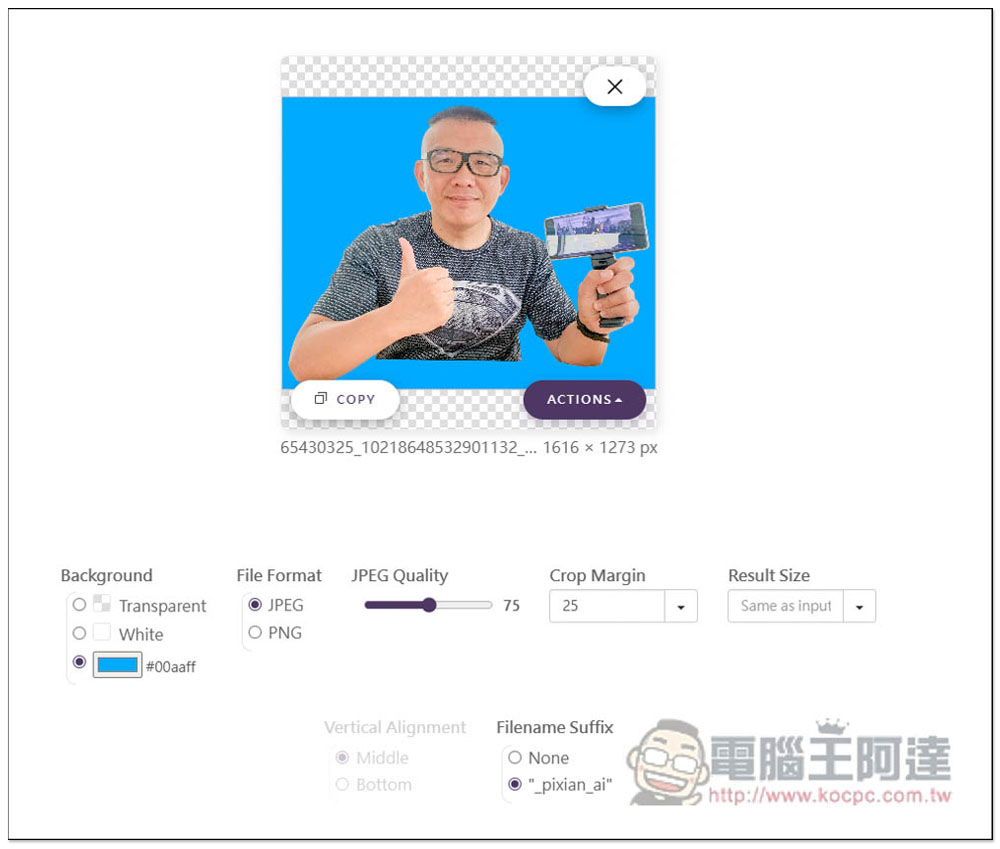
There are many options, such as: Crop to foreground + 5% / 25%, top-bottom left-right -> 5% 25px and top right bottom left -> 5% 10px 15px 20%, allowing you to adjust the desired position directly here:
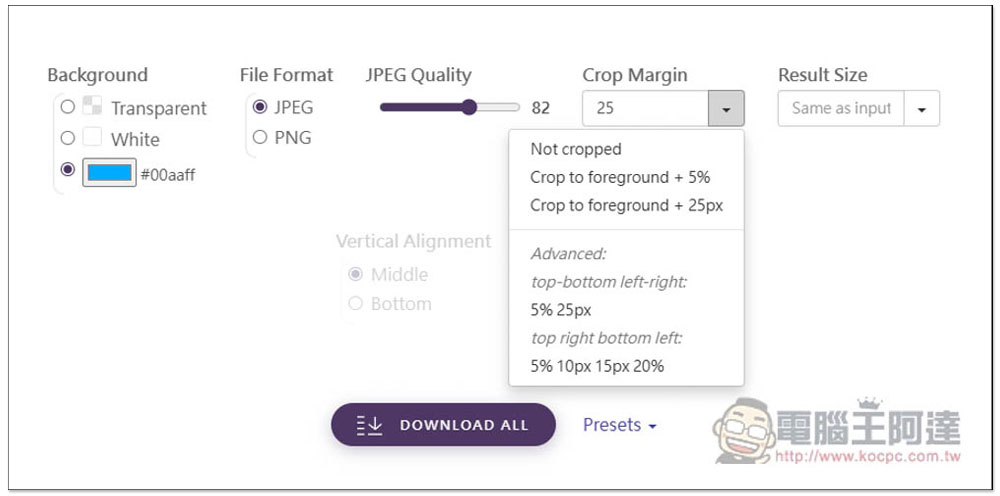
Result Size allows you to set the output resolution size. If you have special needs, such as the size suitable for FB and instagram Stories:
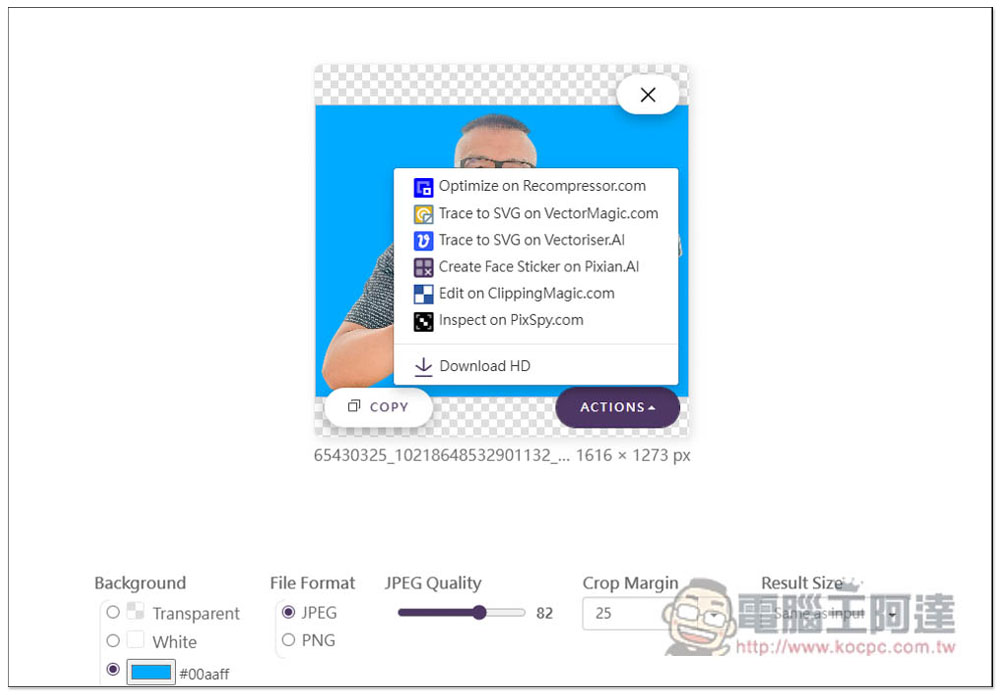
Click on the image to download it. Open the ACTIONS menu and there are more action options, such as: jump to Recompressor.com to optimize, use VectorMagic or Vectoriser.AI and other tools to adjust:
Source: KOCPC Chinese