


With the popularity of generative AI models such as Midjourney and Stable Diffusion, now everyone only needs to enter the keywords of drawing, and AI can generate drawings that match your keywords for you. Even if you don’t know how to draw, it doesn’t matter. With AI, everything can be done!
If you want to learn computer drawing by yourself, you may have to learn Krita, Photoshop, Clip studio paint, etc. These computer drawing software are commonly used by graphic creators. Some are free and some require a fee. It depends on your choice. If you are a novice in drawing, you may have to do a lot of homework on the Internet before using these electronic drawing software, or have a teacher teach you so that you can get started quickly.
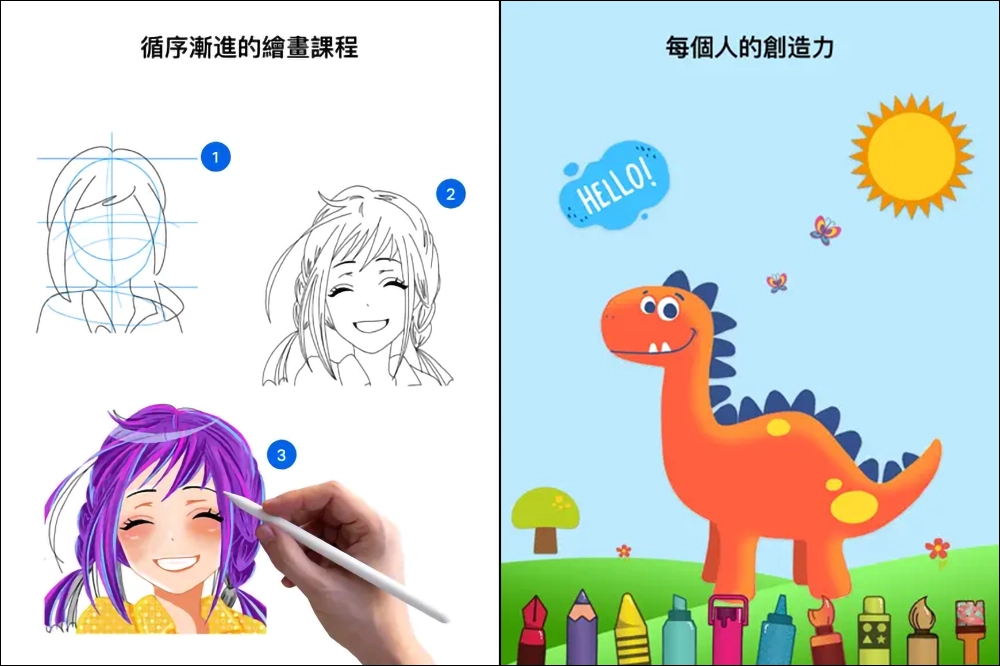
The iOS App we are going to introduce today, “Drawing DESK App”, allows you to draw directly on your iPhone or iPad. Basic drawing tools are provided on the App, and there are also a large number of drawing courses. Even if you don’t know how to draw, you can learn how to draw from the courses. It is easy to carry with mobile phones and tablets, and you can draw anytime and anywhere when you are out. Whether you want to play with children or practice by yourself, it is quite beneficial. The key point is that you can unlock paid functions for free by registering now, which is also a disguised limited exemption!
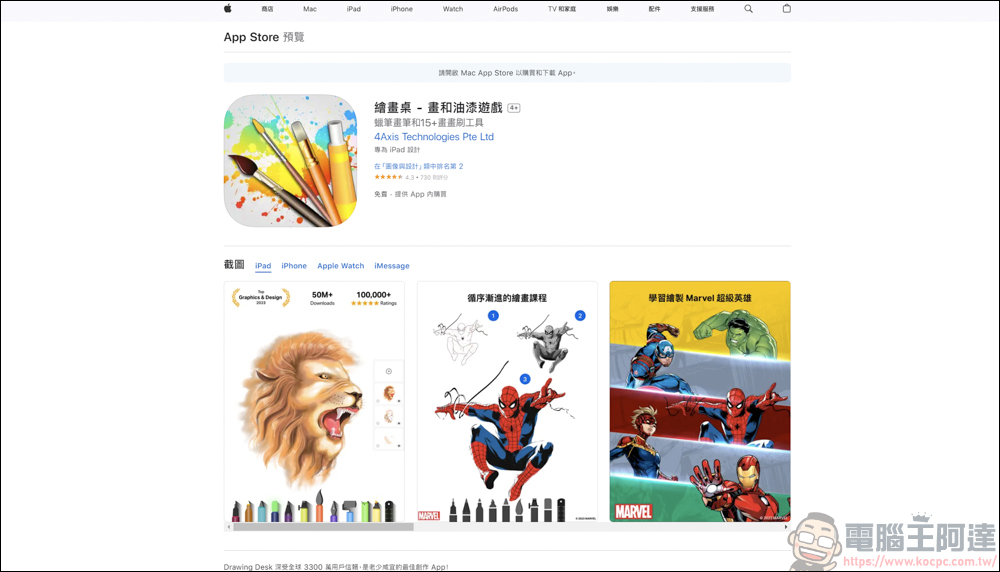
Drawing Table – Draw and Paint Game Introduction
Download URLplease click me, iPhone & iPad can be downloaded and played. After downloading, just follow the instructions and the App will provide the corresponding content:
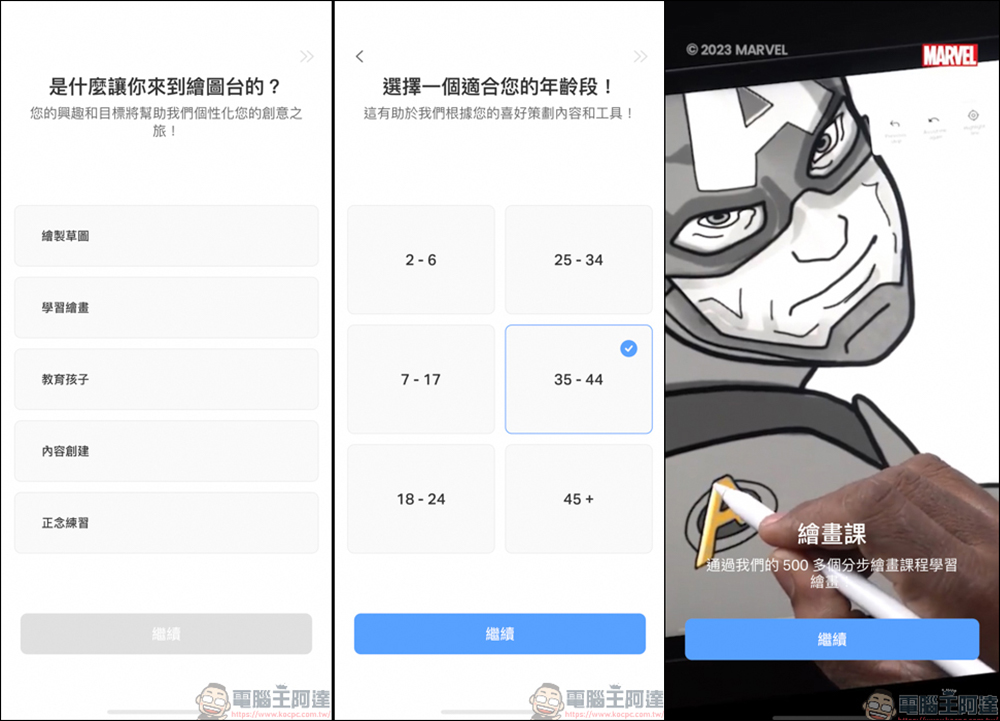
The app is now linked with Marvel (you must activate the paid function to use the Marvel gallery). If you are not interested in drawing Marvel characters, you can directly register with your Apple ID or other social accounts. Register now for free to access the functions and teaching courses in the drawing table:

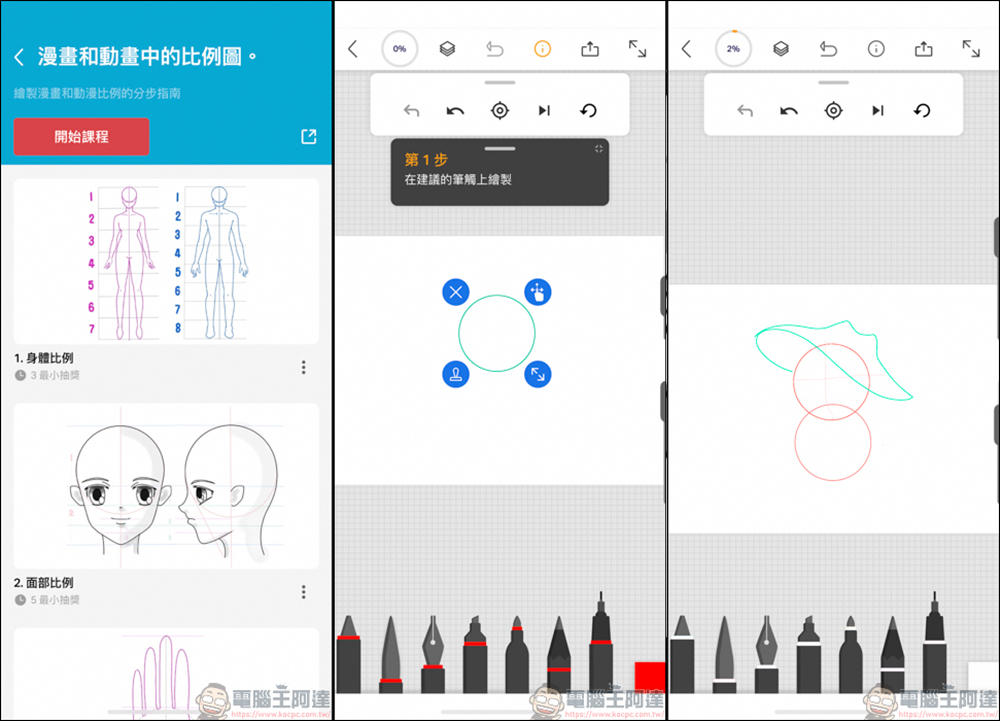
You can see many functions on the homepage. Beginners can click Learn to Draw to learn how to draw; or you can choose your favorite theme to draw, which is also possible:

I played around with the drawing tutorial function for a while, and it’s quite simple. The App will instruct you on how to do it. If you follow the instructions, you will know roughly what to draw. However, it is recommended to use an iPad with a drawing pen to play the game more accurately. I used my fingers to draw on the iPhone, and it easily floated around XD:
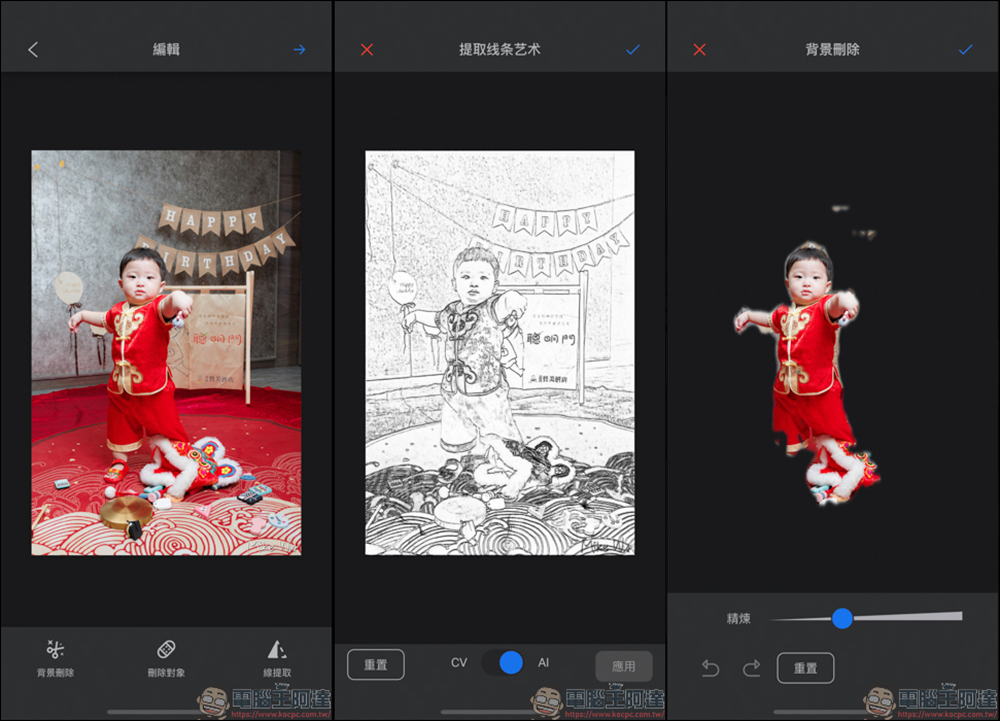
It would be too unpopular not to use AI these days. Drawing Desk also provides several AI functions that can be used, such as converting photos into line art, or photo de-backing function, but photo de-backing… just treat it as if it is there. The background should not be so cluttered and it should still be effective:
Then there is also the AI automatic coloring function. This function is not suitable for use on photos. It is more suitable for full-line drawings that you draw yourself, and the effect will be better. This photo is just for demonstration:
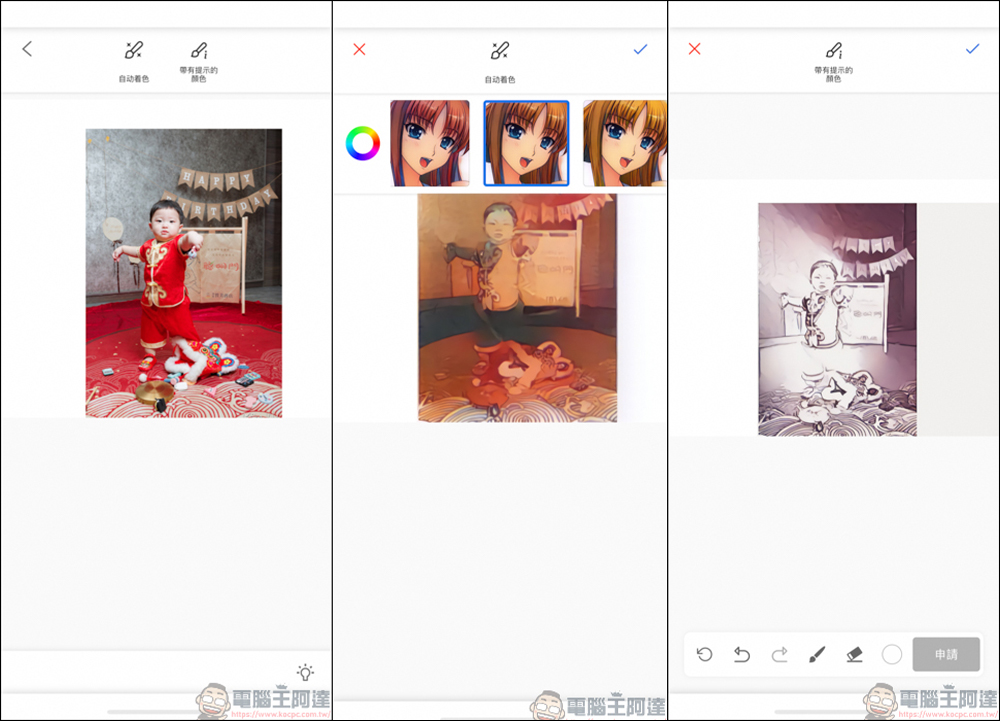
The example provided by the app looks like this XD

This drawing app, whether you want to practice drawing by yourself or for children, is highly recommended to download and play it since you can play it for free by registering now. However, in terms of use, a mobile phone is not as easy to use as a tablet + pen. After all, the accuracy is different. I hope everyone can become a master of electronic painting by playing with it!
Source: KOCPC Chinese