


The latest Notepad in Windows 11 has a new feature that will record your last working status, regardless of whether the Notepad is in the same folder location. For example: the Notepad last edited and closed is in the Downloads folder. If you open another Notepad from the desktop this time, the Notepad in the Downloads folder will also be opened. More importantly, if the previous notepads are not closed from the tab bar, all of them will be opened. This new feature is very annoying, especially if you repeatedly edit the same notepad, more than two will be opened in a row.
If you have been troubled by this for a long time, the good news is that you can turn off this function, and I will teach you how to do it below.
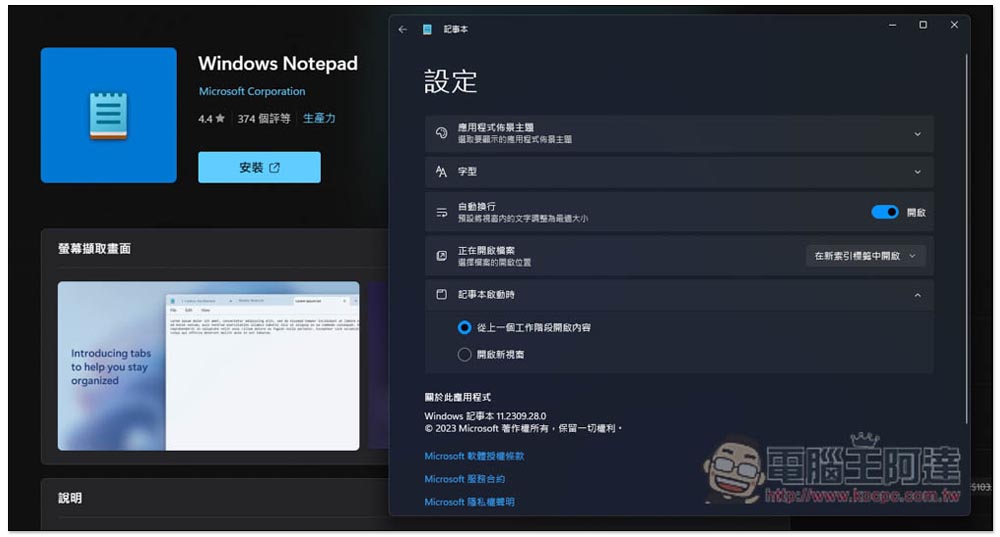
Does Windows 11 Notepad always open the last closed file? Teach you how to turn off this new feature
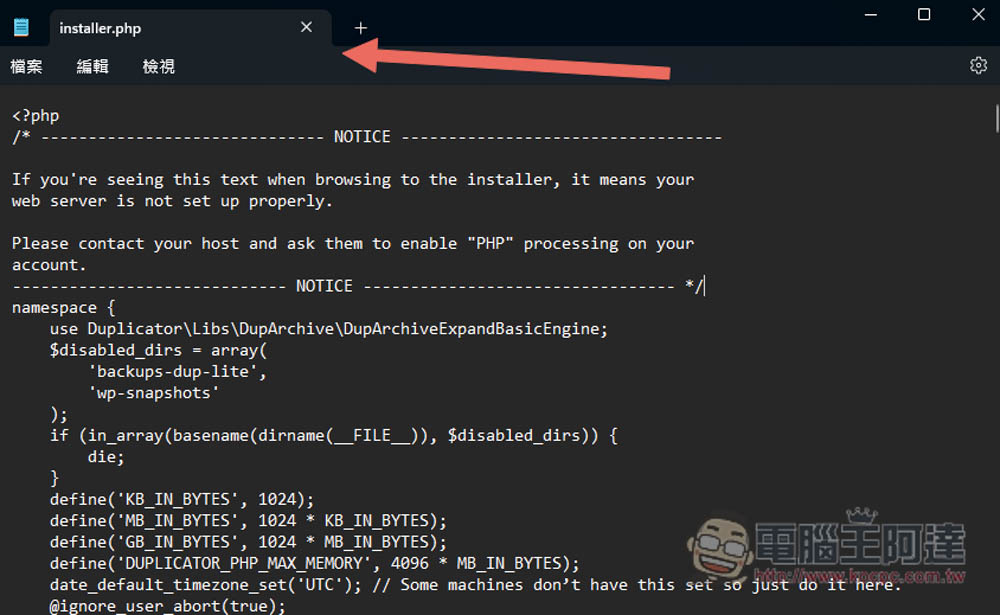
Below is a screenshot of me opening installer.php with two clicks. 1. Welcome!.srt and the new text file .txt were the last two I closed before. As a result, opening installer.php will also open it. Therefore, if you are not used to closing Notepad from the tab bar, it will extend indefinitely:
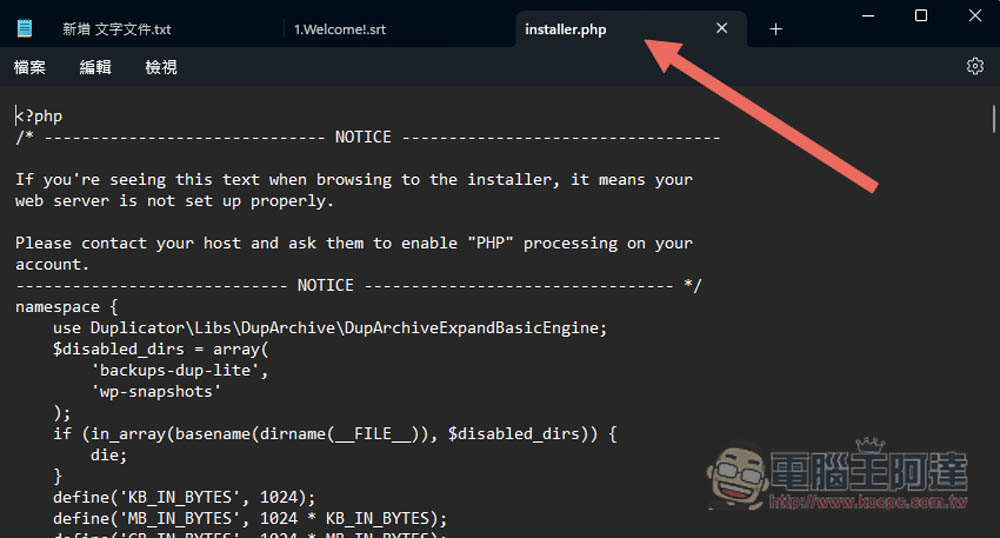
If you want to turn off this annoying new feature, the method is simple, open the gear icon in the upper right corner of Notepad:
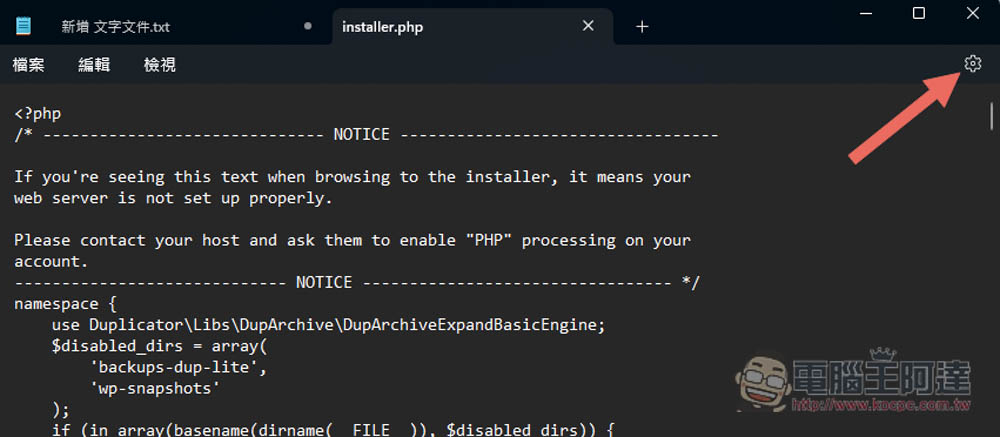
The settings menu of Notepad will open, expand the menu of “When Notepad starts” below, and change “Open content from the previous session” to “Open new window”:
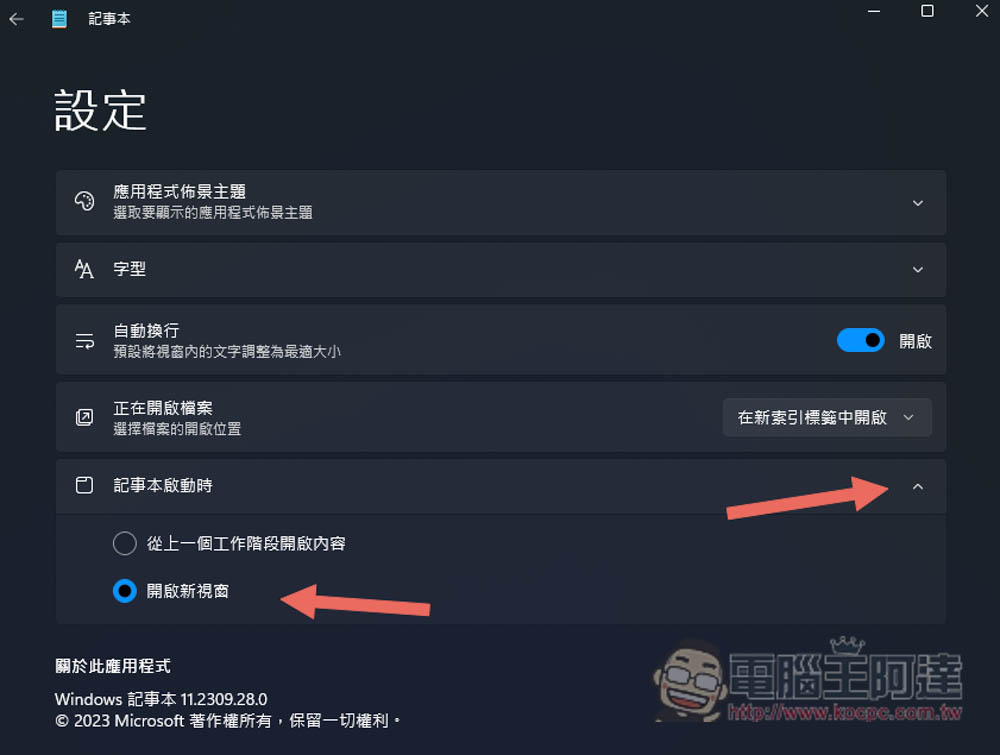
This is done. Any Notepad opened in the future will not retain the previous work session and become the same as using Notepad before:
Although Microsoft has good intentions in adding this new feature of Notepad (automatic storage of the previous work session), which allows us to quickly return to the previous working state, this design was wrong from the beginning, because since Notepad is called notes, it is to facilitate recording things, not like Word, where we often edit the last content, so opening the last work session is completely meaningless. I saw that a lot of users in the official Windows forum responded very annoyingly, and I guess it will be removed in the future.
However, Notepad, which has not been updated for a long time this year, has gradually added some new features, such as tabs, dark mode, etc. I still have to give Microsoft some encouragement. It is now better to use than before, and the appearance is more textured. I only hope that some functions that make it easier to record things can be added in the future, such as adjusting transparency, being able to zoom to the side, and supporting shortcut keys to quickly expand.
In addition, in the settings of Notepad, you can also adjust multiple setting options, such as:
- App theme (light, dark, use system settings)
- Font (font family, style, size)
- Automatic line wrapping
- Opening file (opens in new index tab, opens in new window)
If you want to automatically save the last working session when you restore Notepad in the future, just change it back to “Open content from the previous working session” when starting Notepad. Any modified settings of Notepad will be automatically saved, and there is no need to manually press Save.
More Windows 11 tutorial articles:
- How to change date and time on Windows 11?
- How to stream HDR videos on Windows 11?
- How to hide files on Windows 11?
Source: KOCPC Chinese