


Although there are many file sharing spaces on the Internet, new.space is probably the best one I have used so far. Not only does it have no ads, the visual design is very high-quality, and the operation method is the same as the cloud space, but the files can only be saved for 14 days. However, there seems to be no upper limit on the number of files in a space, and as long as there is a URL to this cloud space, anyone can share files and downloads. Of course, you can also share the file URL with others individually. It has point-to-point encryption technology and is very secure. I recommend it to everyone.
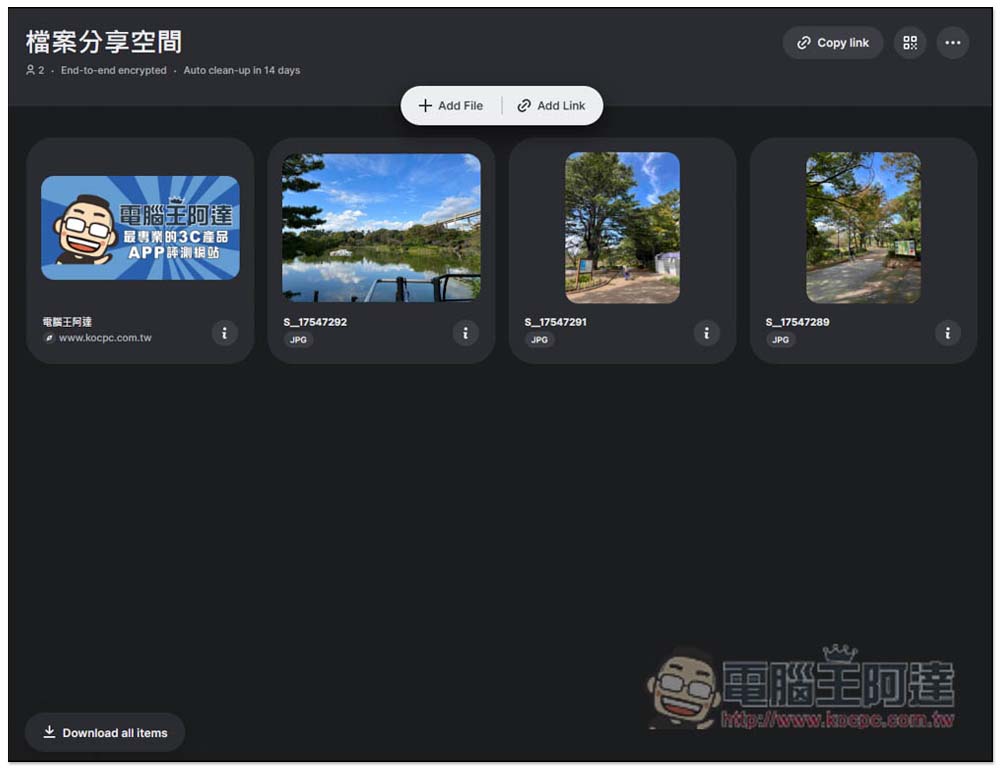
new.space is a shared cloud space where you can create files and URL links without registration. It will be saved for 14 days and has point-to-point encryption.
new.space is a newly launched cloud space service for file sharing. It is free of registration and allows anyone to easily share files. It is ad-free and has a high design quality. The usage is very simple. After entering the new.space website, click on the black window in the middle to create a new cloud sharing space:
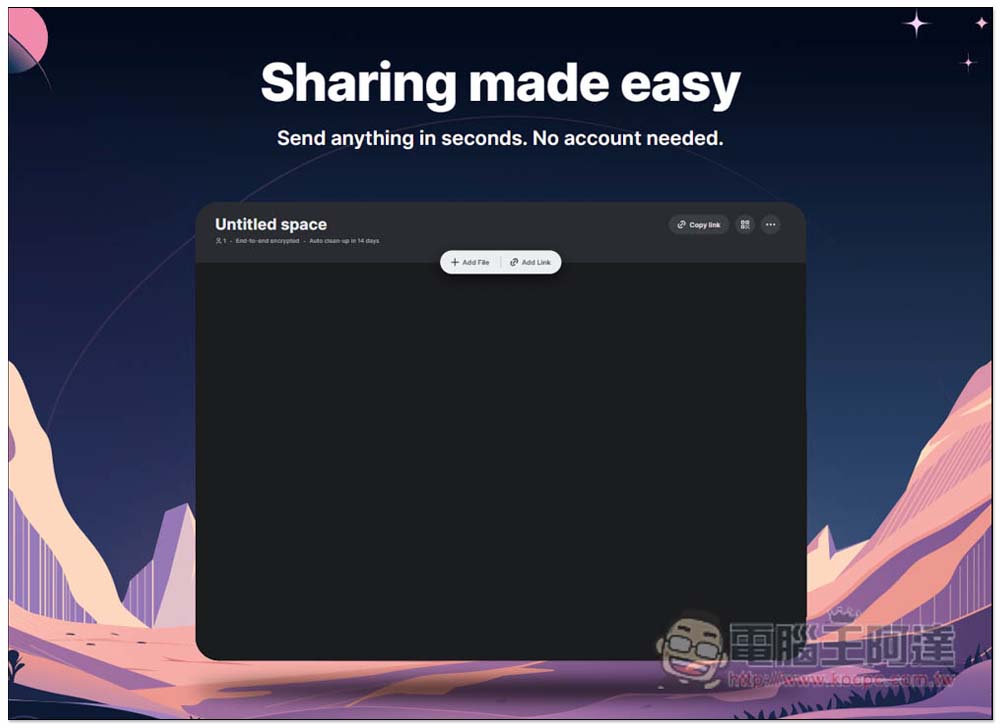
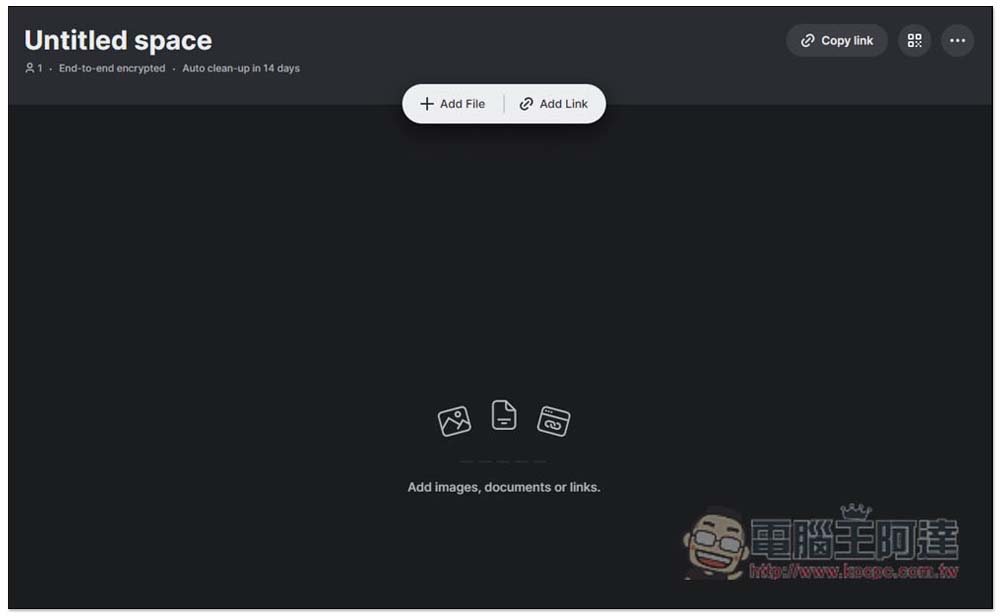
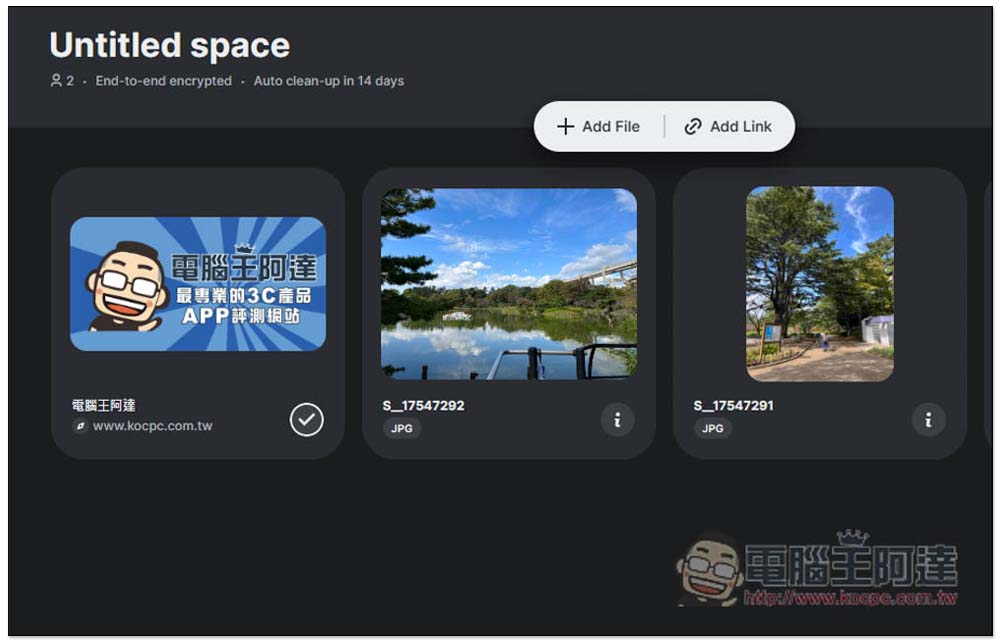
This screen will open, and then you can drag in the file you want to share, or click Add File to add:
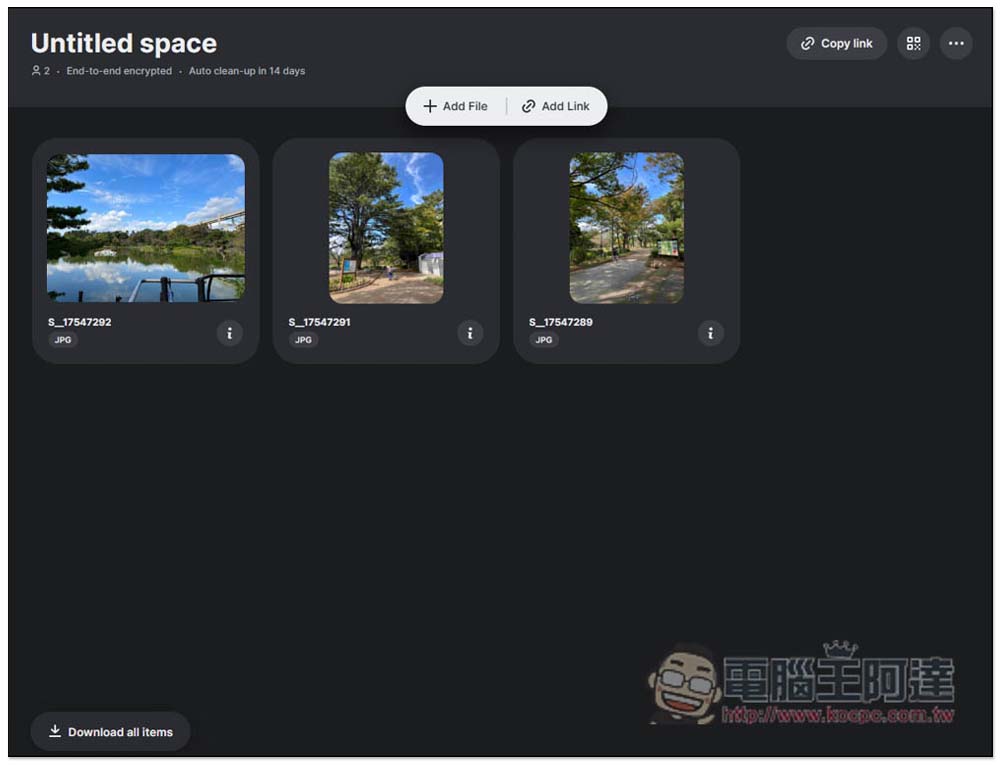
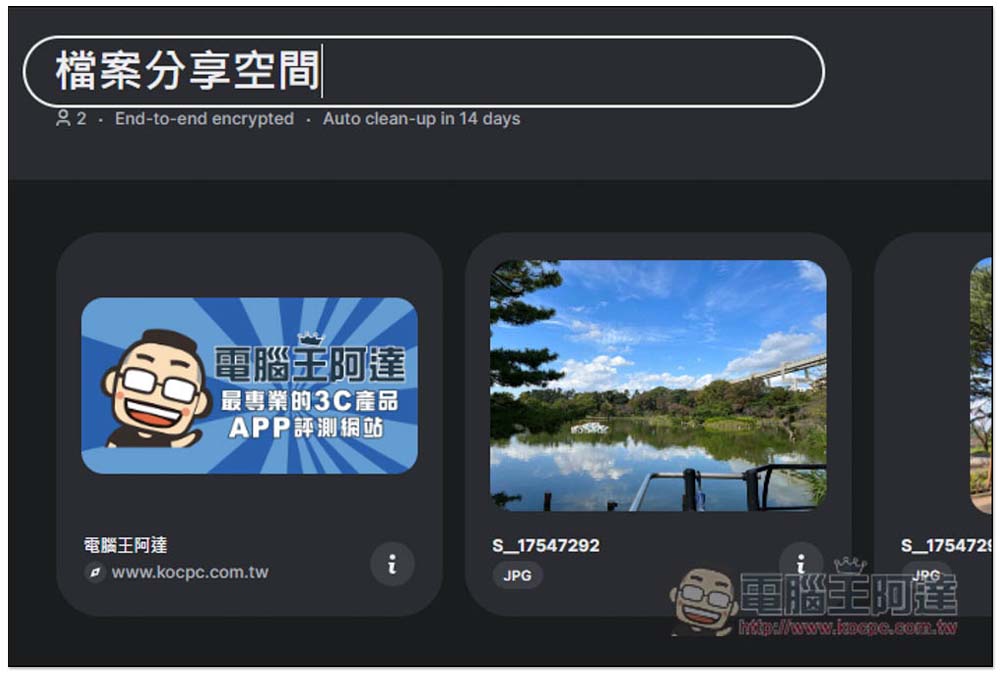
Each file will be displayed as a thumbnail, just like the cloud space, and the file extension will be marked below:
Add Link is for sharing web page URLs, so it is very suitable for work and can be easily shared remotely with other members. Of course, it is recommended not to use this tool if the content is too important. Although there is point-to-point encryption, it is still recommended to use other more secure sharing tools:
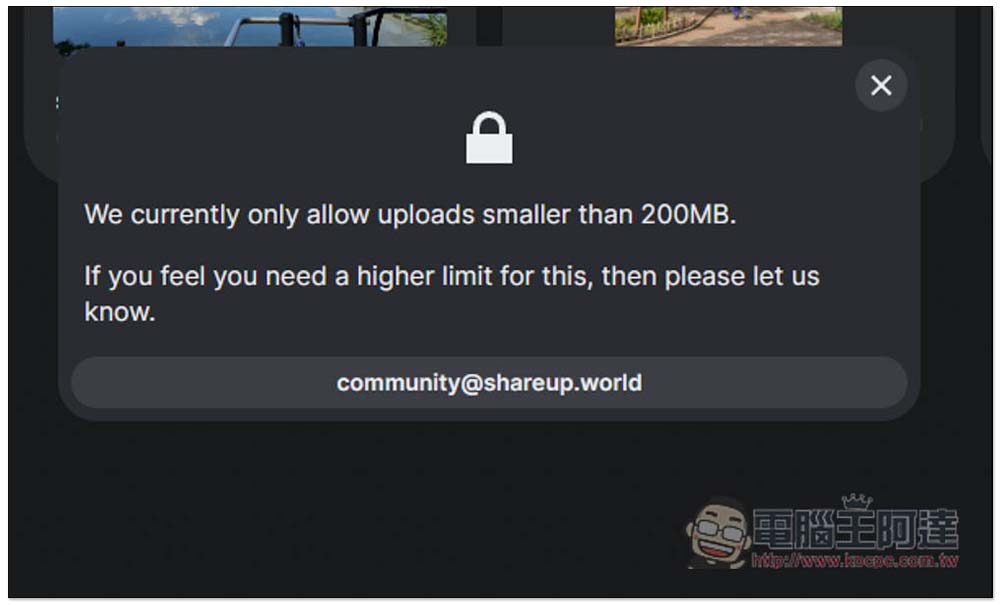
There seems to be no limit to the number of files, but there is a single file, which cannot exceed 200MB:
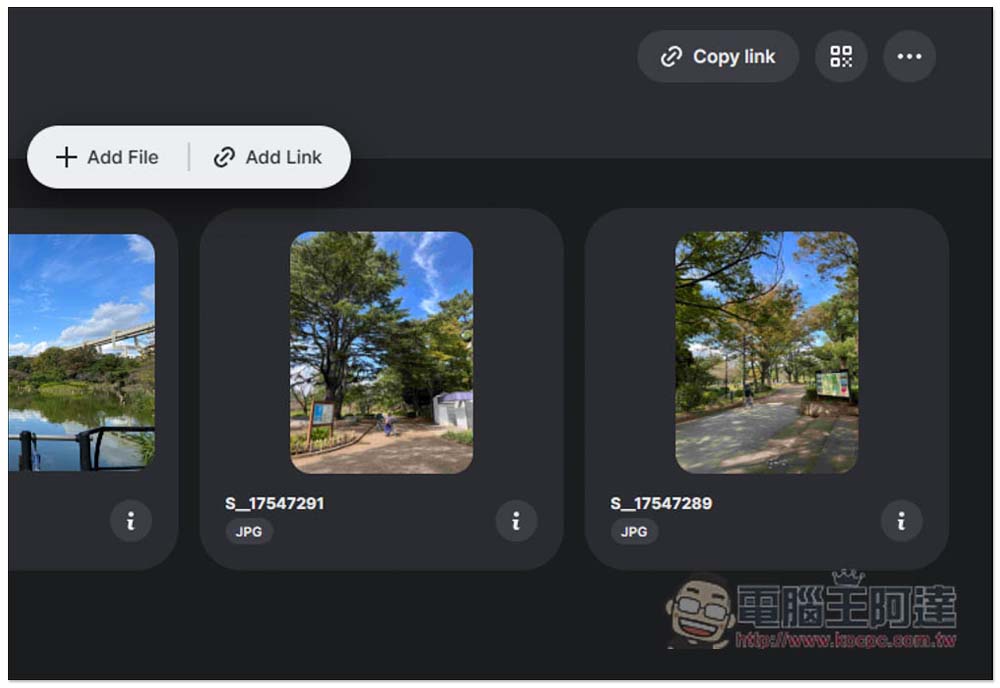
If you want to share this cloud space with others, click the Copy link in the upper right corner to copy the URL of the cloud space. Others will also enter this screen after clicking the URL. Everyone has the right to download, delete and upload all files. Remember this:
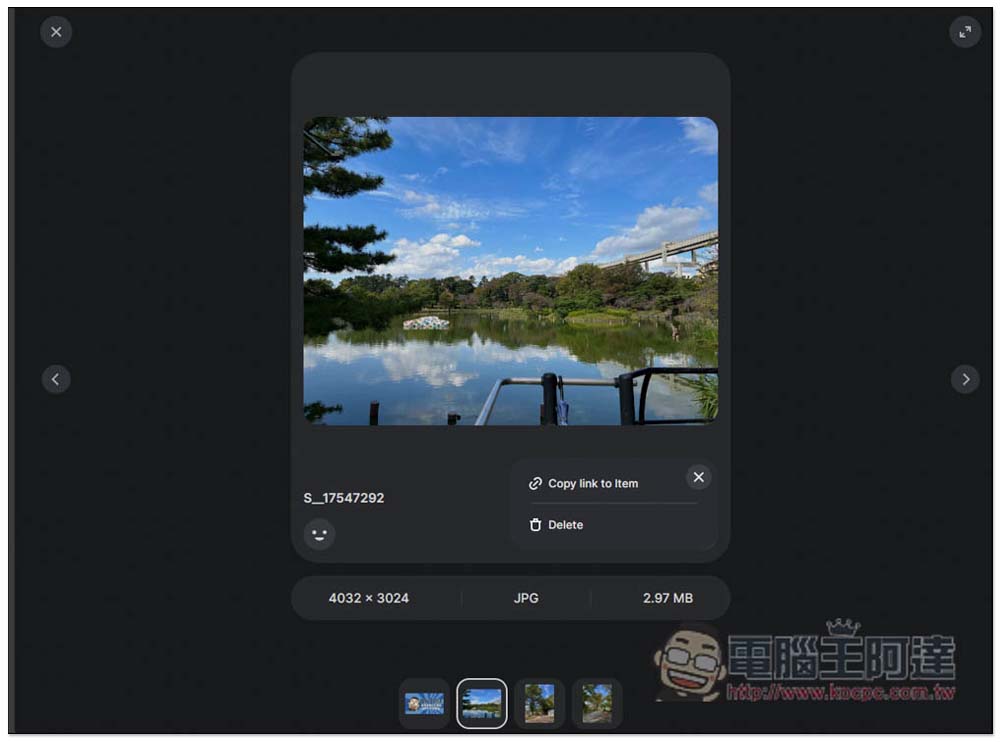
In addition, after opening the file, you can also find the Copy link to item function in the menu on the right. Although the sharing URL of the file is copied here, after others open it, they can also see other files and enter the main cloud space screen above, which means they also have the permission to upload, delete, and download this cloud space:
It also provides the function of creating QRCode sharing:
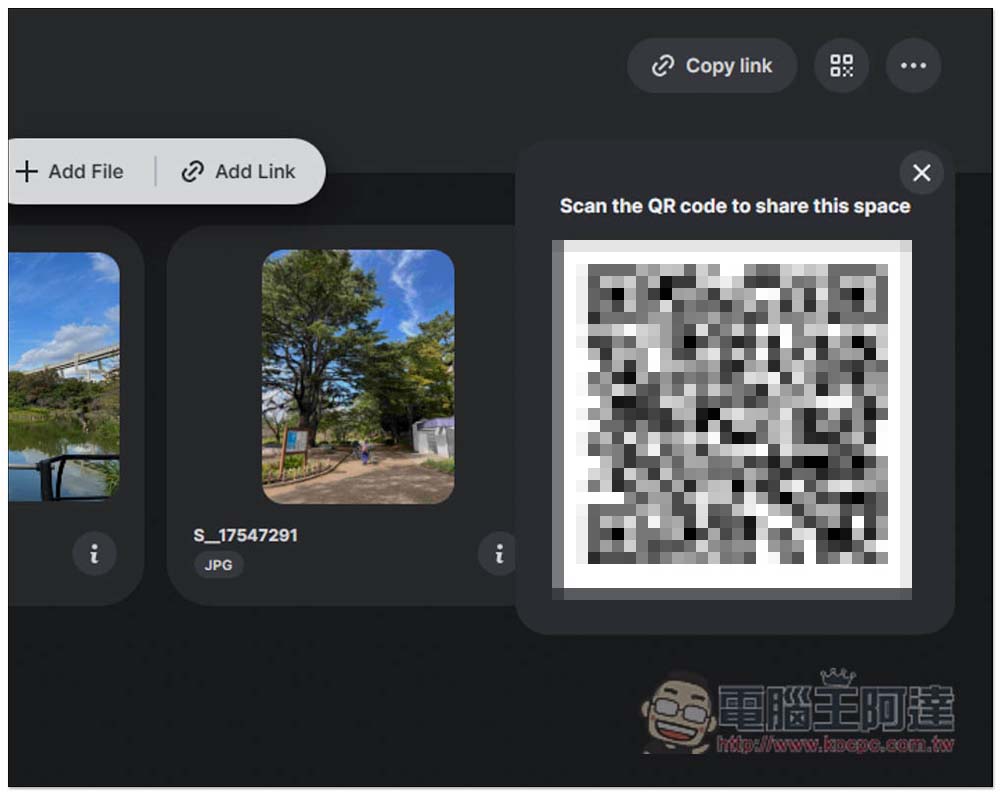
The name of each cloud space can be customized. This space will be automatically deleted after 14 days and cannot be extended:
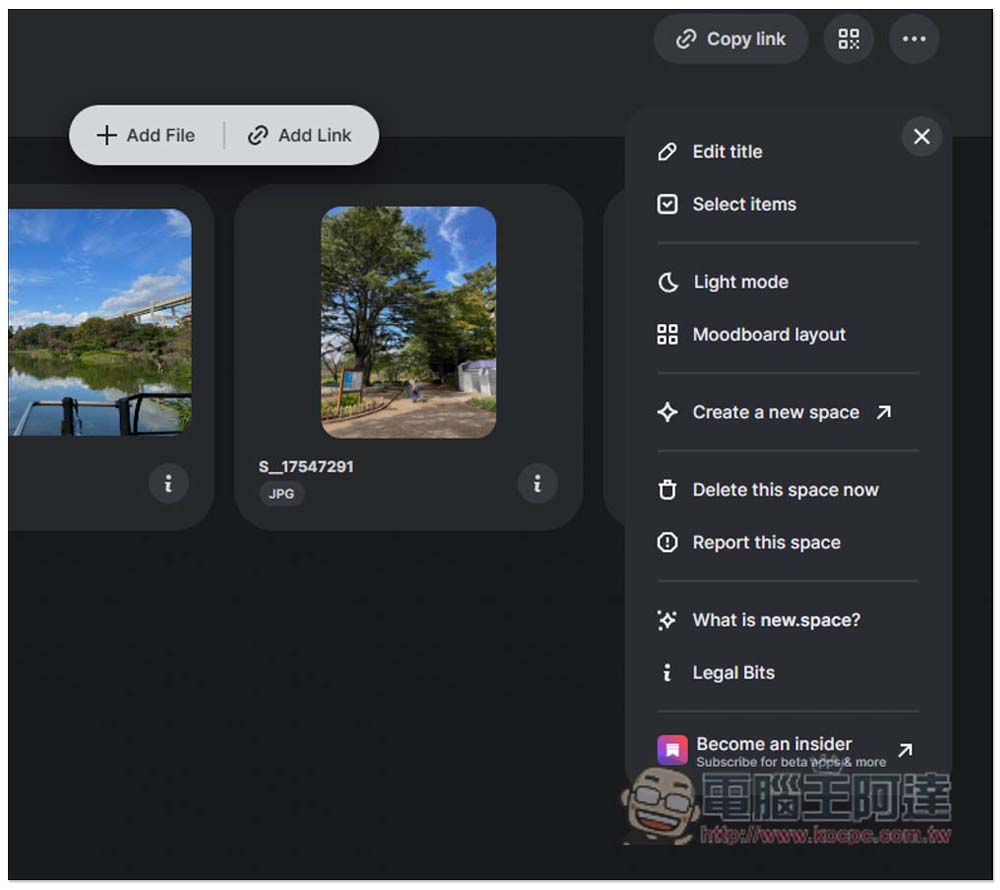
After the file is shared, you can also manually delete this cloud space. Open the menu in the upper right corner and find the “Delete this space now” function. Each file can also be deleted manually, which is quite good and has high flexibility:
One thing to note when using it is that since there is no need to register, the URL of the cloud space must be saved. If you accidentally close it without recording it, you cannot return to the previous cloud space. You can only create a new cloud space every time you open new.space.
Currently, there is a 200MB upper limit for a single file, but I guess a paid upgrade service will be launched in the future. People who find it useful can pay more attention to it, or write to them directly to request an upgrade.
Source: KOCPC Chinese