


Following the testing of the public beta version, Apple today officially launched the official version of watchOS 10.1 that enables the “two-finger double-tap gesture”! Continue reading watchOS 10.1 officially brings the “double-tap gesture” to Apple Watch users.
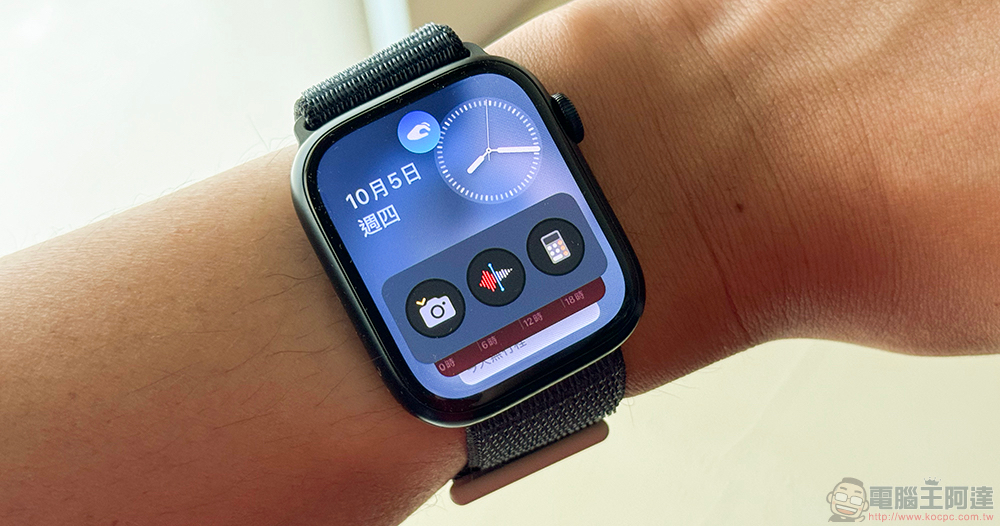
watchOS 10.1 officially brings the “double-tap gesture” to Apple Watch users
Supports watches equipped with S9 SiP, including the latest Apple Watch Series 9 and Apple Watch Ultra 2. At the awkward moment when you can’t free your other hand for touch, machine learning can be used to help you determine the two-finger double-click gesture that needs the most “action” at the moment. In our actual testing since the beginning of the month, we can already fully feel the convenience brought by this function. Now, it has been included in all supported watches through the official version update of watchOS 10.1.
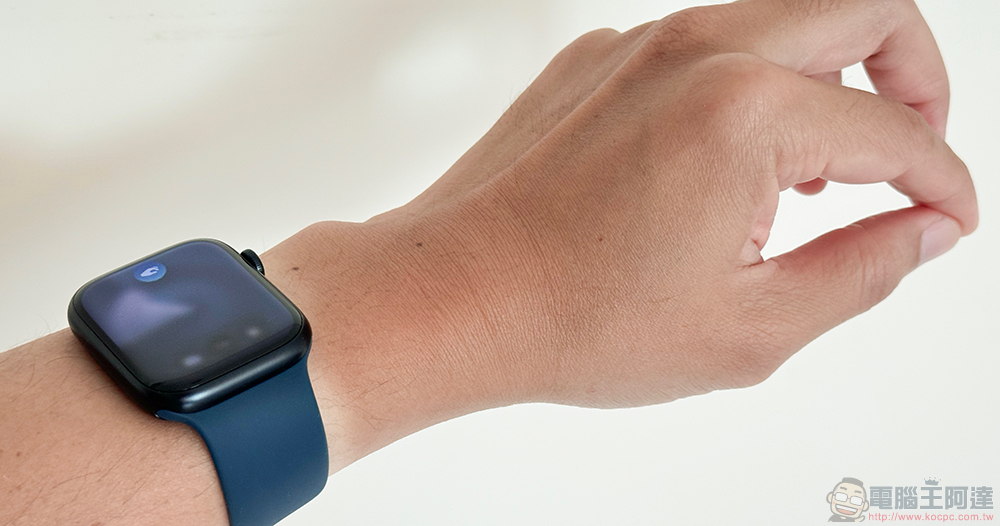
Double-click gestures can support the launch and scrolling of the new “smart stack” interface brought by watchOS 10. When watch notifications come, you can also use the same gesture to turn pages and perform click functions for the most important functions – the default is usually to “ignore” and sweep away the notification, and the communication software will most likely use “reply” to allow you to quickly reply to messages through voice; many original applications can also support this function. Apple’s official website has also compiled a number of actions that can be performed through the Double Tap gesture:
· Turn on Smart Stack on any surface and scroll through the widgets in the stack.
· Answer and hang up calls.
· Browse messages in notifications, and use two fingers to double-tap to scroll through longer notifications, as well as dictate replies and send messages.
· Pause, restart and stop timers.
· Stop and restart computer.
· Snooze your alarm.
· Play and pause music, podcasts, and audiobooks.
· In the “Compass” App, switch to the new “Altitude” display mode.
· In the “Camera” App, use the “Camera Remote” to control your iPhone to take photos.
· Start or stop automatic “physical training” reminders.
· Perform primary actions from notifications, such as replying to messaging apps and snoozing reminders, and is available for third-party apps.
I briefly reviewed these functions, except for the camera app remote shooting function that I personally find very convenient for taking selfies. I just discovered that when you want to catch up on some sleep, you can simply tap two fingers together to snooze the alarm clock. It is also a very considerate feature! Friends who own watches of S9 SiP or above can really study and make good use of this interesting function, and hope that third-party applications can also make in-depth use of these functions to provide more convenient and intuitive controls.
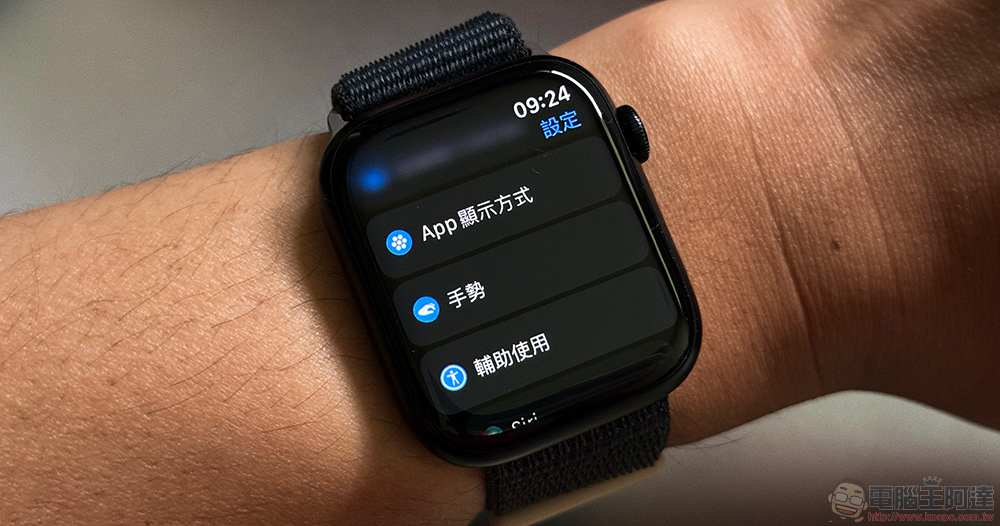
Friends who want to turn on this feature can find the new “gesture” icon in the system settings of Apple Watch. You can see the settings page of “double-click each other”. After enabling it, there will be more in-depth corresponding options.
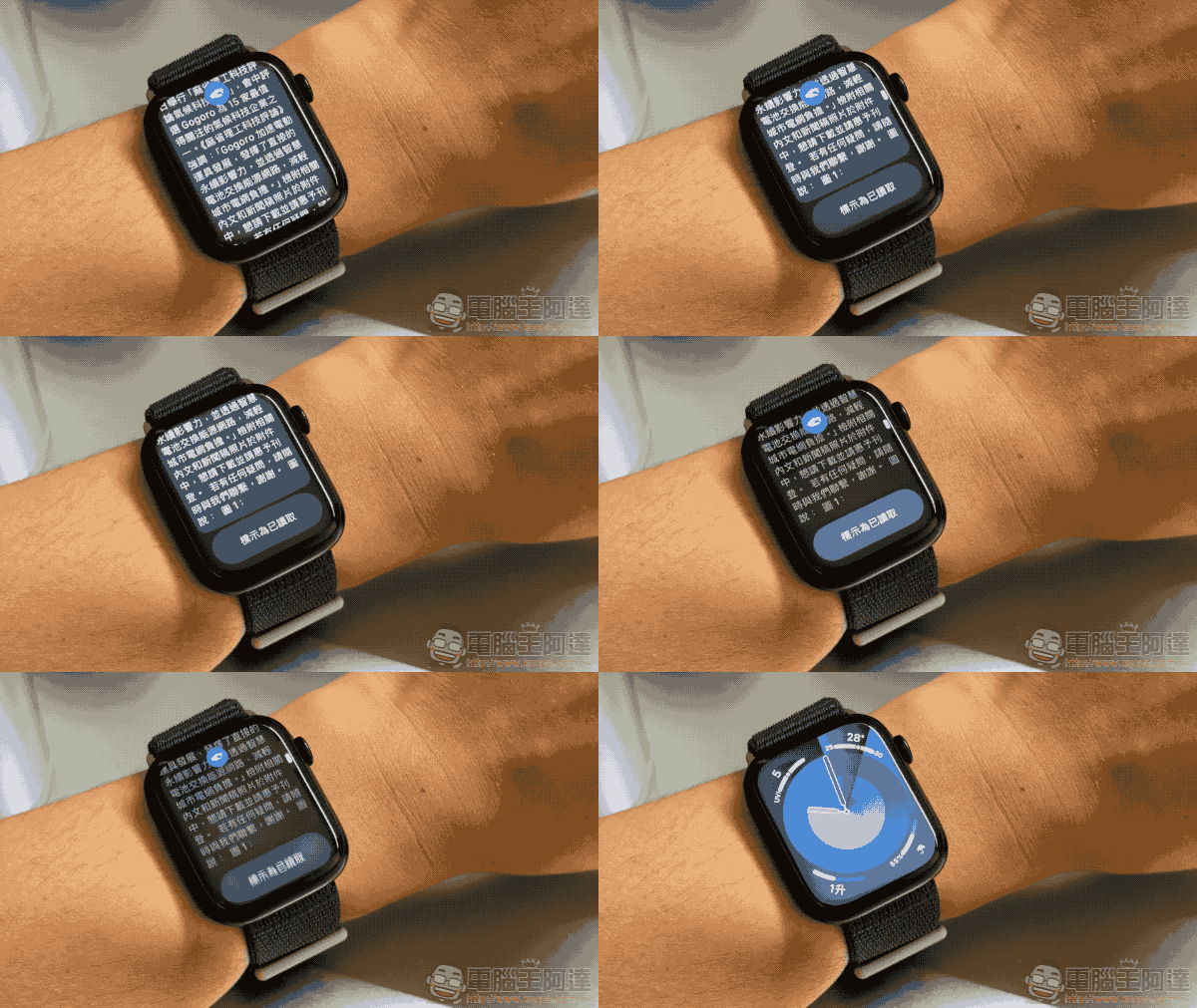
This time, some media also discovered that this version of watchOS has also corrected the problem of the original weather application dial displaying “—” – If you still have similar problems after updating to the official version of watchOS 10.1, it is recommended to go to “Privacy and Security > Location Services” and re-enable location services for the weather app – If there is location services linked to the iPhone, you can try the same settings on the iPhone, and there should be a chance to return to normal. You can refer to this solution!
Further reading:
MIH four-wheel electric vehicle supporting Gogoro battery swap unveiled

Source: KOCPC Chinese