


In order to speed up efficiency, I often use ChatGPT to sort out the key points, whether it is articles, meetings, or recording files. However, the recording part is more troublesome. I need to use a speech-to-text tool first, and then feed it to ChatGPT for sorting. I was wondering a while ago, is there any way to speed up this process? For example, after recording the audio, it is immediately converted into text and sent to ChatGPT for sorting.
The iPhone has a “dictation text” function, and it seems that you can use it to create shortcut scripts to realize this process. In the end, it was really successful, and I will share it with you here.
You may be interested in:Using this prompt, you will be able to get better ChatGPT translation quality
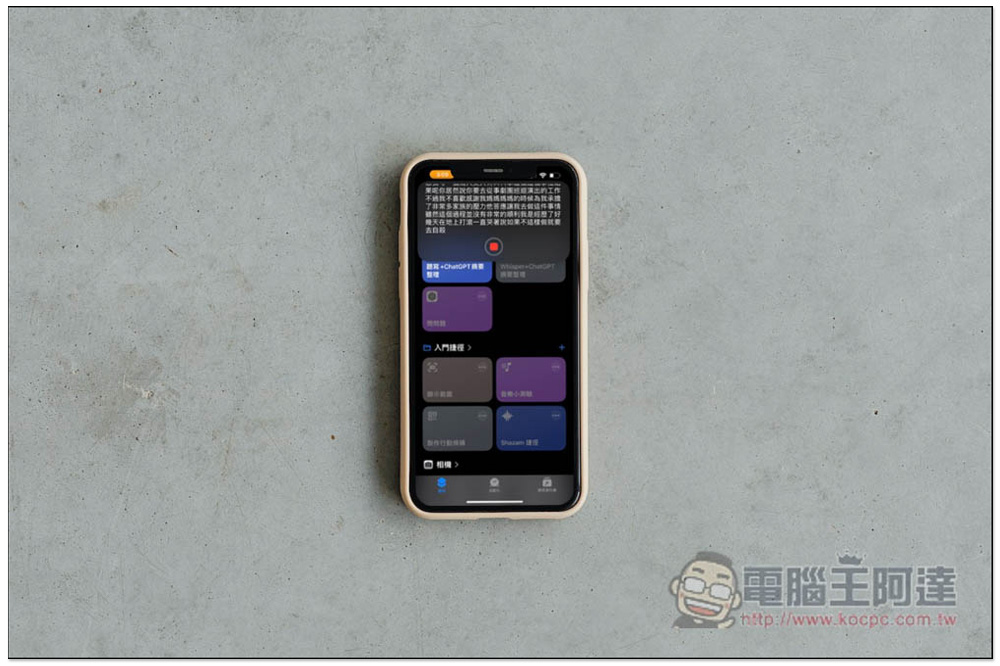
After recording, use ChatGPT to sort out the key points and output them to Notes. You can do this through this iPhone shortcut.
I would also like to remind you that one thing that is very important when using this shortcut is the “reception quality”. The reception must be clear. That is, the iPhone dictation text function successfully converts speech into text. If the reception is not clear, the content may be incomplete.
When using the script, your iPhone must have the ChatGPT App installed in order to use the Ask ChatGPT action.
Dictation + ChatGPT Summary Organizing
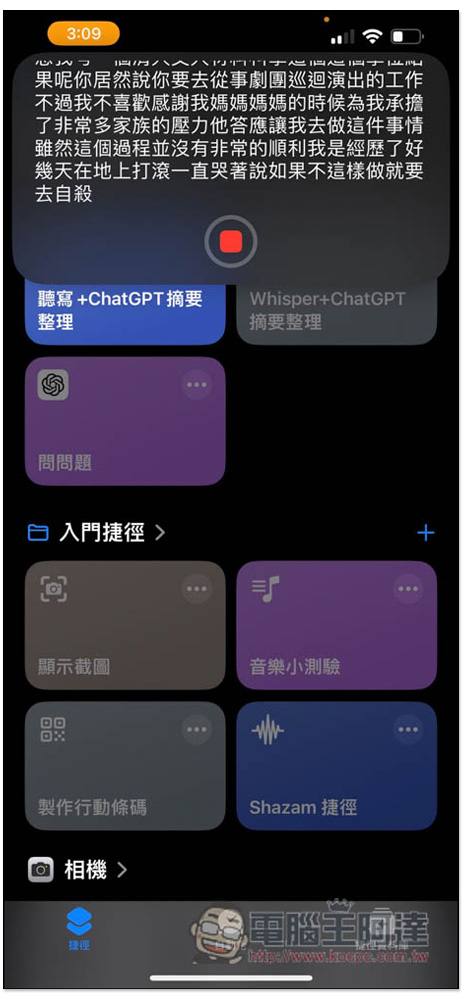
The use of this script is very simple. After clicking it, the iPhone’s text dictation function will be started, and the recorded voice will be converted into text immediately. When completed, press the stop key:
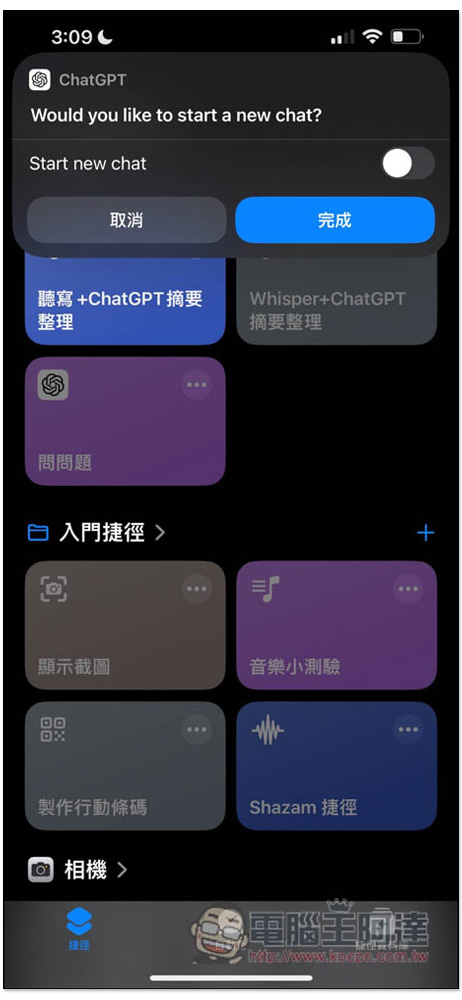
Then a message will pop up asking whether you want to open a new chat room in ChatGPT. See if you want to:
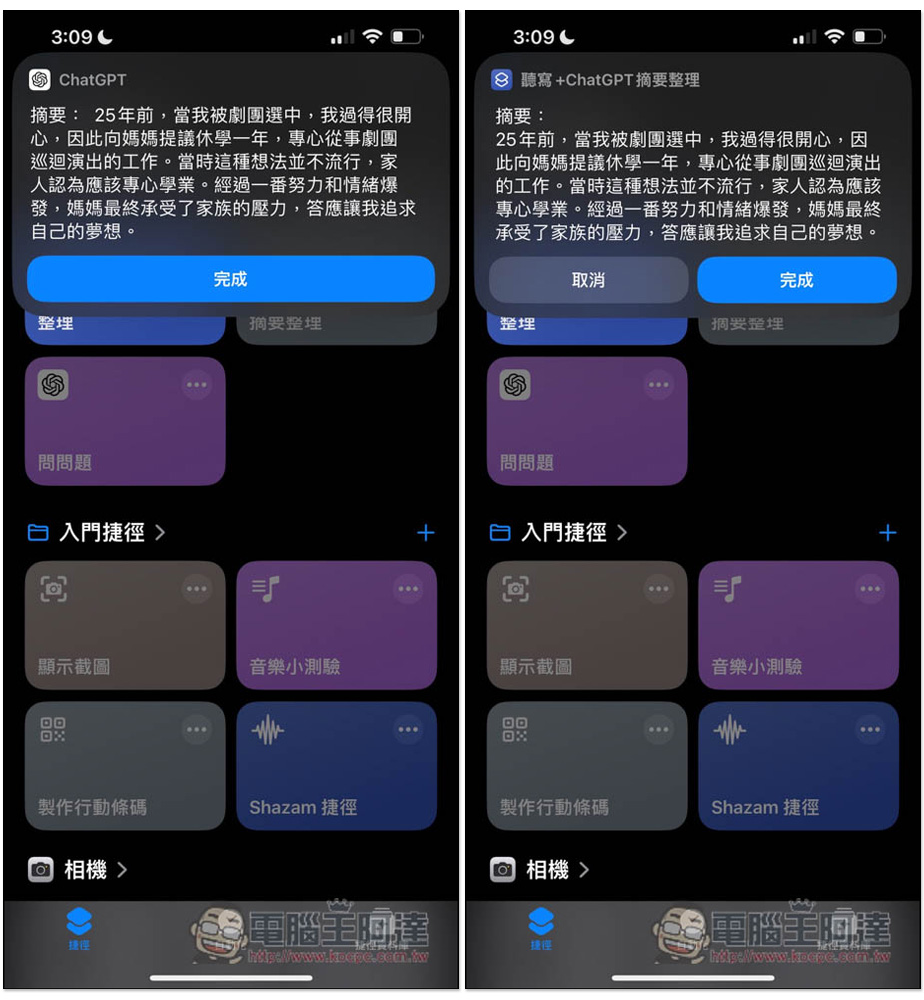
ChatGPT will return the summary of key points that it has compiled, and click Finish:
This step requires permission to save to the memo. If you click “Always Allow”, it will be saved directly and the inquiry window will not pop up:
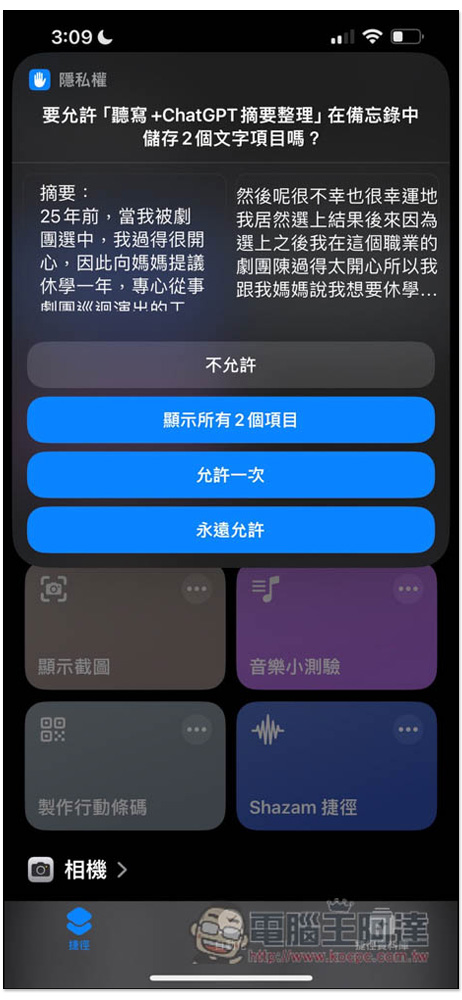
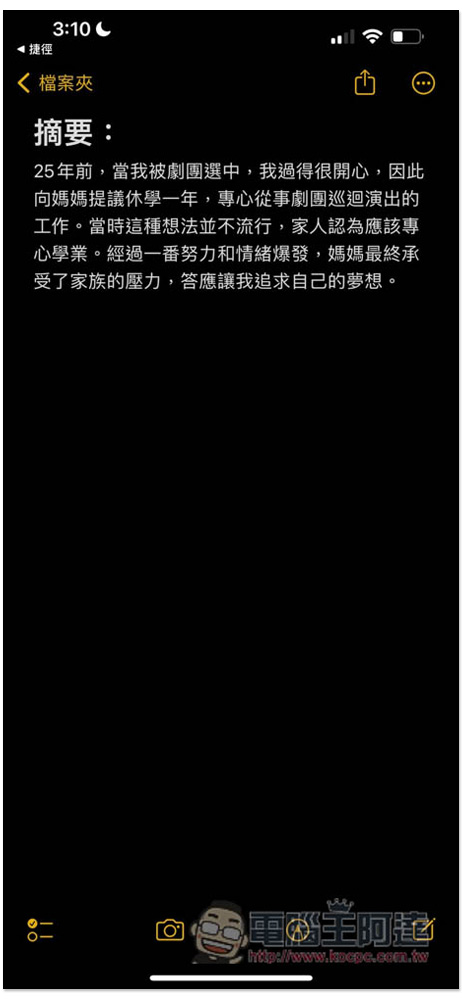
Like this, the key summary of the content just finished will be saved in the memo:
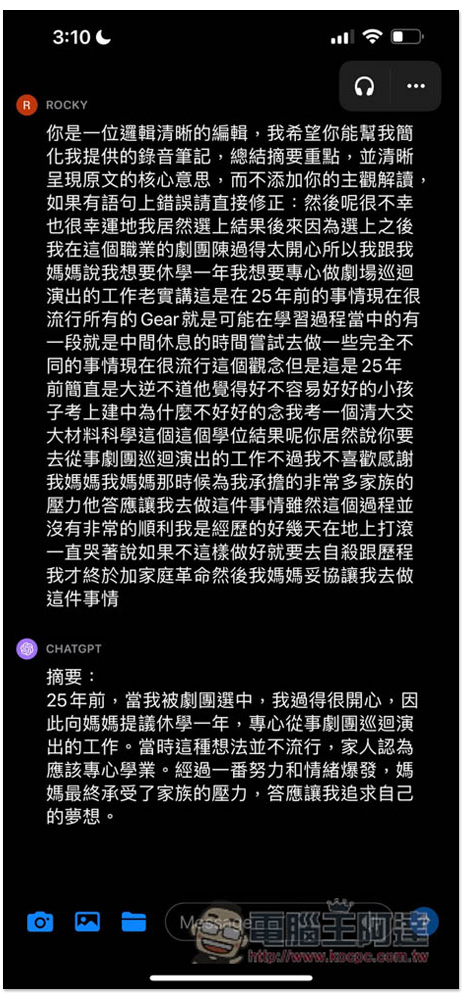
When you open the latest chat room of ChatGPT, you can find the recording content and summary. Therefore, it is not necessary to save to the memo in the previous step. You can also find the record directly in ChatGPT. Depending on your needs, you can freely change the content of the shortcut script:
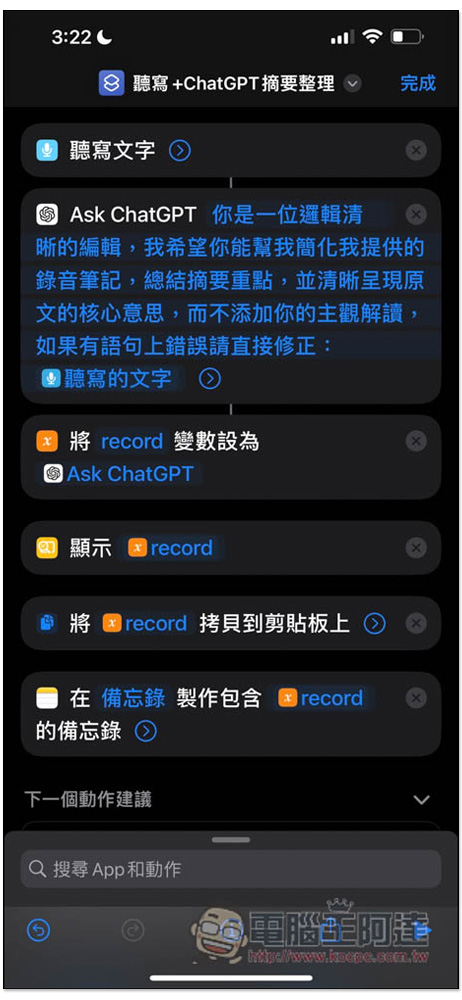
The content of the shortcut script is very simple. Ask ChatGPT is followed by the Prompt I set. If it does not meet your needs, you can change it freely. The last action “Create a memo containing record in the memo” is to save the organized summary to the memo. You can delete it if you don’t need it. The previous “copy the record to the clipboard” can also be deleted together:
Another thing to note here is that iPhone dictation does not save recording files, so the recording just now will not be saved.
In addition, iPhone dictation text can also be changed to other actions that can be converted into text after recording. For example, if I use Whisper, it will become “Recording -> Whisper API transcribe into text, and then throw it to ChatGPT for sorting”. Whisper’s recognition rate will be higher than iPhone dictation text, but it is charged. You need to fill in your OpenAI API in the text field:
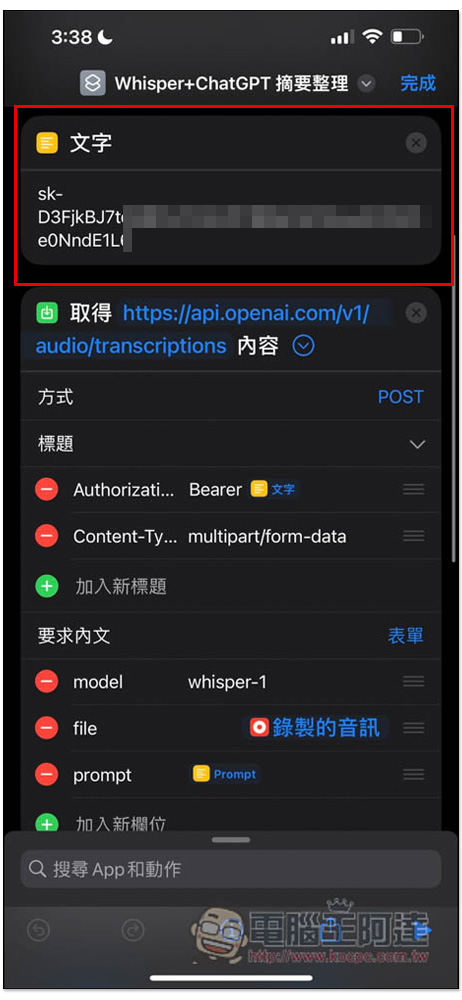
Here I also share with you the Whisper + ChatGPT summary sorting shortcut. It is recommended that people who know a little about shortcut actions use it. Because in this case, I quickly changed the iPhone dictation text to recording + Whisper, and did not add debugging actions, so even if you did not fill in or filled in the wrong OpenAI API, it will run to completion.
Generally speaking, using iPhone to dictate text is enough, unless you want to try Whisper, you don’t need this one.
Source: KOCPC Chinese