


I saw a limited-free scanning APP in the App Store called “Beyond Scan – PDF Scanner & OCR Text Recognition”, I think everyone must have a scanning APP installed in their mobile phones. Although the density of convenience stores in Taiwan is among the highest in the world, if you encounter an emergency and need to scan documents and send back signature documents, it will be quite troublesome to not be able to find a convenience store or bookstore for a while.
Therefore, it is quite smart to install a scanning APP on your mobile phone in case of emergency. Although we have introduced many scanning APPs before, each with its own characteristics, the one we are going to introduce today is an easy-to-use and quite complete set of scanning APPs. As far as scanning APPs are concerned, all the functions you need for scanning, printing, signing, etc. can be found in this APP:
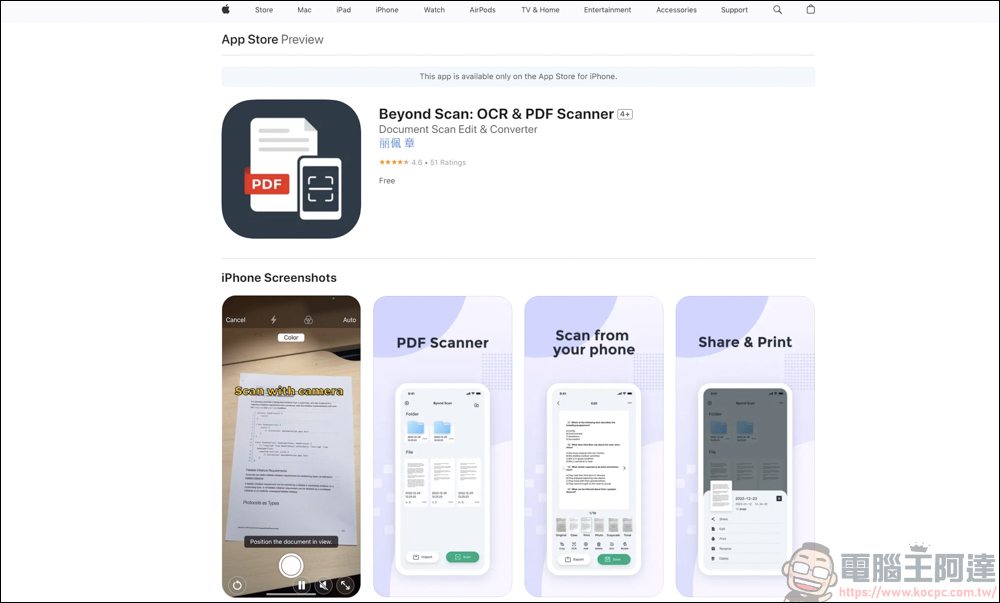
Beyond Scan – PDF Scanner & OCR Text Recognition Tutorial
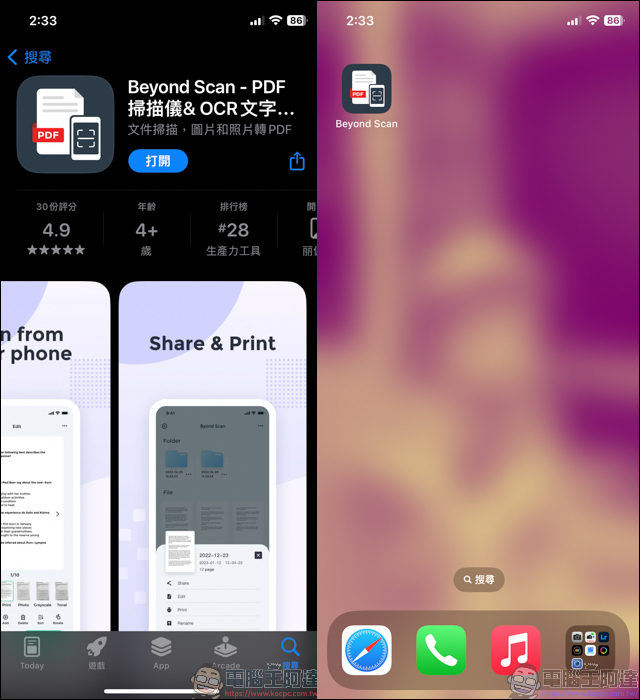
First, download it from the App Store.Beyond Scan」:
After executing the APP, click Scan on the lower right and grant permission to the camera to automatically open the camera. At this time, you put the file you want to scan into the camera screen, and the APP will scan the file by itself and automatically save it as a picture. You don’t need to press any buttons, it will scan the file for you, which is very fast:
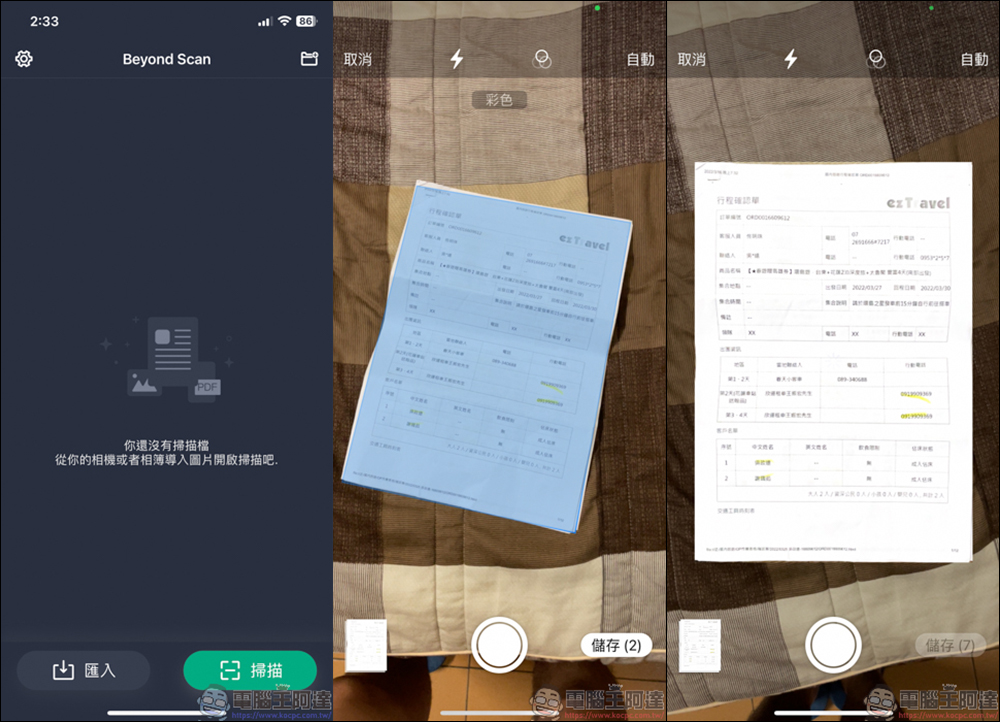
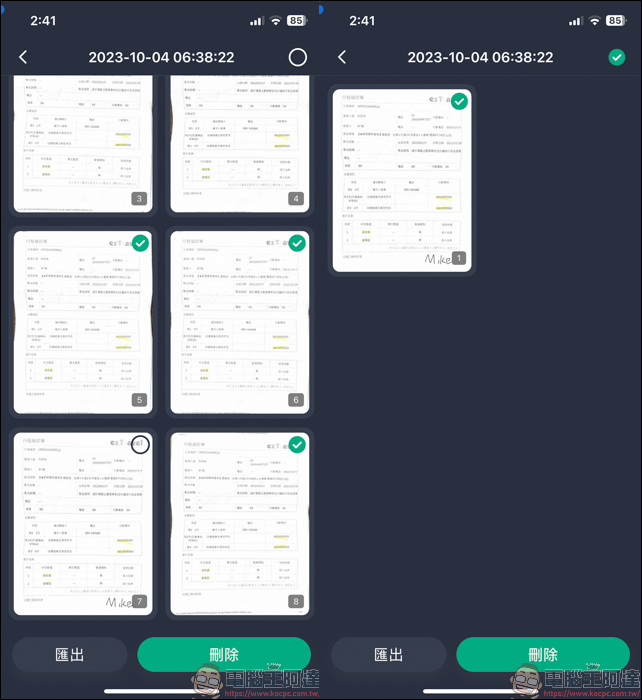
One thing you need to pay attention to during the shooting process is that your hands should not be too shaky. If you are too shaky, it will be like the first picture, which is blurry. It is recommended that you take a few more pictures and delete them later.
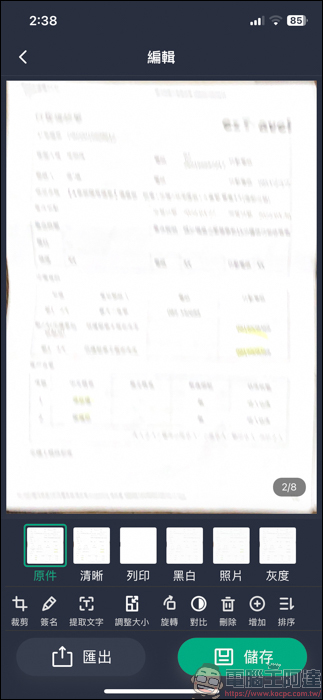
After taking the photo, you can edit it. The original, clear, print, etc. screens below are the screens where you can quickly adjust the file. If you want to make the picture more straight, you can do it by cropping:
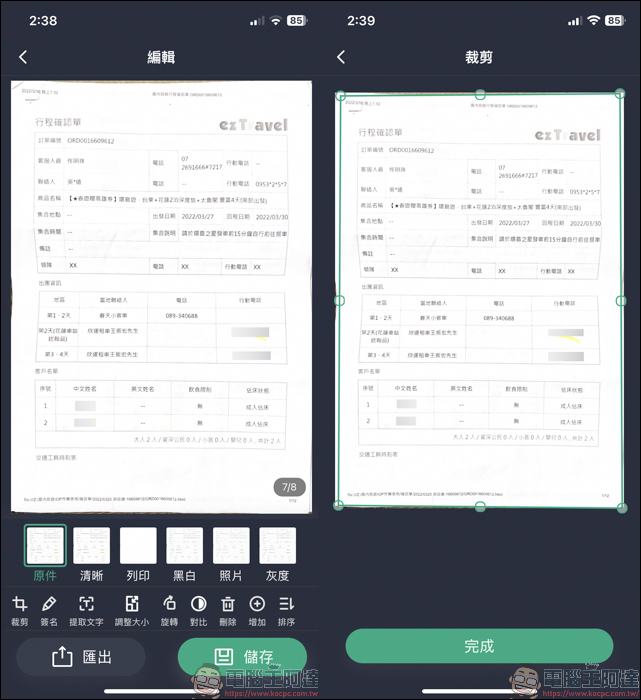
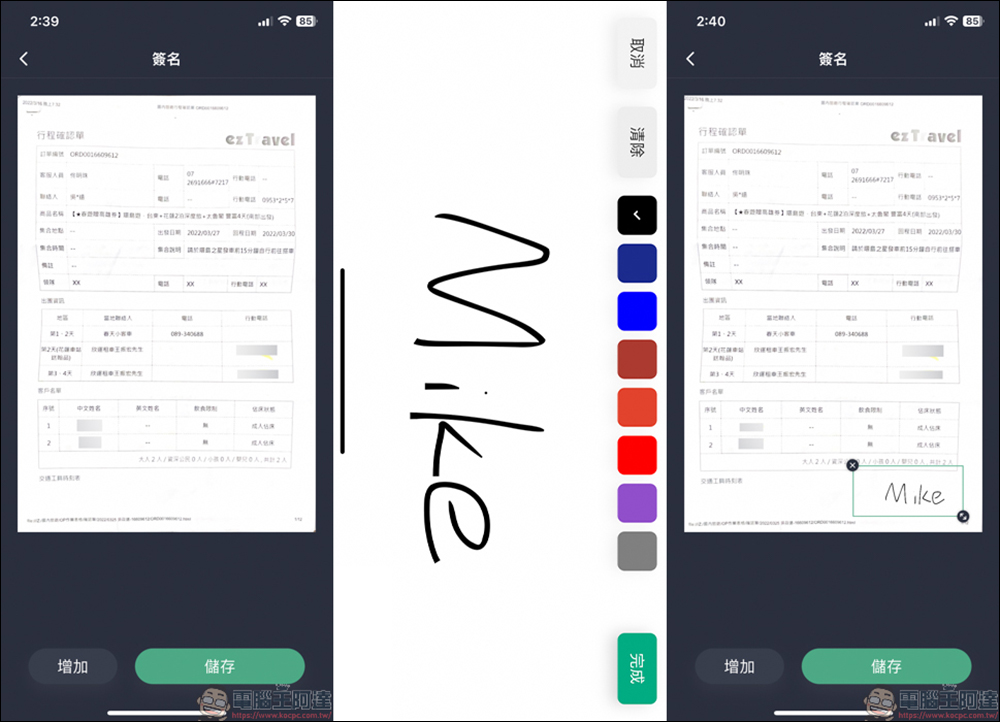
Another more practical function is signature. If the document you want to send back today requires your signature, a blank signature space will appear when you turn on the signature function. After signing your name, you can place your signature into the scanned document:
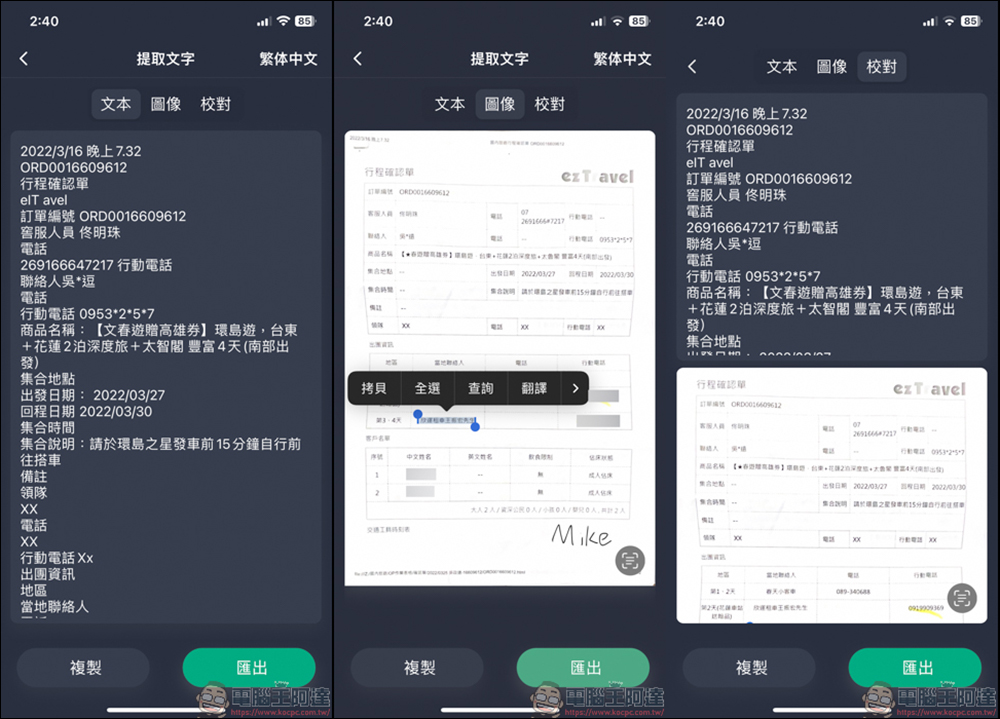
Anyone who has an iPhone knows that the iPhone can now extract text from photos, which is a very fast function. This APP also supports similar functions, and more, such as directly displaying all the text in the picture, or selecting the text you want to copy from the image, or proofreading all text + images, and the accuracy of text recognition is also quite accurate. In this way, you can quickly read the text on the document, or correct and copy the text on these pictures to facilitate editing in the future:
After making adjustments, you can choose to share or print:
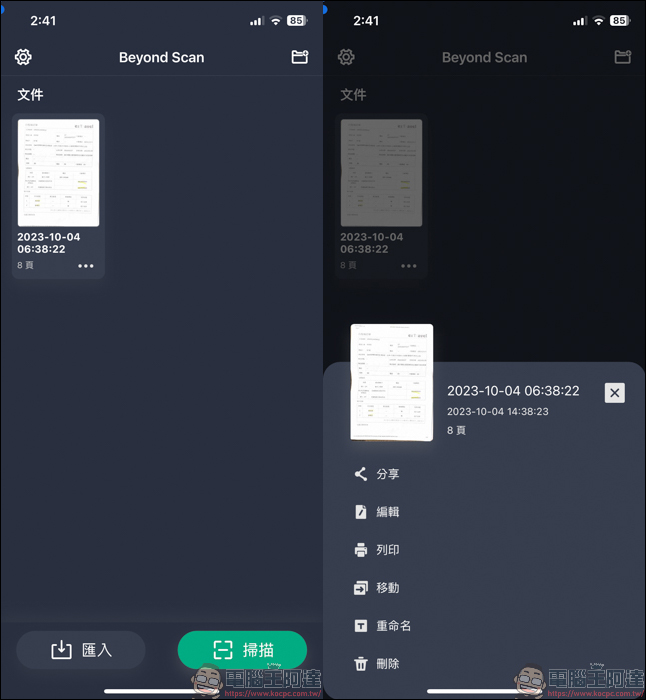
If you take several pictures at the same time, it will automatically create a group, and you can directly delete the bad ones in it:
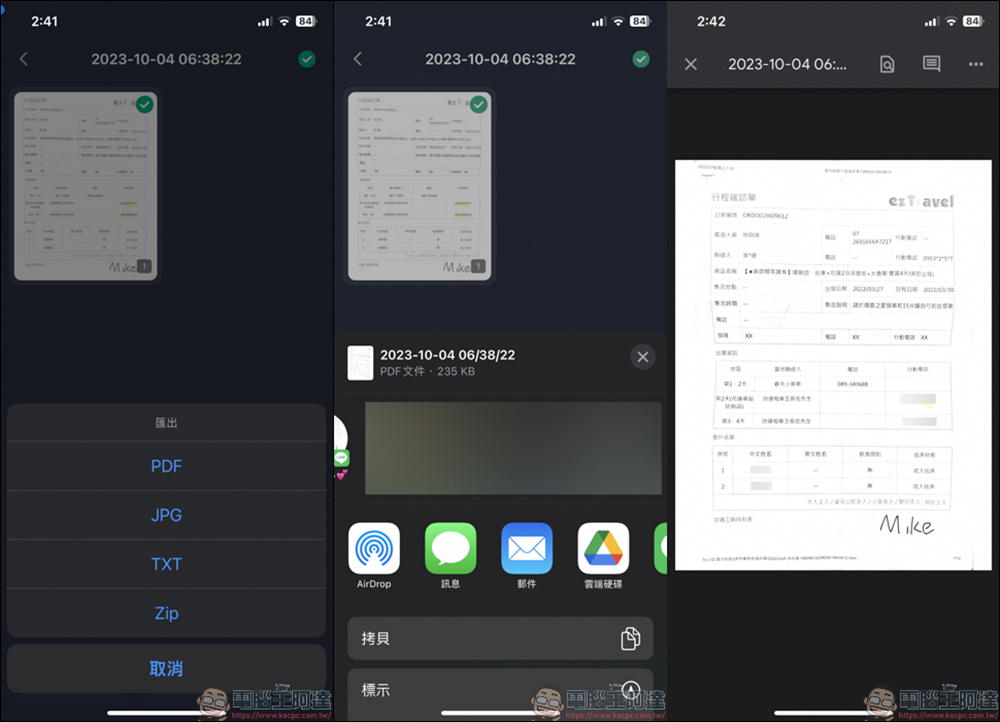
Exporting files supports commonly used PDF, JPG, TXT, ZIP, etc. You can perform file transfer actions through email, cloud, and social software, so that you can quickly transfer a file to the other party. It is a useful APP:
Source: KOCPC Chinese