


With the continuous advancement of AI, many AI voices now sound very natural, so many people use AI voice generation tools to convert text into speech, make videos, or for other purposes. So far, we have introduced many related tools, such as TTSMARKER、Sound of Text、VanillaVoice, but they all have some limitations. This article will recommend Voice Remaker, which I recently discovered and should be the easiest to use and has very good support. It can be used and downloaded without registration. It also provides a lot of Chinese AI voices.
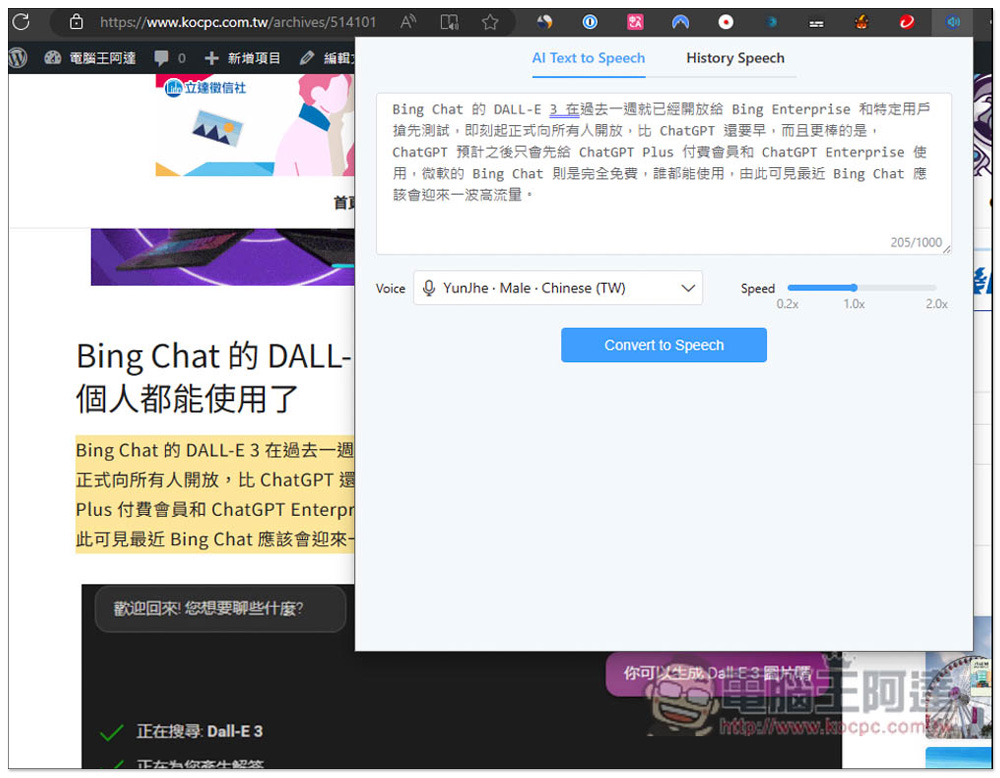
Voice Remaker is the simplest free text-to-AI speech tool that supports multiple languages and provides multiple Chinese voice options.
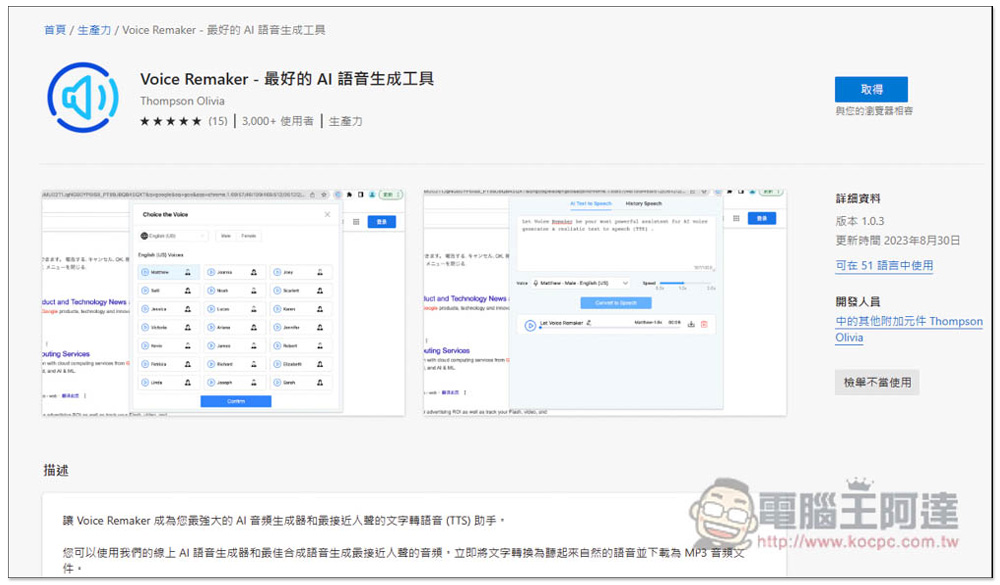
Voice Remaker is a browser extension that supports Chrome and Edge. The operation method is the same. Click the link above to enter the installation page. I use Edge as an example, click Add on the right:
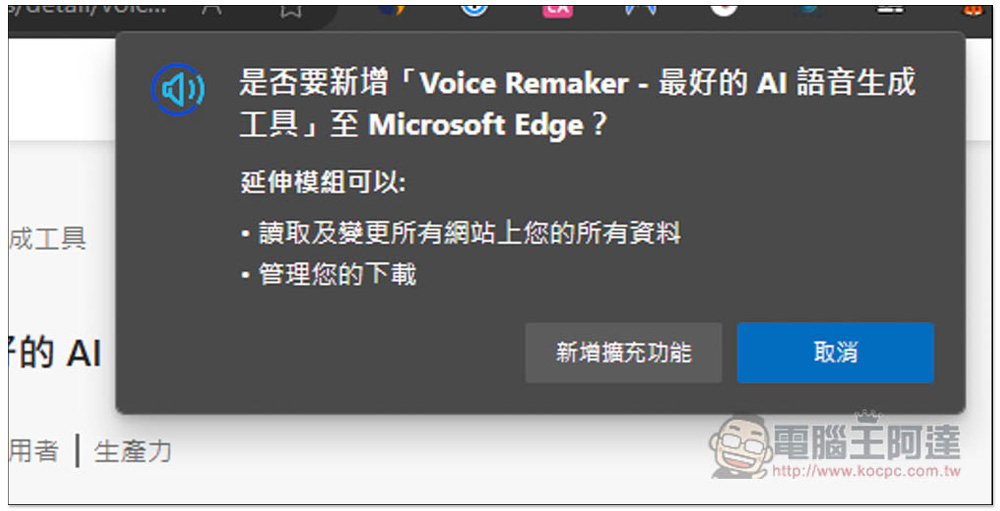
This window will pop up above, click “Add extension”:
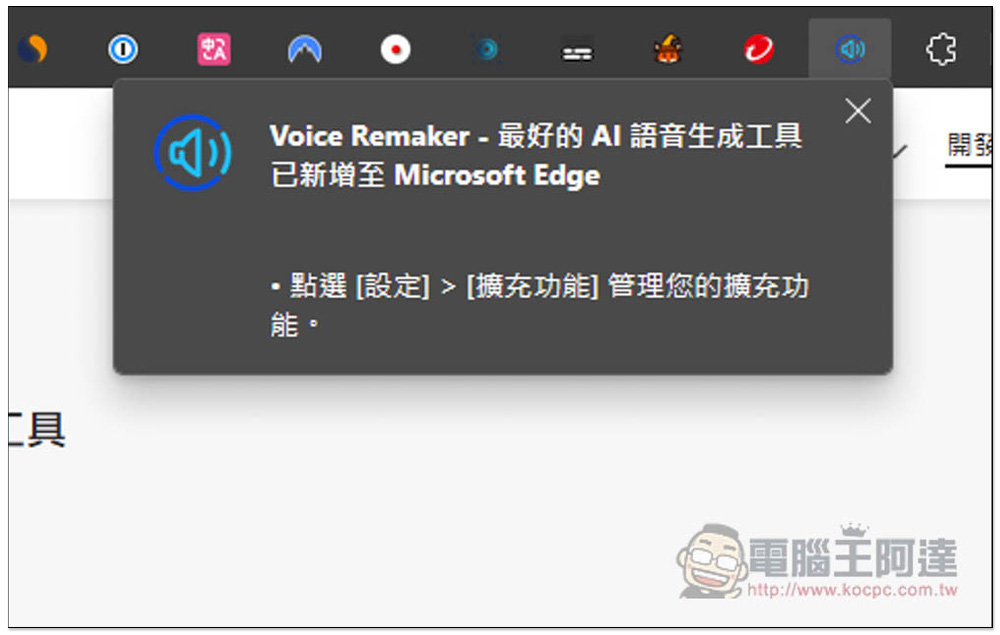
Displaying this message means that the installation is complete. However, by default, the browser will automatically hide the icon after installing a new extension. You need to open it manually:
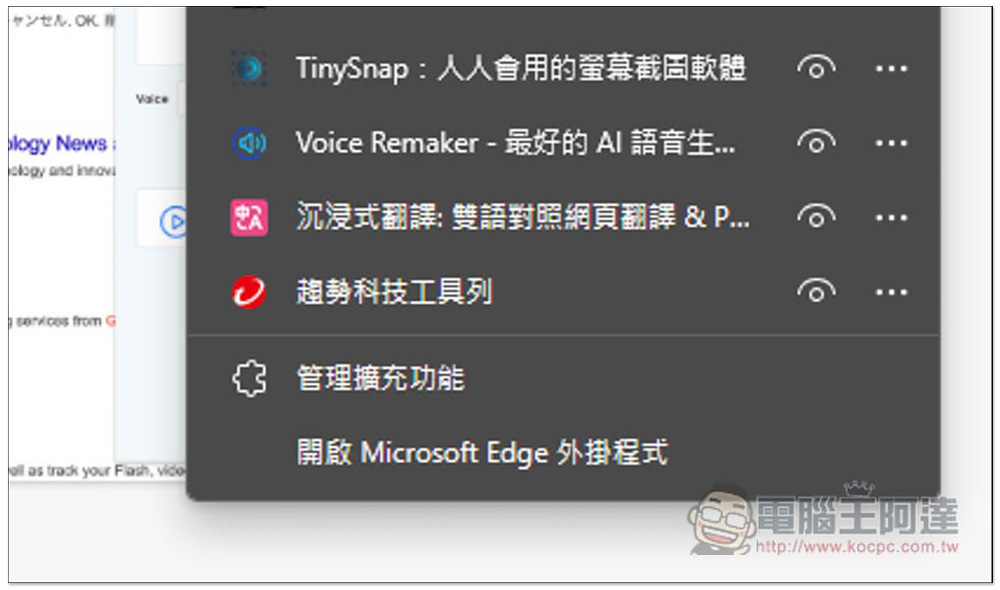
Open the puzzle icon on the right and open the eye icon on the right of Voice Remaker to display:
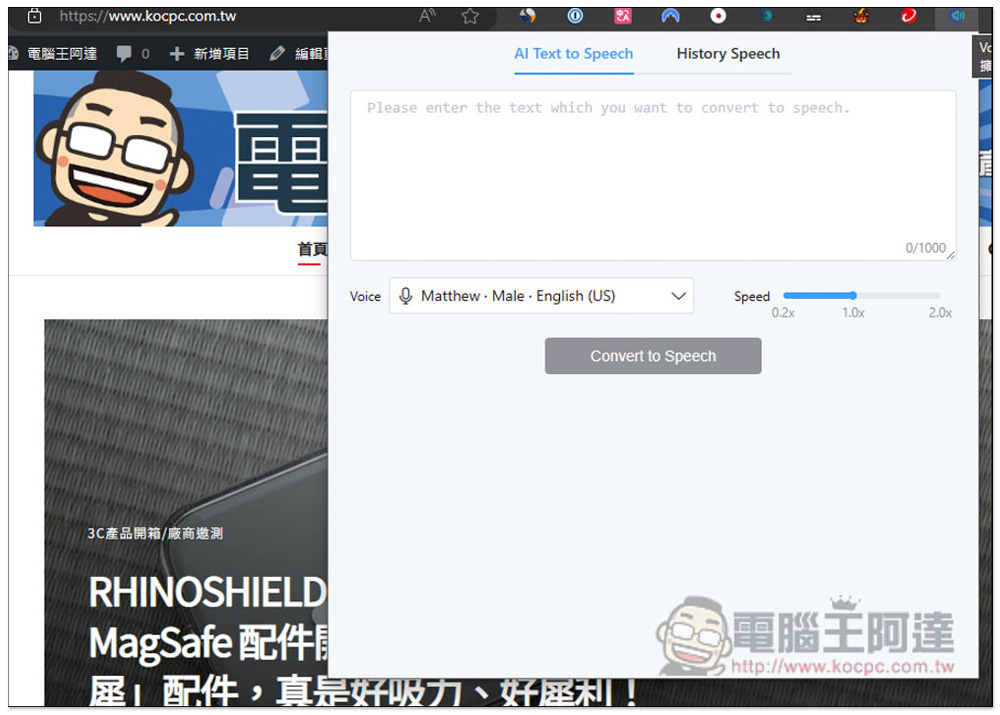
If you want to convert text into AI voice in the future, click on the extended function icon to find the text input field, as well as voice language settings and speed. There are three speeds: 0.2x, 1.0x and 2.0:
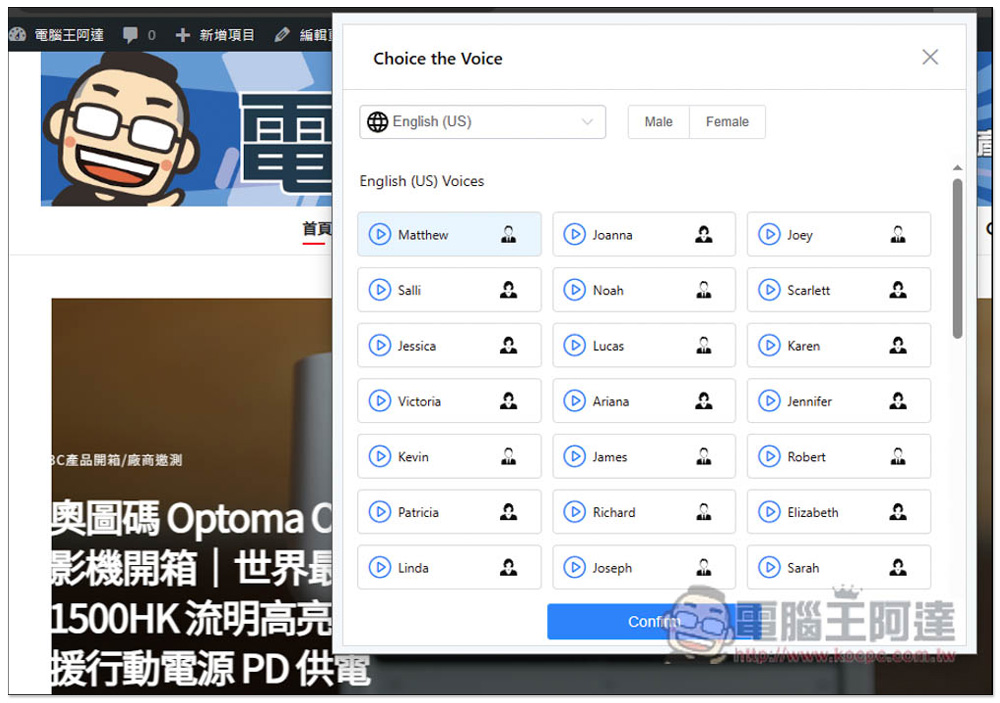
Each country’s AI voice basically has a lot of voice options, especially English, both for boys and girls:
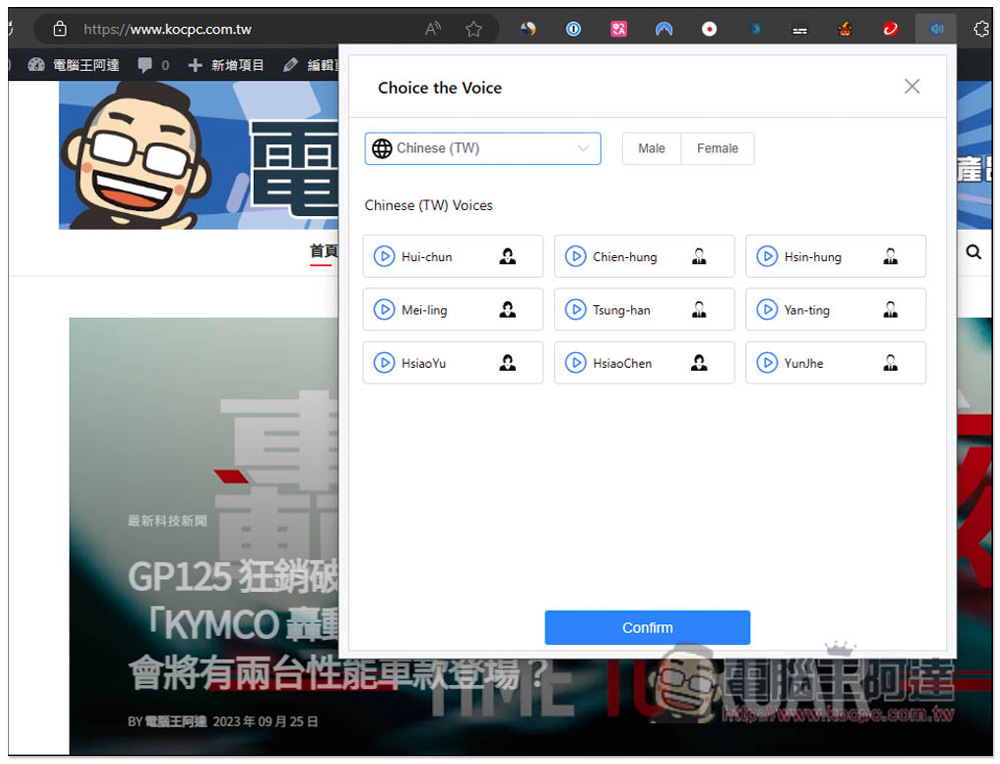
Open the language field in the upper left corner and you can find Taiwan’s Traditional Chinese, which is separate from Simplified Chinese. But if you don’t like the Traditional Chinese AI voice, you can actually try the Simplified Chinese AI voice instead:
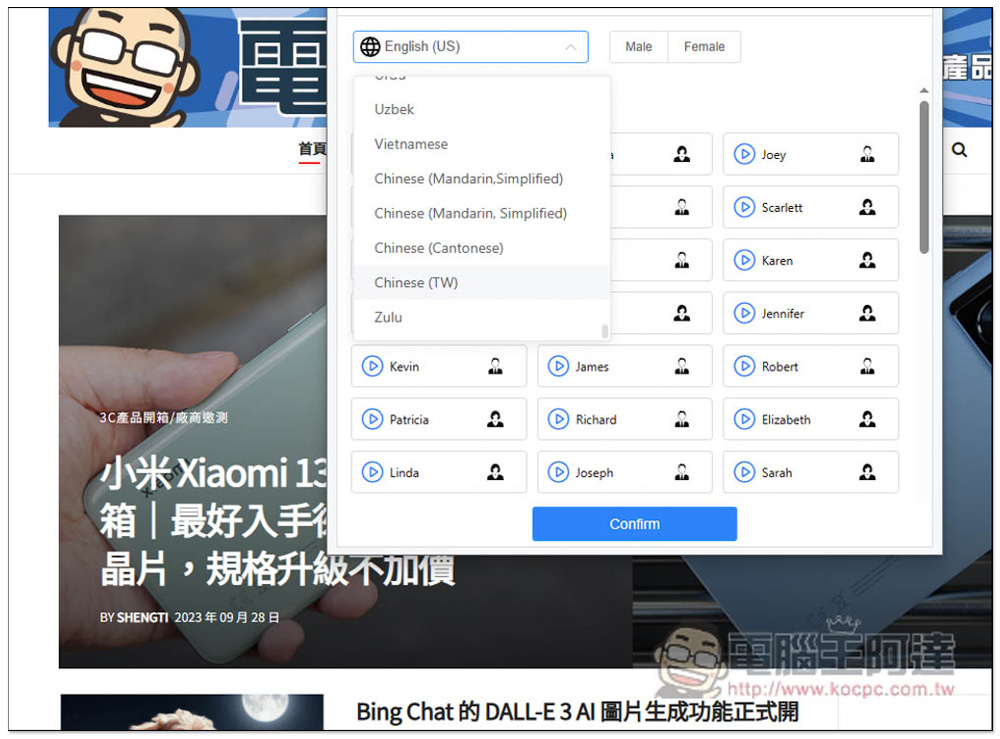
There are currently 9 Traditional Chinese AI voices in Taiwan. Click the play function button on the left to listen to the sound. If you like it, select it and press Confirm:
Then enter the text you want to convert into AI voice, up to 1,000 words. If it exceeds, just convert it into a new one, and then combine it through the post-production software. Click Convert to Speedch below to start the conversion:
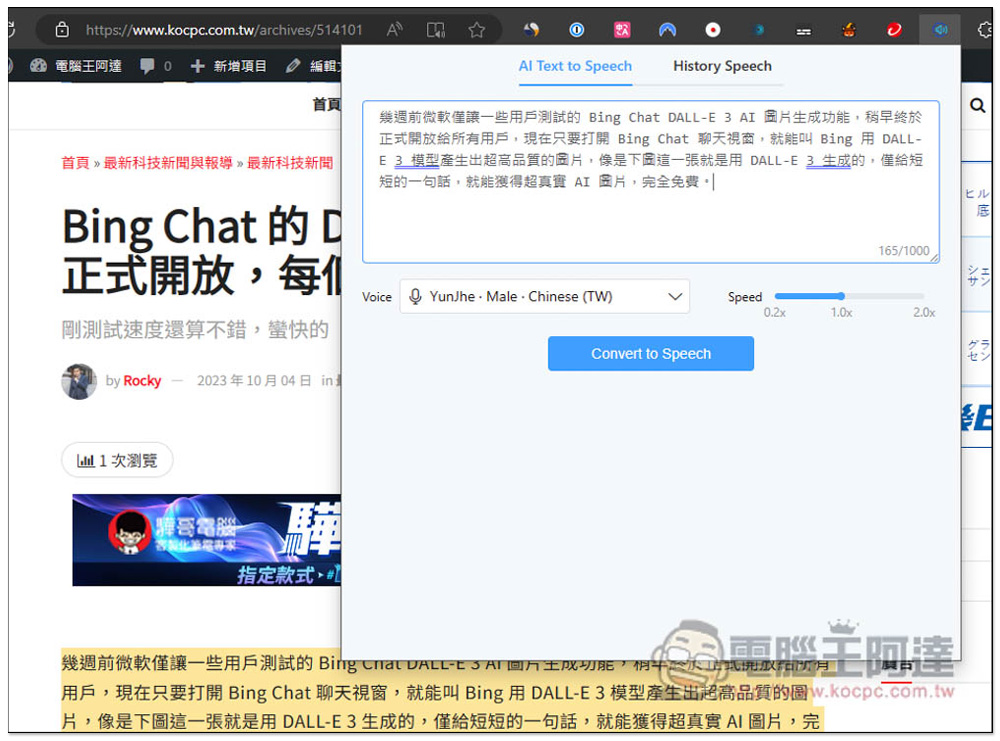
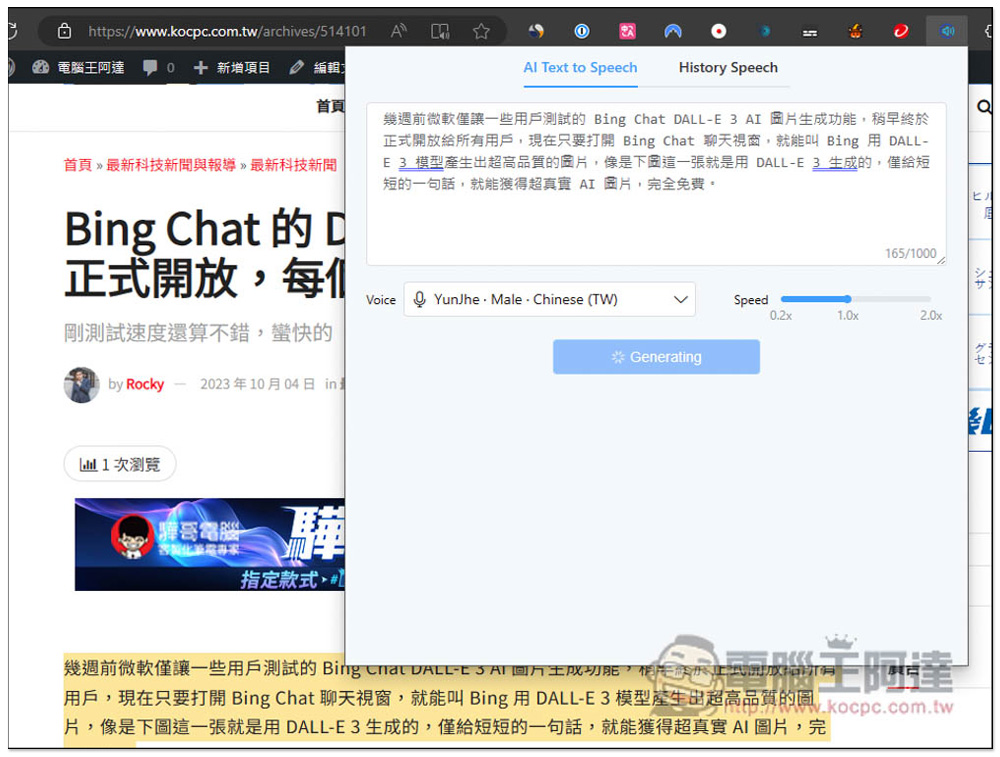
My 165-word content took about 5 to 10 seconds, so the speed is not bad. In addition, it is okay to mix Chinese and English in the text part:
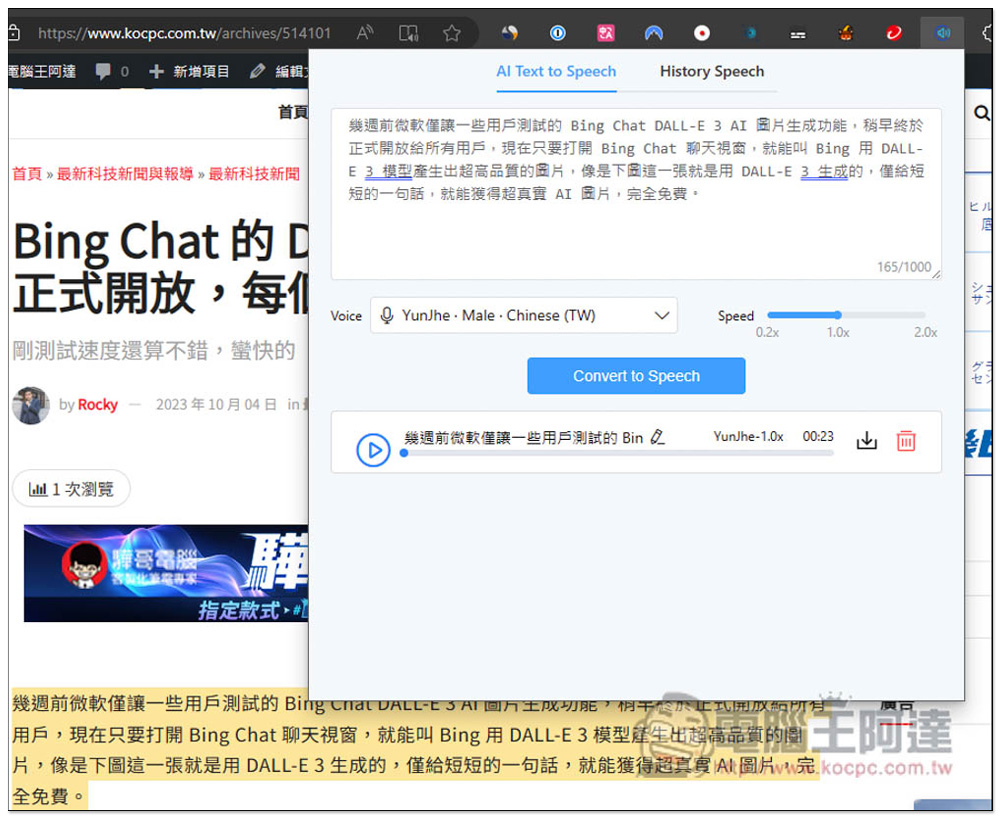
After completion, the results will be displayed below, and you can also listen online. If you are satisfied, click the download button on the right to download to your computer and save it in MP3 format:
Below is the text-to-AI speech audio file I tested this time. You can listen to it:
In addition, among the extended functions, the developer claims that this is completely free. However, some users leave messages and it seems that there are still restrictions. This part allows readers to test it by themselves. I tried several text-to-AI speech conversions and all were successful without any restrictions.
Source: KOCPC Chinese