


For friends who want to record and share unboxing tutorials or live broadcast game clips. Through this free tool, you will be able to directly connect the camera (should have UVC support or through an adapter) or use a signal box to transfer the signal to iPadOS 17 and A12 SoC or above (M1 / M2 can run in the background), perform Twitch / YouTube live broadcast (RTMP is also available), or store it in an external SD card, portable hard drive and internal space – or simply use it as a monitoring screen for recording. Continue reading Powerful broadcast desk app Camo Studio now available for iPad! It can be connected to a camera or a game console and the key point is it’s free! Report text.
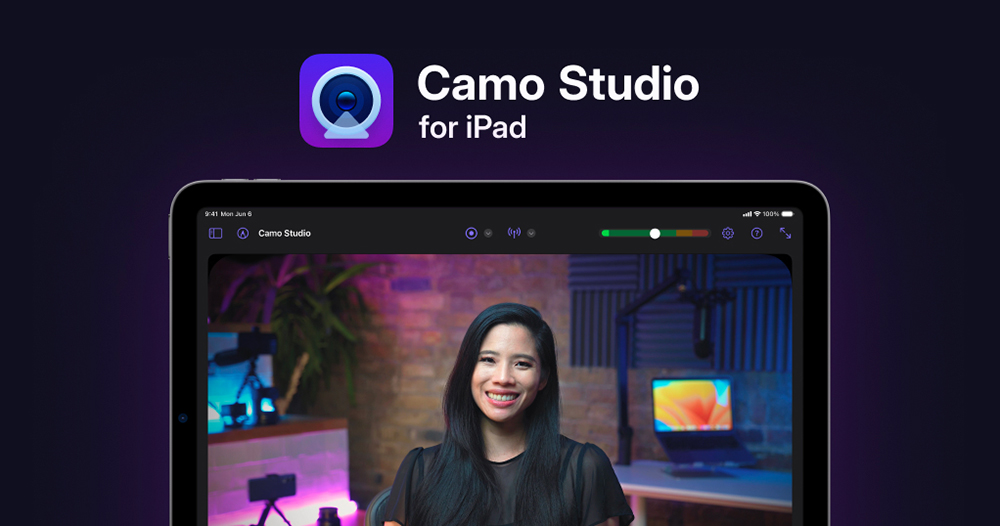
Powerful broadcast desk app Camo Studio now available for iPad! It can be connected to a camera or a game console and the key point is it’s free!
When macOS directly built-in the function of using the iPhone as a Webcam video lens, Camo Studio, which originally focused on this function, chose to upgrade the competition to an unprecedented new level – they directly upgraded the iPad to a powerful anchor station tool for live streaming and picture-in-picture recording through free applications.
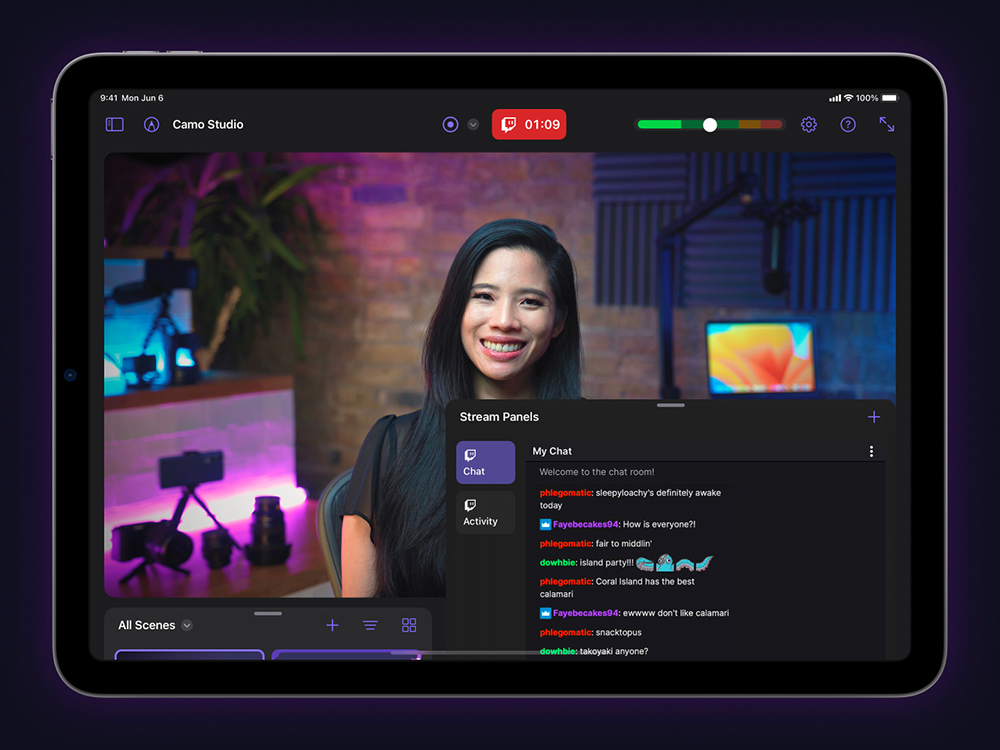
new Camo Studio for iPad It not only has the ability to live stream videos on mobile devices, but also provides PiP picture-in-picture function for connecting and mapping multiple video sources such as system screens, and also supports external microphones.
In short, it is for friends who want to record and share unboxing tutorials or live broadcast game clips. Through this free tool, you will be able to directly connect the camera (should have UVC support or through an adapter) or use a signal box to transfer the signal to iPadOS 17 and A12 SoC or above (M1 / M2 can run in the background), perform Twitch / YouTube live broadcast (RTMP is also available), or store it in an external SD card, portable hard drive and internal space – or simply use it as a monitoring screen for recording.
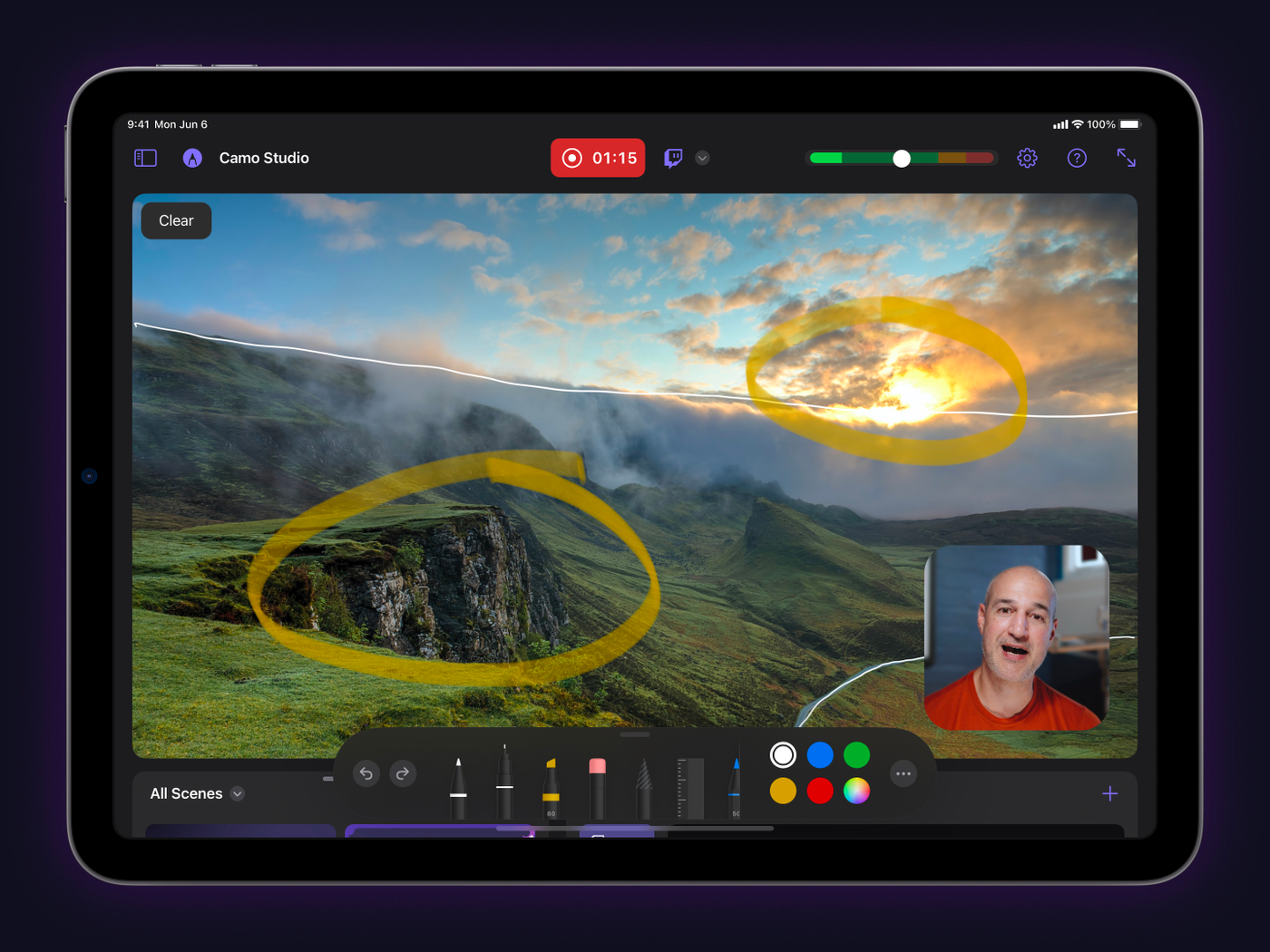
Camo Studio supports capture specifications up to 4K (both 16:9 and straight 9:16). In addition to special effects functions, it also has many functions that are friendly to the application direction of related live broadcast platforms. It also supports the scene switching function of the desktop version of Camo Studio – it supports import and can also be created with a URL.
Now that it comes to the mobile platform, Camo Studio has not forgotten to provide more in-depth support for the use experience of touch and Apple Pencil stylus. Provides the function of drawing directly on the screen – it should be very convenient to circle and explain the screen!
Developers also predicted that they would like to implement more rich functions on the iPadOS platform in the future, including virtual cameras, scene editing, multi-audio mixing and other functions. The best thing is that they, who created this application for the iPad version of OBS, have not only confirmed that it will be provided in a free model, but also mentioned that there are currently no plans to charge. I have to say that based on the powerful functions introduced so far, this is really an app with the heart of Buddha. I recommend friends with similar needs to try it!
Further reading:
Source: KOCPC Chinese