


For as long as personal computers have existed, the keyboard has been the preferred method of communication between humans and machines. It might not be as advanced as a touch screen or motion sensors, but you can’t beat the simplicity of thick keys and all the fantastic features they bring to the table. For decades, keyboards have maintained the common QWERTY layout because uniformity helped establish industry standards, but that doesn’t mean all keyboards are the same.
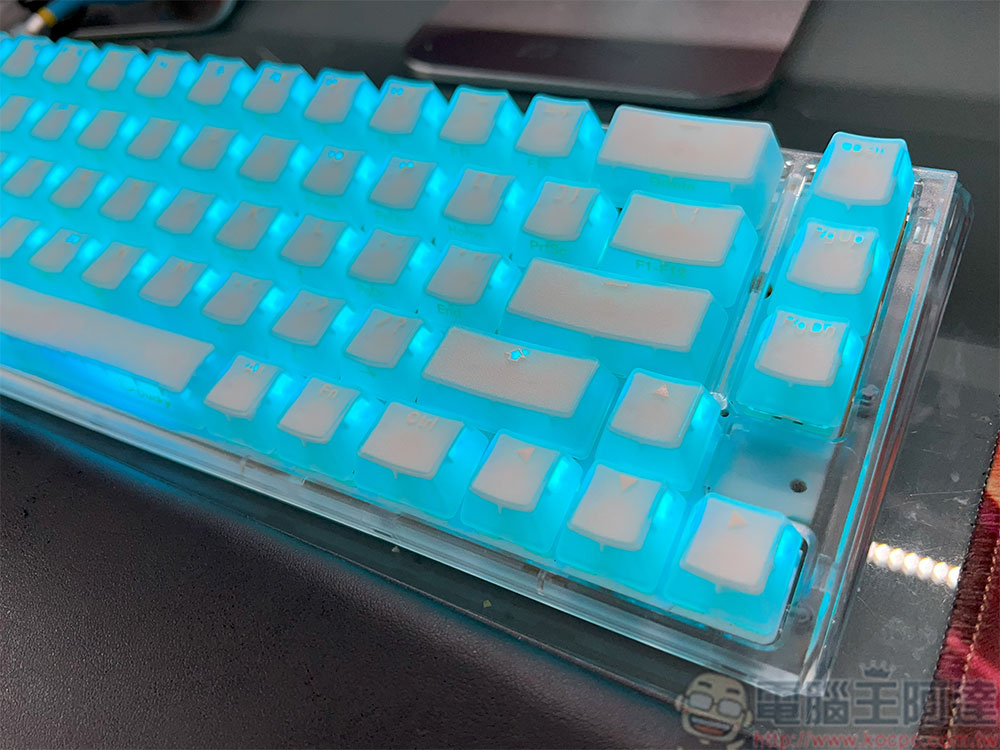
Full size, TKL, 60% off? Let you know the keyboard size & which one is suitable for you
In fact, modern keyboards come in various shapes and sizes to suit different living habits. Larger keyboards offer more power and control over your system, while smaller, simpler keyboards are portable, portable and eliminate some doubts for new users. If you’ve never bought yourself a keyboard, the sheer variety out there can be a little intimidating, so we’ve got a quick rundown of some of the popular variants to help you narrow down the field.
General knowledge about keyboard
The differentiating factors between different types of keyboards are the number of keys they have and the size of the keyboard. Having more keys with additional functions requires a larger keyboard, but if you don’t need all the bells and whistles, you can reduce the keys to a surprising number. Generally speaking, there are 8 main sizes of keyboards to choose from, from largest to smallest, full size, 1800 compact, TKL, 75%, 65%, 60%, 40%, and numeric keypad. The smaller the keyboard, the more bells and whistles it cuts out, ditching the built-in number keys and/or function keys, and generally squeezing everything into the same row as much as possible.
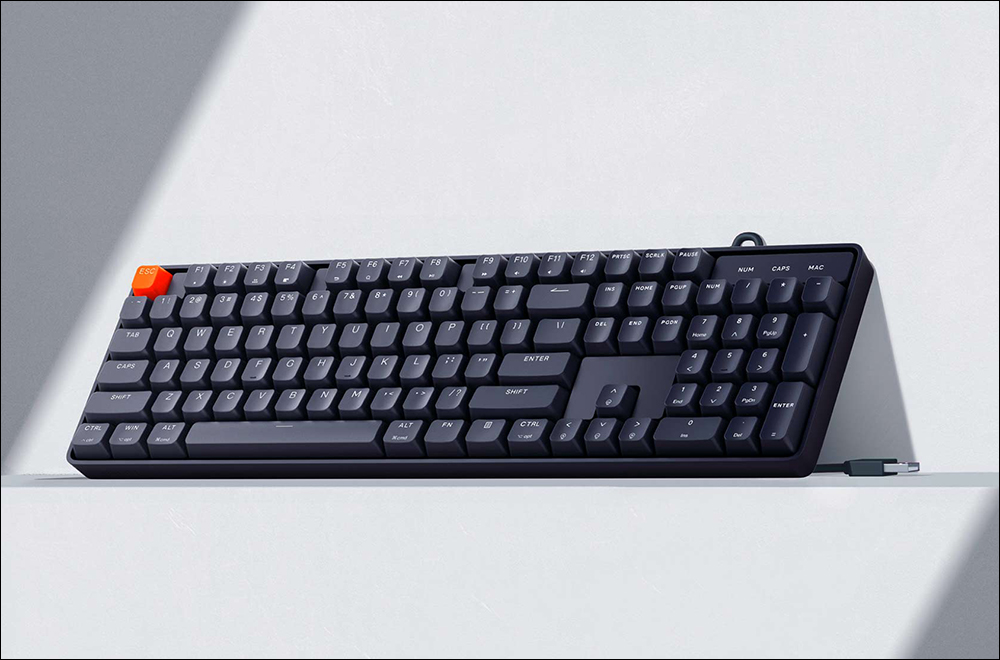
In the absolutely minimal case, the entire alphabetical area is removed, leaving just a standalone number pad, which is typically used as a complement to an existing keyboard rather than on its own. Among all these variants, the most popular ones are full size, TKL and 60%. This time we will mainly use these three to explain. Others that are larger or smaller can choose downward or upward from these three sizes as standard.
full size keyboard
A full-size keyboard is the largest keyboard design and features a full set of alphabetic keys, function keys, and individual numeric keys. This keyboard is typically standard on most desktop computers and has been more or less the default format among users for years. Most of the computers you see in school computer rooms use full-size keyboards.
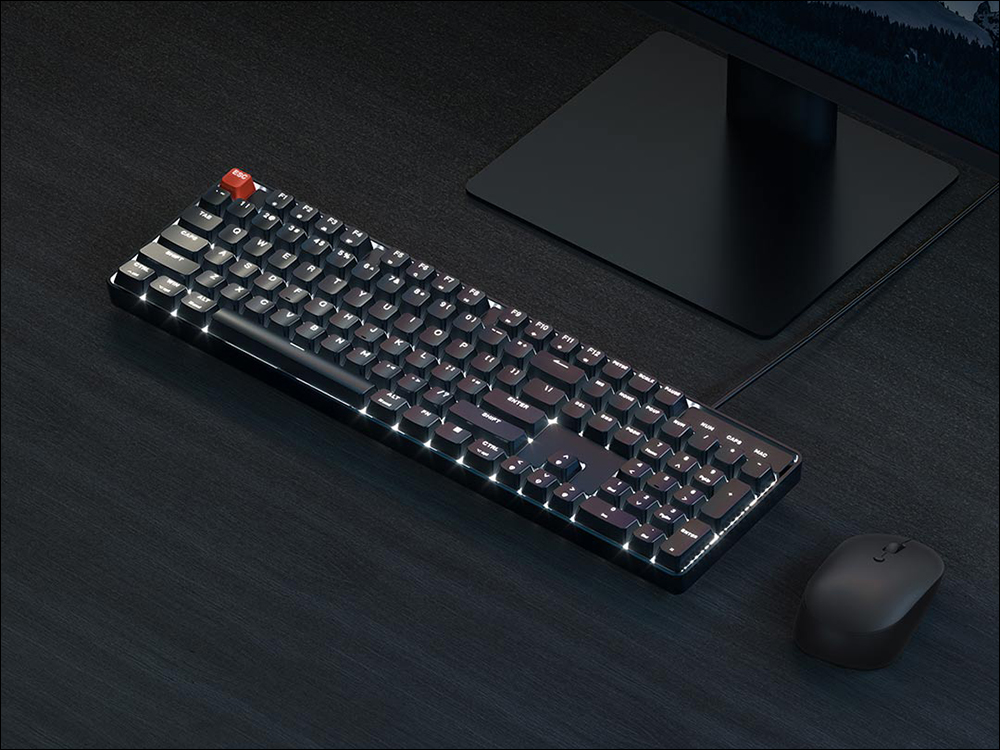
The full-size keyboard is ideal for users who want to have as much control over their system as possible, with keys available for nearly every possible function and utility application, not to mention the convenience of a numeric keypad when entering data or using calculation functions. If you plan to do intensive work or intense gaming on your computer and plan to use shortcut keys frequently, then a full-size keyboard is the best choice for you. On the other hand, if you’re someone who doesn’t use your computer very often, it may seem like a bit of a waste of desk space.
TKL keyboard (80%)
TKL is the abbreviation of “Tenkeyless” and is also the epitome of the main area in the middle of the keyboard. The TKL keyboard ditches the numeric keypad, leaving you with 87 letters, numbers, and function keys. TKL keyboards became increasingly popular as computers became simpler and more portable, especially when manufacturers realized that the vast majority of users didn’t really use a numeric keypad regularly.
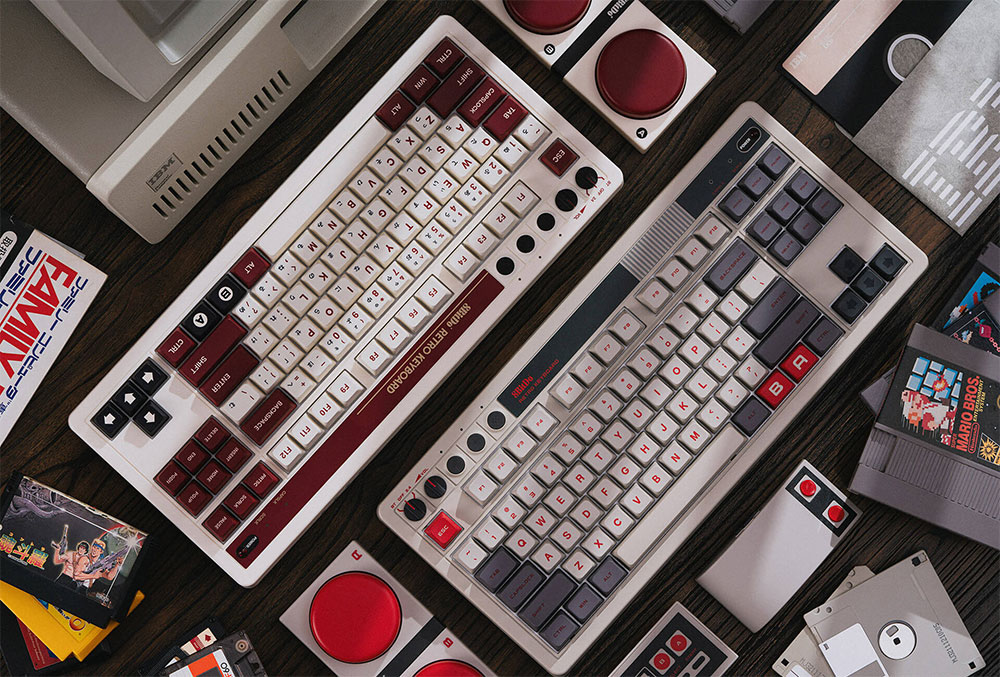
If you want to keep most of the control over your computer but need a little extra desk space, the TKL keyboard is a good compromise. For example, if you need a usable keyboard but your job involves typing rather than numbers, then TKL is fine. As long as you don’t mind using the row number keys instead of the numeric pad to enter numbers, it’s effectively the same as a full-size keyboard, just a little narrower; the keys are still spaced wider than at full size, so you don’t have to worry too much about repeat presses.
60% keyboard
There’s a saying that the world gets smaller over time, and the rise of the 60% keyboard illustrates this well. “60%” means that the keyboard is only 60% of the size of a full-size keyboard. 60% of keyboards have not only abandoned the numeric keyboard, but also removed all function keys, including the F row, arrow keys, etc. This leaves your keyboard with just letters, numbers, and basic necessities like Enter, Backspace, Spacebar, and more.
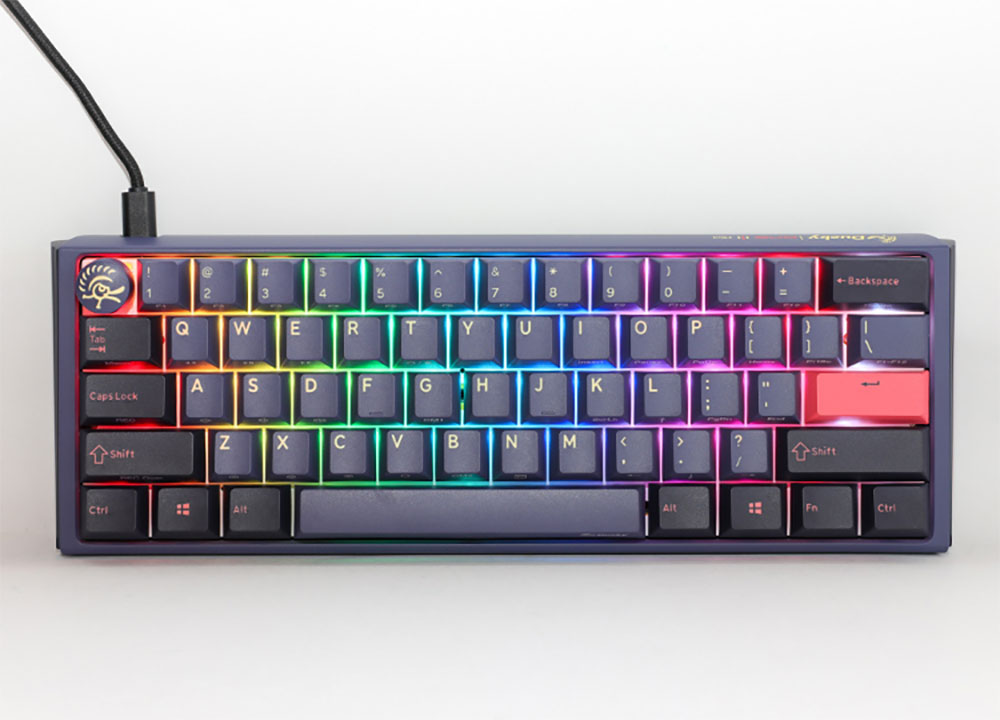
The 60% keyboard is about the smallest size that can actually be achieved for a “useful and convenient” keyboard that can simultaneously perform all the operations required of a keyboard, which is to enter letters and numbers. This kind of keyboard is best for people who don’t need to do anything too strenuous on the computer, such as writing simple emails or blogging, but it may still be a bit troublesome for people who use traditional Zhuyin input (there are no independent arrow keys so word selection depends on key combinations). Since they’ve stripped away all the bells and whistles, 60% keyboards are also a bit cheaper, with the only obvious downside being that they might be a little too small for some people, resulting in more frequent retyping.
Source: KOCPC Chinese