


Even Taiwan has opened the use of the traditional Chinese version of Google Bard. However, if you still prefer to compare the Google search experience through OpenAI’s ChatGPT. Well, there is now an extension function (Extension) for Google Chrome / Microsoft Edge that can realize this function, and its name is: ChatGPT Google AI Assistant. Read on to bring the power of ChatGPT to Google search! Simply install the browser extension and you’re done! Report text.
Bring the power of ChatGPT to Google Search! Simply install the browser extension and you’re done! (teaching)
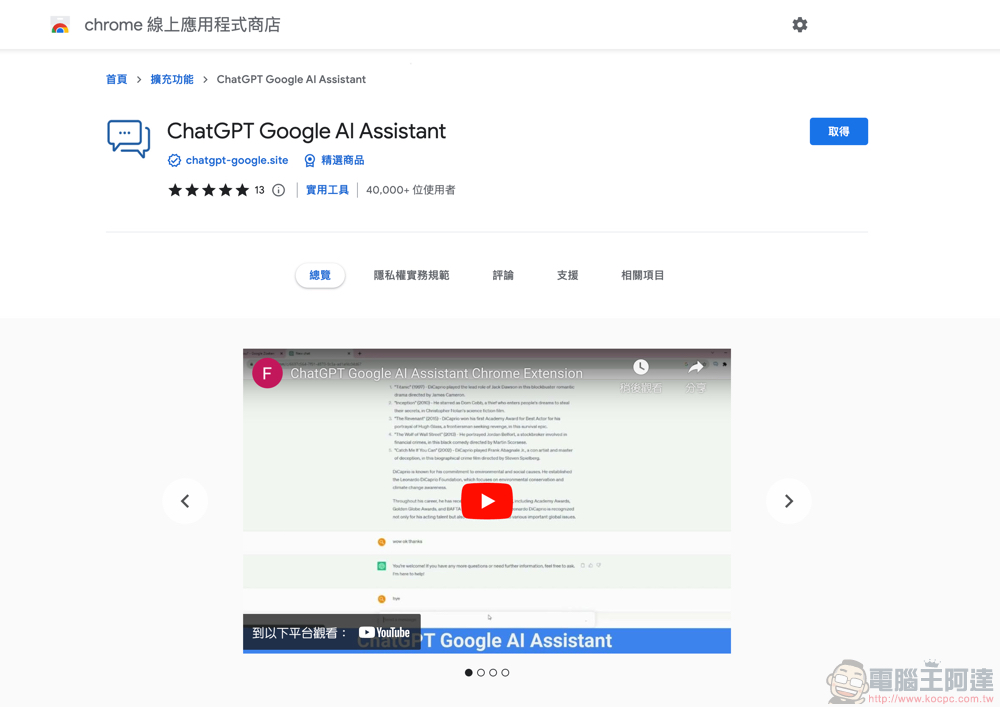
Even Taiwan has opened the use of the traditional Chinese version of Google Bard. However, if you still prefer to compare the Google search experience through OpenAI’s ChatGPT. Well, there is now an extension function (Extension) for Google Chrome / Microsoft Edge that can achieve this function, and its name is:ChatGPT Google AI Assistant (click me to install)。
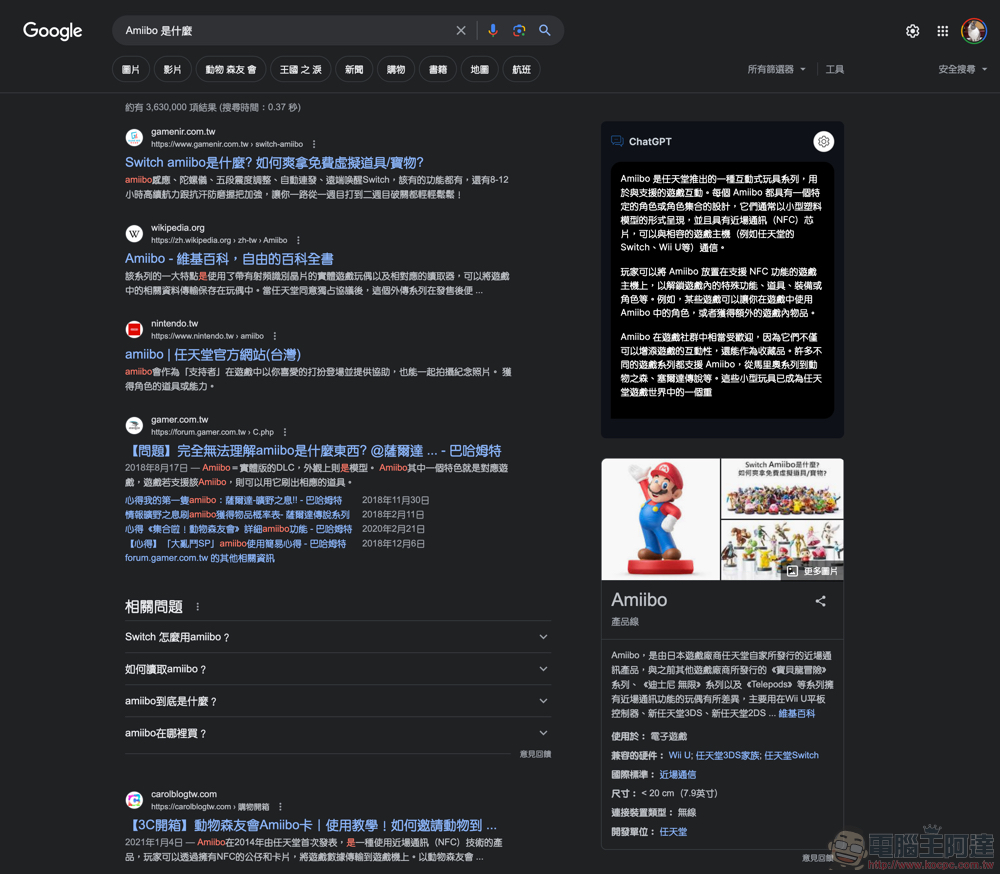
The Computer King Ada team actually installed ChatGPT Google AI Assistant and experienced it. The most convenient thing about this extension is that when you perform a Google search, it will actively help you summon ChatGPT’s chat function in the function bar on the right side of the search page – in fact, it is quite low-key on the page and does not directly occupy too much space. Moreover, this extended function also has other good functions that can further quickly access ChatGPT, which will be introduced later.
After installing ChatGPT Google AI Assistant, every time you perform a Google search, a ChatGPT chat window will be added in the right column, actively helping you ask ChatGPT using the same keywords (remember to log in to an OpenAI account to use it):
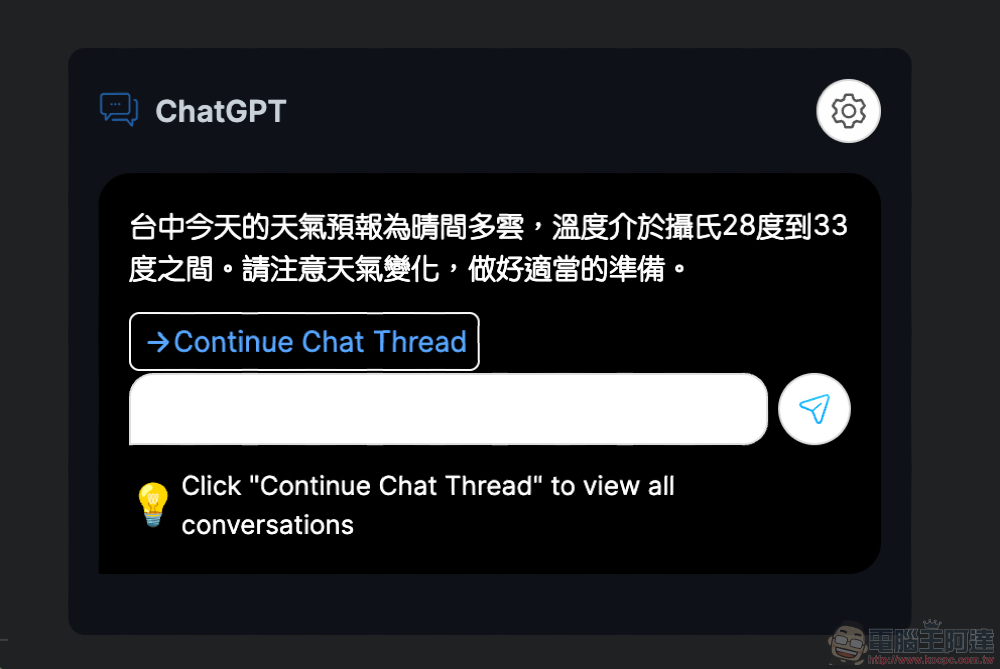
You can continue chatting with ChatGPT and ask questions in the chat window bar on the right. You can also continue the conversation in the web version of ChatGPT through “Continue Chat Thread”:
Chat experiences for Google searches and provided through the ChatGPT Google AI Assistant will be organized in the same history window:
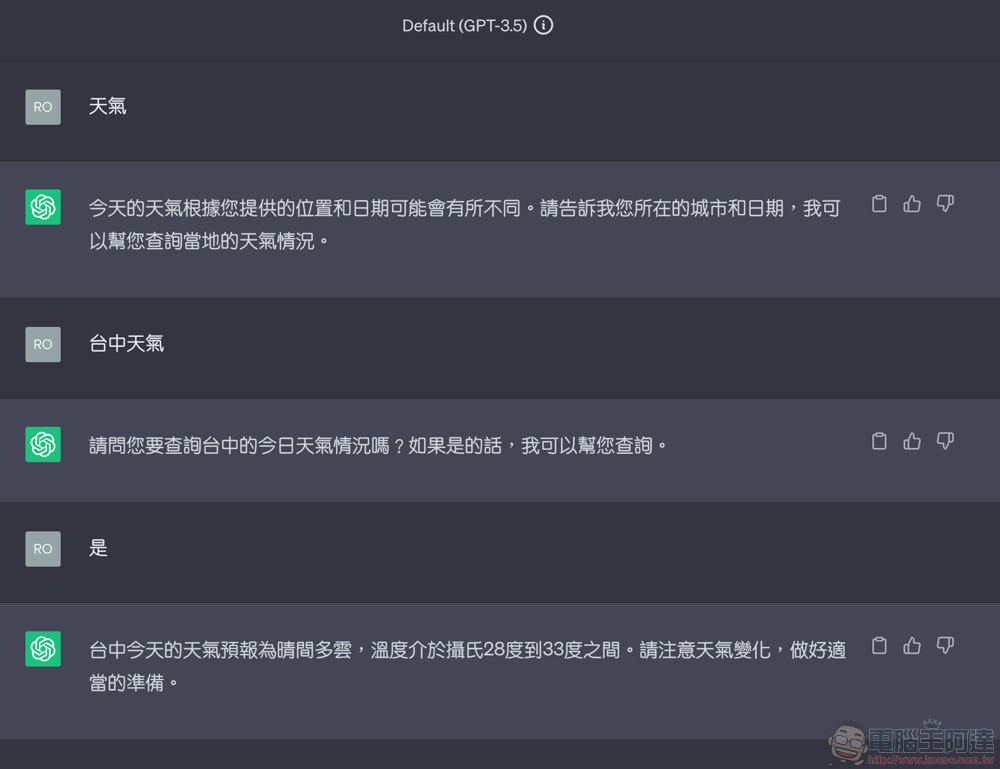
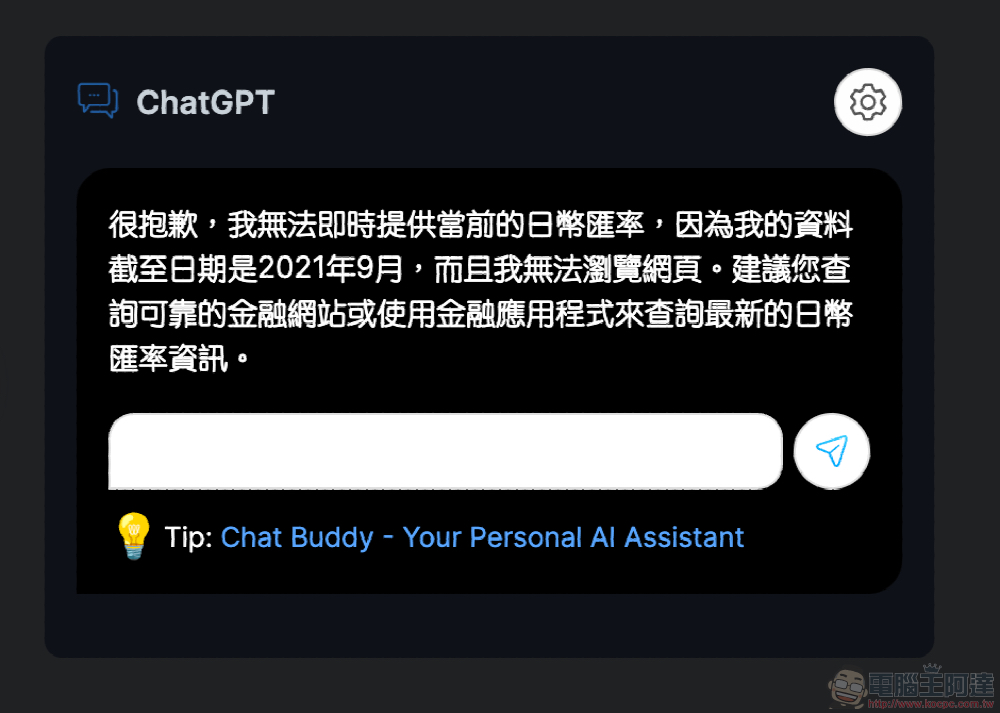
I originally thought that ChatGPT Google AI Assistant could actively help search for current information to feed ChatGPT. However, it seems that there is still a certain chance that the chatbot will still reply with “My information is as of September 2021”:
That is, if you are worried that this extension will waste chat times by constantly asking ChatGPT to search. Then you can select the question mark in “Trigger Mode” to trigger the ChatGPT Google AI Assistant function; the setting function here can also adjust the desired day and night theme: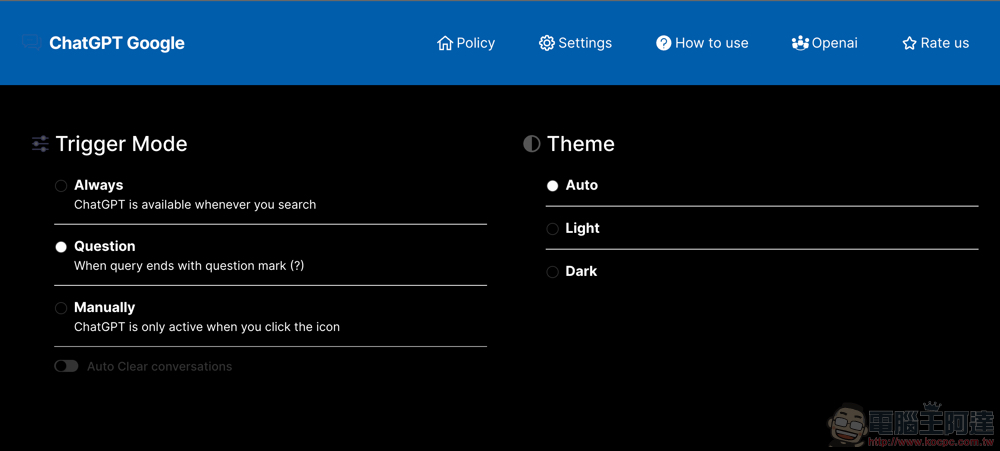
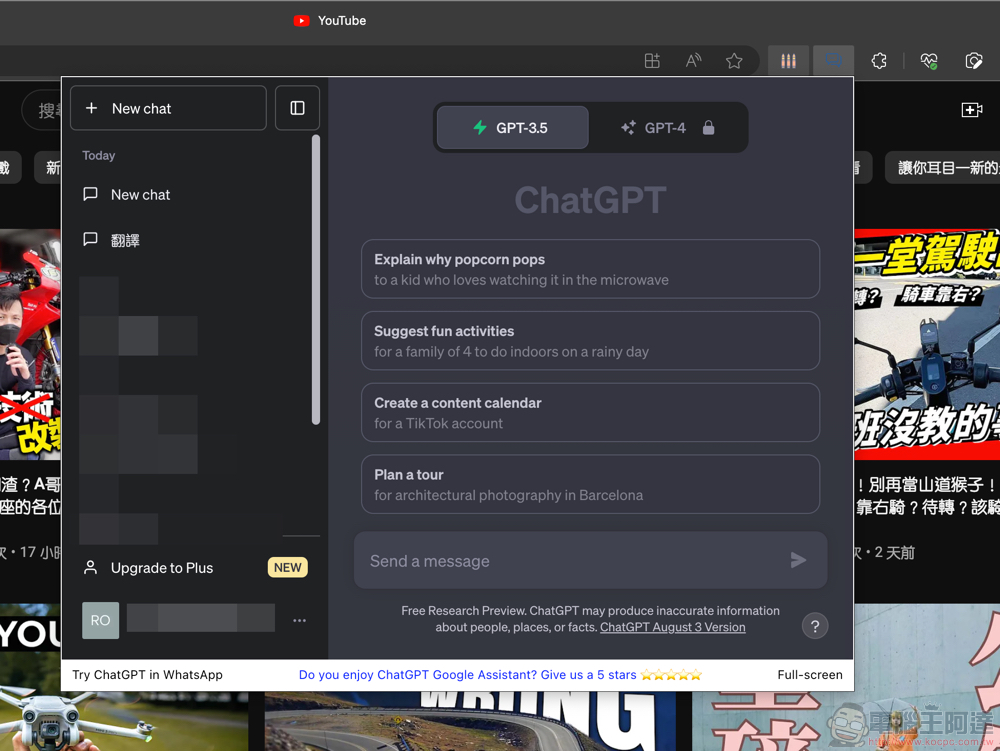
The final easter egg function is to use the ChatGPT Google AI Assistant button in the upper right corner to call up the mini window of ChatGPT – in fact, this function alone should be quite suitable for those who frequently use ChatGPT:
ChatGPT Google AI Assistant is a great feature that allows you to quickly compare Google search answers with the answers ChatGPT will provide. In the future, even if Bard AI is directly integrated into Google search, I believe you can continue to use this set of expanded functions to quickly compare the “insights” from both sides. Recommended to everyone who heavily uses generative AI chatbot services.
Further reading:
Pixel 8 is rumored to bring explosive AI shooting features

Source: KOCPC Chinese