


When making videos on TikTok, YouTube, etc., you may not want to use your own voice. There are many text-to-speech services on the Internet today, even Google has them. However, the voices provided by most free services are very robotic and have been used in many videos, so they feel a little less distinctive. This article would like to recommend a free online text-to-speech tool, TTSMARKER, which is extremely spiritual. It supports many languages, including Chinese, and there are up to 50 Chinese voice options. The converted voice files can also be used for commercial purposes.
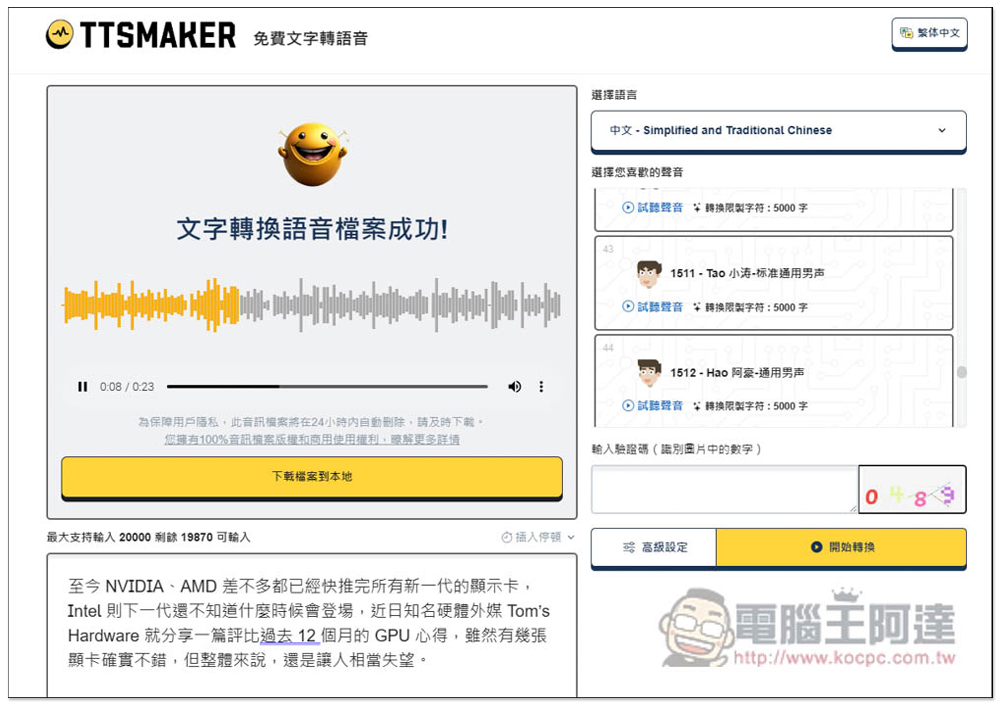
TTSMARKER is a free text-to-speech online tool with more than 50 Chinese sounds. You can set paragraph pause time, speaking speed, etc.
TTSMARKER is really a free tool with a great heart. There are no ads on the entire webpage. There is a 20,000 character limit per week, which is enough for most people. However, in my test, it seems that if I reopen a tab, the 20,000 characters will be recalculated (?)
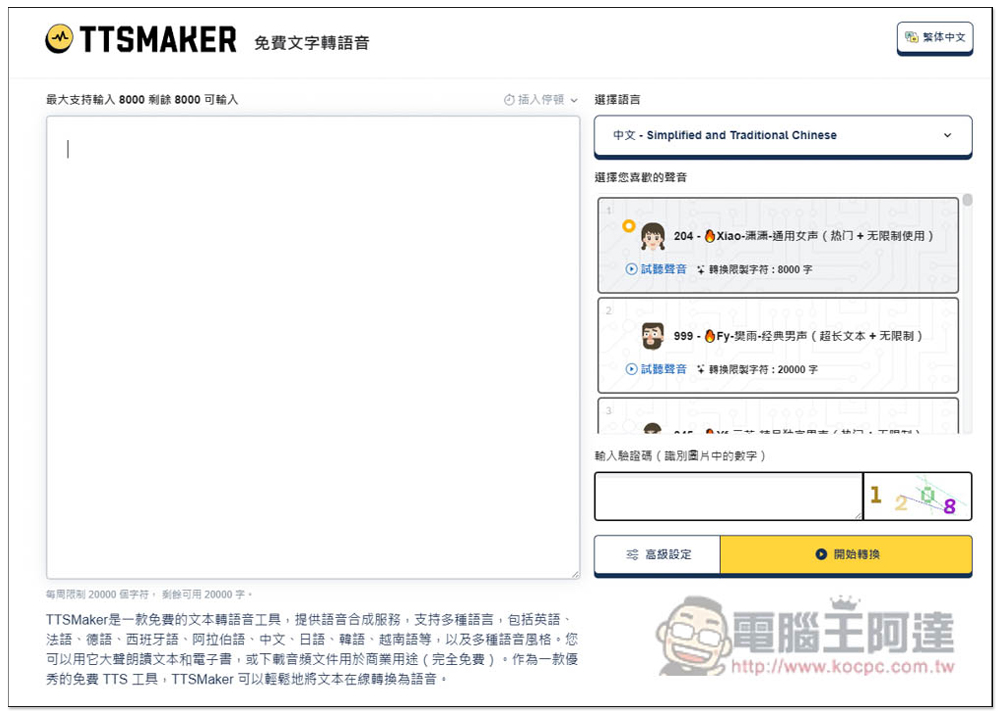
The method of use is very simple. After entering the website, count the content you want to convert into speech on the left. You can enter up to 8000 at a time. However, you must also pay attention to the word limit for each speech on the right. Some cannot reach as many as 8000, so if you exceed the limit, just convert multiple times:
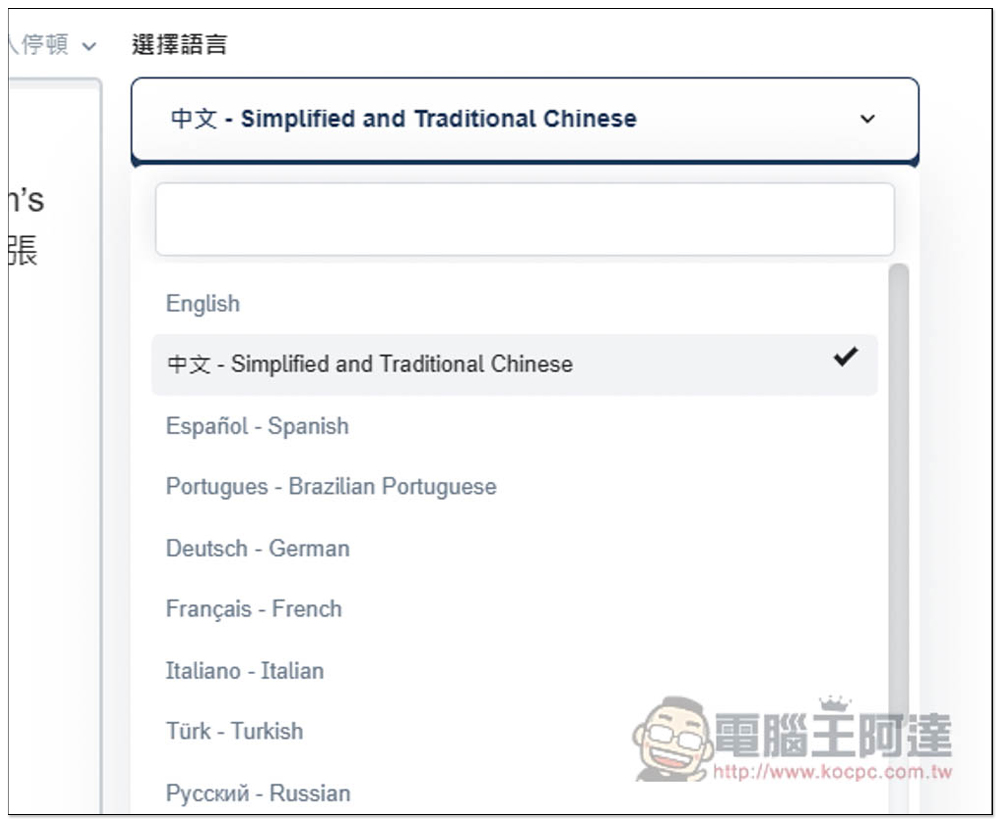
Select the language to set the main language you want to convert to voice. It supports more than 20 languages. The popular English, Chinese, Japanese, Korean, French, etc. are available. The Chinese part is simplified and traditional. Choose this one:
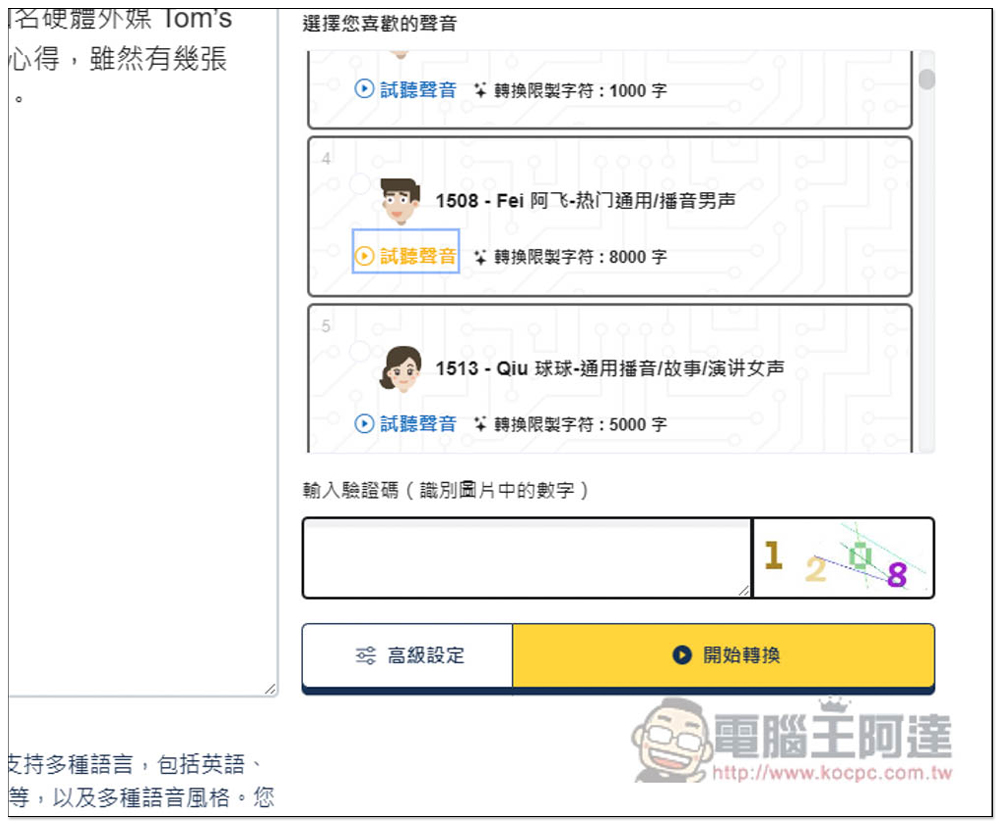
Select the voice sound you want to use on the right. You can preview each one and it will play with one click. It should be noted that this trial sound cannot be interrupted, so you must listen to it completely before pressing one, otherwise the two sounds will overlap. There are currently 55 types of Chinese voices. In addition to male and female voices, there are also children’s voices:
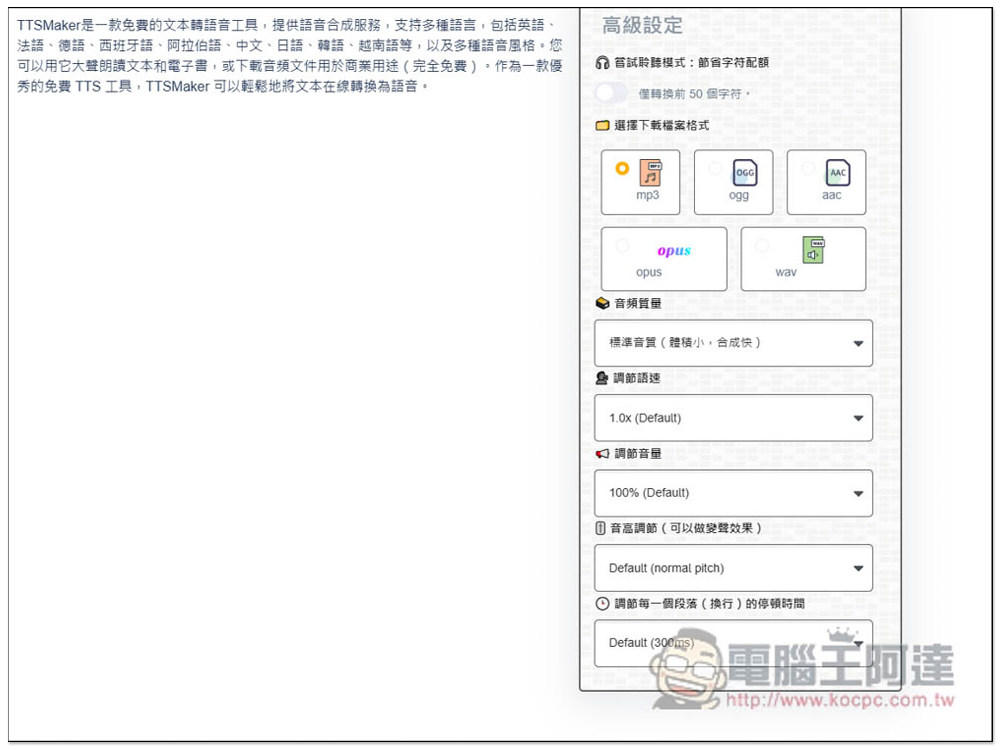
After selecting the voice, there is an advanced setting below. You can open it to adjust more options, including file formats, including MP3, OGG, AAC, OPUS and WAV. The sound quality, speaking speed, volume, pitch, and paragraph pause time can also be adjusted. It is worth noting that the top “Try listening mode” is the most suitable. If you are not sure whether the voice sound is really suitable for your content, you can turn it on, so that only the first 50 characters will be converted. If you are satisfied, then convert all:
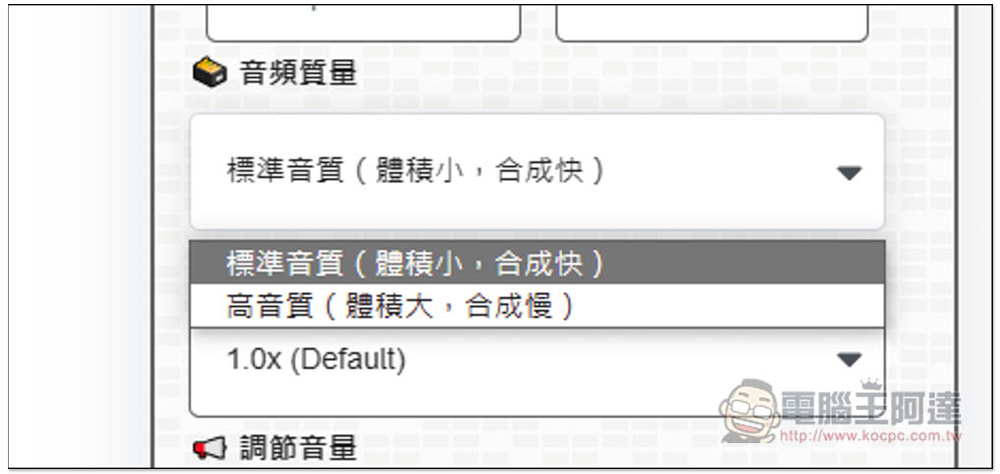
There are two types of sound quality: standard sound quality and high-pitched sound quality. Standard sound quality is enough for most purposes:
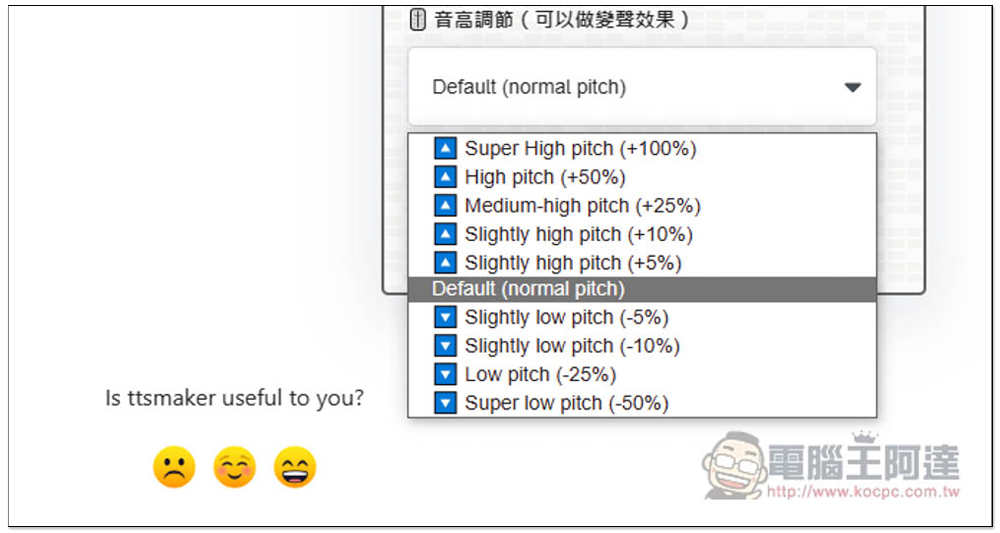
There are many levels of pitch adjustment. Friends who want to change the voice can try it:
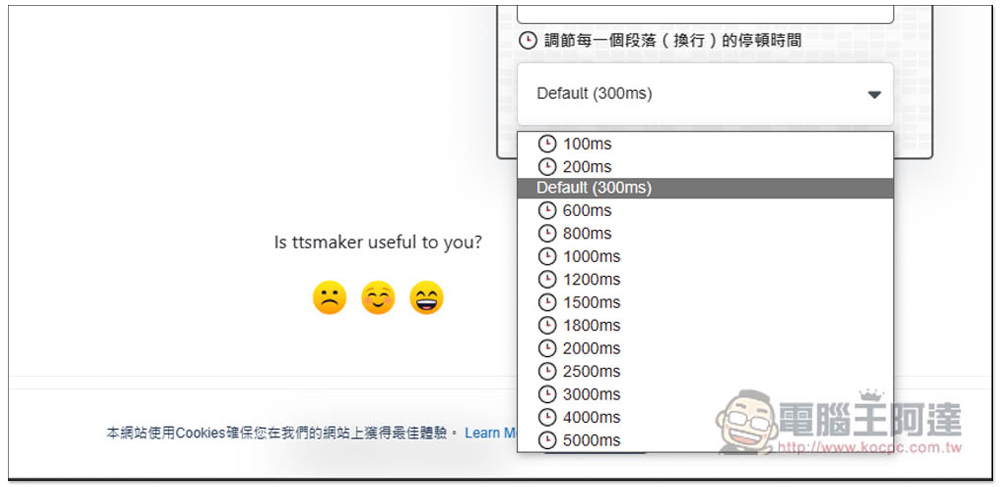
The default paragraph pause is 0.3 seconds. If you feel it is too short or too long, you can adjust it yourself. The minimum is 0.1 seconds and the maximum is 5 seconds:
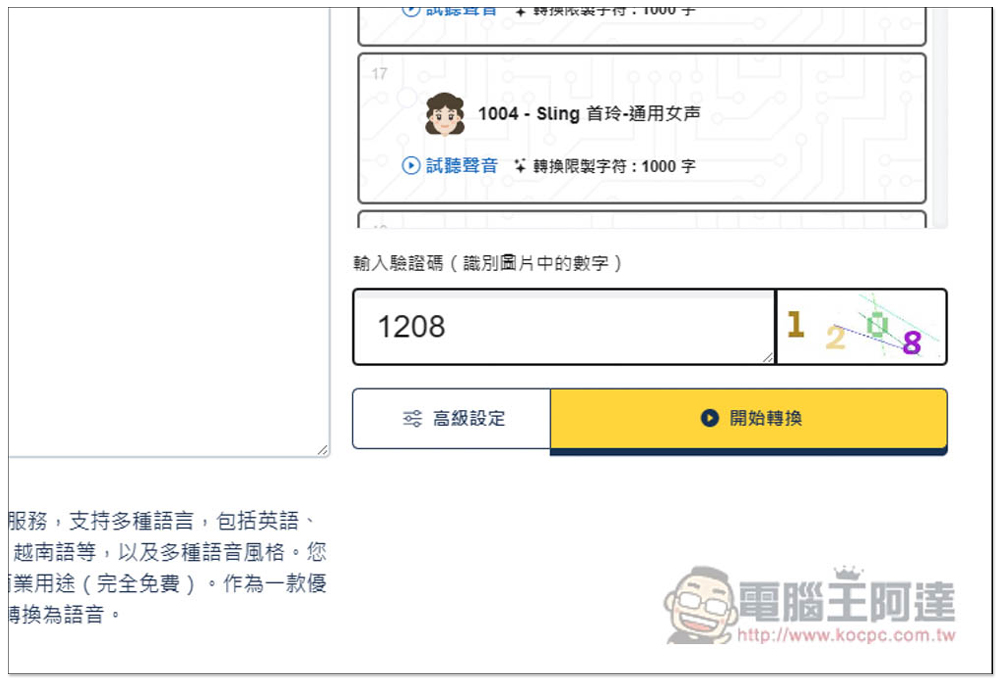
After everything is set up and the verification code is entered, you can press Start Conversion:
I think the conversion speed is quite fast. I completed this short section in about 2 seconds. After the conversion is complete, I will let you listen to it. If you like it, click “Download file to local” below to download the sound file:
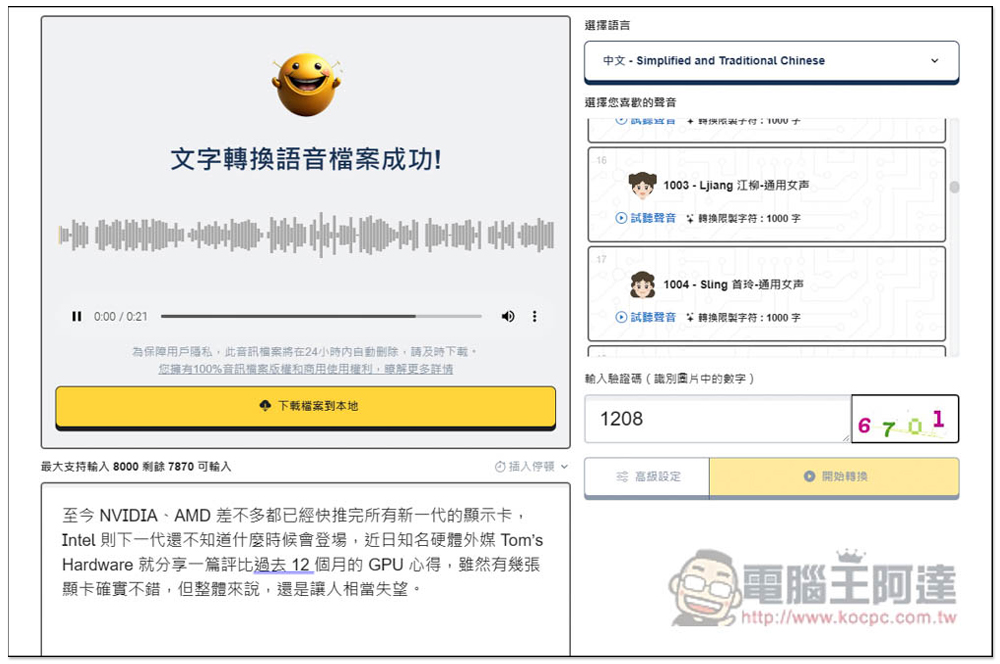
In addition, if your content is mainly in Chinese, but with some other languages interspersed, like mine is Chinese + English, it is no problem to use Chinese pronunciation for this part. When it encounters English, it will be changed to English pronunciation.
Source: KOCPC Chinese