


We have previously introduced a “irasutoya” is a Japanese free illustration material website. They have recently launched an AI illustration generator function. As long as you enter a text description, you can use AI to generate various cute illustrations. I had no problem testing Chinese. A search function is also provided, allowing you to download and use AI illustrations generated by others for free.
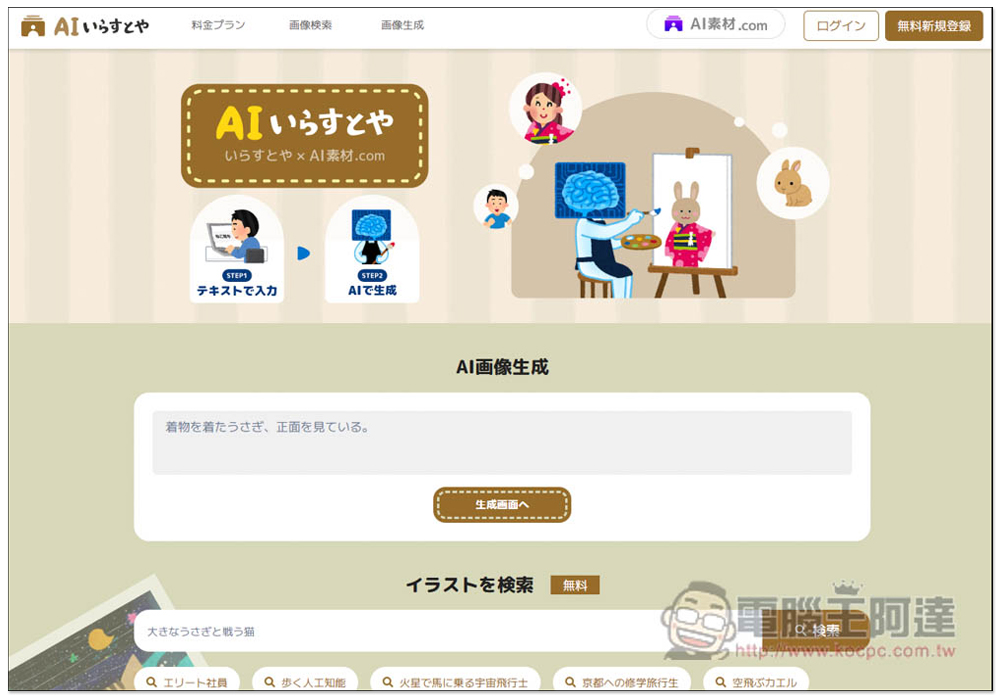
“AI いらすとや” is an AI illustration generator launched by a well-known Japanese photo gallery. Enter a description to generate cute Japanese illustrations.
After entering the AI いらすとや website, you will see a place to enter the description command in the middle. Enter the AI image description you want to generate. Chinese, Japanese, or English are all acceptable, but Japanese is still preferred. The generated image will be more accurate. You can first use AI such as ChatGPT to translate the Chinese description you entered into Japanese, and then paste it here:
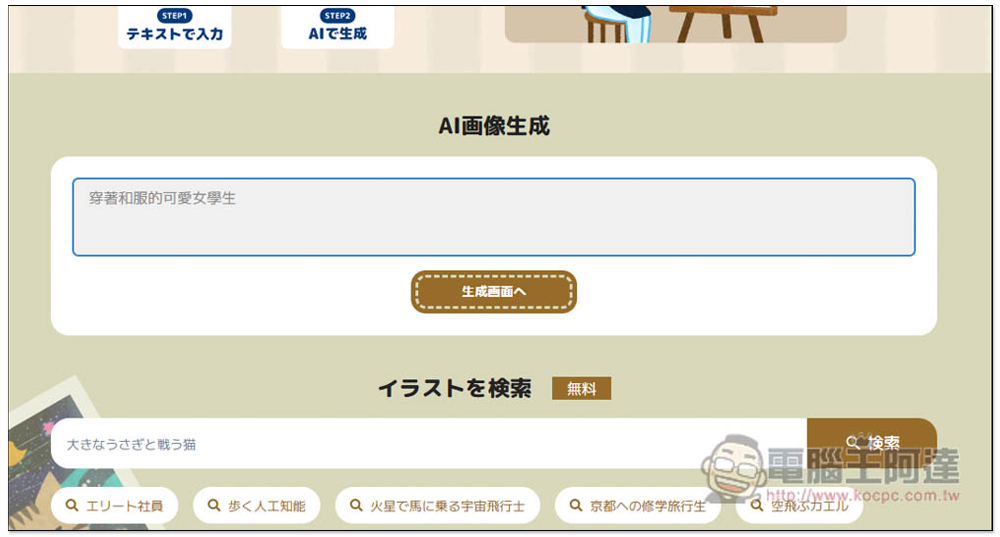
You need to log in to your account to use it. Currently, only Google login is supported. In addition, each account can get 20 free tickets. If you exceed the quota, you will need to pay. Of course, you can also log in to other Google accounts to get an additional 20 tickets:
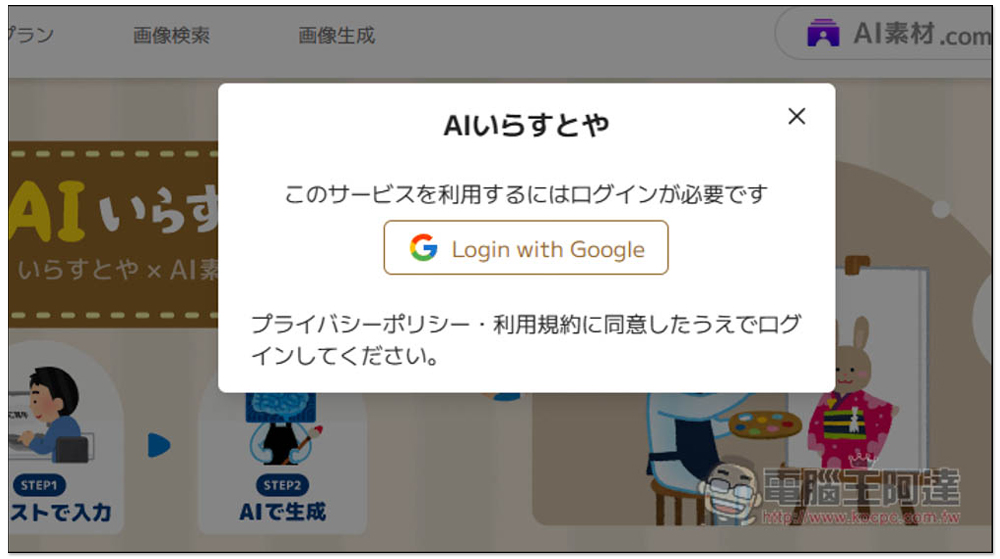
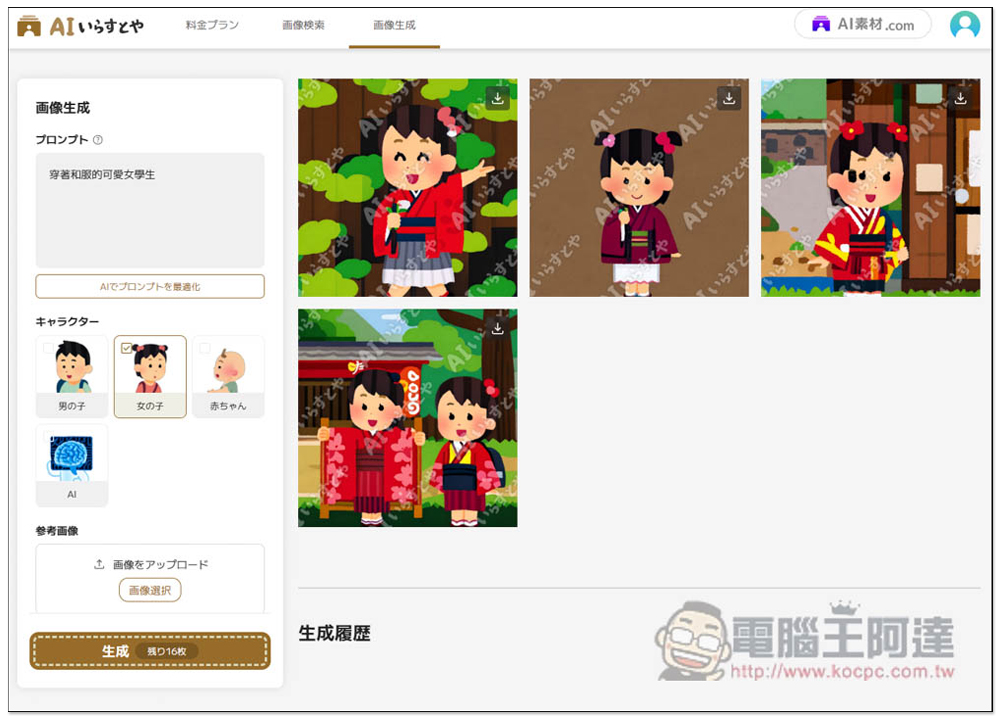
After entering the generation screen, there will be some options on the left, such as the type of protagonist you want to generate, such as: boy, kid, kid, or AI. There is also a function to upload reference pictures below. If you have a similar illustration style or picture, it is highly recommended to upload it. This will make it easier to produce the illustrations you want and avoid wasting 20 drawings. No problem, just press “Generate” at the bottom:
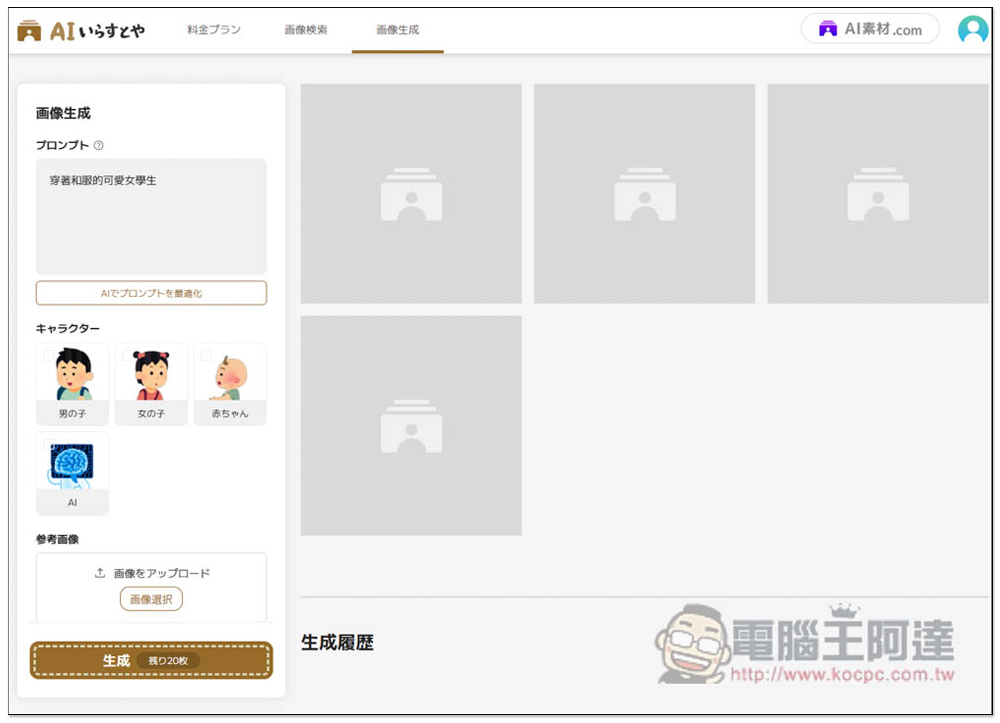
I entered “cute female students in kimonos” and selected little girls. The generated pictures were indeed all wearing kimonos. It can be seen that the Chinese language is completely fine, but there was no way to choose the number of pictures to be generated, so the AI generated 4 pictures for me at a time, leaving only 16 pictures out of the original 20. If there is anything you are satisfied with, you can click the download icon on the upper right:
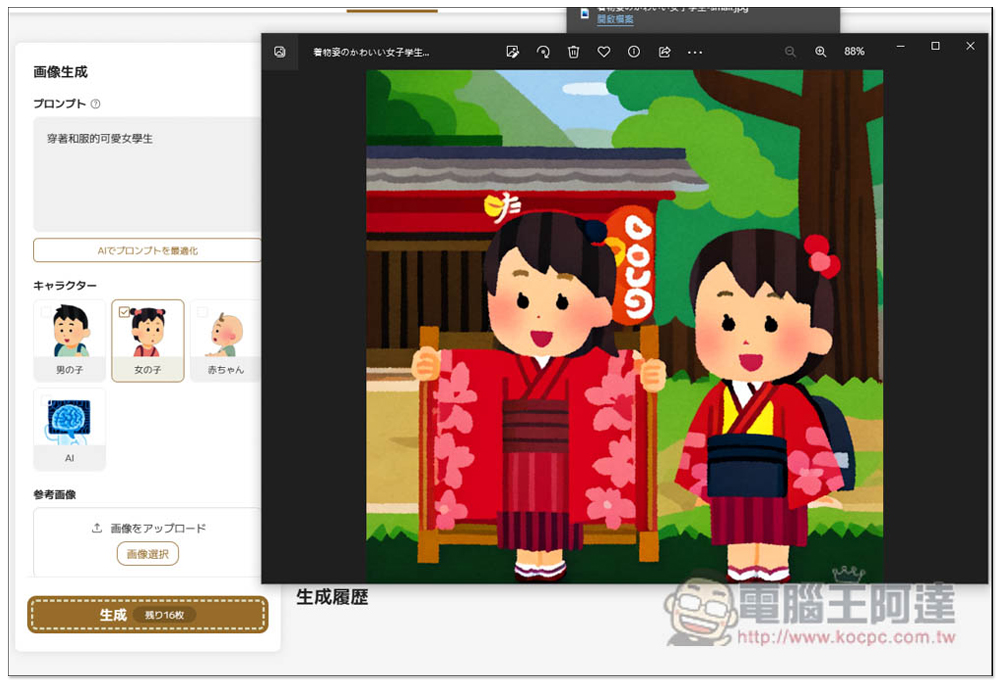
The downloaded file does not have a watermark, only the website preview has it. For those who want to use illustrations commercially, it is recommended to consider the Pro version. Images generated by the Pro version will provide a license for use:
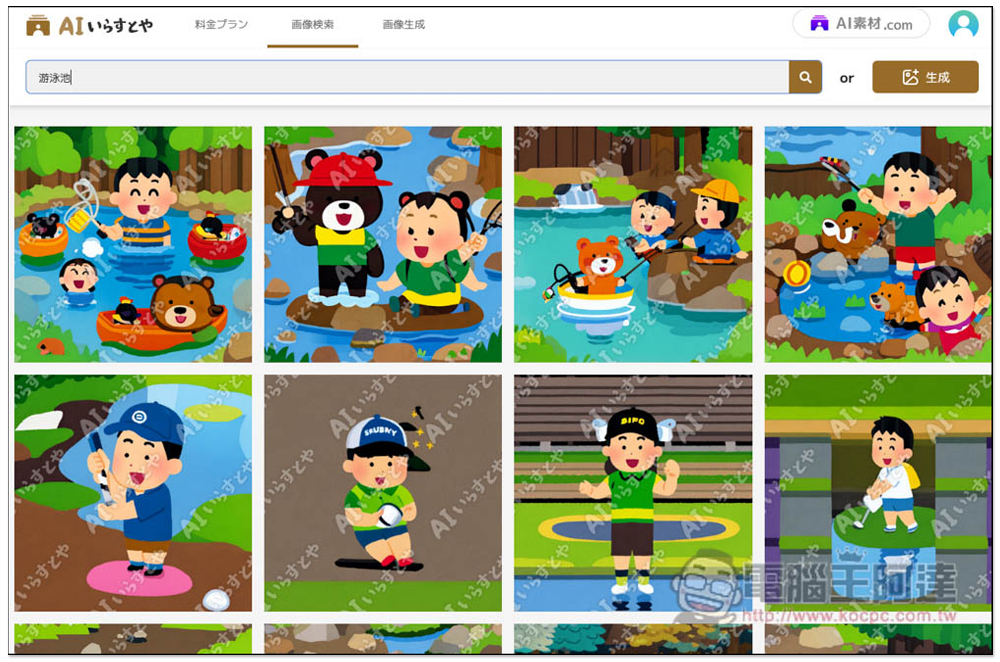
If you run out of deductions, you can also use the search function to find illustrations generated by others. However, the search function is not very reliable when typing in Chinese. For example, when I entered a swimming pool, all the illustrations were irrelevant. The ones with water looked like they were playing by the river, not the swimming pool:
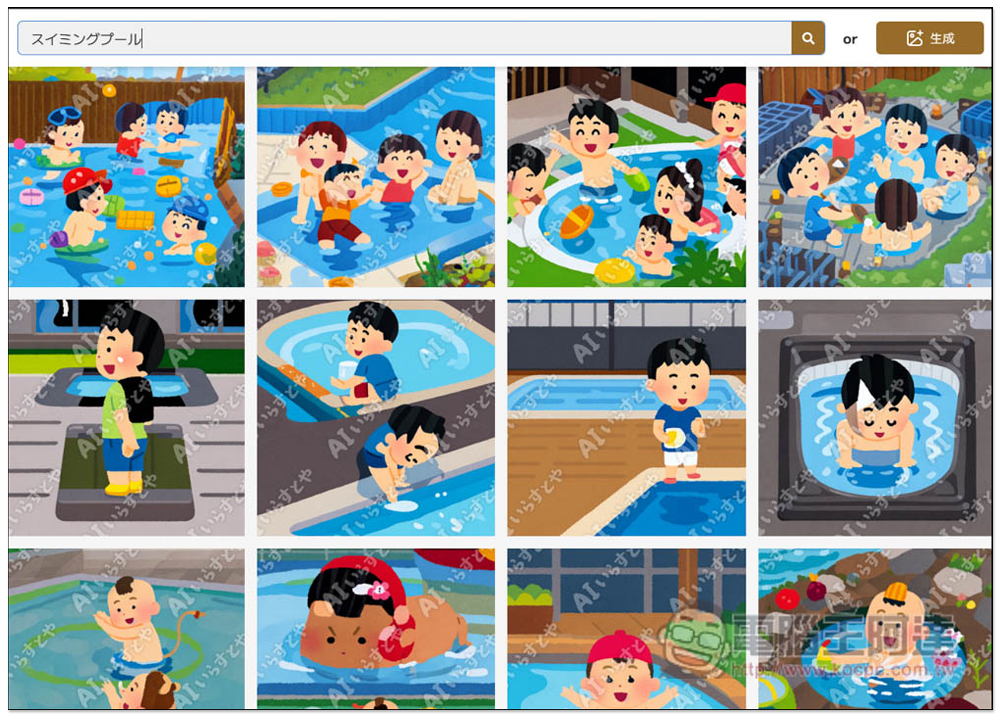
Then I changed it to Japanese “スイミングプール”, and the illustrations found were no problem, and they were all related to swimming pools:
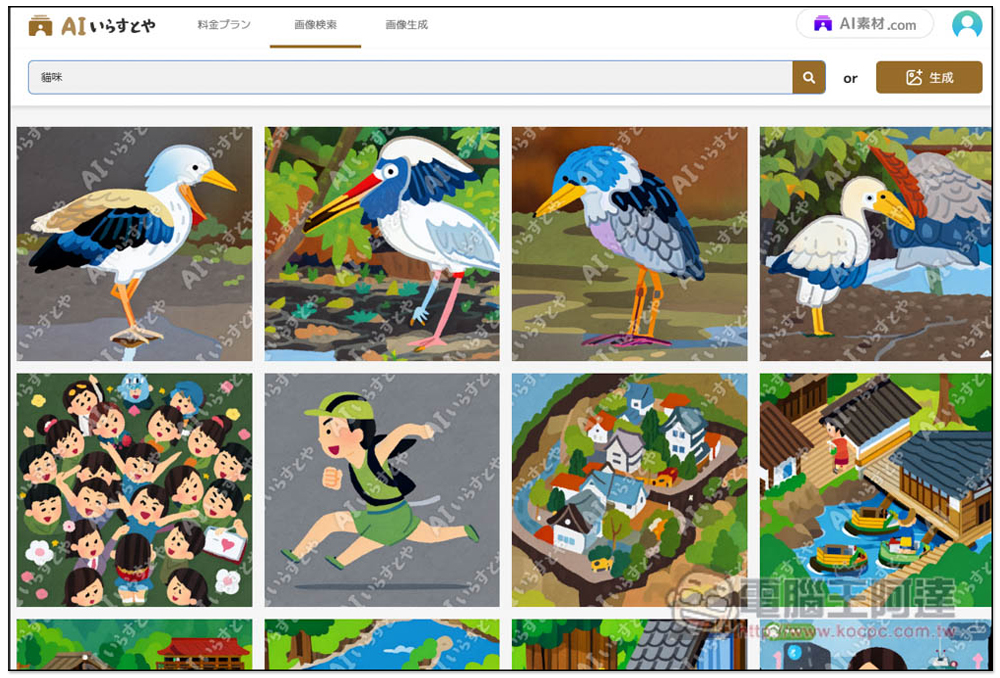
Next, I tested “cat” again. When I entered Chinese, all the illustrations were irrelevant, and there were also illustrations of birds. It was really strange:
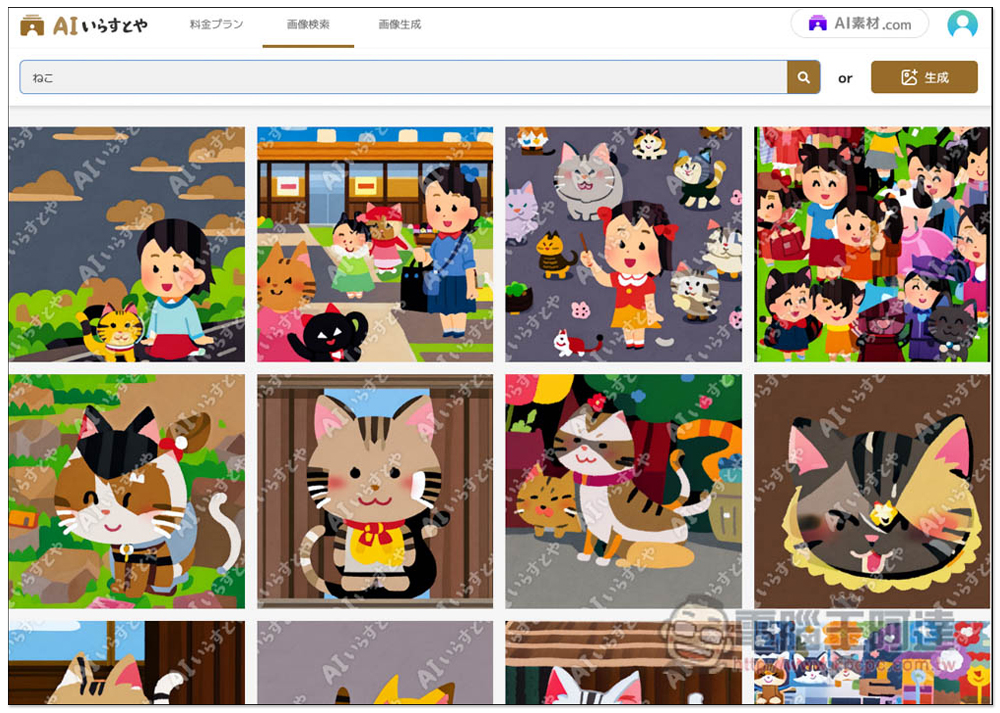
After changing ねこ to Japanese, the results that appeared were all related to cats. It can be seen that it is recommended to enter Japanese when searching, otherwise a bunch of irrelevant illustrations are likely to appear:
Controversies over the commercial use of AI images are still ongoing. AI いらすとや is also very conservative in its instructions for use. It is mentioned that if someone complains about copyright issues, the company may delete the images generated by the user. Therefore, it is not currently recommended for commercial use. It is safer to find free materials directly from “irasutoya”.
Source: KOCPC Chinese