


After Windows 11 22H2, Microsoft removed the “No network connection” option during the account login step, which made it very troublesome for people who just wanted to create a local account. Although some people on the Internet provided a way to bypass it from the command prompt, the operation is not that simple. In fact, there is a simple method. You don’t have to remember anything, just type in and you can skip it.
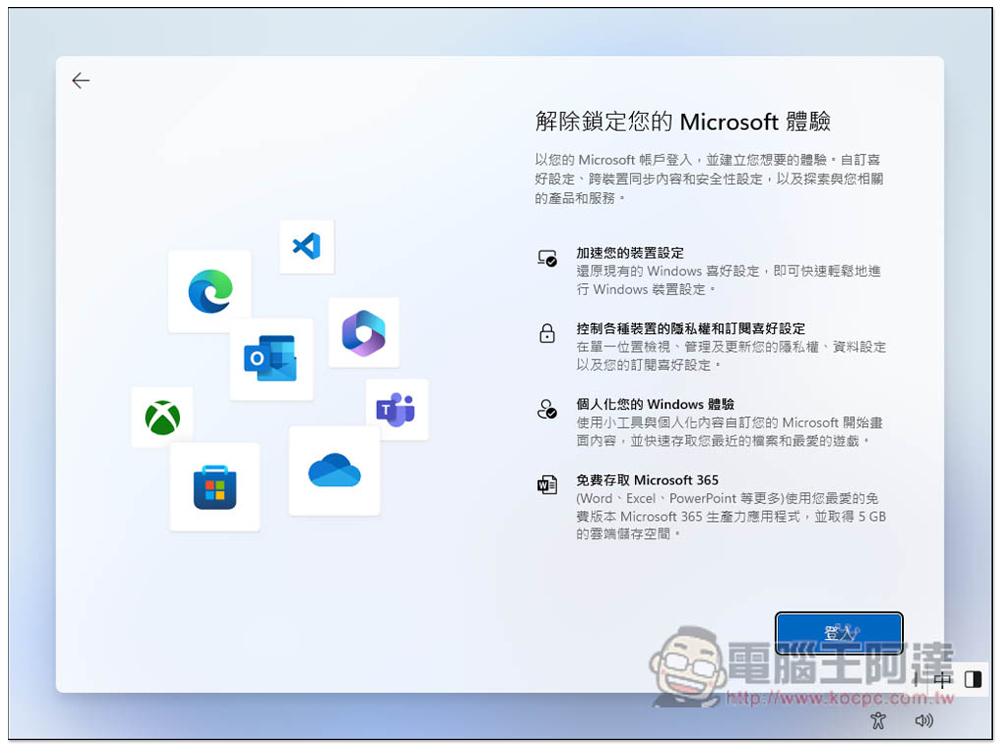
update: If you encounter that the following two methods are invalid, use this trick instead. When you are asked to enter your account and password, press the Shift + F10 shortcut key to open the command prompt, then enter start ms-cxh:localonly This command and pressing Enter will set up a local account:
start ms-cxh:localonly
This should be a way to install Windows 11, skip logging in with a Microsoft account, and create a local account instead.
In the past, when logging in to an account, the option of “no network connection” was provided for everyone to choose. Therefore, we could create a local account first, and then decide whether to log in to our own Microsoft account, which is more flexible. However, it is not available in the current version, so for those who don’t know, it may feel that it is a forced login. In fact, it is not:
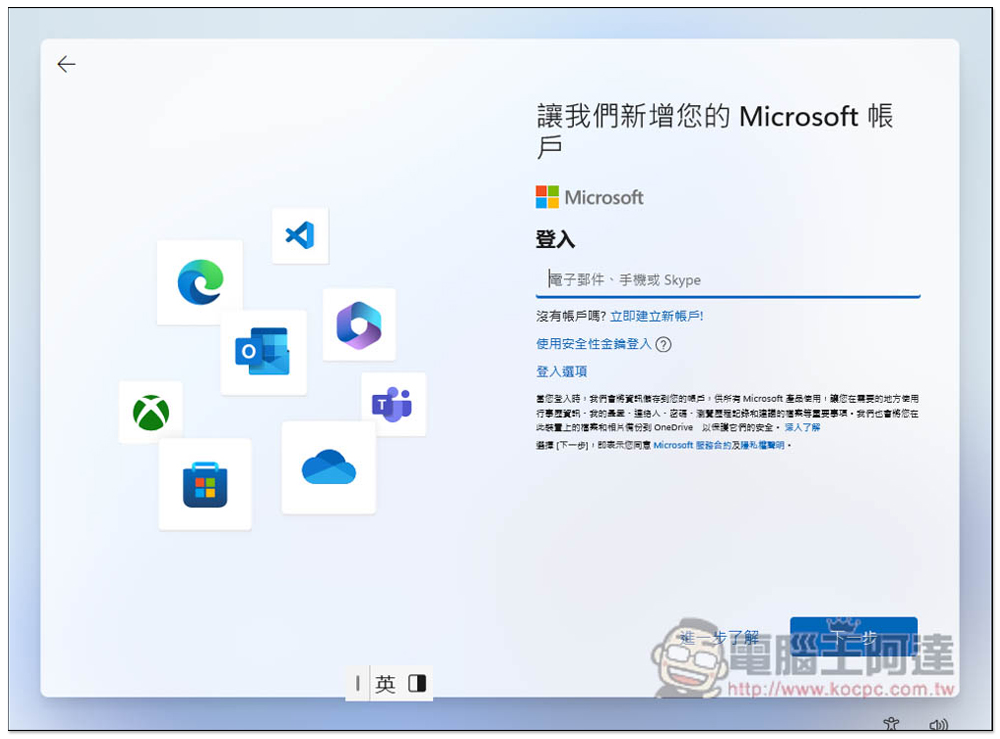
Some people may have heard that as long as you enter the email address of no@thankyou.com and then enter the password casually, you can skip this step and create a local account. This is true, but it doesn’t have to be so complicated. You only need to enter the account format that meets Microsoft’s requirements and you can successfully skip it.
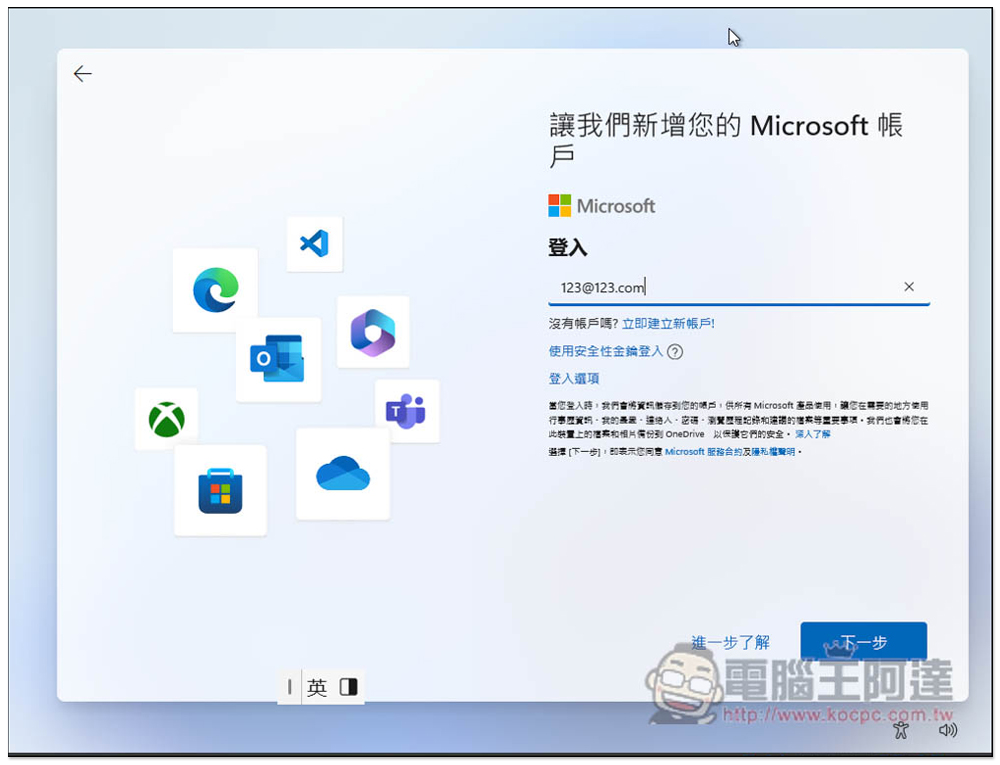
For example, if I enter 123@123.com, it will pass Microsoft’s account format check, and then click Next:
Enter the password casually, you can just enter a 1, it depends on your mood:
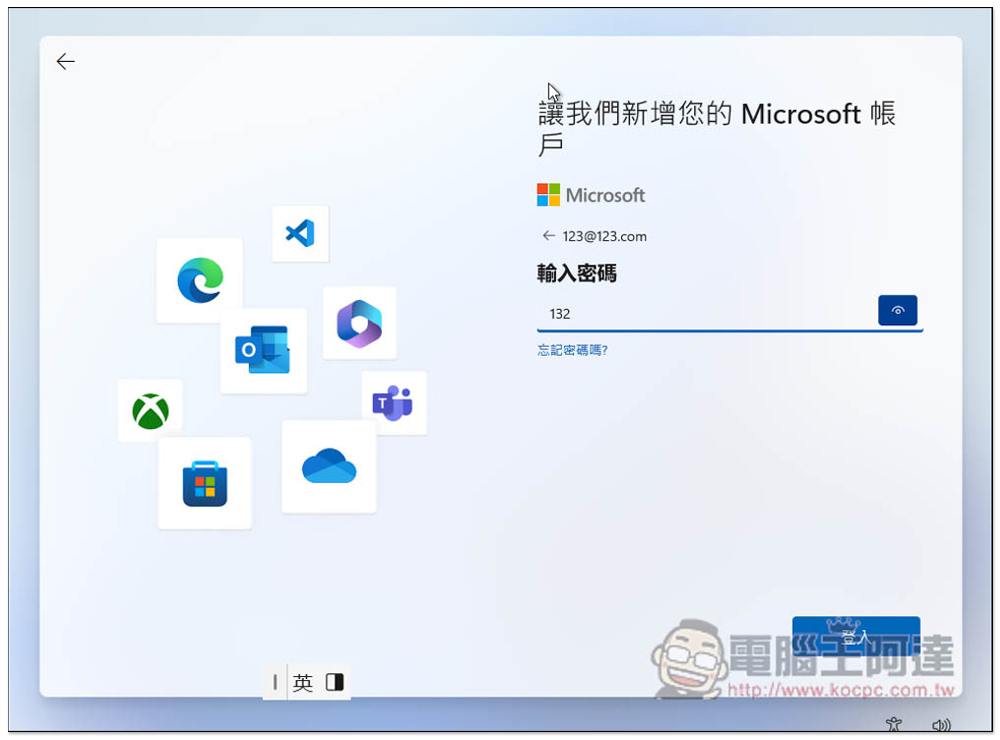
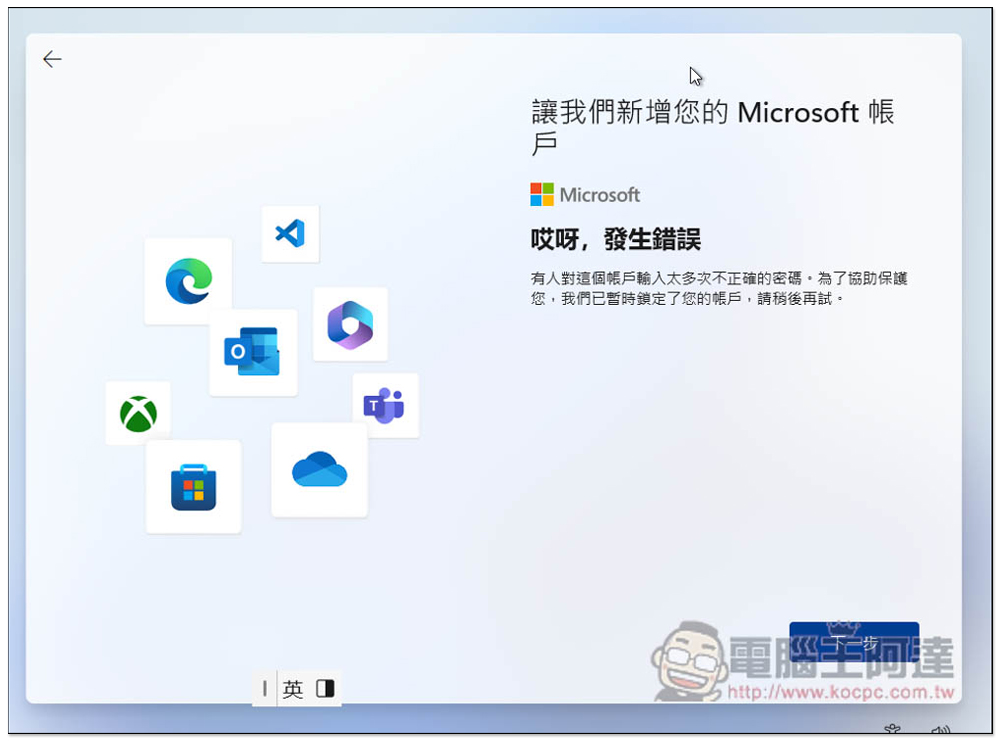
If “Oops, an error occurred” appears, it means success. It says below “Someone has entered an incorrect password for this account too many times. To help protect you, we have temporarily locked your account. Please try again later.” Ignore it completely. No matter how you enter your email address randomly, this error message will pop up:
Next it will be the steps to create a local account:

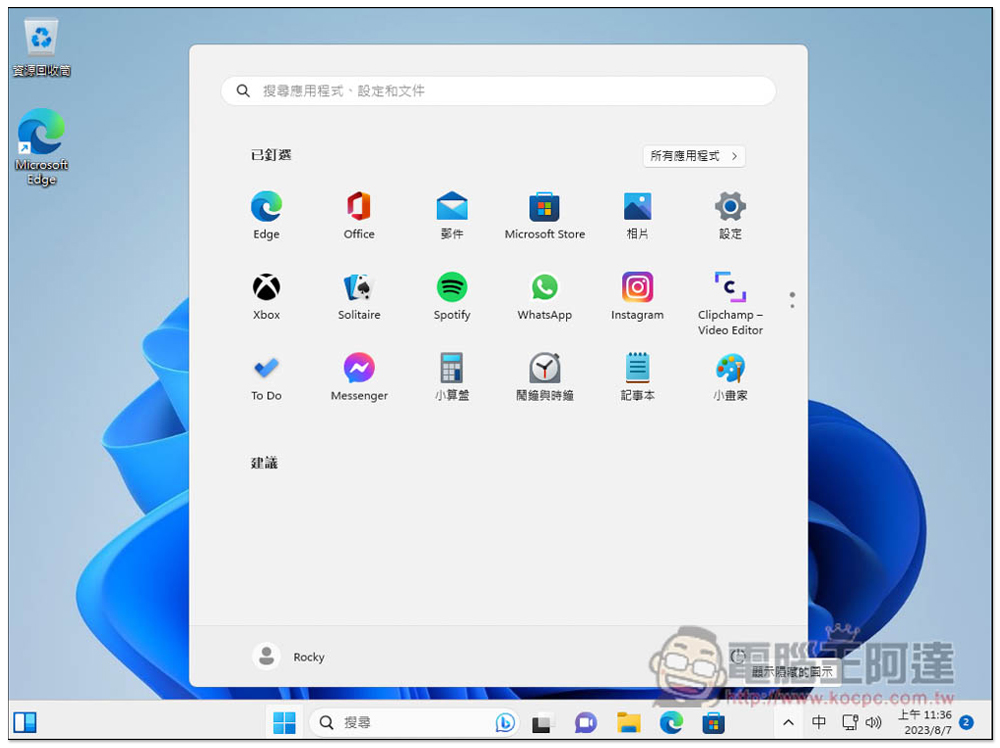
Successfully entered the desktop without logging into a Microsoft account:
But I’m not sure if this method has always been effective, or if it just happened to be this version. I recently tried it and found it. If it fails when you use it, you can try the methods recommended by other netizens, such as:
- Enter no@thankyou.com and enter the password as you like.
- Use command prompt characters during login phase
How to use command prompt characters to skip logging in with a Microsoft account?
This method has been around for a while, so it should be effective for a long time. When you are stuck on the login screen, press the Shift + F10 shortcut key to open the command prompt. Then enter the command oobe\bypassnro and press Enter. The computer will restart. You need to proceed step by step from the settings start screen, and you will see the “I don’t have Internet” option.
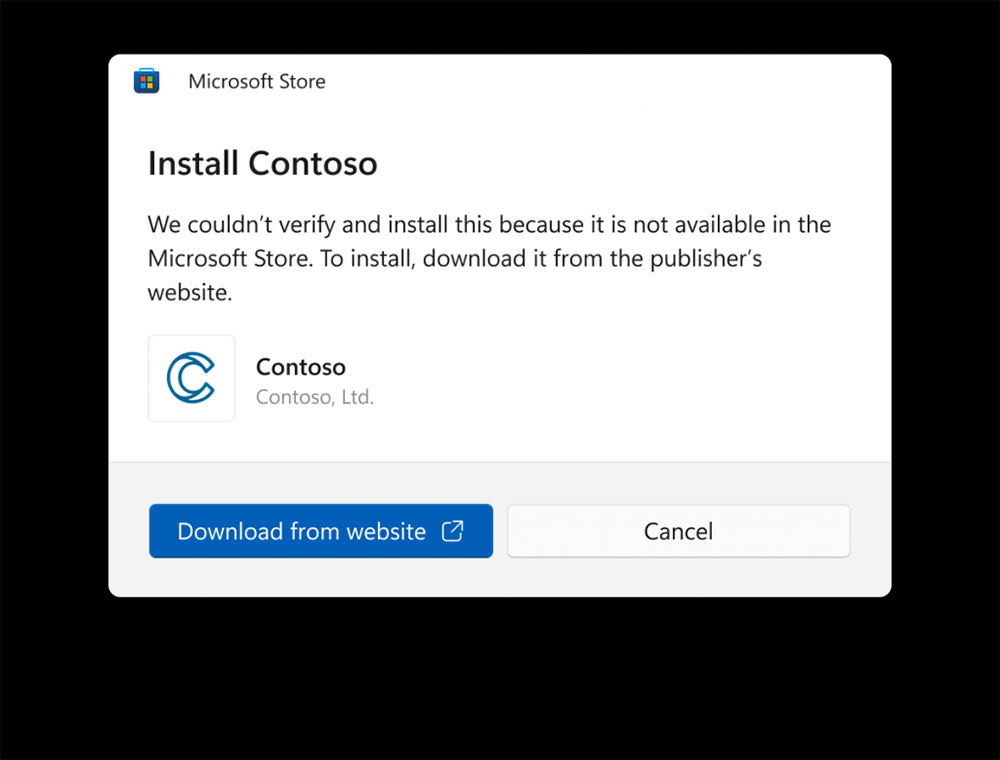
Having said that, if there are no special needs, it is actually recommended to log in to a Microsoft account to use Windows 11. After all, your data will be automatically synchronized, which will be more convenient when refilling or replacing a new computer in the future. In the future, Microsoft also plans to add a more convenient “Backup and Restore” function, which can easily set the new computer to look like the original old computer. It also includes applications that are not installed from the Microsoft Store and can be easily restored:
Source: KOCPC Chinese