


Although there are a lot of SVG vector materials on the Internet, it is not so easy to find the illustrations and pictures you want, and you may also worry about whether they can be used commercially. This article will recommend a better alternative tool “Recraft”. Different from other AI graphics, it is a tool that specifically provides AI to generate vector graphics and illustrations. That is, you can download the SVG format, and the operation is super simple. Describe the appearance you want, and the beautiful SVG vector graphics will come out in less than a few seconds. It is completely free.
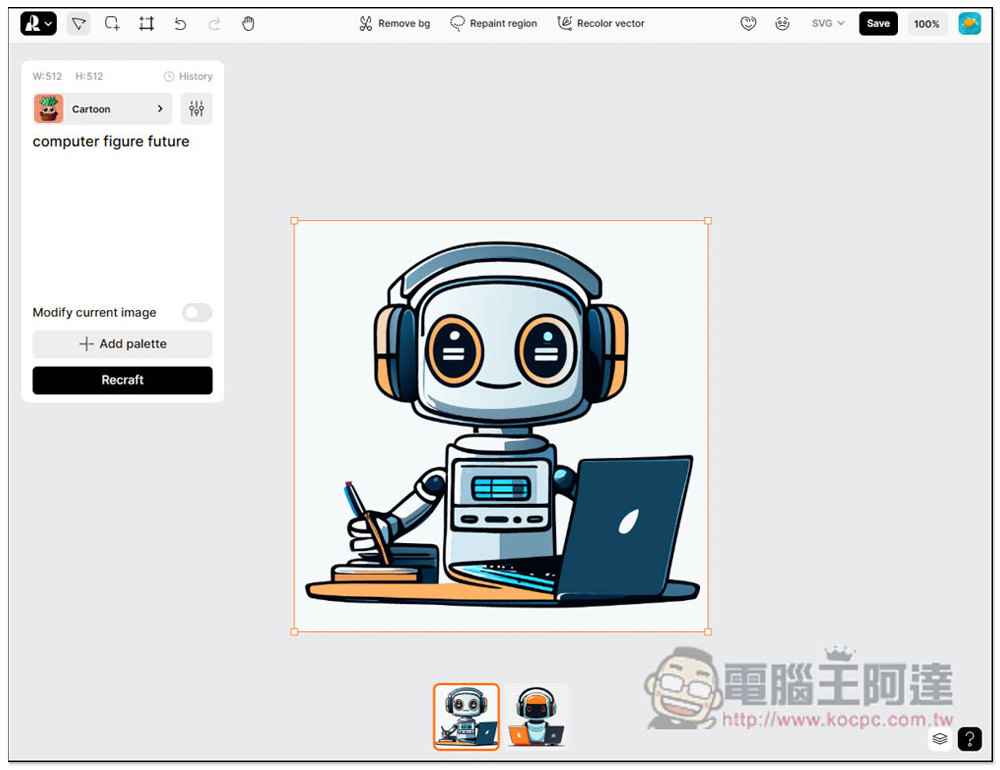
Recraft is a free online tool that uses AI to generate SVG vector graphics and illustrations. You can just make whatever materials you want in the future by yourself.
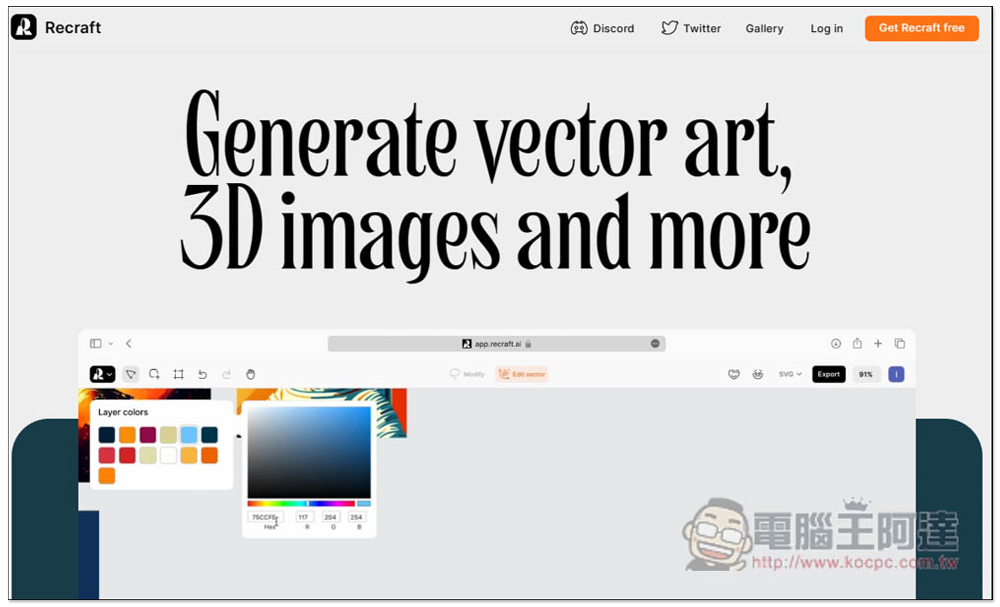
Recraft has become very popular abroad recently. It can produce illustrations in SVG, PNG, JPG and other formats, including 3D pictures. It is completely free (not sure if it will be free in the future). You need to register before using it. Click Get Recraft free in the upper right corner:
Currently only the Google account registration function is provided:
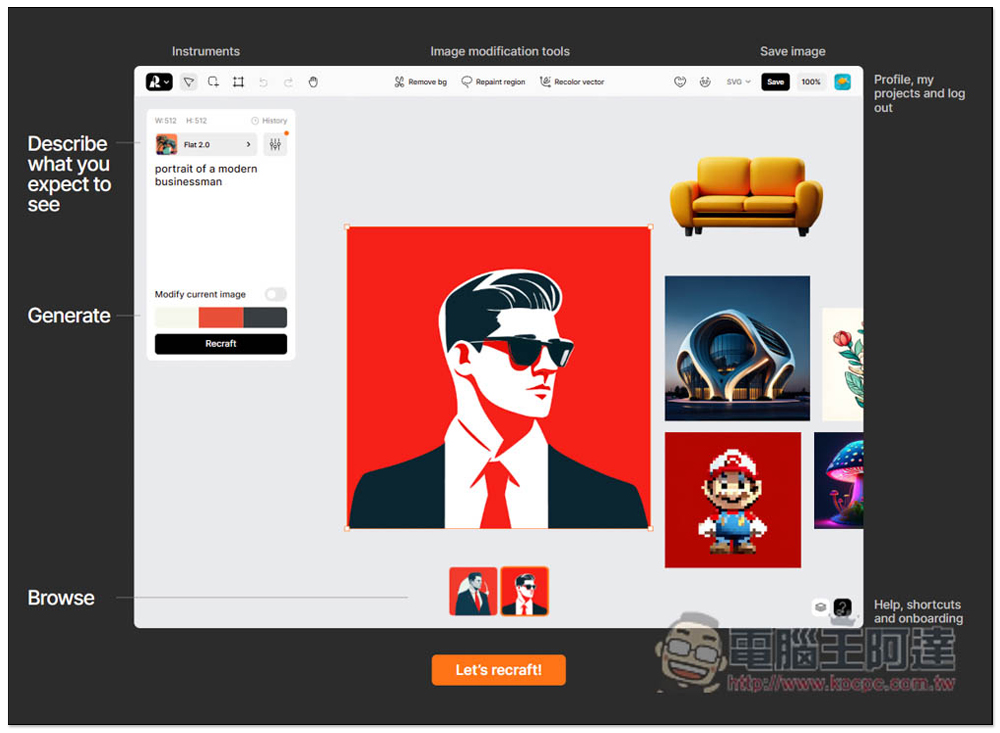
After registering, there will be a simple tutorial, just a few key points. The location for placing instructions, selecting styles and other illustration settings is on the left. The pictures generated by AI will be displayed in the middle. There are also some functions available above:
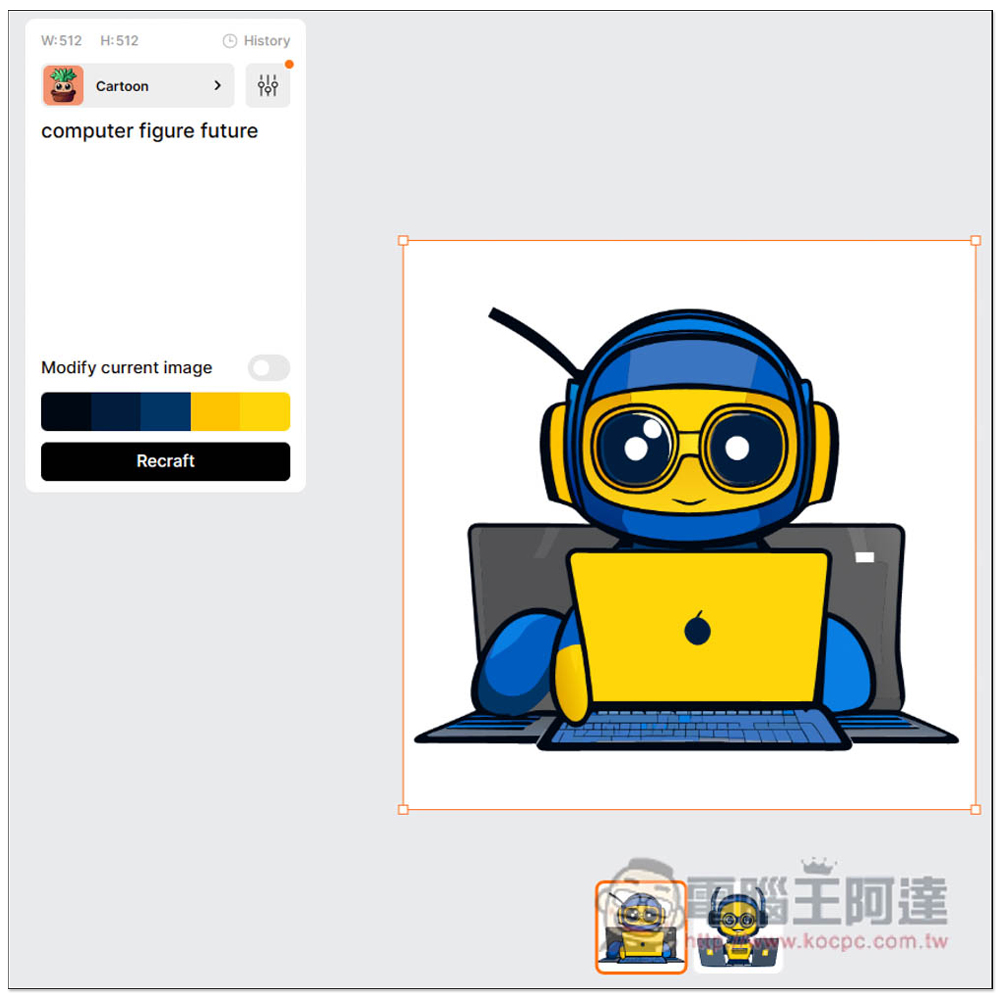
First, choose the illustration style you want to produce. There are vector art, illustration, icon, 3D illustration and photorealism. For vector illustration, choose Vector art. Then there are five different types provided. I take cartoon as an example:
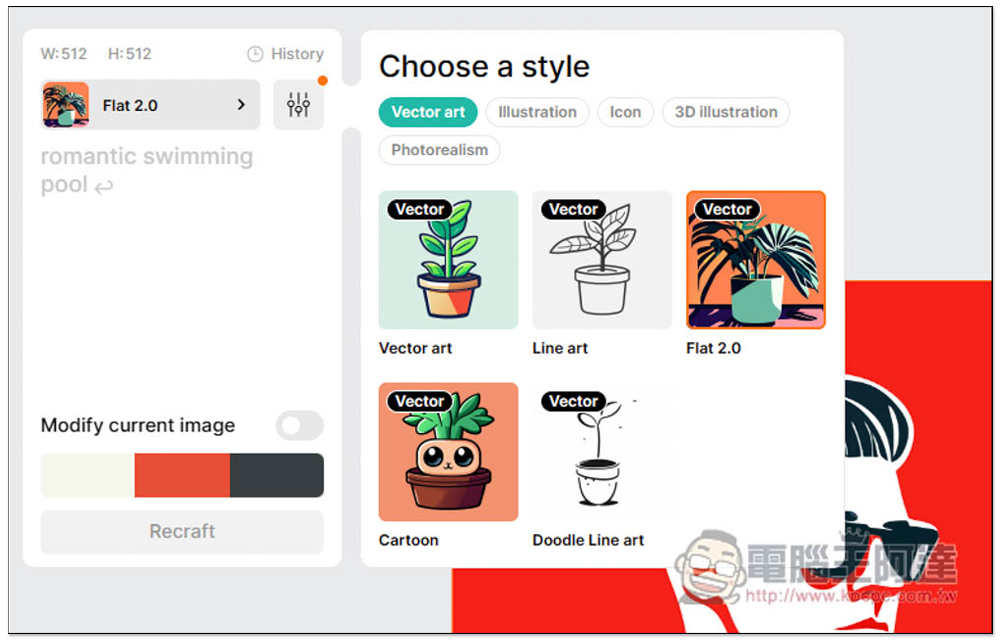
Then fill in the description of the vector image you want to generate on the left. If you are worried about spelling it wrong in English or don’t know how to describe it in English, you can translate it into English through ChatGPT. After entering it, click Recraft below:
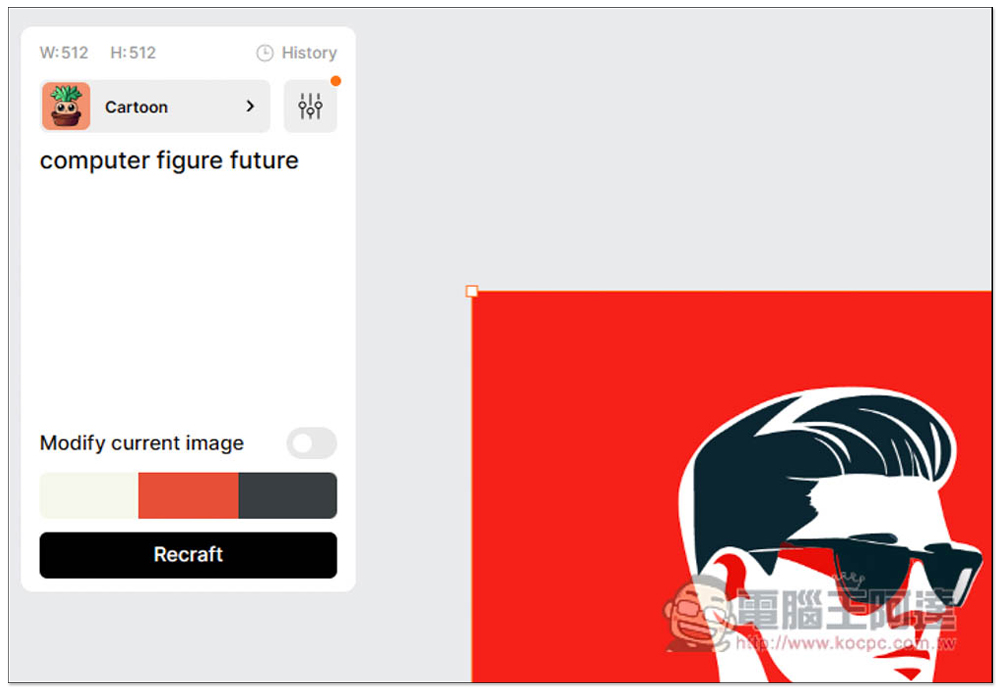
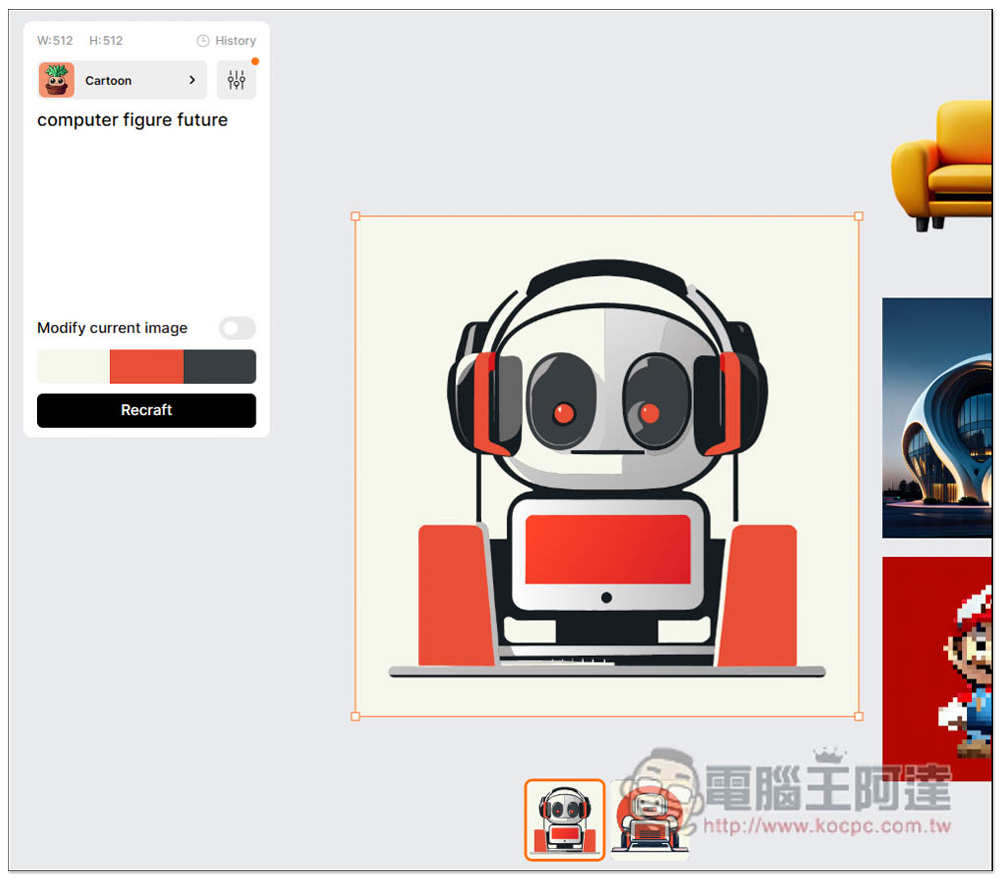
Within a few seconds, the vector images generated by AI will appear, usually multiple images at a time:
If you don’t like the color scheme, you can also switch to other colors with one click, like the one at the bottom I switched to. If you are satisfied with the image generated by the current AI, remember to turn on Modify current image. If you think it is good, you can directly press Recraft to regenerate:
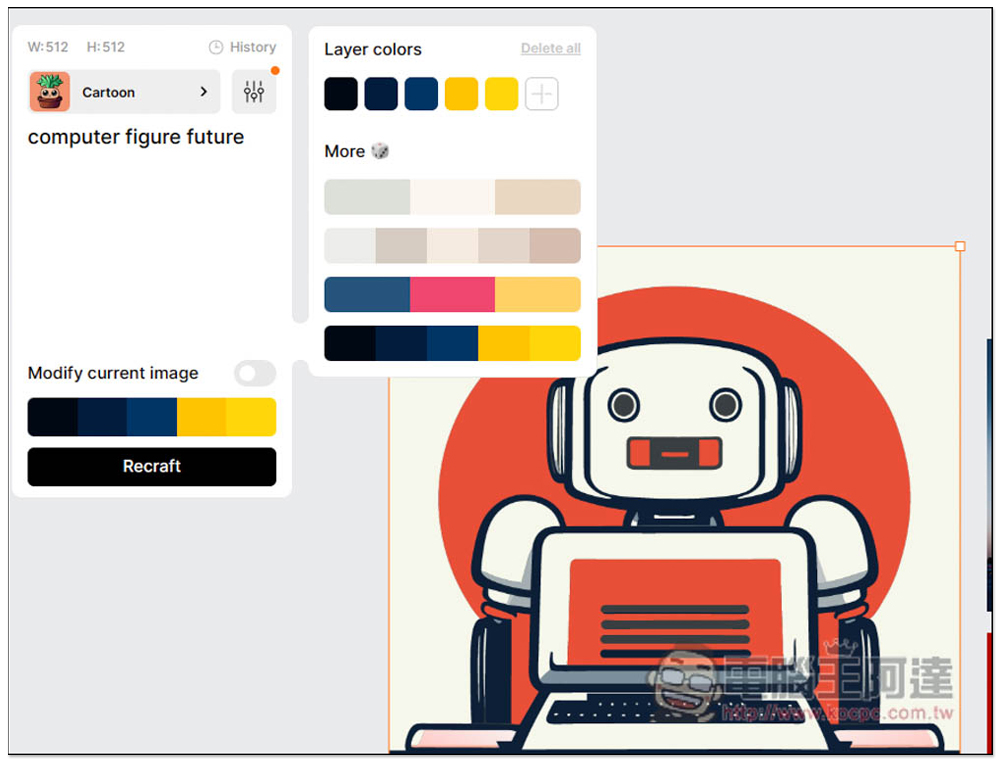
It will use the color scheme I just set to generate other matching pictures:
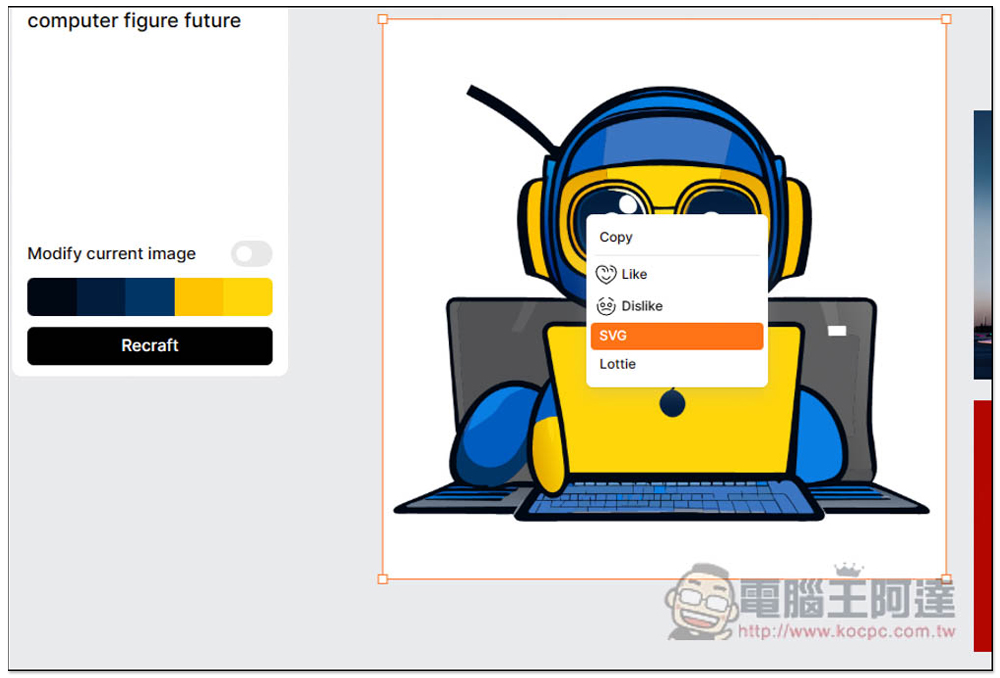
If you are satisfied, you can directly open the right-click menu and download it into SVG format:
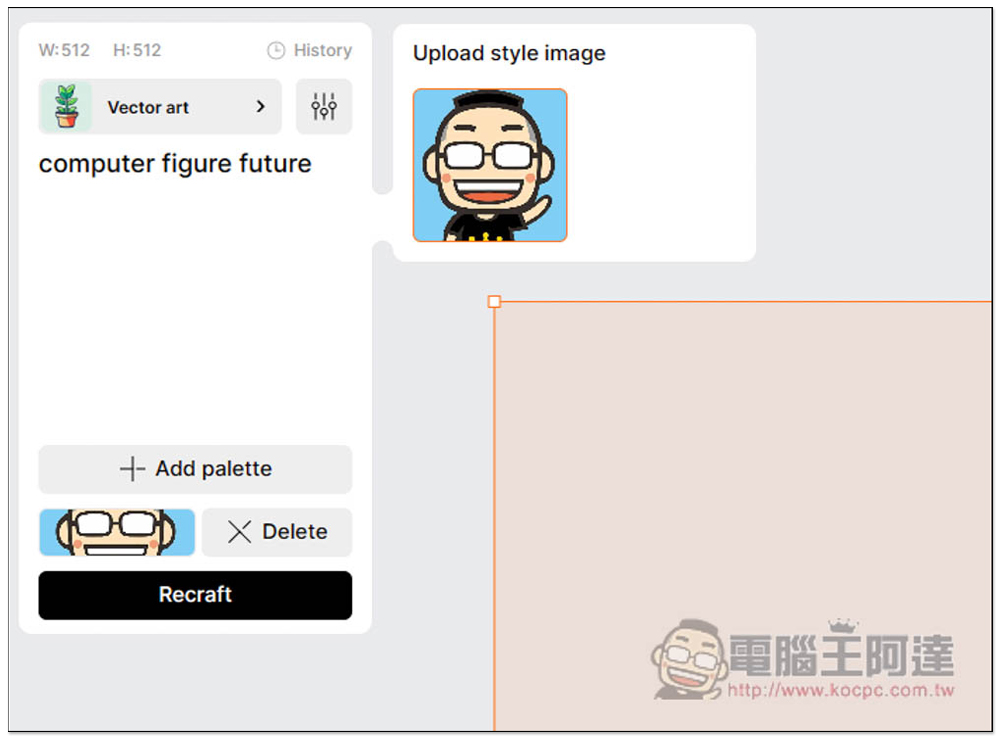
You can also upload reference images for certain types, like Vector art:
There is a filter function in the upper left corner. After opening it, you can adjust the intensity of details and remove things you don’t want to appear in the picture:
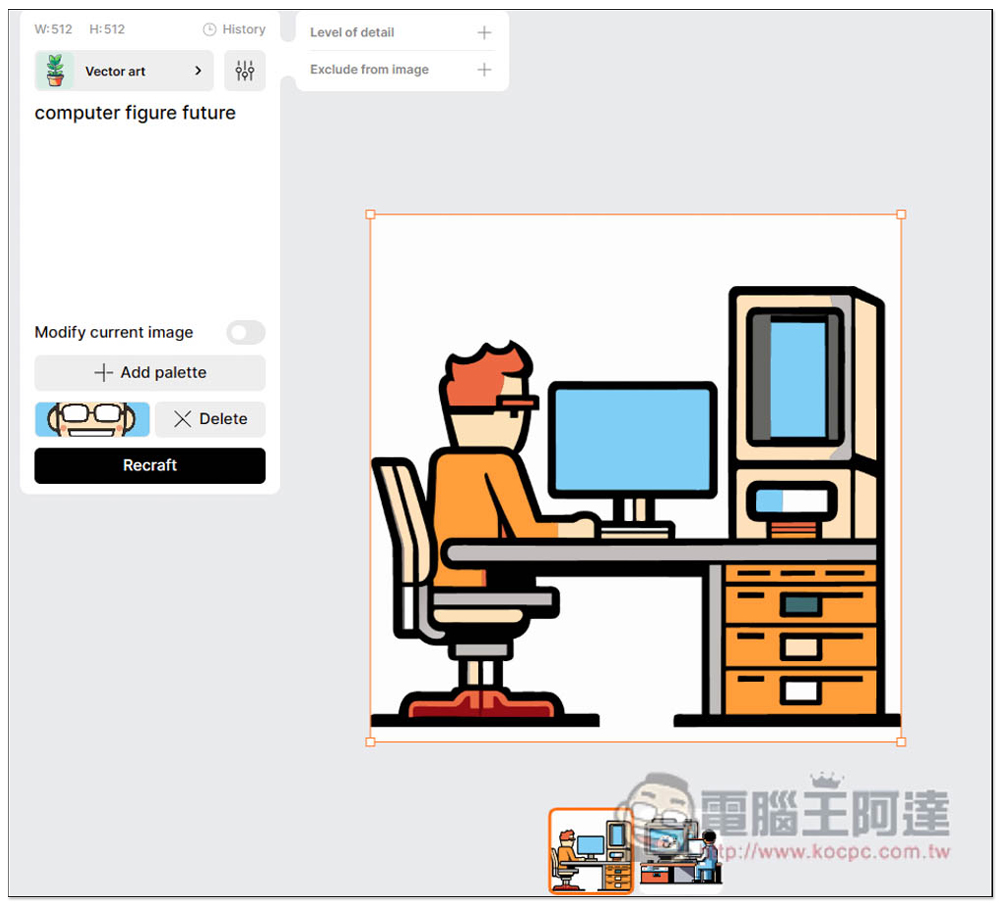
There are several practical functions above. For example, if you want to get the back image of this image, just click Remove bg:
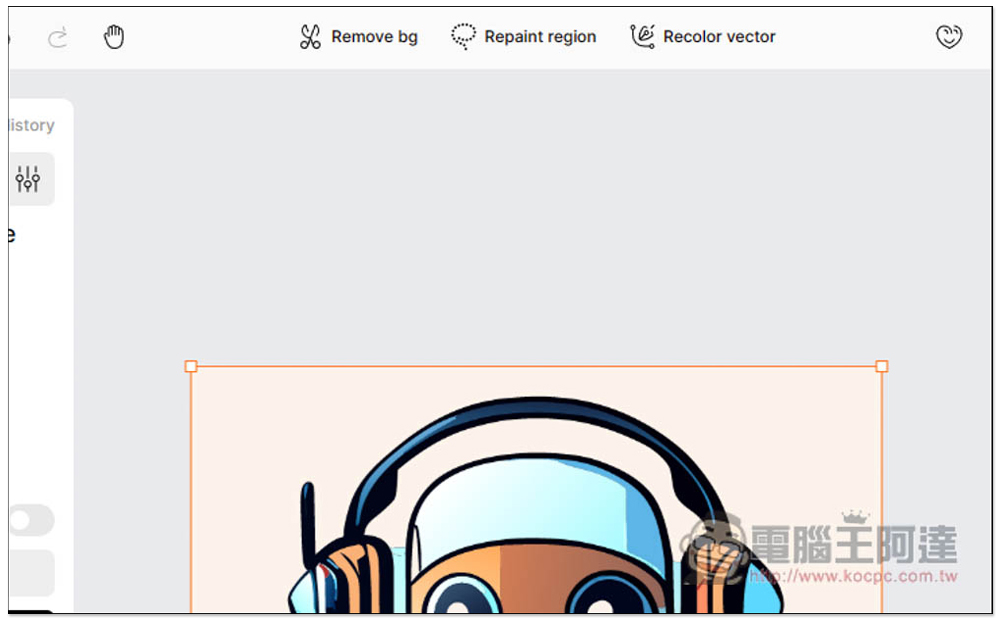
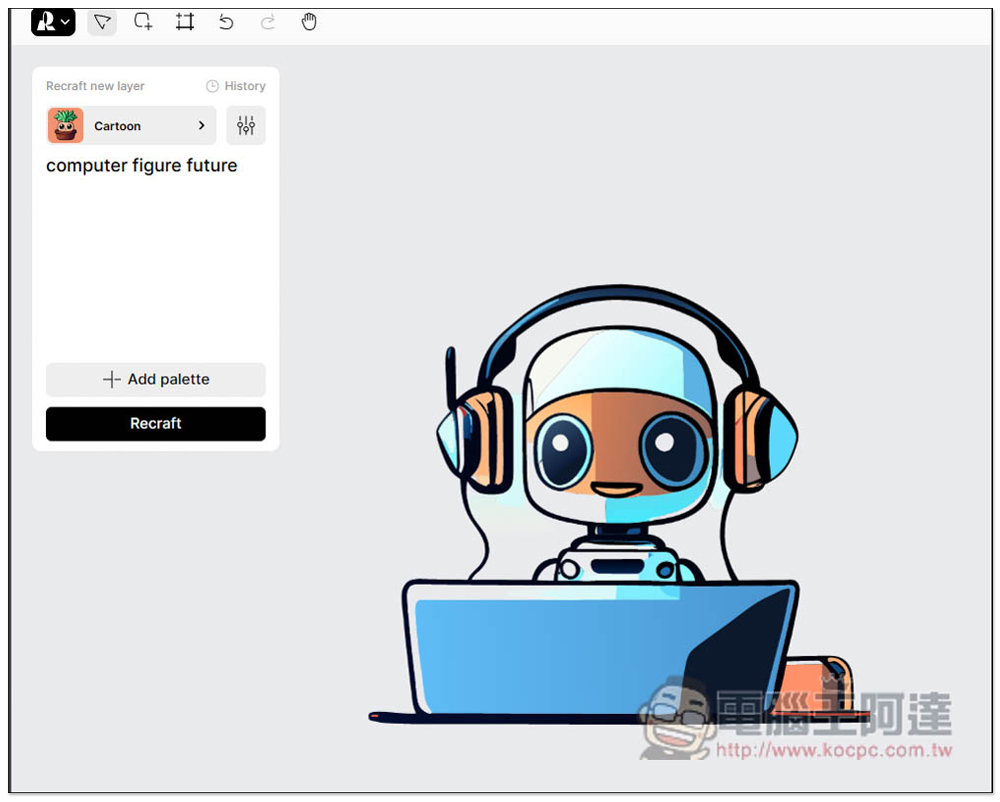
The background is removed, leaving only the subject. Also because it is an SVG vector image, the backing effect is perfect:
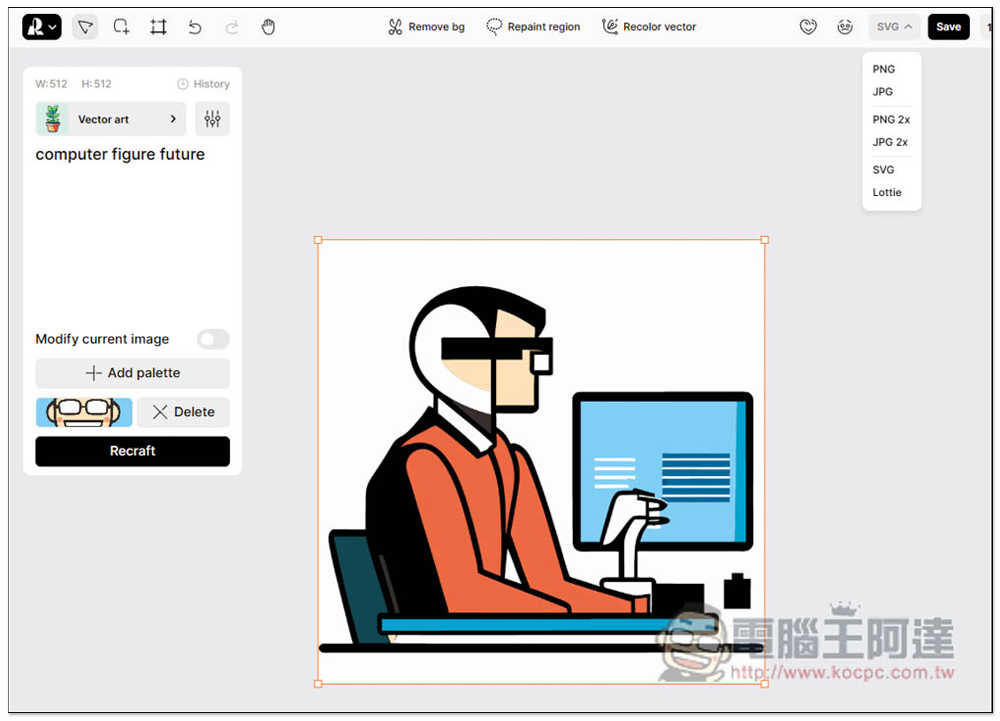
Supported download formats are PNG, JPG, PNG 2x, JPG 2x, SVG and Lottle:
There are many more functions available in this tool, and the rest is left to the readers to play with and see.
Source: KOCPC Chinese