


Everyone takes a lot of photos when traveling to record the beauty of the moment, but the weather is not always good. It may be cloudy or even raining every day when you go, which will make the photos look less beautiful. This article will recommend a good free online tool “SnapEdit AI Sky”, which uses AI to help you replace the sky in the photo with one click, turning cloudy days into sunny days, bright sun, or even thunder and lightning. It can also create a sci-fi style sky.
SnapEdit AI Sky replaces the sky in photos with your favorite weather and scenery with one click
AI Sky Replacement Online is the latest tool launched by SnapEdit, a well-known online photo editing website. It is very simple to use. After entering the website, upload the photo of the sky you want to change, or drag it directly into the browser. For those who want to test the effect first, they also provide three free photos (No image? Try one of these below):

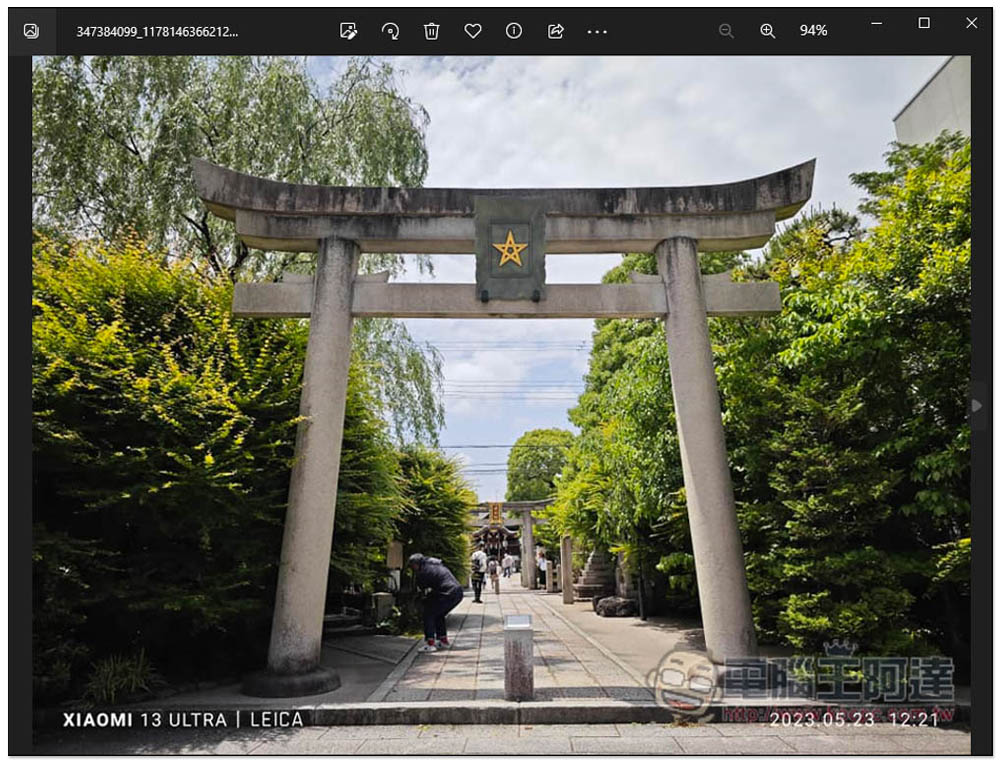
I take this photo as an example. Although it was a sunny day when the photo was taken, there were too many clouds and it was not the kind of weather with a blue sky:
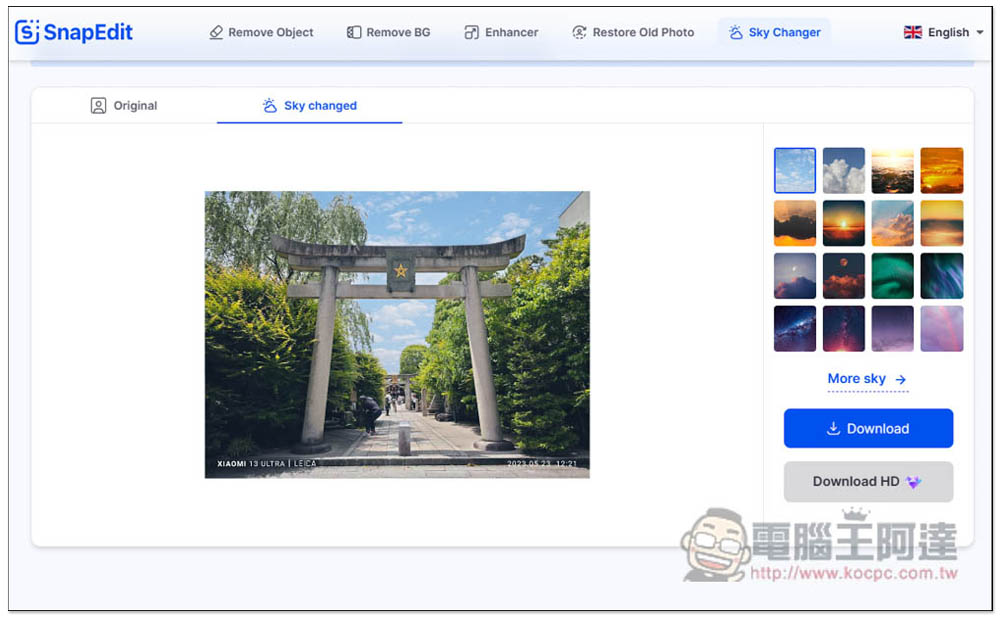
After uploading, you will see the effect of directly replacing it with a blue sky, and the color of the photo will also be automatically adjusted slightly to make the whole look more natural. If you want a blue sky, this effect is very good, and you can download it directly. There are other sky options on the right:
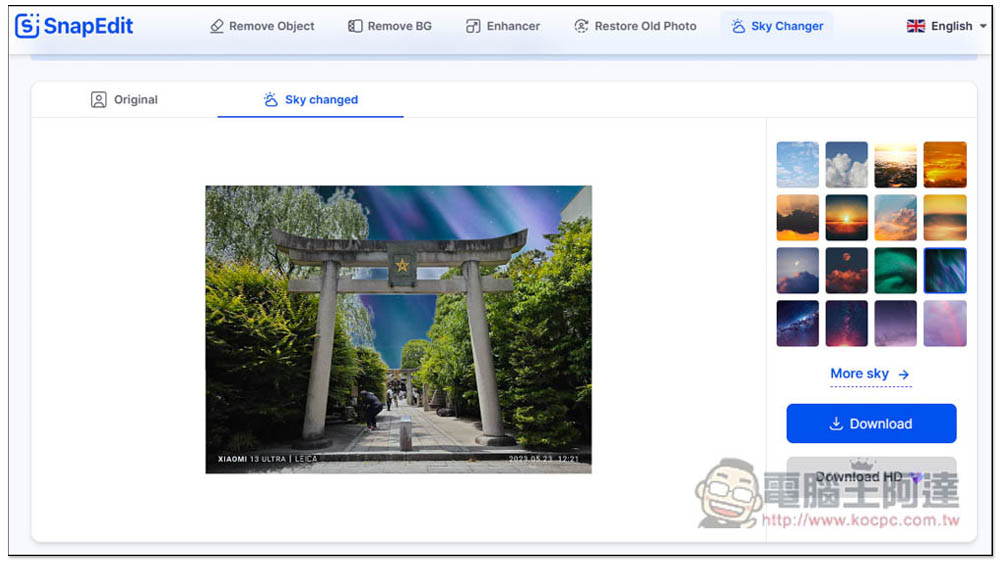
Just click and it will be applied directly, which is very fast. In addition, you can notice that the edges of objects that interface with the sky have a white feathering effect. Therefore, it is recommended not to use a sky with a too different color tone, otherwise it will look very unnatural, like the one below. If you feel that there are not enough sky options, you can click More sky below:
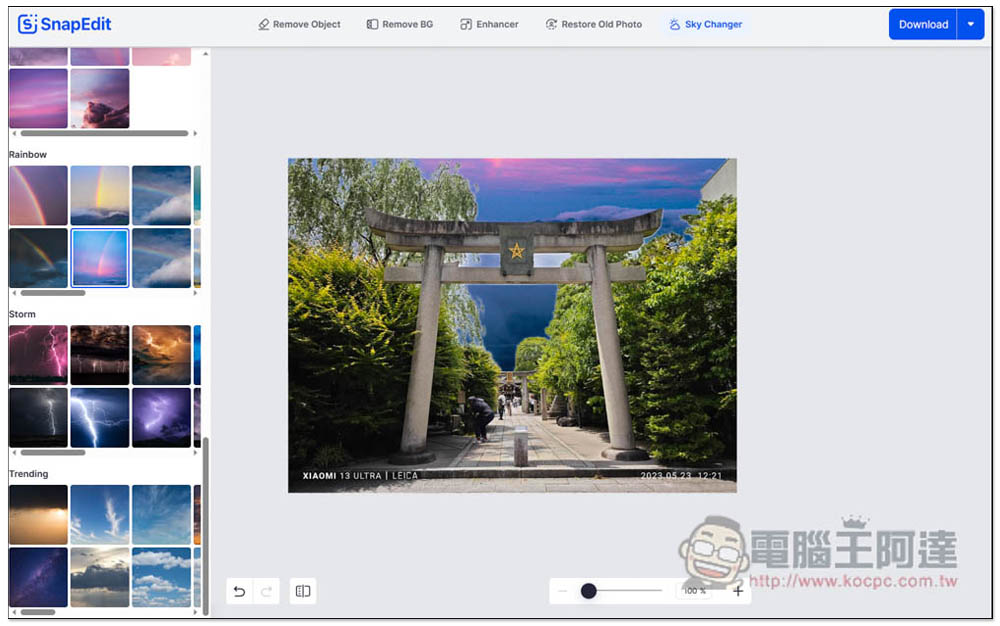
You will enter the complete editor. There are many skies to choose from on the left side, especially blue skies and sunshine. This blue sky is very good. The sky categories currently provided include “Blue sky”, “Sunny”, “Sun rise”, “Sun set”, “Moon”, “Night”, “Galaxy”, “Violet”, “Rainbow” and “Storm”. There are so many choices to choose from, and they will definitely meet your needs:
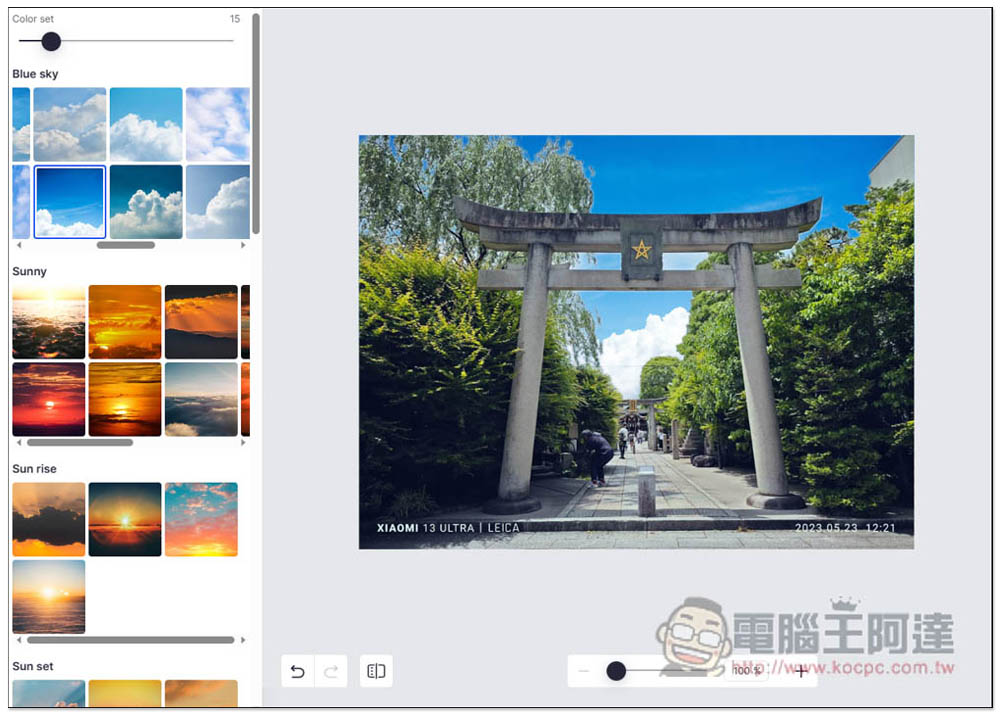
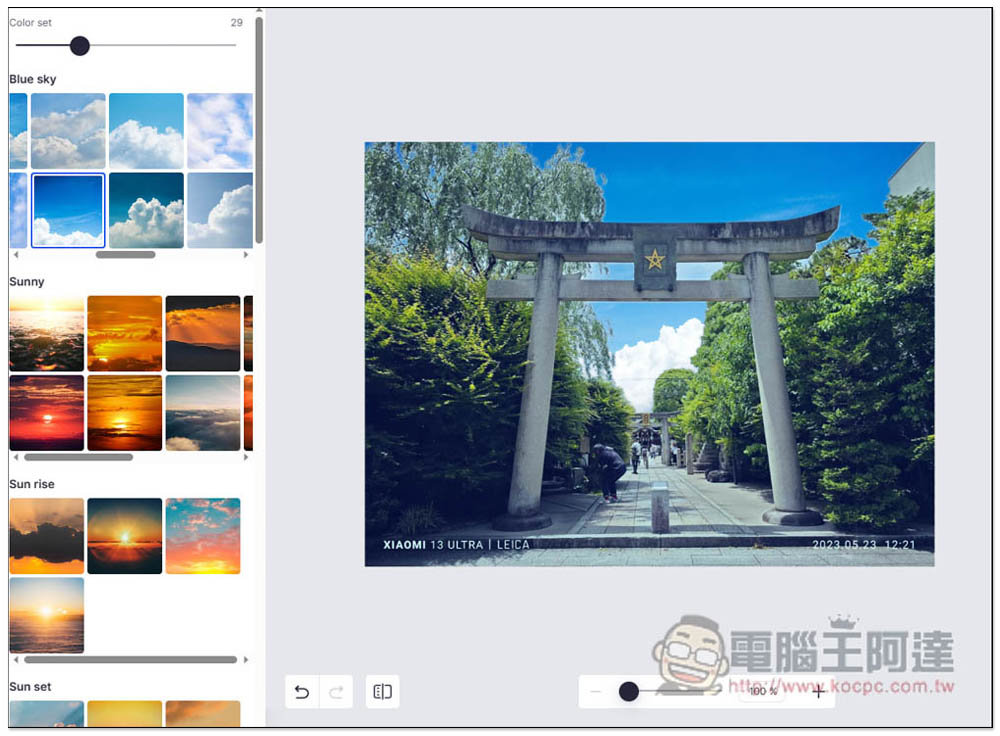
There is also a Color set function in the upper left corner. If you feel that the photo looks unnatural after applying it, you can adjust this value:
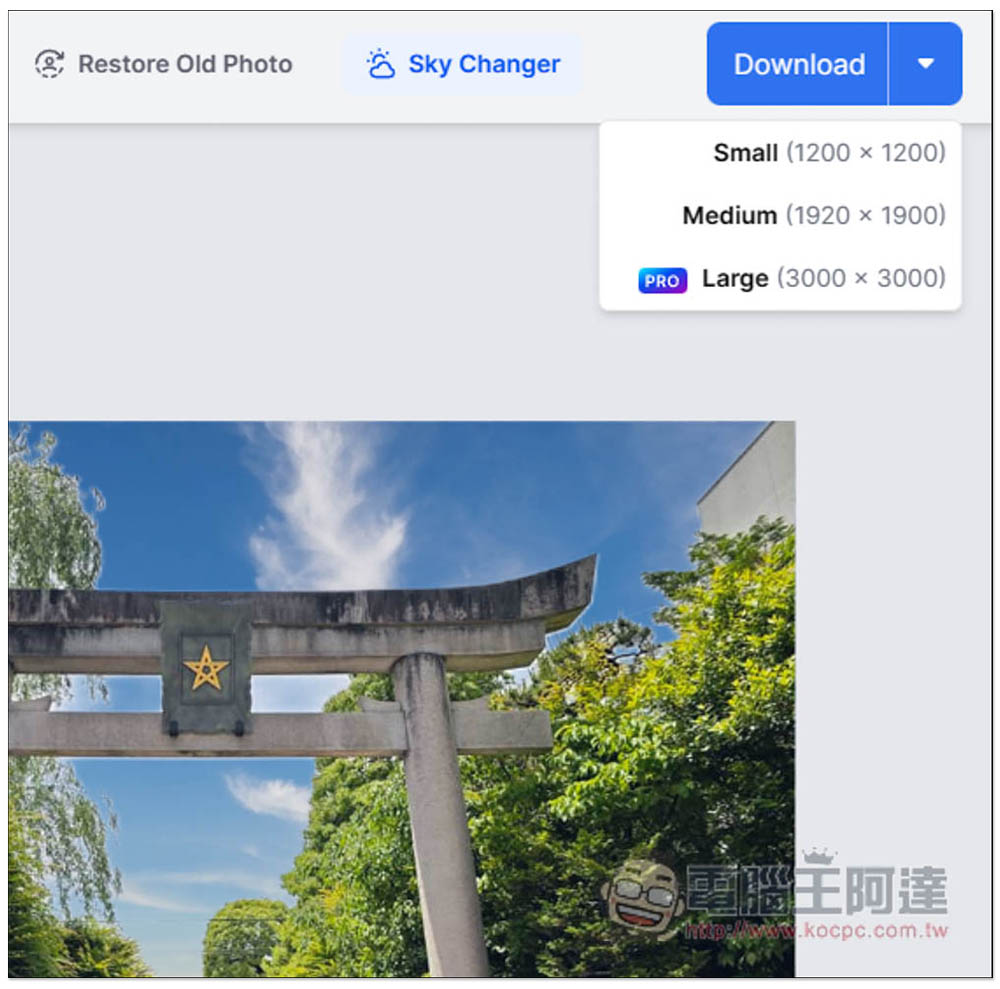
After you find the sky you are satisfied with, click Download in the upper right corner to download it. The free version provides two sizes: Small (1200×1200) and Medium (1920×1900), both of which are quite large:
Then an ad will pop up, wait for the seconds to run out and you can download:

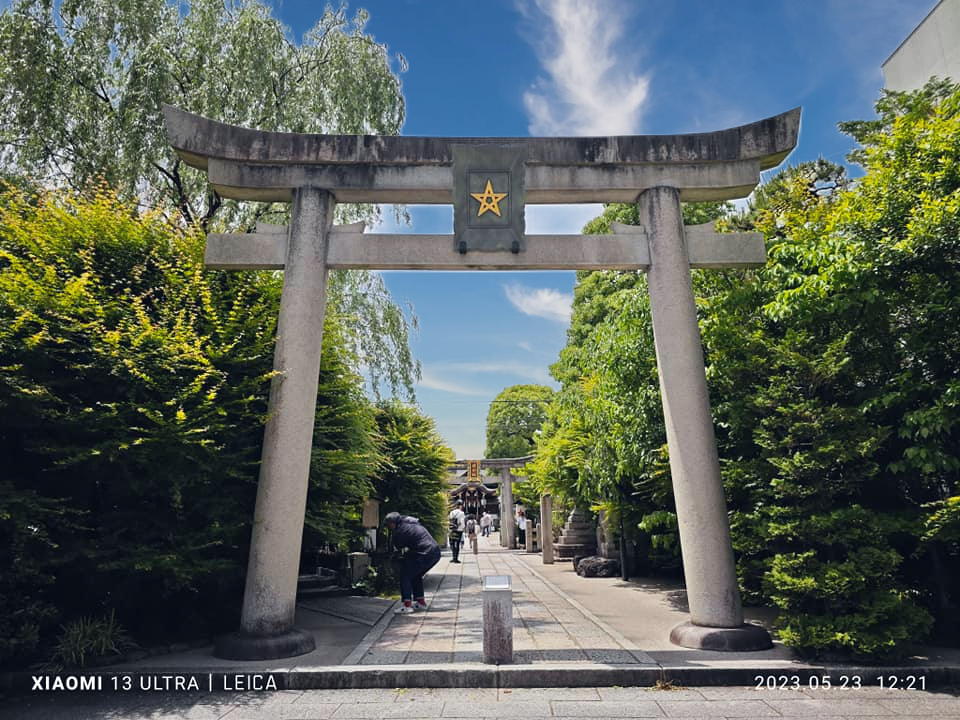
The picture below is the sky after I replaced it, without the watermark:
Source: KOCPC Chinese