


After reinstalling the computer a while ago, when I was about to open my data hard drive to look for data, I begged you! Why can’t half of the information be displayed? When I open it, it says that nothing can be found. And the paradoxical thing is that the size of the file has not changed in any way, but it cannot be quickly browsed or opened. It took me a long time to find the solution. It turns out that“Permissions”Question:
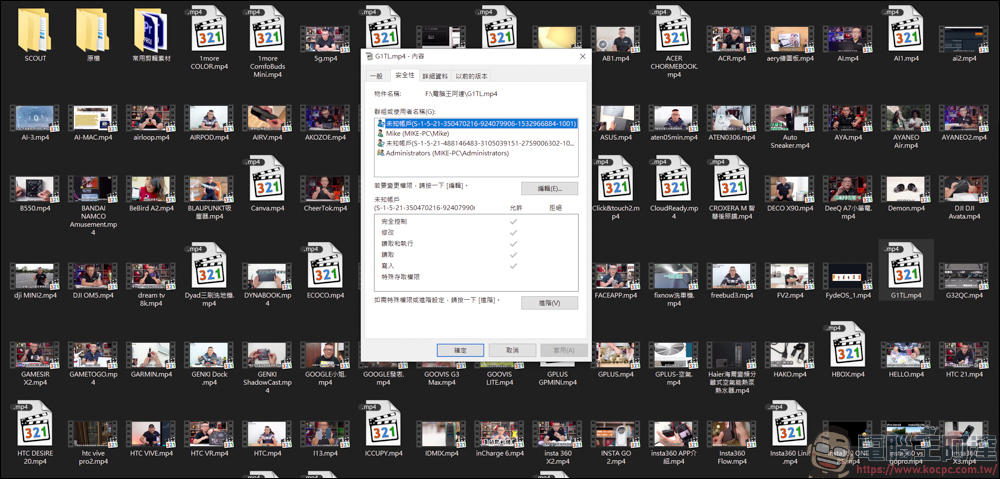
As can be seen from the diagram, some videos can be viewed with thumbnails, some are blank, and those with thumbnails can be viewed. However, videos without thumbnails are basically unusable. This article will teach you how to deal with this situation:

Insufficient permissions. File cannot be opened.
When trying to open a video file without a thumbnail, no matter what method is used to open it, it will show that the file cannot be found…:
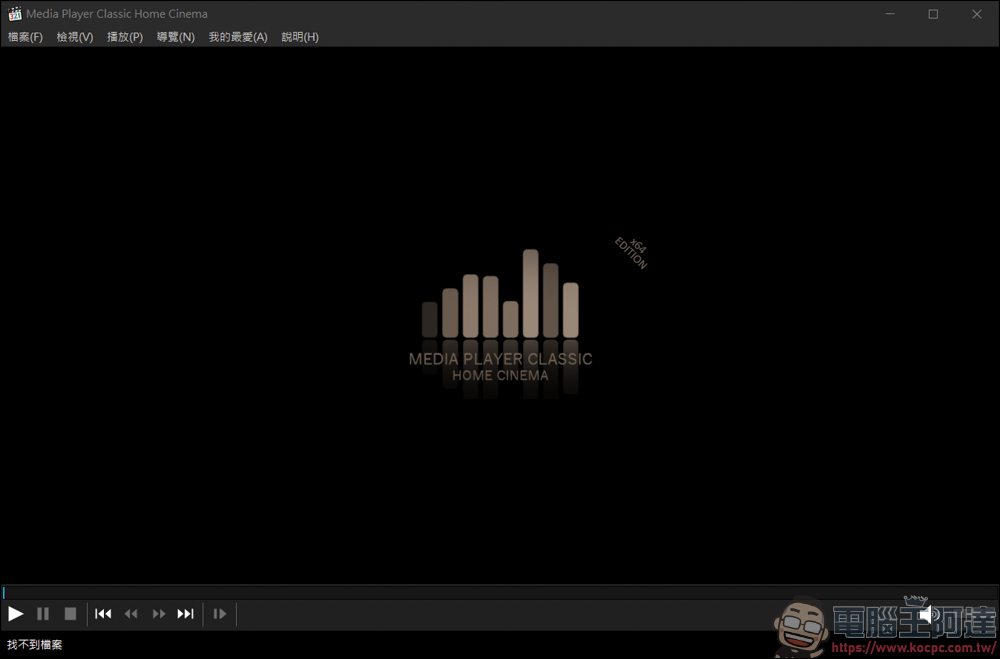
Solution
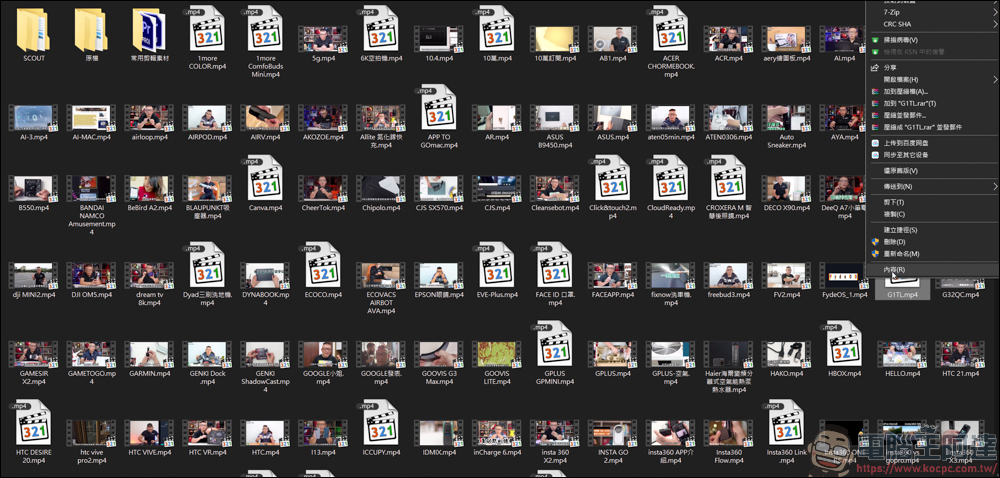
First, right-click the blank file → Content. Since there is no way to process multiple files at the same time, we can only change them one by one:
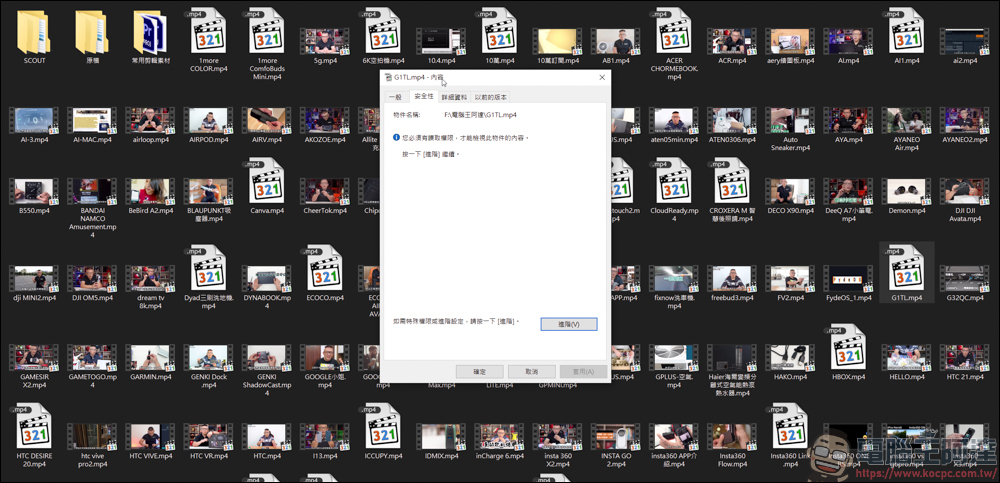
After entering the content, please click above“Safety”:
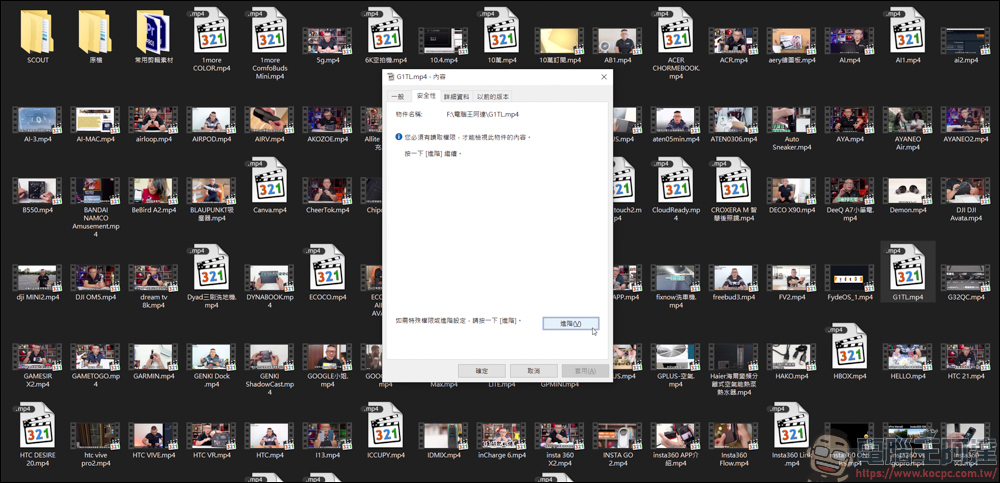
On the Security side, click below“Advanced”:
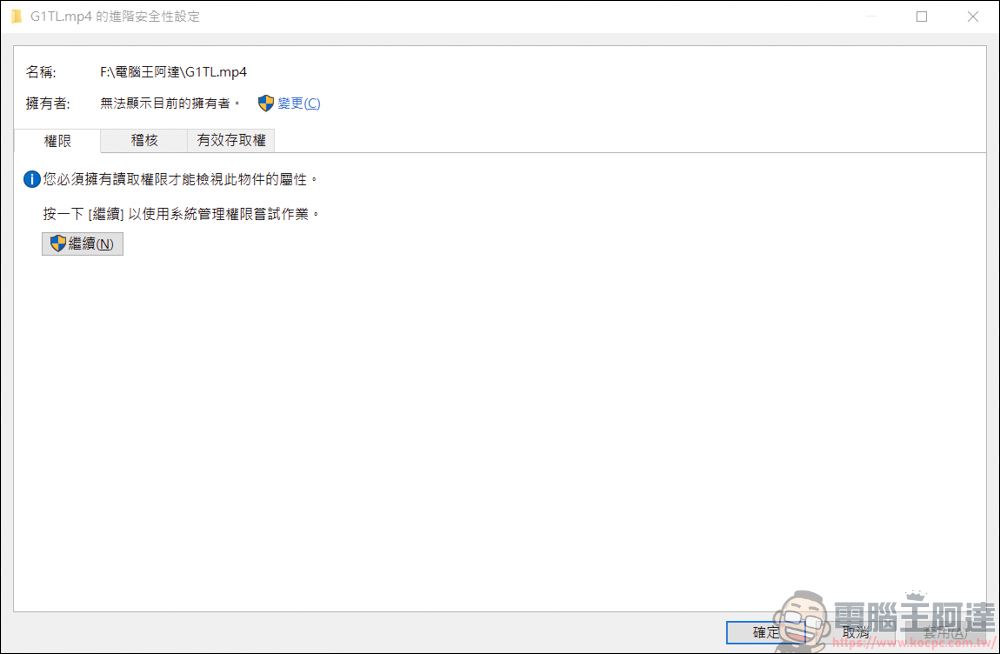
After entering, you can see the security settings.“Permissions”Click here“continue”:
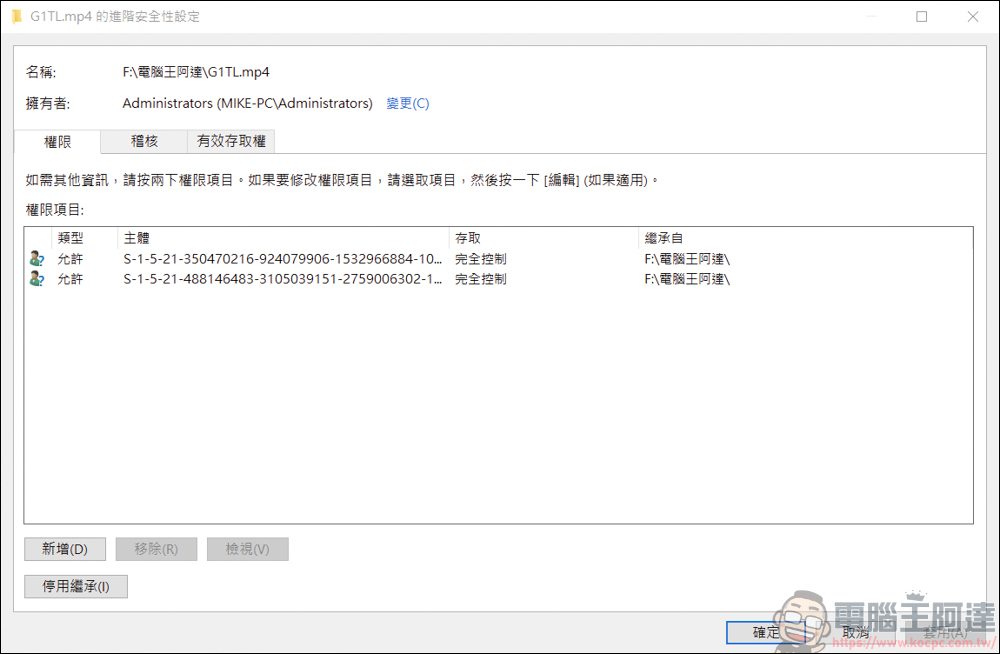
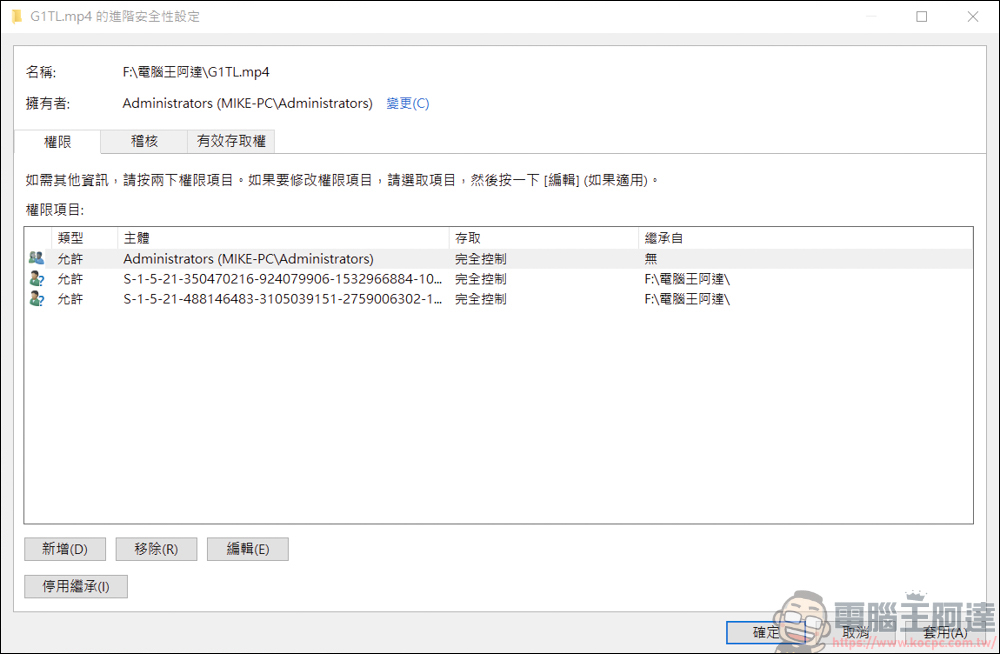
You will see the current access permissions for the file. From the main point of view, the control seems to be on the old system administrator, and there is no permissions for the current computer user. So at this time you have to go through“New”To add permissions for the current computer user:
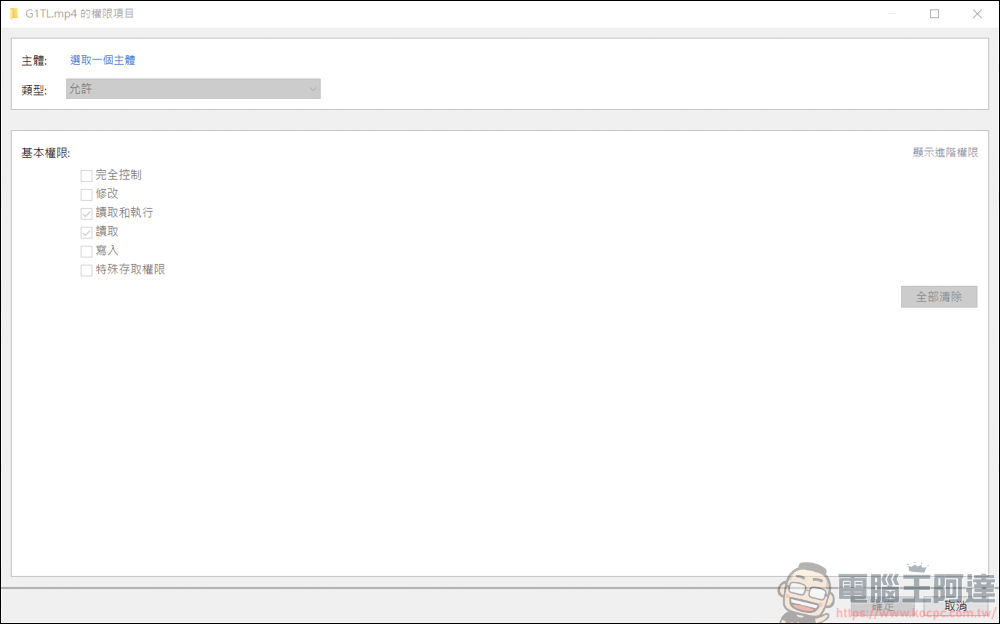
Then you will see a gray screen, please click“Select a subject”:
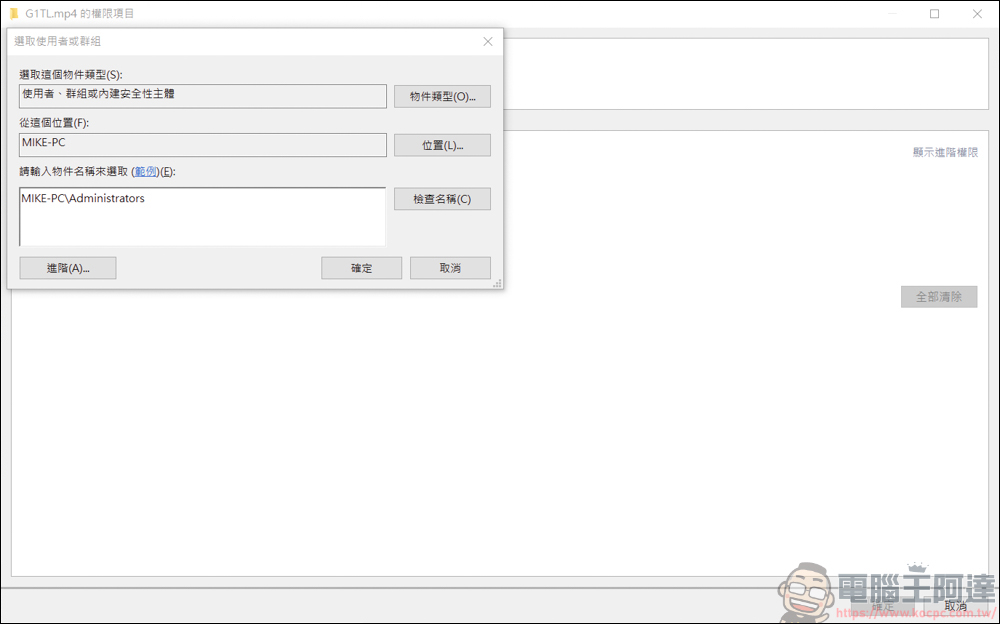
To enter this page, you need to enter the user of your current computer:
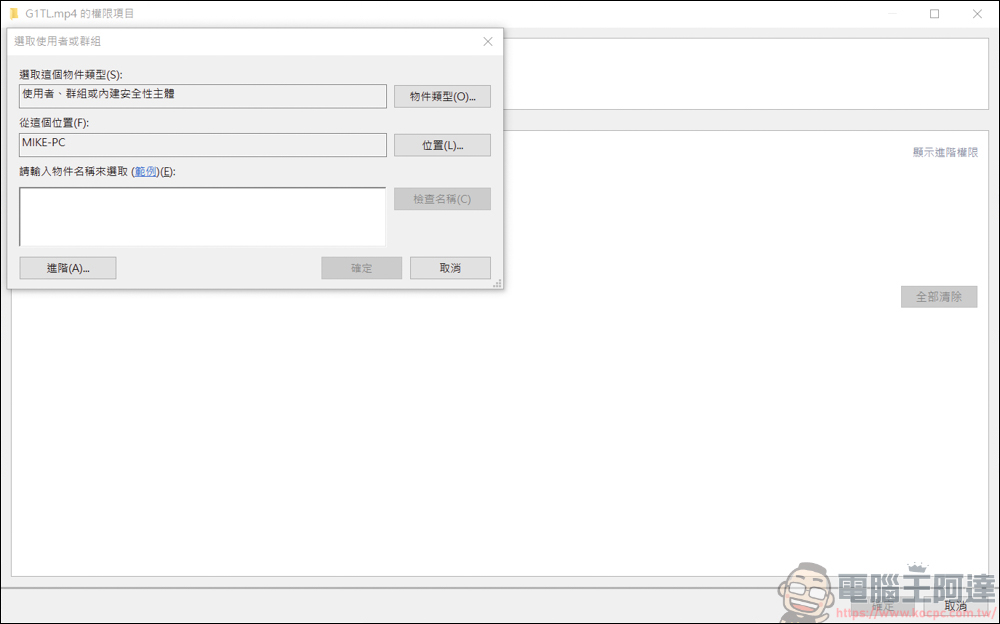
In the empty box below, enter Username\Administrators, then press OK:
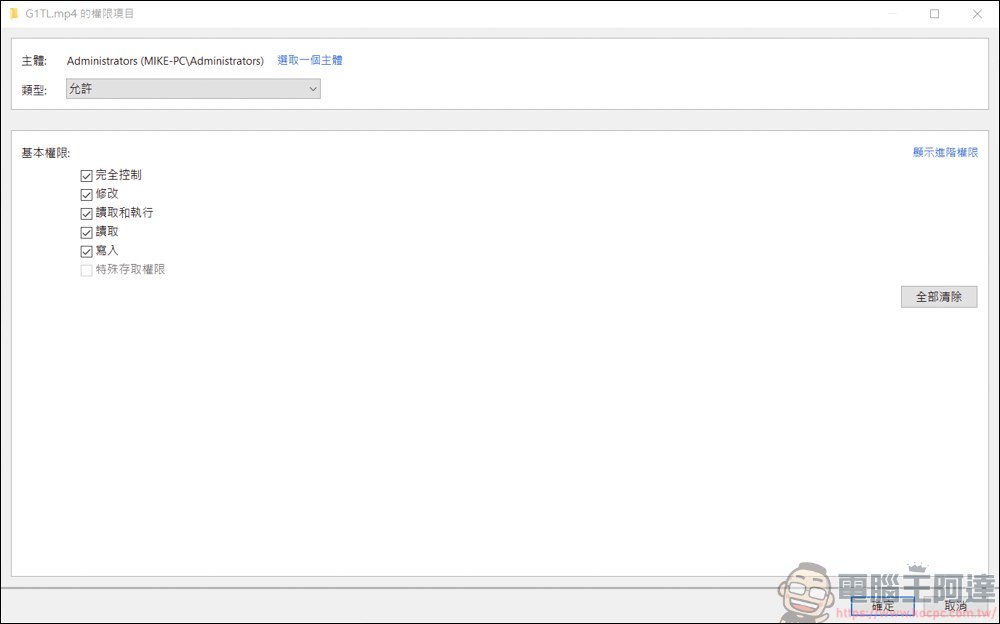
Return to the basic permissions page, check all the boxes and press OK:
In the permissions page, you can see the access permissions of this computer. Press OK and you are done!
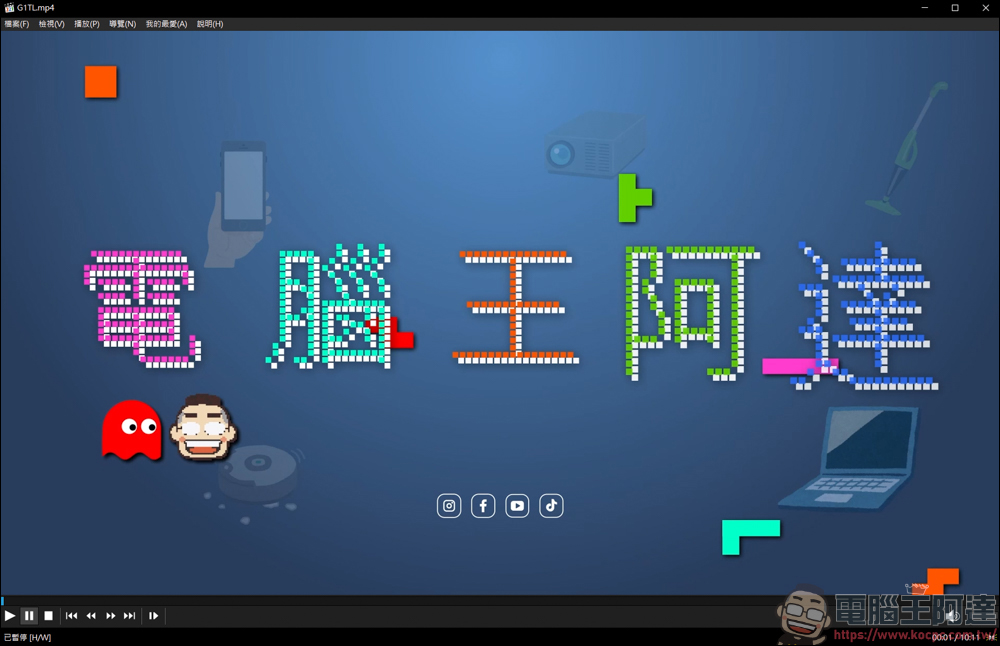
Let’s check it out. The video that just couldn’t be played can now be played. Finally, the file can be read again successfully! ! (Spread flowers
When you enter the content of the changed files, you will have more control rights for the current computer. However, this method can only change them one by one, so if you have many files and do not have control rights, you can only say… Come on! ! !
Source: KOCPC Chinese