


There are many memorization services on the Internet today, and the results are quite good, such as the ones we have introduced cutout.pro、Retoucher、ImageMatting, even Adobe officially has it (Photoshop), but these all require opening the service’s website and uploading images. If you want to memorize images captured from the Internet, you can try the Chrome extension “Magic Copy” introduced in this article, which allows you to directly complete the memorization action on the current web page of the image. It is trouble-free and simple, and the effect is quite good.
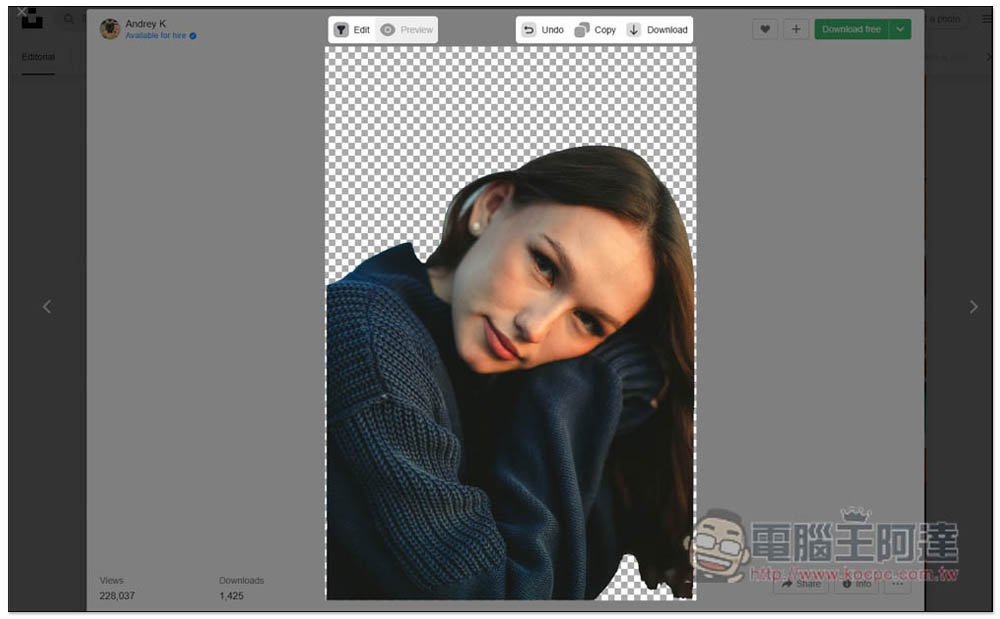
The “Magic Copy” extended function allows you to memorize images directly on the web page without downloading them.
“Magic Copy” is a Chrome extension that can also be installed on Microsoft Edge. I will use Edge as a demonstration below, and the operations are the same.
After entering the Magic Copy extended function page, click Get in the upper right corner:

This message will pop up above, click “Add extension”:
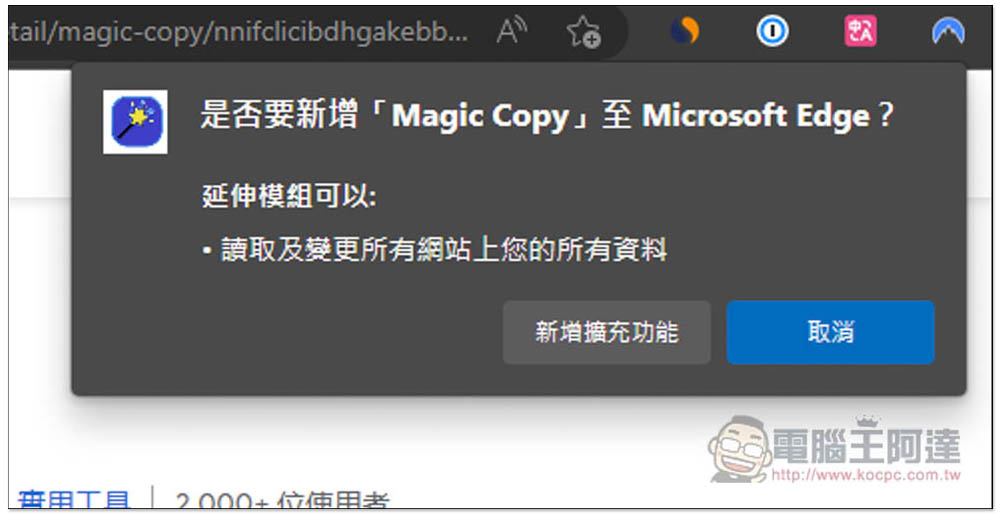
When this message appears in the upper right corner, it means success. The default icon will be hidden. Ignore this and do not need to open it:

When you want to memorize webpage images, open the right-click menu and you will see the Magic Copy function below:
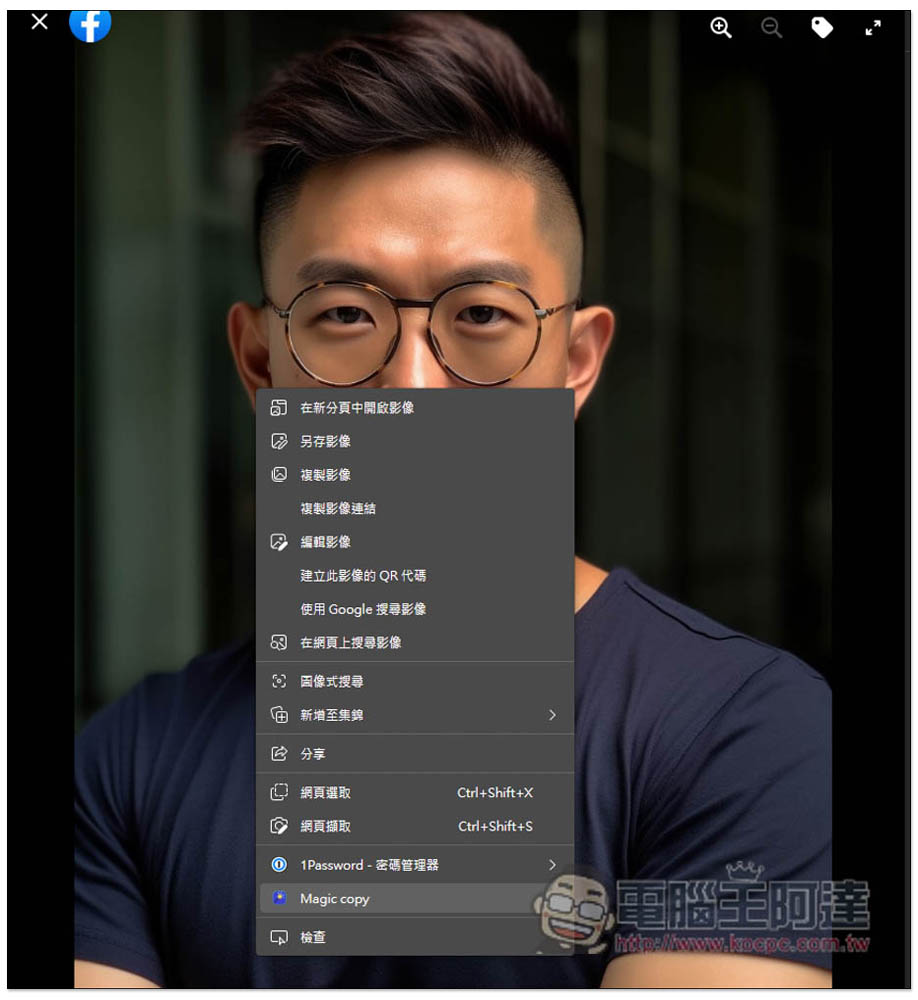
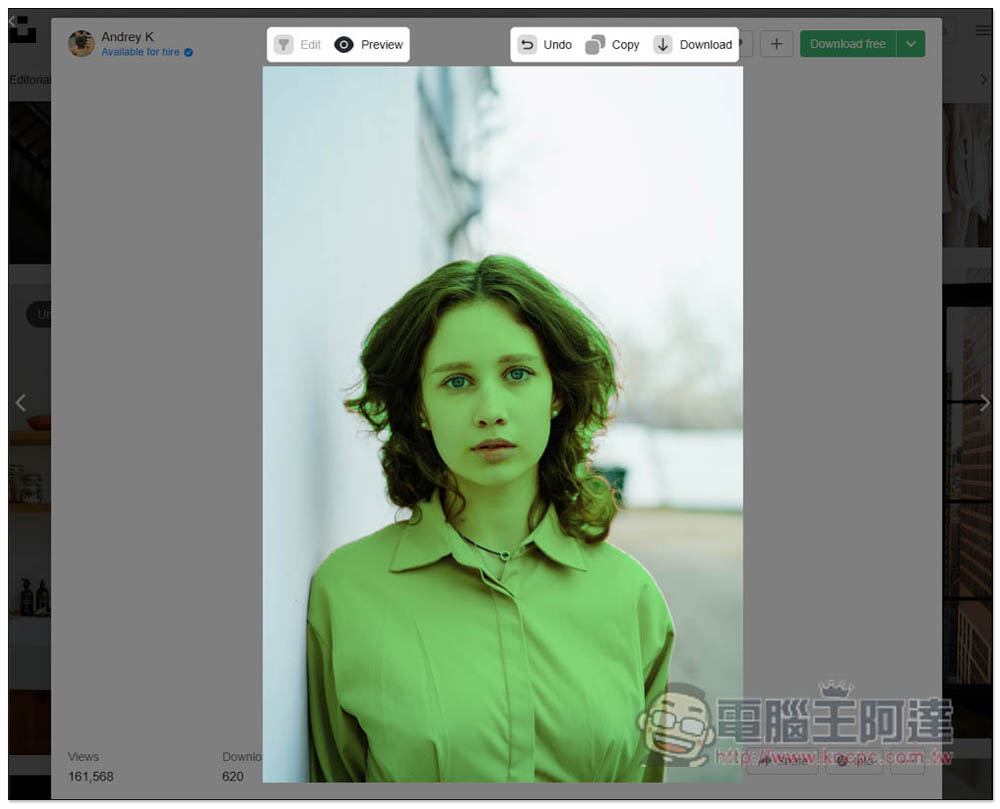
Then you will enter the post-production screen. At this time, please click on the theme you want to keep, such as this AI photo post made by Ada. I will click on this person:

Green represents the selection range, which is the retained subject. You can see that the recognition effect is quite good, and all human subjects are selected:

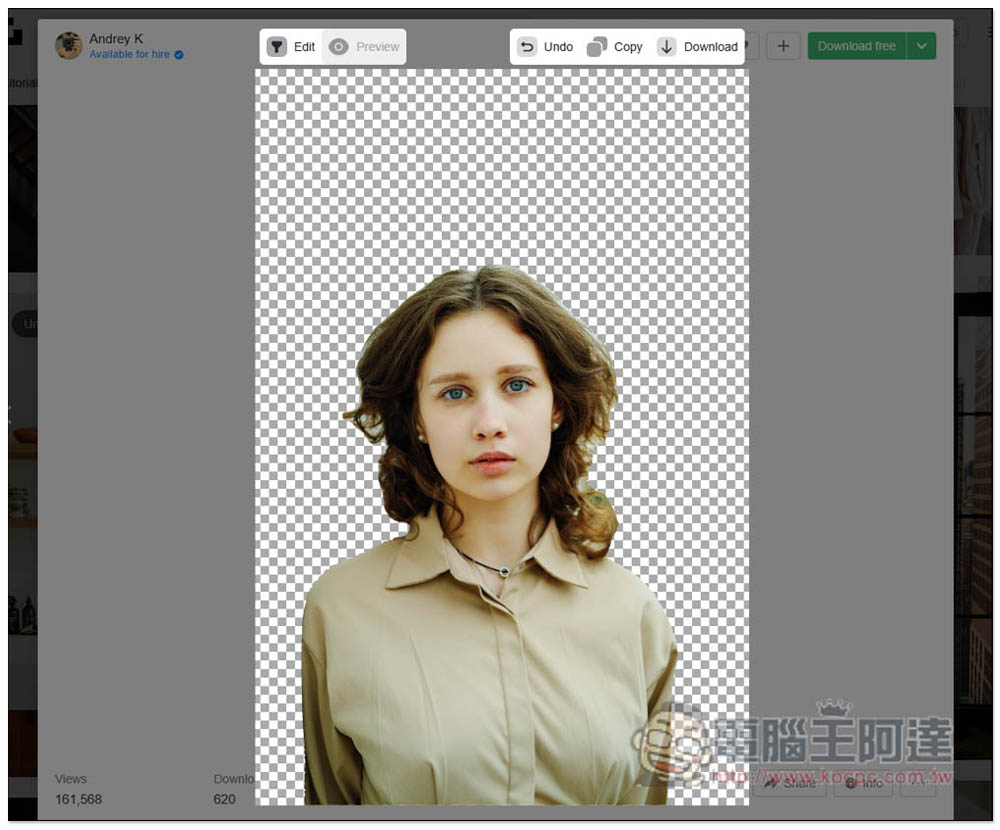
Click the Preview function above to view the behind-the-scenes effect. If you are satisfied, you can directly click Download in the upper right corner to download. It also provides a copy URL function, allowing you to quickly share it with others, which is also quite convenient:
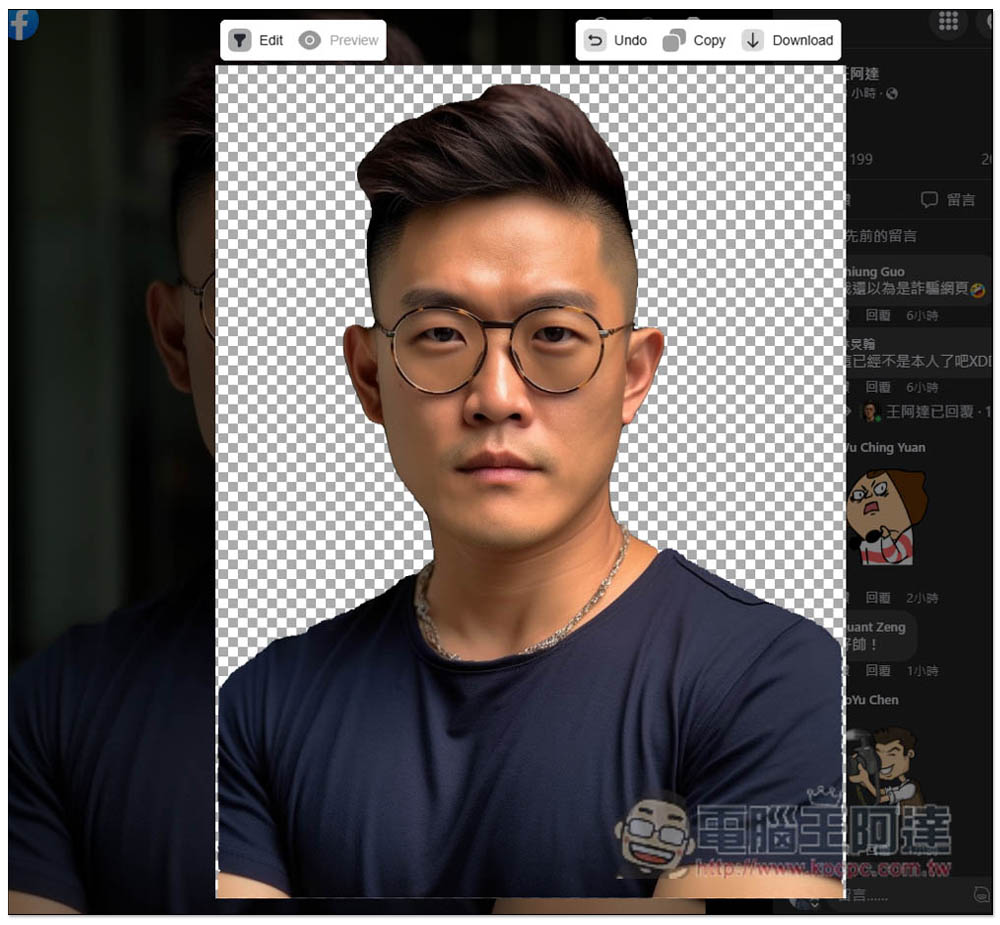
Like this, with this extended function, if you need to memorize web images in the future, you don’t have to copy the URL or download and upload images, which is very convenient:

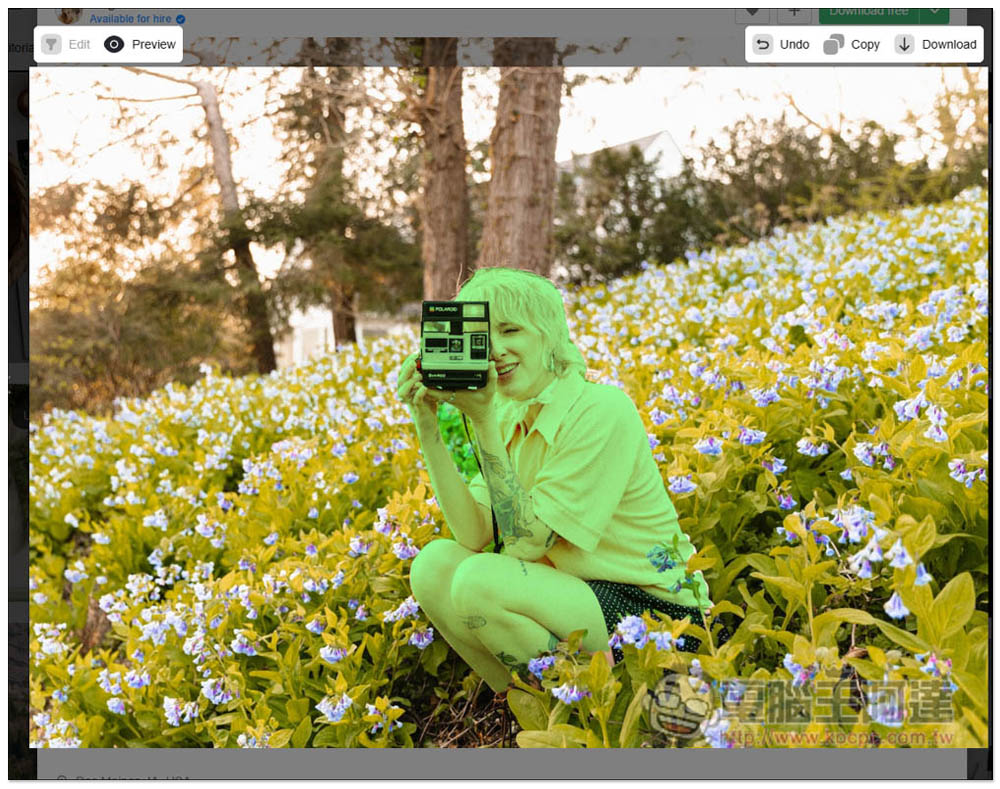
I also tried this kind of picture with a relatively complex background, but the effect was not very satisfactory. The flowers between the two arms were also removed, and this extended function does not provide removal of the range. It can only Undo to restore the previous step, so Magic Copy is not suitable for use on pictures with too complex backgrounds:
This kind of picture with a simple background is no problem at all. Even if the hair has a lot of whiskers and edges, the range of back removal is still very good:
Like this. Of course, it’s not perfect, but it’s still acceptable:
The developer also made a video to share:
For people who often need to memorize pictures, it is highly recommended to collect various online memorization tools. Some of them are very effective in dealing with complex backgrounds. You can try each one. It is worth trying out the one with the best effect.
If Magic Copy can add the function of manual editing in the future, I think it will become more useful, especially the function that we can increase or decrease the back range by ourselves.
Source: KOCPC Chinese