


We have previously introduced an immersive translation extension for Chrome, Edge, and Firefox. It was well received at the time. In fact, this extension not only has the function of full-page translation, but also has built-in automatic translation of e-books. That is, you can drop in e-books in EPUB format and have it translate for you. It supports dozens of translation services.
More importantly, with the rise of ChatGPT, it now also supports OpenAI API. After inserting your OpenAI key, full-page translation and e-book translation can be translated using OpenAI. Let’s teach you how to use the built-in automatic translation function of e-books.
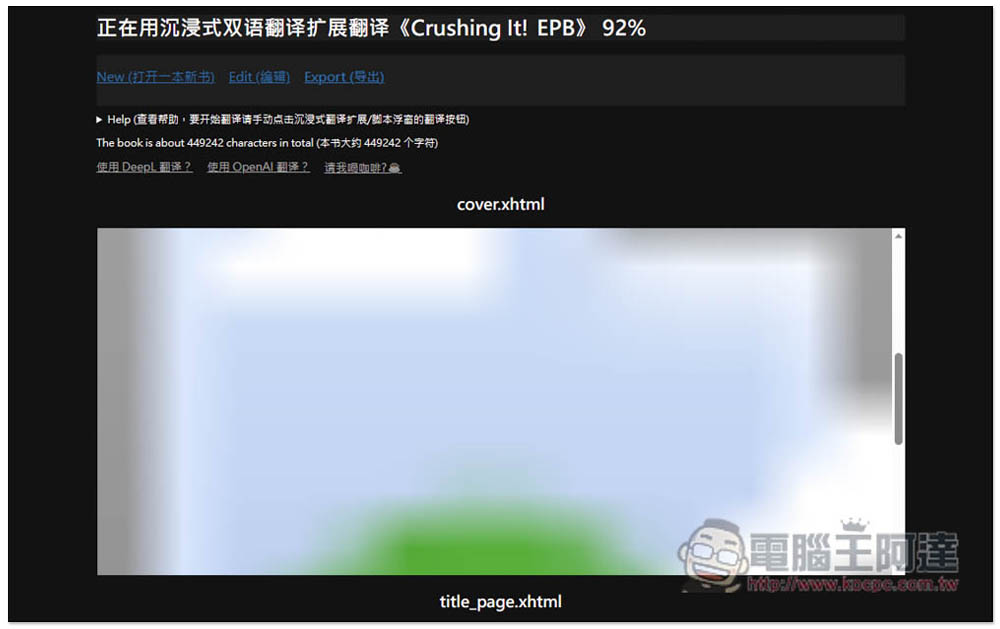
Teach you to use “immersive translation” to translate an entire foreign language e-book, supporting dozens of translation services such as OpenAI API and Google
- Click me to go to the Edge store to install
- Click me to go to Chrome Store to install
- Click me to go to Firefox Addon store to install
The installation process and full-page translation function will not be introduced here. For those who are interested,You can click me to read previous articles。
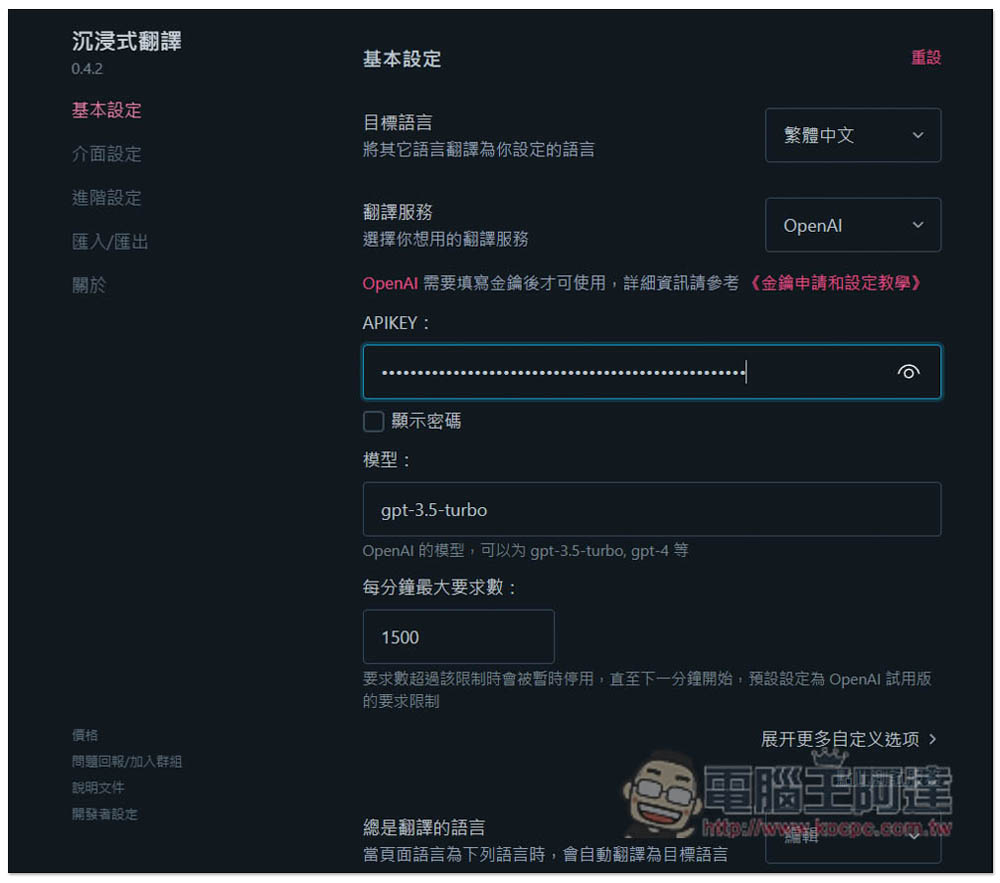
If you want to use OpenAI to translate e-books, you need to set up the OpenAI key first and enter the settings menu of immersive translation. In the basic settings, open the translation service and find “OpenAI”:
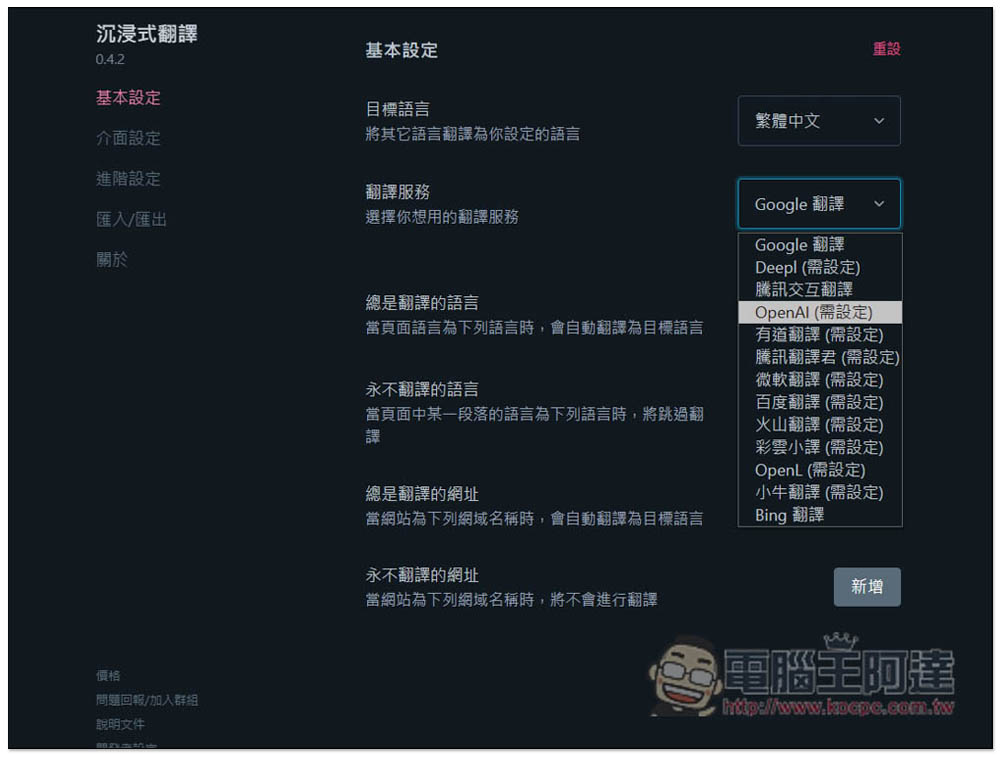
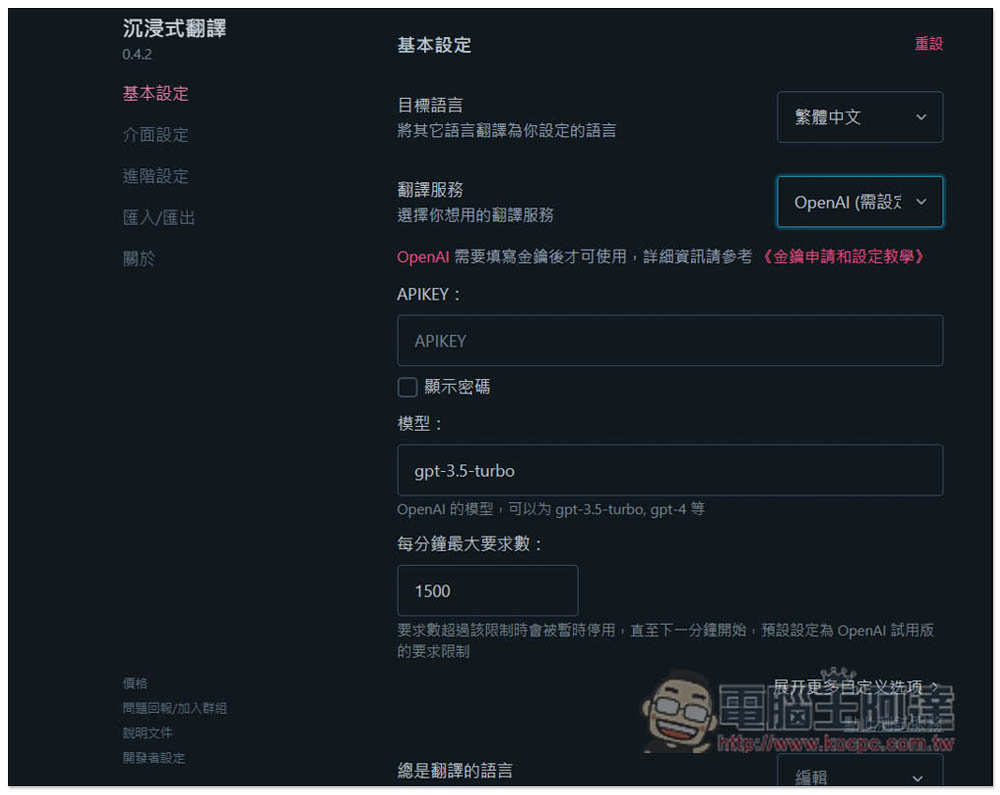
After selecting, the APIKEY option will appear below.Click here to apply on the OpenAI website, it should be noted here that the OpenAI API is calculated based on the number of tokens, which means it is not free, but there is an $18 discount for new registered users, which should be able to translate several e-books. If the free deduction is used up or expires, you must register a credit card to use it. In the model part, GPT-3.5-Turbo, GPT-4, etc. are all supported. It depends on which one you want to use. GPT-4 has better translation quality, but it is more expensive and slower:
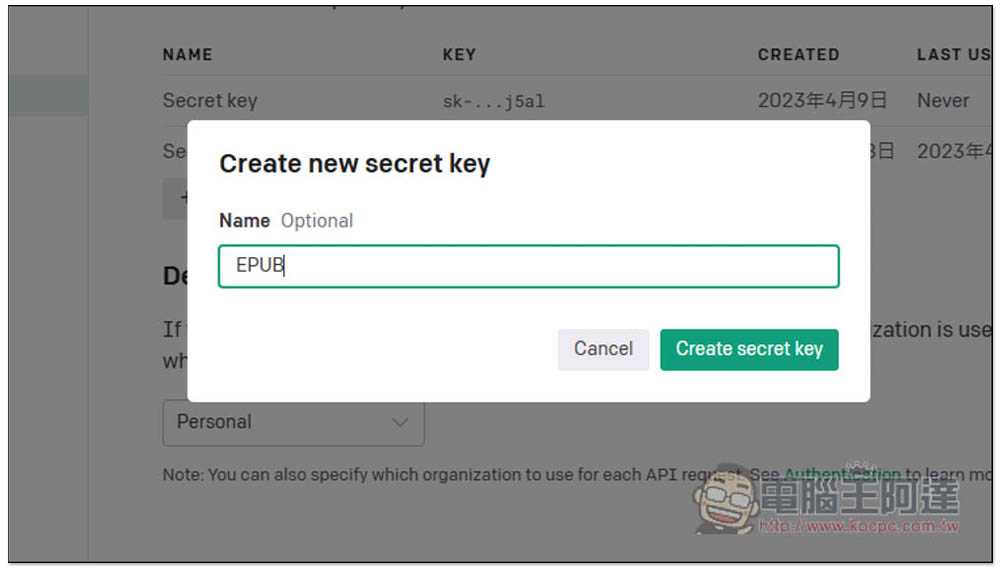
The name of the Secret key can be chosen casually:
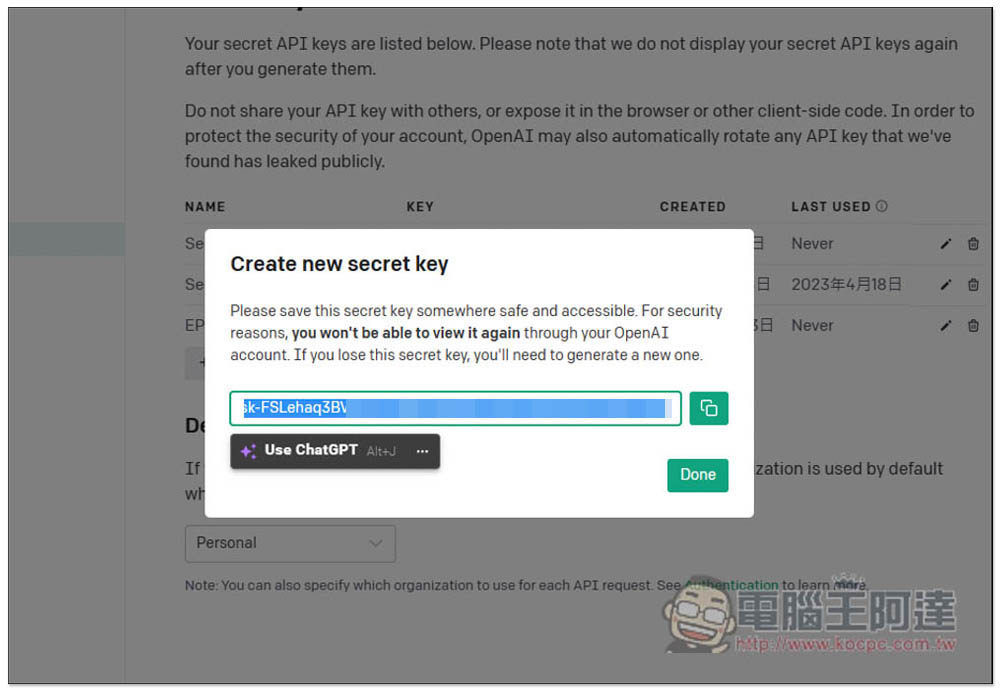
Then you will get the API Key. Remember to press the one button on the right to copy. After the screen is closed, the complete Key will not be found and a new one must be created:
After pasting it in the field below APIKEY, the setting is complete. In addition, for e-book translation, it is recommended to change the “maximum number of requests per minute” to 10. If you use 1500, it will always fail. I have tested it, and it is the same even if a credit card is bound:
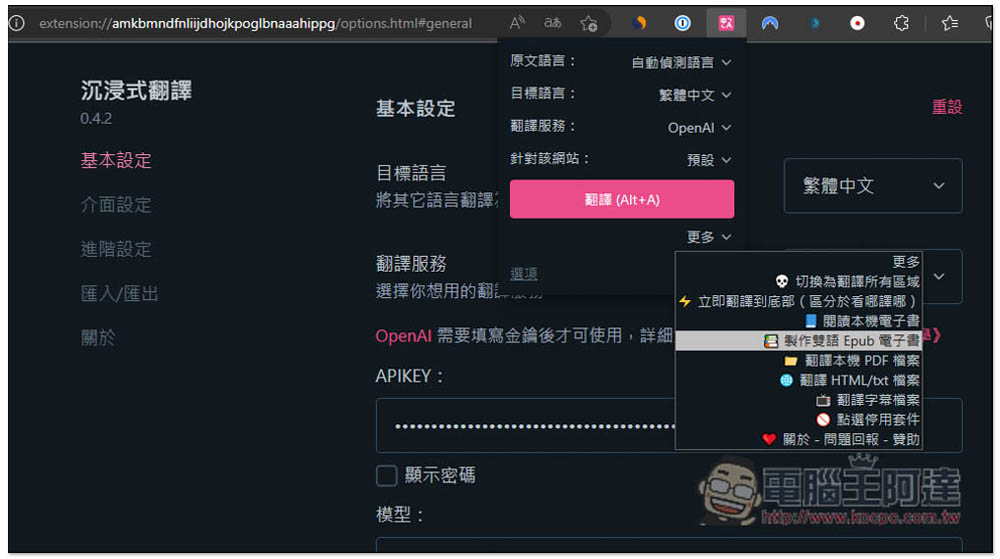
Then open the extended function icon of Immersive Translation, open “More” at the bottom, and click “Create Bilingual Epub e-Books”:
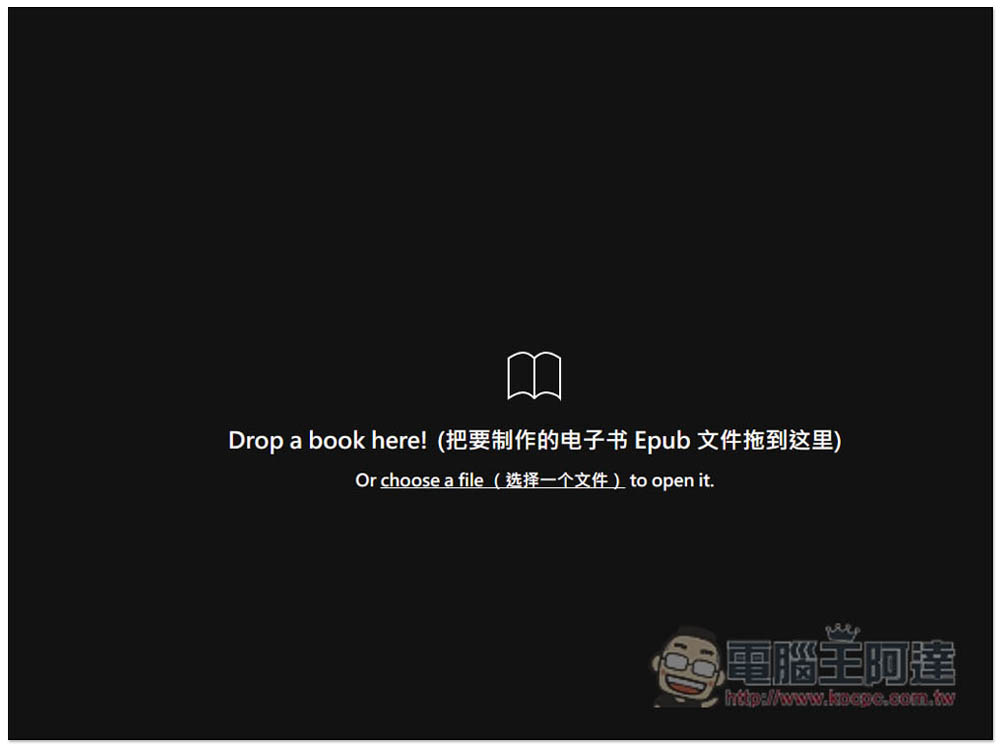
Drag in the Epub format of the e-book you want to translate. PDF is not supported, nor is it protected by Acsm:
It will then give you a preview, and the pictures will be blurry. Don’t worry about it. Scroll down to find the content of each chapter. The number of characters will also be counted at the top. In my book, there are as many as 440,000:
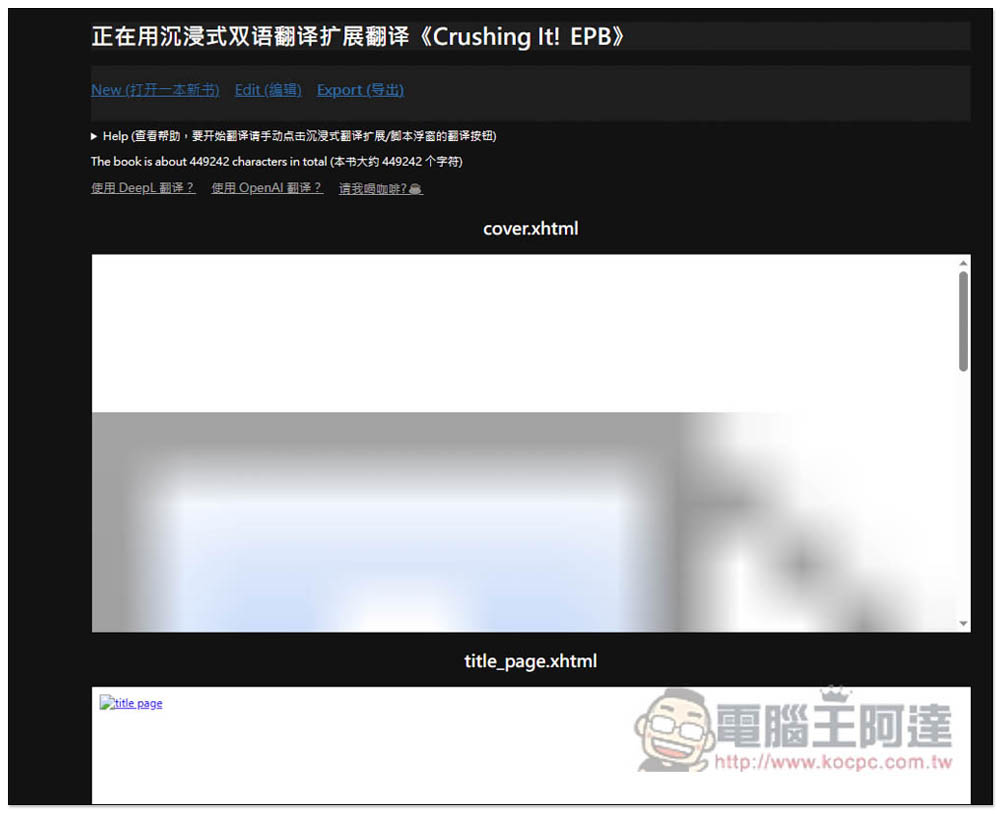
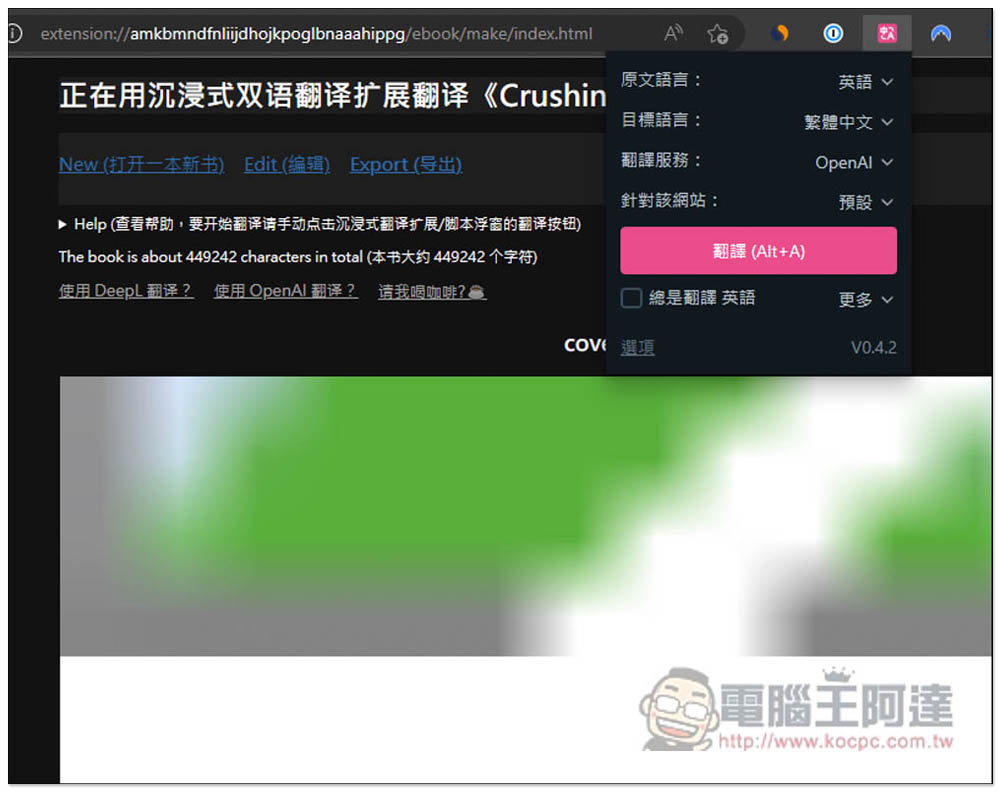
Then open the extended function icon and confirm that the translation service is what you want to use. For example: I use OpenAI. If yes, press “Translate”, and then the translation will start:
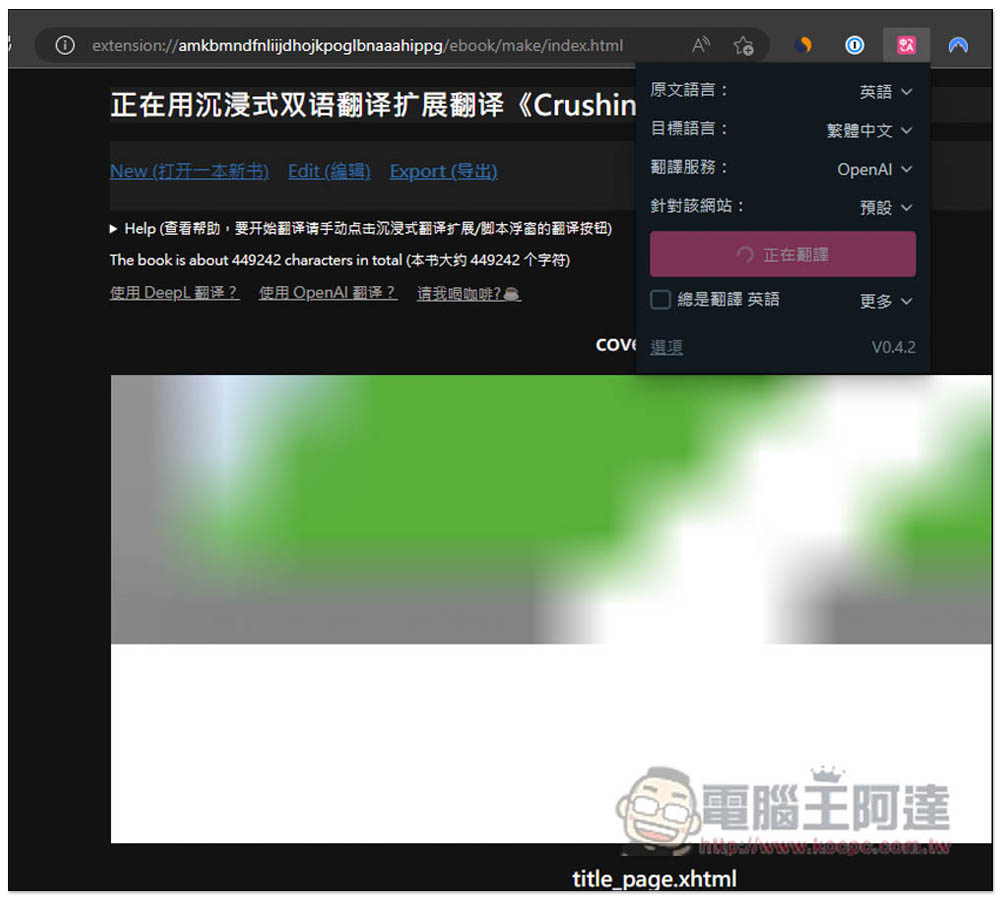
Translation will also change to Translating:
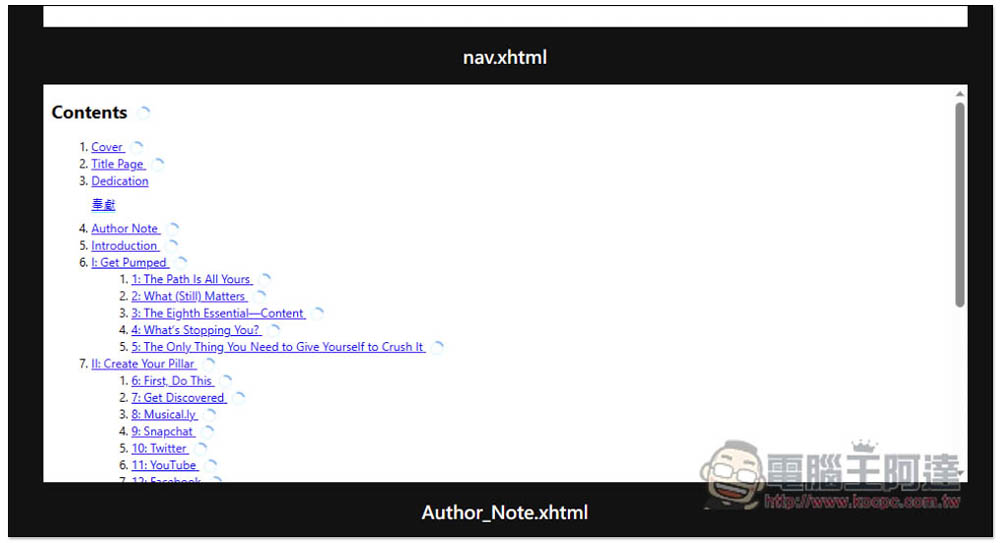
The content below will be translated one by one. The order is not necessarily certain. It is possible that the content below will be translated first, and the shorter content will be translated earlier:
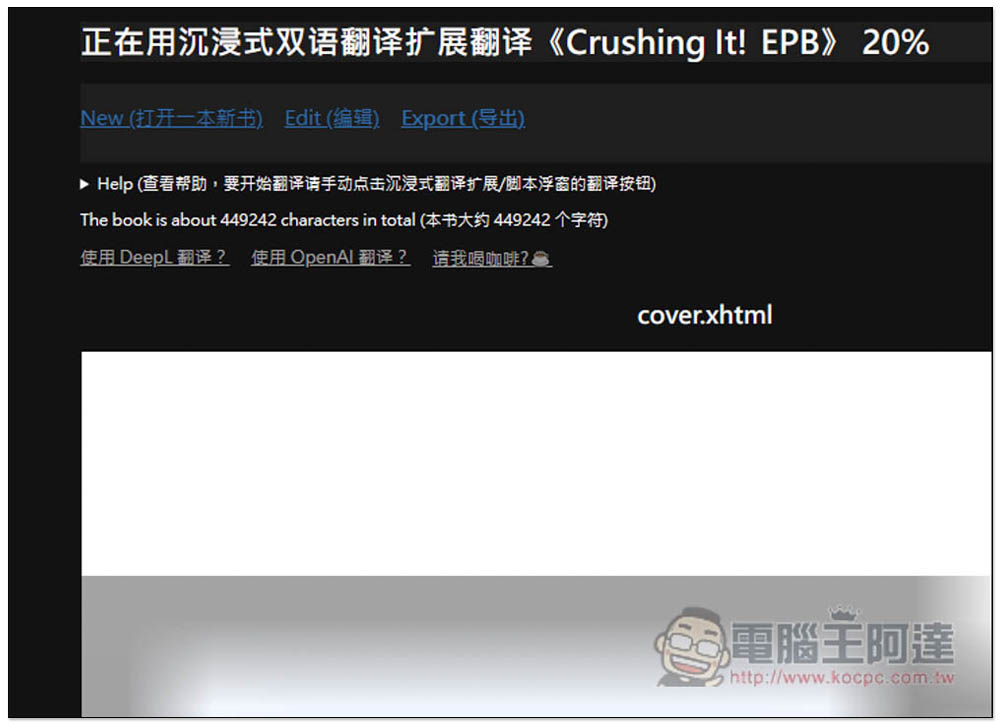
The current translation progress will be displayed at the top, such as: 20%:
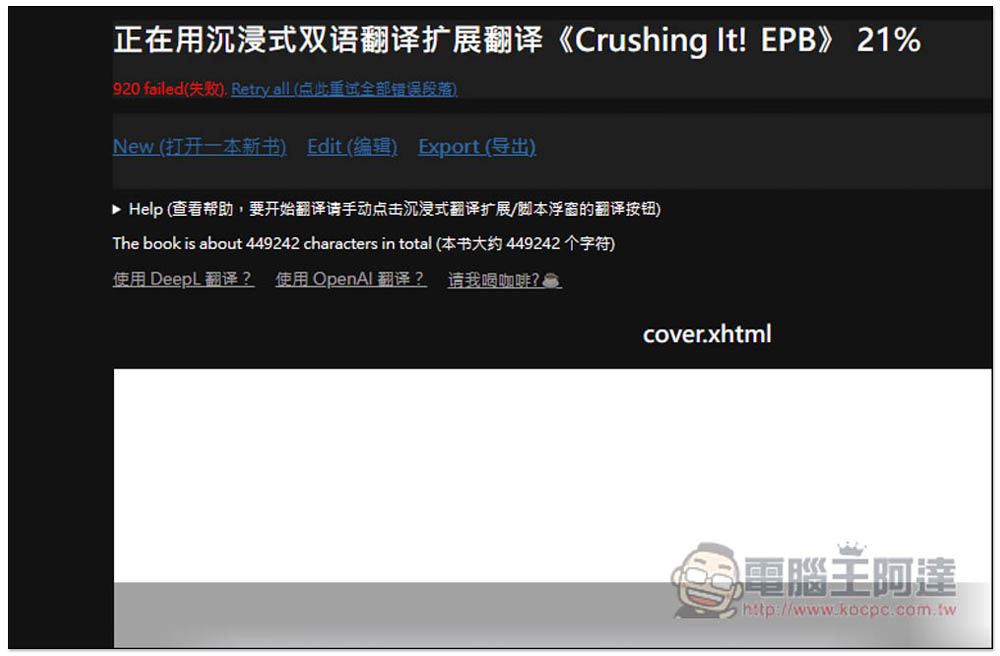
OpenAI sometimes pops up a failed message. If you click Retry all, translation will be enabled again. The content that has been translated will not be translated again, and only the content that has not been translated will be lost:
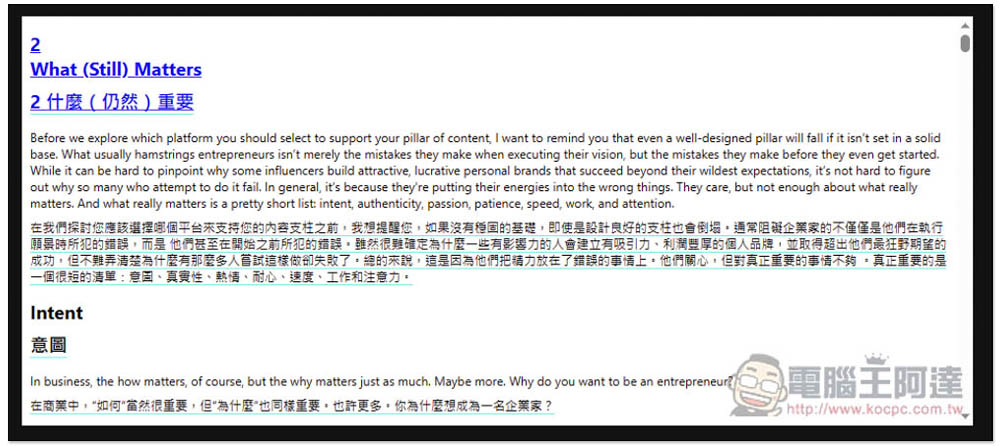
The translation quality of OpenAI is obviously much better than that of Google Translate, and the words and sentences are relatively smooth. The picture below is a paragraph from my book:
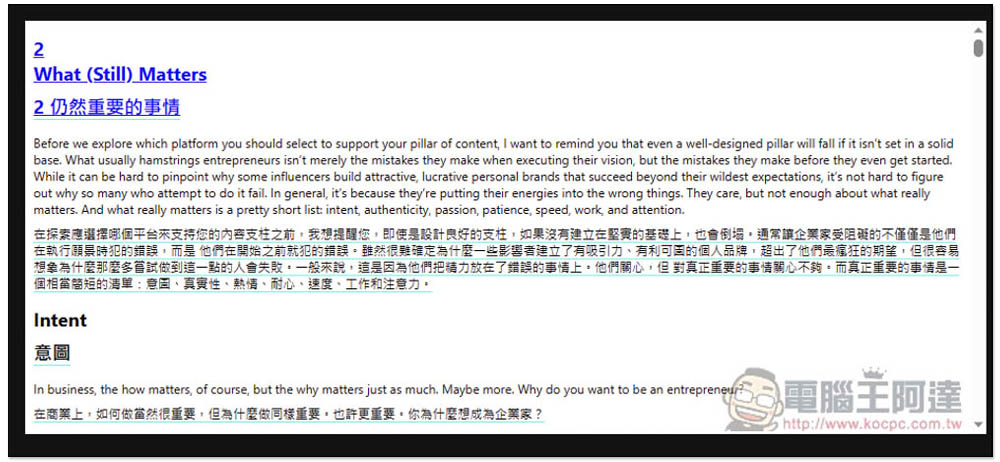
The advantage of Google Translate is that it is completely free, and a whole text of 440,000 characters can be completed in a few seconds:
I tested OpenAI to translate an e-book with 440,000 characters. It cost about 2 US dollars, which is quite cheap. The total translation time is about 3 hours. If the e-book you want to read does not have a Chinese version, you can use this function to solve the problem in the future.
I personally recommend using Google Translate first. After all, it is completely free and fast. If you really don’t understand the fragments, you can just use the copy function and paste it into ChatGPT to translate it.
Source: KOCPC Chinese