


Digital threats in today’s online environment are getting smarter and smarter. Even people who claim to be tech-savvy can be caught off guard. The number and types of online attacks continue to increase dramatically. If you have been ignoring the importance of online security, it is time to take some measures to protect yourself. High-profile users, organizations, and businesses are more likely to be targeted by hackers, and Google Advanced Protection Plan can provide additional protection for these groups.
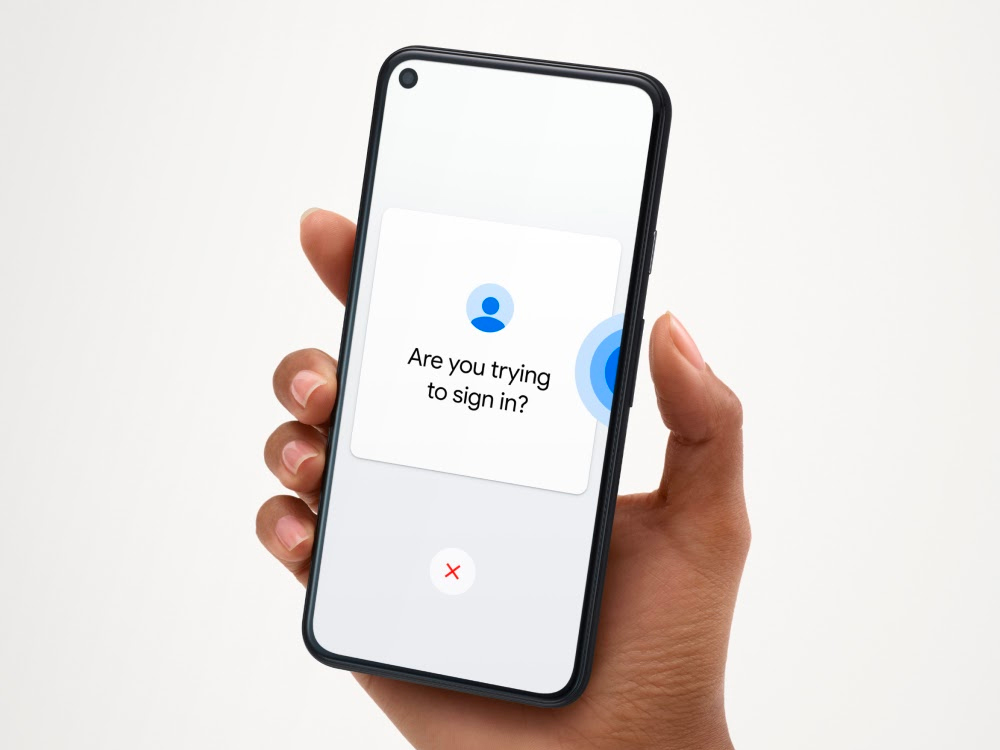
What is Google Advanced Protection Plan? Who needs to use it?
What does Google Advanced Protection Plan do?
Google Advanced Protection Plan is a free service that provides additional security measures related to phishing, web browsing, and app permissions. The plan covers many security features that help with phishing protection, account security, web browsing security, application licensing security, etc. We will briefly introduce each security category below.
Phishing protection
Phishing is a type of digital scam that involves sending emails from fake sources. Usually the purpose of the other party is to obtain the user’s sensitive information, such as passwords, credit card information or bank account information. Some people should have received letters from some self-proclaimed hapless prince seeking funding, inheritance, etc. This is a type of phishing.

Avoid phishing emails with built-in filtering and blocking tools in Gmail, and see alerts about suspicious emails in your inbox. Advanced Protection Plan adds another layer of security by asking for a security key when you sign in to your Google Account, making it harder for malicious parties to use your login information.
web browsing
Google Chrome is a good example of how the company is making the web browsing experience safer. This feature works without Advanced Protection Plan and improves security by flagging or blocking downloads from high-risk websites.
A more comprehensive version of this feature is available in the Advanced Protection Plan. Strict checks are performed before each download and users are notified of potentially harmful files. Hackers are ruthless, so having extra protection when browsing the web is reassuring. In addition, the Advanced Protection Plan only allows users to download from verified stores (such as the Play Store) and device manufacturer’s app stores.
Personal data security
Storing sensitive personal information in Google Accounts and Drives is common practice today, so it’s important to pay attention to who has been granted access. Signing up for a new app or service usually involves requesting access to certain information in your Google Account, which is fine most of the time, but an attacker can impersonate a legitimate third-party app to gain access. The Advanced Protection Plan only allows Google apps or verified third-party apps to access user account data, and only with user permission.
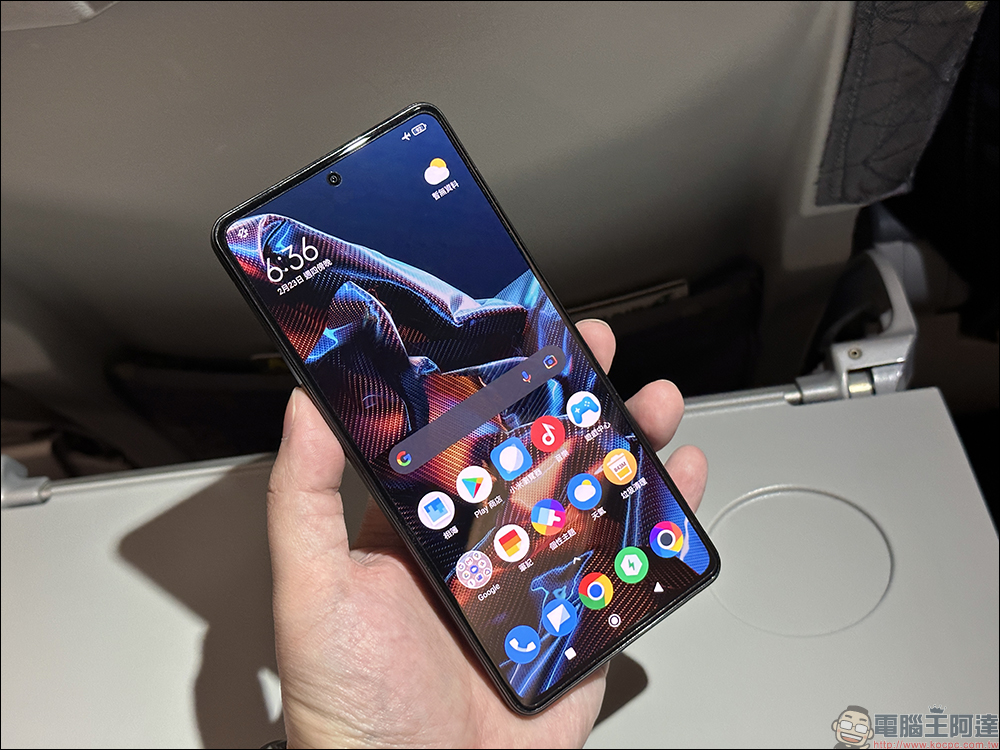
Who should sign up for Google Advanced Protection Plan?
It sounds like the Advanced Protection Plan seems to build a higher protection wall, which may be inconvenient for ordinary people. So who needs to register to use the Google Advanced Protection Plan? Journalists, activists, business leaders, celebrities and people involved in the electoral process are all suitable to register. It is also suitable for people whose work involves a variety of confidential and sensitive content and can benefit from the extra security and privacy.

Google Advanced Protection Plan is available for Workspace, G Suite, and individual users, and everyone with a Google Account can take advantage of this feature. But there is a requirement, you must use a physical security key or smartphone to confirm.
What should I pay attention to when signing up for the Google Advanced Protection Plan? How to register?
You need a security key
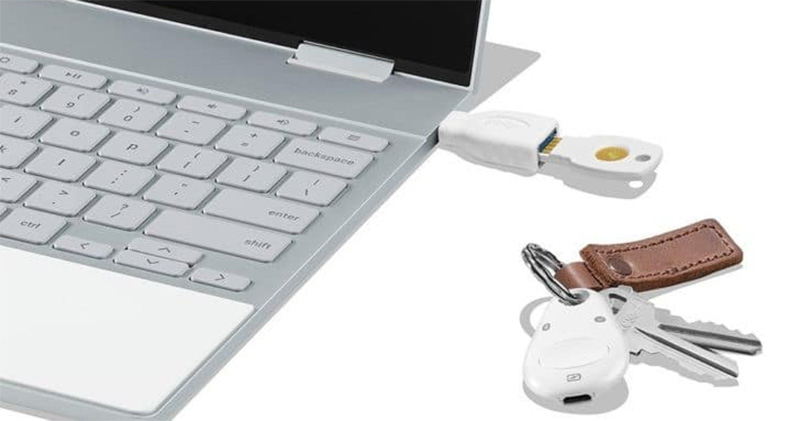
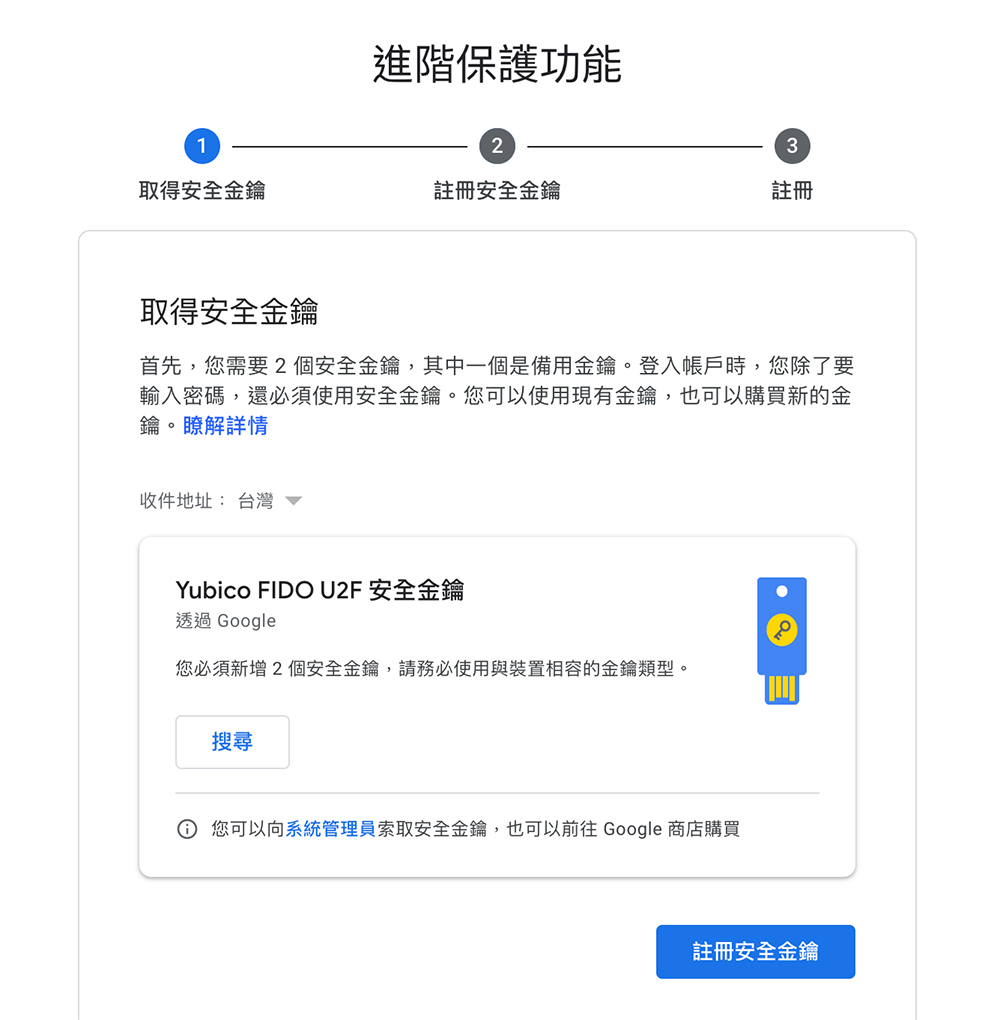
Before signing up for the Google Advanced Protection Plan, you need to buy a physical security key that complies with FIDO standards. Google recommends that users have two, so you can choose a physical key to go with your smartphone. The security key may look a little different, but overall it looks a lot like a small thumb drive that helps you log in with extra security. When you sign up, just follow the instructions to get set up.
Most Android phones and iPhones have built-in security key functionality. Google has aThe support page details how to use your phone’s built-in security key;For iOS, you needDownload Google Smart Lock app. If you are a Pixel user, Smart Lock is already built-in.
Complete your personal contact information in your Google Account
Finally, you must add an alternate email address and mobile phone number to your Google account for two-step verification (2SV), which also requires the use of Smart Lock. This is very important for verification and recovery. As long as you have the security key and Google account ready, you can go to register for advanced protection features.
How do I sign up for the Google Advanced Protection Program?
After completing the above steps, you are ready to register for the Advanced Protection Plan. Please follow the steps below to get started.
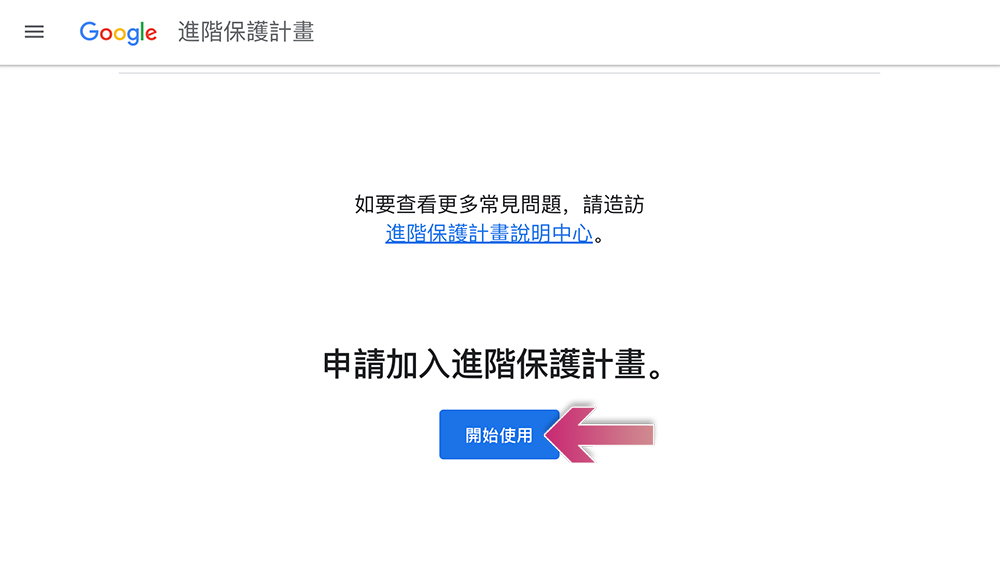
- Go toOfficial website Q&A pageAnd scroll to the bottom and click “Get Started”.
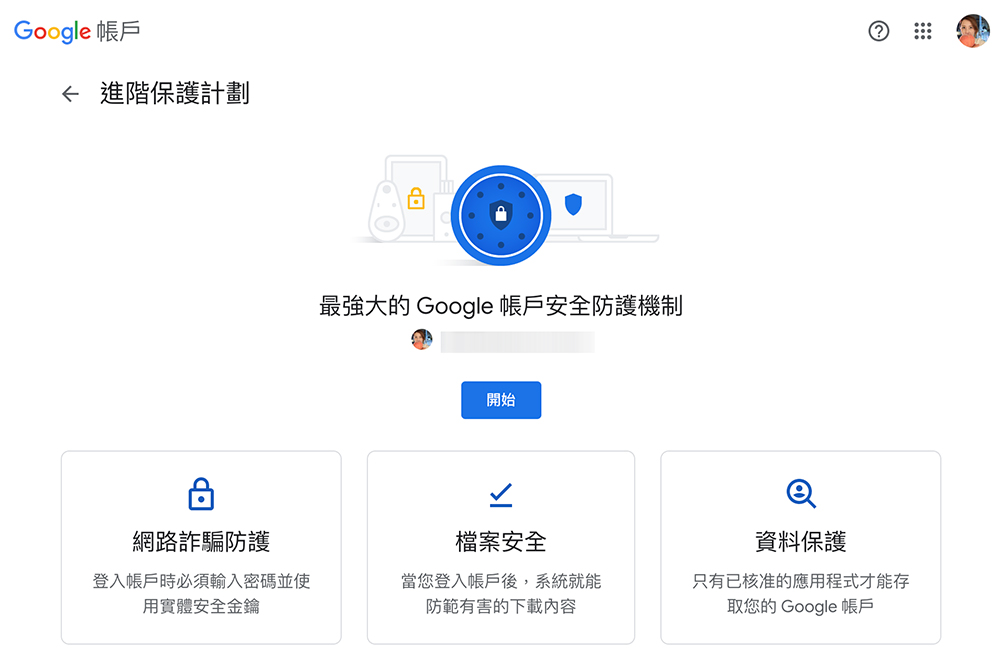
- On the next page, click “Start”. If you have multiple accounts, you can click to start selecting an account. In addition, it is recommended that you read this page. The advanced protection plan is completely free, and you can stop using it at any time.
- Next, take out your key and start following the guidance to set up and register.
Once you complete these steps, your Google Account will be ready to run in Advanced Protection. If you change your mind one day, it’s easy to turn off this feature. Just go to “Google Account Settings >> Security >> Advanced Protection Plan” to unregister.
Digital security is an issue that must be paid attention to while enjoying the convenience of technology. Anyone who spends a lot of time online can benefit from extra security measures, and Google Advanced Protection Plan is an excellent service for users who want to improve their digital security. Given the recent increase in hacking attacks, it’s best to have an online accountUse 2FA habits.
Source: KOCPC Chinese