


We have previously introduced an NflxMultiSubs expansion function that provides Netflix external subtitles, which has expired. In this article, we would like to recommend another more powerful “Netflix Bilingual Subtitles”, which not only can external subtitles, but also has dual subtitle display, which means that for those who want to improve their foreign language skills, you can also use this to learn foreign languages. It also has the function of downloading Netflix’s built-in subtitles. Let’s quickly introduce it to you.
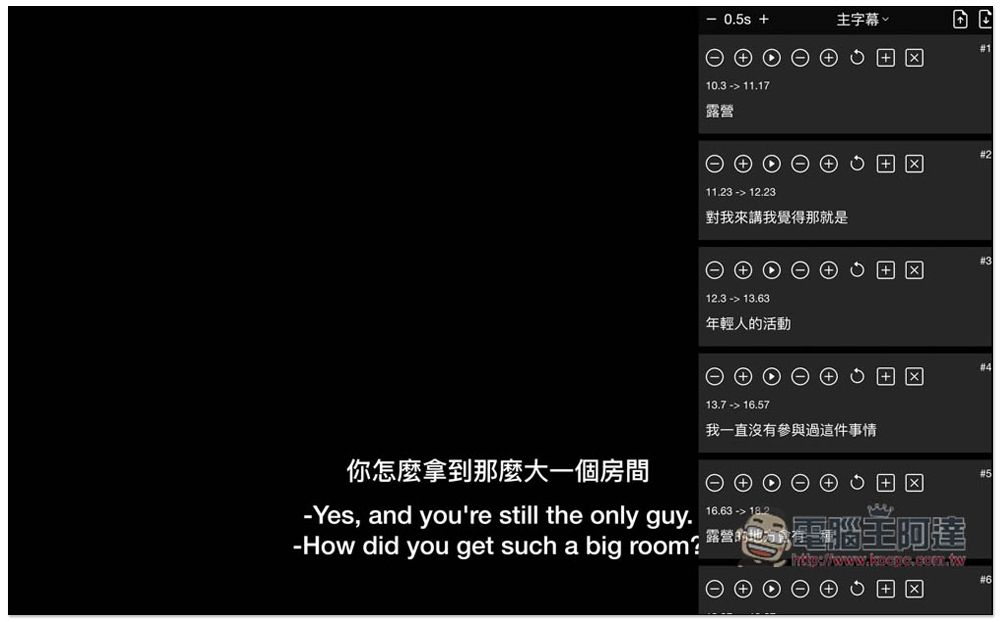
Netflix bilingual subtitle expansion function not only provides dual subtitle function, but also supports external subtitles and downloading Netflix built-in subtitles
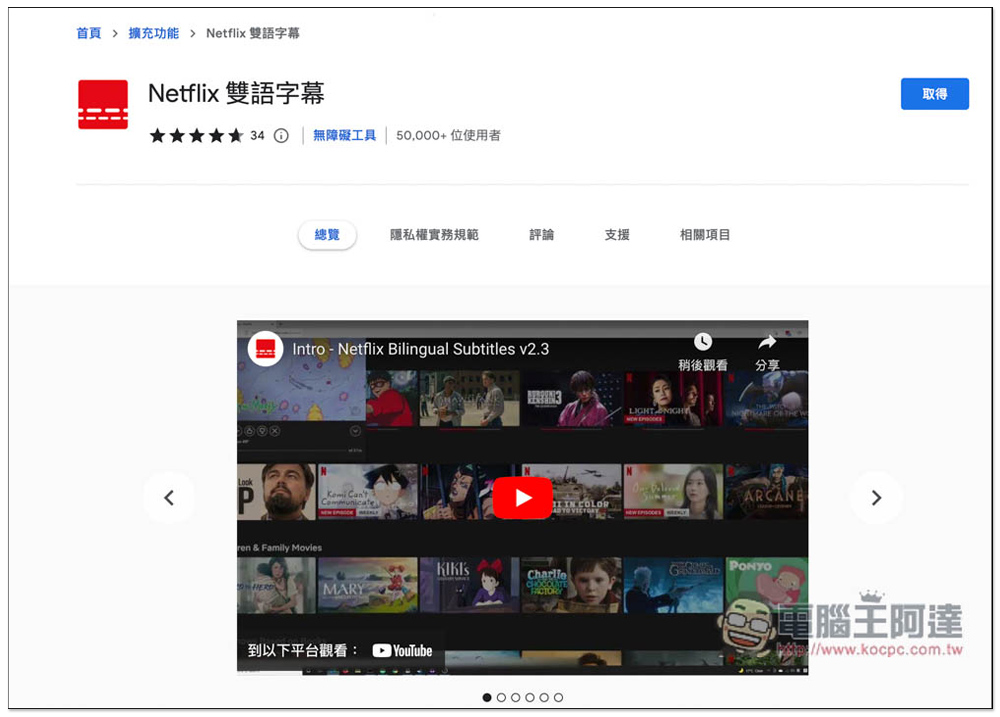
Netflix bilingual subtitles is a Chrome extension that can also be installed on Microsoft Edge. I will use Edge as an example, and the operation method is the same.
After entering the Chrome store page, click “Get” on the right:
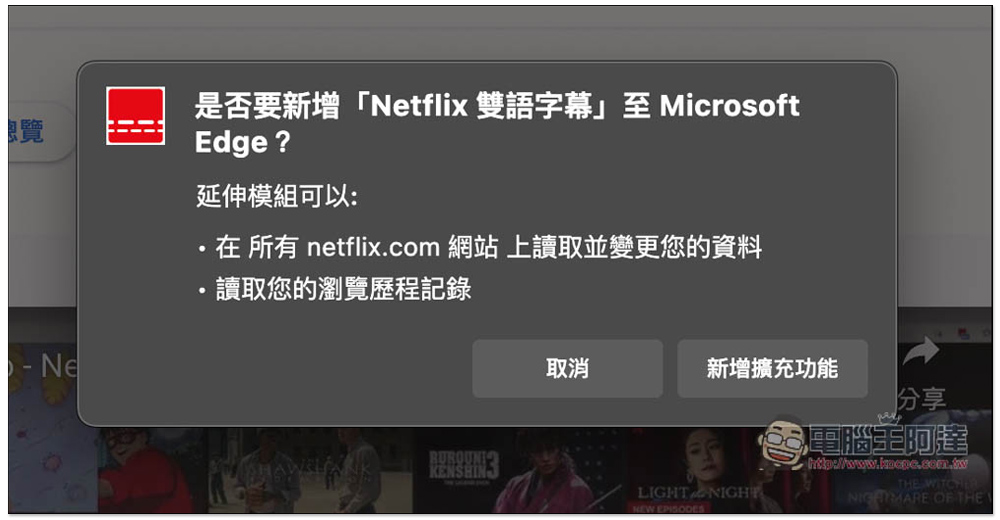
This message will pop up, click “Add extension”:
Displaying this message indicates successful addition to your browser:
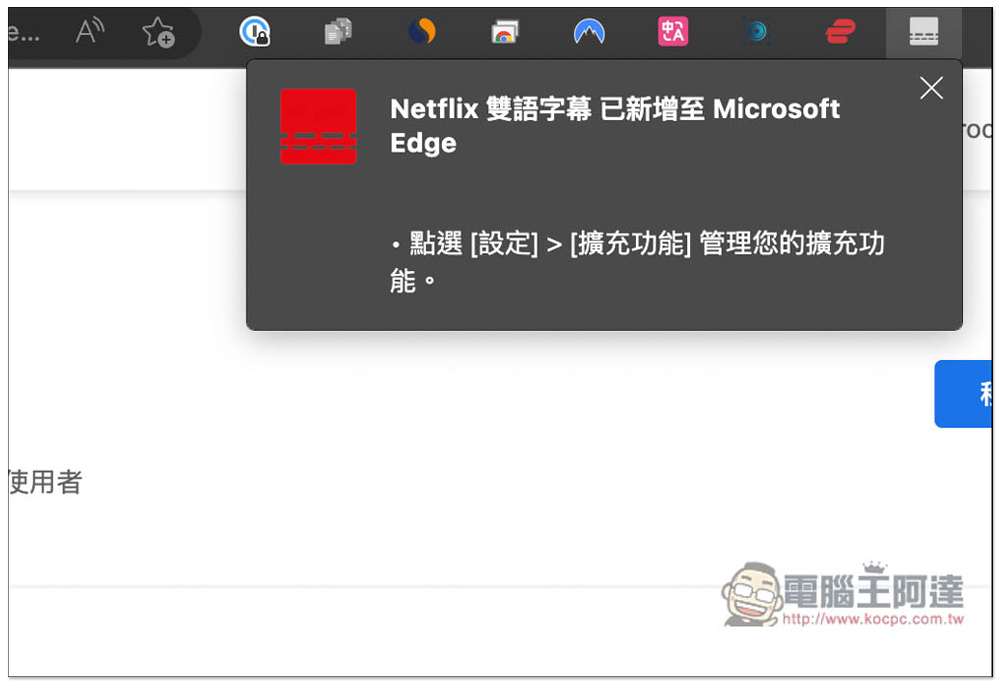
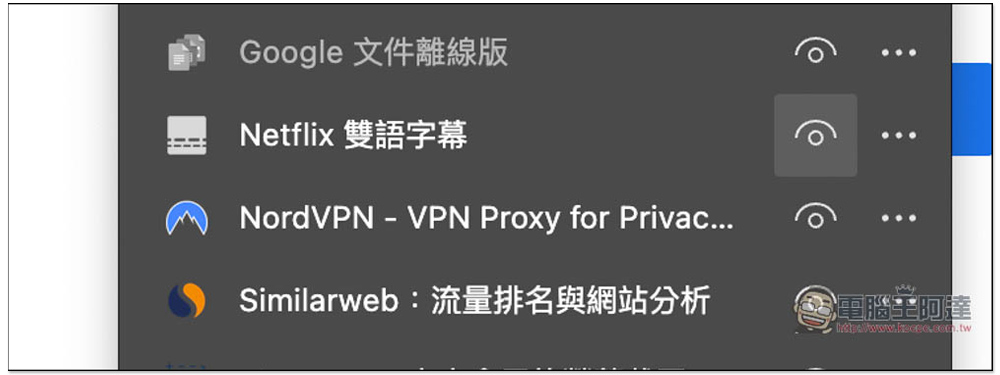
Newly installed extension icons in Chrome and Edge will be hidden by default. This does not necessarily need to be turned on. Those who need it can open the puzzle icon menu on the far right, find this extension and click on the eye icon to open it:
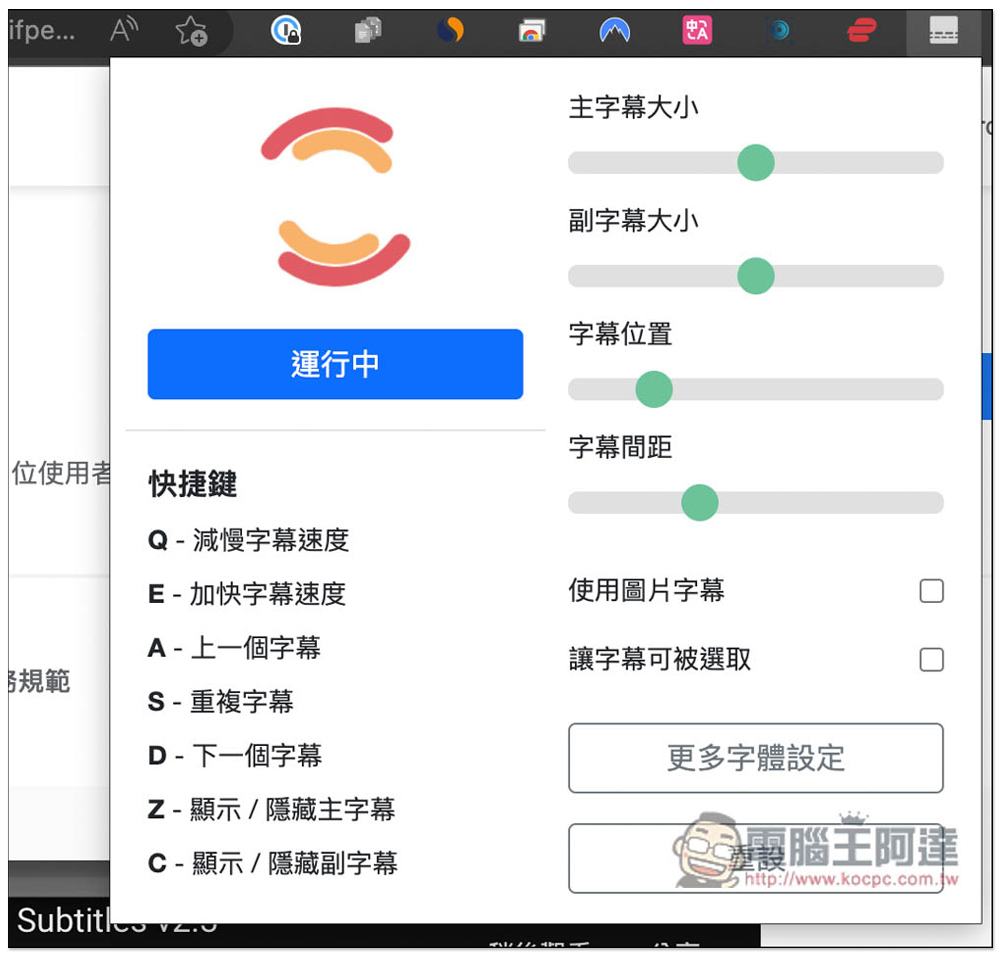
The extended function icon menu allows you to quickly start (running) or stop this tool. In addition, you can adjust the size, position, spacing, etc. of subtitles. It also supports shortcut key functions, which is quite good. You can quickly adjust it if you are familiar with it:
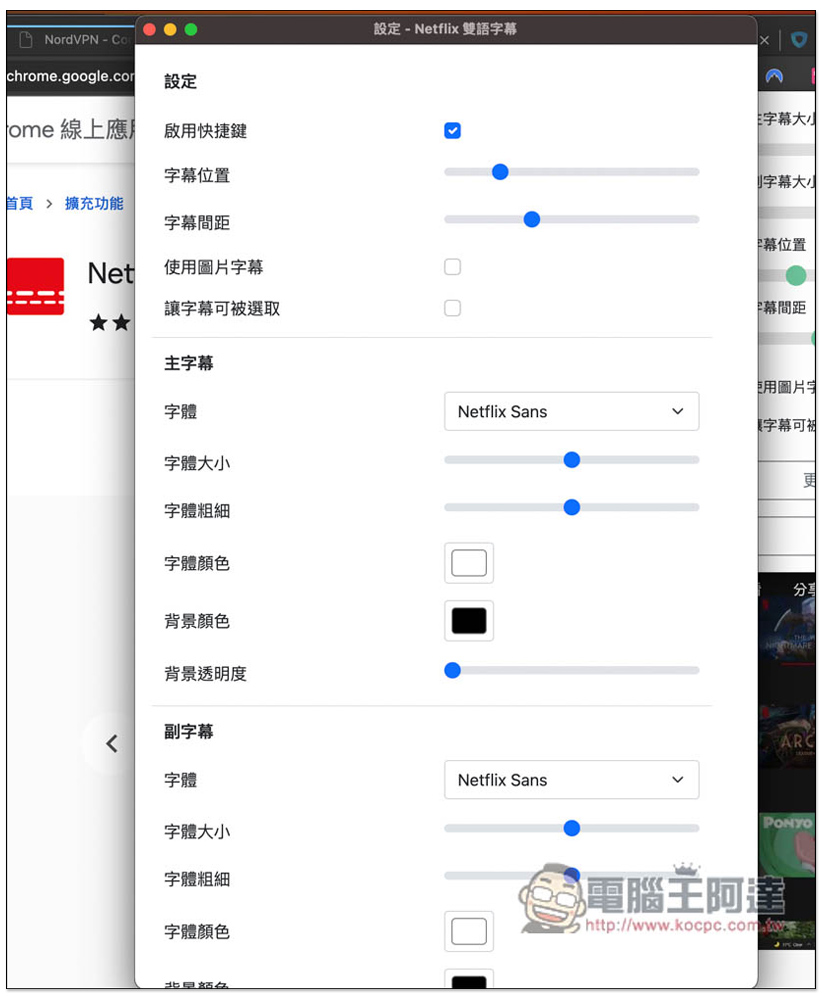
In more font settings, you can modify the subtitle font, font and background color, transparency, etc.:
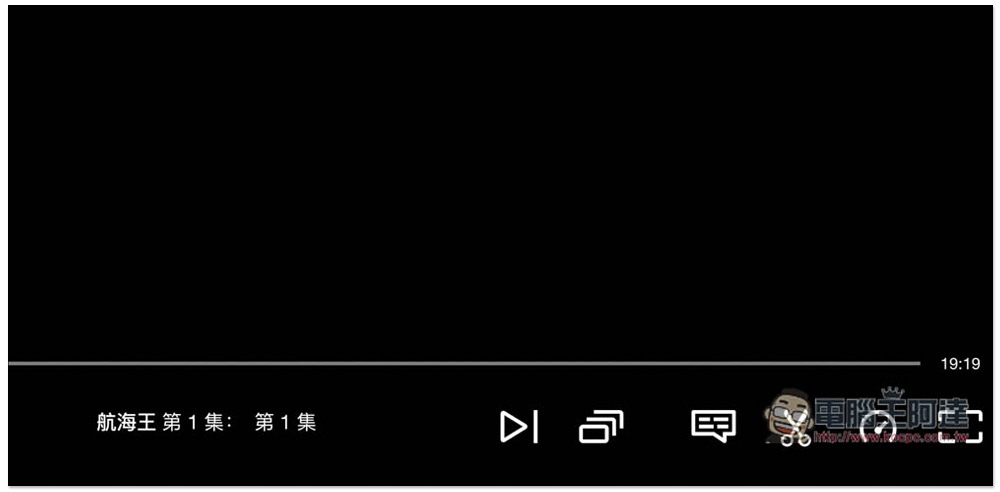
After opening Netflix, you will see a scissors icon in the lower right corner. This function is where you upload and download subtitles:
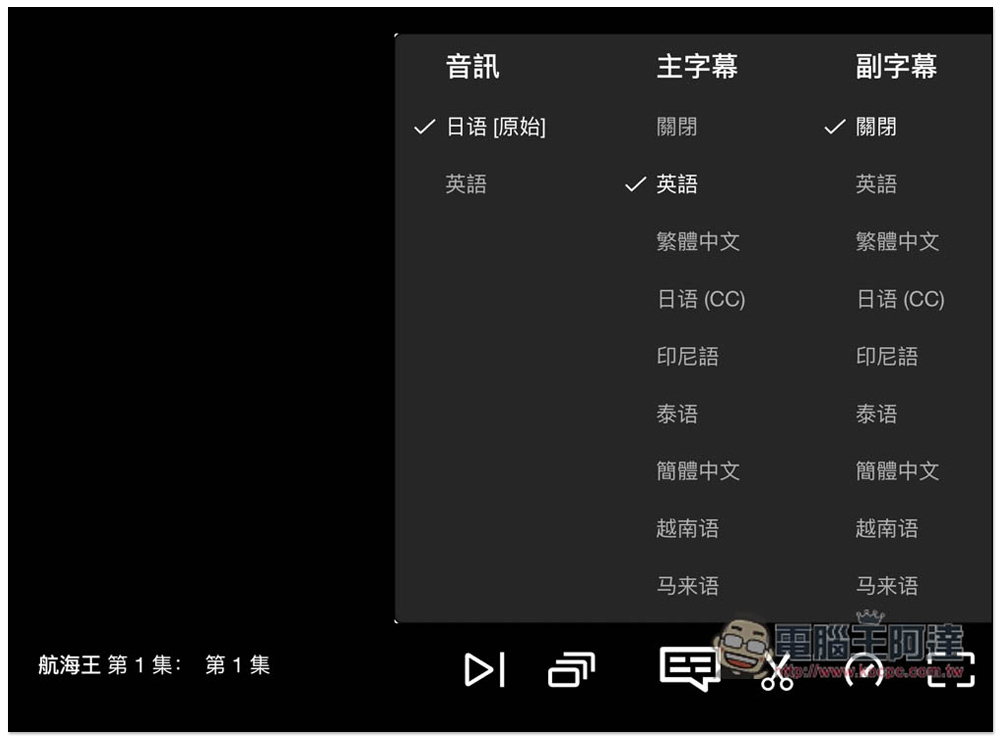
Open the original subtitle switching icon, and it will now become two options: main subtitles and subtitles. The dual subtitle display function is set from here. These are Netflix’s preset subtitles, and external subtitles are uploaded from the scissors icon:
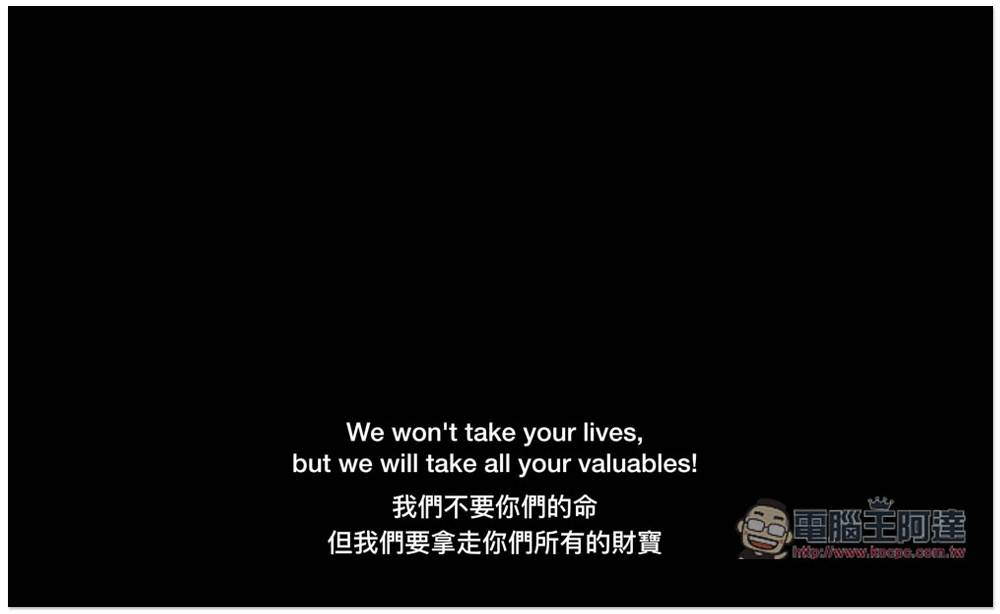
For those who are learning foreign languages, you can use this foreign language + traditional Chinese dual subtitle display:
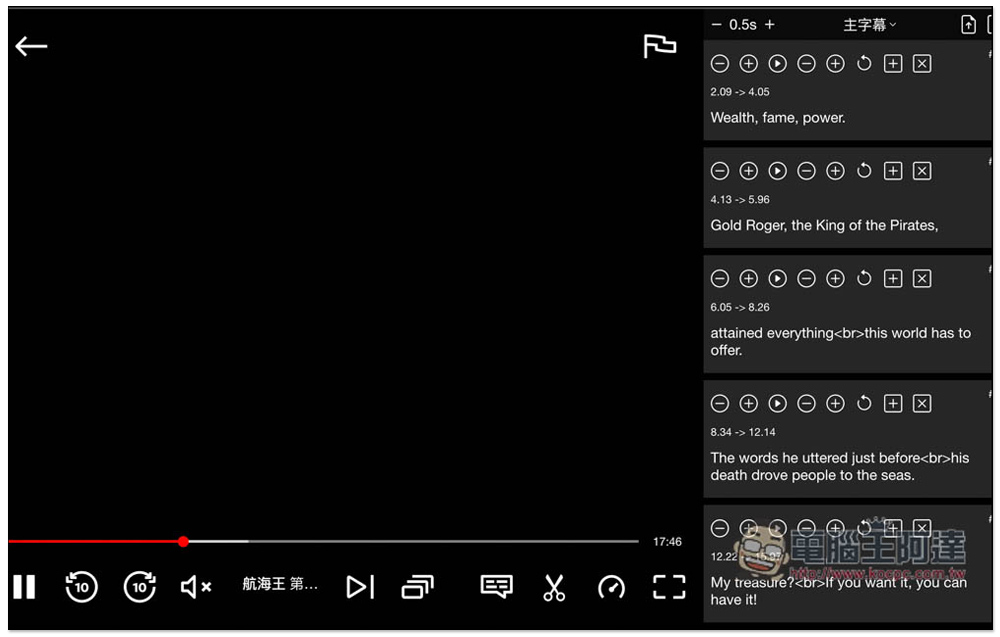
All subtitle content will appear on the right side of the scissors icon. Not only can each subtitle be manually adjusted, but also the display speed can be adjusted, which means that if you feel that the subtitle display is too fast or too slow, you can speed up or slow down by yourself. This feature is relatively rare:
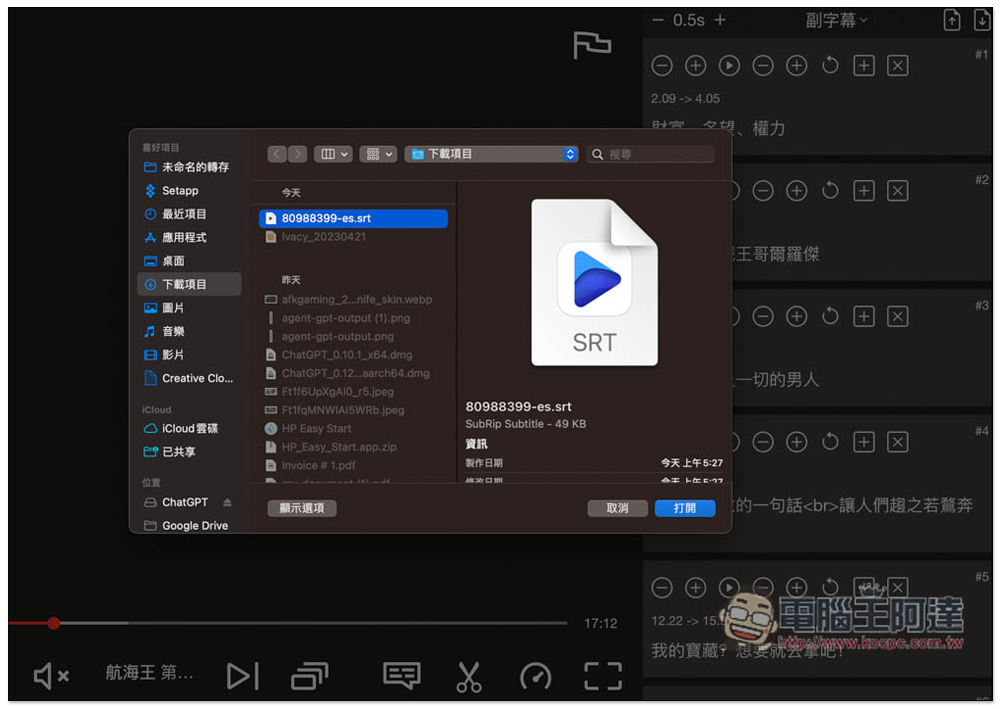
The two arrow icons in the upper left corner are for uploading subtitles (plug-in subtitles) and downloading Netflix official subtitles:
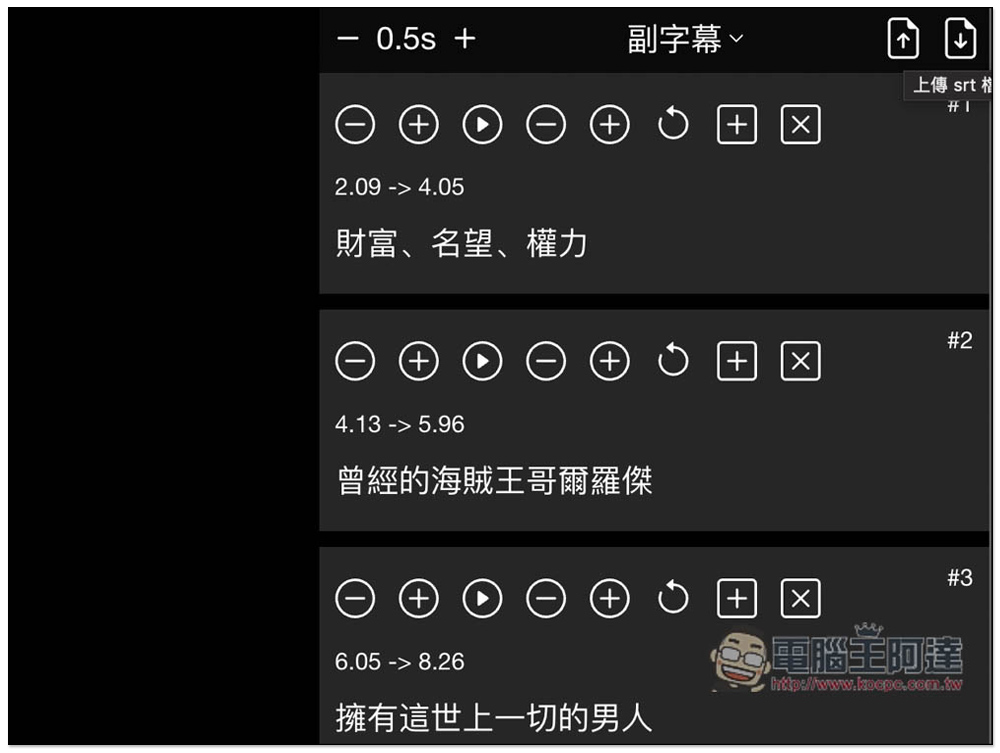
Supports uploading external subtitles in SRT format:
Downloaded subtitles are also in SRT format:
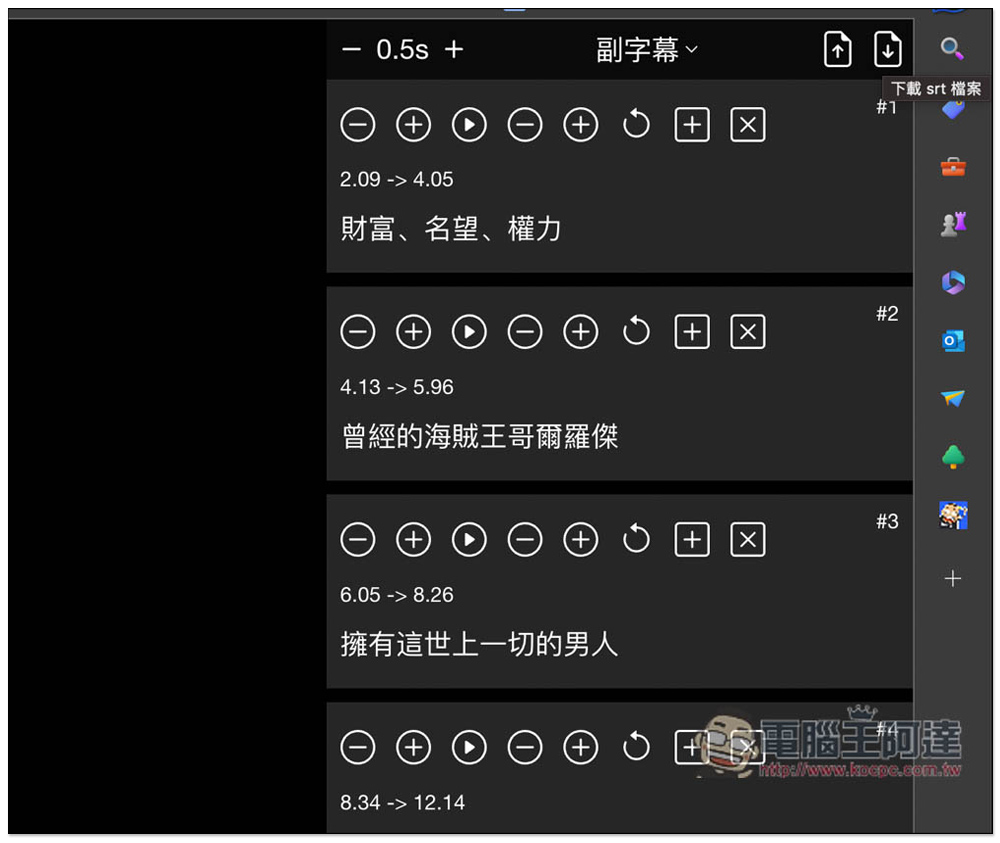
With the function of downloading Netflix’s official SRT subtitle format, it is very convenient to use. If you can’t find Chinese subtitles for the movie you want to watch, you can download the Netflix subtitles and then throw them to the one we introduced before. WhisperDesktop softwareInside, let it be automatically translated into Chinese, and after the translation is completed, plug it in so that there are Chinese subtitles.
If this expanded plug-in can add language learning functions in the future, such as adding word query, word practice, etc., I think it should be more useful.
Source: KOCPC Chinese