


Previously, we introduced a software that enables Android to wirelessly transfer files to macOS through AirDrop.AndDrop“Although the free tool is very useful, some people may still not like this operation process, so this article will recommend another free tool called NearDrop. Unlike AndDrop, this one allows you to directly use Android’s built-in “Proximity Sharing” function to wirelessly transfer files to macOS. Friends who often use the proximity sharing function may like it more.
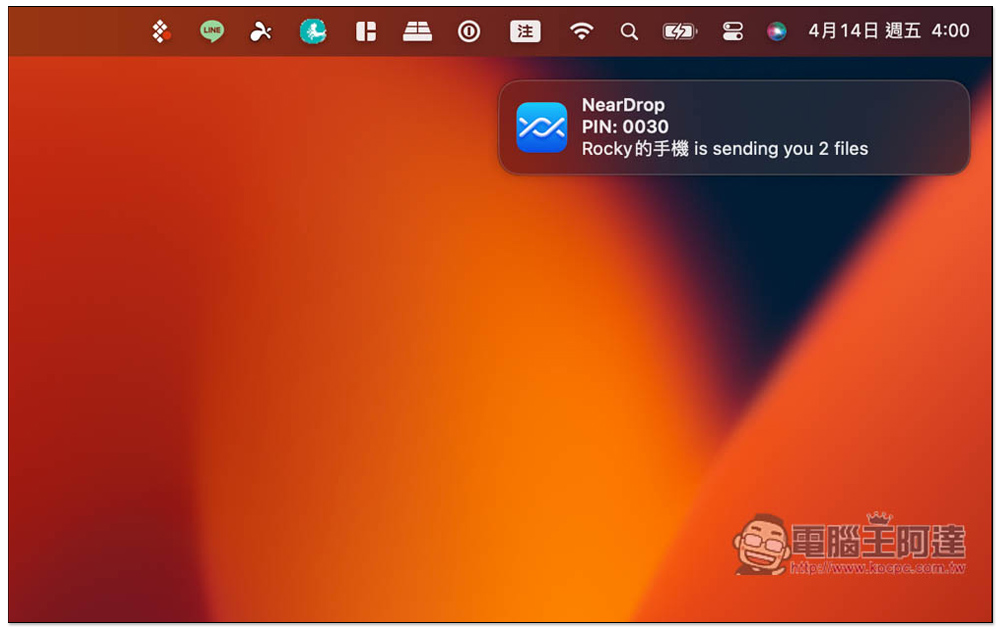
NearDrop enables Android to also use the proximity sharing function to wirelessly share files to macOS
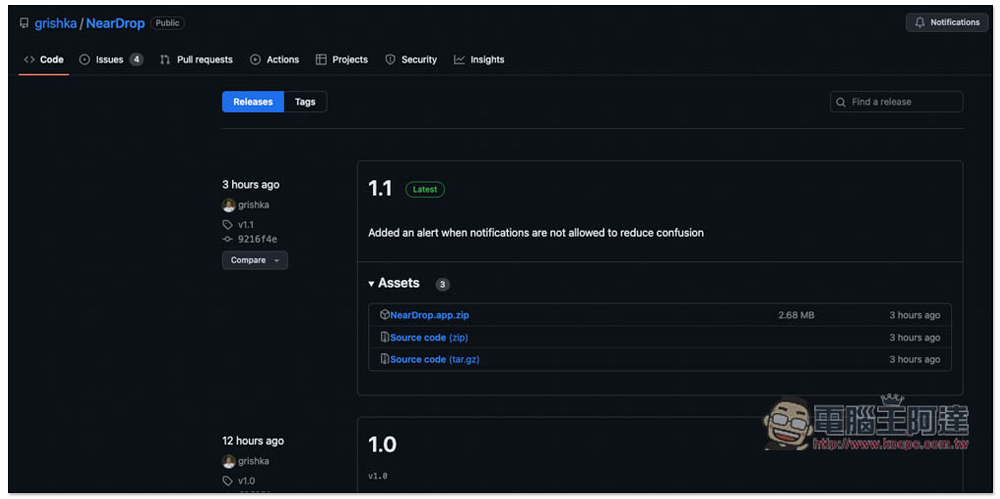
NearDrop is a free open source tool that is shared on GitHub. Click the link above to go to the download page and select “NearDrop.app.zip”:
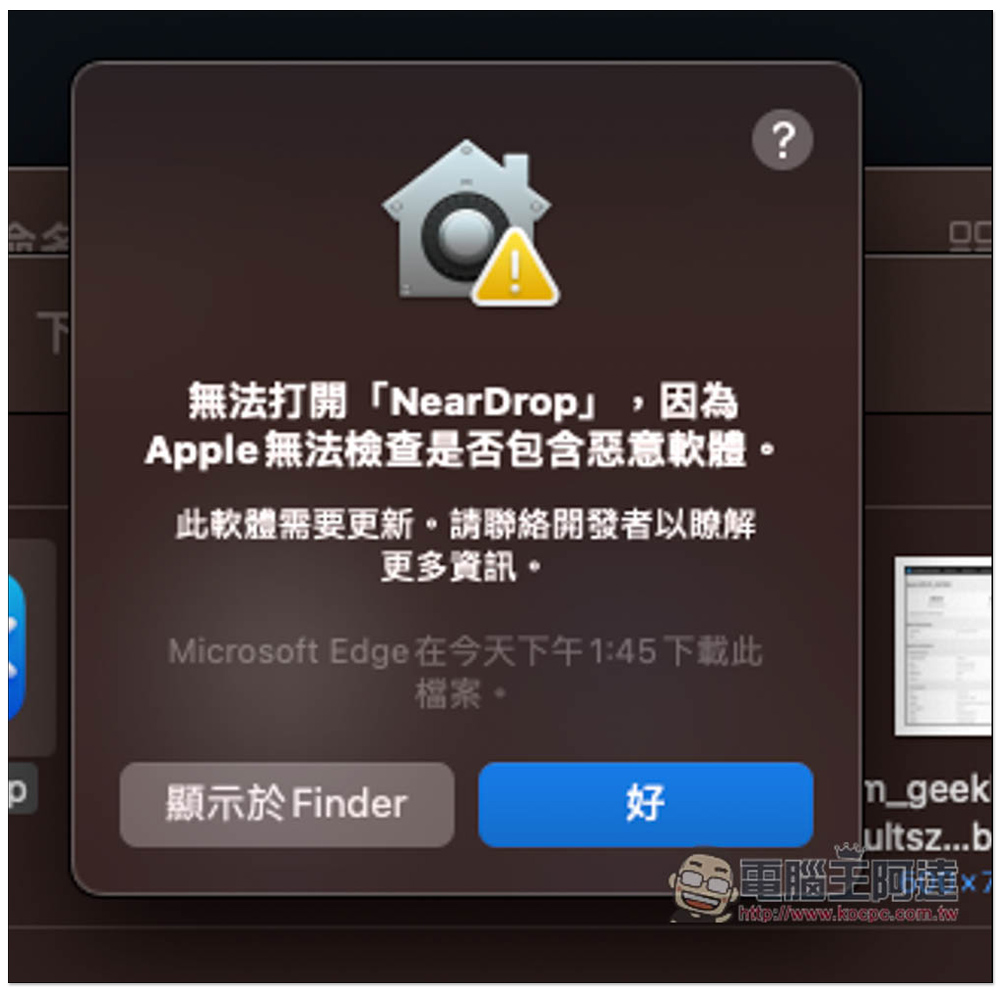
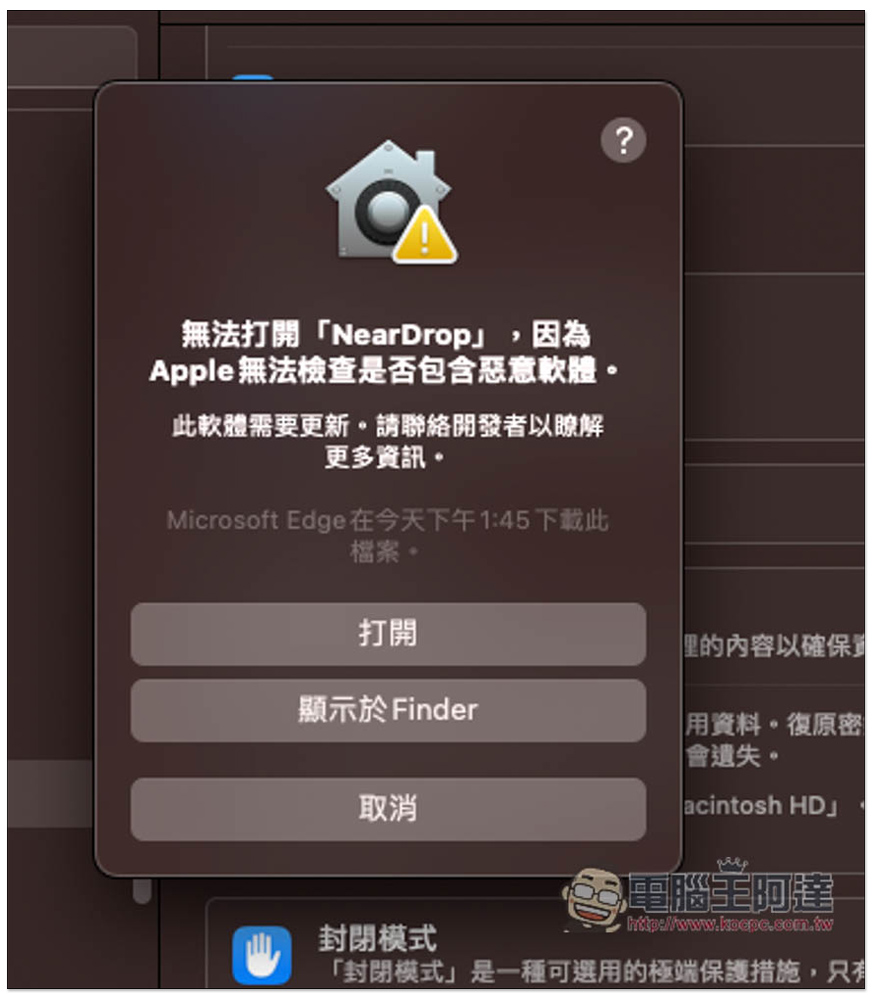
After downloading and decompressing, the message “Cannot open “NearDrop” because Apple cannot check whether it contains malware” will pop up when you open it for the first time. Click here first:
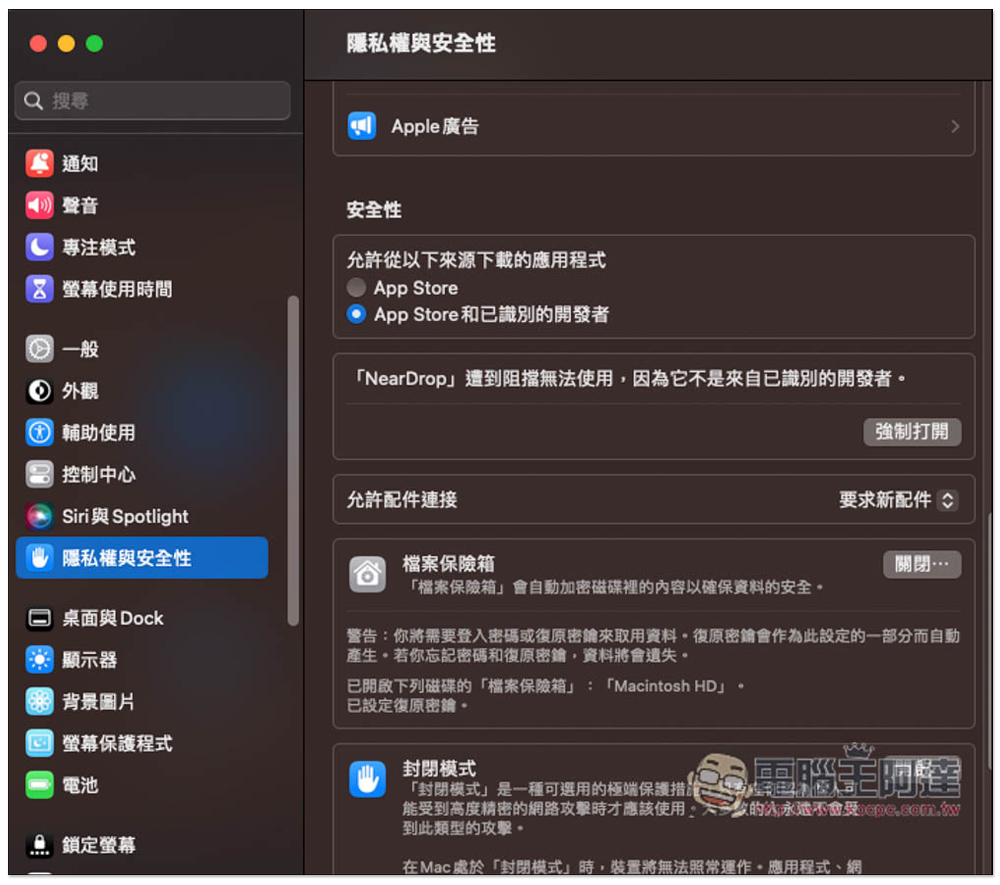
Open settings, select “Privacy and Security” on the left. Under Security in the right menu, you will see that “NearDrop” is blocked and cannot be used because it is not from an identified developer. Press the lower right corner to force it to open:
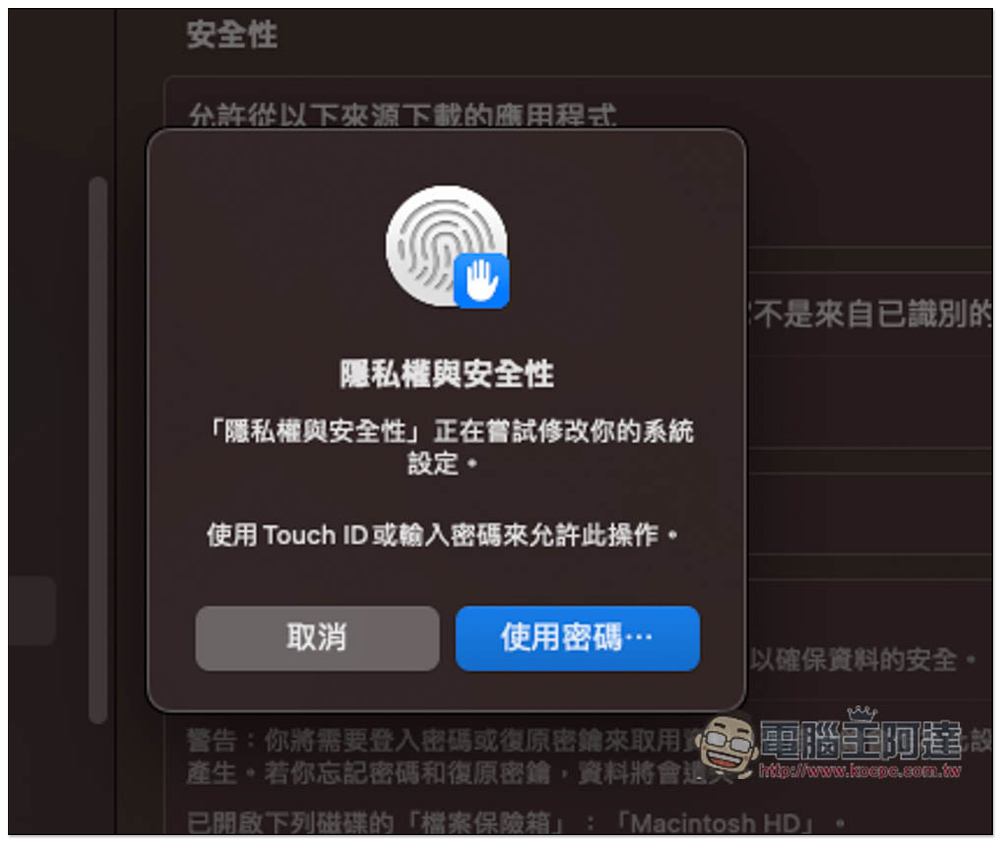
You’ll be asked to enter your password or use Touch ID:
Now you can start using it:
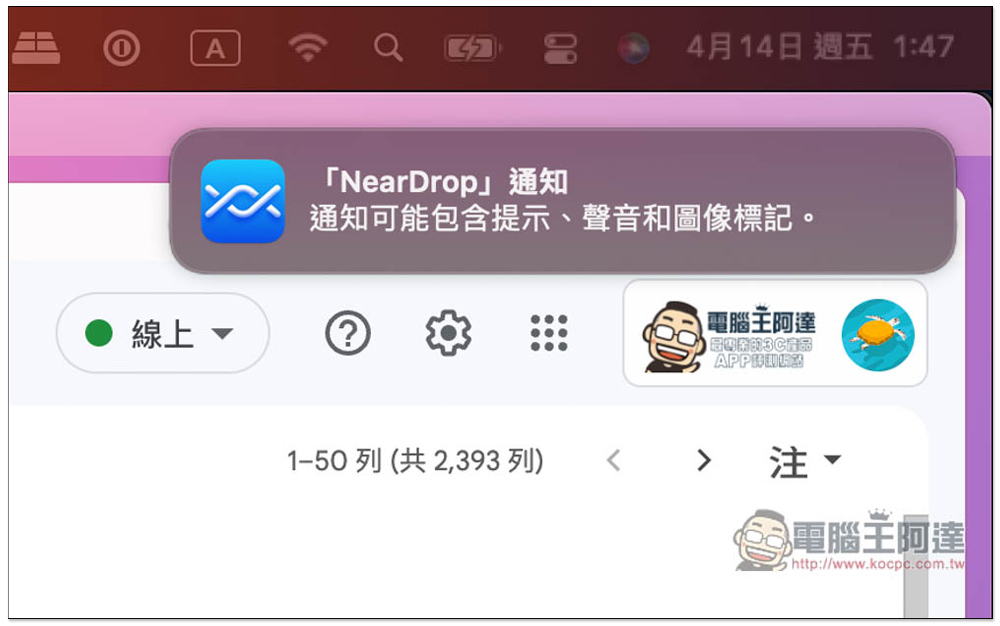
The pop-up NearDrop notification recommends “Allow” because this tool does not have an interface and runs directly in the background. Therefore, the notification will only pop up when a file comes over, and you can quickly click to receive it:
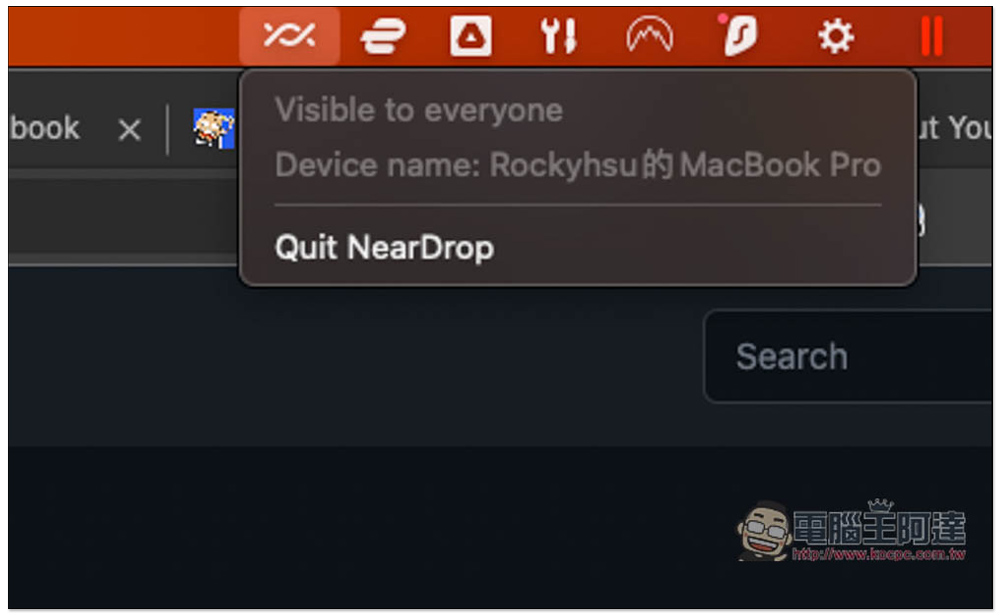
There is this icon in the toolbar on the upper right, but only the Quit NearDrop function is stopped, and the others cannot be adjusted. We will see if other new adjustable functions will be added to the new version in the future:
Before using it, please note that although Google’s Nearby Share can initiate pairing and transfer files through Bluetooth, Wi-Fi Direct and other connection standards, this tool currently only supports Wi-Fi, which means that the two devices must be connected to the same Wi-Fi network, and different networks will not be visible. In addition, the pairing time and transfer speed will be a little slower than the official Nearby Share, but not too much. In my test, the file was transferred in a flash.
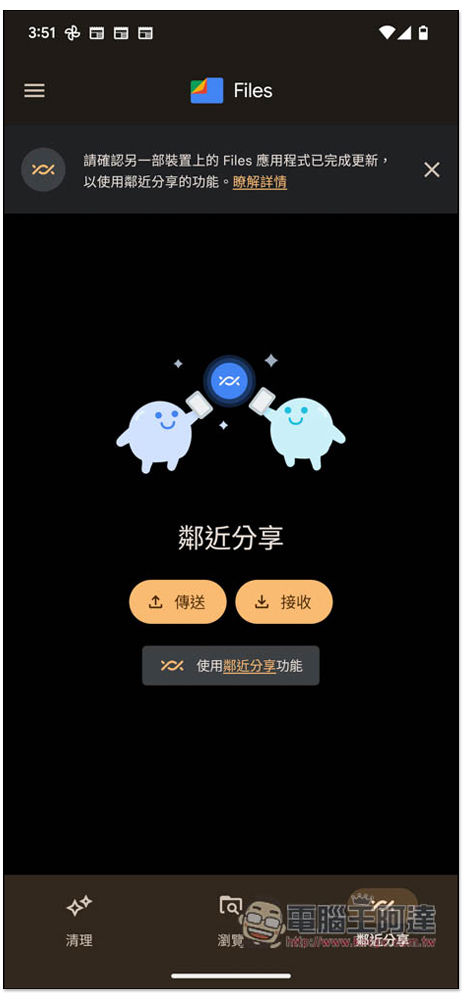
Open Android’s Files App, enter the “Nearby Sharing” menu, and click “Send”:
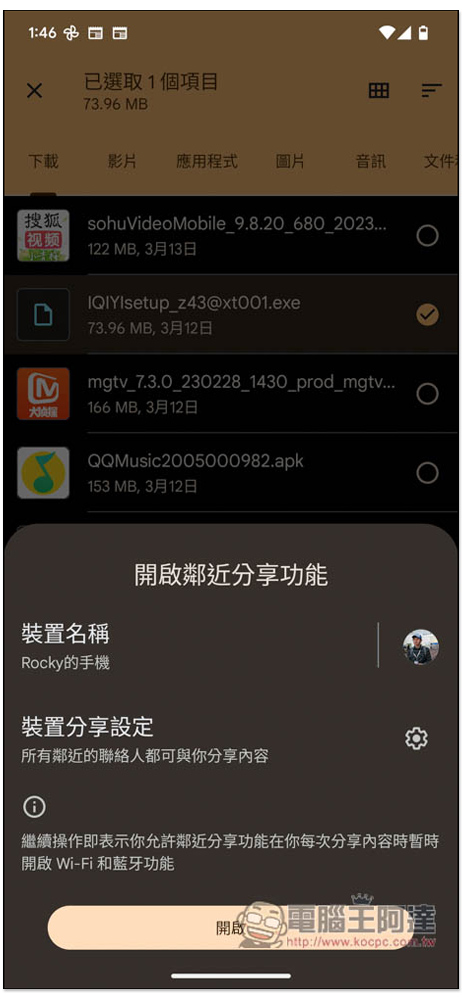
After selecting the file you want, this menu will pop up when you use it for the first time. Click to open it:
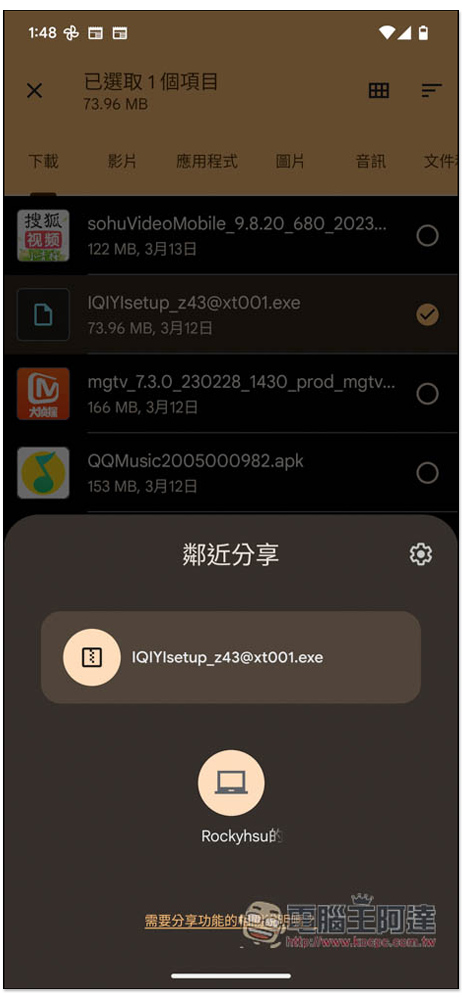
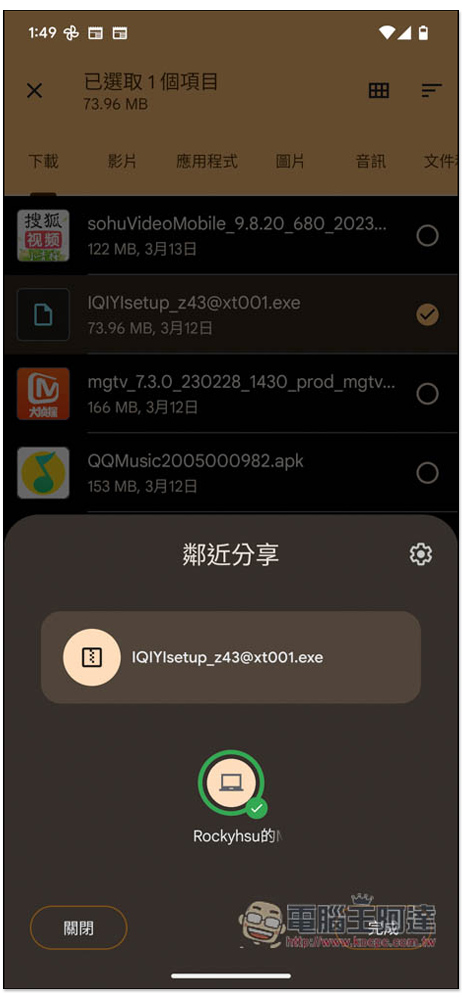
Next, you will see your Mac device below. Mine is a MacBook Pro. Click on it:
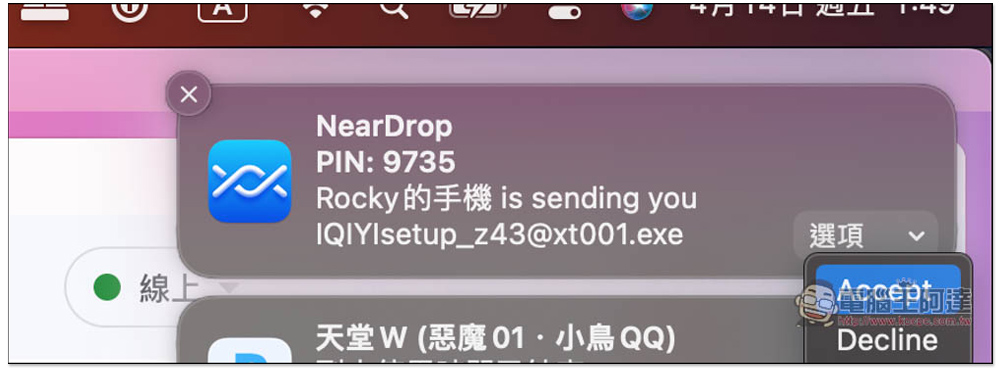
Mac will pop up a notification. The PIN is mainly used for you to confirm. You don’t need to enter anything. Once confirmed, open the option in the lower right corner and select Accept:
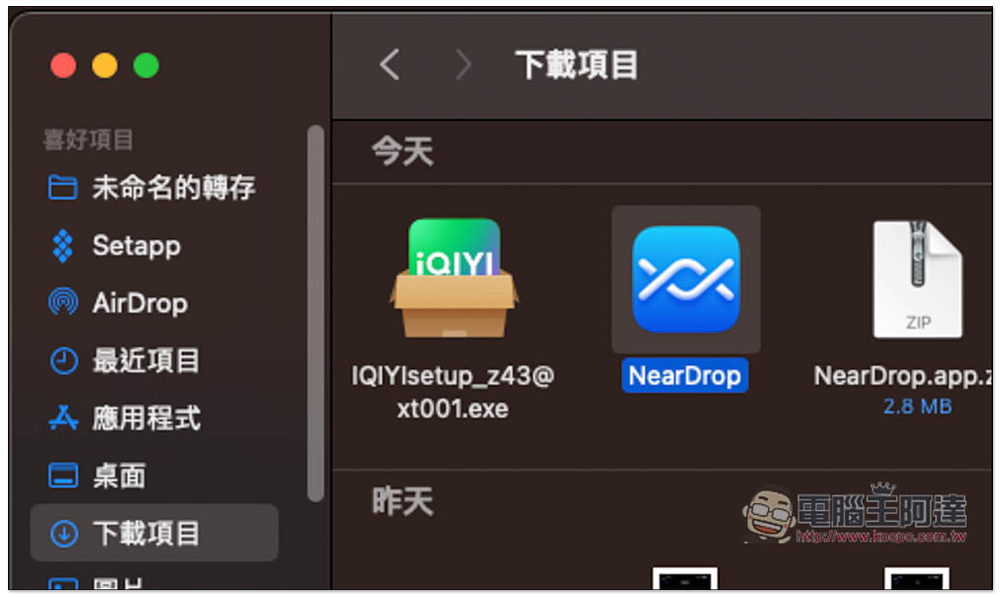
After the transfer is completed, the file will be stored in the download item:
The periphery of the Files App icon will also turn green:
Currently, it only supports Android proximity sharing to Mac devices, and not the other way around.
Source: KOCPC Chinese