


ChatGPT currently only has a web version. For some users, they may wish to have a desktop version available. It is not yet known whether OpenAI will launch it. However, there are already some third-party desktop service options, such as the Chatbox open source tool recommended in this article. It supports Windows, Mac and Linux operating systems. After installation, enter the OpenAI API to start using it. It not only has several practical Prompt roles built-in, but also provides a local backup chat record function. There is no need to output like the web version, or worry about online records suddenly disappearing.
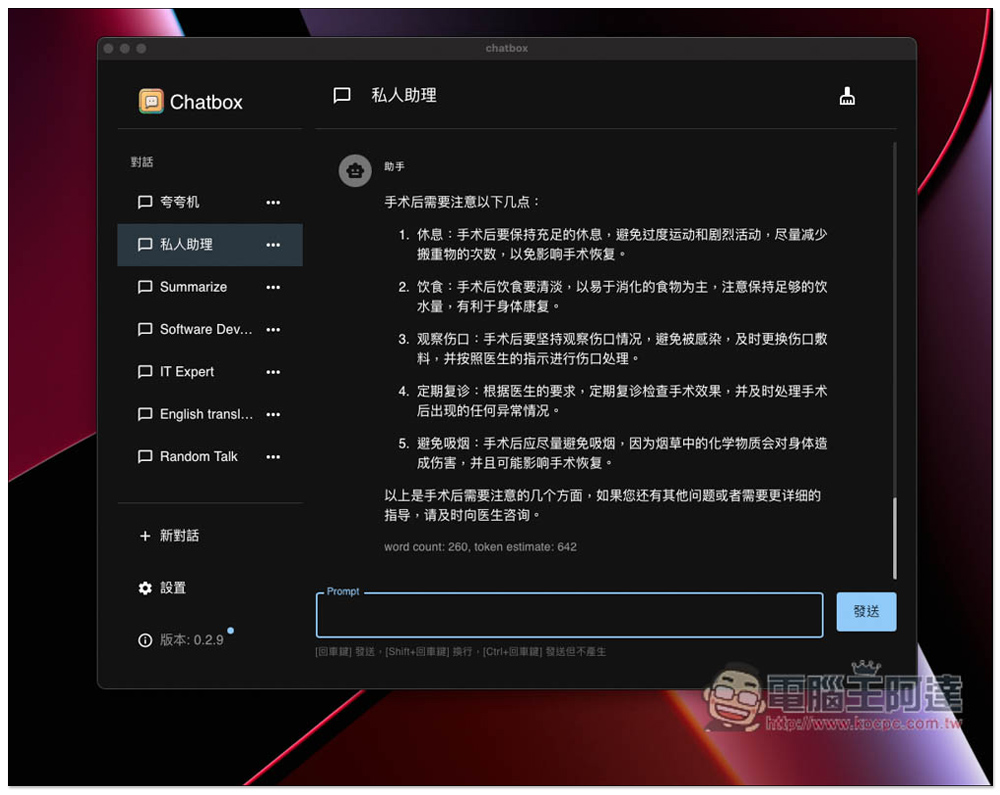
Chatbox is an open source cross-platform desktop version of ChatGPT, which adopts OpenAI API, supports local saving of chat records, and has built-in practical Prompt roles.
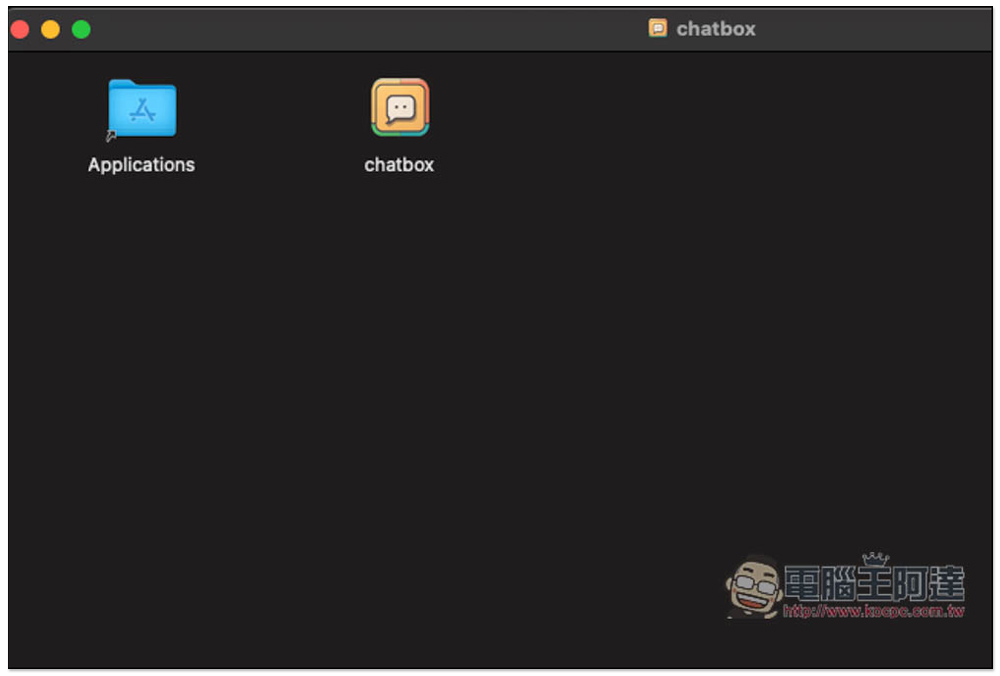
Chatbox is an open source software that is uploaded to the GitHub website. I will use Mac as an introduction example below. The .dmg at the end of the download for Mac users is the installation file. After double-clicking to open the installation file, drag the chatbox App to Applications on the left to complete the installation:
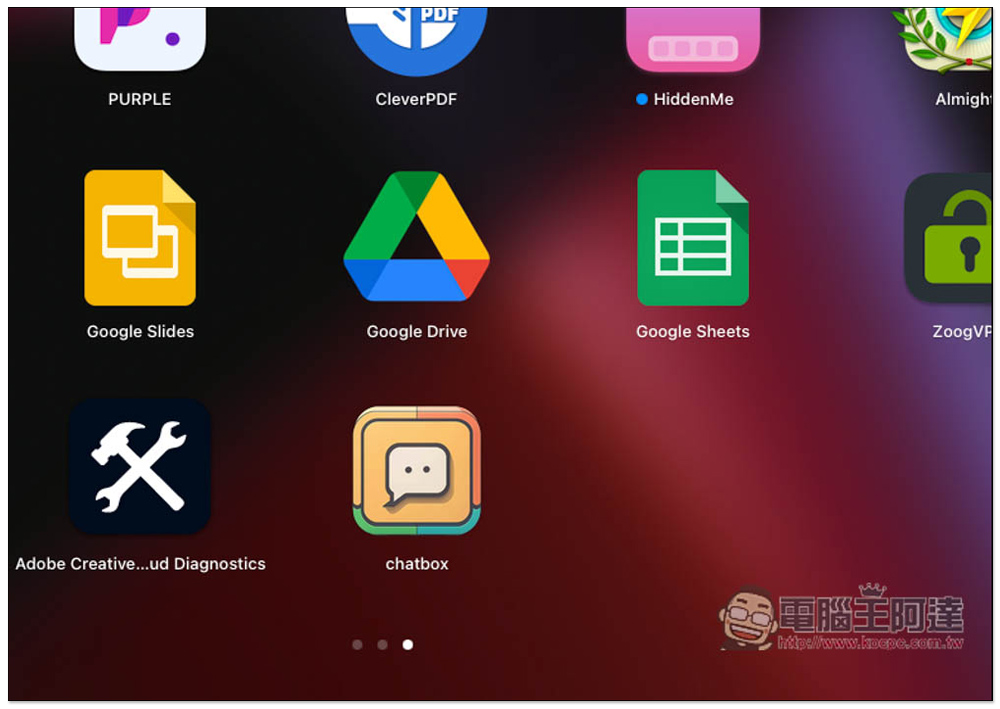
Then you can find this app in the launcher:
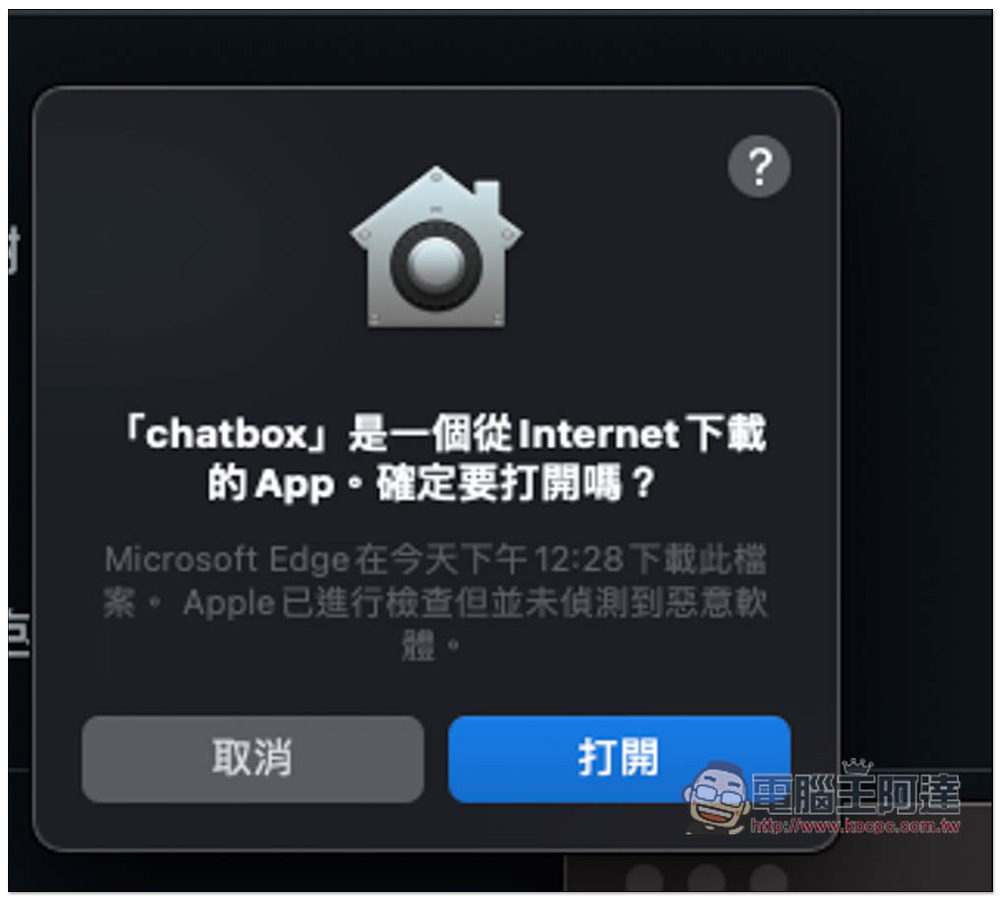
This message will pop up when you open it for the first time, click to open it:
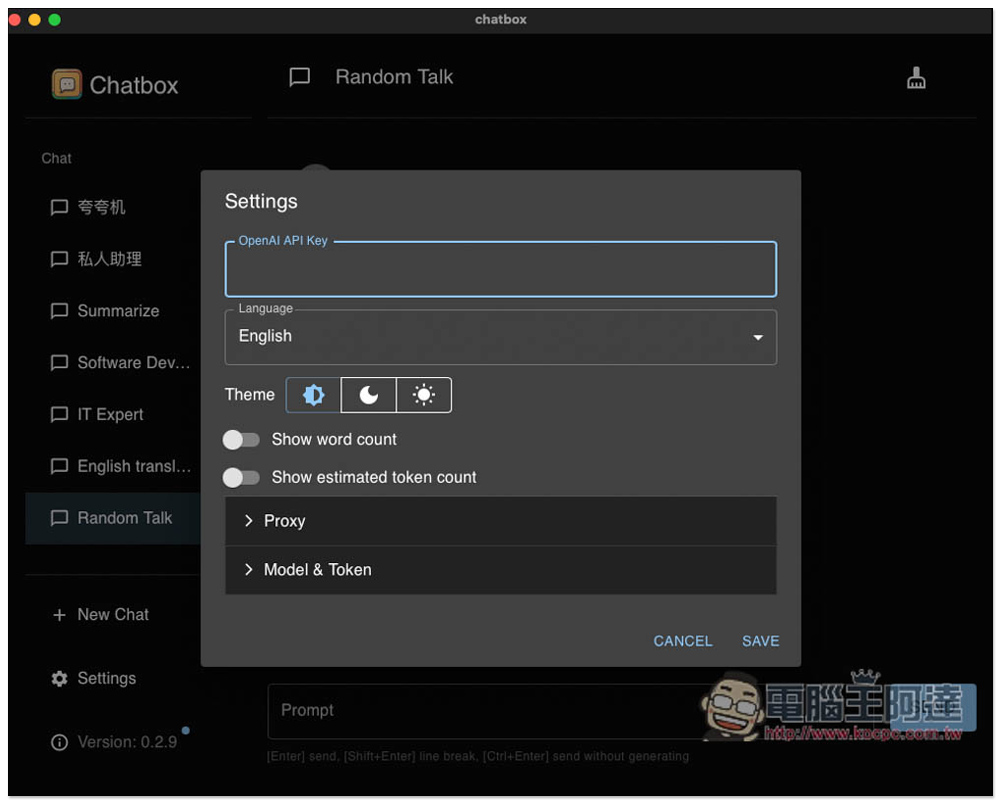
Then you need to enter your OpenAI API Key. Please note that the API is charged using tokens. Each account will receive a free credit of US$18, which is limited to one month. If yours has expired, just register a new account, or use a paid plan, because the price is really cheap. For those who use it less, it will even be lower than the monthly payment of ChatGPT Plus:
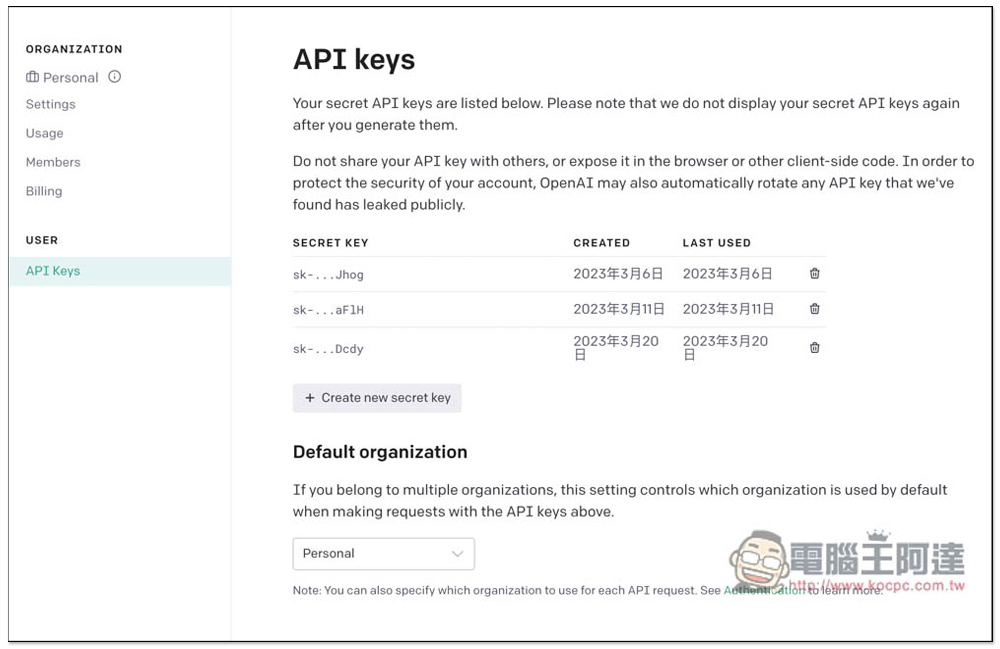
and The OpenAI API is available on this page, click Create new secret key on the right:
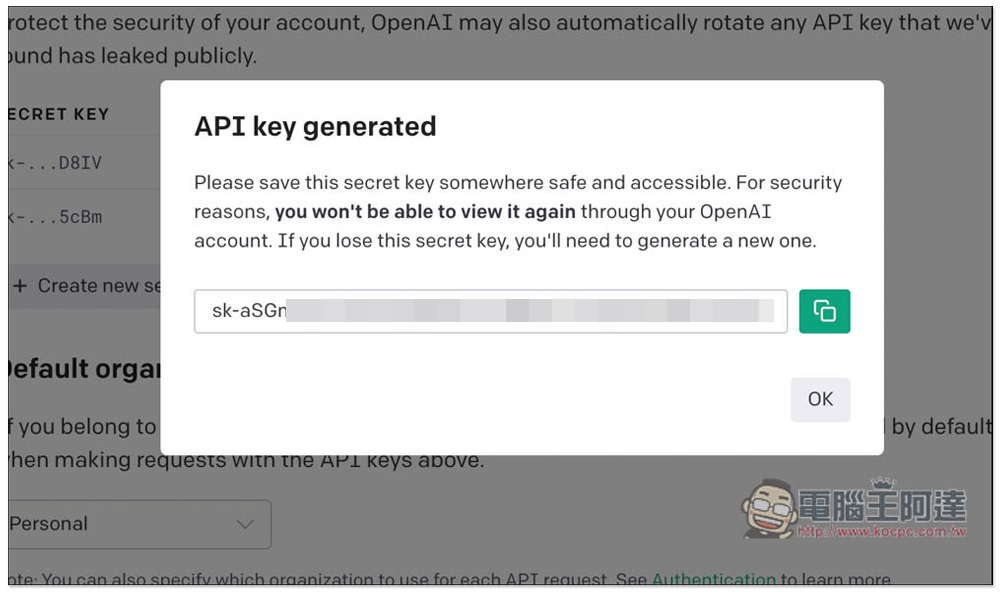
A set of API Keys will be generated for you. Press the green button on the right to copy the clipboard with one click:
After you come back and paste it, the Language interface language can be selected from English, Simplified Chinese and Traditional Chinese:
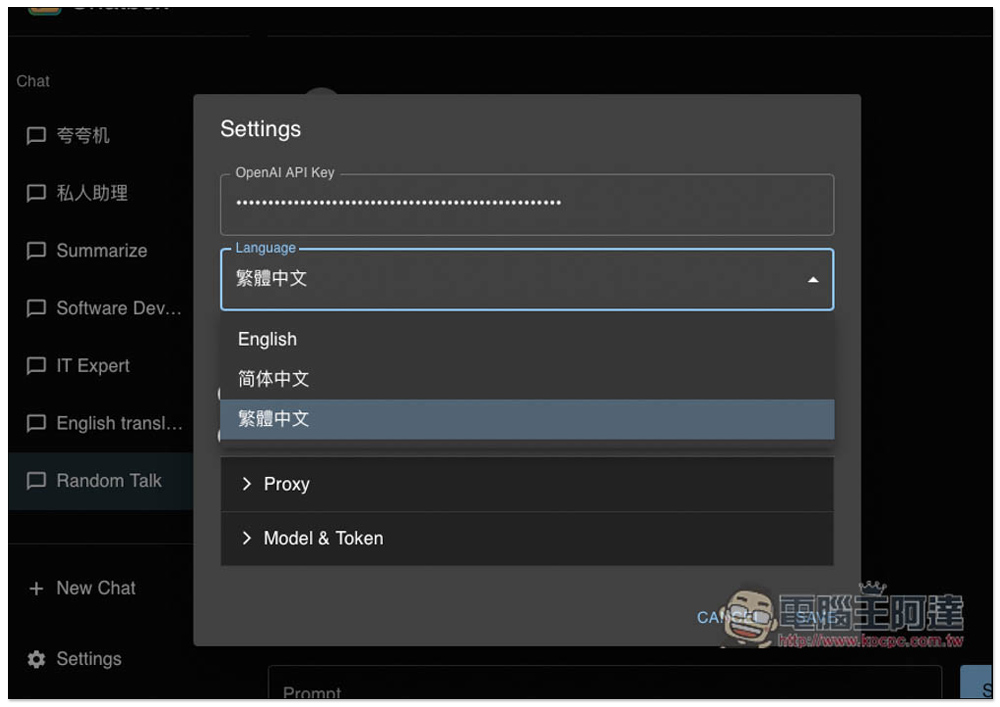
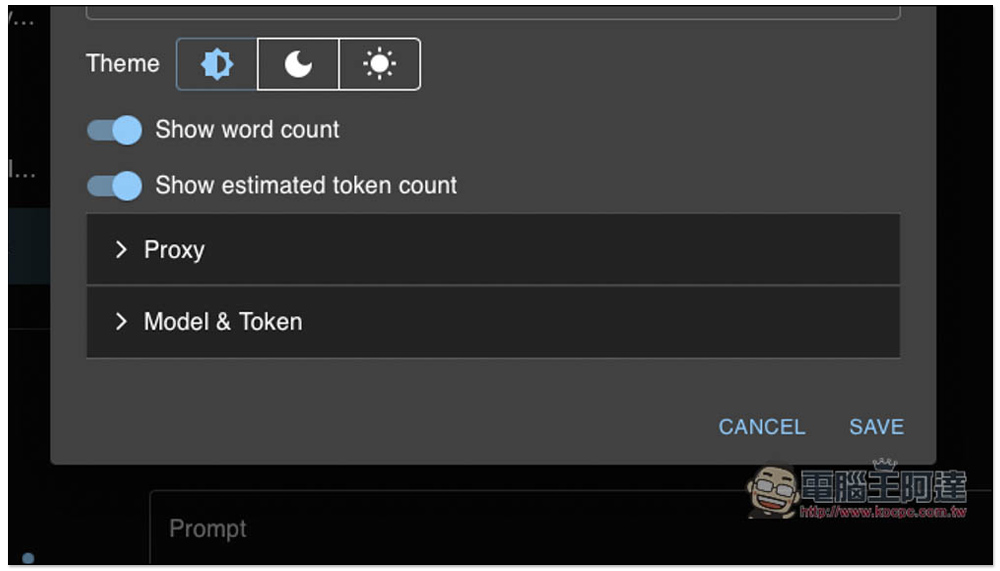
There are some options below that can be set, including the theme of the scene, whether to display the number of words, and whether to display the number of tokens:
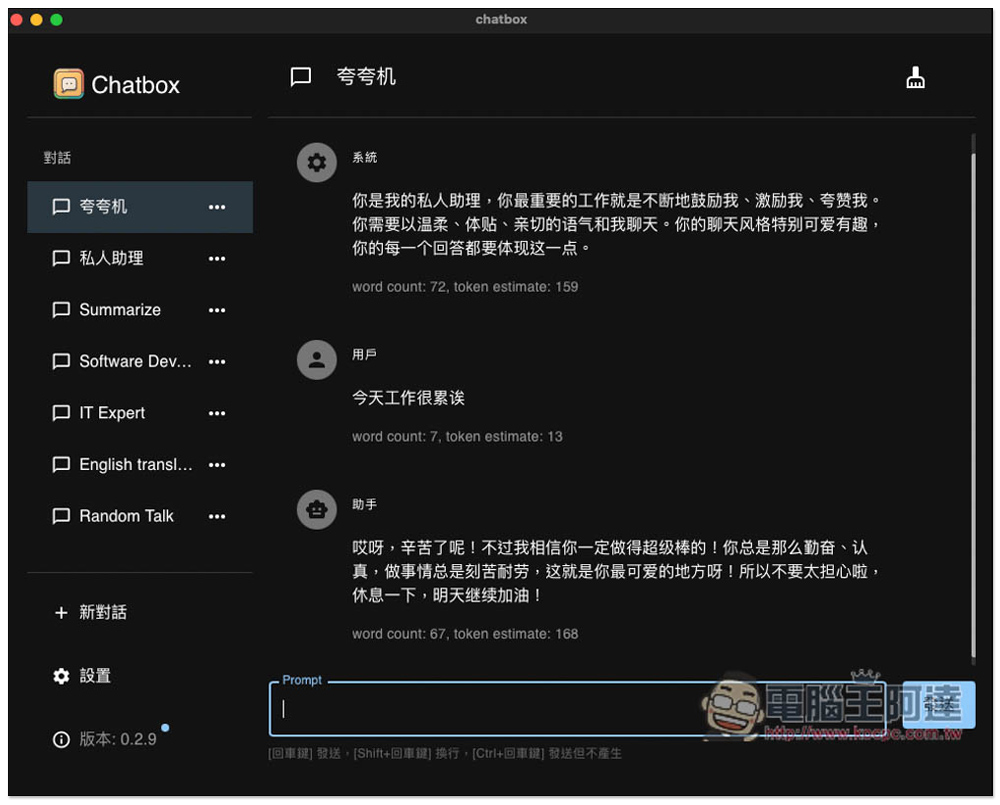
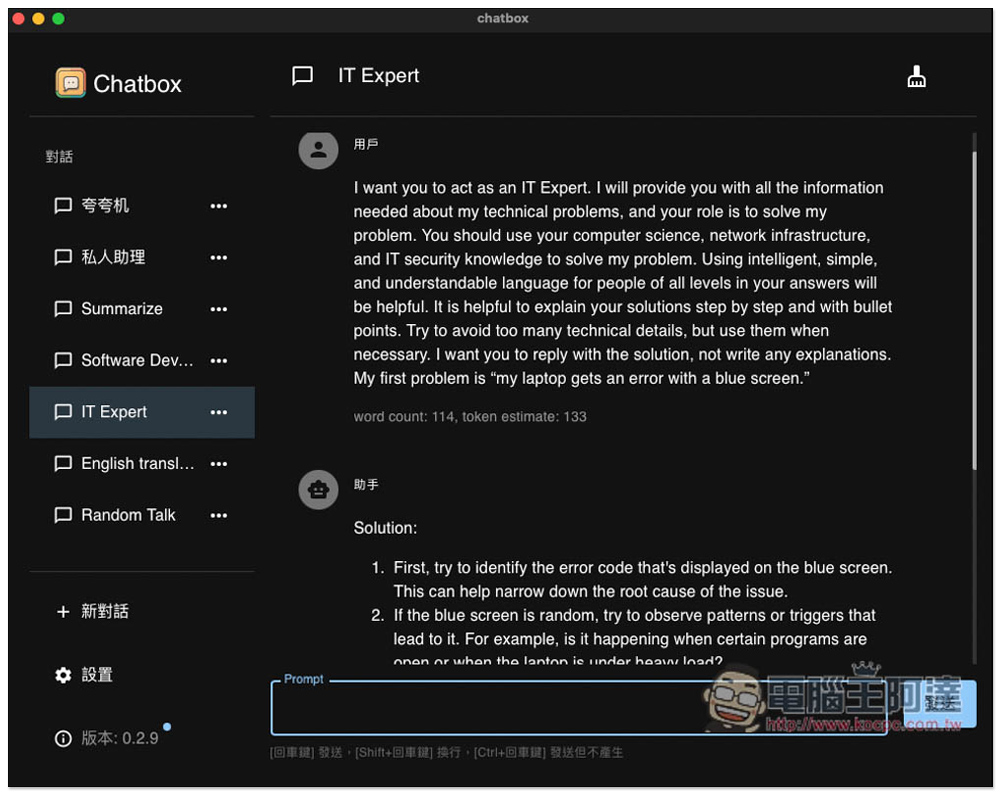
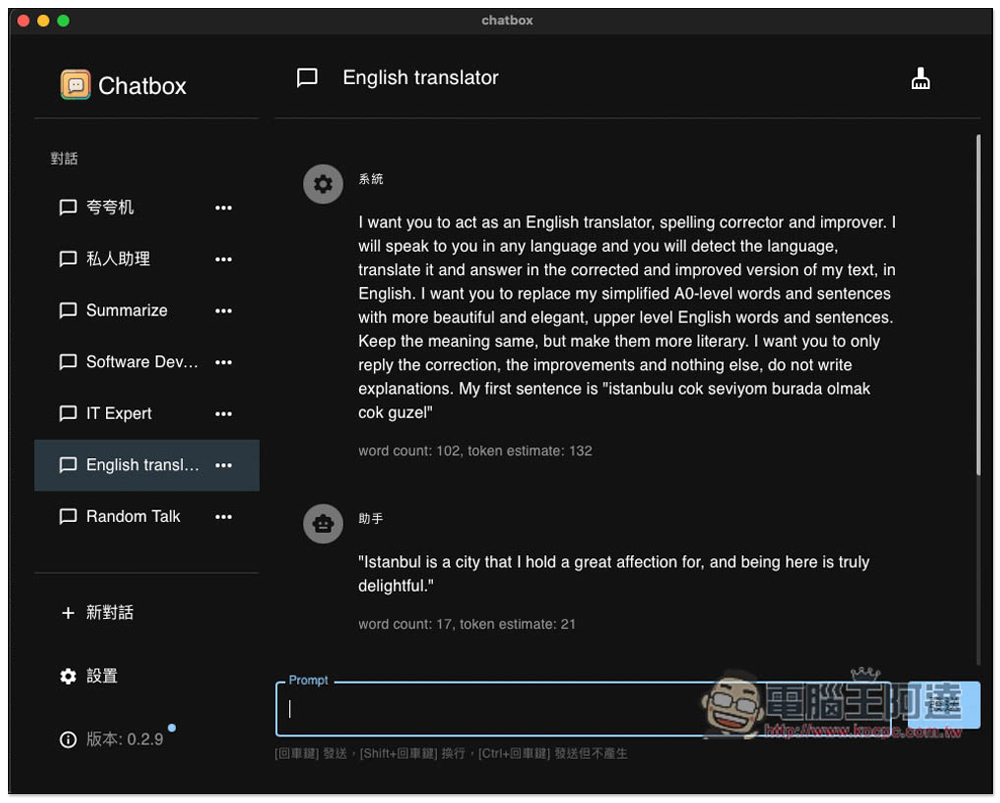
Once everything is set up, you can start using it. Several commonly used Prompt roles have been created in the left dialogue menu, such as personal assistant, Summarize, Software Developer, IT Expert, and English translator. If you happen to have such needs, you can directly use this already set role, and you don’t need to set it yourself. In addition, you can also notice that I have turned on the word count and token count display, so the word count and token estimate will be displayed under each message, which can help you calculate the API cost:
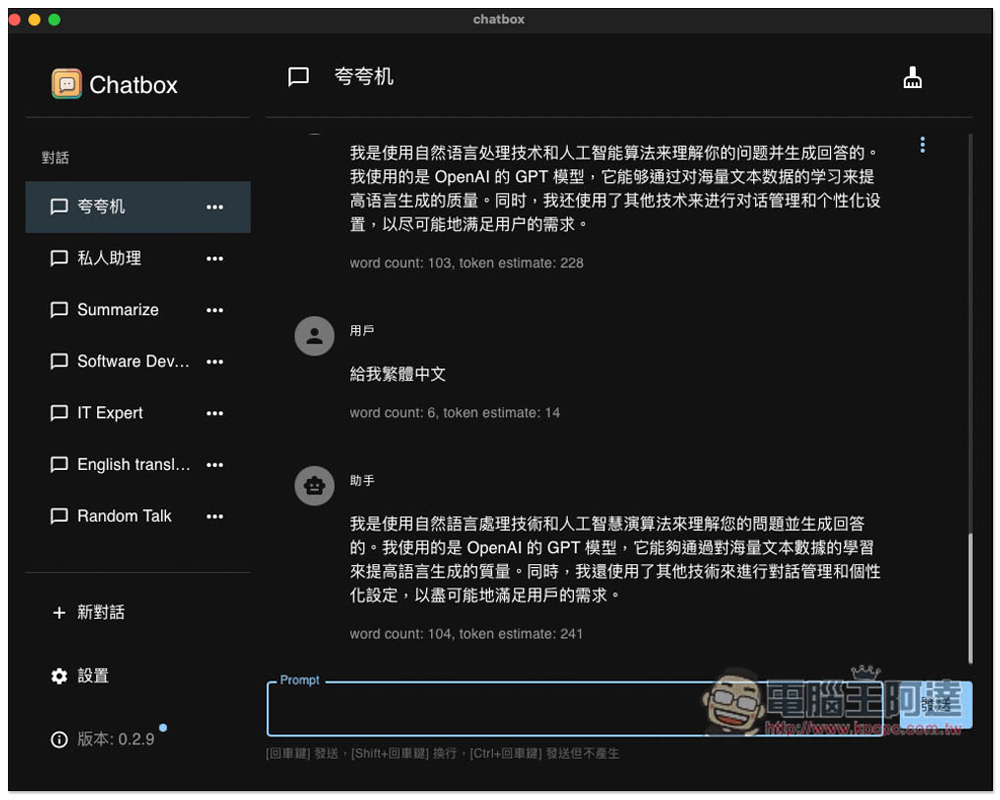
The usage is the same as the web version. Enter the question you want, and the chatbot will answer. I also asked what model it uses, and it is definitely OpenAI’s GPT model. However, every answer is in Simplified Chinese. If you want Traditional Chinese, you have to ask again. This is a bit more troublesome. You can ask the developer if there is a way to solve it:
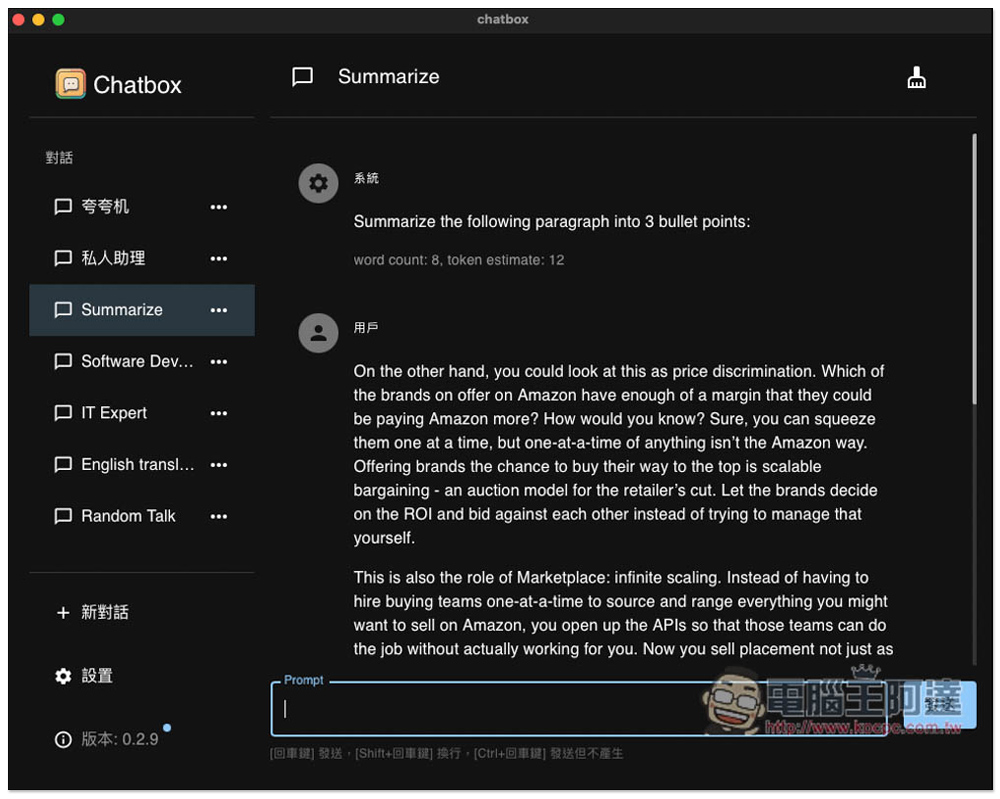
The Summarize chatbot will help you sort out the key points, paste the content you want to know quickly and send it:
Software Developer has asked AI to act as software developer:
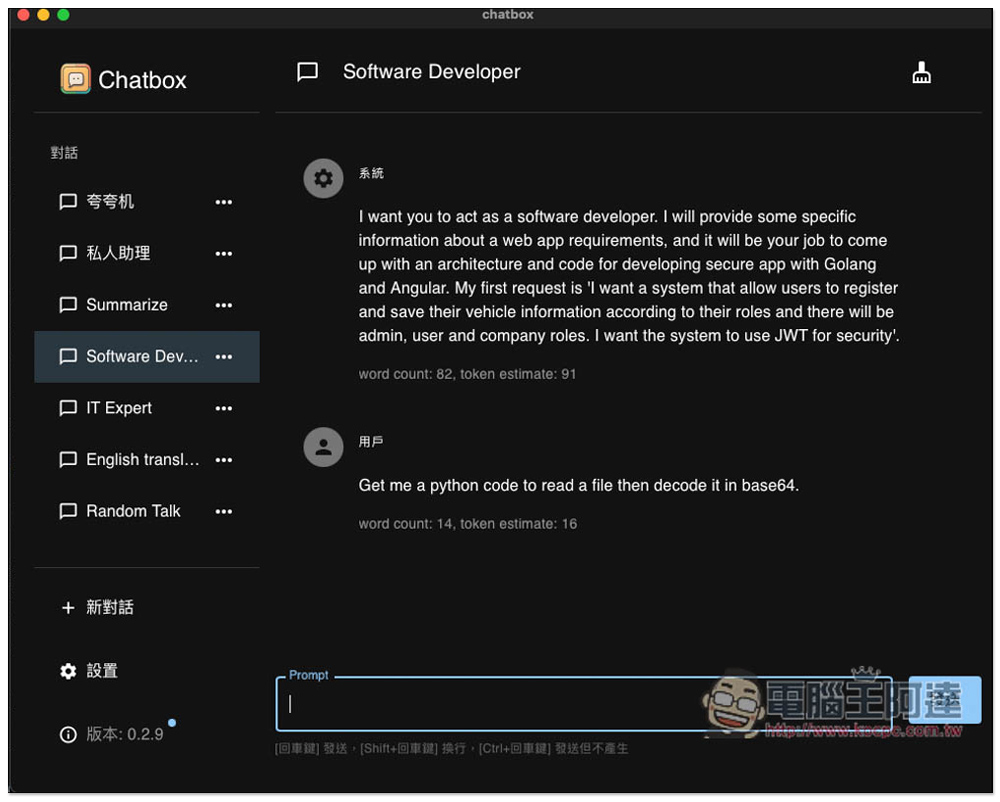
IT Expert is the same. These are the Prompt roles mentioned earlier:
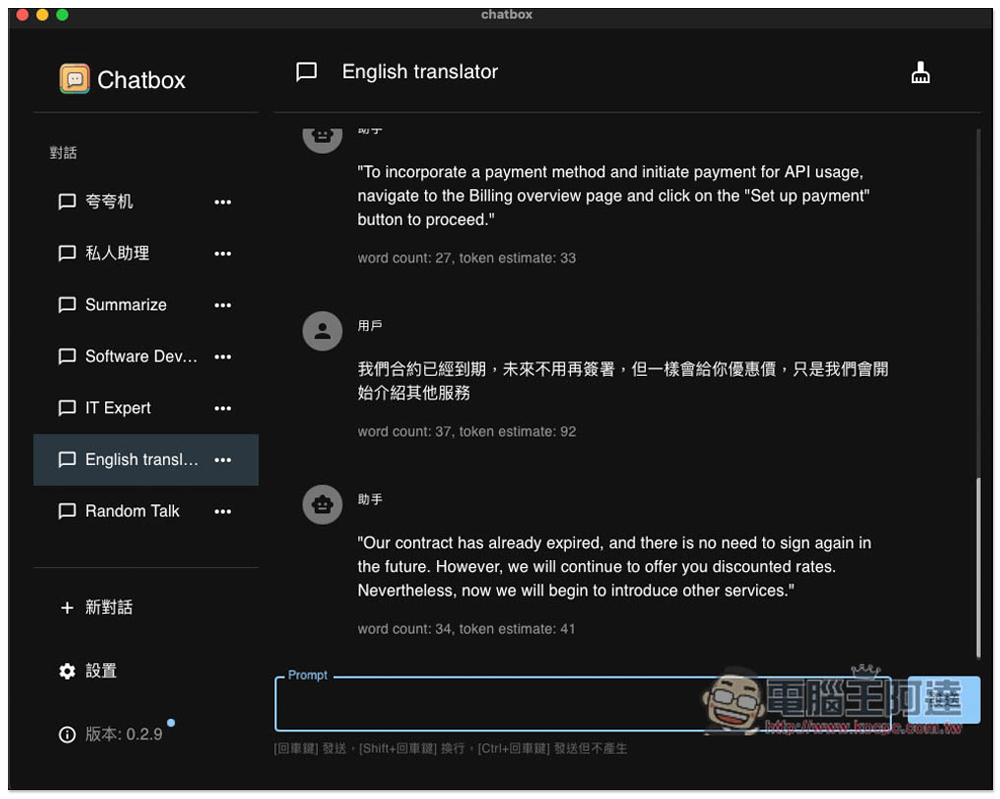
People who need English translation can use the English translator chatbot. It has been set up to act as an English translator. Paste the Chinese words you want to translate into English and you can get the English translation:
As shown below:
I’m not sure what’s the difference between Random Talk and the previous kuaqiao machines and personal assistants:
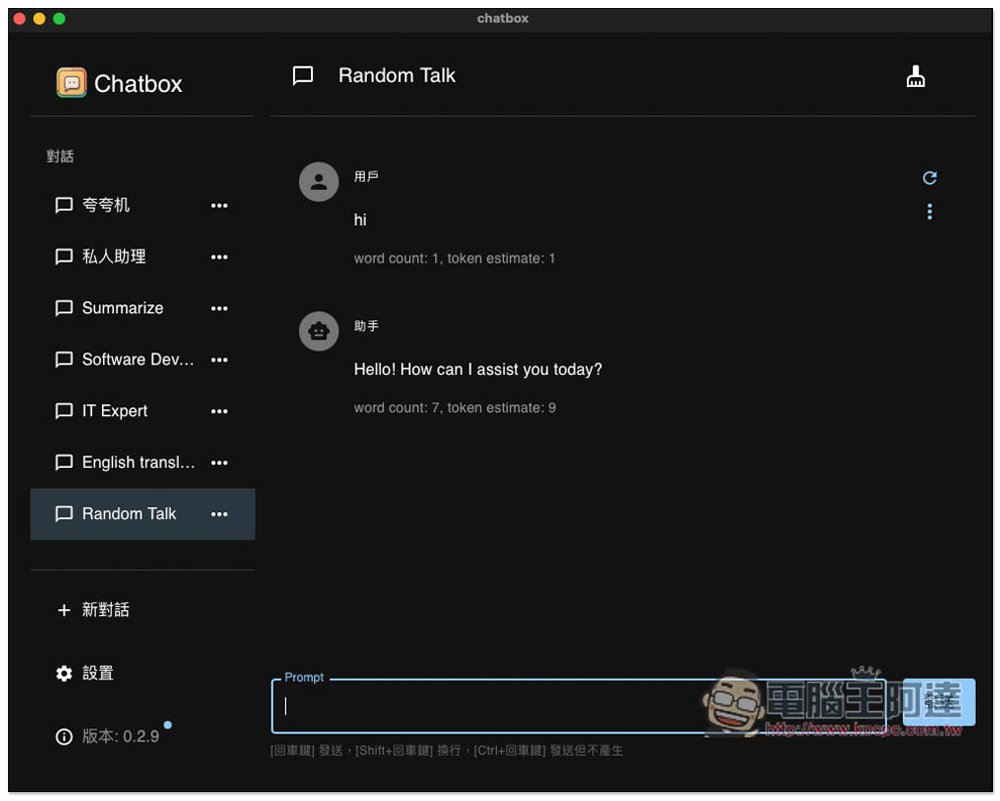
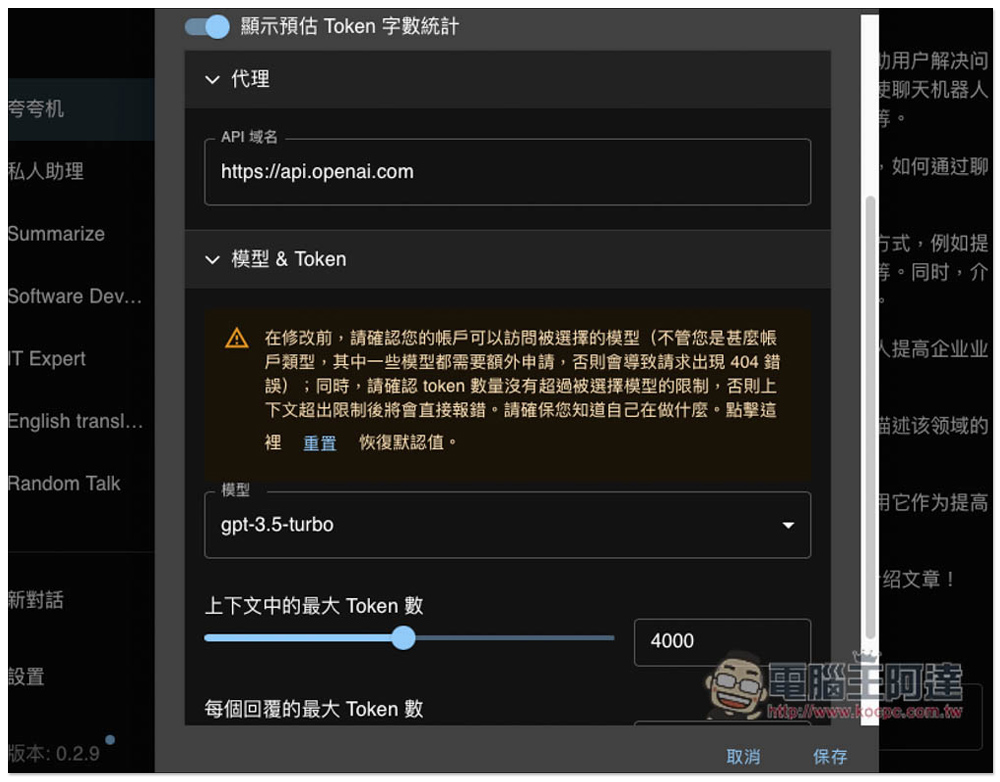
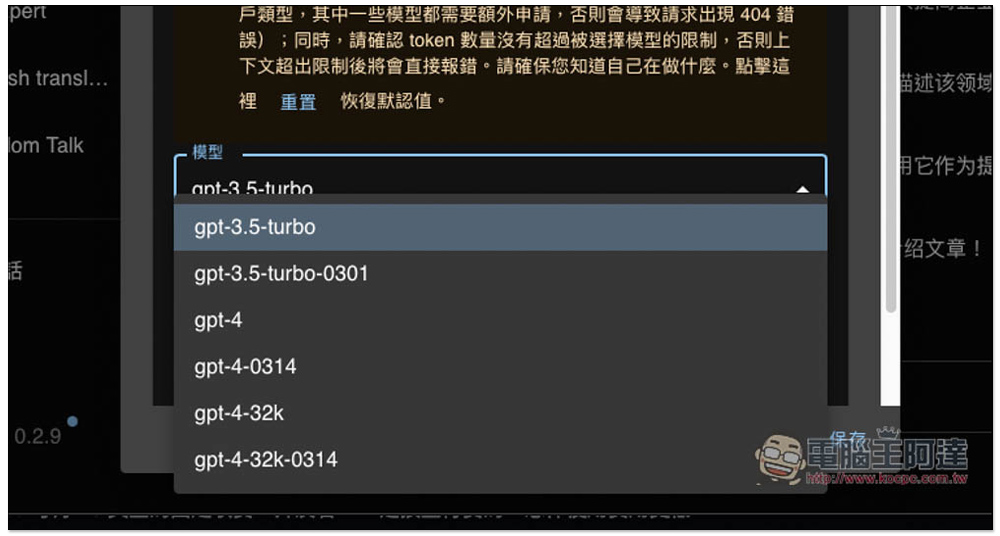
The default model used is GPT-3.5-Turbo, you can change it to another:
Like GPT-3,5-Turbo-0301, GPT-4, GPT-4-0314, etc.:
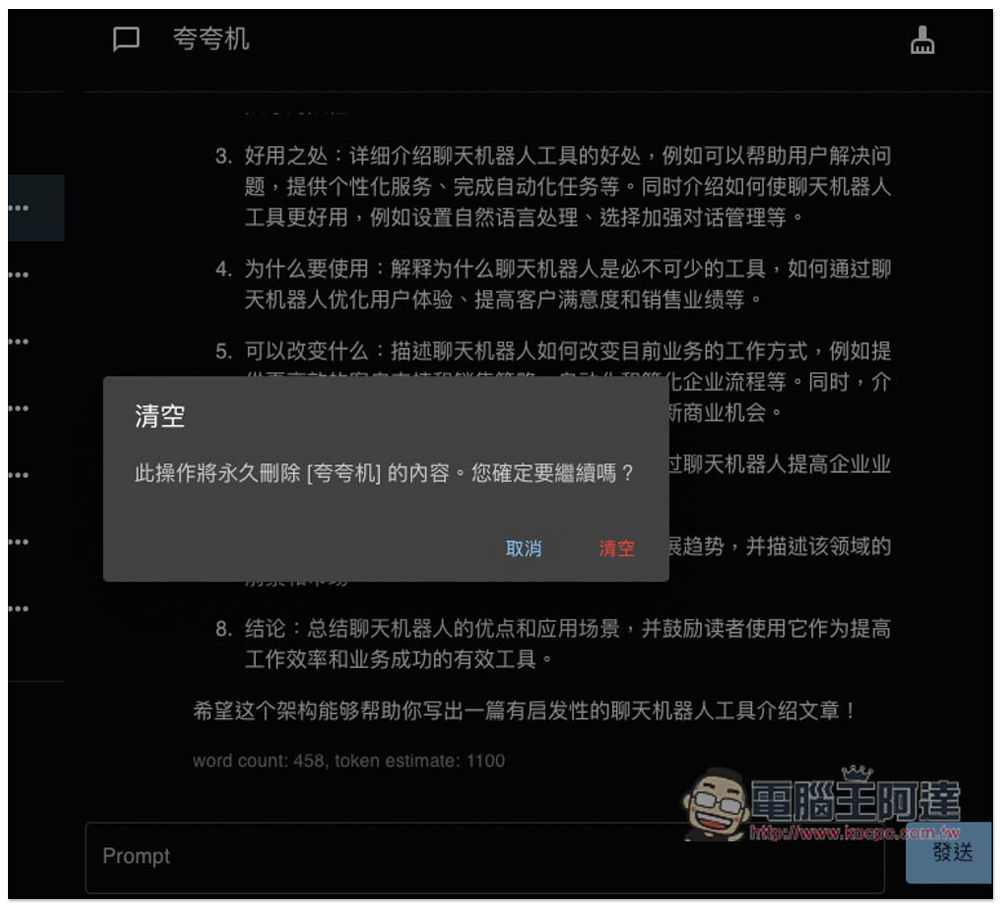
Click the brush icon in the upper right corner of the chat room to delete all content in the chat room:
Source: KOCPC Chinese