


Although Windows itself has a built-in backup function, everyone who has used it knows that it is not very easy to use. AOMEI Backupper Pro professional version has always been our most recommended Windows data backup software. Recently, it has finally become a limited-free promotion, but the time is a bit short. People who see it recommend installing it and starting it as soon as possible. It not only backs up Windows data, but also provides hard drive cloning (allowing you to replace the hard drive without refilling), data synchronization and other practical functions. You can now save NT$1,200.
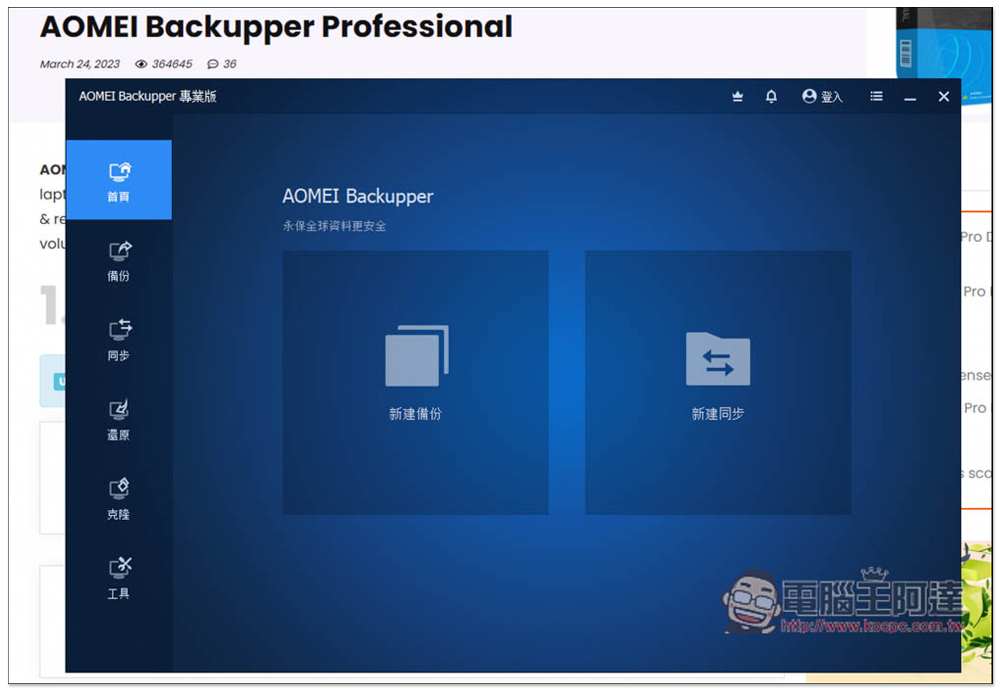
AOMEI Backupper Pro professional version is free for a limited time! The best data backup, synchronization, and hard drive cloning software for Windows
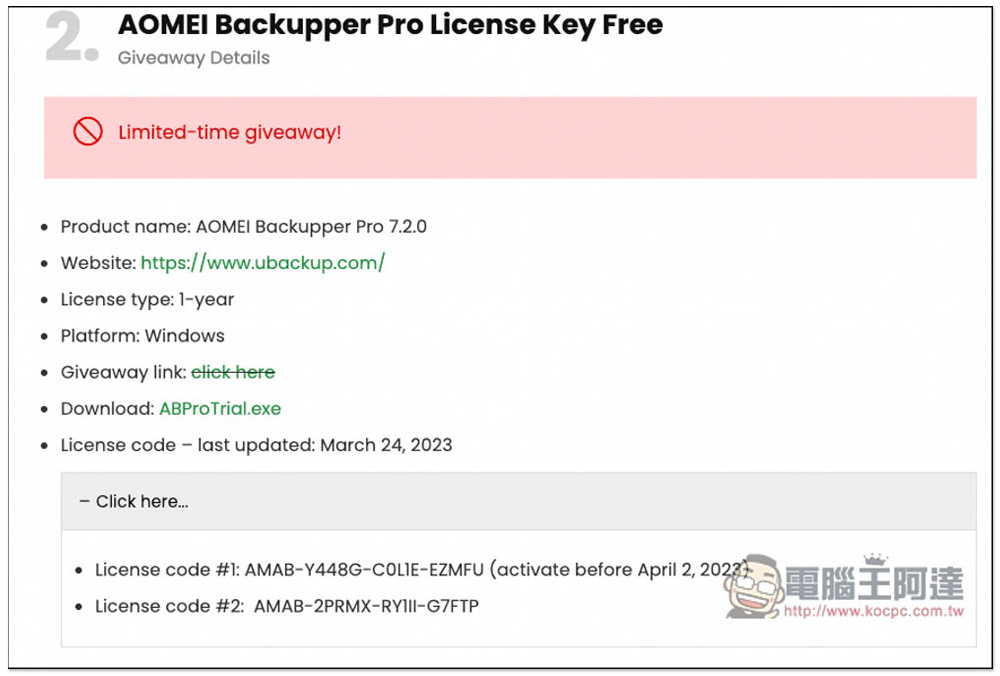
Winningpc is launching the AOMEI Backupper Pro professional version limited free event this time, and you don’t need to enter any information. You can directly download the installation file and activation serial number on the event page. There are currently two activation serial numbers. The first one must be activated before April 2. The second one is not sure if there is a time limit. It is recommended that people who see it quickly install and activate it first to avoid the second one becoming invalid by then:
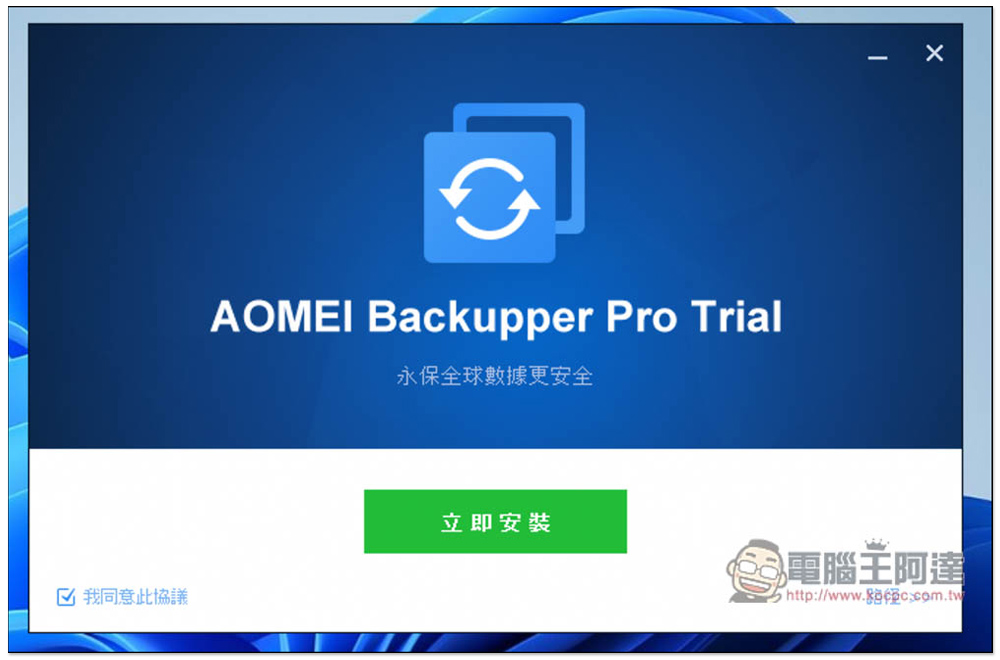
This one has Traditional Chinese, so don’t worry about not understanding it. If there are no special requirements during the installation process, just follow the instructions and keep pressing Next:
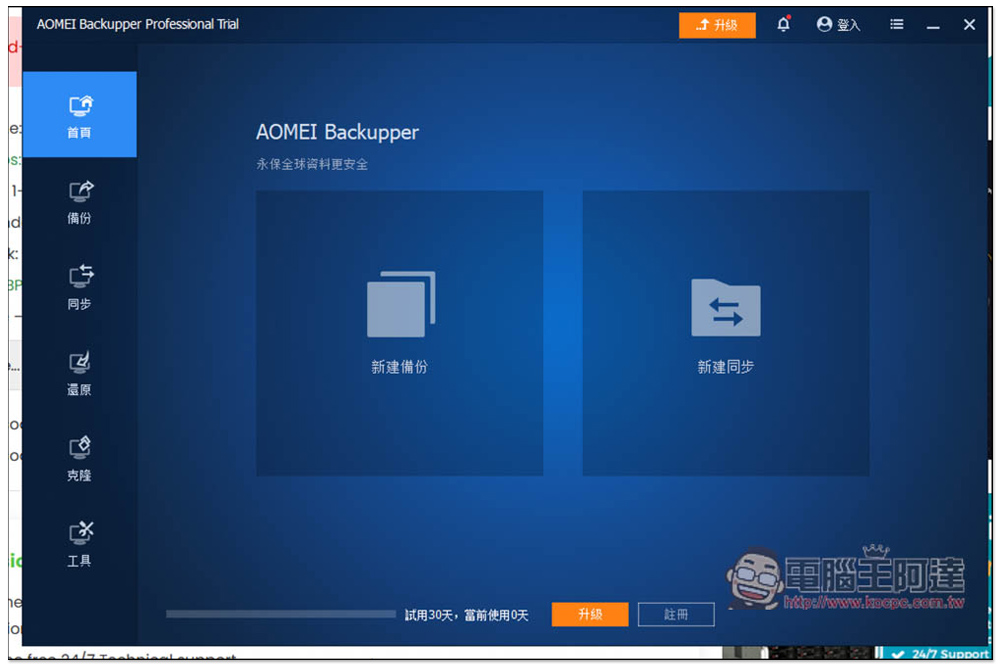
After installation, open the trial version, click the “Register” button below:
Enter the serial number provided by winningpc, I used the first set that expired on April 2nd, and press register:
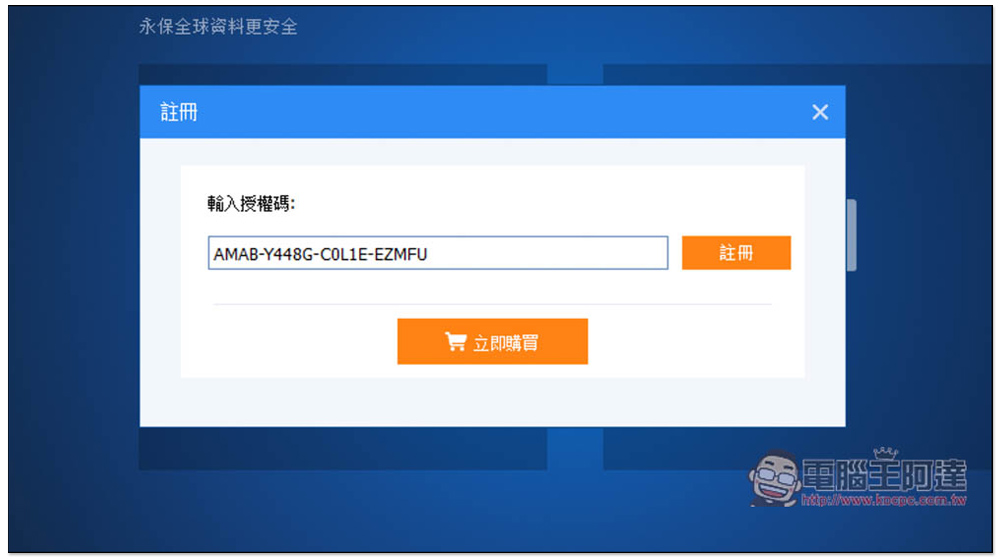
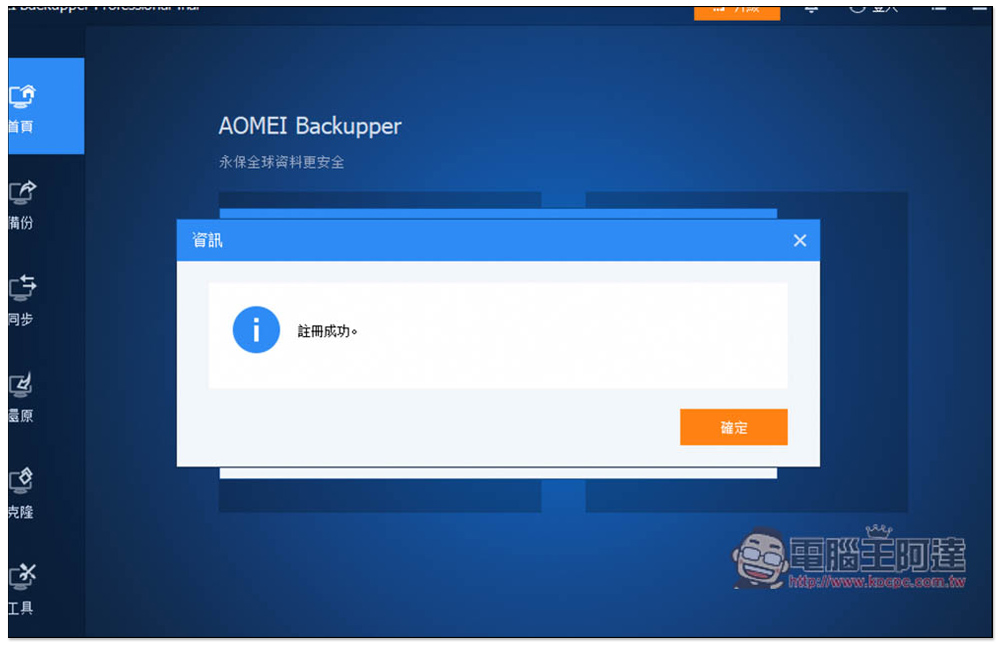
The actual test was successfully activated. This serial number is free for one year, not a permanent lifetime version, but it is not bad, because AOMEI Backupper Pro has had limited free activities almost every year in the past few years. Just change to a new serial number when the time comes:
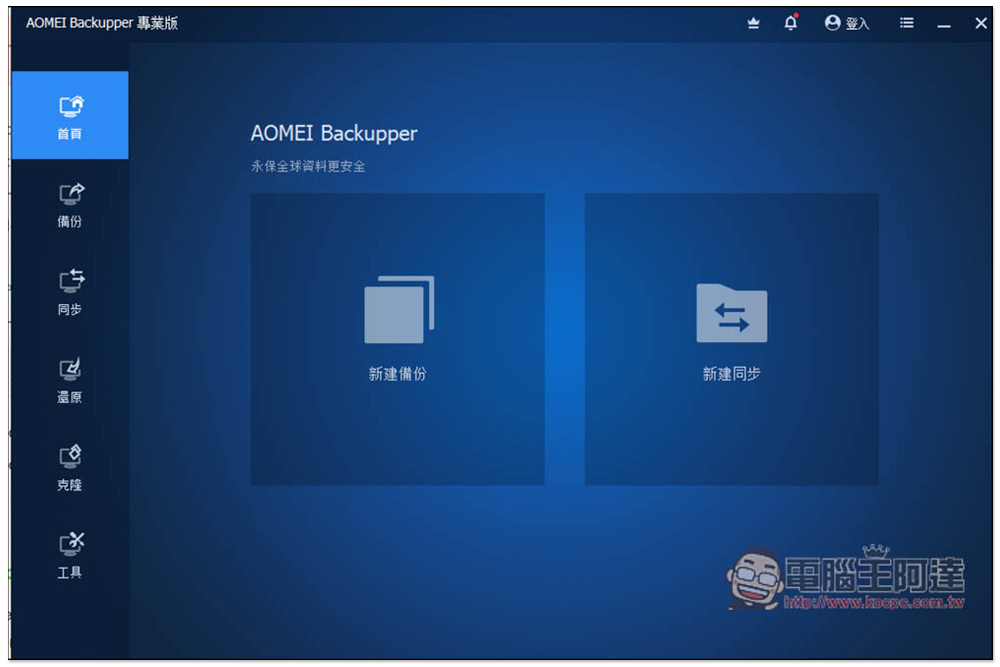
Then you can start using it. There are two major functions: “New Backup” and “New Sync”:
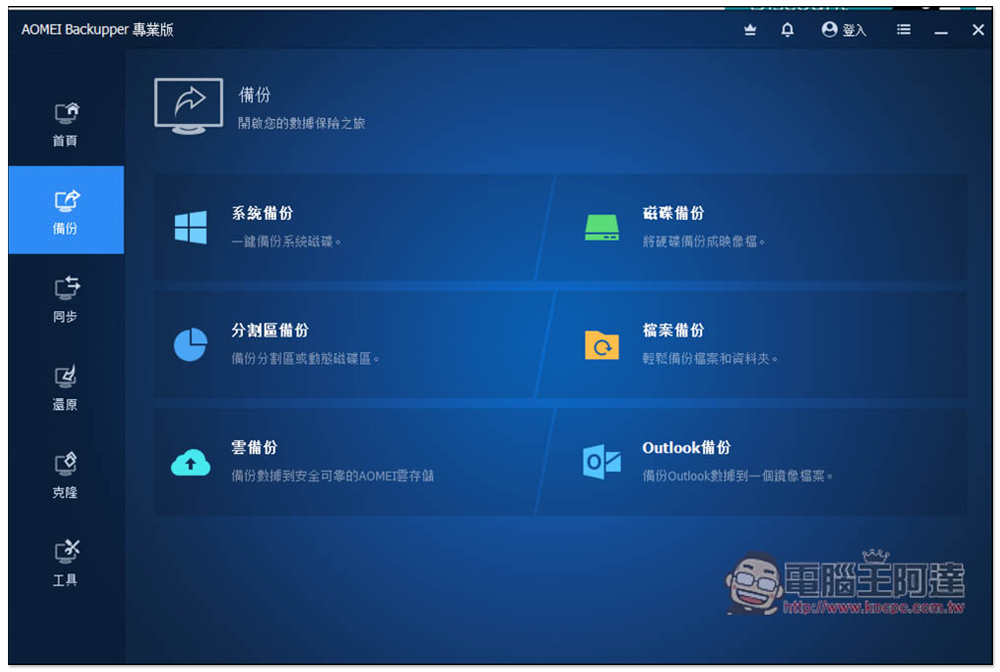
The left side is the main function menu. There are a total of six functions in the backup options, including: system backup, disk backup, partition backup, file backup, cloud backup and Outlook backup. If you want to back up important system data, then use system backup. If you want to back up the entire hard disk to an ISO file, you can use disk backup:
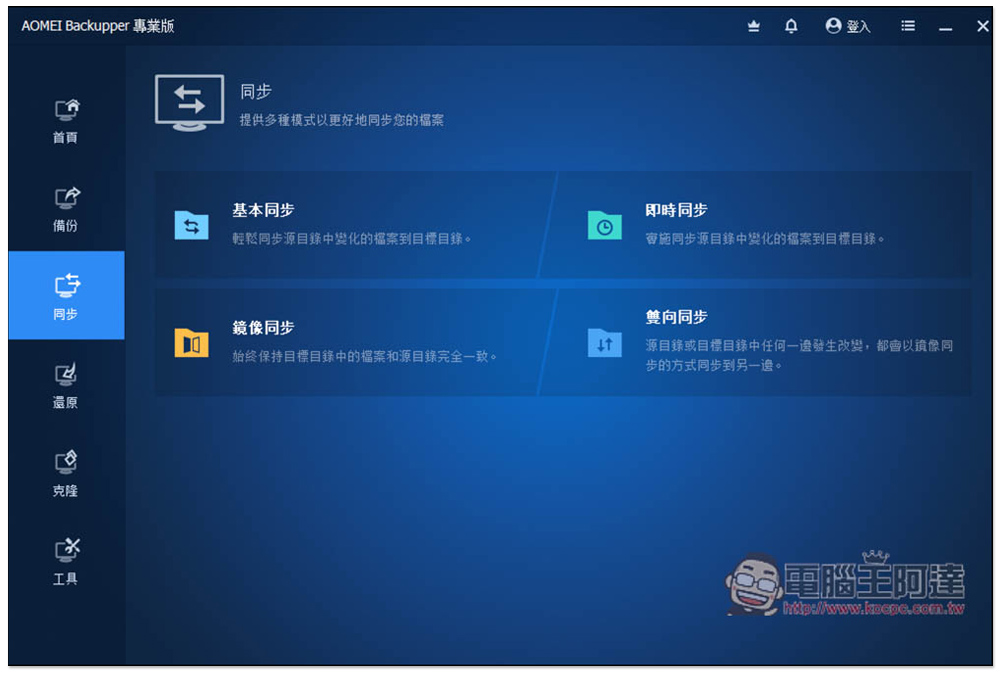
There are four synchronization options, including basic synchronization, real-time synchronization, mirror synchronization, and two-way synchronization. It depends on which synchronization method you want. If it is an important folder and the files in it do not want to be easily deleted by mistake, it is recommended to use real-time synchronization. Both mirror synchronization and two-way synchronization have the risk of automatic deletion. If you accidentally forget:
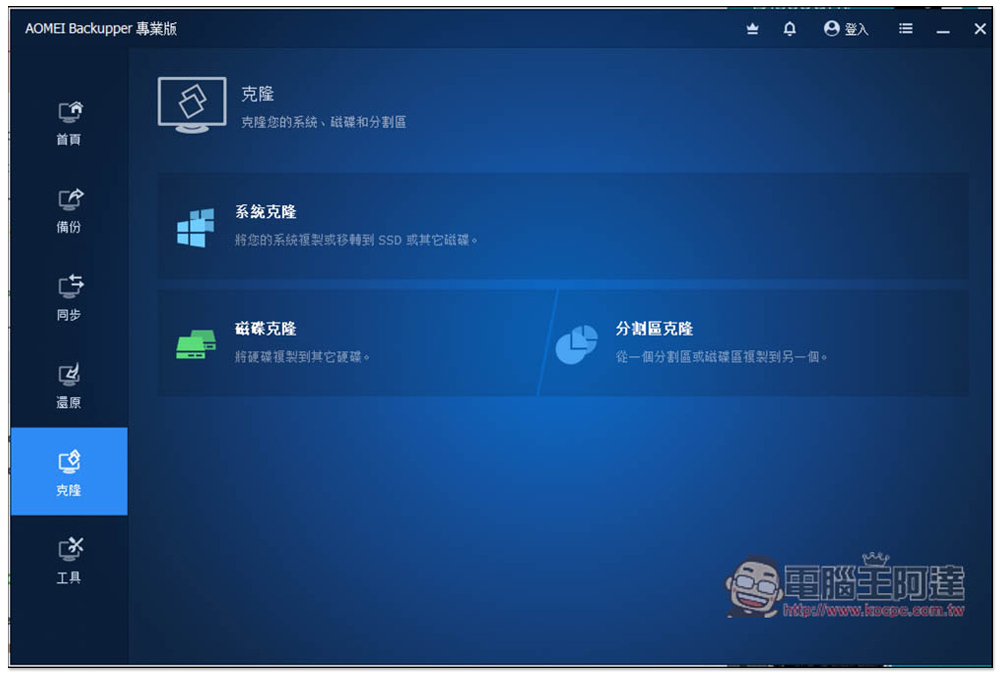
When you want to upgrade your hard drive or replace it with a new one, cloning is a very useful tool. It can help you perfectly copy the system and all data from the old hard drive to the new hard drive. You don’t have to refill the system. There are three types of system cloning, disk cloning and split cloning:
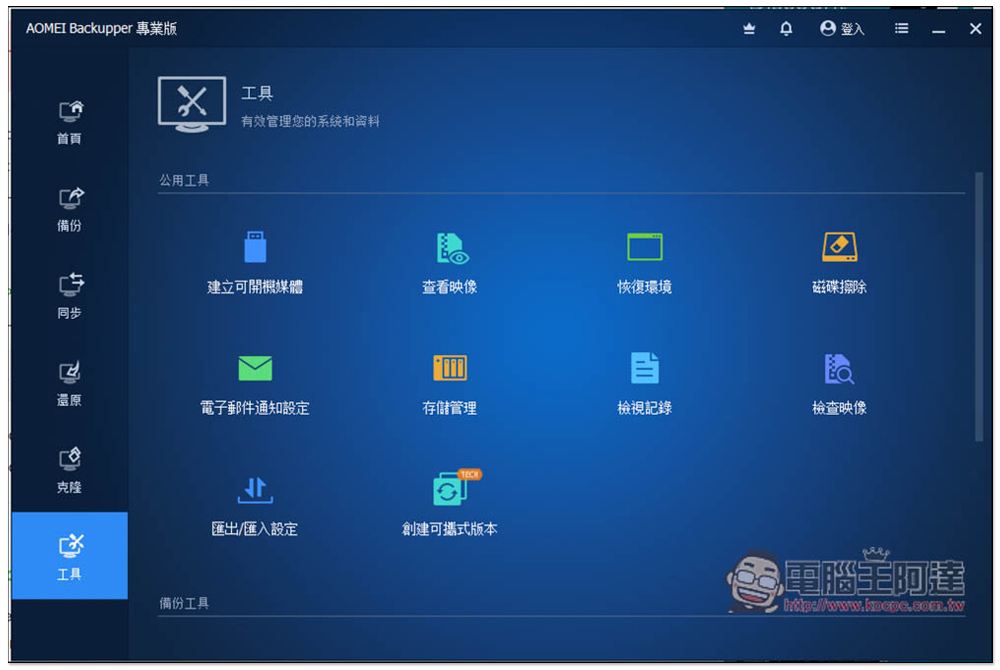
There are many practical functions in the tool, such as creating bootable media, disk erasure, creating portable version, remote desktop, disk partition manager, data recovery, etc.:
Finally, I would like to remind you that this free serial number is only for personal use, and commercial use requires the purchase of the paid version.
Source: KOCPC Chinese