


YouTube There are tons of new videos every day, but everyone has limited time and can’t possibly watch them all. As AI gets more and more powerful, many people now probably use AI tools to quickly summarize YouTube videos or get the details they want through conversation, like NotebookLM That can be done, but currently the captions extracted by NotebookLM don’t have timestamps, so there’s no way to know when the content starts being spoken, which is very inconvenient for verifying content—you have to find it yourself.
The “YouTube subtitle generator” introduced in this article is a great free companion tool. It uses AI to transcribe YouTube videos into subtitle files, so it’s fine even if the video itself doesn’t have subtitles. It also includes timestamps, and even has built-in AI summarization and AI translation features. If you find that unsuitable, you can feed the timestamped subtitles into NotebookLM or other AI chat tools to get the earlier-mentioned information about when a certain topic is first discussed.
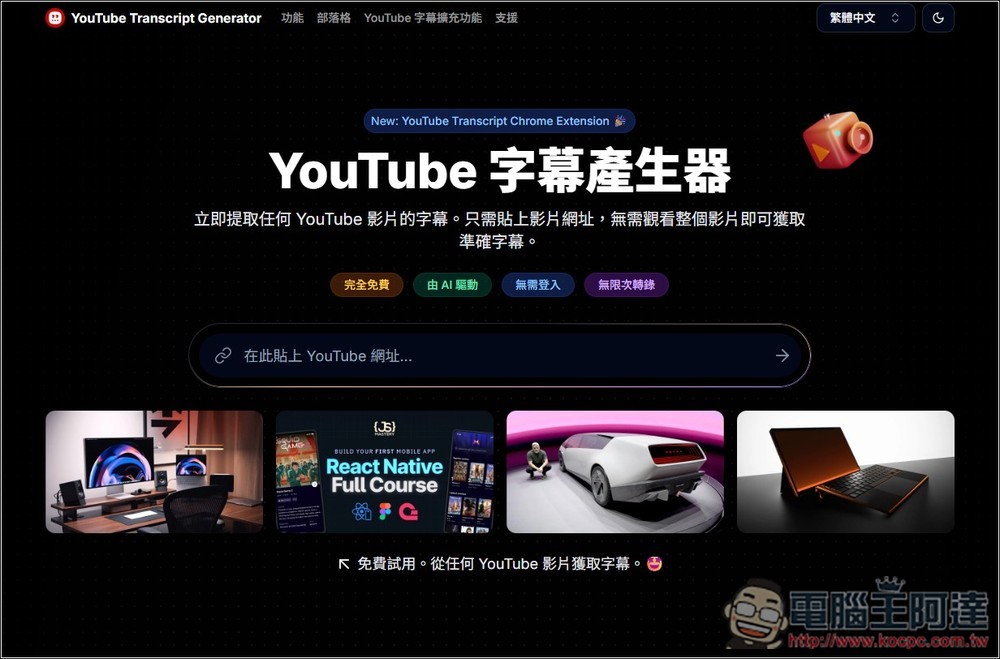
“YouTube Subtitle Generator” Tutorial and Introduction
The “YouTube Subtitle Generator” is an AI subtitle transcription tool that just launched not long ago. It boasts four main features: completely free, AI-driven, no login required, and unlimited transcriptions. However, the website does not specifically mention which AI technology or model is used behind the scenes.
Based on my actual testing, the transcribed subtitles are 99.9% correct, but I’ve encountered some videos where the first few lines didn’t appear in the subtitles, while the middle part was fine.
“YouTube Subtitle Generator” is very easy to use. After clicking the link above to enter the website, just paste the YouTube video URL that you want AI to transcribe subtitles for, and then submit.
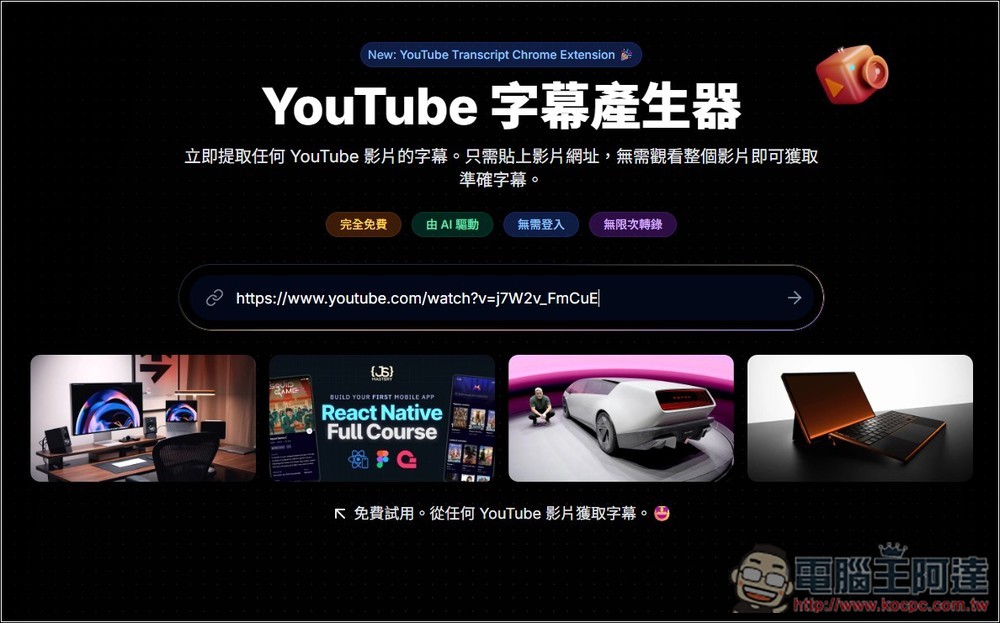
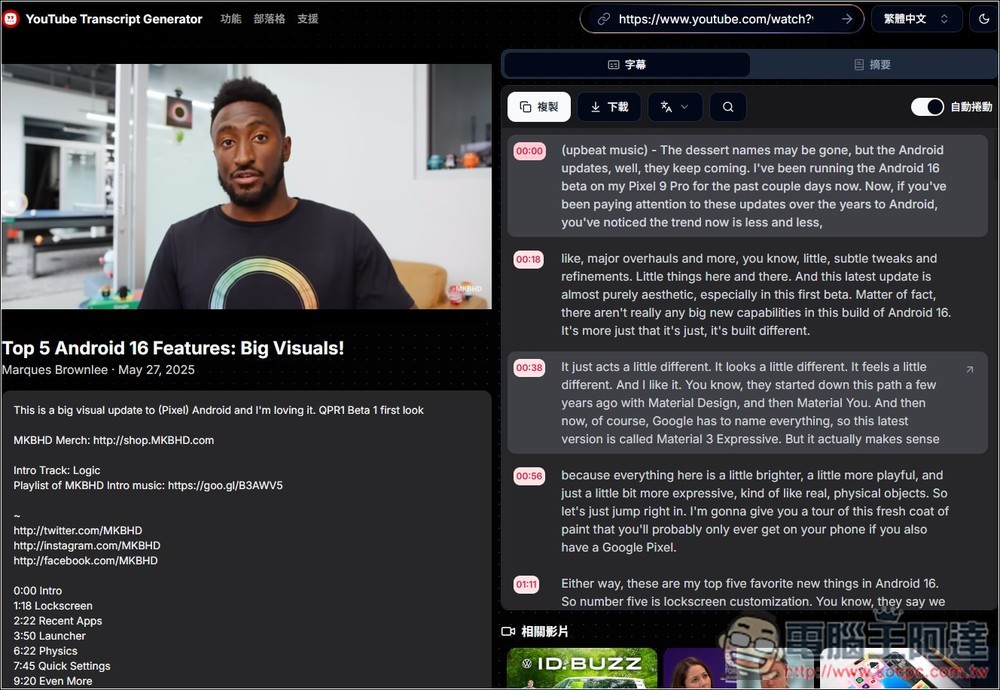
I first tested MKBHD’s latest video, and the transcription was very fast, finishing in just a few seconds. All subtitle content appears on the right side with timestamps.
At the top there is a “文A” menu. Open it to find the translation function; it is currently free for a limited time:
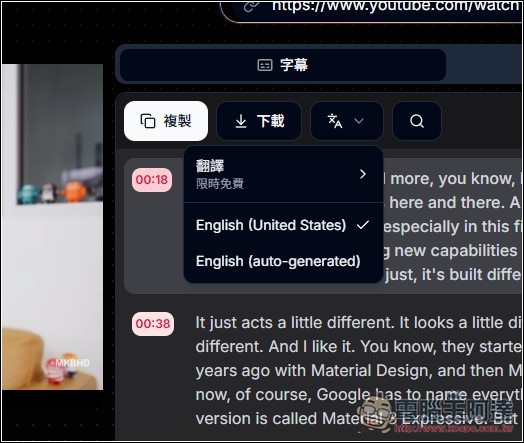
You can translate subtitles into a specified language, including Traditional Chinese. If you want Chinese subtitles for foreign YouTube videos, you can also use this tool to get them.
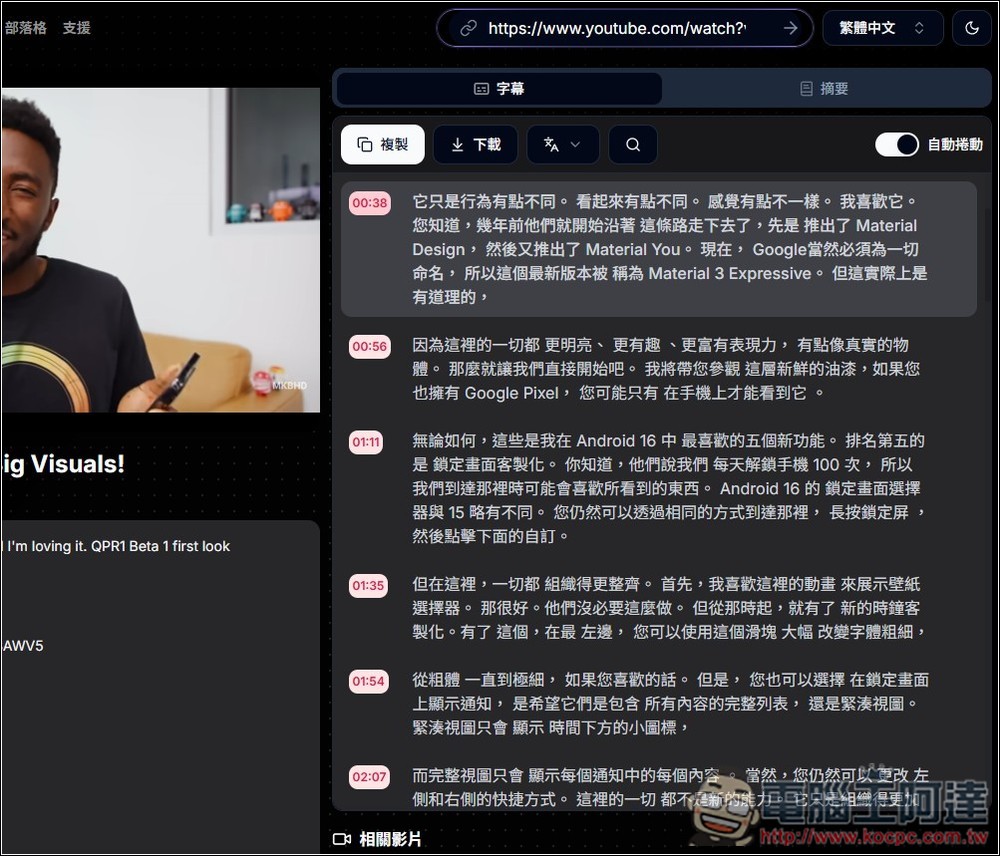
When downloading subtitle files or copying subtitle content, you can choose whether to include timestamps or merge them into a single paragraph:
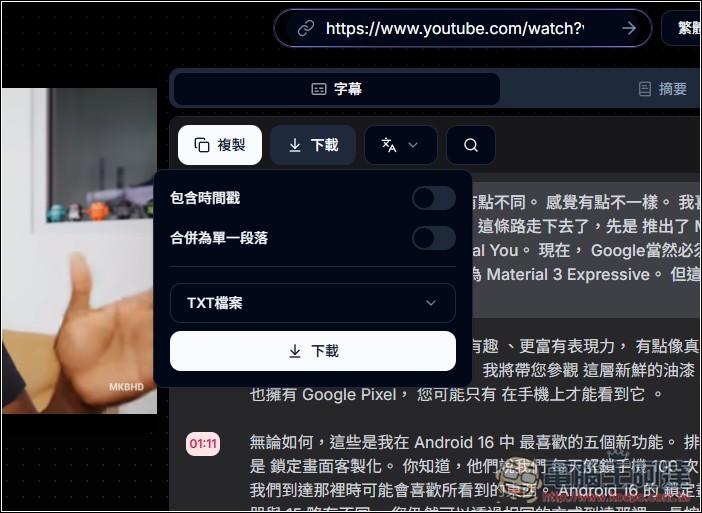
Supports many formats, including TXT, Word, SRT, and PDF:
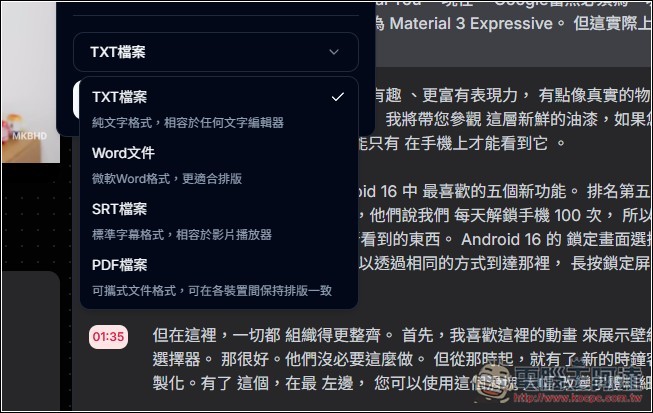
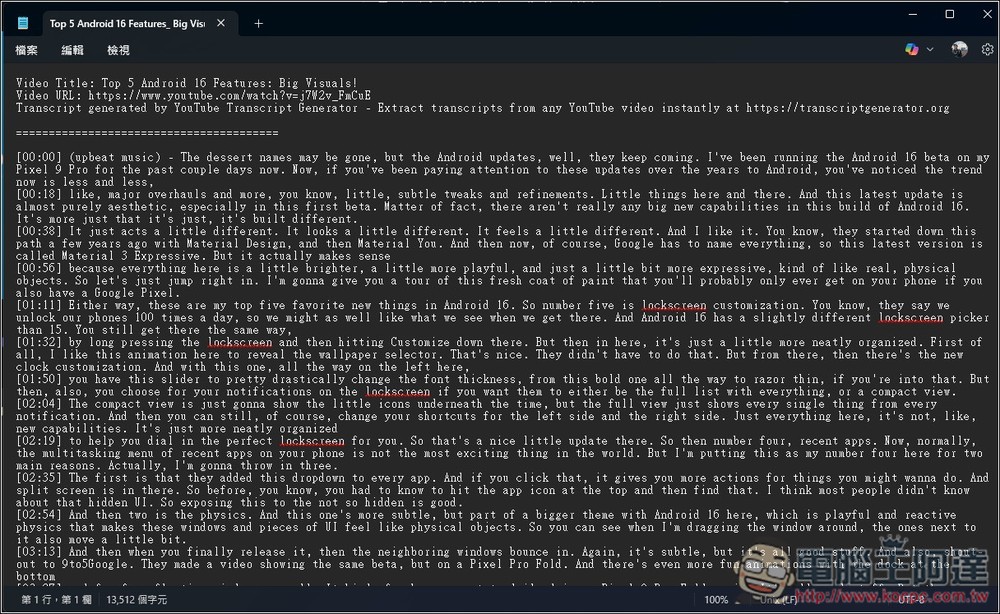
When I download the TXT, it becomes content like this, with a simple timestamp before each subtitle segment.
Additionally, there’s a summary feature on the right that can summarize the current video, and you can also have it output in Traditional Chinese.
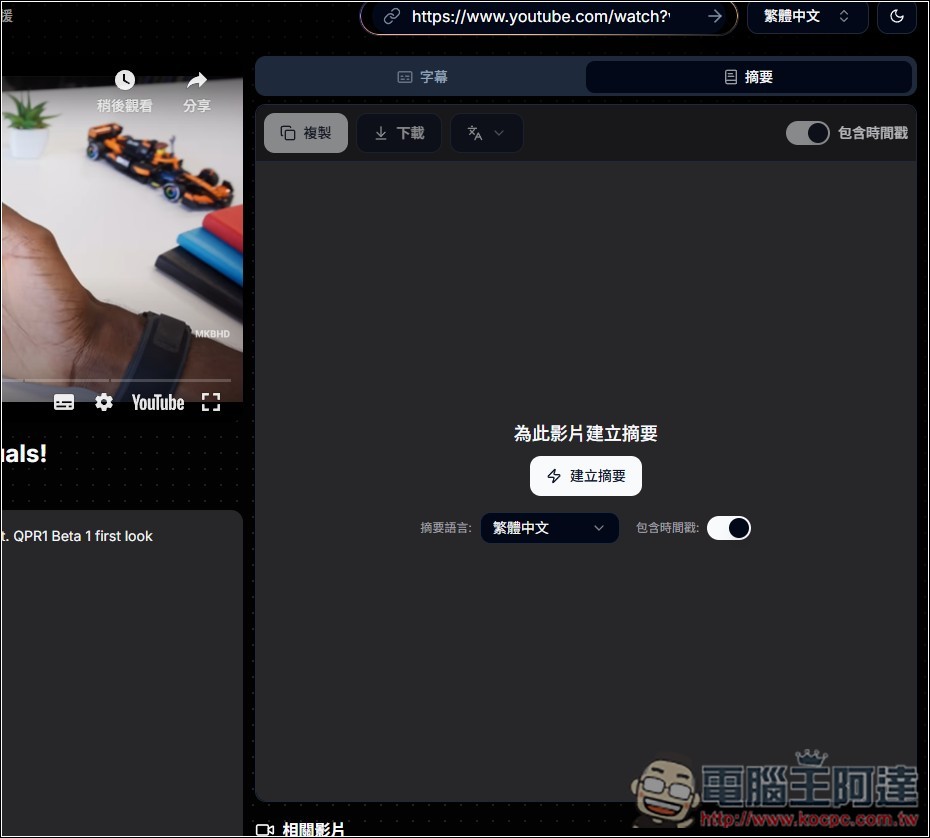
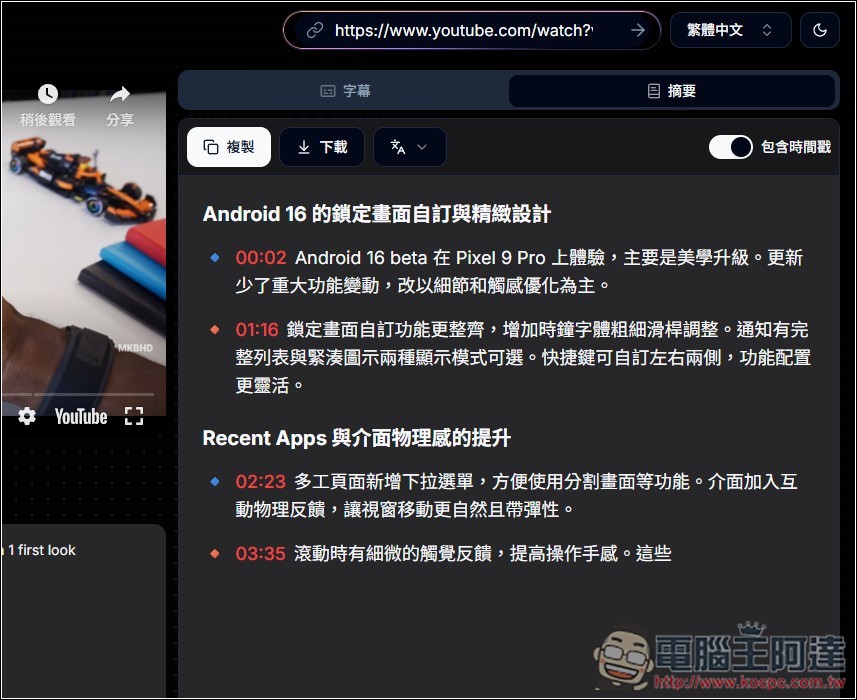
However, summarizing foreign videos in Traditional Chinese may produce errors, because the AI needs to convert the content into Chinese in real time. It seems this website’s server doesn’t have enough computing power—when I tested several videos, the summary would suddenly stop halfway through.
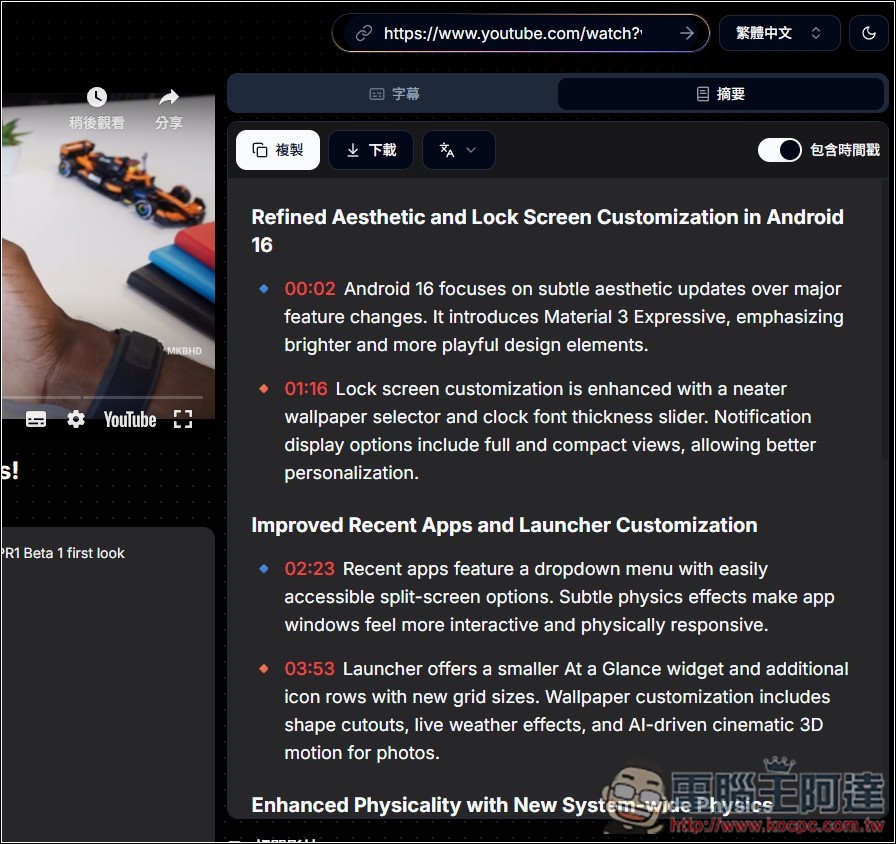
If it’s written with an English abstract, then there’s no such problem, the speed is very fast:
Once you have subtitle content with timestamps, you can feed it into any AI chat tool to get more accurate information.
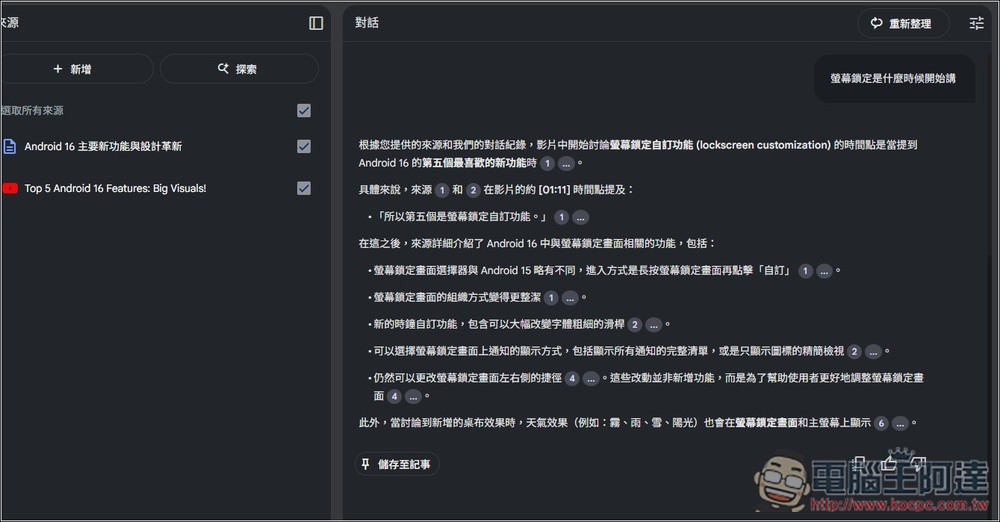
For example, as in the image below, if you simply put a YouTube video into NotebookLM and ask when a certain piece of content was mentioned, the AI can’t give an answer—it will only say that it starts after a certain point, but the exact time is unknown:
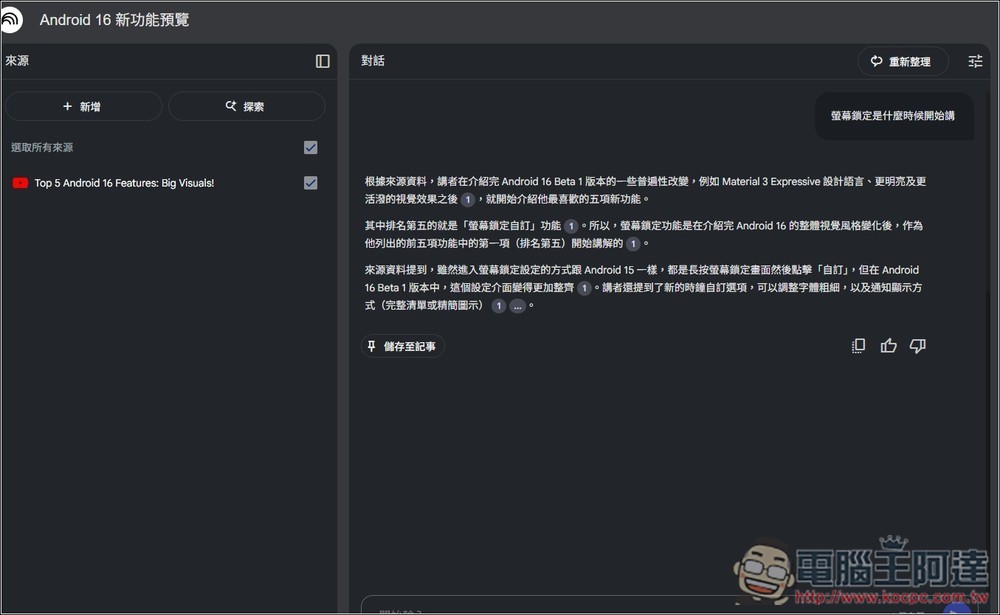
I’ll just add in the subtitle file I just obtained, all with timestamps:
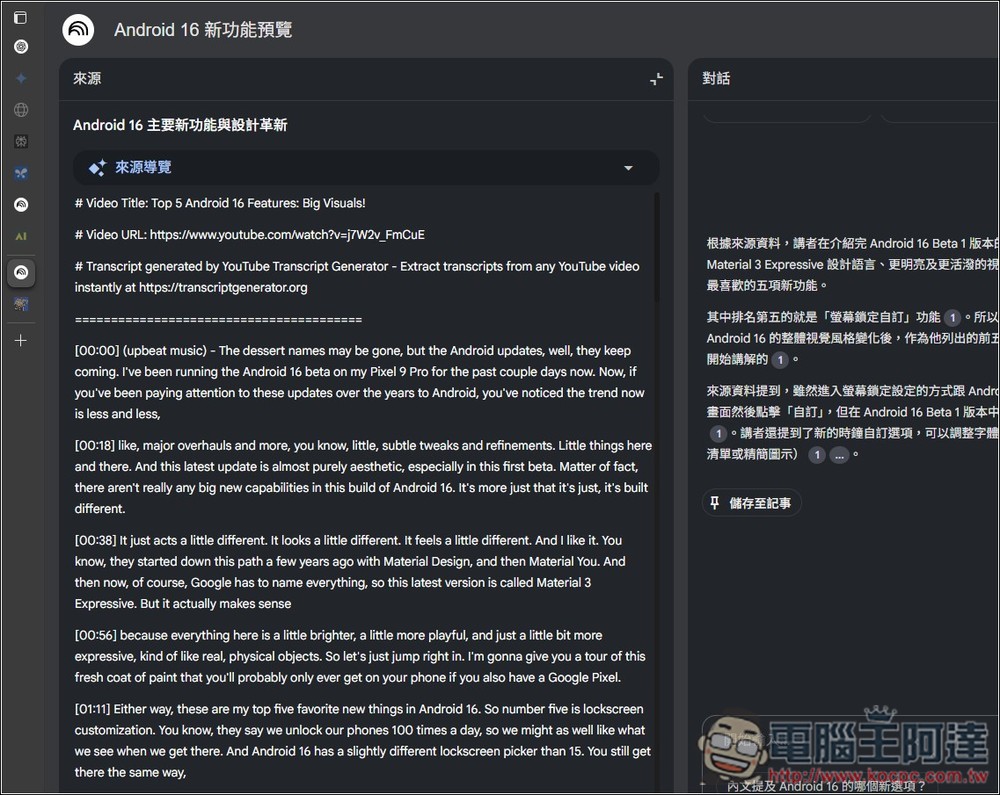
After asking again, the AI can provide the timestamp. That way, after finishing the question, if I feel something is a bit off or want to hear the full content, I can quickly find the video playback time:
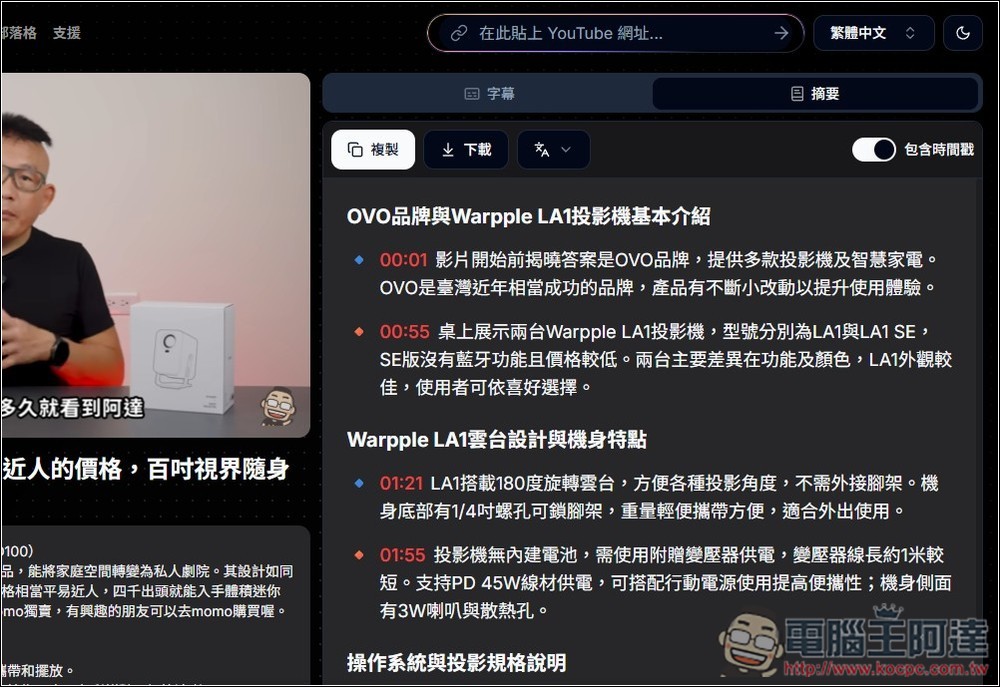
Chinese YouTube videos are of course no problem either:
Source: KOCPC Chinese