


OpenAI does not yet provide a mobile version of ChatGPT and can only use the web page, so it may not be convenient for mobile users. If you are an iPhone user, you can try using the ChatGPT shortcut. This article will recommend a GPT Siri shortcut script created by foreign netizens. After obtaining it, you can not only click the shortcut to chat with ChatGPT directly, but also support Siri, that is, you can directly call Siri. Help you ask, and the chat content obtained will be automatically copied to the clipboard for us to store.
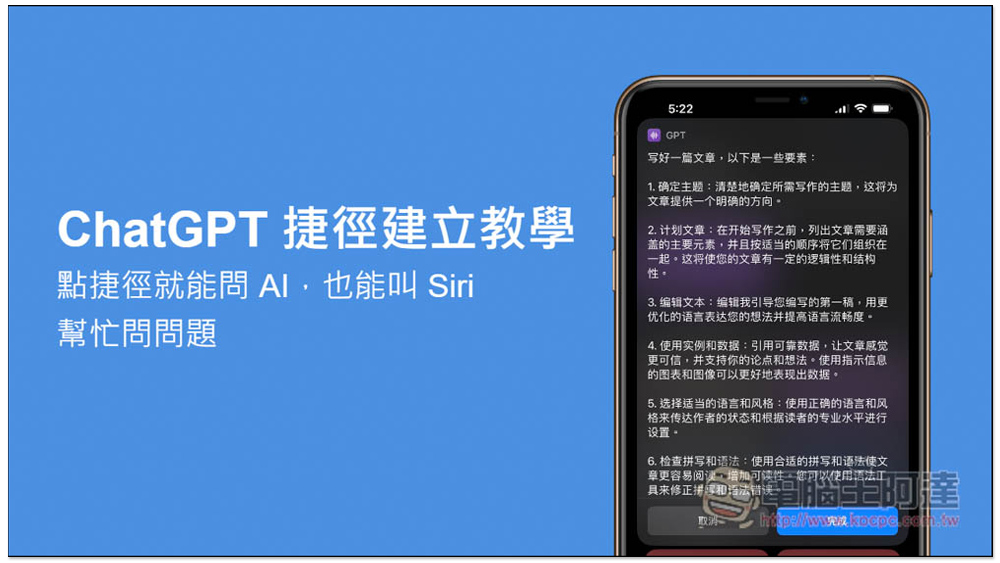
ChatGPT shortcut creation tutorial! Click the shortcut to ask AI, or ask Siri to help ask questions.
This GPT shortcut script was shared by Shivam_sh in the Reddit forum. He provides multiple versions, and I think this one is more stable.This is his personal website。
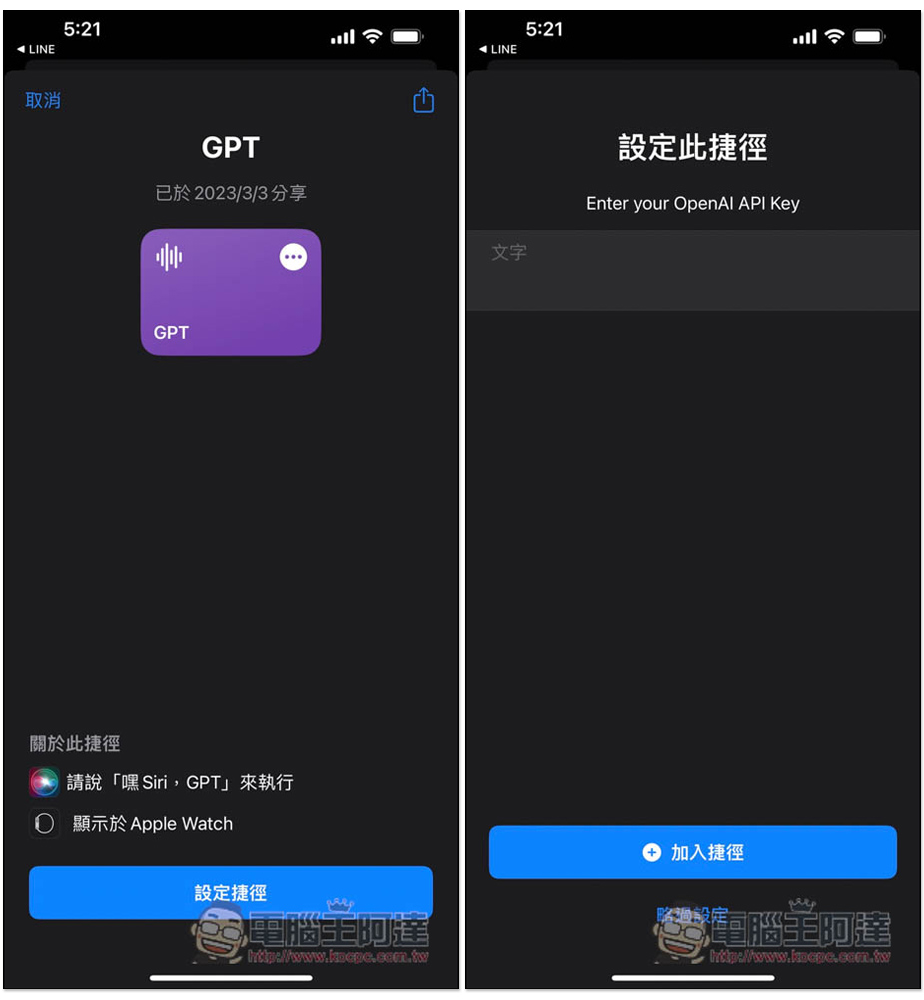
After entering the GPT shortcut page, click the setting shortcut below. There will also be a prompt to say “Hey Siri, GPT” to execute it. The second page requires you to enter your OpenAI API.Click me to jump to the acquisition page, each account will get 18 US dollars of free credit after registration, which allows you to ask a lot of content, and it is only for one month, so there is no need to save. If your account no longer has free quota, you can register a new one:
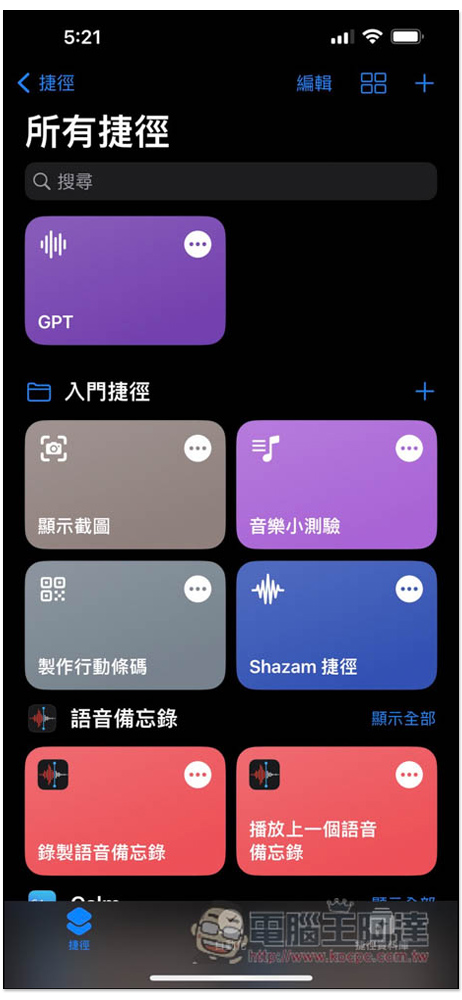
After installation, go to the shortcut menu and you will see the GPT shortcut. Please click it. You will need to allow some permissions when using it for the first time. After setting it up, it will not pop up again next time:
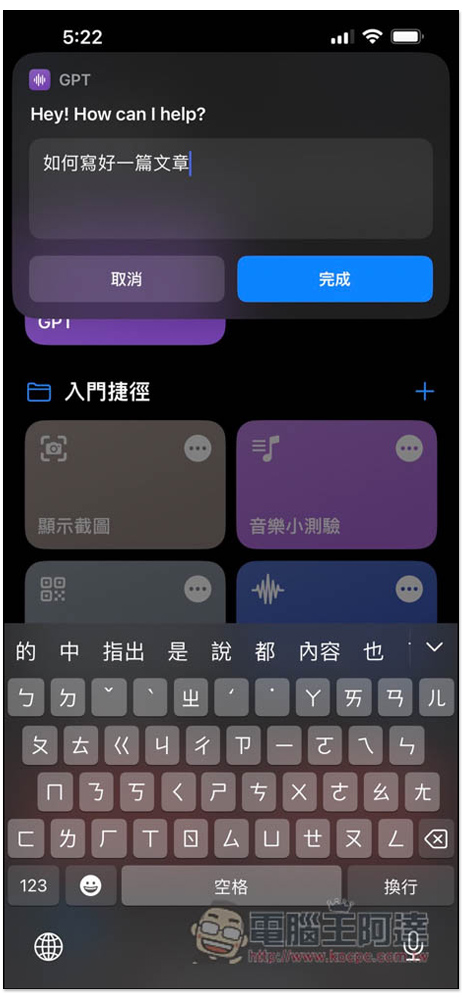
A chat window will appear above, enter the question you want to ask, and click Finish. In addition, Hey! How can I help? Although it is in English, if you ask it in Chinese, the answer will be in Chinese:
This will only pop up for the first time you use it. You must allow it. Click “Always Allow” and it will not pop up again:
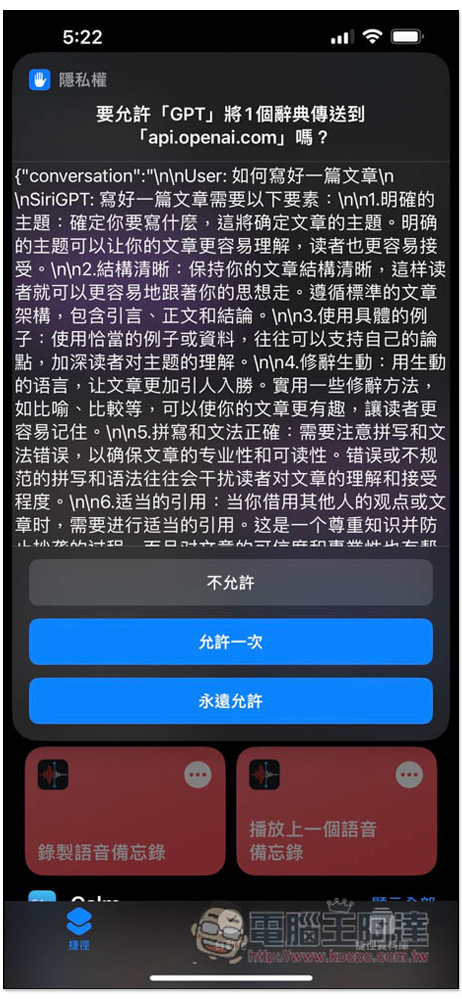
Another permission is to automatically copy the chat content to the clipboard. I also strongly recommend allowing it, so that you are not afraid that the chat content will be lost. If you think it is a good answer, you can also back it up:
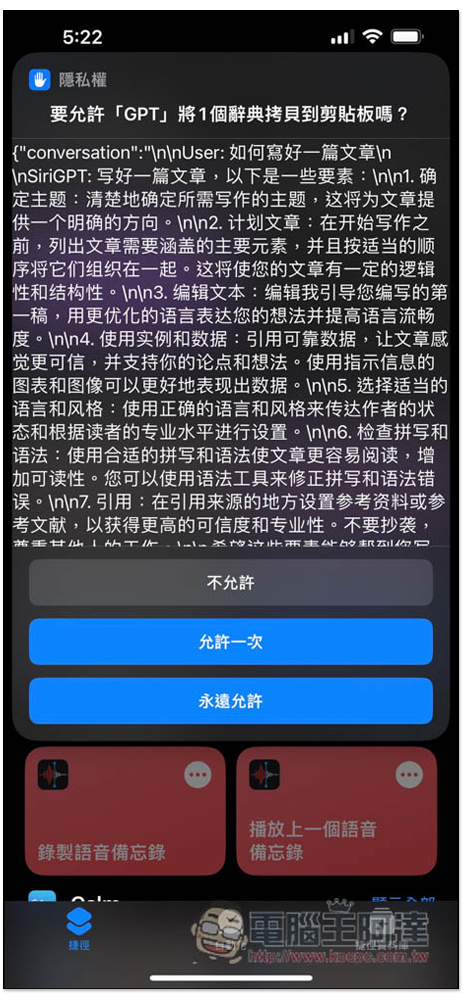
Then you will get the answer, but when I tested it, it was in Simplified Chinese. If you want Traditional Chinese, you can add it when asking the question and ask it to answer in Traditional Chinese:
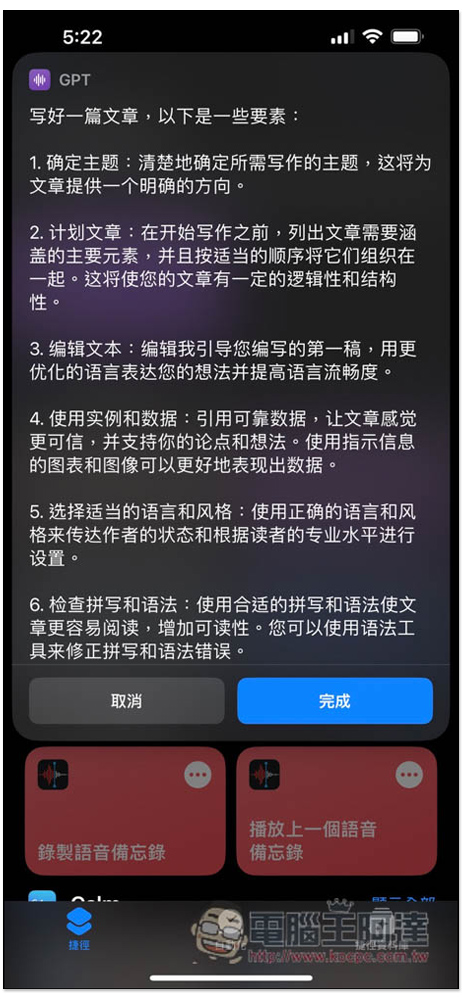
If the answer is long, you can scroll down. If you are satisfied with the answer, press Cancel to end the chat. If you want to continue asking other questions, press “Finish”:
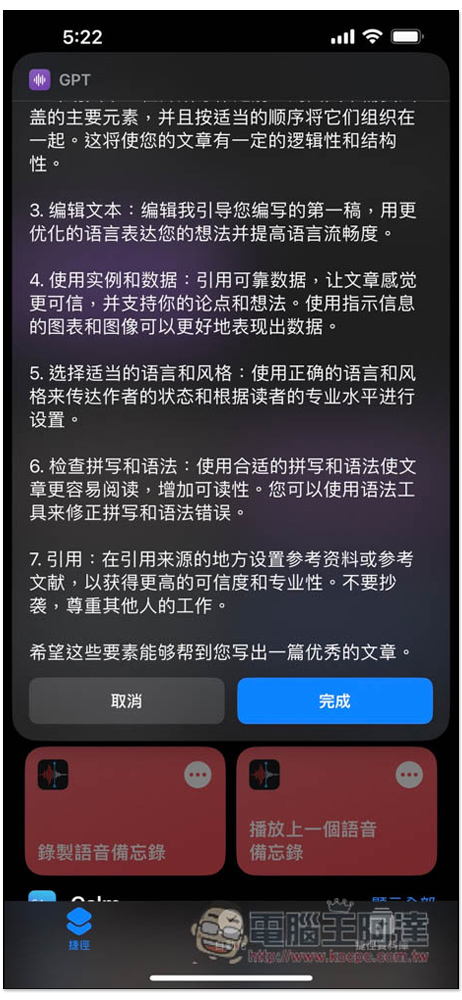
ChatGPT will ask if there is anything else I can help with? (Anything else I can help with?), press Done after typing, like I typed “Give me more”:
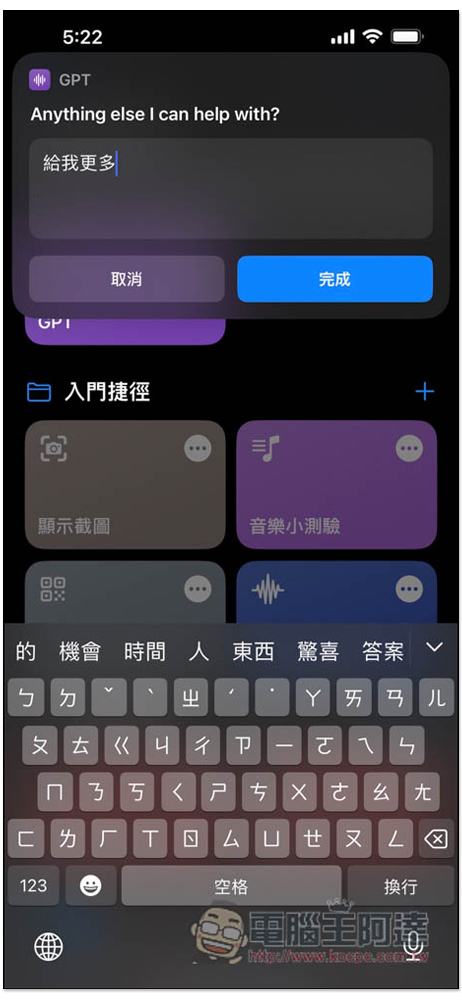
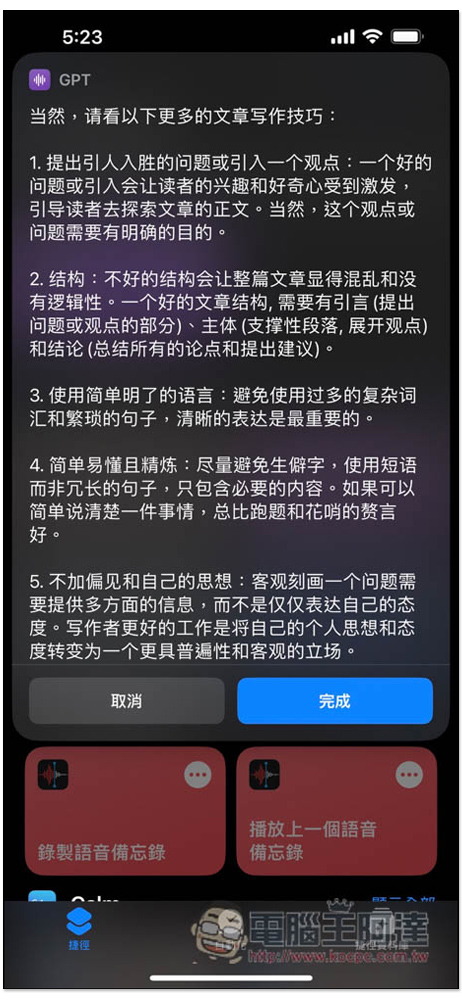
ChatGPT will continue to answer based on the original question:
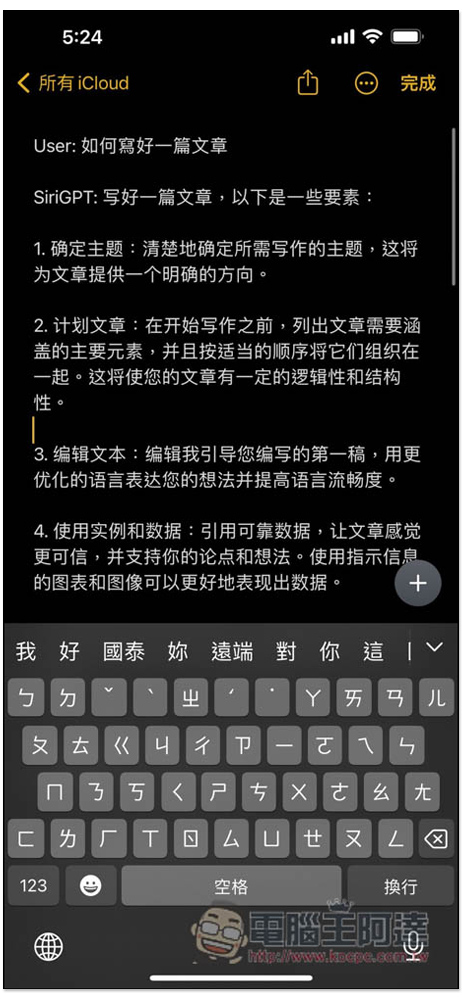
When you press Cancel, all the chat content will be copied to the clipboard. If you want to keep it, open the place you want to record and paste it. You will see that all the content has been pasted, including the questions you continue to ask:
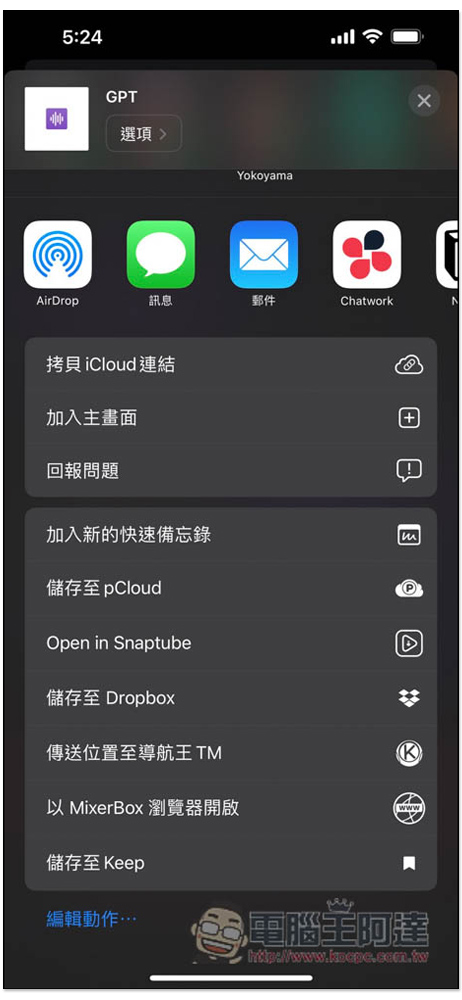
You can add this shortcut to the home screen, long press it and click “Share”:
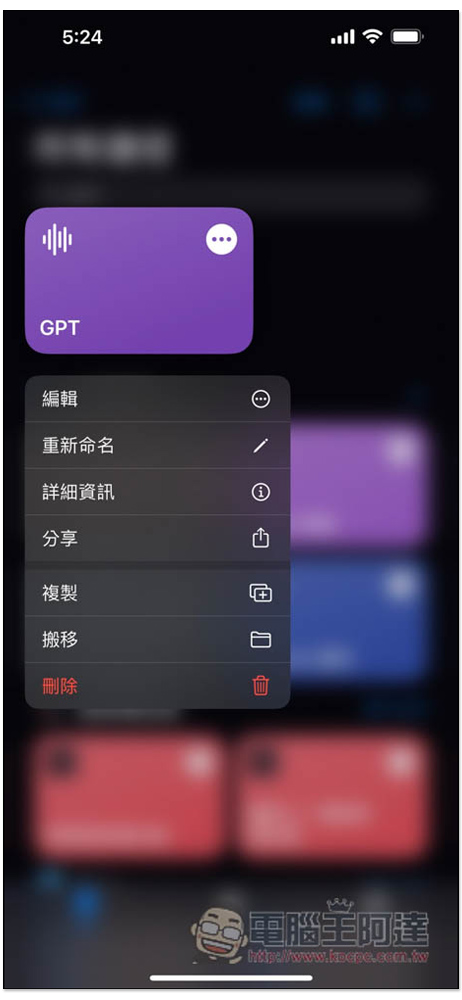
Click “Add to Home Screen” and you’ll find it on your iPhone desktop:
As for the Siri part, you only need to wake up Siri and speak GPT, and Siri will open GPT for you, and then continue to say what you want to ask. However, one thing to note is that it does not seem to support long questions and answers at present, and errors will occur. Short answers will be fine.
Source: KOCPC Chinese