


After waiting for quite a while,Google Finally launched NotebookLM It’s now a mobile app, meaning iOS and Android users can now use App To use NotebookLM’s core features, you no longer need to use the web version; the experience is more intuitive and smooth. However, it’s still in the early launch stage, so not all web version features are available in the app. But the core functions—import formats, generating Podcast audio, and AI chat—are all there. The app also supports offline voice downloads, meaning you can download the generated voice summaries and Podcasts to listen to anytime without worrying about network issues—something the web version can’t do.
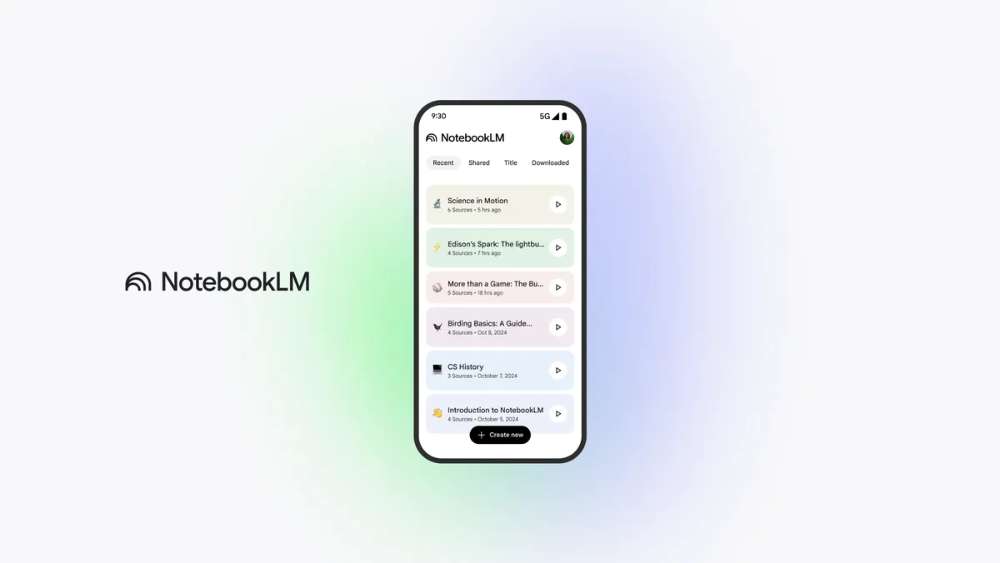
Google NotebookLM App version officially launches
Earlier, Google announced on its official blog that the NotebookLM app is now officially available. All users can download and install the app from their phone’s app store (as long as you’re on iOS 17+ or Android 10+), and they also shared the app’s advantages discovered by early testers.
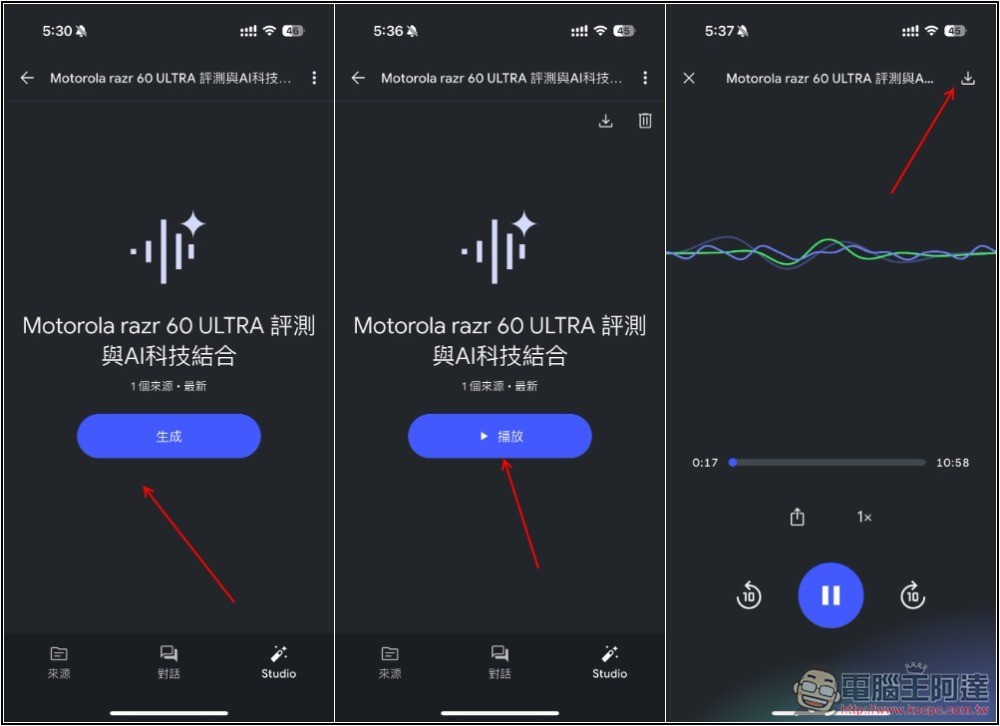
First, for offline audio listening, with the App, users can download pre-generated voice summaries and Podcasts, so even in environments with no internet or unstable connectivity, such as tunnels or basements, they can still listen easily and smoothly:
Through interaction with the host (Interactive mode), you can use voice conversation to find out what you want to know, but this feature currently does not support Chinese:
When you come across any interesting website, PDF, or YouTube video, you can simply use the share button to add it directly to your NotebookLM notebook—no more switching back and forth like you have to do on the web version.
As long as you have a Google account, you can use it for free, while the paid version provides more usage quota. Normally, the free version is already more than sufficient, and it also has access to all features with no restrictions at present.
For those who haven’t used NotebookLM, it may not be clear how this AI chat tool differs from others (such as ChatGPT). The biggest difference is that NotebookLM only answers based on the sources you provide, which can greatly reduce the problem of hallucinations. At the same time, each answer also includes reference links, making it easy for us to open and read at any time.
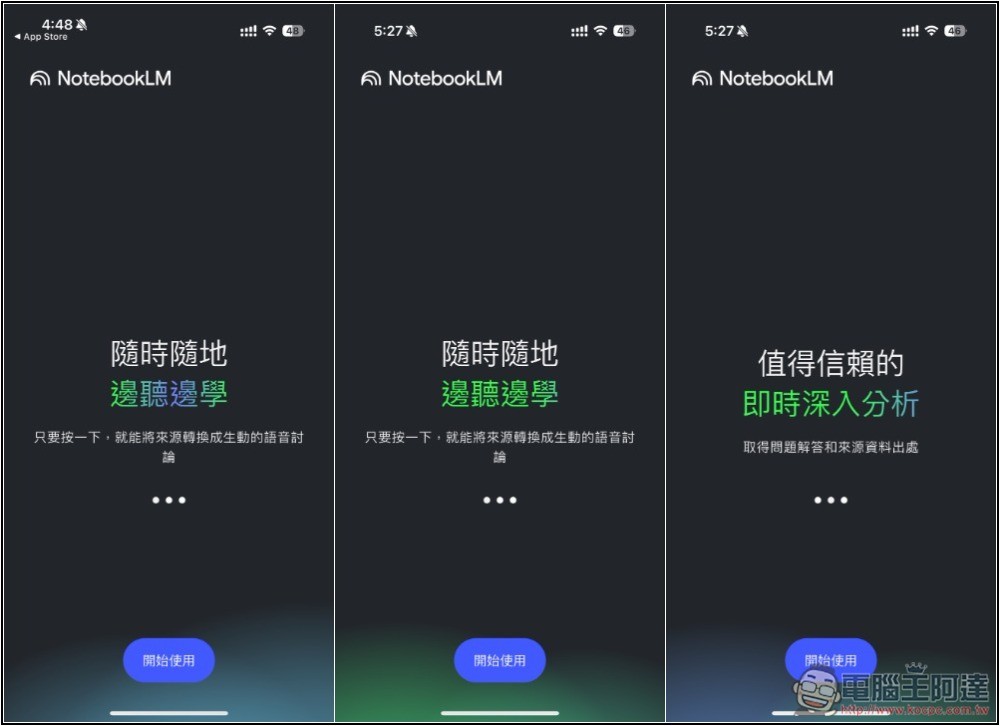
NotebookLM App supports Traditional Chinese. When you first open it, a brief introduction will be shown:
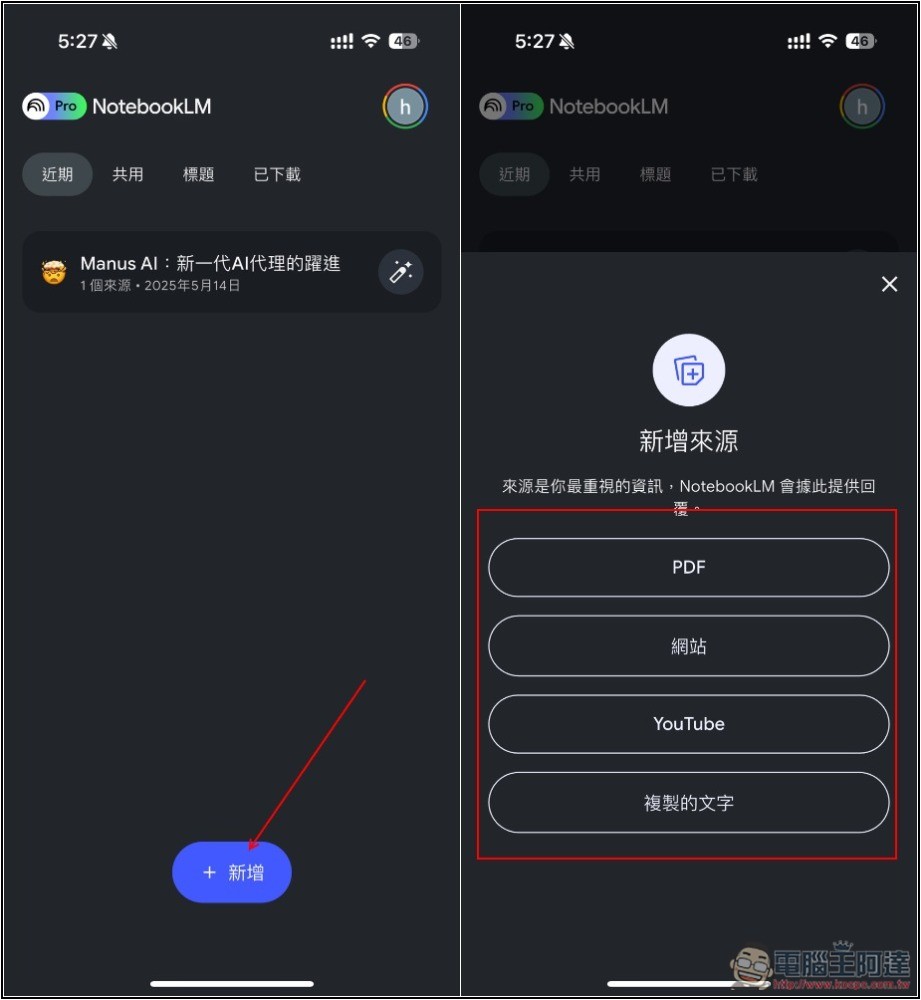
After logging into your Google account, the screen will display notebooks you’ve created in the past. Click “Add” below to create a new notebook. Four sources are currently available: PDF, website, YouTube, and copied text.
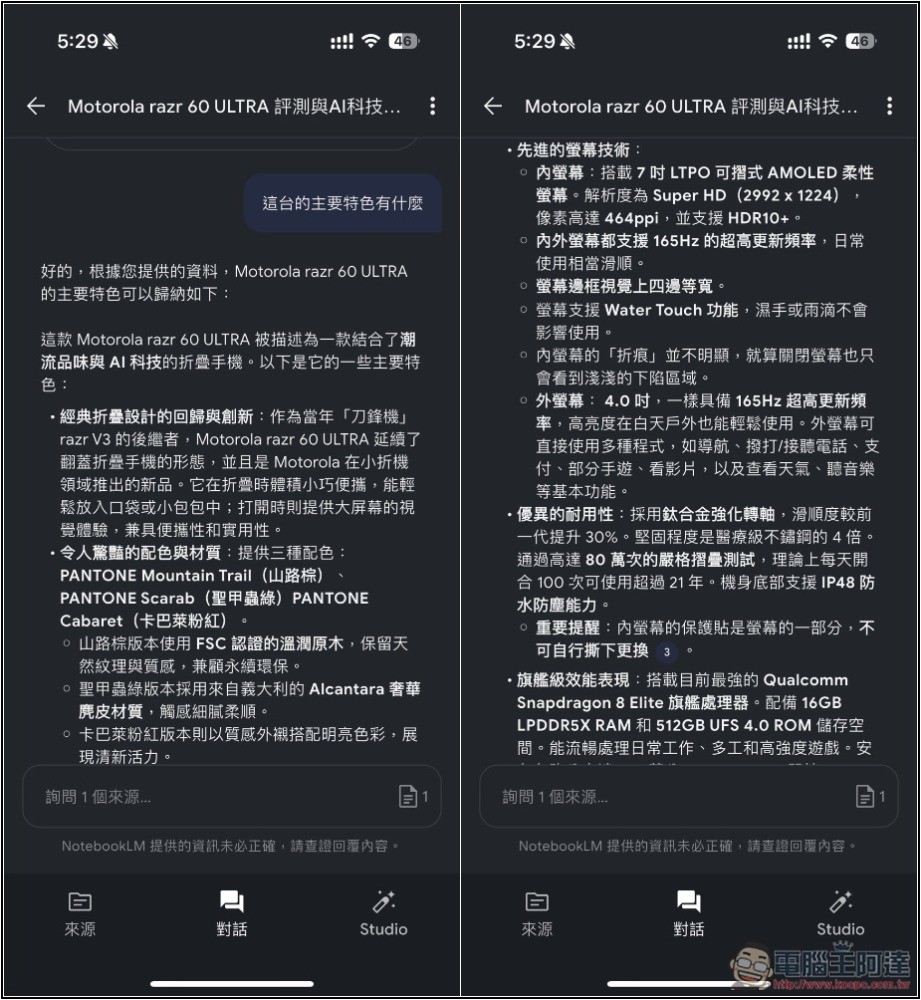
I import the website articles, wait a few seconds, and NotebookLM finishes content indexing; then you can start a conversation or generate an audio summary:
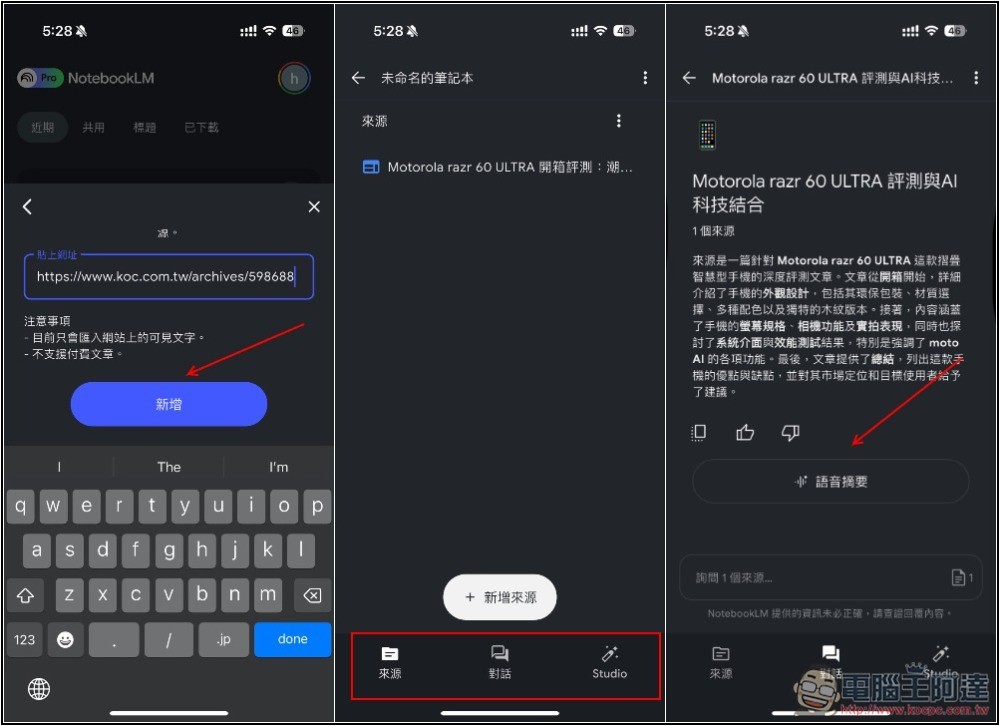
With this feature, even if you don’t have time to read through a lengthy article, you can use AI to quickly get the parts you want to understand, or even have it summarize for you. More importantly, you’re not limited to a single import source—you can import multiple articles, or combine articles with YouTube, and then get more comprehensive and integrated results. This is a powerful tool for learning:
For those who don’t want to read, you can also create a Podcast audio format with two hosts chatting to help you understand:
The following are some common ways to use NotebookLM, for your reference:
- Import in-depth research reports from AI tools like ChatGPT, and you can easily grasp the key points of the report without having to read the entire document word by word.
- Import manuals, installation guides, and other documents for various devices, so that whenever you encounter any issues, you can find answers here.
- Import materials on a topic you want to learn but find difficult, and let AI help you organize them, teach you step by step, and even create quiz questions, mind maps, study guides, or divide the content into beginner, intermediate, and advanced levels. There are many ways to use it.
- It can also be used for planning travel itineraries. You can import travel information you find online, then ask NotebookLM to recommend restaurants in specific areas, such as “recommended restaurants near [station name],” or to plan efficient itineraries.
- Building an internal knowledge base or chatbot is also a good idea—just import multiple internal documents such as company policies, operation manuals, product specifications, and training materials, and company or team members can directly ask NotebookLM questions about processes, technical issues, product details, and more.
- When you lack inspiration for writing articles or scripts, NotebookLM can also help. Simply import documents or key points related to the topic and ask it to organize a summary, then copy and paste the summary into AI tools like ChatGPT or Gemini, and request them to write an article or video script.
Source:NotebookLM
Source: KOCPC Chinese