


When you are in a hurry to use your phone but encounter low battery, you should charge your iPhone in a hurry and pay attention to the current battery percentage from time to time. But you may also feel that your iPhone is not charging as fast as expected. What are the reasons that affect the charging speed of your iPhone? What problems are not the reasons for slow charging speed? This time we list them all, along with some tips for you to improve your current situation.

Why is my iPhone charging so slowly?
iPhone charging slowly? Solve these problems with your hands
If your iPhone is charging slowly, the problem almost always occurs at some point in the entire charging and power supply process. It is rarely caused by user operations or software settings. Next, let’s take a look at all the common problems that affect charging to help you find and solve the root problem of slow charging.
The charger or charging cable is damaged
If your charger has melting or your charging cable is damaged, these are visible damage; if a component inside a charger fails (especially a cheap charger), the wire will suffer internal wear before there is any obvious damage to the outside. Therefore, if you have charging problems, before investing too much effort in solving the problem, try using a different charger and charging cable to eliminate the variables that occur between the two.
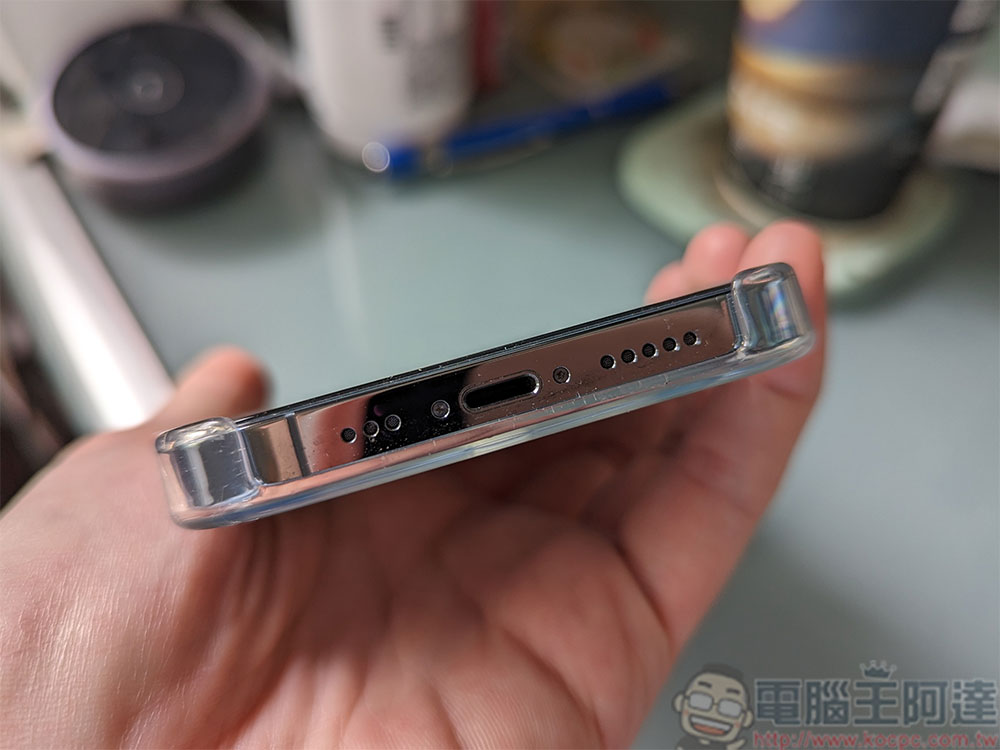
My phone’s Lightning hole is clogged
This reason may sound ridiculous, but the iPhone’s Lightning hole can actually cause charging issues due to a build-up of lint or debris that gets clogged. In most cases, you plug the charging cable in and the phone starts charging, even for a while, but if the Lightning hole is blocked, the buildup in it will gradually push the Lightning plug out, enough to stop the charging process. If you pick up your phone and go out without noticing that it is not fully charged, you may mistakenly think that it is charging slowly, but in fact it is more like someone unplugging your charging cable. Please clean your Lighting charging port. Remember not to use any metal sharp objects to clean.
You are using a low wattage charging transformer
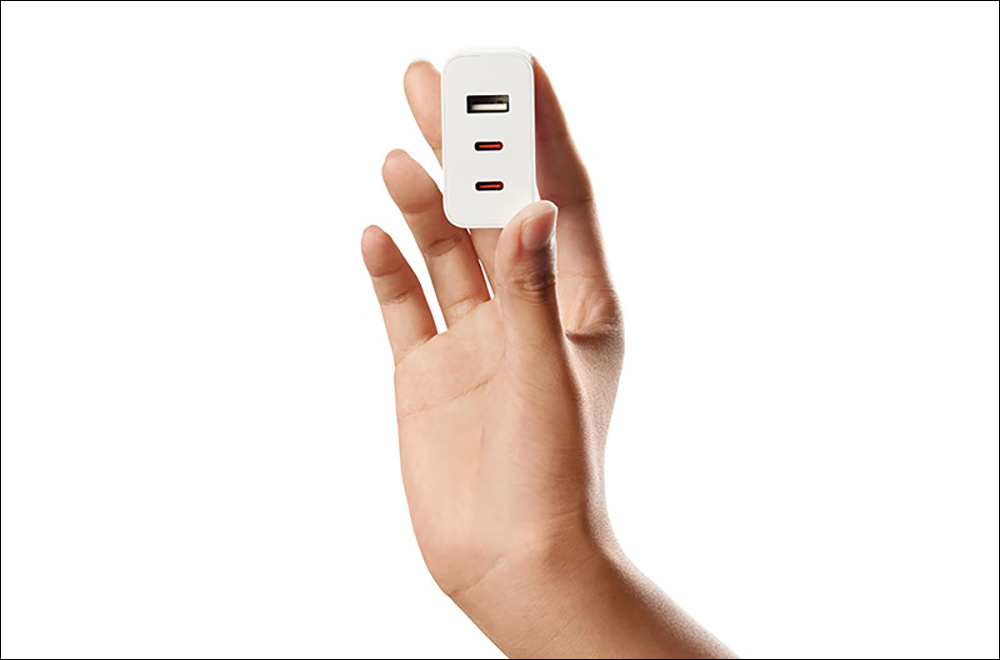
If your iPhone stays charged, you can initially rule out a plugged charging cable or Lightning problem. The most common culprit is that you are using a low-wattage mobile phone charger. Old or cheap phone chargers are usually 10W at 5V/2A (or even lower at 5V/1A at 5W), but newer iPhones support USB PD for faster charging, and the iPhone 13 Pro Max can support up to 30W charging.
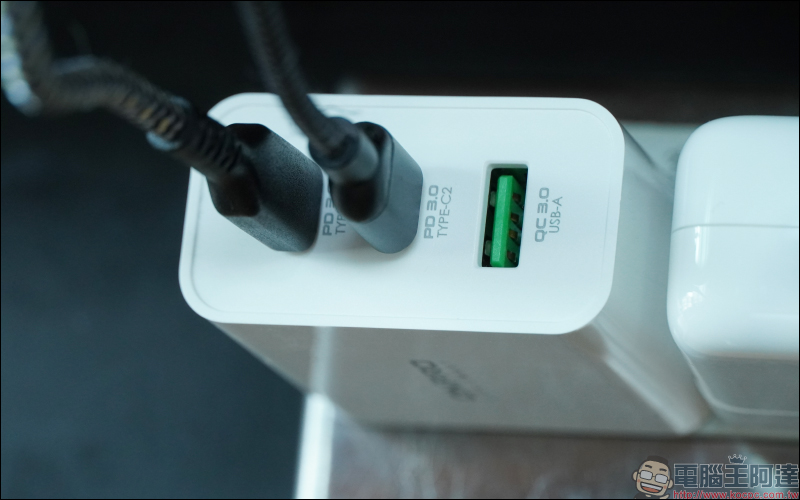
Your old phone charger might be fine for charging a phone from 5 years ago, but it’s no longer good enough for a newer phone. Any modern phone could benefit from a more powerful phone charger, especially as modern phones have larger batteries and support fast charging.
You are using wireless charging
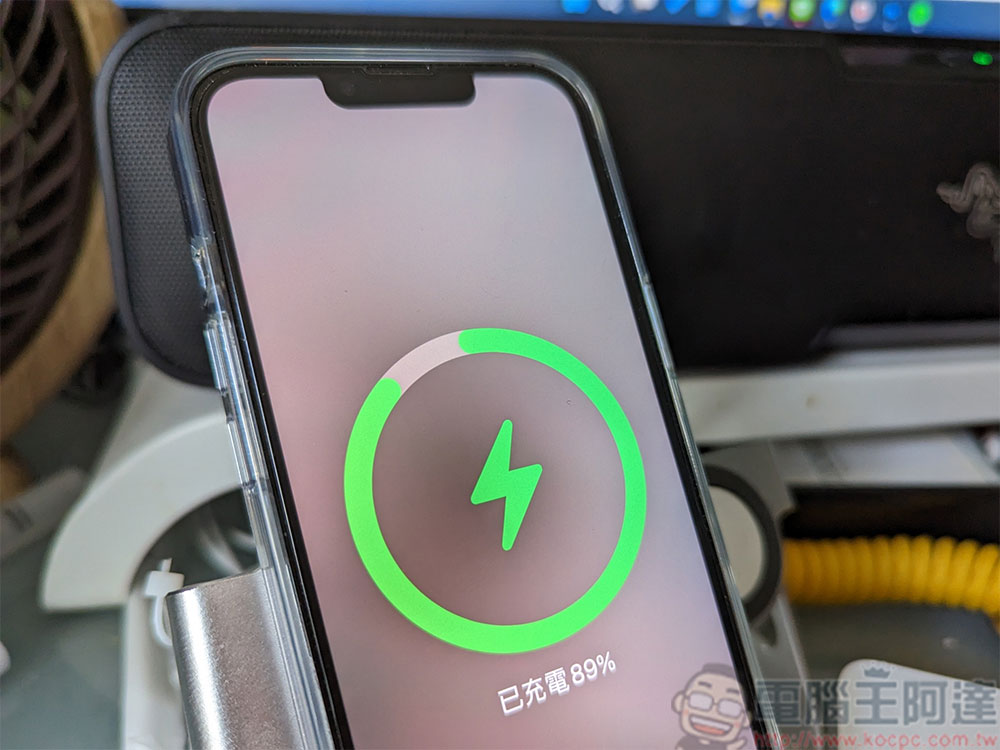
Models starting from iPhone 8 and later have the ability to support wireless charging, so if you are a long-term iPhone user who likes wireless charging, then you should be familiar with the inevitable fact that wireless charging is slower than wired charging. If you have recently switched from wired charging to wireless charging, you may find that charging times are taking longer than in the past. This is the trade-off that comes with wireless charging, so if you’re in a hurry to get a full charge, you’ll need to switch to wired charging and use it with a high-wattage fast charger. (Please note that wireless chargers also come in different speeds, and you can also upgrade your wireless charger to increase wireless charging speeds).
You are using your computer to charge your phone
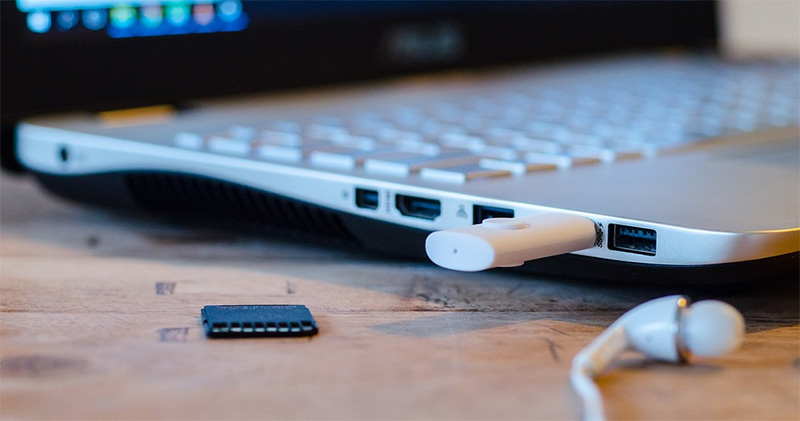
Sure, you can plug a Lightning charging cable into your computer and charge your iPhone, but that won’t give you a fast-charging experience because the USB port on your computer is primarily designed for data transfer, not fast phone charging. They do provide power, but the USB ports on most computers are only 0.5A, making charging efficiency worse than older charging adapters. Of course, if you are stuck in the airport with your laptop and no phone charger at hand, this will be your last resort, so using a computer to charge your phone is a last resort.
You use your phone while charging
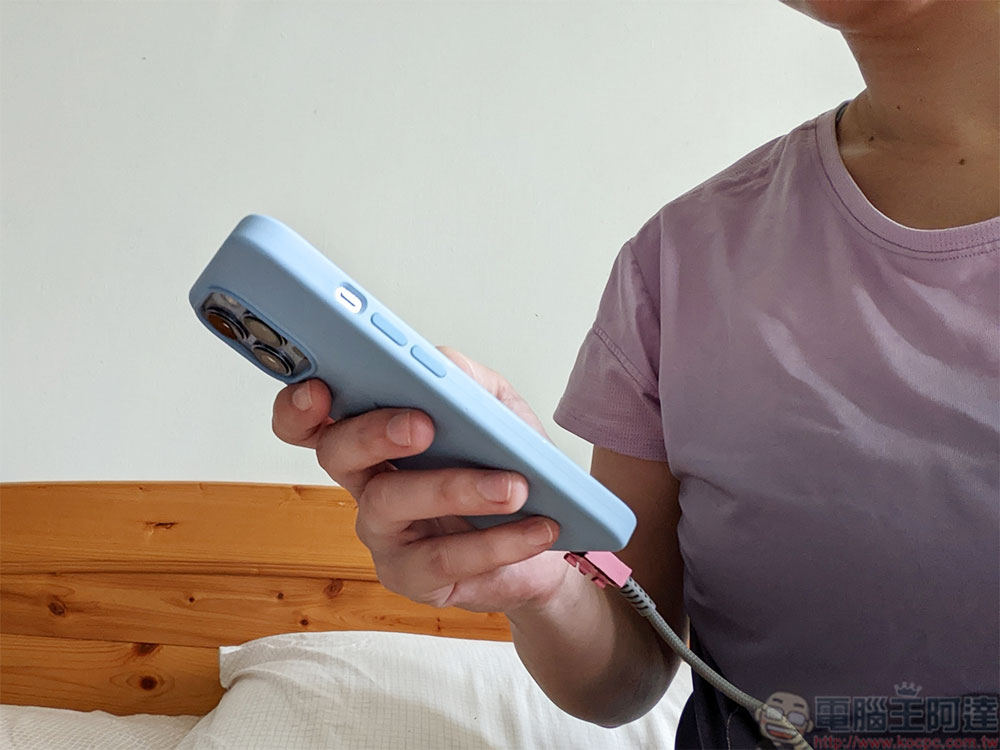
Any time you do anything on your phone, it consumes power. If you are watching videos or playing games, even if your phone is connected to the power cord, it will continue to consume power. All the charged power is basically converted directly into consumption, and only a minimal amount enters the phone. If you want to recharge your phone as quickly as possible, please don’t nervously fiddle with your phone while charging; if you want to charge it faster, please put down your phone and do other things first.
These reasons will not affect charging
When we talk about slow charging, there are some reasons that you don’t need to worry about because they won’t cause your phone to charge slowly.
ambient temperature
No battery-operated device, including the iPhone, likes extreme temperatures, and when it gets really hot, your iPhone shuts down to protect itself. When the weather is very cold, your battery may show strange data, such as showing a very low battery level even though you have just charged it. However, unless you are charging your phone in a very extreme environment such as a car without air conditioning in the desert or a car without heating in the polar regions, the ambient temperature will not have a significant impact on the charging speed.

Charging issues usually have nothing to do with battery health
If your iPhone is charging slowly, you might be wondering about the health of your battery. There’s no doubt that a faulty battery can make a phone run erratically, but generally speaking, unless the battery health and charging issues manifest themselves as not charging or charging too slowly, it’s simply not being able to hold a charge for as long as it once did.
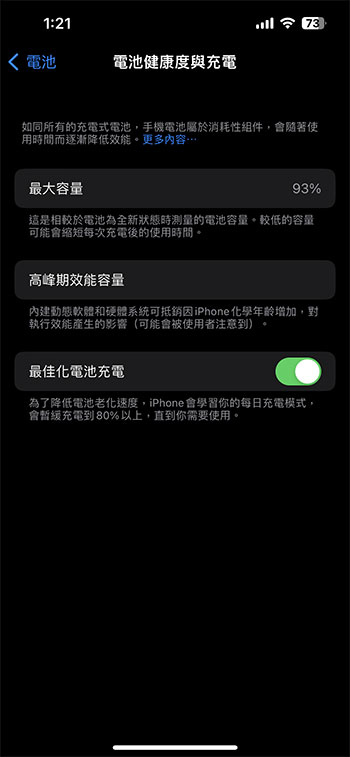
If you find that your phone seems to be charging fine, but is quickly running out of power, replacing the cable or charger won’t help. You’ll have to replace the battery to truly get back to your previous battery life.
Further reading
Need to go out temporarily but find that the battery is low? Tips to improve iPhone charging efficiency
Source: KOCPC Chinese