


Recently, the applications of ChatGPT AI chatbot are quite diverse. In addition to assisting in travel arrangements, language translation, writing and question and answer work, there is also a super easy-to-use ChatPDF free ChatGPT online PDF learning tool! When faced with a PDF file of dozens of pages, if you don’t want to slowly study the key points of the document, you only need to upload the PDF to the website and let AI help you quickly grasp the key points of the document through question and answer.
ChatPDF Free ChatGPT online PDF learning tool! 1-click upload and quick answer to various summary points of the document
In work or study, there is often a need to read a large number of PDF files. However, when encountering a large amount of text content, sometimes you are worried that you will accidentally miss some key information of the product. It always takes a lot of time to read the file before you can slowly understand the key contents of the PDF. If you use ChatGPT to ask questions directly, you will sometimes be faced with answers that are not what you asked and a bunch of completely wrong information. If you have PDF file reading needs, today I would like to recommend a super easy-to-use online PDF learning tool – “ChatPDF”.
This online tool combined with ChatGPT allows users to ask any questions about the PDF file after uploading it. It is very suitable to help you quickly grasp the summary of the document. In addition, ChatPDF also supports Chinese output and can reply user answers in Chinese language, saving the need for additional translation of foreign language answers.
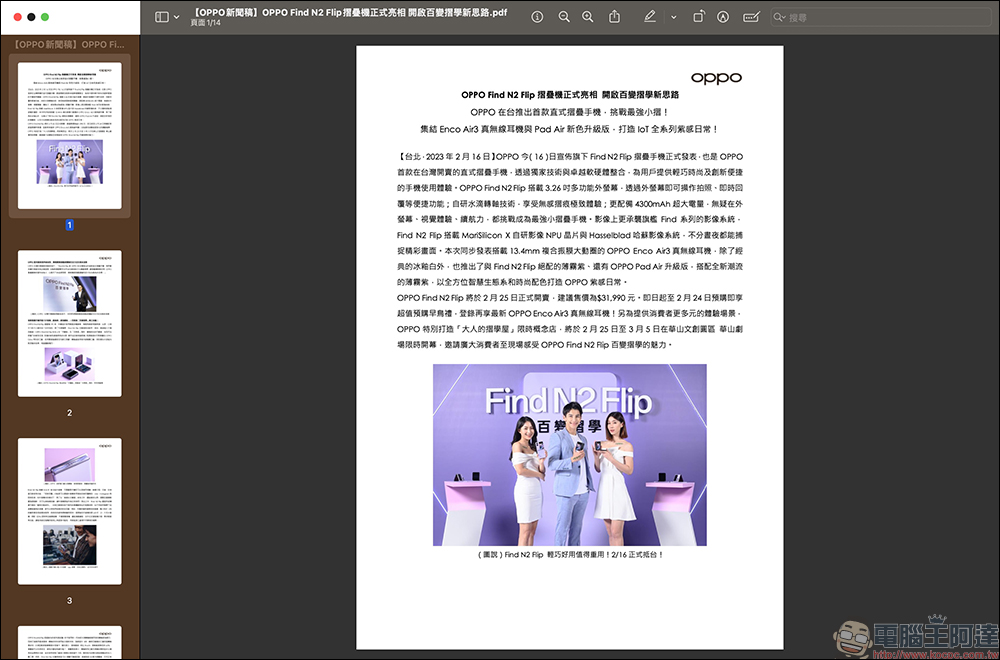
How to use ChatPDF?
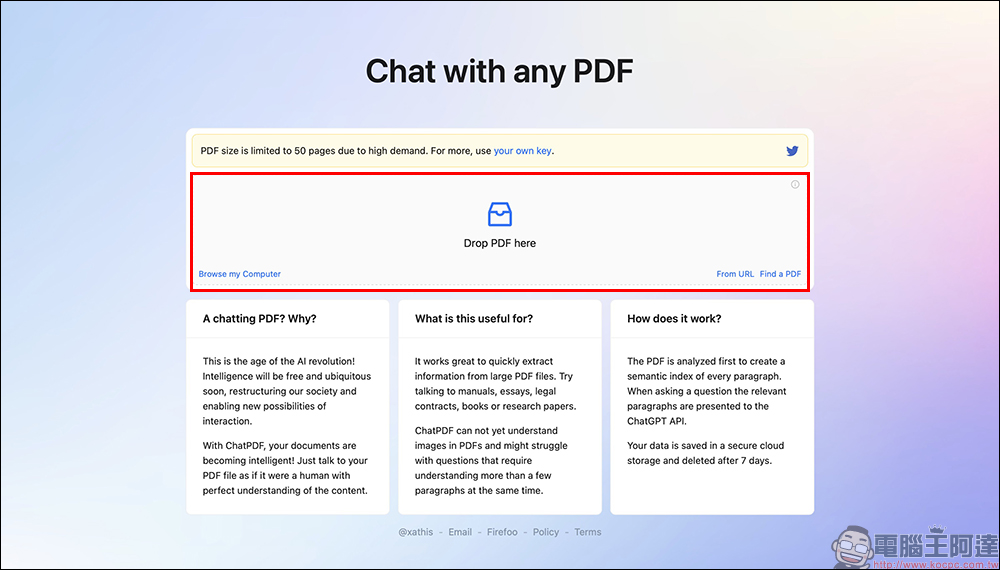
ChatPDF can be said to be a lazy tool suitable for most people, because its operation method is super simple! First, open the ChatPDF page (please click me), then drag the PDF file to the “Drop PDF Here” area on the screen, or click “Browse my Computer” below. It also supports convenient PDF upload methods such as “From URL (Paste PDF URL)”.
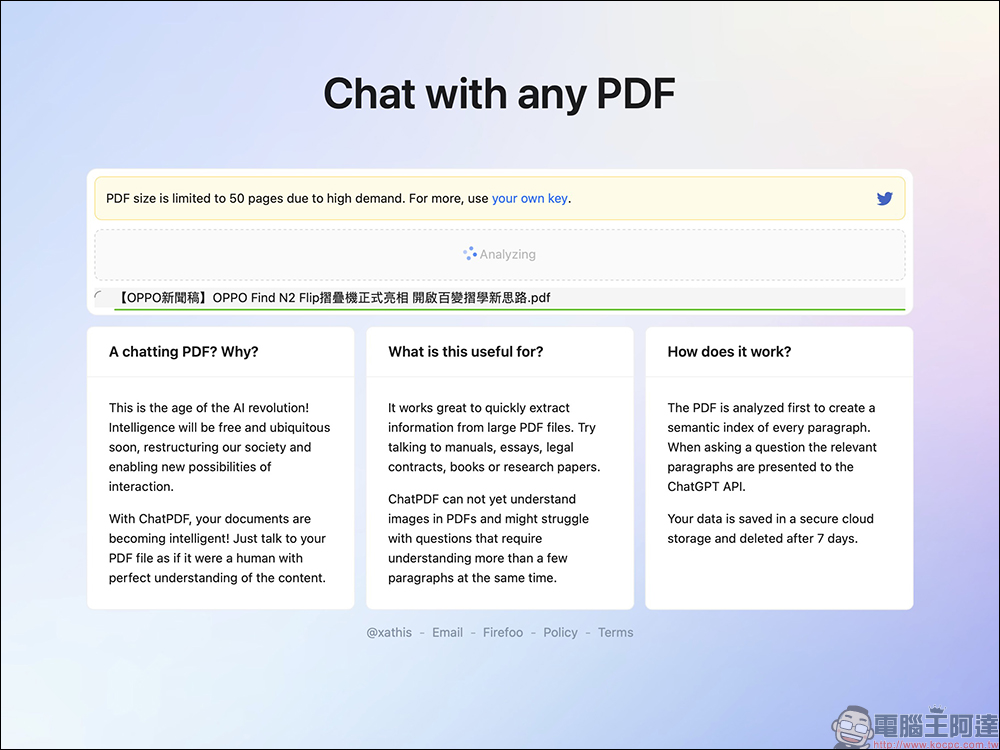
ChatPDF supports analysis of a maximum of 50 pages of PDF files. It will take a short period of time to analyze after uploading.
After the analysis is completed, ChatPDF will briefly describe the key points of the analyzed PDF file and suggest several questions to ask. At this time, the user only needs to enter various questions about the file that they want to ask it in the text input field below, and it will accurately respond to the answer based on the content of the file and the number of pages of the answer in the PDF file.
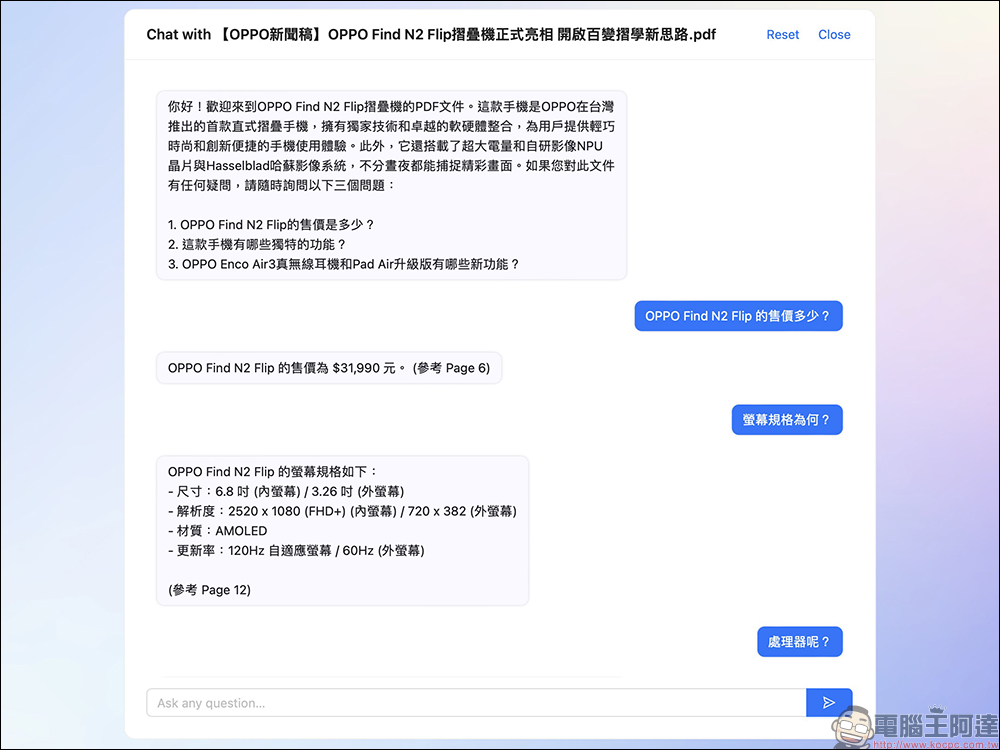
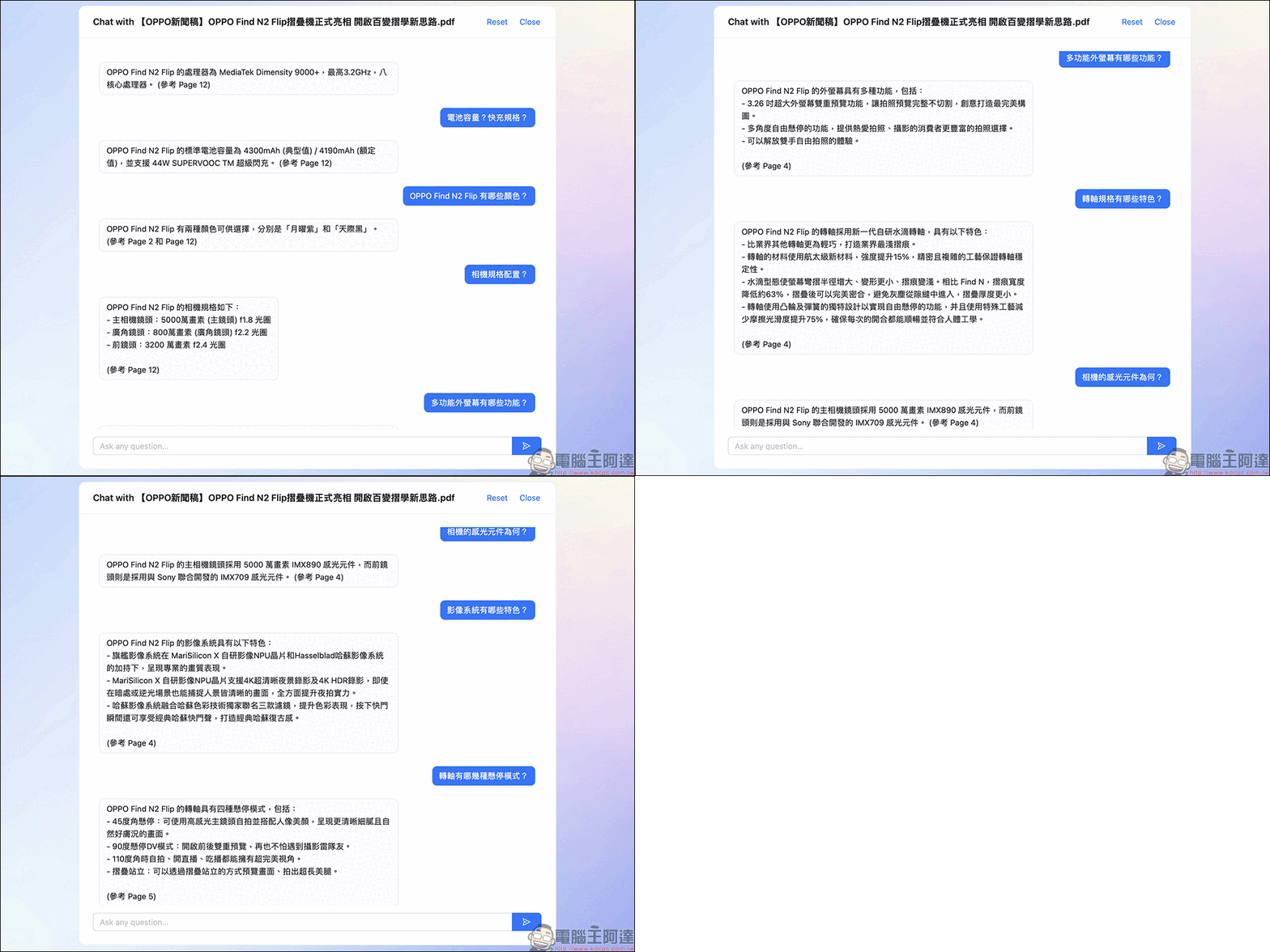
Basically, as long as the PDF file contains mainly plain text, ChatPDF can quickly summarize the correct answer.
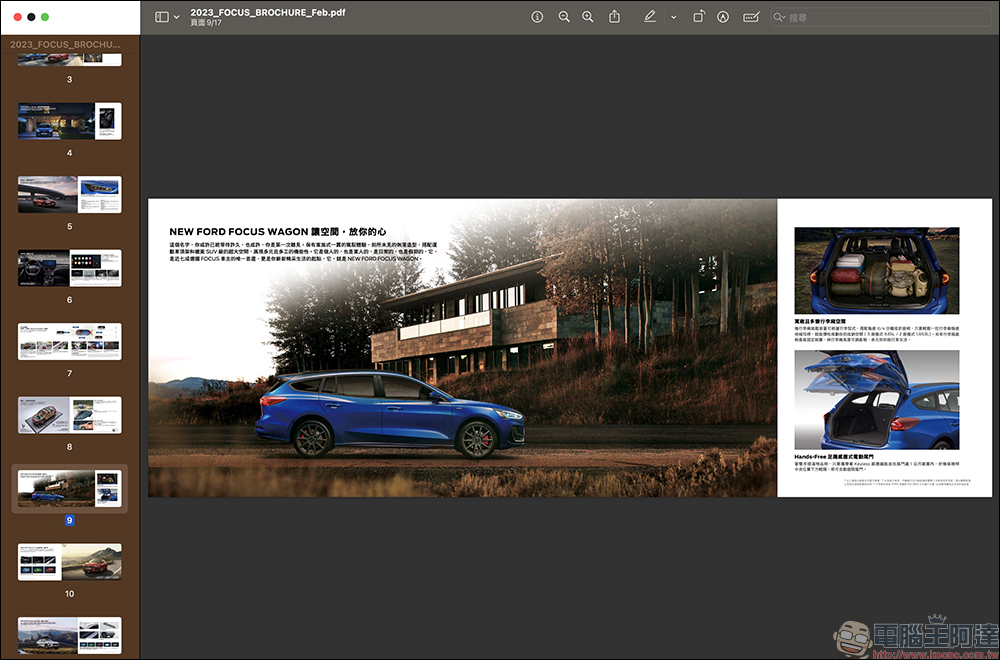
However, some PDF files are not pure text (for example, PDF files of car catalogs). Faced with such PDF files with a large number of interlaced images and text, can ChatPDF still answer the answers that users want to know?
According to actual tests, ChatPDF can still correctly give users the answers they want as long as the PDF file content is not too complex. Unless the table of the PDF file is relatively complex, the answer will not be found.
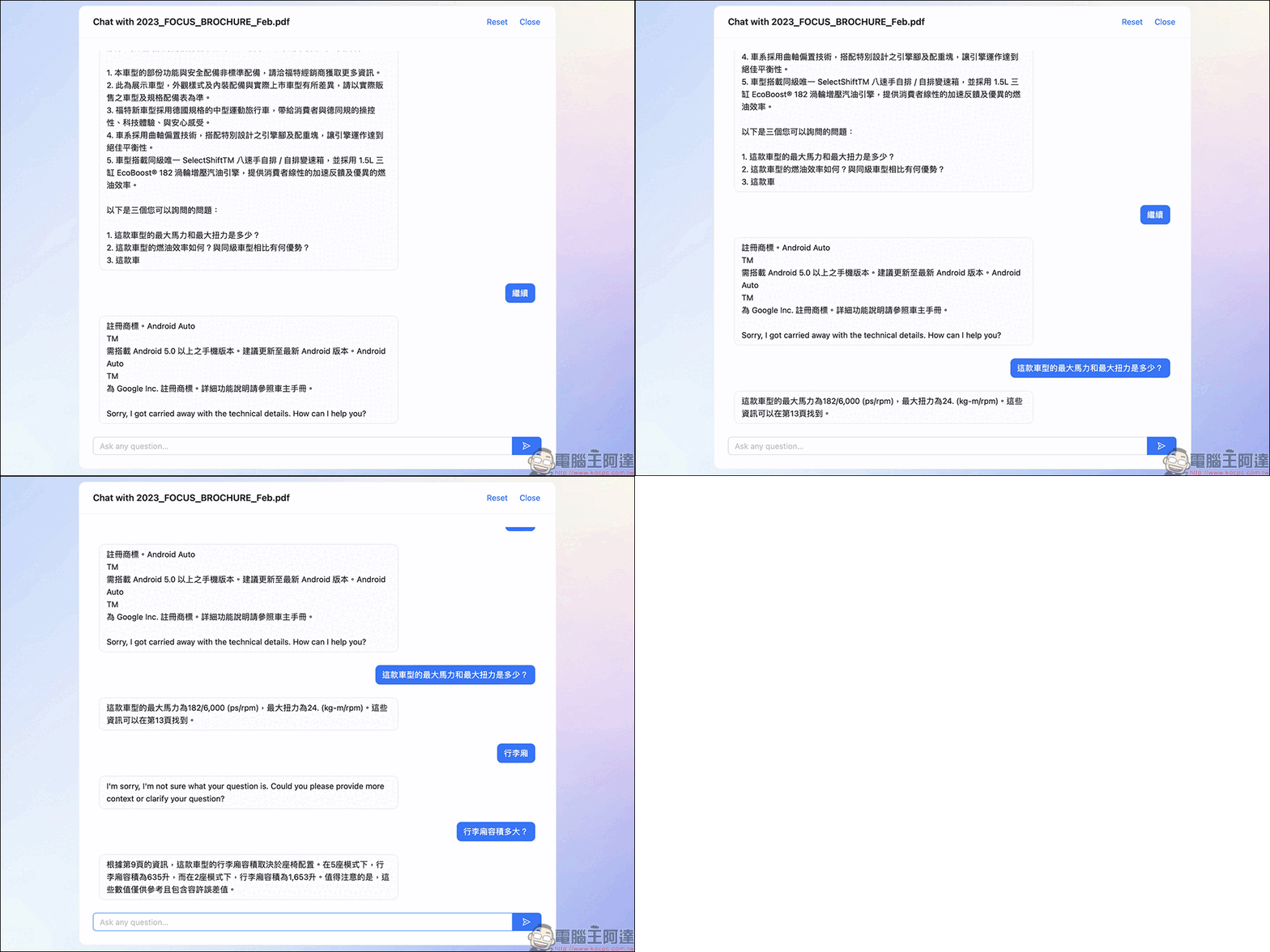
The author also found that if you accidentally make a few typos when asking a question, it can still find the answer the user wants from the file. For example, the picture below asks for the length of the vehicle’s body. It is mistakenly replaced by “Chang”, but ChatPDF can still understand it.
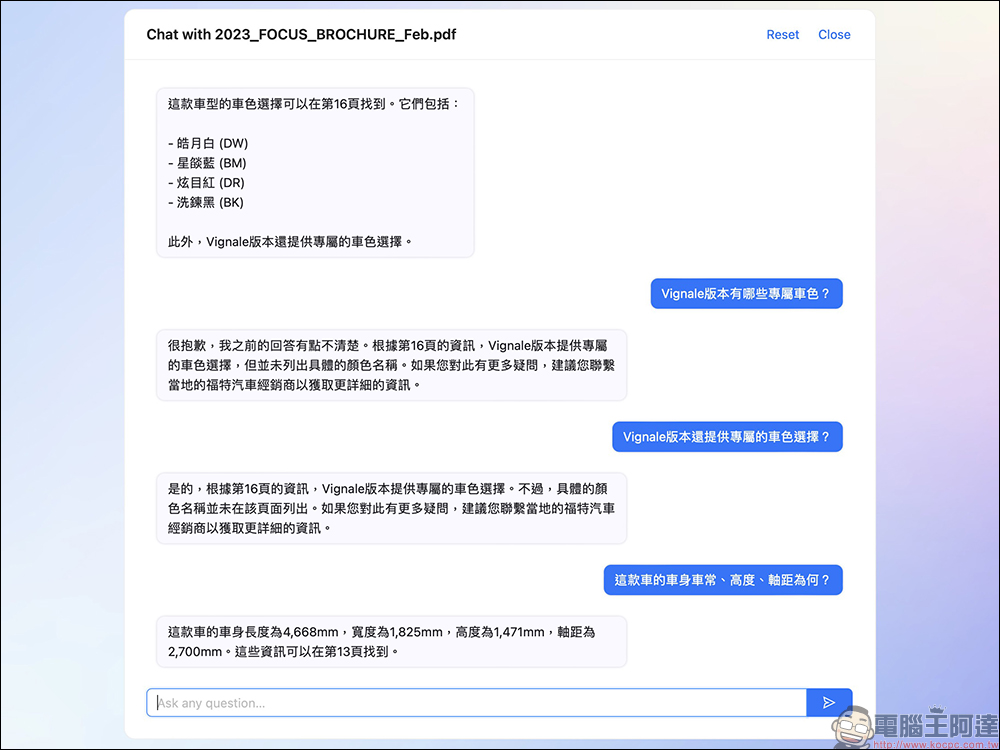
ChatPDF online PDF tool (click me to go)
Further reading:
2 recommended free LINE ChatGPT chatbots: In addition to basic text chat Q&A, it also adds “voice” commands and AI drawing!
Source: KOCPC Chinese