


Everyone hopes that their home will be beautifully decorated. However, in the past, if you wanted to know roughly what it would look like after decoration, you had to find a designer to make 3D schematics. The cost is quite high, so you would wait until you actually want to decorate. As AI drawing has become more and more powerful recently, there is now roomGPT.io, a free tool on the Internet. By uploading photos, you can generate pictures of various styles of decoration based on the current situation. The effect is very good, and it is completely free.
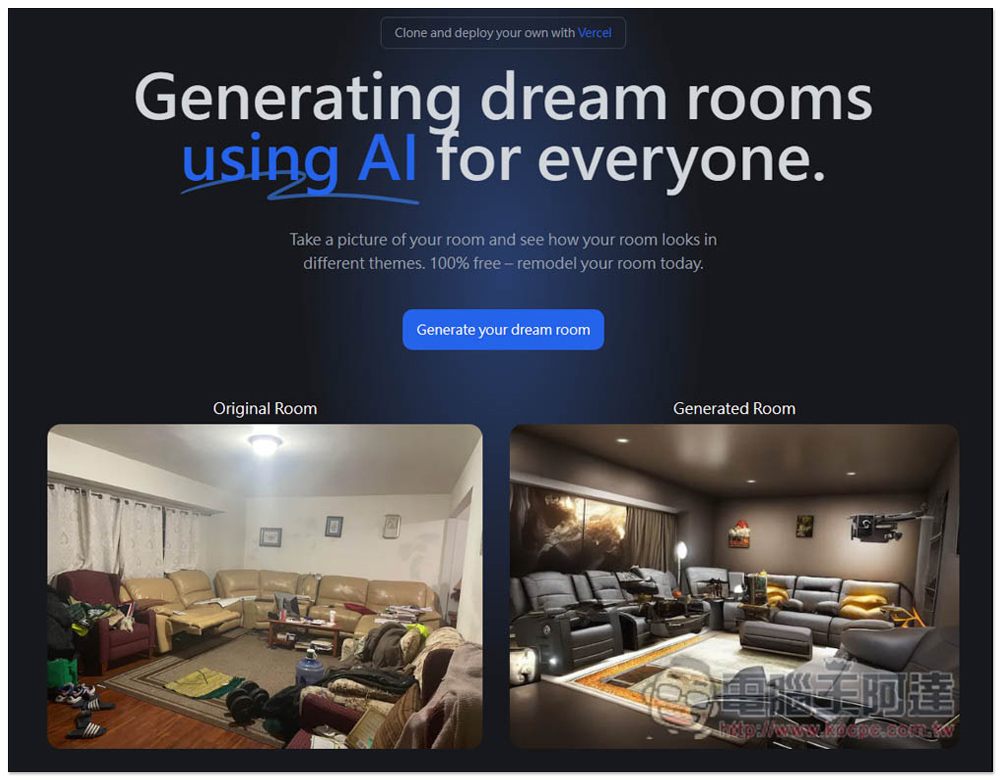
roomGPT.io uploads photos to generate what the living room and room will look like after decoration, with various styles to choose from.
RoomGPT.io is very simple to use and does not require registration. After entering the website, there is a comparison picture below for your reference. This comparison picture is quite powerful and looks completely flawless. It feels like a real photo after decoration. However, you will still see some strange things when testing your own photos. Click Generate your dream room in the middle:
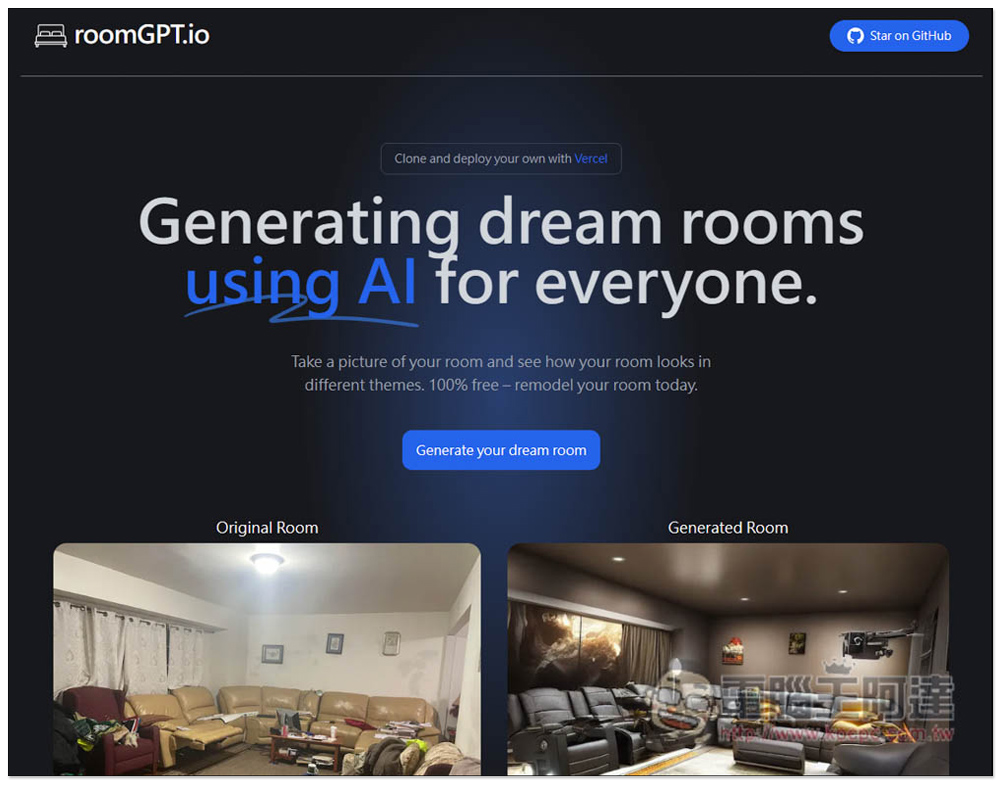
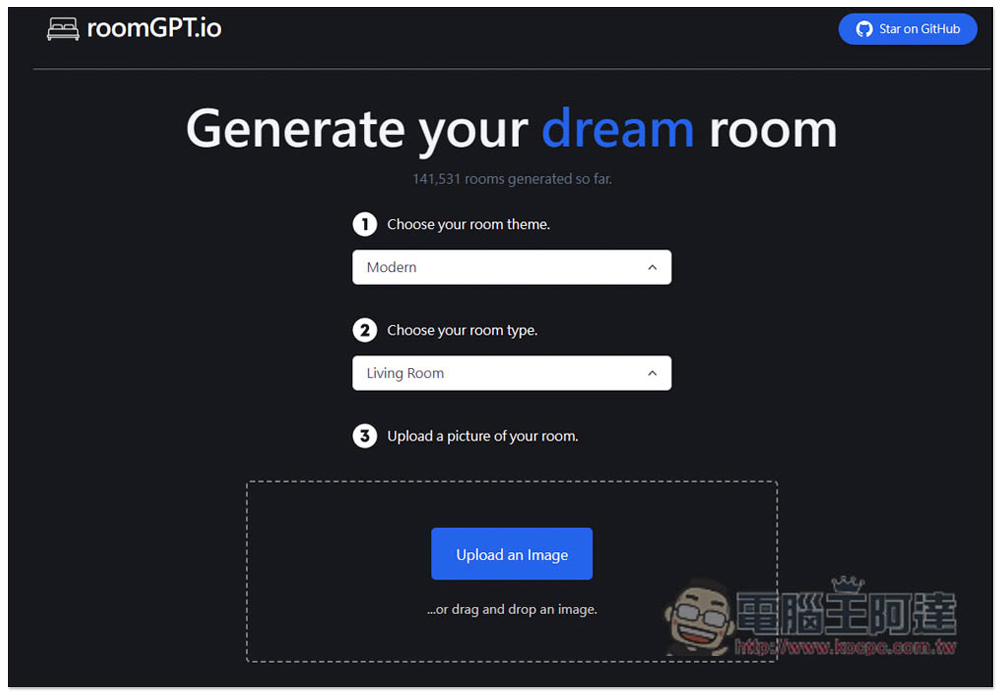
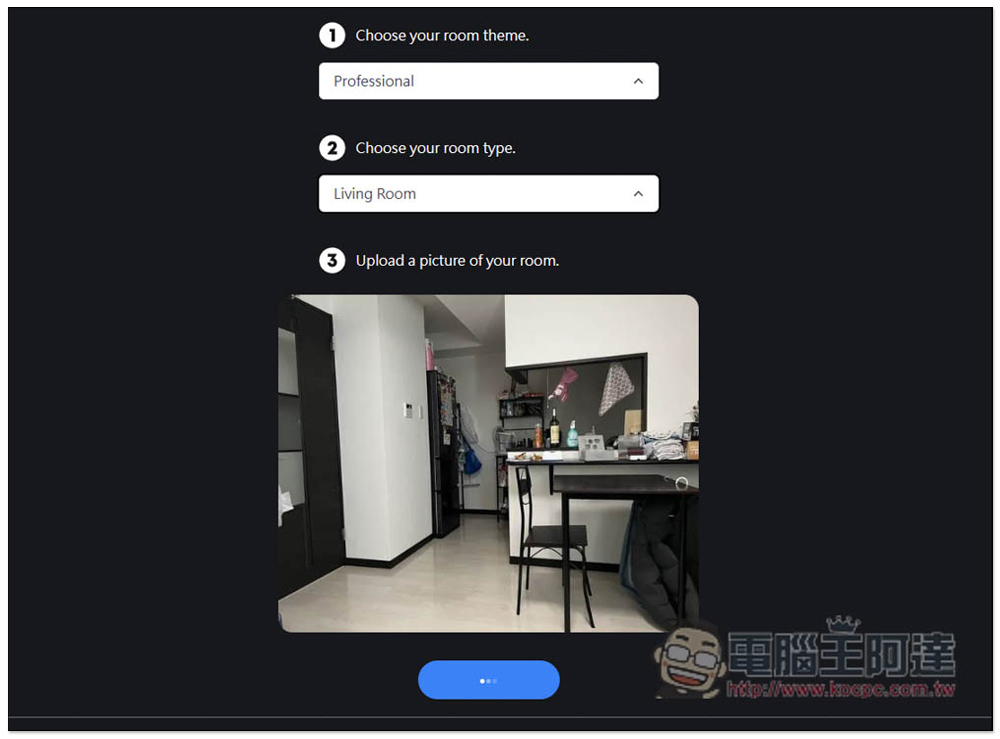
It will jump to this page. There are three steps. The first is to choose your room theme. The second is to choose your room type. The third is to upload photos:
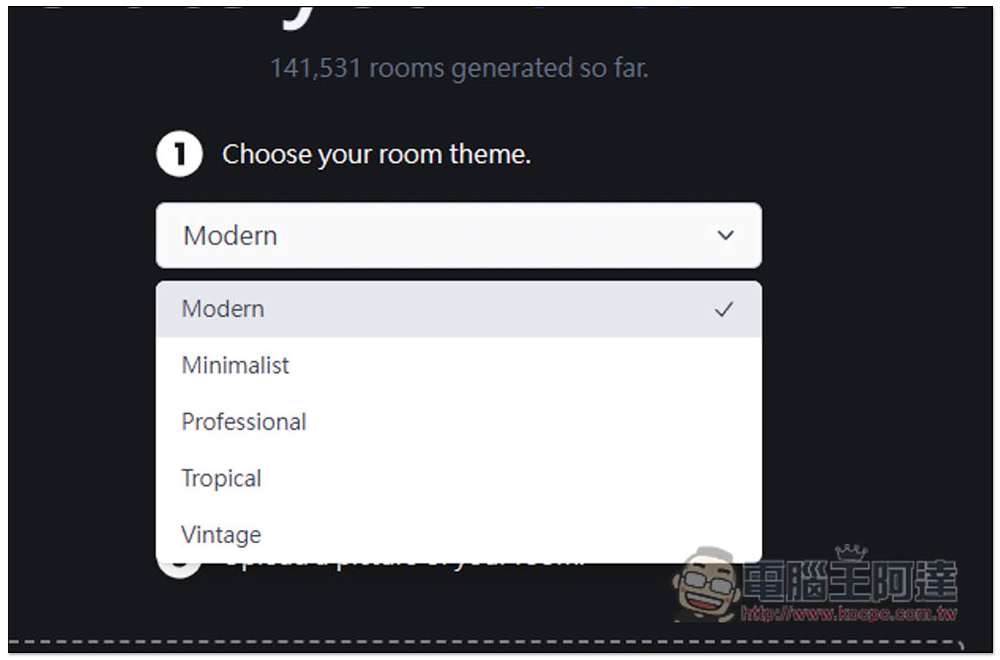
There are five styles of scenery, “Modern”, “Minimalist”, “Professional”, “Tropical”, and “Vintage”, depending on which one you want:
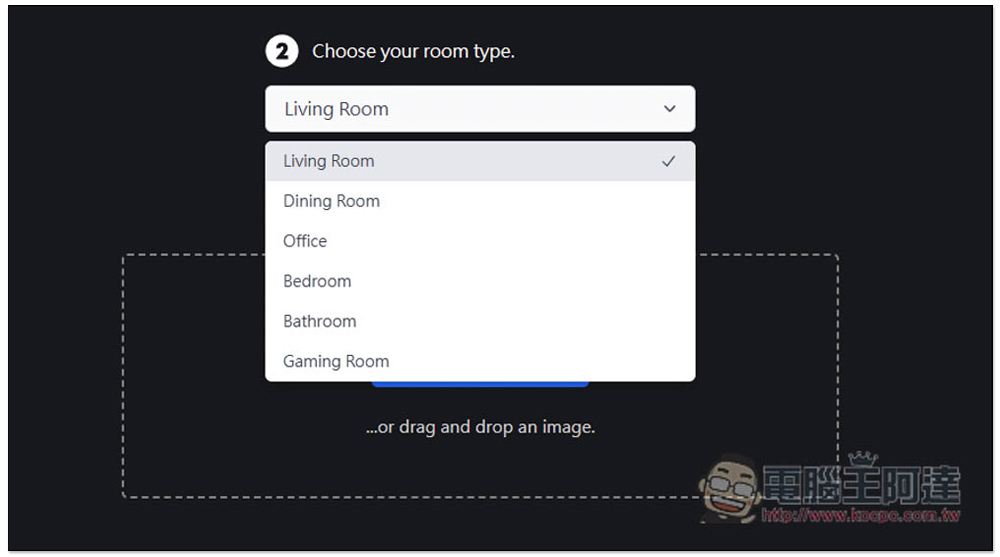
There are six room types, namely “Living Room”, “Dining Room”, “Office”, “Bedroom”, “Bathroom”, and “Gaming Room”. Remember to choose this part accurately, which will affect the pictures generated by AI. For example, if you plan to use the space in the photo for work, choose an office. If you choose a dining room, it is likely that the decoration will become an environment suitable for eating:
Then upload your photo. It is generated quite quickly. It will be completed in a few seconds. Wait for the blue color below… to finish:
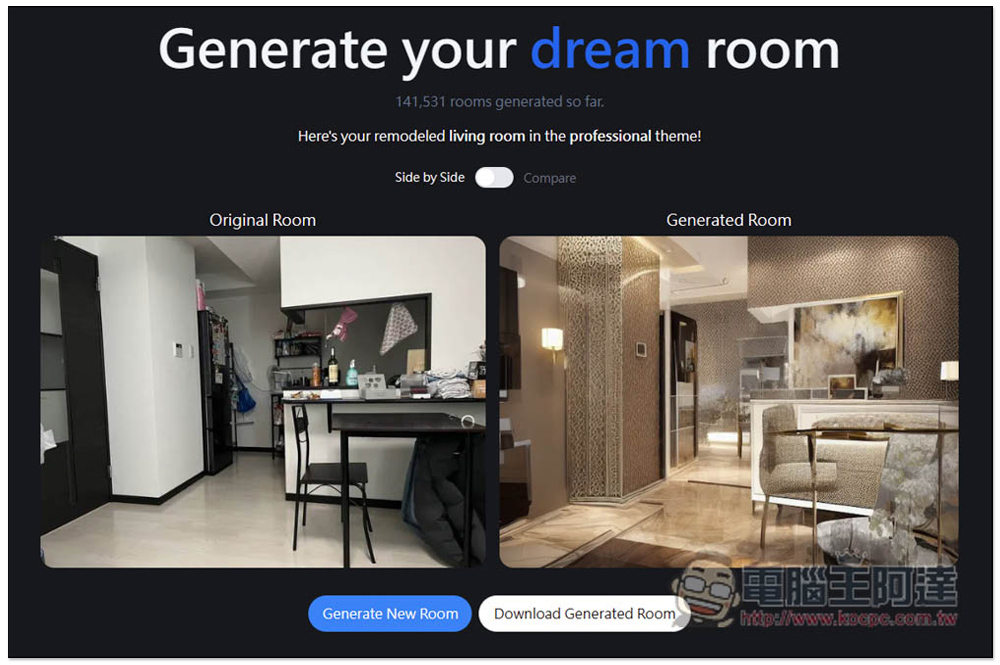
Here’s what it looks like after decoration. It’s really amazing. The whole space is just like the photos I uploaded. In addition, even if you use the same photo and the same settings, the decoration image generated will be different every time, so if you don’t like the current one, you can generate another one:
Side by Side comparison mode is also provided:
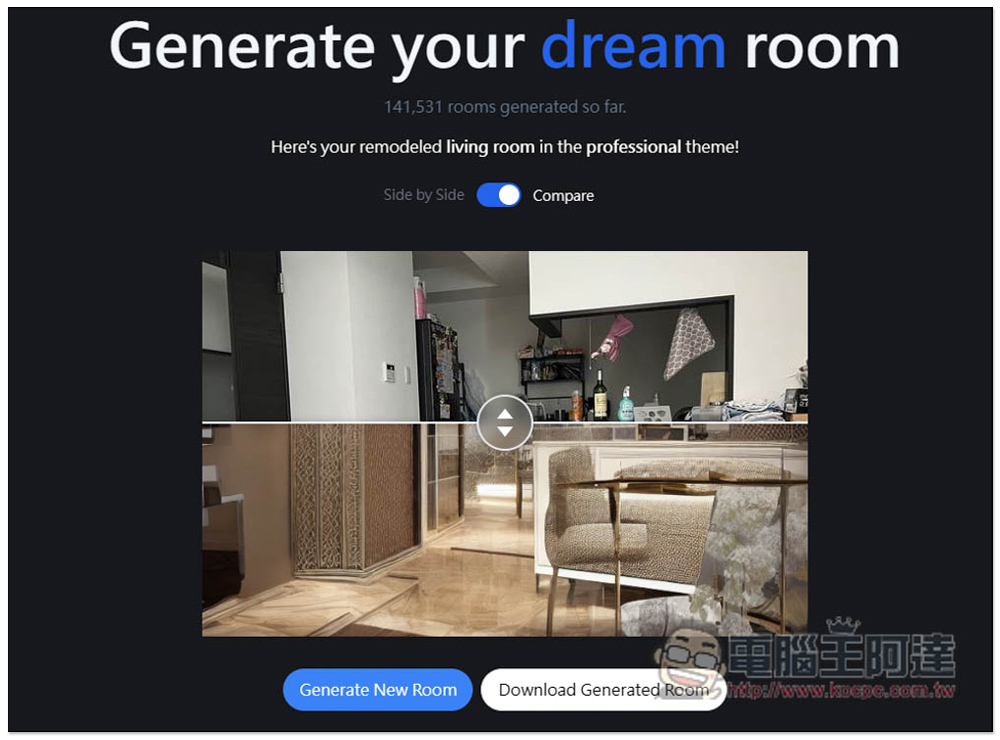
With this tool, you will discover that this space can have so many changes if you keep doing it over and over again. Of course, after all, it is generated by AI, there will still be some problems. For example, in the picture below, there is a wall in the innermost part, which cannot be extended. However, in the photo generated on the right, the wall has disappeared, and there is a space on the other side:
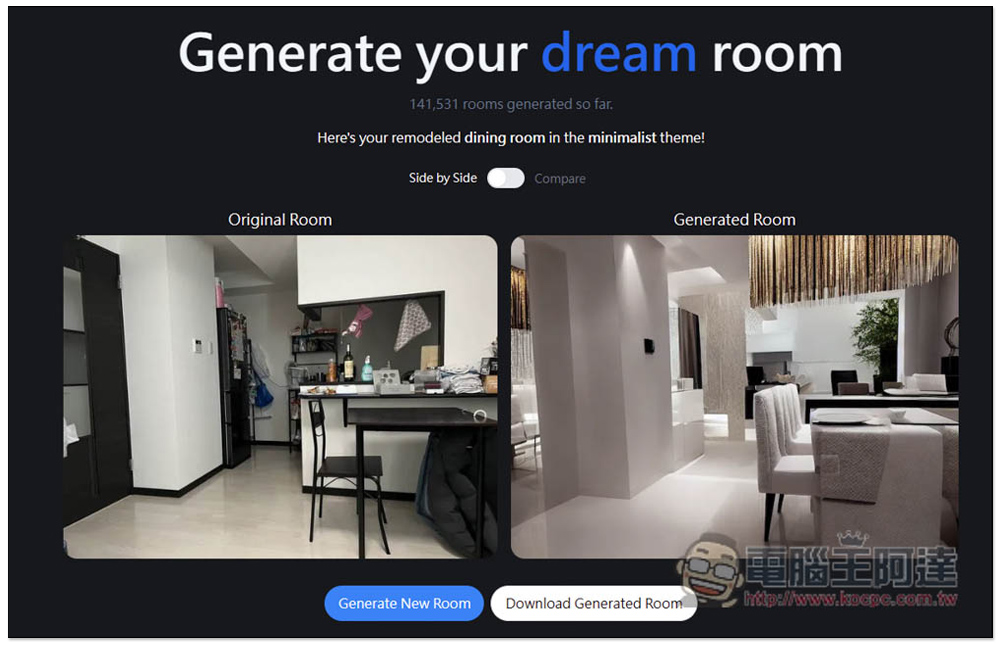
If this happens, just regenerate it. I like this one quite a lot, but the position of the refrigerator on the left is also weird:
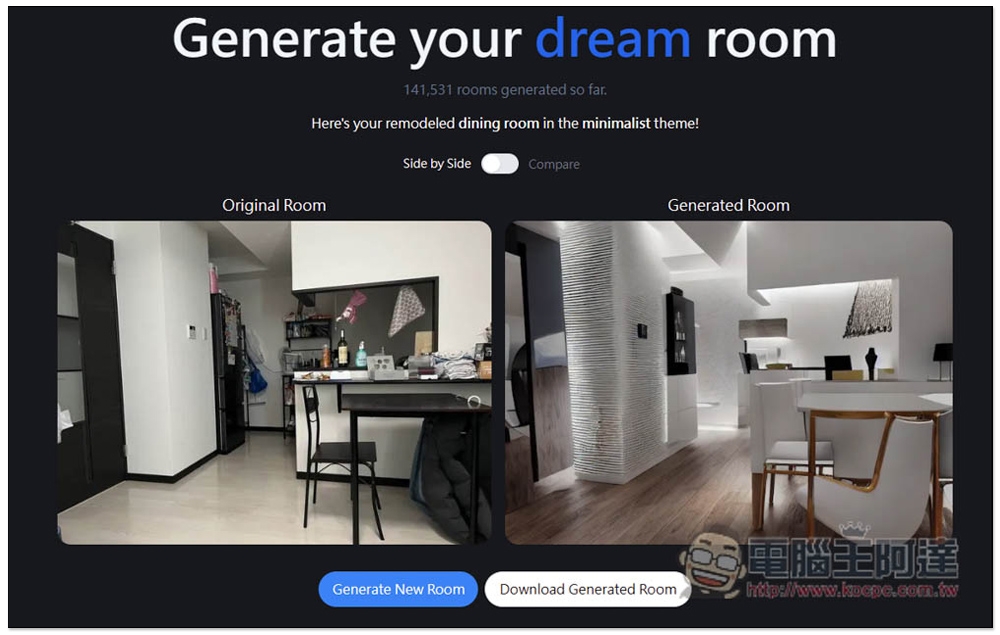
Also note that if you generate it too many times, you may be restricted and need to wait 24 hours before you can use it again, or use a VPN to change your IP before you can continue to use it.
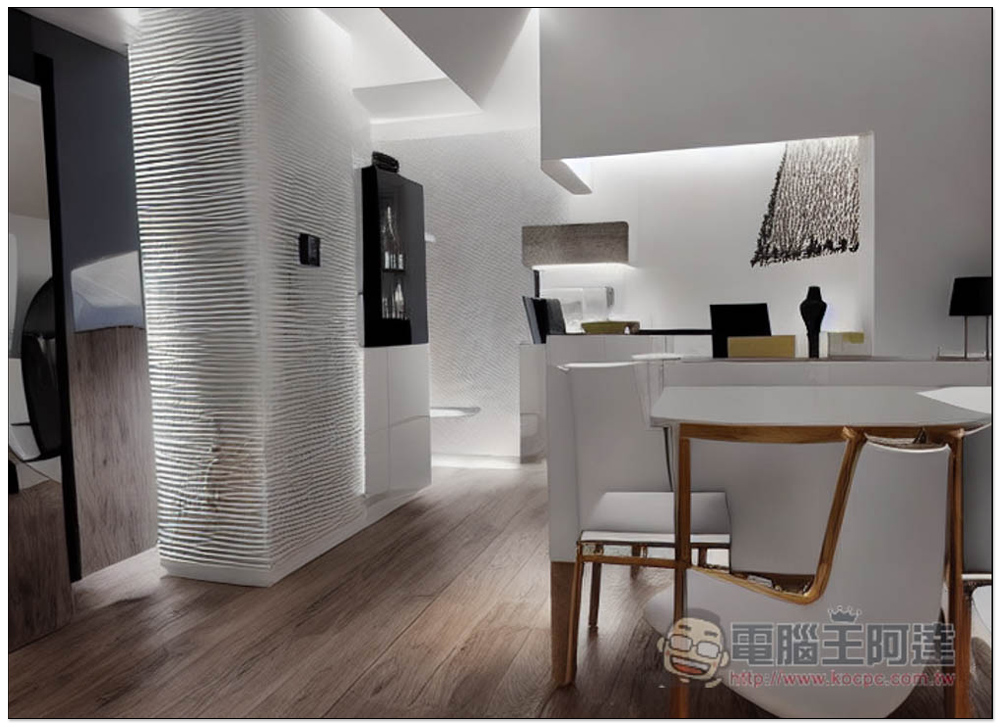
Ignoring the flaws in this picture, I quite like the overall style. The gold edges of the tables and chairs can also be replaced:
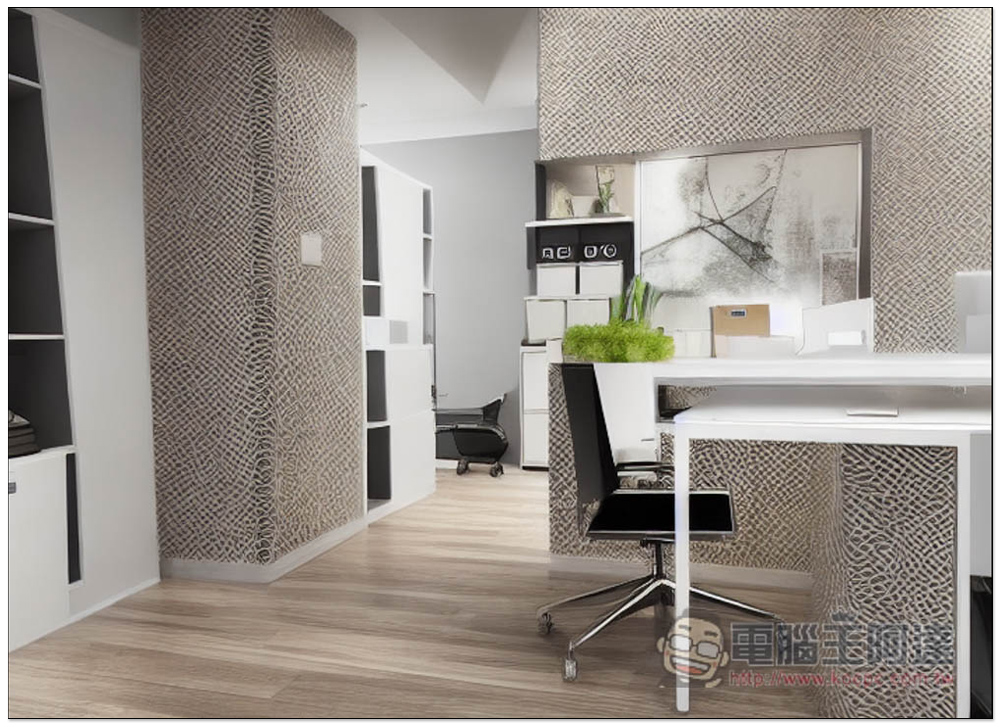
I changed the photo of the dining room to the office type and it will become this photo. So if you want to transform a certain space in your home into another room type, you can also use this online tool to take a look:
Source: KOCPC Chinese