


In the past we have introduced many websites that provide free coloring pictures, such as:Crayola、Super Coloring、Kids Nurie Wait, although every website has more than free coloring pictures to download, you still sometimes encounter situations where you can’t find a picture you like. Recently, AI drawing has become more and more powerful. It not only generates pictures, but also has tools to generate coloring pictures, such as the “Color Pop AI” recommended in this article. Enter a text description, and AI will help you generate a suitable coloring picture. With this tool, you don’t have to worry about not having enough coloring pictures.
Color Pop AI is a free tool that inputs text descriptions and lets AI draw to produce “coloring pictures”. You can make whatever pictures you want.
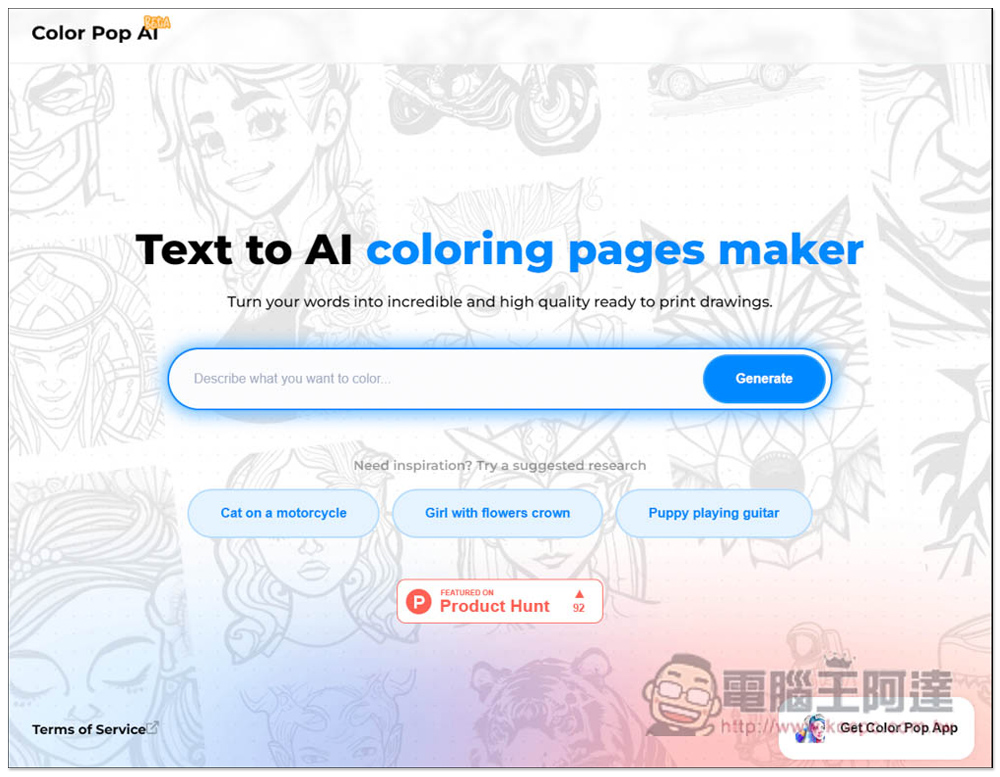
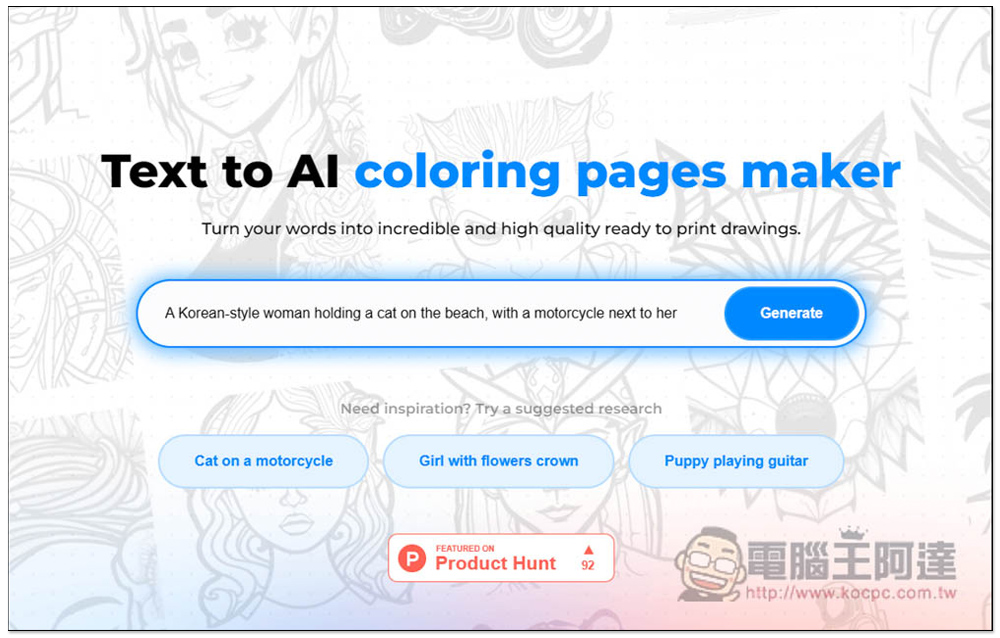
The way to use Color Pop AI is very simple. After entering the homepage, enter the description of the coloring image you want in the search bar, and then press Generate to generate it. If you don’t have any ideas, some commonly used text descriptions will also be suggested below:
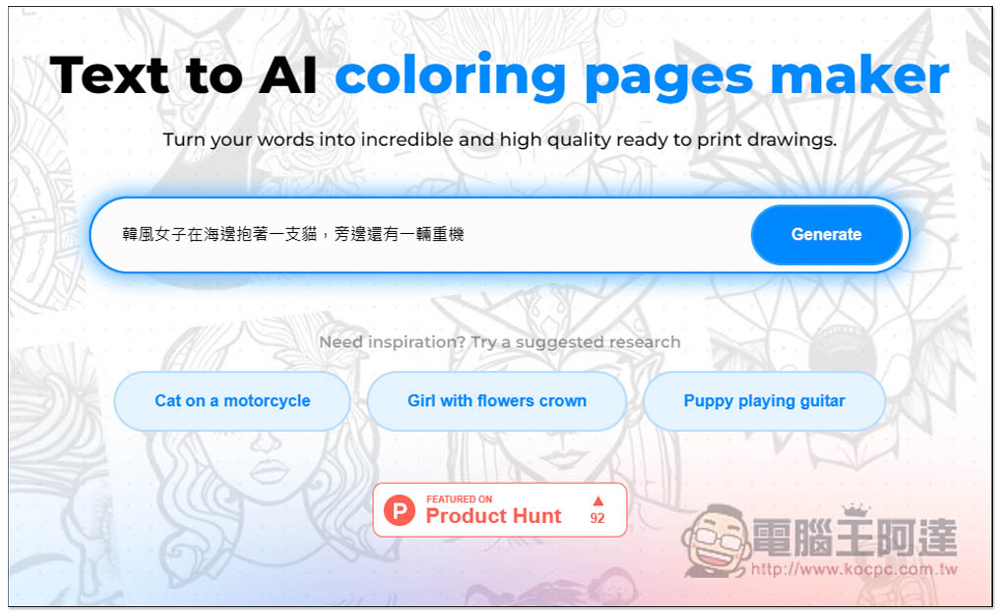
First, I tested the Chinese ability of this tool to see if it could produce the picture I wanted. I entered “Korean-style woman hugging a cat at the beach, and there is a heavy machine next to it”:
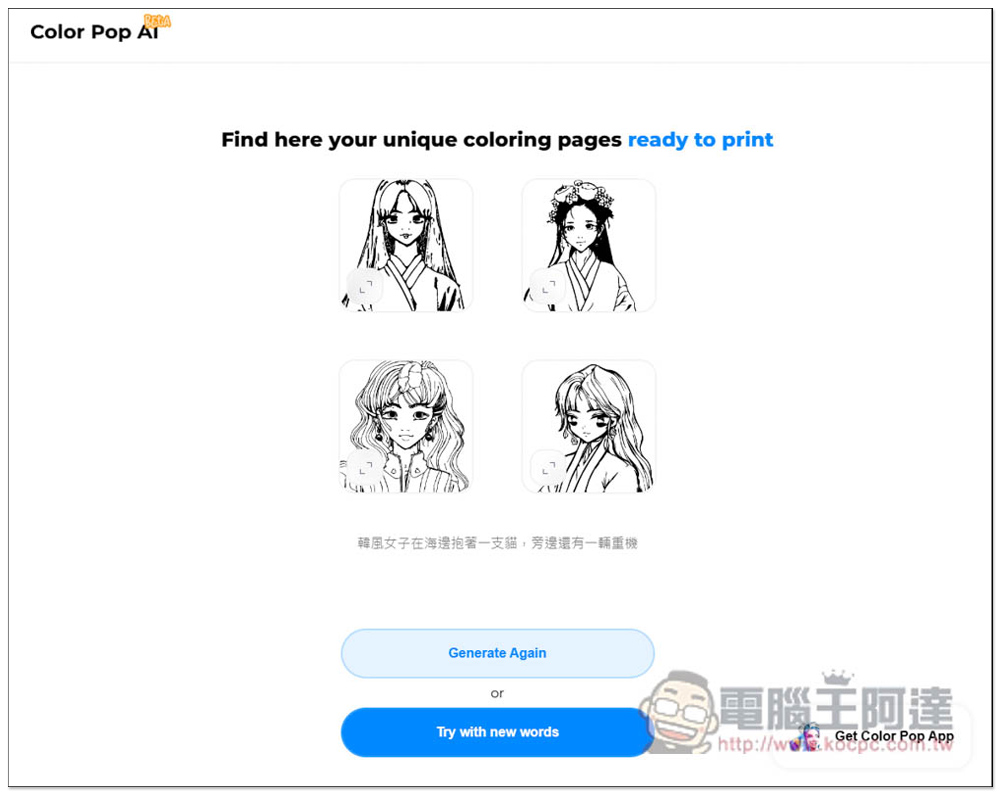
After waiting for a few seconds, the four pictures described in this description will be generated. The results are not very good (laughing). It is recommended to enter English:
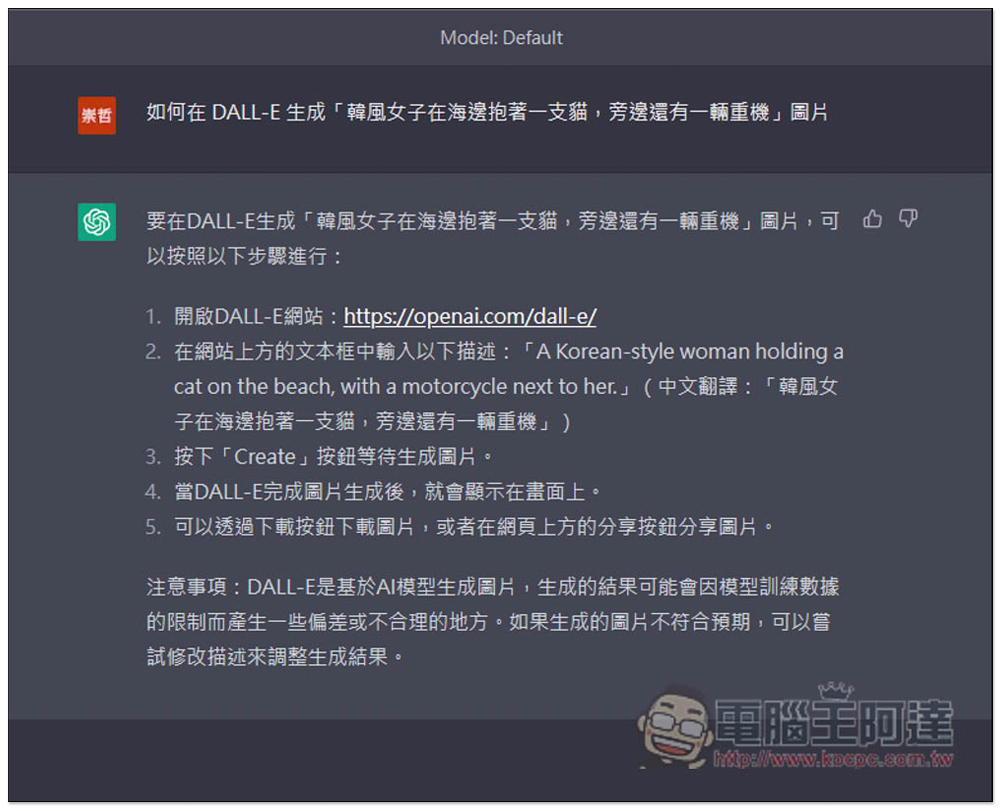
People who don’t know how to type in English don’t worry, in the previous ChatGPT Tips ArticleI mentioned in the article that ChatGPT can generate accurate Chinese-English AI drawing instructions, but the Color Pop AI website ChtGPT didn’t know it, so I asked how to input its own DALL-E. I got “A Korean-style woman holding a cat on the beach, with a motorcycle next to her.”:
Then I entered this English text into Color Pop AI and pressed Generate:
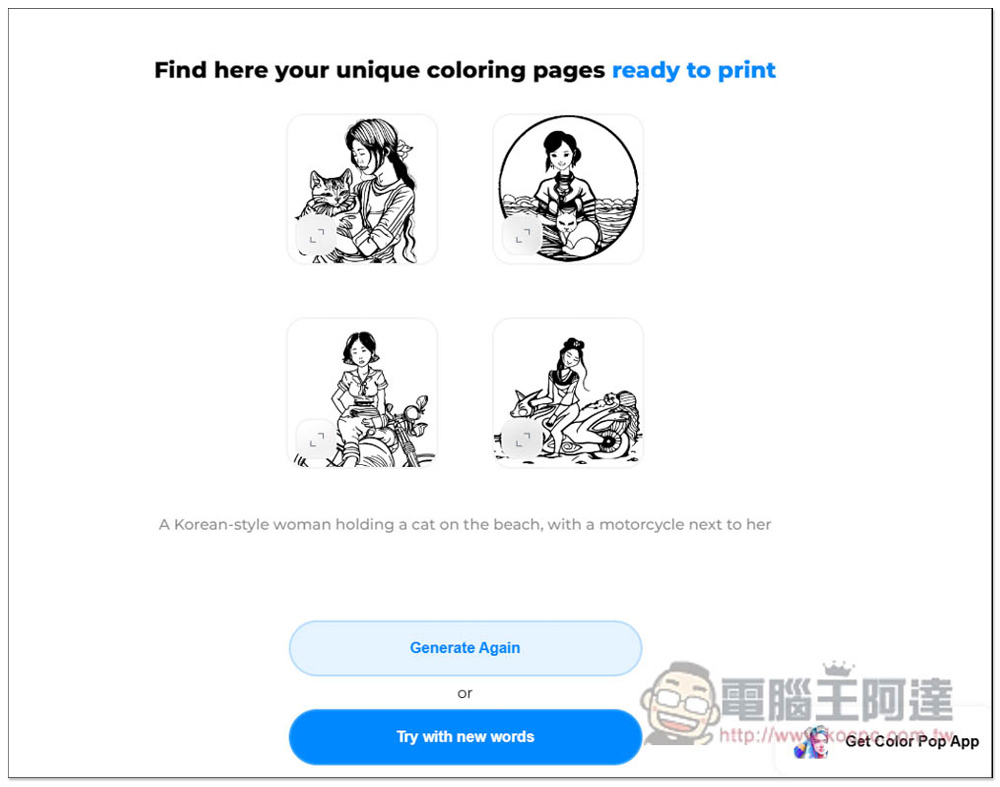
The AI drawing pictures obtained are indeed much better and indeed match my description. If you are not satisfied, you can click Generate Agin below to generate it again:
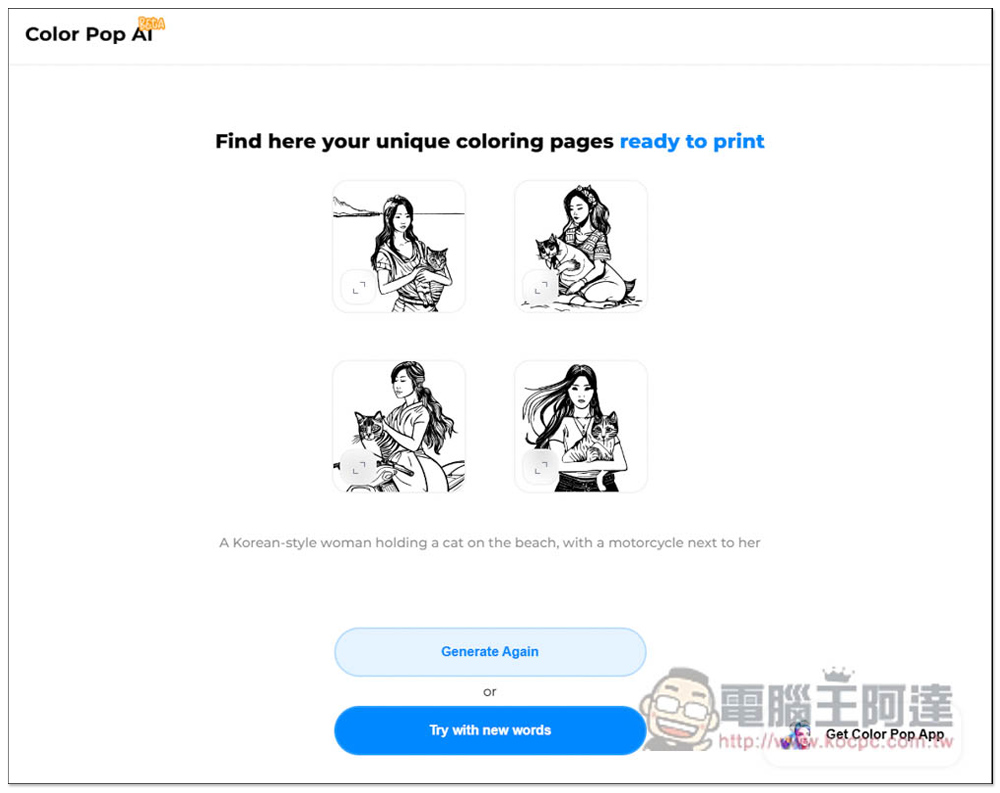
Four more images matching the description will be generated:
After clicking on the picture you are satisfied with, you can print it directly, all in A4 size, or you can click Download to download it:
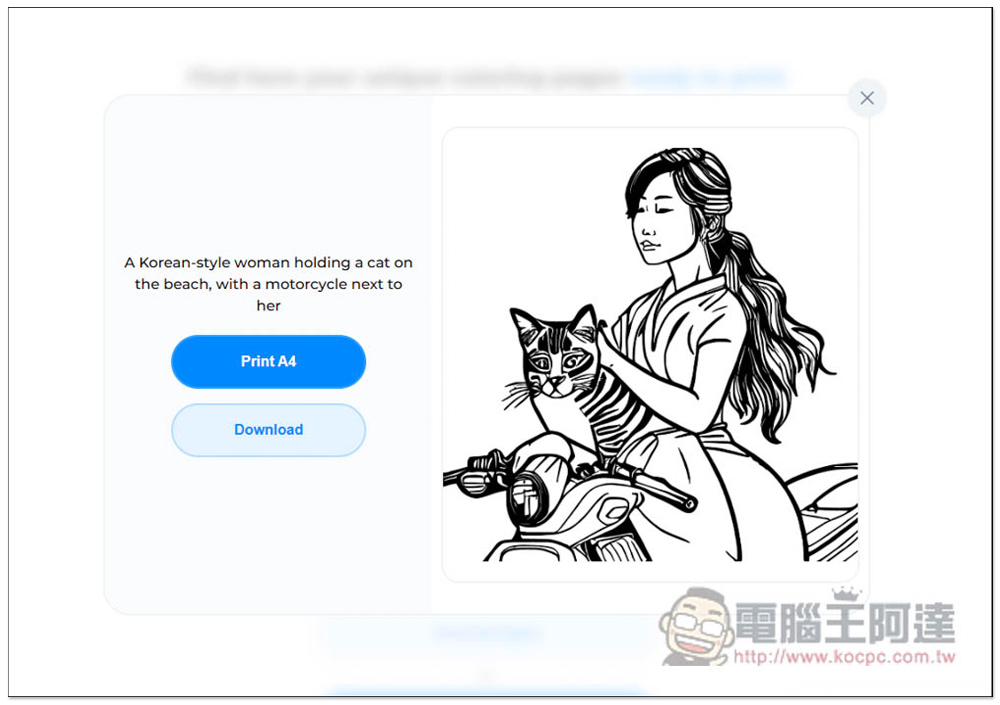
People with printers can print directly:
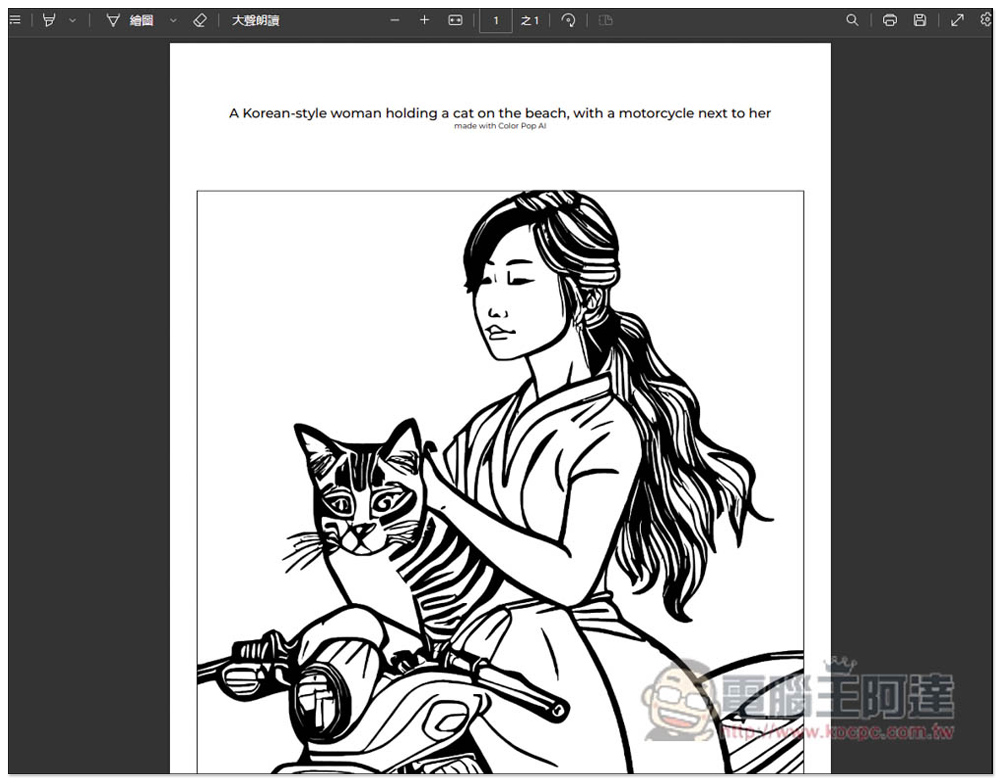
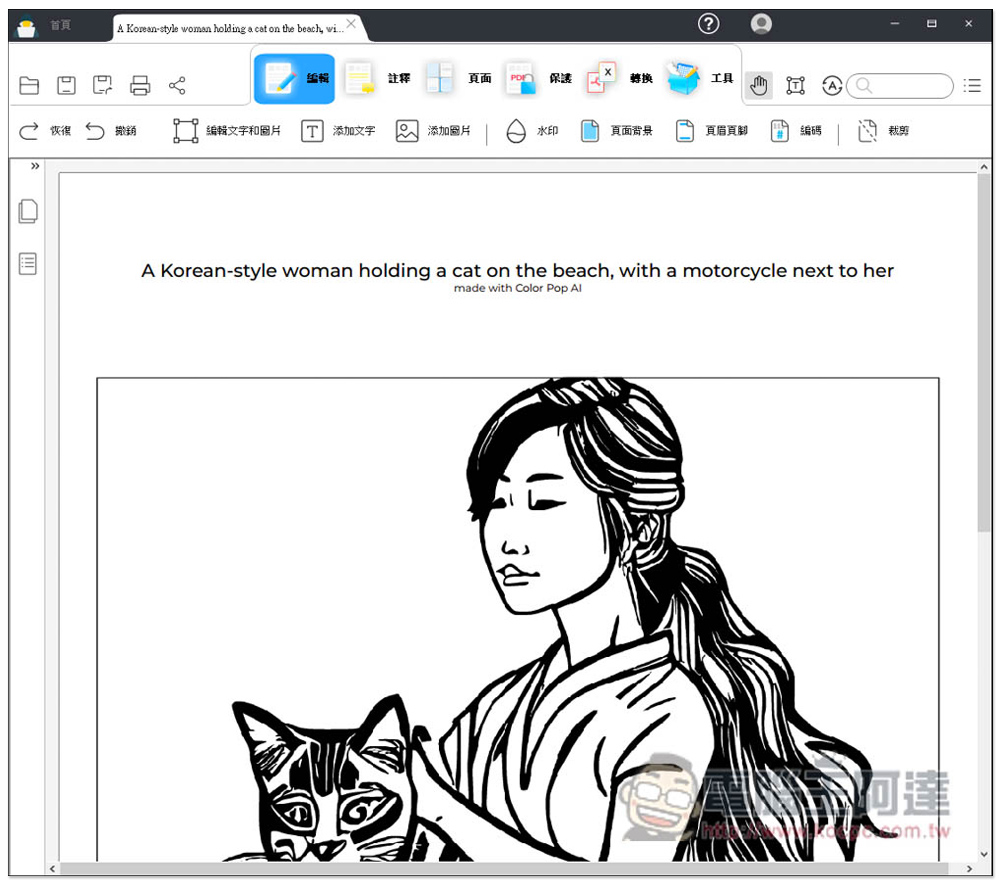
The downloaded file will be a PDF, not an image file. After all, this is a coloring tool, so it’s no surprise:
However, those who need image files can still download the image in a single save. Right-click the image and click Save Image:
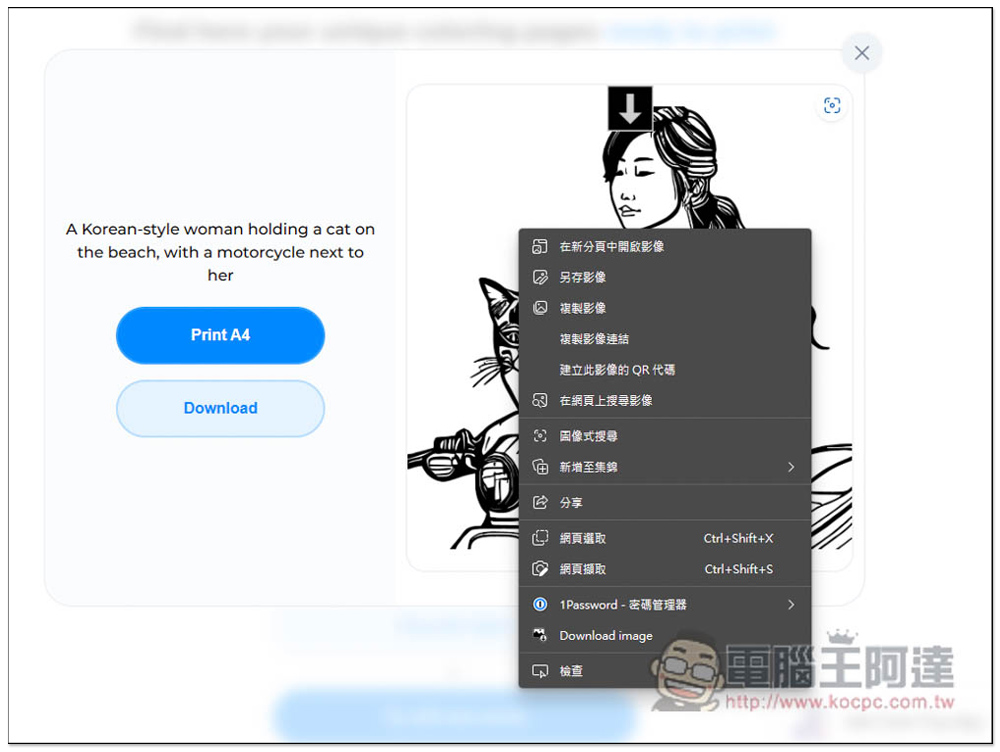
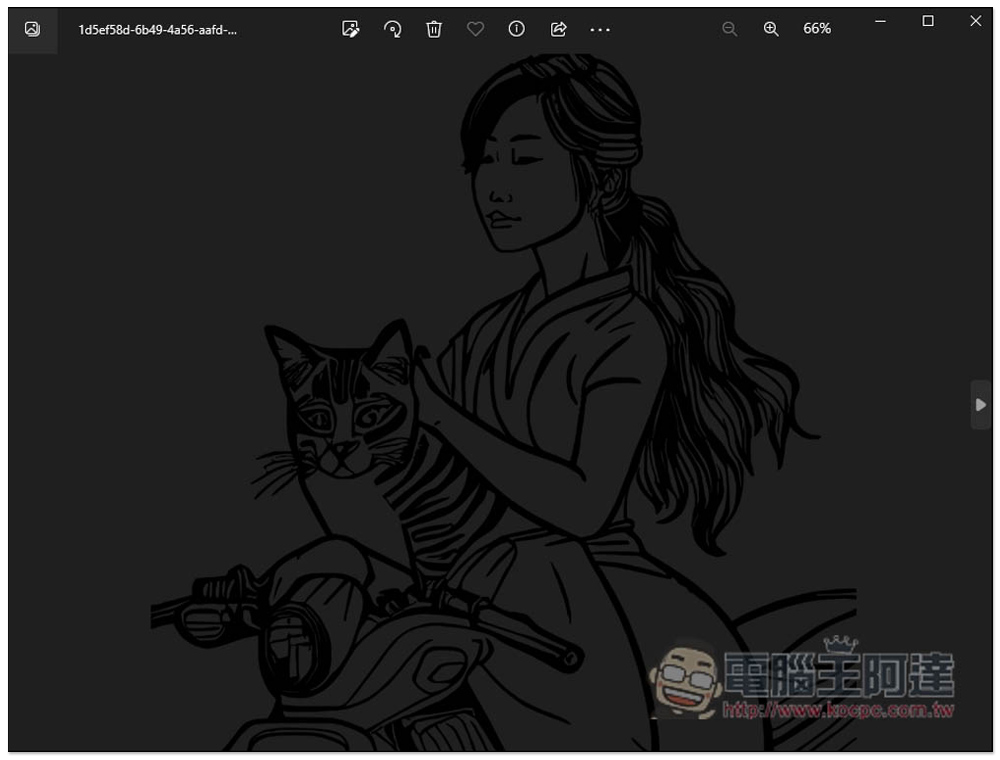
The image file is in PNG format and has no background:
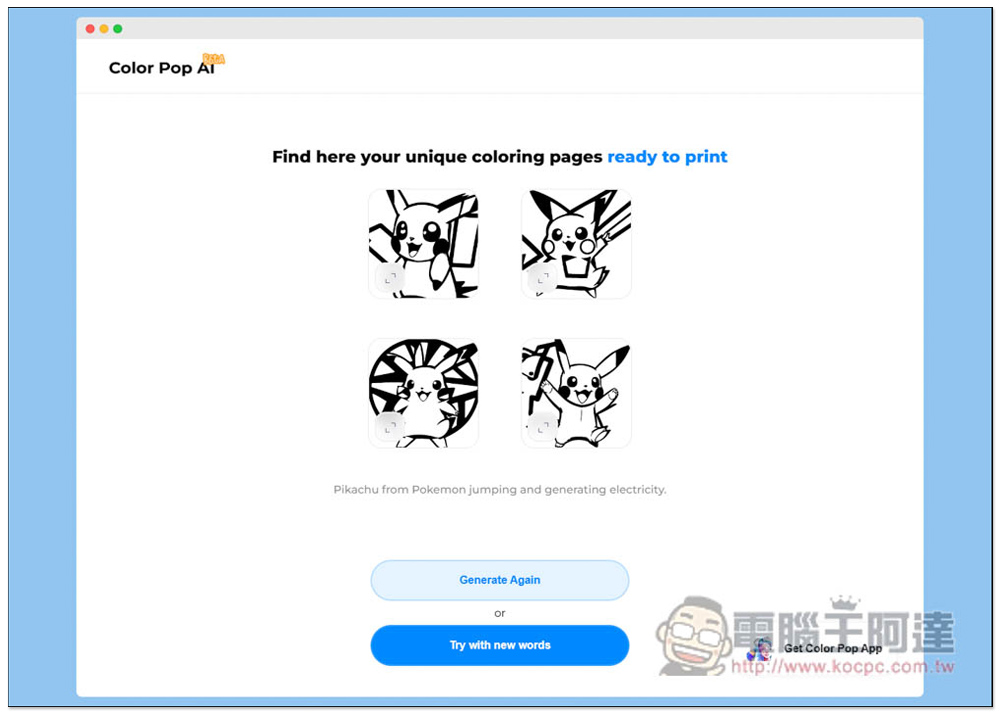
In addition to serious pictures, it can also produce coloring pictures of many cartoon characters that children like, such as Pika Qiu:
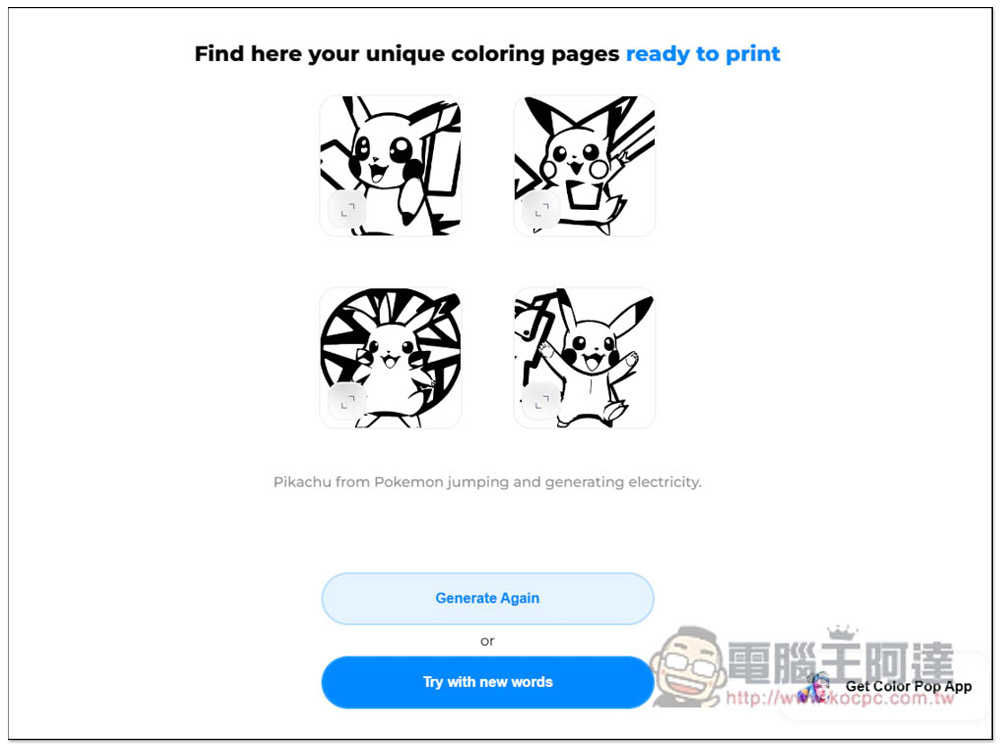
Another thing to note is that the coloring pictures used to generate cartoon characters can only be used for personal use and not for commercial purposes. This will still cause copyright issues.
This tool also has a mobile app version. If you need it, you can click here. App Store Download, and the Android version currently looks to be in development.
Source: KOCPC Chinese