


After some time, earlier… Copilot Finally announced the official upgrade of its own image generation feature, introducing with ChatGPT The same 4o Image Generation means that images ChatGPT can generate, basically Copilot can do too, like converting toGhibliStyles, adding Chinese text to images, modifying details within images, generating figurine characters, realistic photos, and more.
More importantly, the free version of Copilot doesn’t seem to have a quantity limit for now—you can generate as many as you want. At least, I’ve generated 20 in a row without any issues, which is super generous.

Copilot has finally adopted the 4o Image Generation capability — anything ChatGPT can do, it can do too.
Earlier, Copilot announced on its official community that it has integrated the image generation capability of 4o Image Generation. In theory, it should be available across all platforms, but when I tested the web version, Windows app, and Edge browser version, they all failed. Only the mobile app worked. If you’re experiencing the same issue, you can try using your phone instead.
4o Image Generation is live! Bring your creativity to life and share your creations by using #MakeItWithCopilot. Here’s what I can do:
⚡Render accurate, readable text
⚡Edit what you created
⚡Follow complex directions
⚡Transform an existing image’s style
⚡Make… pic.twitter.com/3ZhXB19J5g— Microsoft Copilot (@Copilot) May 15, 2025
The way to use it is just like ChatGPT: after opening the app, tell Copilot what kind of image you want to generate. If you want to convert it to another style, such as Ghibli, attach the photo or image you want to convert.
I feel the generation speed is slightly faster than ChatGPT, possibly because not many people are using it at this stage.
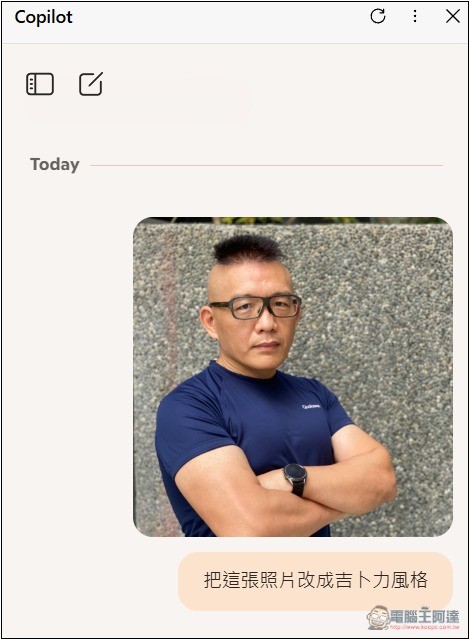
I tested it and indeed Copilot can generate the same quality as ChatGPT, such as converting photos to Ghibli style. Just use the prompt “convert to Ghibli style”:
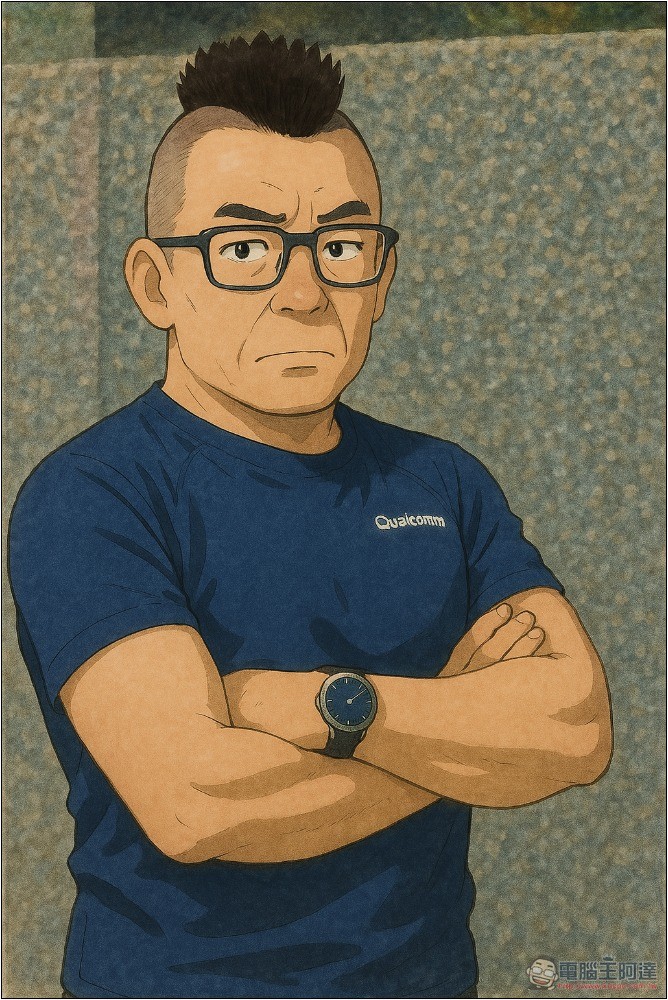
In the previous article introducing ChatGPT, I tested a design that incorporated the Computer King Ada figure avatar. This time with Copilot, I did the same, asking it to combine and add “Computer King Ada”, then modify it into a wide version, adding a line saying “Generated by Copilot”. Copilot completed it perfectly, which is the image on the homepage:
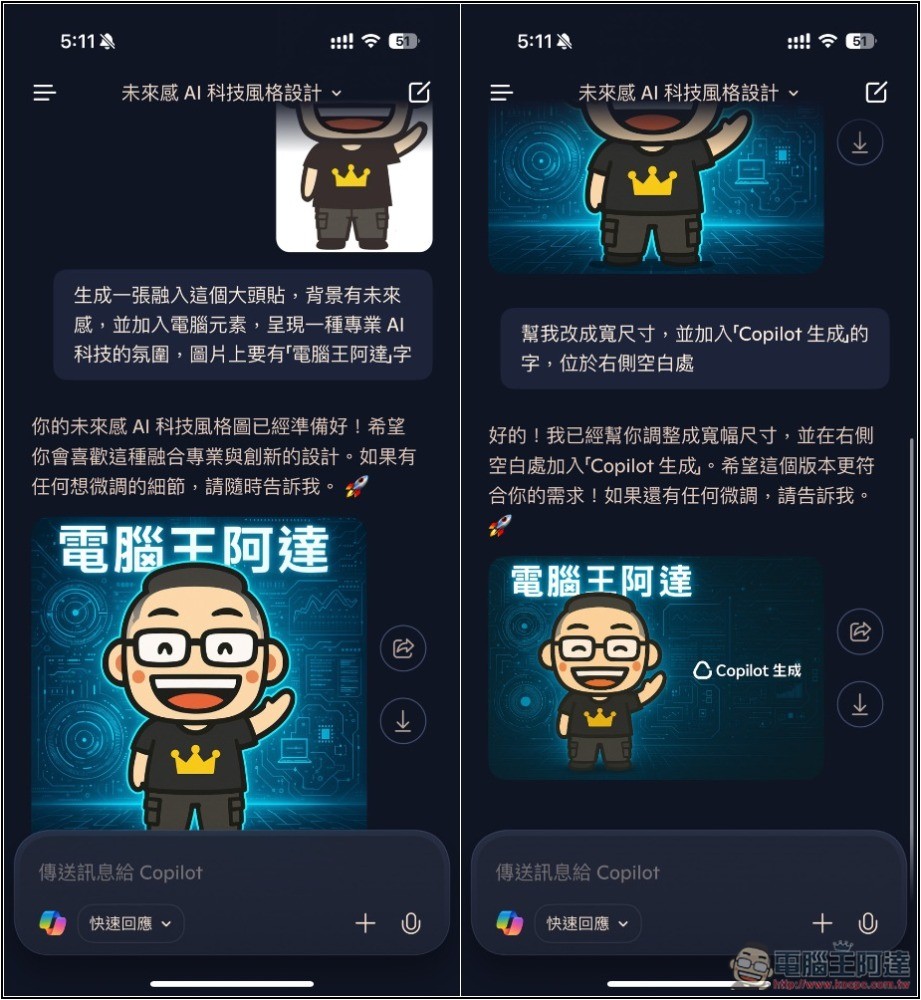
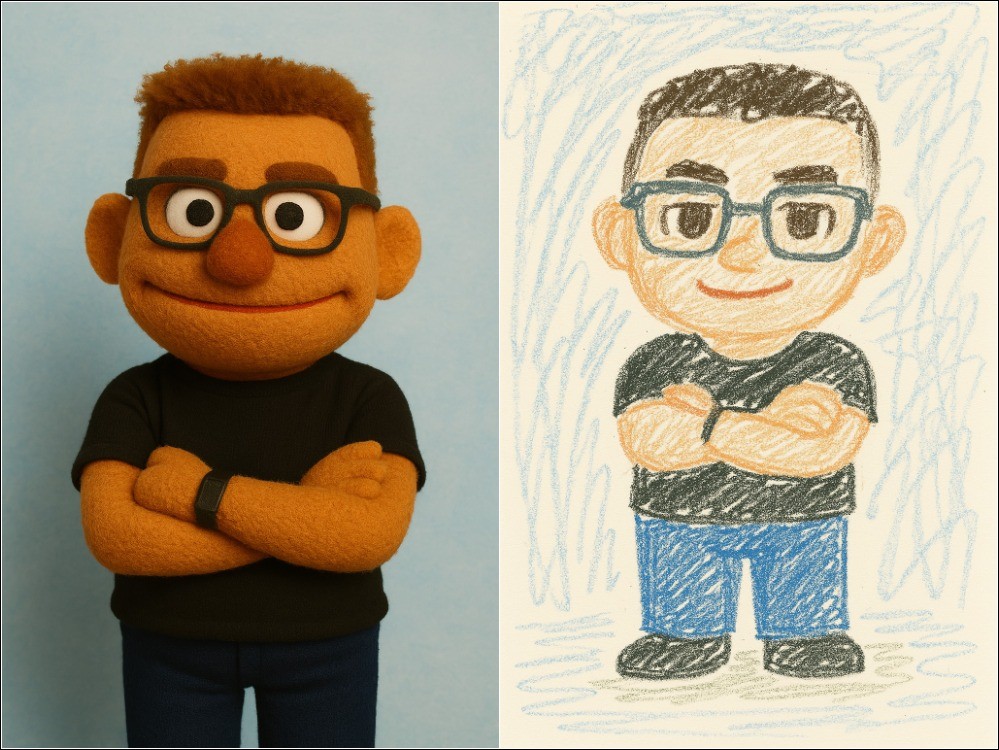
Convert images to Muppet character style, and even a 5-year-old’s drawing succeeds:
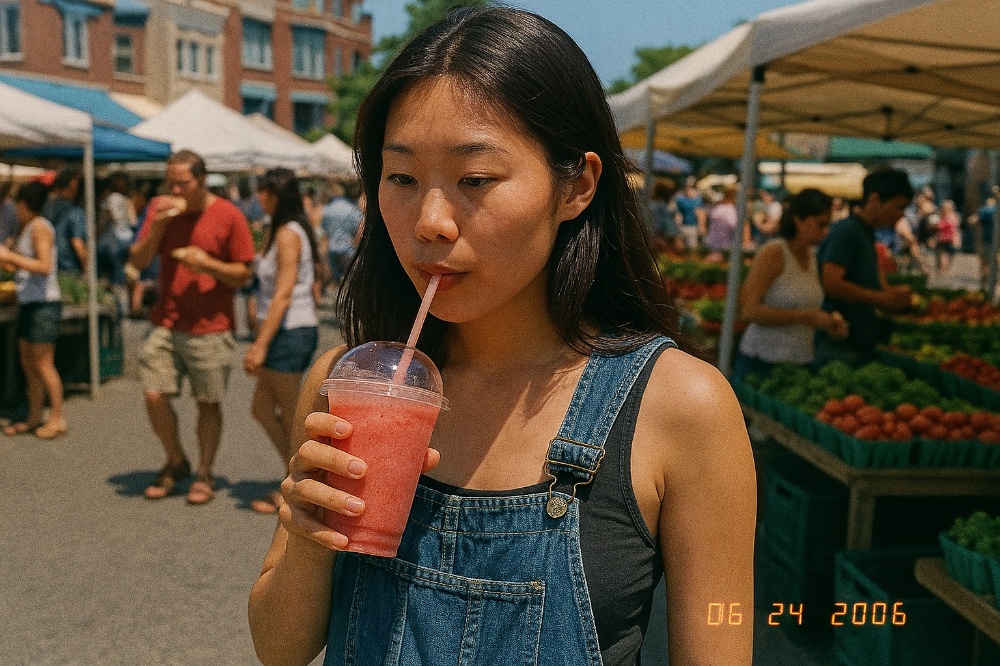
I also tested the prompt OpenAI used when introducing ChatGPT image generation, a 2006 retro photo of a young Asian girl holding a strawberry banana smoothie, and Copilot generated an image of the same quality, also with a photo timestamp in the bottom right corner:
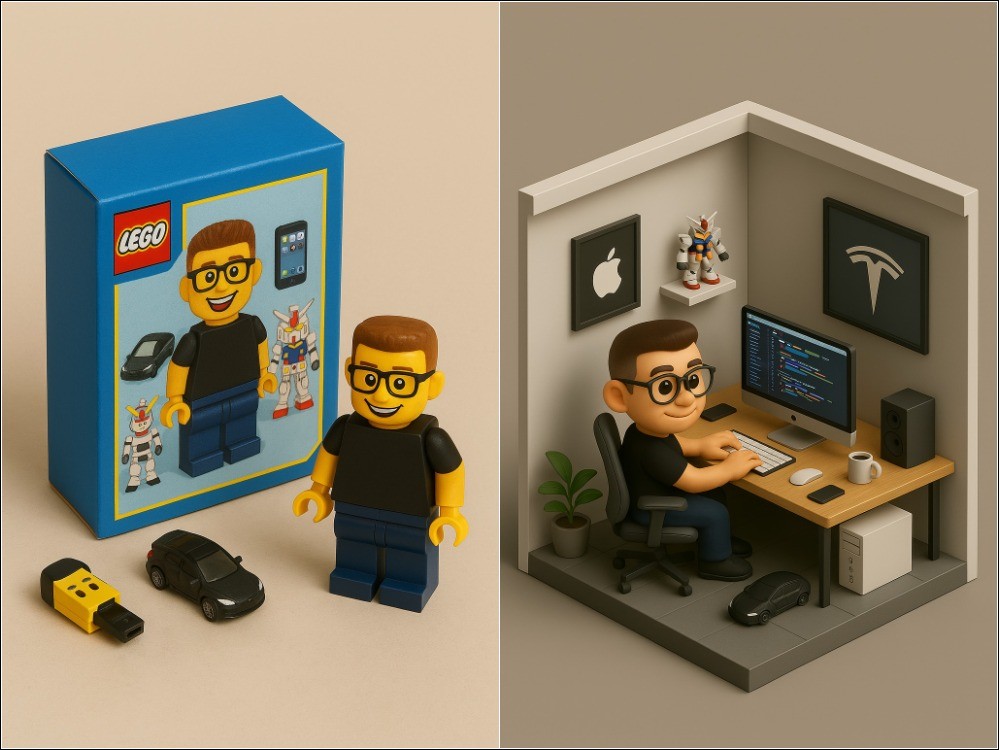
And the figurine series that was also all the rage a while back, Copilot had no problem either, but I tested… Chibi-style blister pack figure imageThe prompt just fails, Copilot won’t generate, not sure what the reason is:
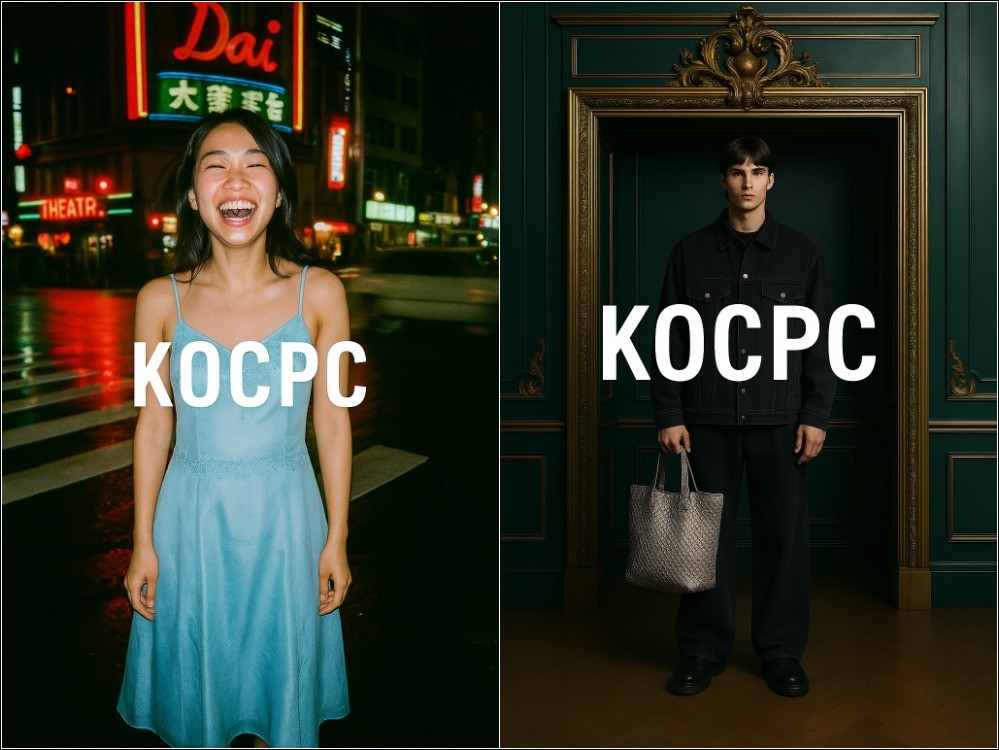
I tested adding the KOCPC text in the middle of other vintage and fashion photos, and they all turned out successful, with very high quality:
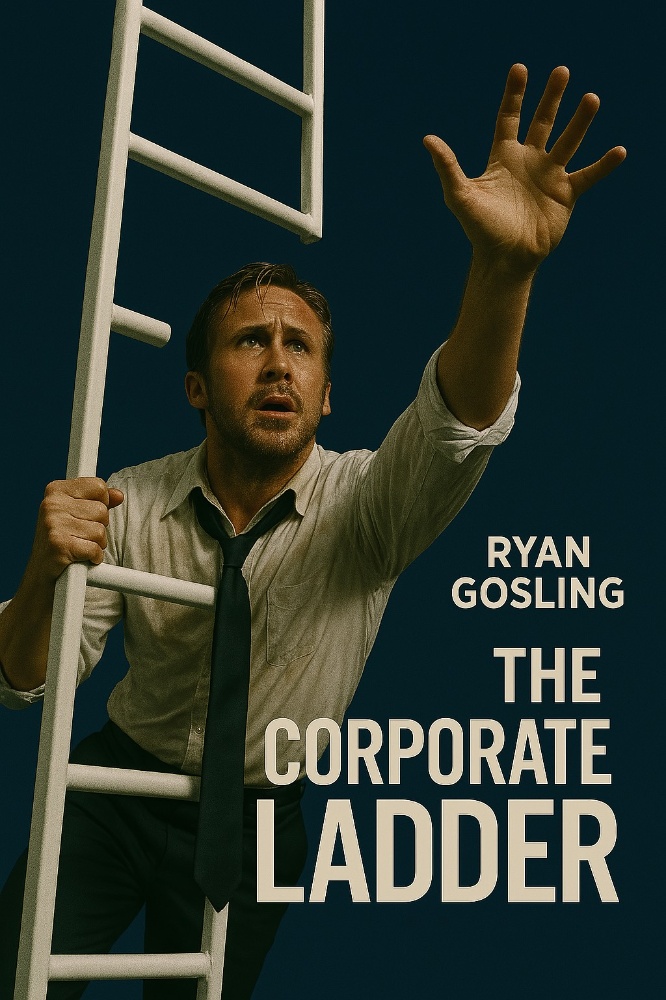
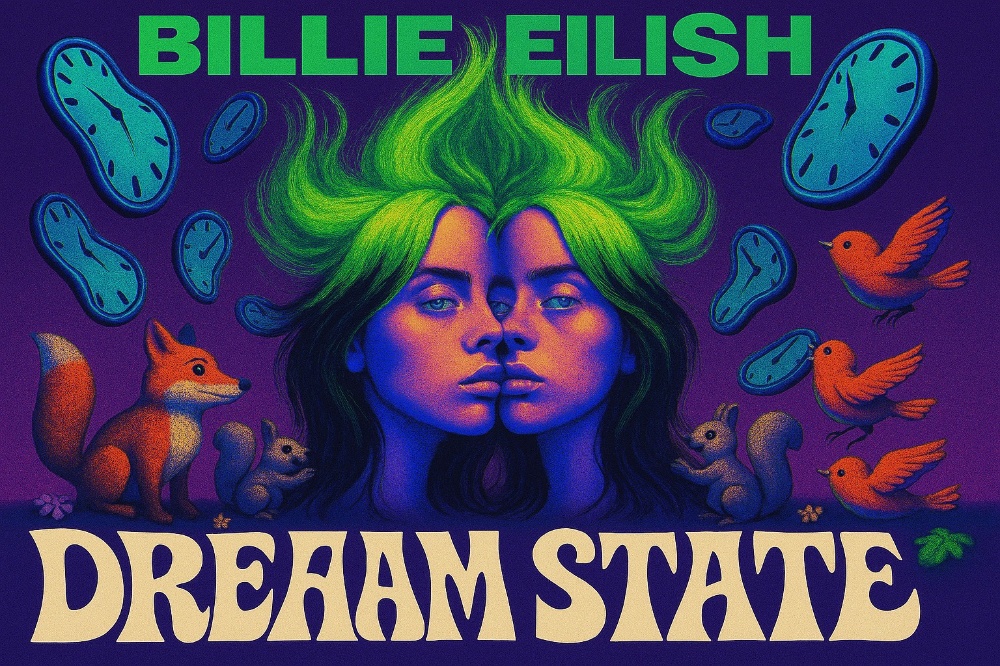
The poster image is also fine:
This kind of fantasy-style artwork is also quite nice:
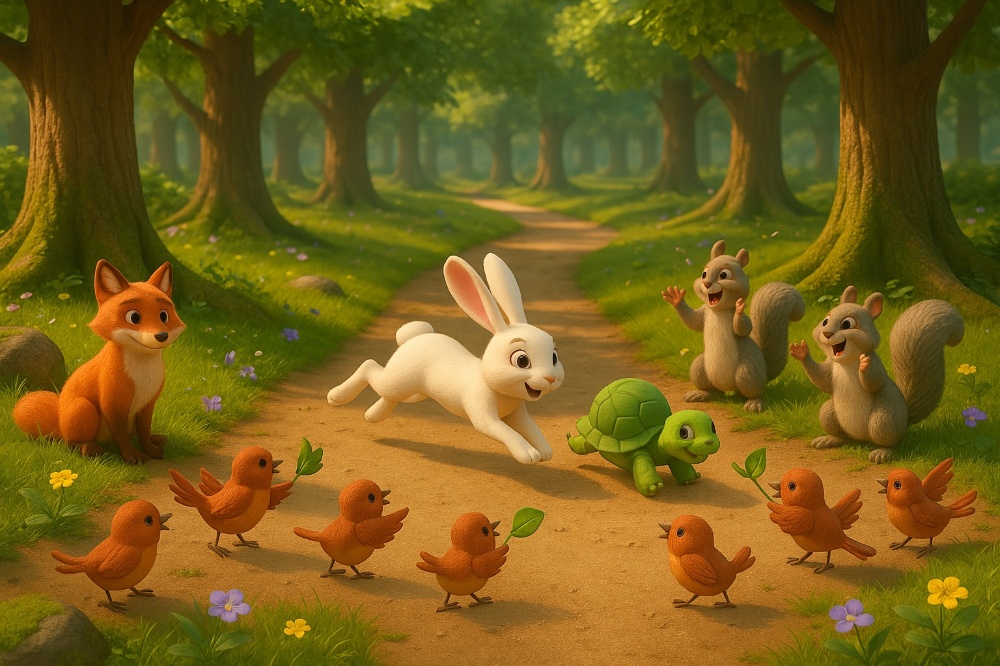
The 3D cute forest images are also great:
Copilot has not officially stated whether the free version of the newly released 4o image generation feature has any usage limits. I tested generating 20 images in a row successfully, which means at least that many can be generated. Additionally, on the Reddit forum, someone tested 25 images without any issues, so it might really be unlimited.
However, as more and more people learn about this, not only might generation speed slow down, but Copilot could also start limiting the number of images even further, so if you want to try it, you’d better be quick.
Copilot App download link
Source: KOCPC Chinese