


Although there are many free PDF tools on the Internet, they need to upload the PDF to the server. Therefore, if it is a more important document, I do not recommend it. It is better to use the desktop version. If you don’t have one on your computer yet, Geekersoft PDF Editor Pro 3, which is currently available for free, is highly recommended. It has a Traditional Chinese interface and supports editing, converting, OCR and other functions. It has almost everything you need. The original price is US$39.99, which is about NT$1,200.
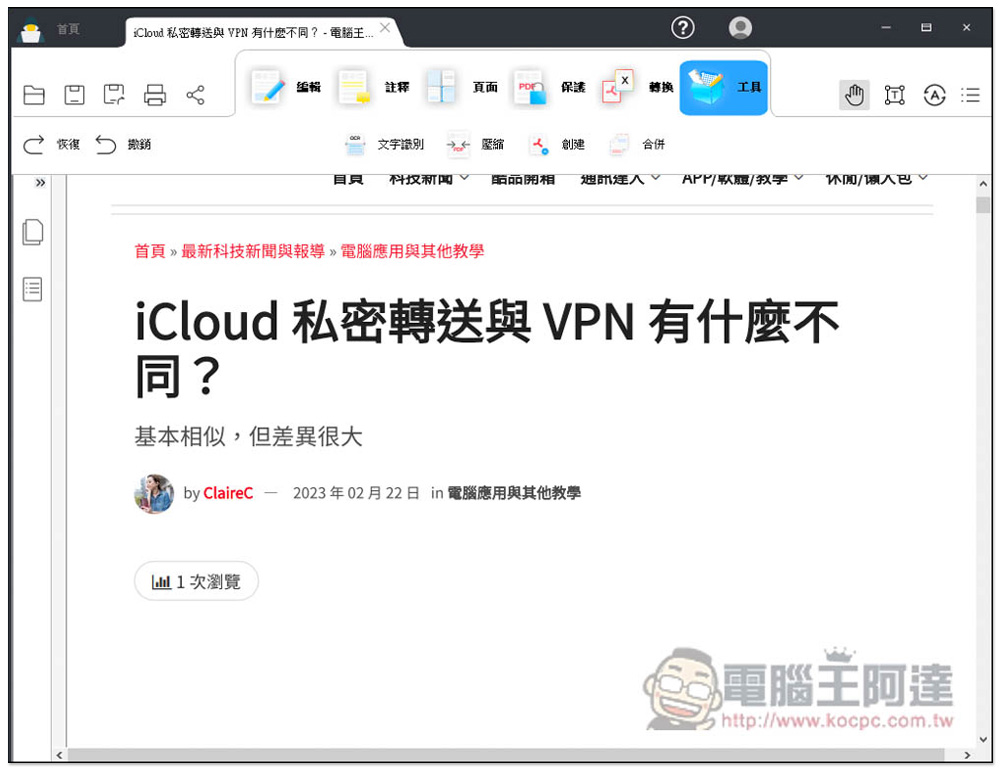
Missing PDF editing software? Geekersoft PDF Editor Pro 3 professional software that supports Chinese is now free for a limited time, save $39.99 now
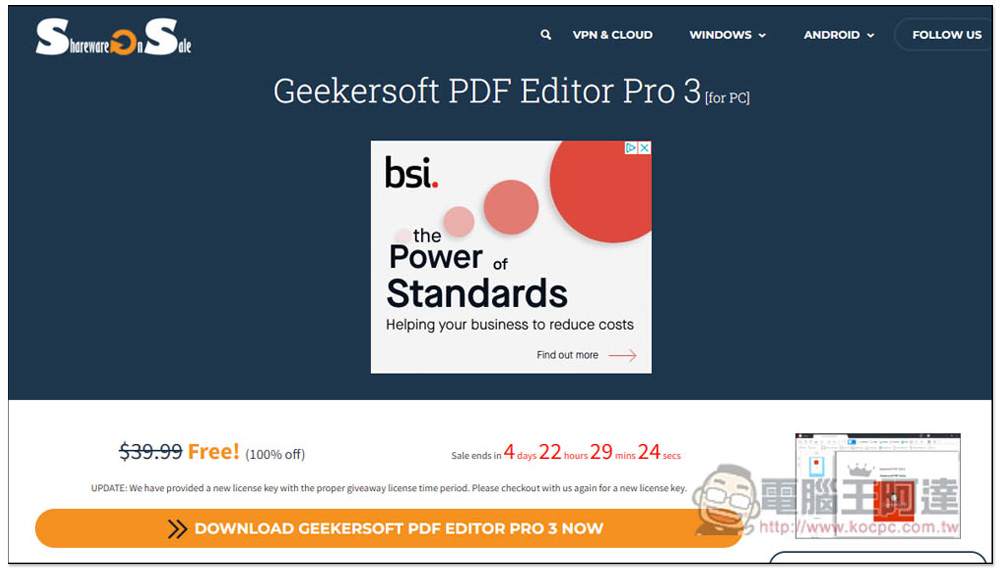
This time Geekersoft PDF Editor Pro 3 is launched for free. Everyone is very familiar with the SharewareOnSale website. After entering the limited free page, click DOWNLOAD GEEKERSOFT PDF EDITOR PRO 3 NOW below. There are still more than four days left:
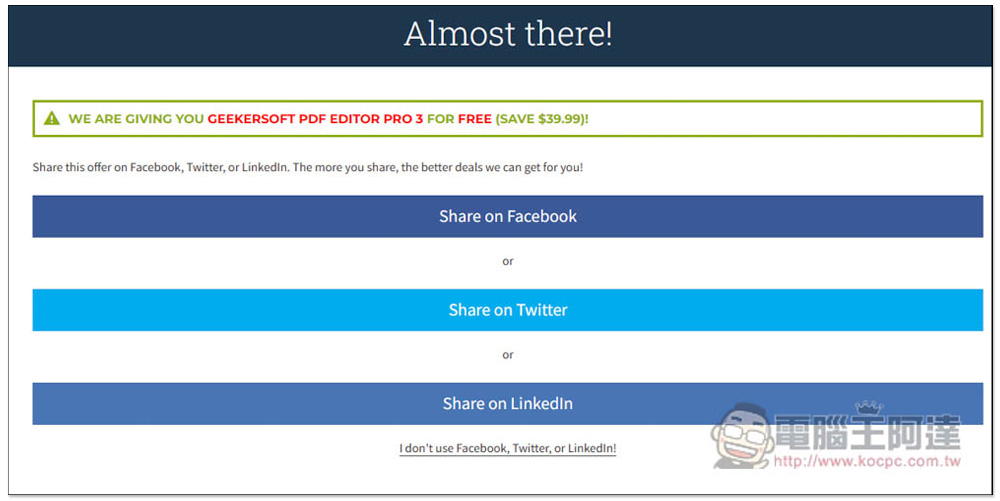
You will then enter this page. If you don’t want to share it on social networking sites, click I don’t use… at the bottom:
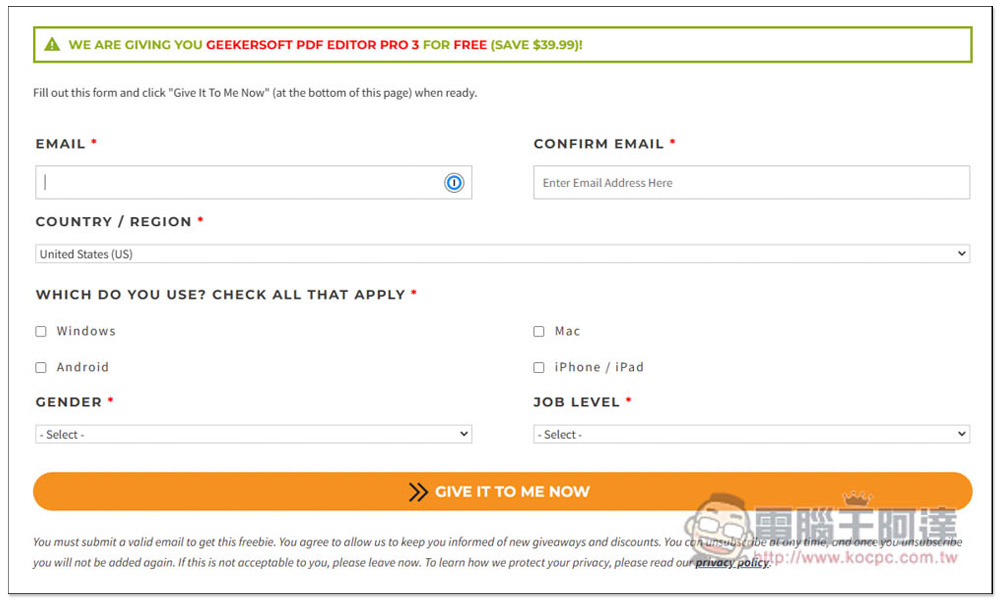
It will turn into a data input page. The data here can be filled in anonymously, and E-mail is also acceptable, because you will get the software installation point and serial number on the next page, and there is no need to receive emails:
As shown below. The serial number looks like it should be generic:
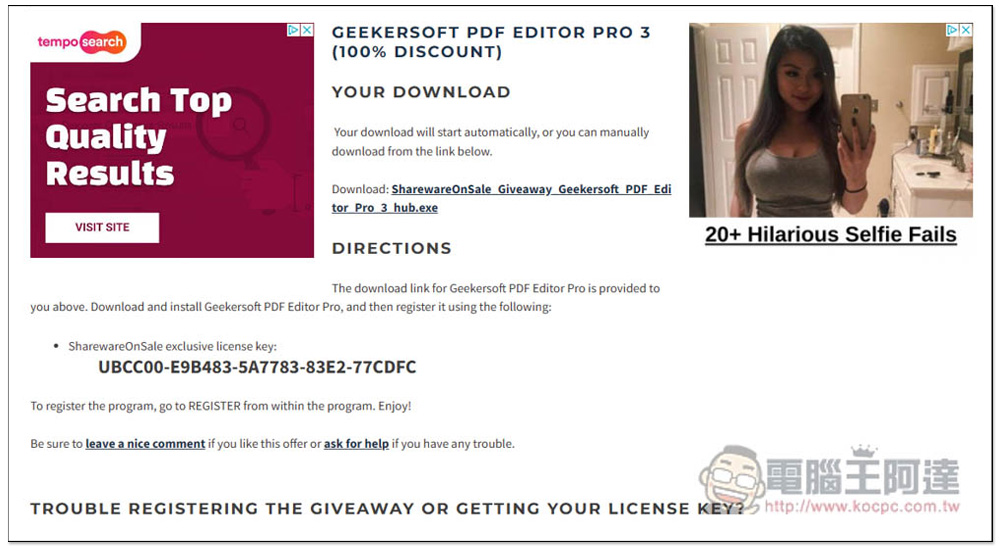
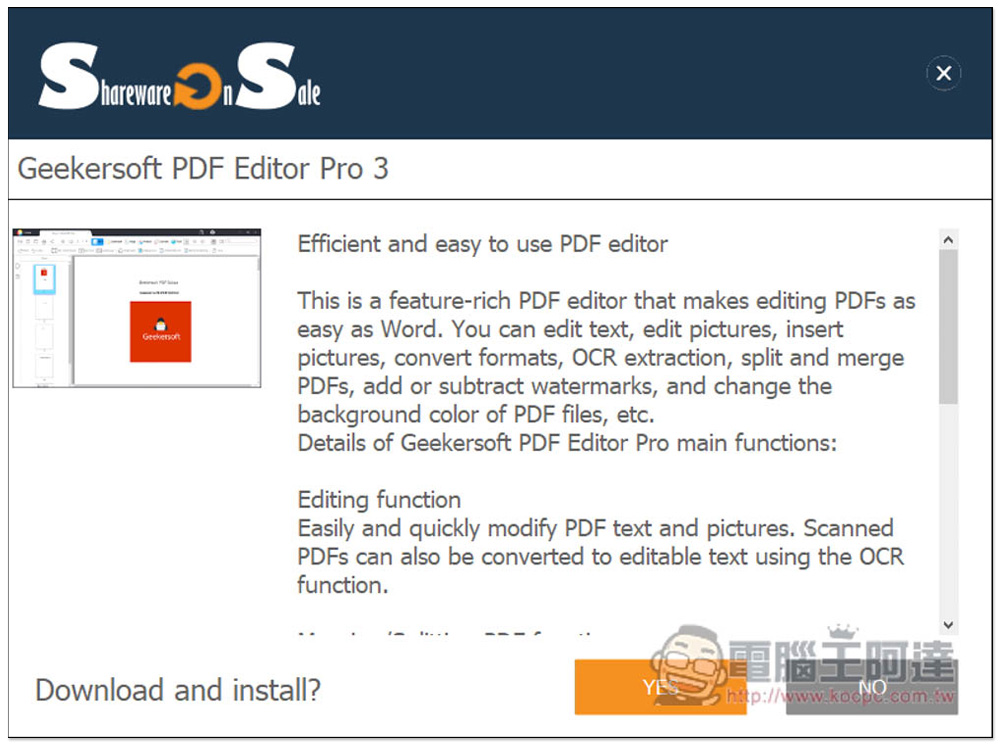
The installation file needs to be downloaded using the Hub of this website, click Yes:
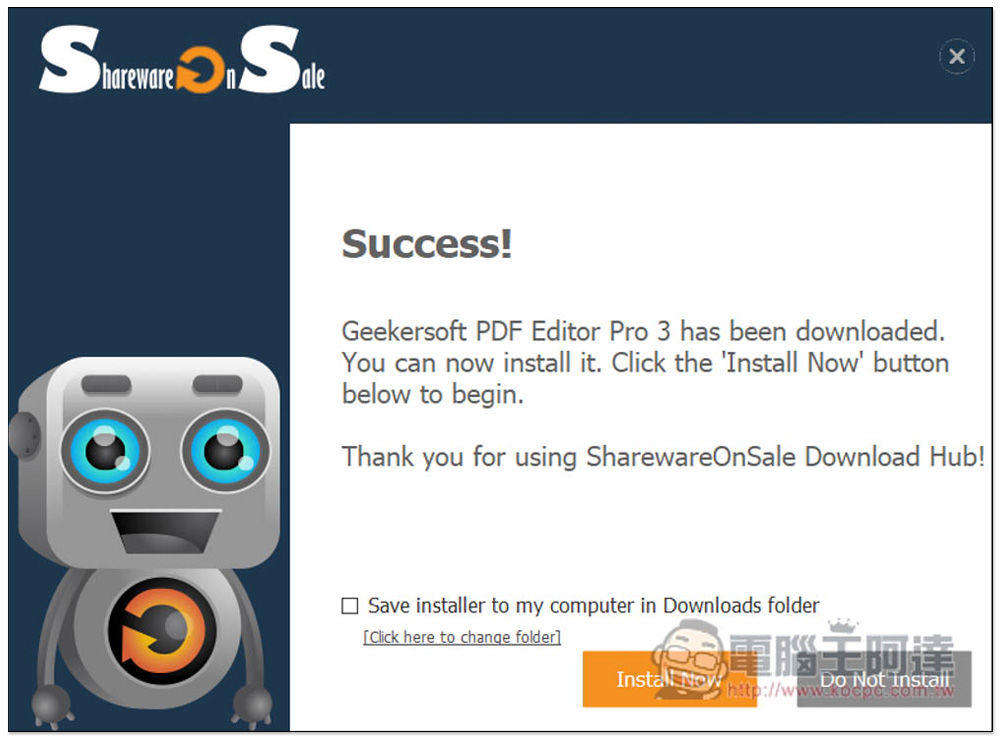
After downloading, press “Install Now”:
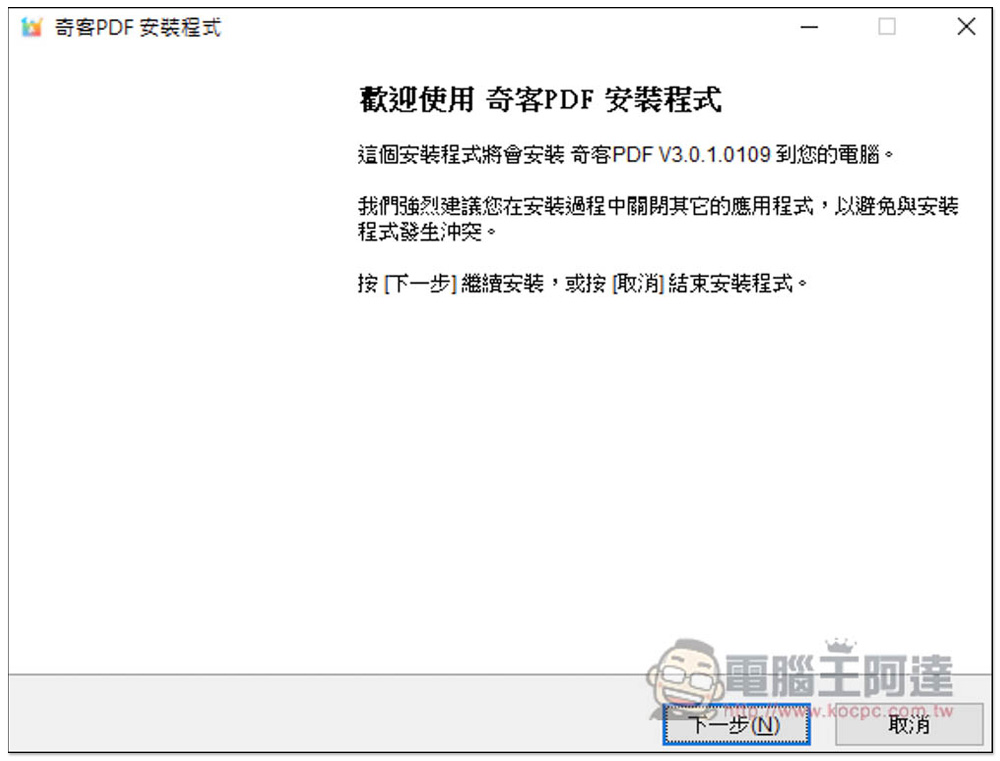
If there are no special requirements during the installation process, just keep pressing Next. The Chinese name of this PDF software is “Qike PDF”:
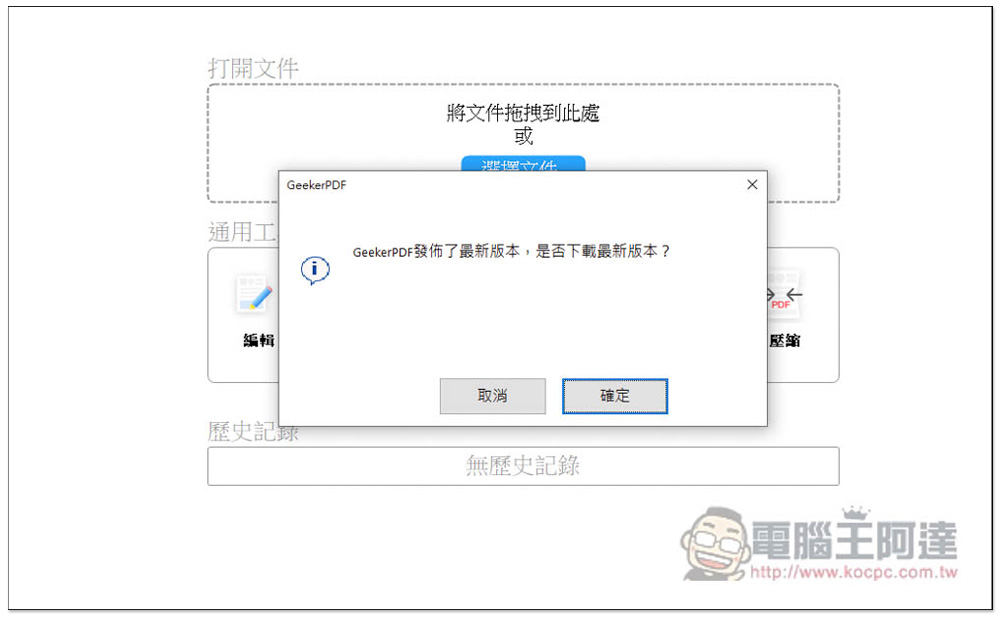
After opening the software, if a message pops up saying that a new version has been released, logically speaking, it should be updated. The free website mentions that you can get free updates for one year. If you are worried, it is recommended to skip it and press Cancel (I pressed Cancel):
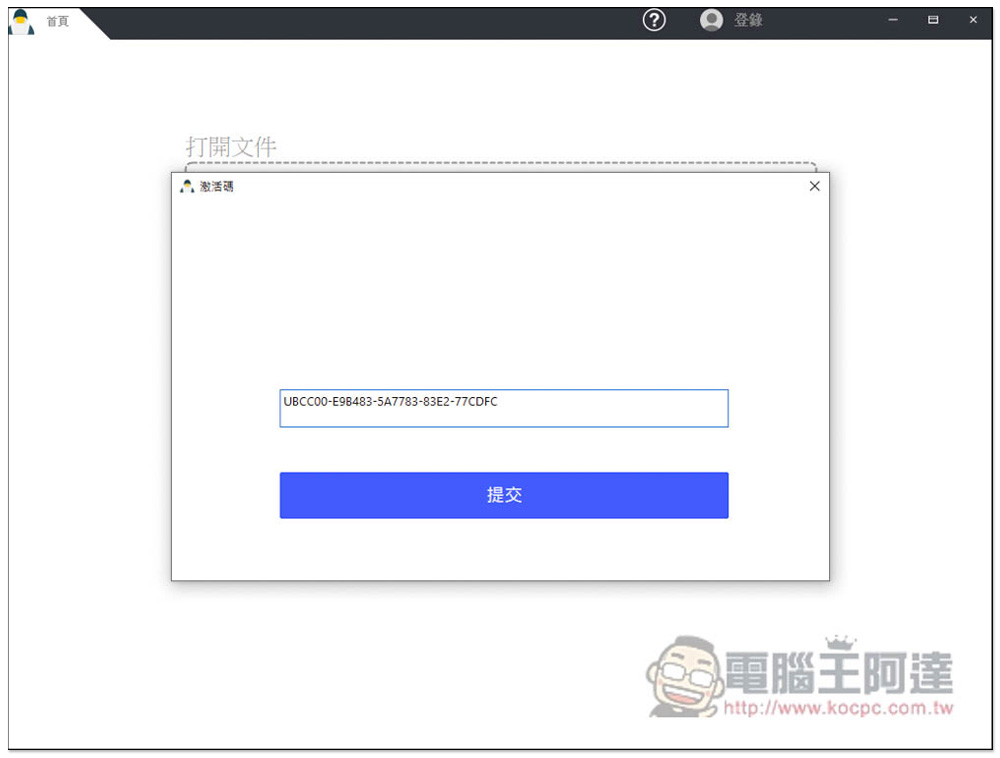
Click Login above, then fill in the serial number you just obtained and submit:
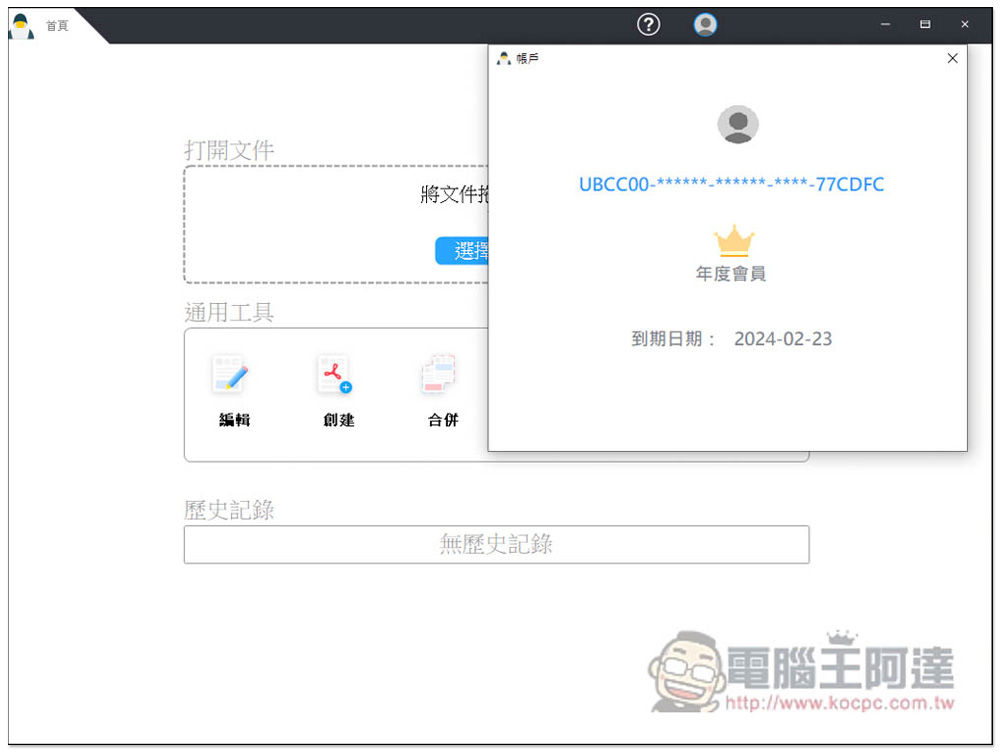
This enabled it successfully! However, this serial number is free for one year. Although it is not lifelong, I think it is not bad, because this kind of software often has limited free activities. Just wait until next year to catch it again:
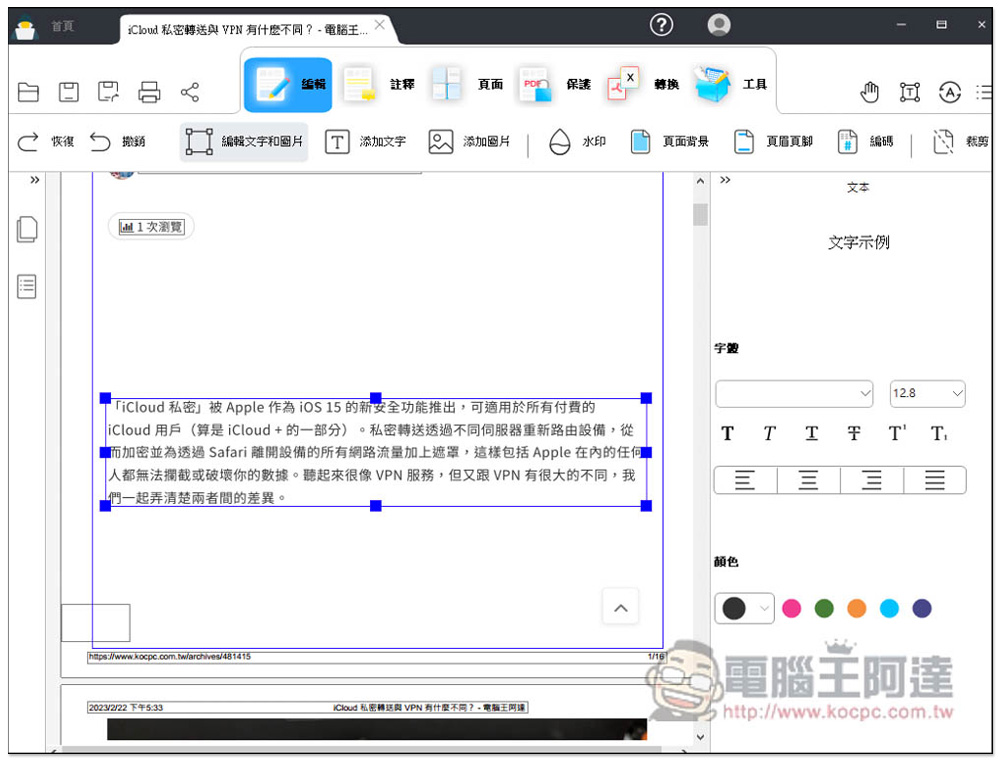
After reading the PDF file you want to process, you can start using related tools. There are six categories, including: editing, annotation, page, protection, conversion and tools. In the editing part, you can modify and add text and pictures of PDF files, as well as watermarks, page backgrounds, etc.:
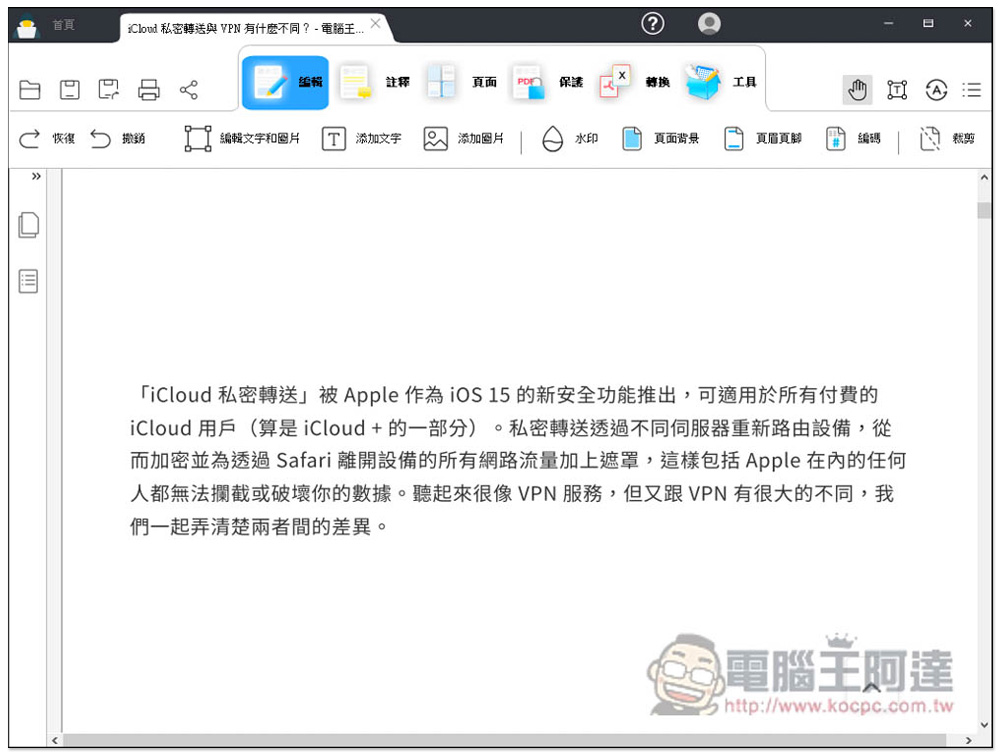
If you want to edit text in a PDF file, first click “Edit Text and Pictures”, then click on the content you want to modify. You can also select the font, color, etc. you want on the right:
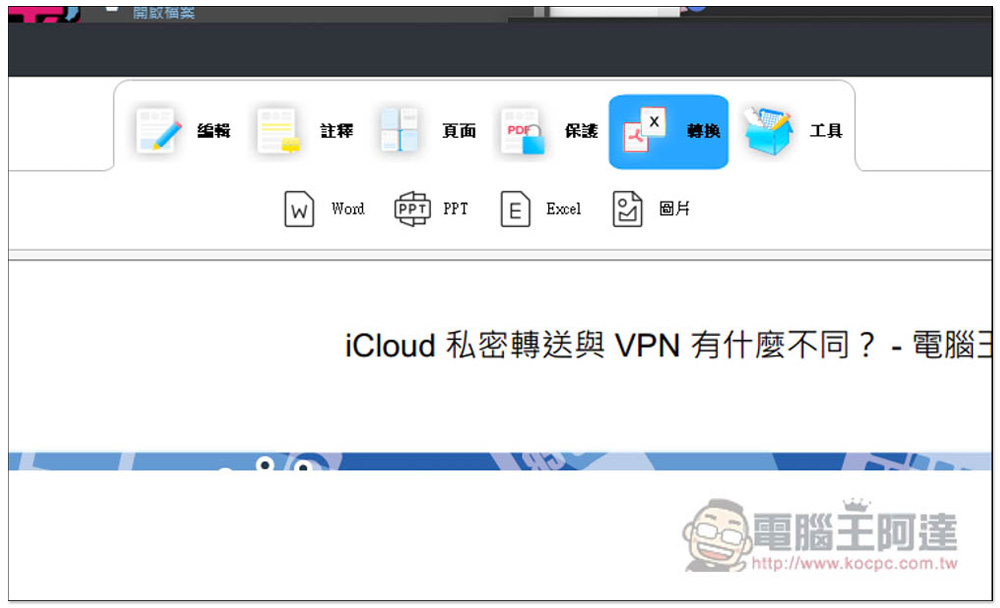
The conversion part supports PDF to Word, PDF to PPT, PDF to Excel and PDF to pictures:
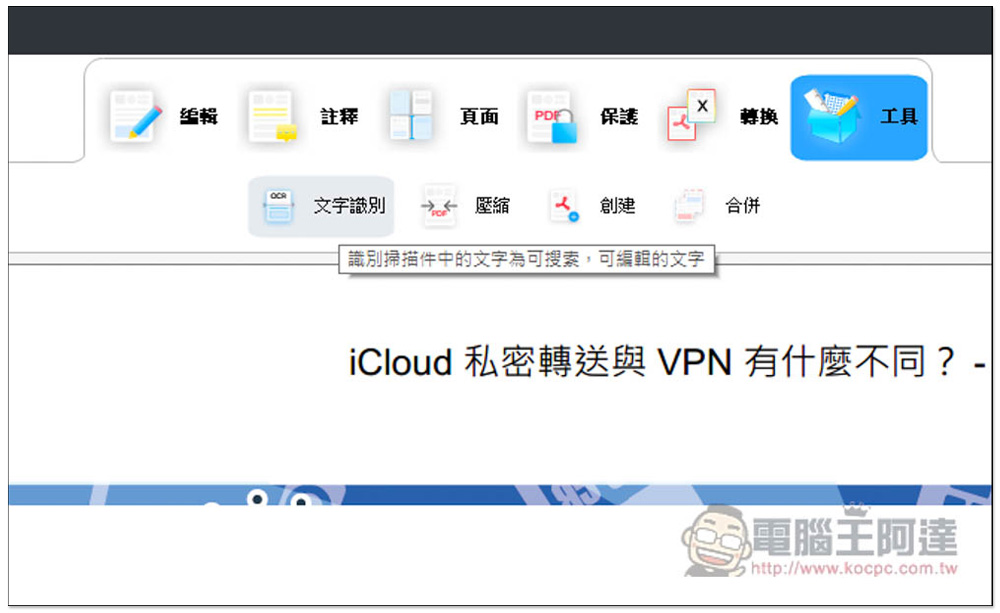
OCR text recognition is in the tool menu and also provides PDF compression and PDF merging functions:
Geekersoft PDF Editor Pro 3 is a pretty good professional PDF editing software. It has many functions but is easy to use and the operation is not too complicated.
Source: KOCPC Chinese