


On mobile devices, you use “Hey, Siri” and “Hey, Google” to summon voice assistants, and next you can also use “Hey, on Windows computers.CopilotSummon the computer’s virtual assistant with “”. Microsoft seems to be recreating the summoning method of the early Windows 10 Cortana virtual assistant (but Cortana has already retired). It really feels nice to just use your voice.

Soon you’ll be able to summon the assistant with “Hey, Copilot.”
The Copilot app comes preinstalled on many Windows 11 PCs, and new features will be rolled out as updates to the Copilot app in the Microsoft Store. The app was redesigned earlier this year, replacing its previous web app form, making it feel more like a native Windows app with an improved interface.
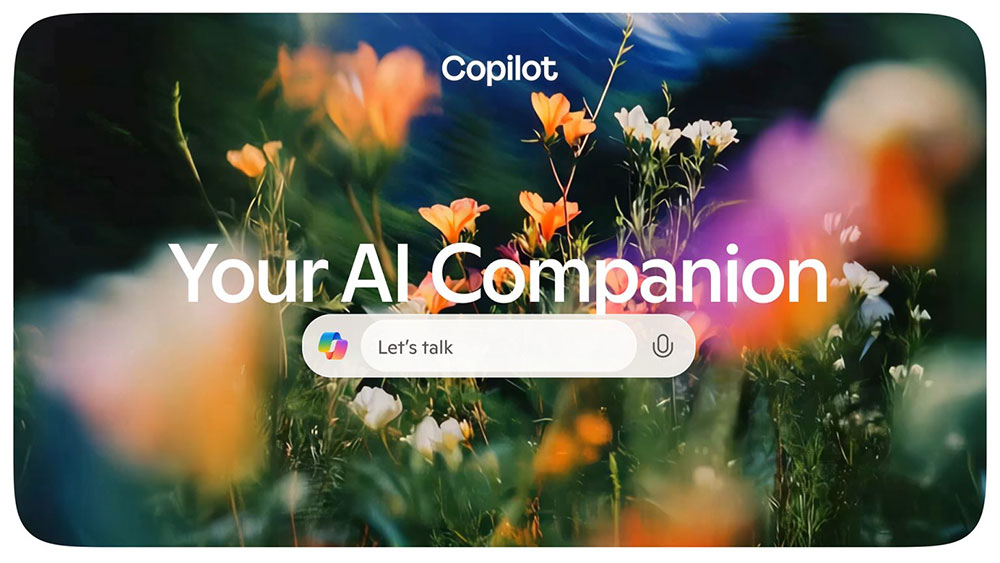
This update adds a “Hey, Copilot” option to the Copilot app’s settings. Once enabled, all you need to do is speak into the microphone while your computer is running, and the Copilot microphone icon will appear, confirming that it is listening for your command. There is one caveat, though: your computer must be running while unlocked for this to work; it cannot wake your computer from hibernation or sleep mode.
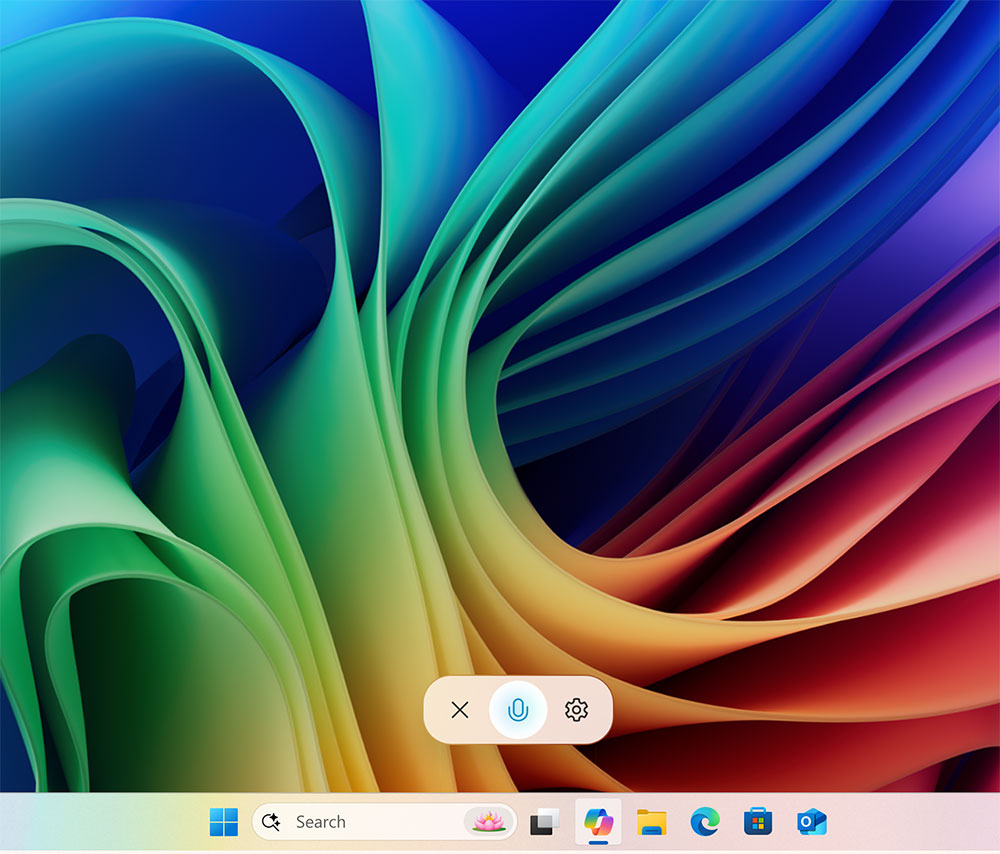
Microsoft isOfficial blogIt mentions that this feature uses on-device audio processing, and before the activation phrase, it does not send any voice information to the computer, just like when you use Siri on Apple devices or Google Assistant / Gemini on Android. At the same time, the blog states that the wake word recognizer uses a 10-second audio buffer in memory on the device, and this audio buffer never records or stores any audio locally.
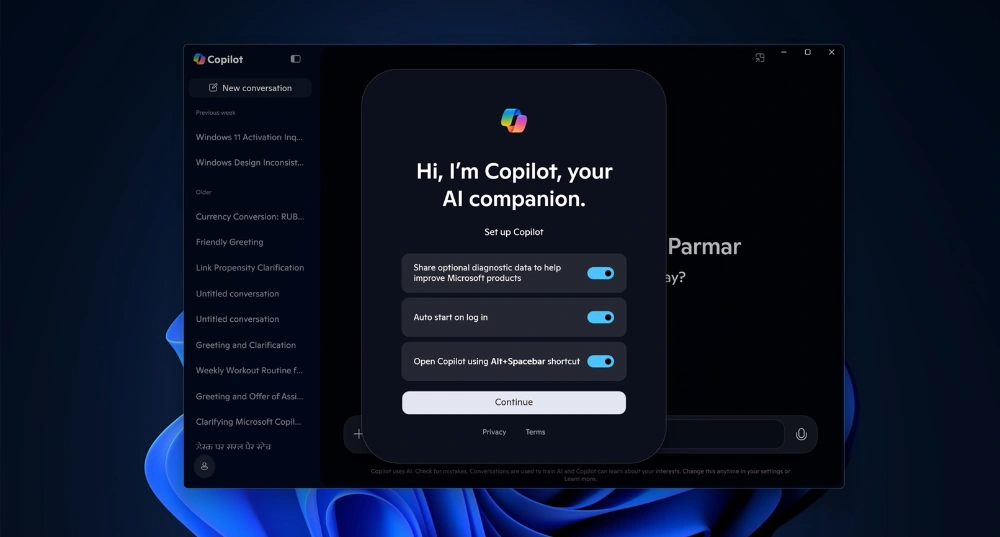
The problem is that Windows will show a microphone status indicator on the taskbar for the entire time your computer is running and the Copilot wake word is active. This makes it difficult to tell when any other app is using your microphone, which may be the reason for the opt-in setting. Microsoft may need to implement the wake word at the Windows system level to solve this, or establish a bypass behavior for the Copilot app, but it’s unclear when that will happen.
Even if wake word recognition works offline and runs locally on your own device, Copilot’s voice mode still requires a network connection. In a blog post, Microsoft stated: “Wake word recognition always runs locally and attempts to establish a Copilot voice call when detected. If you’re offline, you’ll see Copilot attempt to establish a connection, and the call will end when it can’t connect. Copilot voice responses require network access and cloud processing, similar to how typed interactions work.”
Source: KOCPC Chinese