


Regarding computer purchases, everyone must do enough homework before buying, excluding appearance preferences. There is also a difficult choice. Should you buy or assemble a Windows computer, or should you choose to enter the world of macOS? In order to help guide you in the direction of your hesitation, the author has compiled five situations where “just choose Windows” to help you understand which system is suitable for you.

Purchasing a new computer? Five situations when it’s recommended to buy Windows instead of a Mac
Apple’s Mac computers, whether laptops or desktops, have excellent industrial designs. They are simple yet stylish, and you will be fascinated by them at first sight. However, you may be hesitant about whether macOS is suitable for you. Rather than comparing, if you meet one of the following five situations, it is recommended that you choose Windows, which is closer to your needs.
you want freedom of choice
Windows is an operating system that is independent of hardware brands and can be run on hardware from various manufacturers. It is also the mainstream option for most general users, hardware OEMs and system integrators, so it has comprehensive support services. This advantage gives you open options to choose the PC experience you want. You can build your own computer from scratch, everything from the case, fans, CPU, GPU, and RAM, or pay someone to build it for you to the specifications you want.
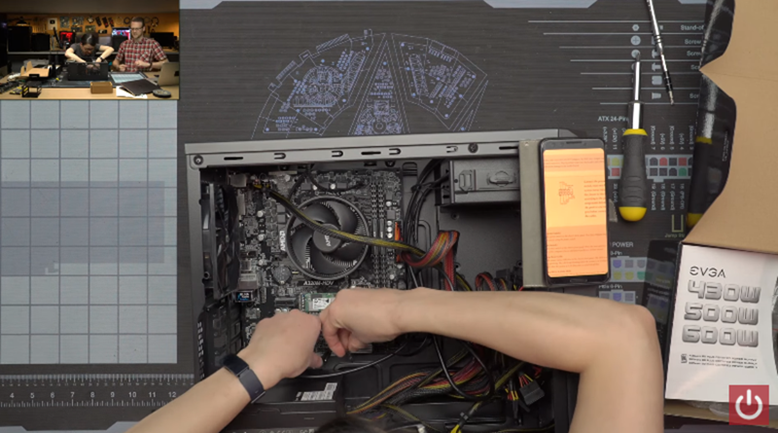
In terms of appearance, you also have more choices. For laptops, each brand has different designs. You can freely choose products that suit your personal aesthetic preferences. And if your budget is small, there are many different products to choose from even in the lower unit price range.
Games are important to you
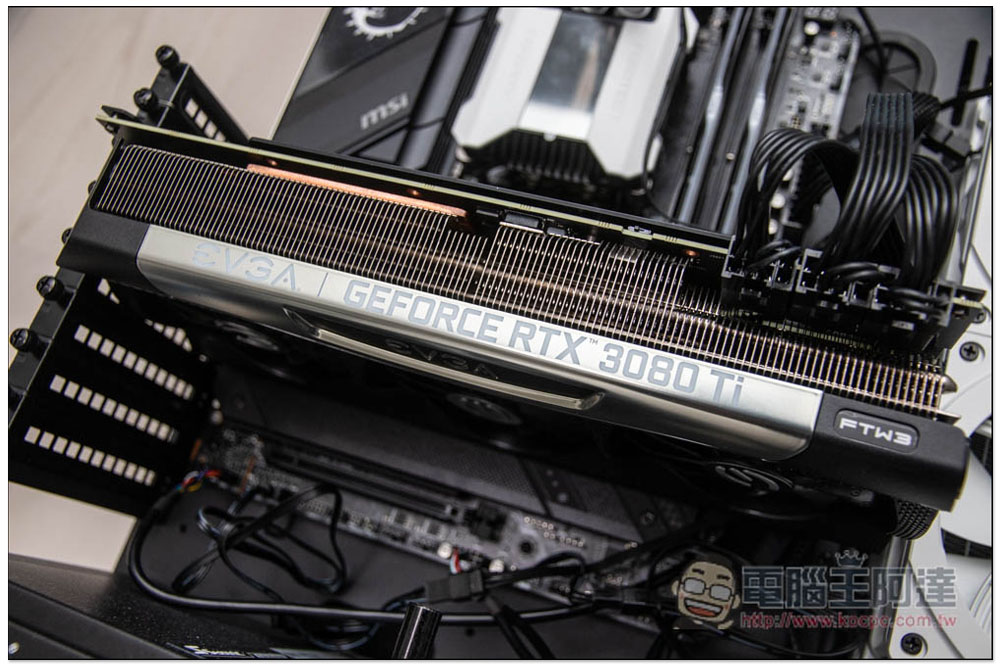
The development of computer games stems from a number of factors, one of which is pushing the limits of ever-improving hardware. The latest and highest-end GPUs like the Nvidia GeForce RTX 4090 can’t be found on Mac, allowing computer users to experience the latest technologies like ray tracing that even next-gen consoles can’t. This makes Windows the go-to platform for gamers that macOS simply can’t compete with. Although Apple has made great gains in GPU performance and software support in recent years, it is only a drop in the bucket compared to Windows.
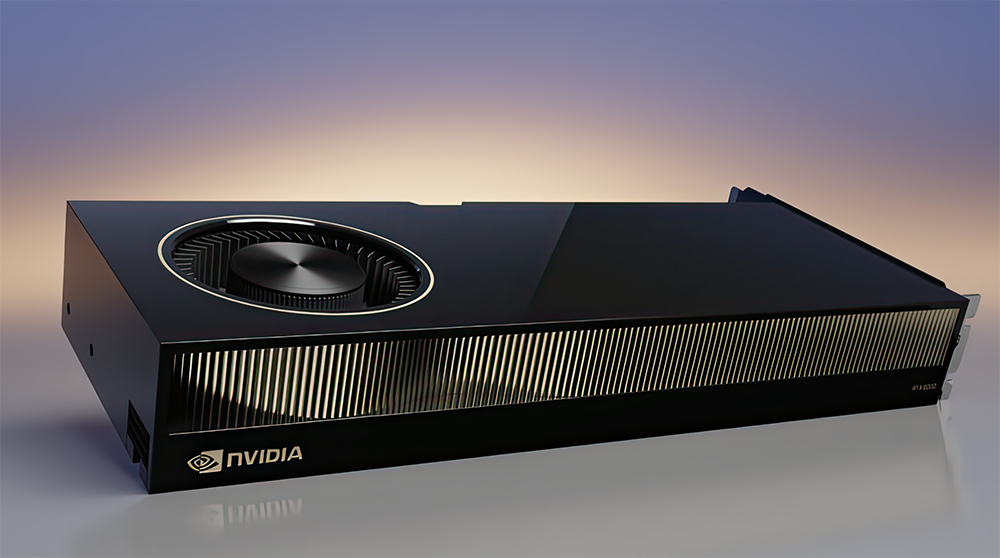
Microsoft’s operating system should be the default platform for all games except large consoles (it’s a matter of time). In terms of cost, developing games for Windows and selling them on online stores and publisher websites such as Steam, EPIC Games Store, GOG, etc. can attract a large number of players, and it also has better support for game controllers, mice, keyboards, high refresh rate screens, etc. on the market. Windows offers new opportunities for smaller developers, with Early Access games allowing keen gamers to jump in at an early stage, purchase at a lower price to fund projects, and be able to try out games earlier. Not to mention VR, a new platform that continues to grow in PC gaming, with the best VR headsets like the Valve Index and HTC Vive Pro 2 relying on Windows computers to deliver the best experience.

Therefore, if you are someone who loves playing games very much, buying a Windows computer means having a wider selection of games. Compared with macOS, you can play more and richer games.
Don’t want to spend too much money
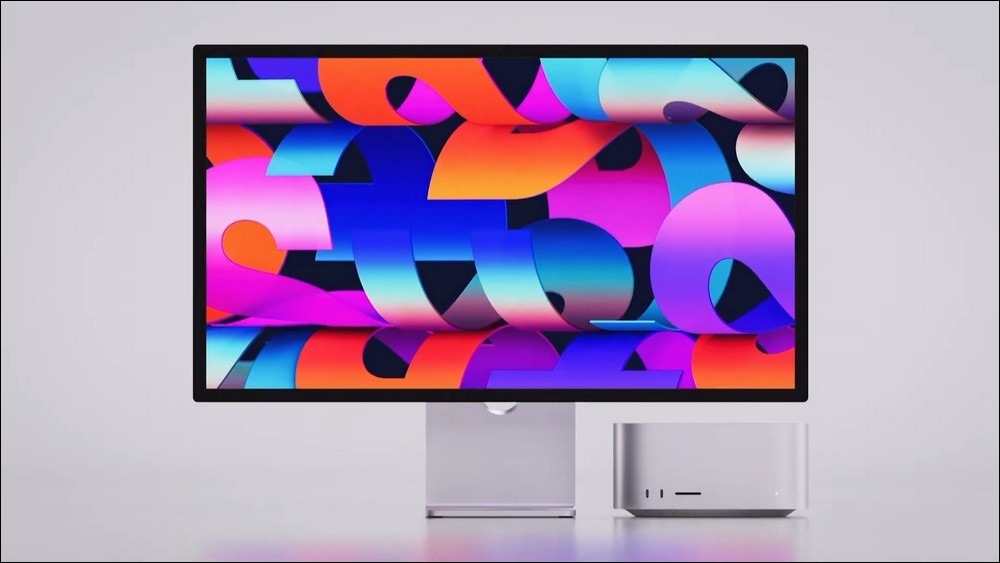
When it comes to building or buying a Windows PC, there’s no ceiling on your budget. You can assemble a barebone system as much as you can afford, and then add the components you need as your budget allows. Generally speaking, if you compare a Windows computer with a Mac of similar performance, the Mac will cost more, especially when it comes to high-end products like the MacBook Pro and Mac Studio. Although the price of MacBook Air is quite competitive, many Windows OEM manufacturers will put twice the RAM or more storage capacity into products in the same price range.
For those with tighter budgets and more emphasis on CP value, the Windows platform will be a more attractive option. Of course, this point is solely based on the starting point of money.
You prefer or rely on Windows
Some people just love Windows and that’s not a problem at all. It’s hard to overestimate the value of a productivity tool, but if using Windows means you can get more done, why stop it? Maybe you prefer the UI, the touch screen, the plethora of free apps the platform offers, or you don’t want to have to learn how to use a Mac to do the work you would normally do on Windows.

Since Apple is moving away from Intel’s X86 processors, you can no longer use Boot Camp to install Windows on a Mac, and you can’t natively boot Windows on ARM on a Mac, so you’re stuck with macOS. Apple’s operating system is powerful, but not to everyone’s taste. If you are an experienced senior Windows user, you may not be used to it or even find features.
Installing Windows on a two-year-old Mac requires using a virtual machine like Parallels, or a free solution like VirtualBox. You’ll need to use the ARM-specific version of Windows 11, which, while it works well, lacks the full compatibility of its X86 counterpart. Once installed, you can run most Windows applications, but macOS will always run in the background.
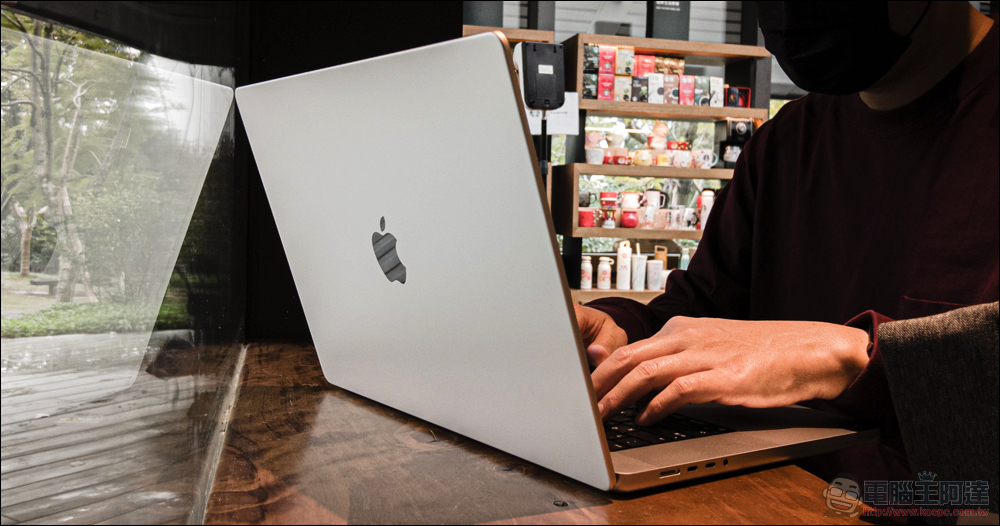
If you only want or need to use Windows and feel that macOS is not to your taste, then of course there is no need to take off your pants and buy a Mac and then buy a virtual machine service to install it. The ARM version of Windows may not always run on Mac, and software needed for work, school, or entertainment may also fail in a virtual machine environment. Even harder for gaming, most modern games simply won’t run on a virtual machine, and take an additional drain on battery life when running two systems simultaneously (Windows in the foreground, macOS in the background).
Want a computer that can be upgraded in the future
There are some great things about building a computer, most notably the fact that you can upgrade the hardware as needed in the future. If you do your homework, you can also flexibly change the internal hardware in the future and replace or repair it if something goes wrong. This applies not only to DIY computers, but also to many original packaged computers, but it may be a little more troublesome. Windows laptops are also more upgradable than Apple laptops. As long as there are multiple slots, you can add RAM later or replace it with larger NVMe storage. There are also modular laptops called Framwork available abroad.
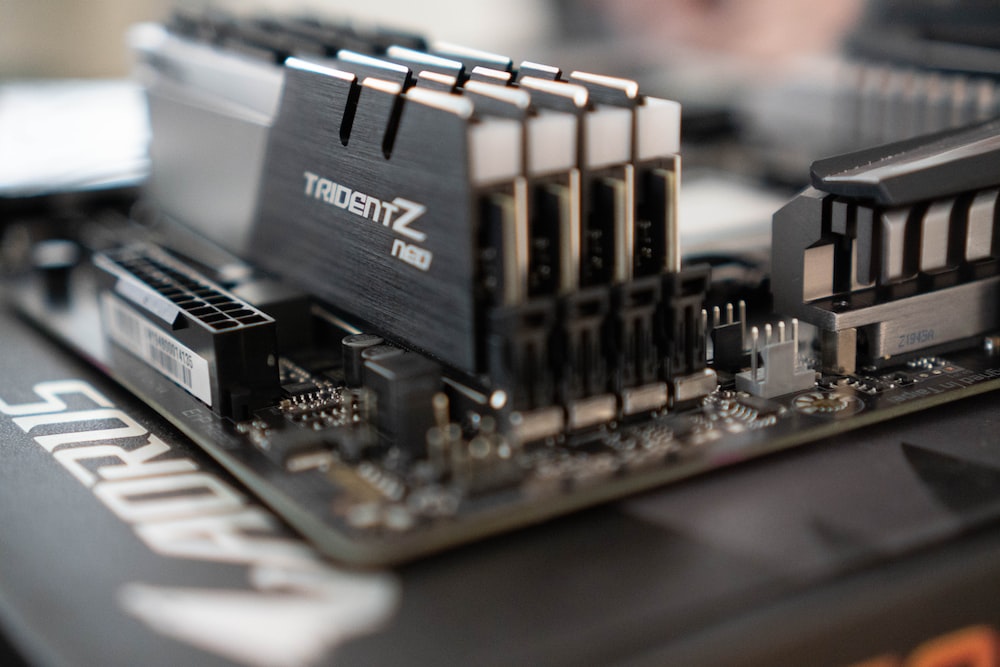
If upgrading is extremely important to you, be sure to try building a computer or buying a packaged computer that doesn’t use special specialized parts to give yourself a more flexible path.
Source: KOCPC Chinese