


There are many YouTube MP3 download tools on the Internet now, which can convert YouTube videos into music. Although they are free, the operation is a bit troublesome. You need to copy and paste the URL there, and then select the format. This article will introduce another more convenient “TheWind Unnamed Music”. It not only can download with one click, but also supports MP3 and FLAC formats. When you don’t want to download, you can also change it to online listening, and the speed is quite fast. However, it is not certain whether the source of the music is legal. Friends who are worried about this are advised to skip it.
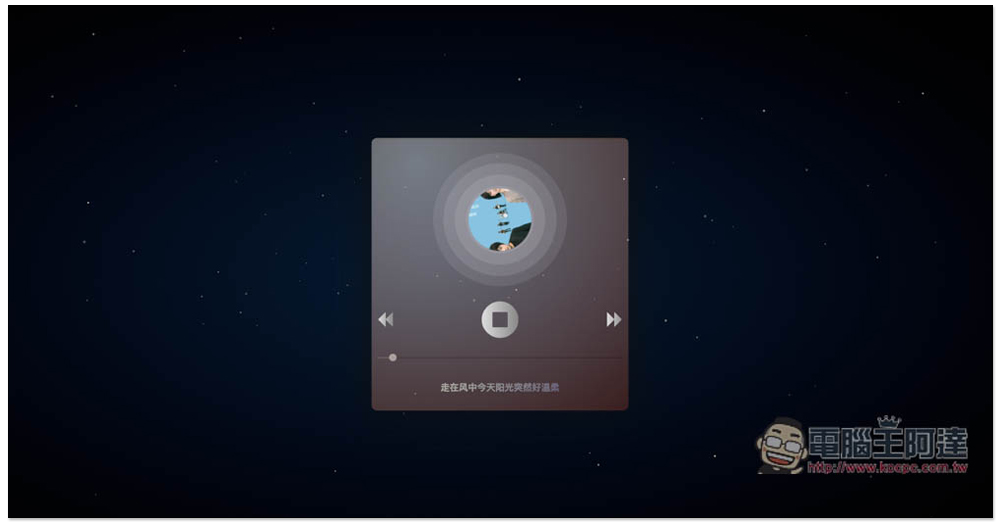
“TheWind Unnamed Music” is a free music website that can be listened to online and downloaded offline. It provides MP3 and FLAC formats.
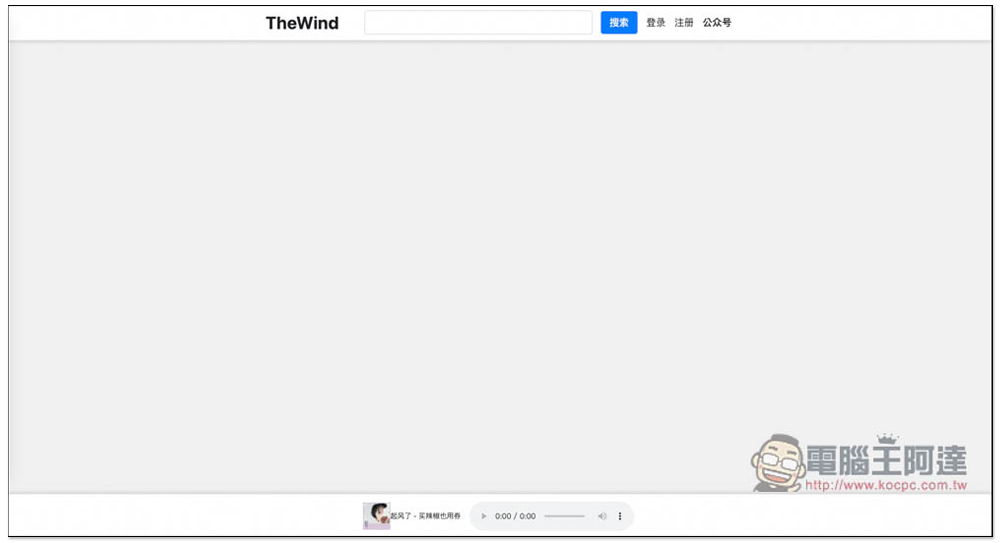
Compared with other websites of the same type, TheWind Unnamed Music is a bit special. After entering the homepage, there will not be any song recommendations. There is only a search function. Enter the name of the song and artist you want to listen to or download online:
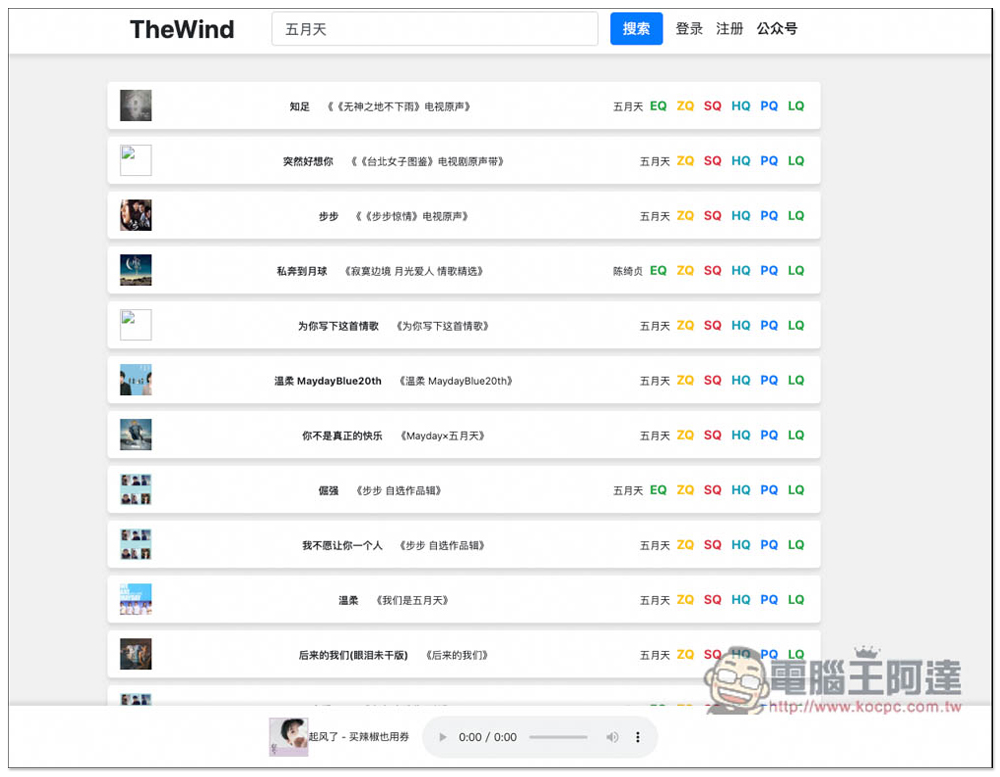
I’m taking Mayday as an example. The search results will list all Mayday-related songs, not only albums, but also TV soundtracks. The singer is definitely the original singer, and there should be no covers by others, so you don’t have to worry about downloading the wrong songs. Click on the name of any song to listen to it. There is also a controller function at the bottom. In addition, open the right side of the controller… and you will find the download function. This is one of the download methods. Another is to click ZQ, SQ, HQ, PQ, etc. on the right side of the song. SQ and above are all in FLAC format, and HQ and below are MP3:
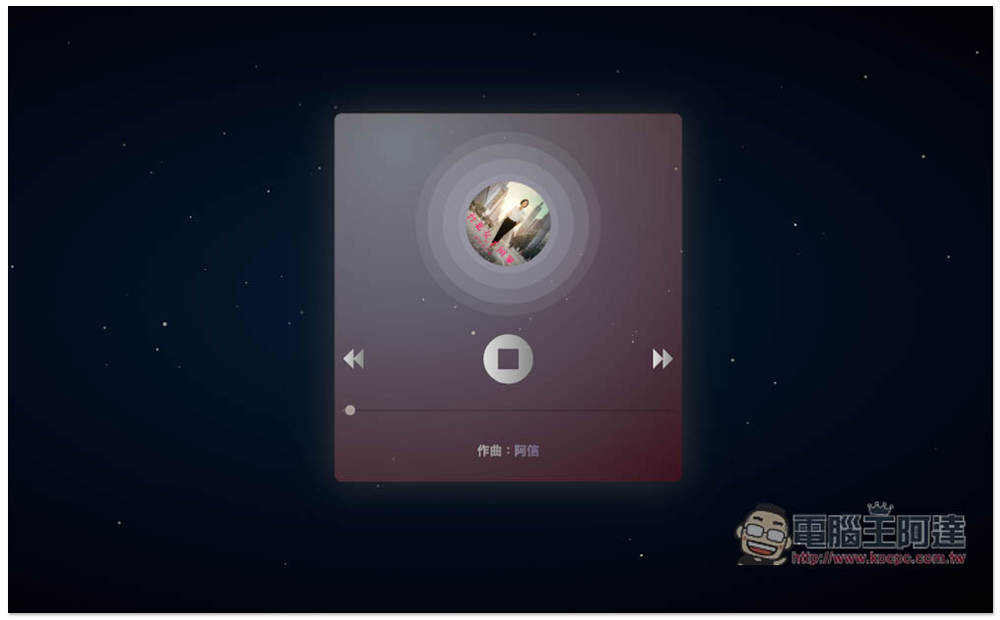
Click on the icon on the far left to enter the exclusive playback page of the song. The picture is quite beautiful, but it does not support the creation of playlists. The song will be played repeatedly after playing:
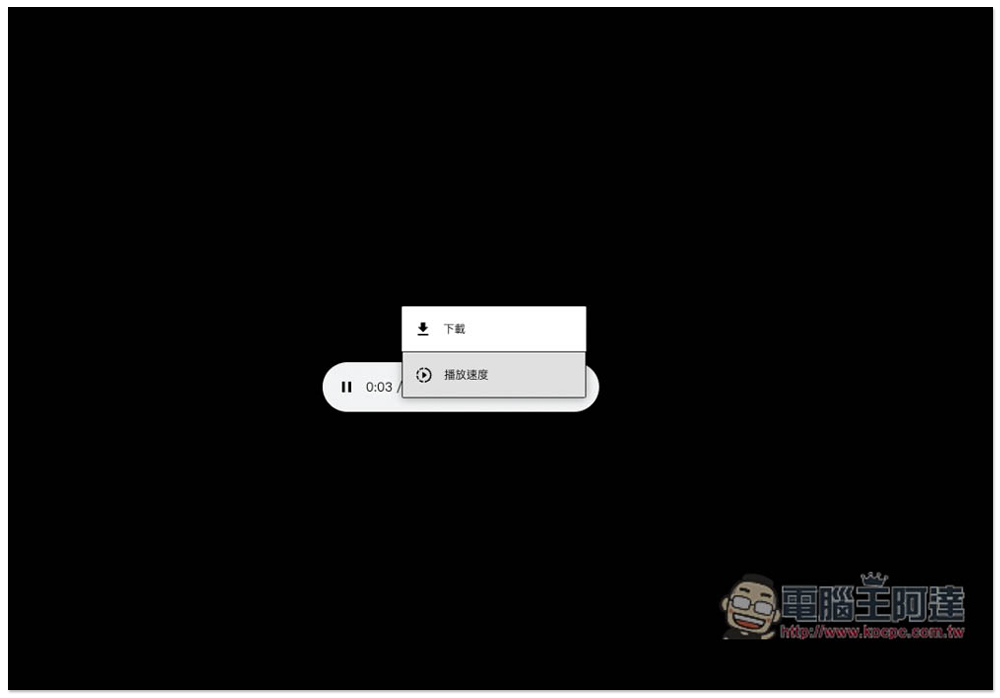
If you click on the icon below HQ to download the MP3 format, a new page will be opened. Click on the… function on the far right to find the download option:
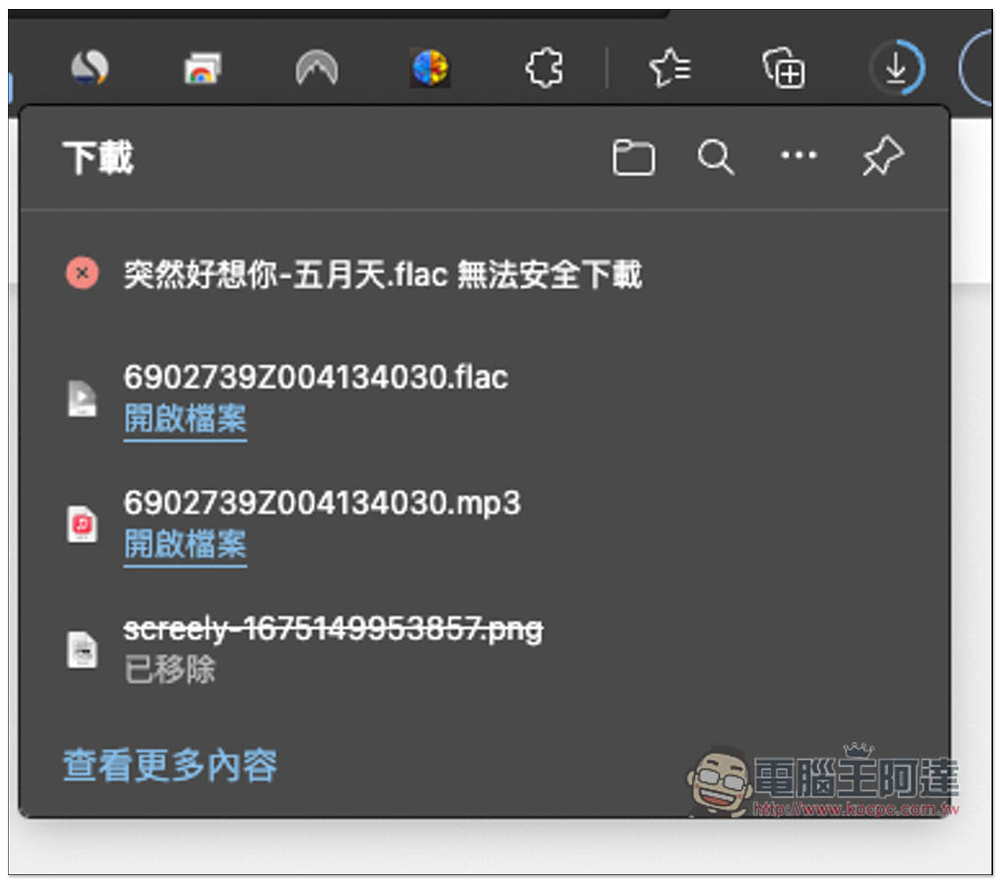
Although the FLAC format shown above in the SQ icon will be downloaded directly, there is a high probability that “Unable to download safely” will be displayed:
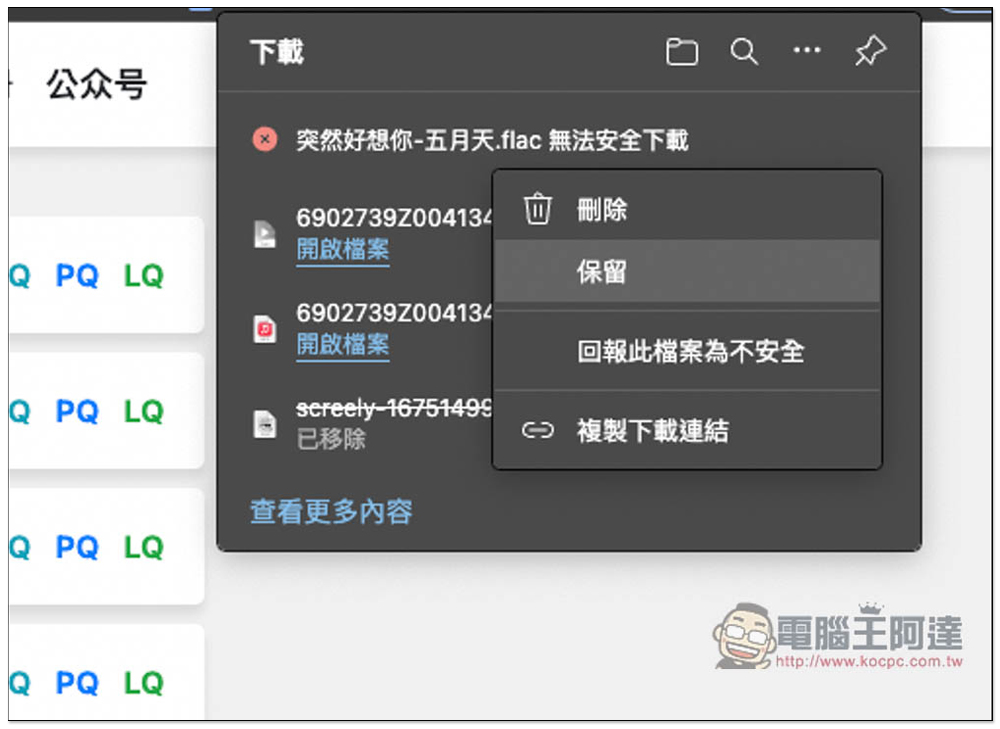
At this time, please open the option on the far right and select “Keep”:
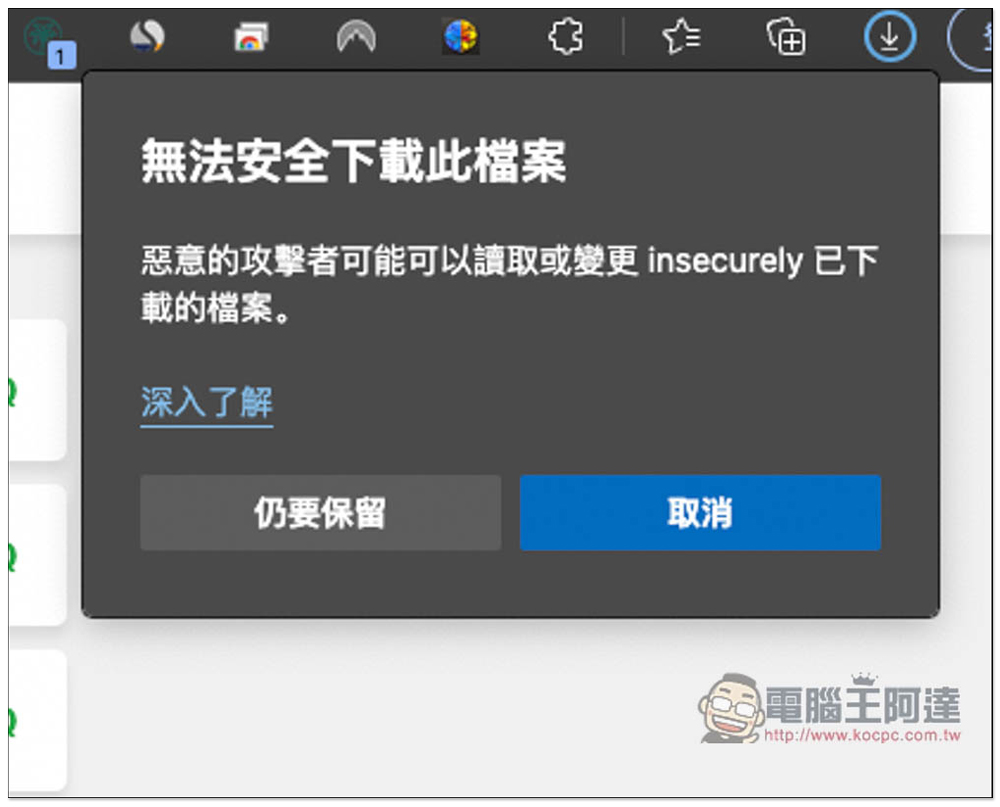
A warning will pop up, then click “Keep Still” and it will be downloaded to your computer. The warnings displayed by each browser may be different, but the general operation process is similar:
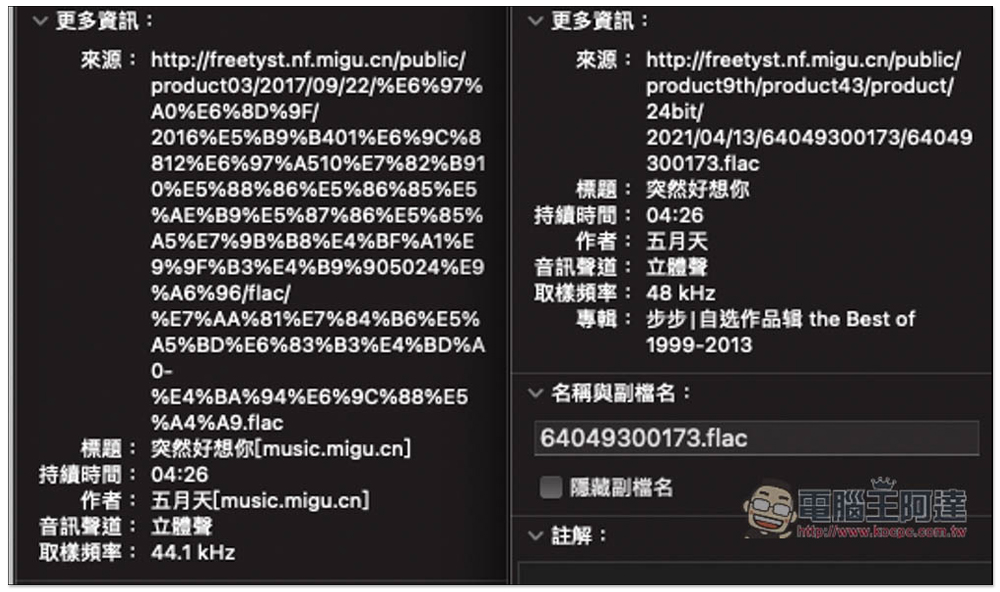
The picture below is a screenshot of HQ vs ZQ sound quality. The HQ part has a sampling frequency of 44.1kHz, and ZQ is higher, reaching 48kHz:
In addition, because the source is not sure whether it is legal or not, for those who are worried about file problems, it is recommended to scan it with an anti-virus tool after downloading it. It doesn’t matter if it is not on your computer. There are many online tools that can do this, such as: Virustotal、F-secure etc.
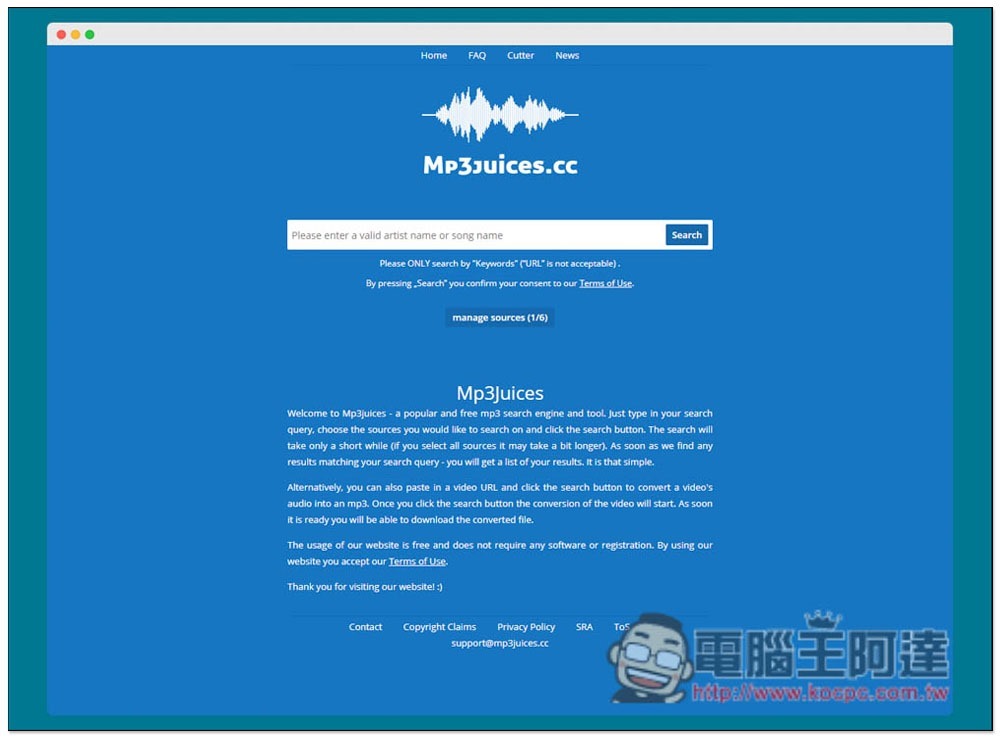
In addition to this one, we have also introduced several good MP3 music download websites before. These sources are YouTube or other music websites, such as Mp3juices.cc:
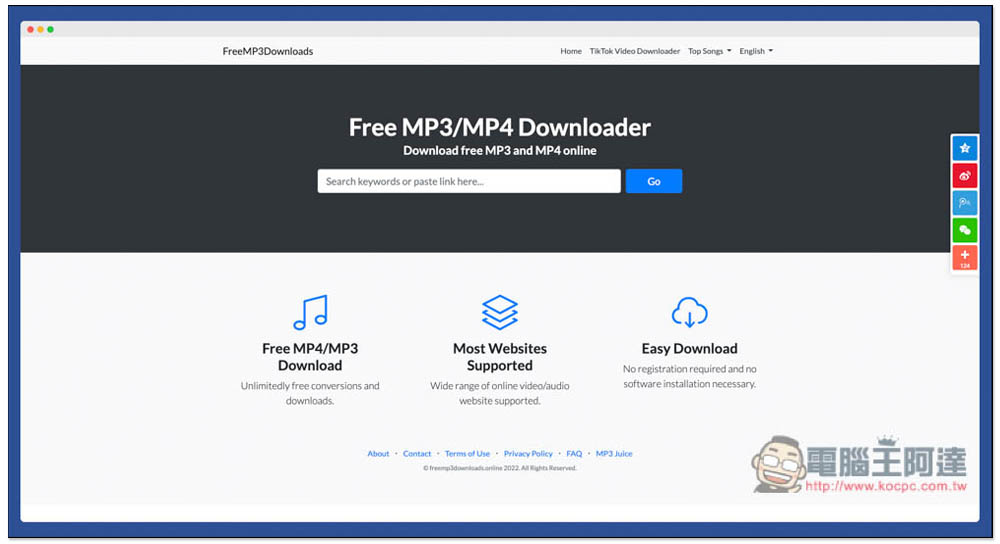
Free MP3 Downloads It’s also quite easy to use. If you have music that you can’t find, you can try all of these:
Source: KOCPC Chinese