


We have introduced you to many useful free YouTube video download platforms or tools before. However, most video downloaders can only support 1080p resolution video downloads. If you want to download 4K YouTube videos, the best app is VideoProc Converter. For those who don’t want to install another application and just want to download videos, they can try the Rip YouTube free video download tool. Not only can it support up to 4K YouTube video downloads, it also supports music downloads. It is also easy to operate and has no ads, making it super convenient to use!

Rip YouTube free video download tool: supports free downloads of up to 4K YouTube videos and music, no ads, and super simple operation
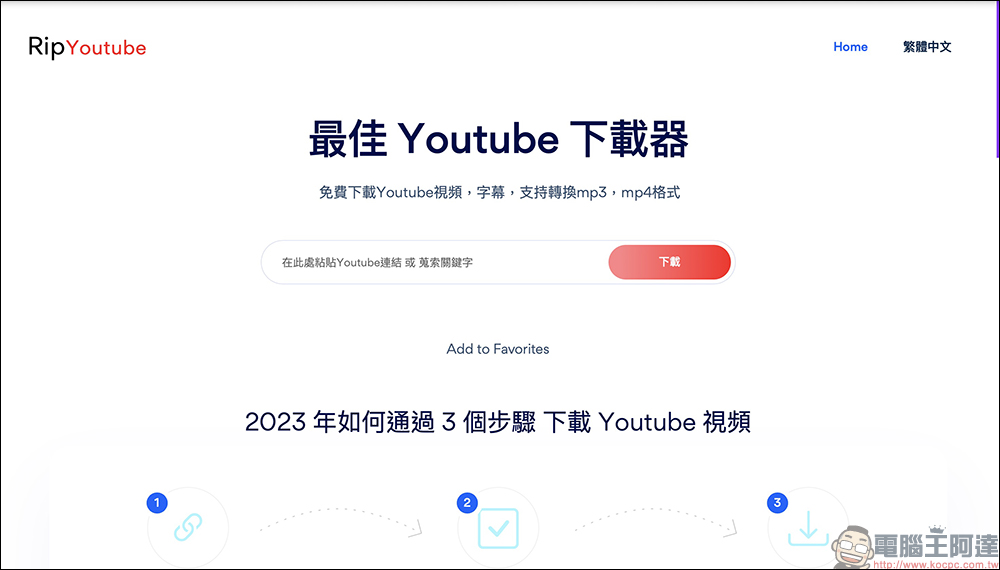
Currently, most tools that can directly download YouTube on computers or mobile phones can only download 1080p resolution videos at most. Even if some can download 4K high-definition videos, they often need to first download the “.WebM” format and then use a format conversion tool to convert it to the commonly used “.mp4” in order to successfully play it on various devices. This time, I will introduce to you this “Rip YouTube” free YouTube video and music download tool. Whether it is an iPhone or Android phone or tablet, you can easily download it through the free YouTube downloader on this page!
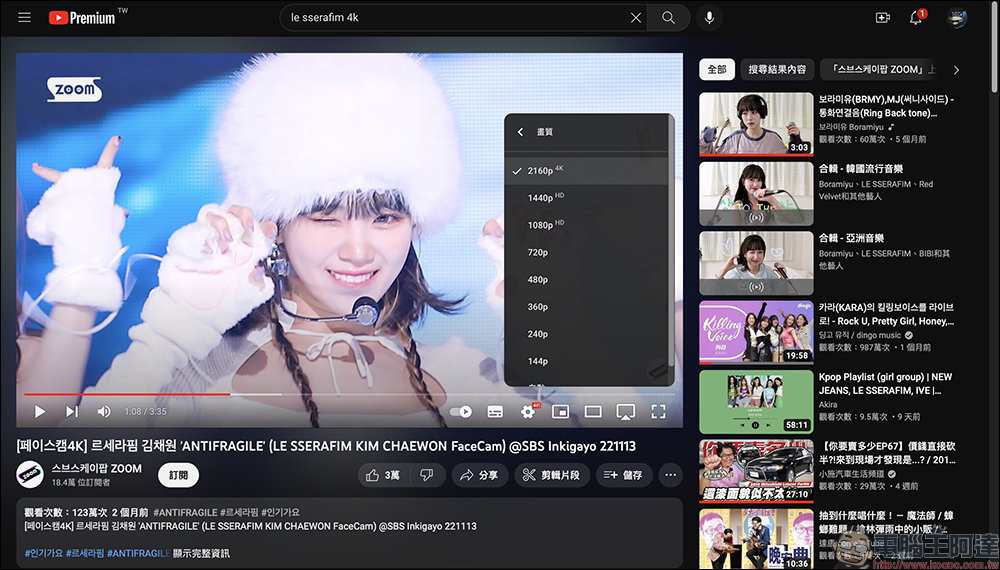
For example, there are many videos on YouTube in 2160p (4K) quality, and you can use the Rip YouTube download tool to download them.
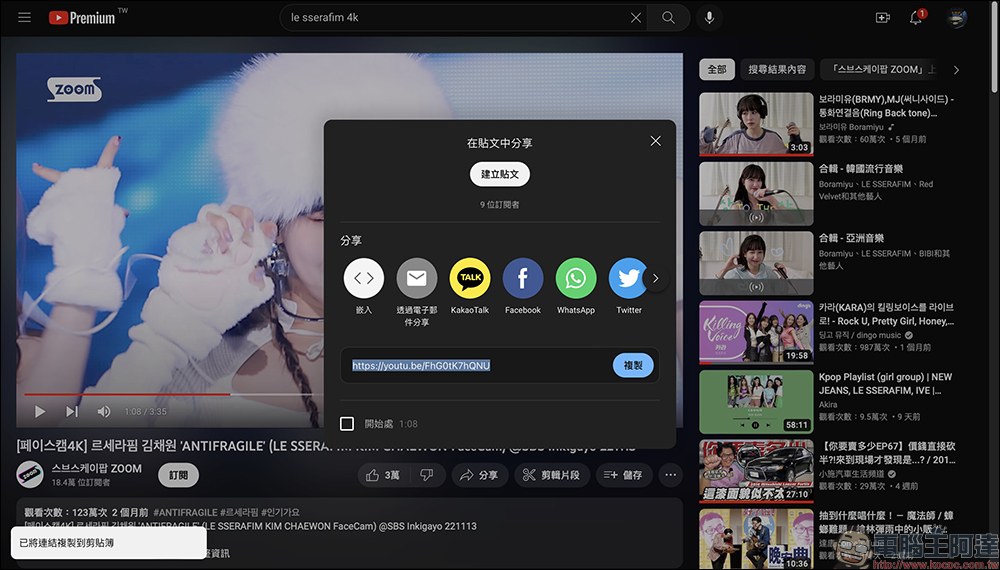
First of all, the first download method is to copy this YouTube video URL:
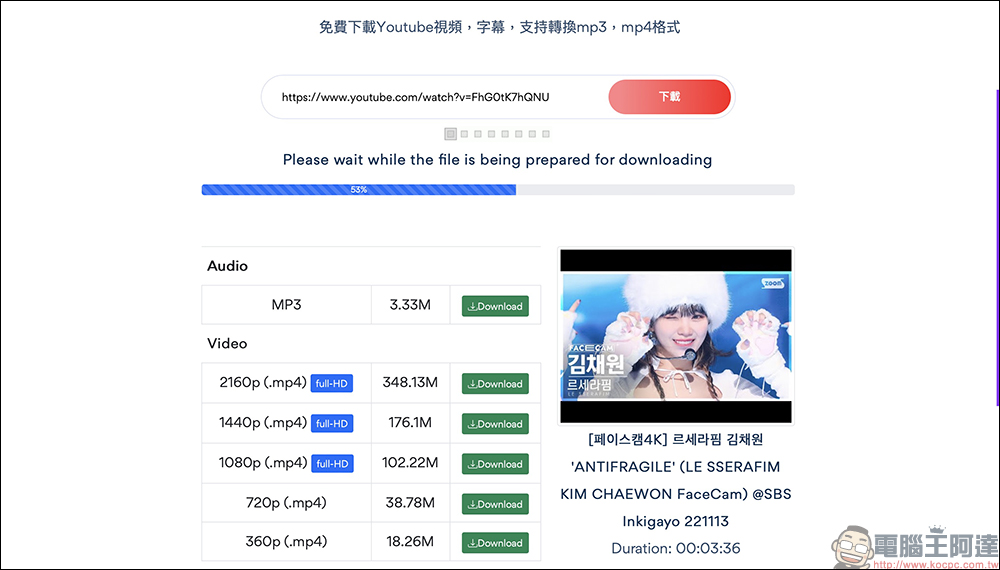
Then go to Rip YouTube and paste the video URL and click the “Download” button. At this time, wait for a while for processing, and the audio sources and video formats supported by this video will be sorted out. You can see the actual measured video, which is available for download in 2160p video quality.
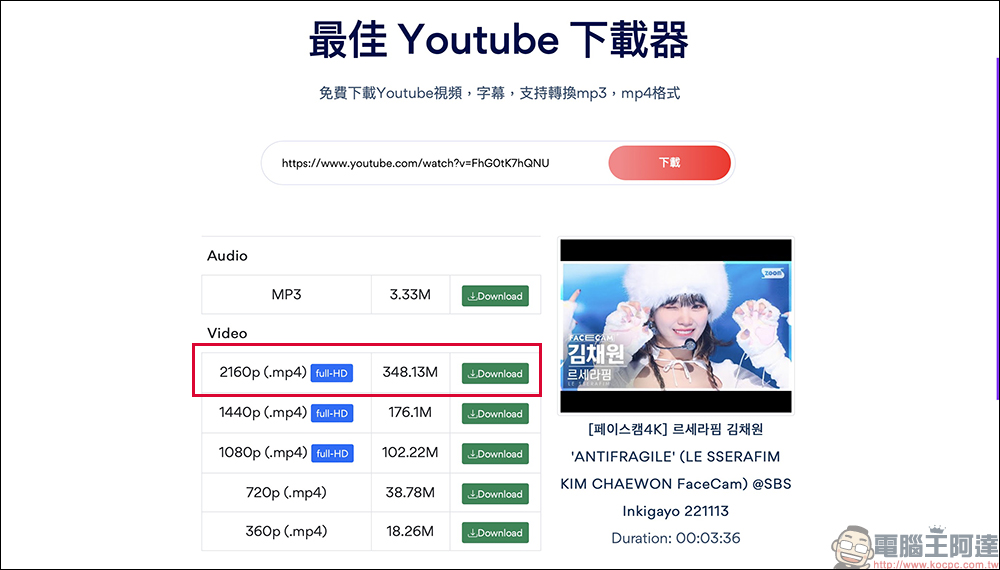
After clicking the “Download” button to select the video quality to be downloaded, it will take some processing time if you select 2160p (4K) or 1440p (2K). If a pop-up window shows that the processing failed during the process, you can wait for a while and try again, or select other videos to download.
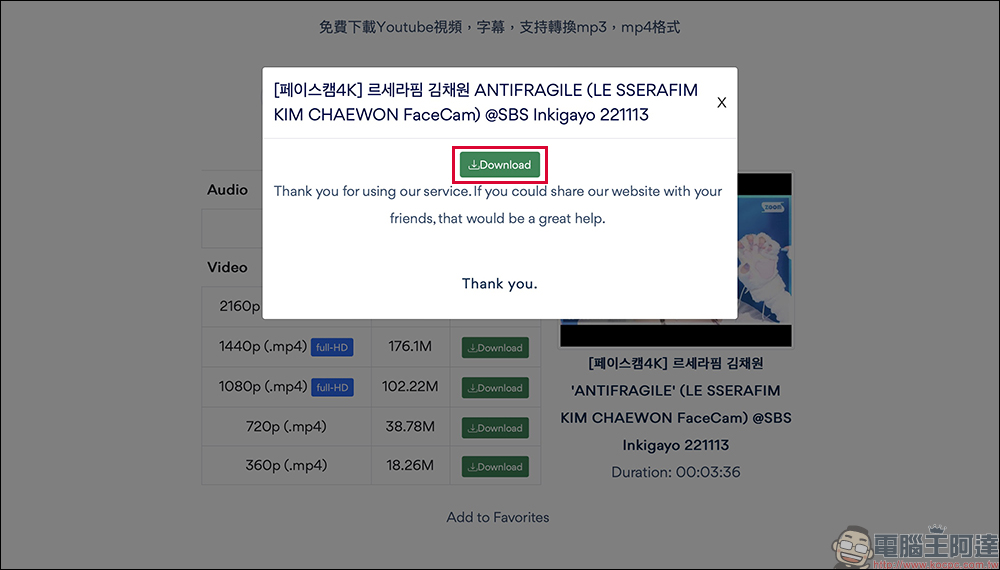
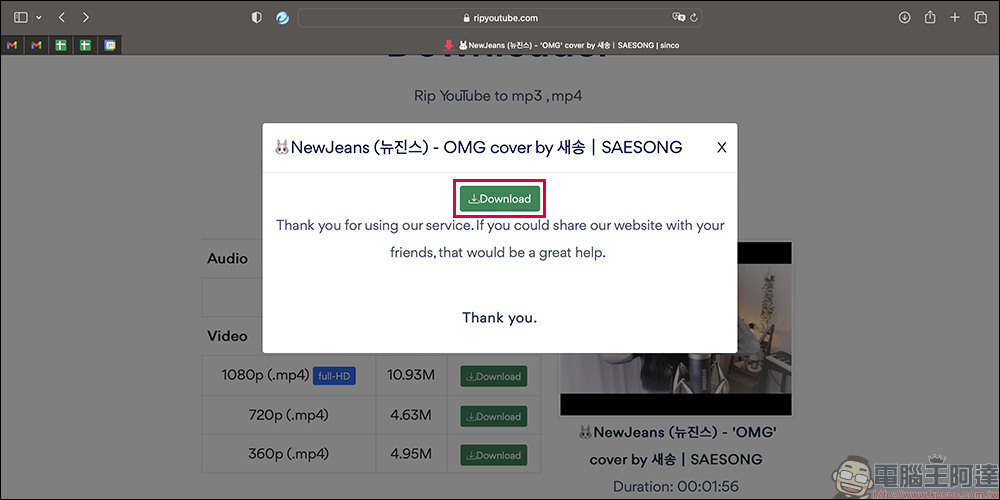
After the processing is completed, a download window will pop up. Then click the “Download” button again to download the video to the device.
Checking the video you just downloaded, you can see that the video resolution is indeed 2160p:
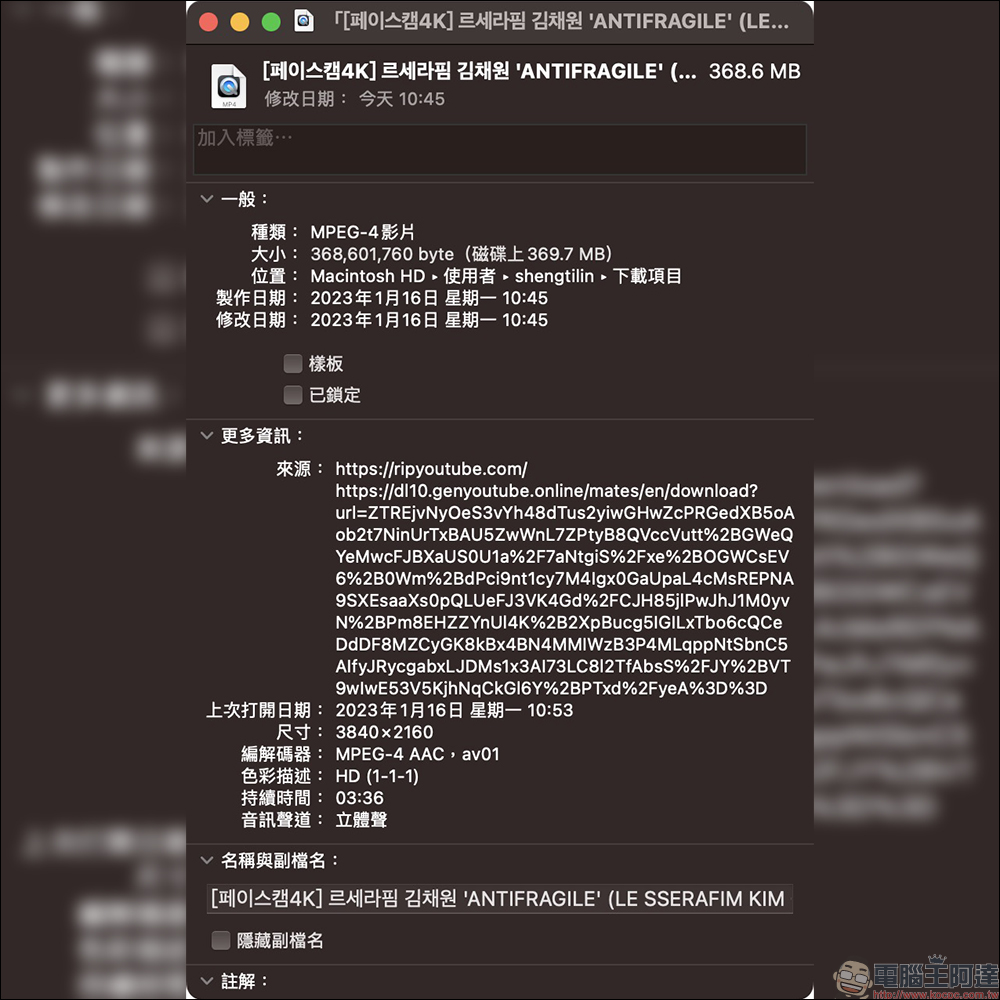
However, according to actual testing, this 2160p .mp4 format video cannot be opened normally in Quick Time Player. However, we only need to select other video players to play it normally! As for 1080p videos, there is no such problem.

Sometimes I hear some cover songs on YouTube and want to record them. I can also use Rip YouTube to download music files in “.mp3” format!
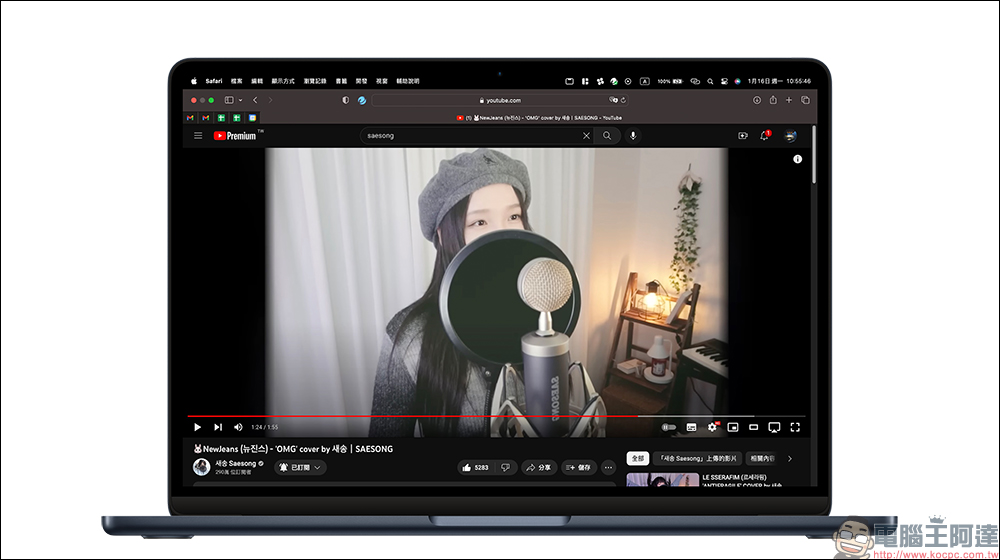
This time I want to share another tip for fast downloading in Rip YouTube, which is to find youtube in the URL bar of the YouTube video and enter the word rip in front of it, then press Enter to go to:
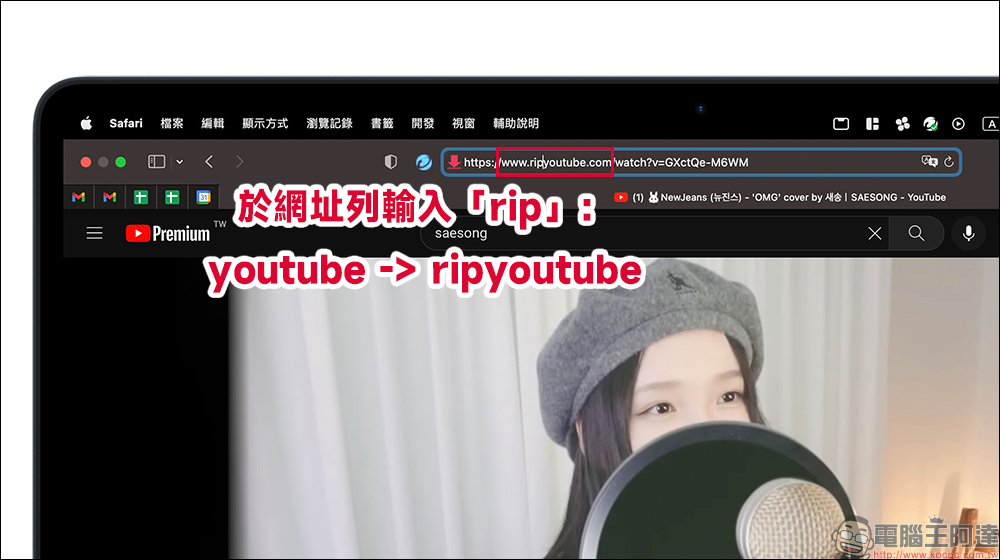
At this time, the screen will go directly to the page of Rip YouTube Downloader and convert the video directly. Then you can download videos or music directly through the same steps!
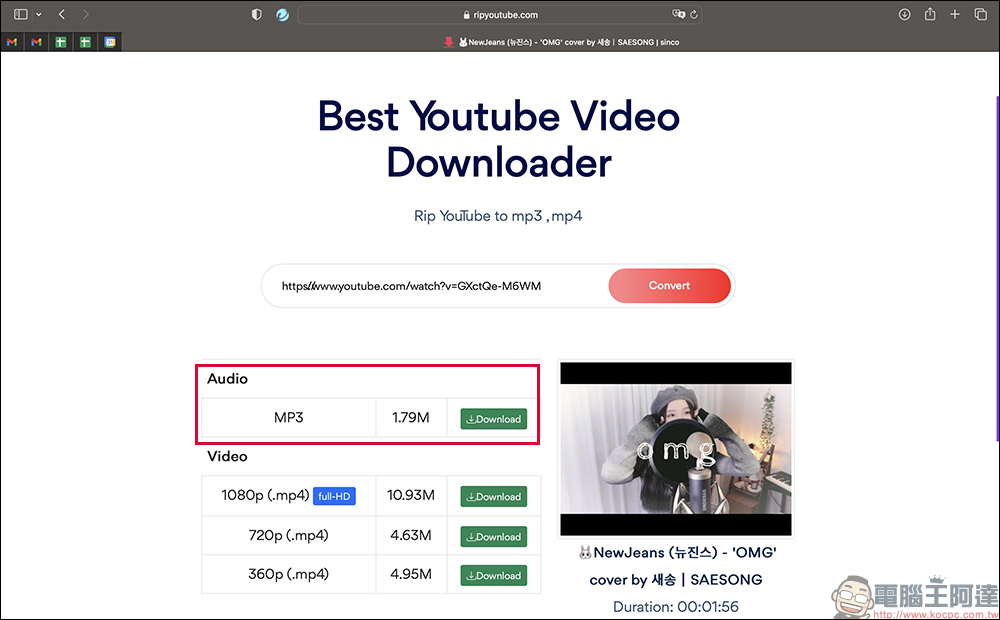
Here we choose to try downloading the “.mp3” music file and click the Download button.
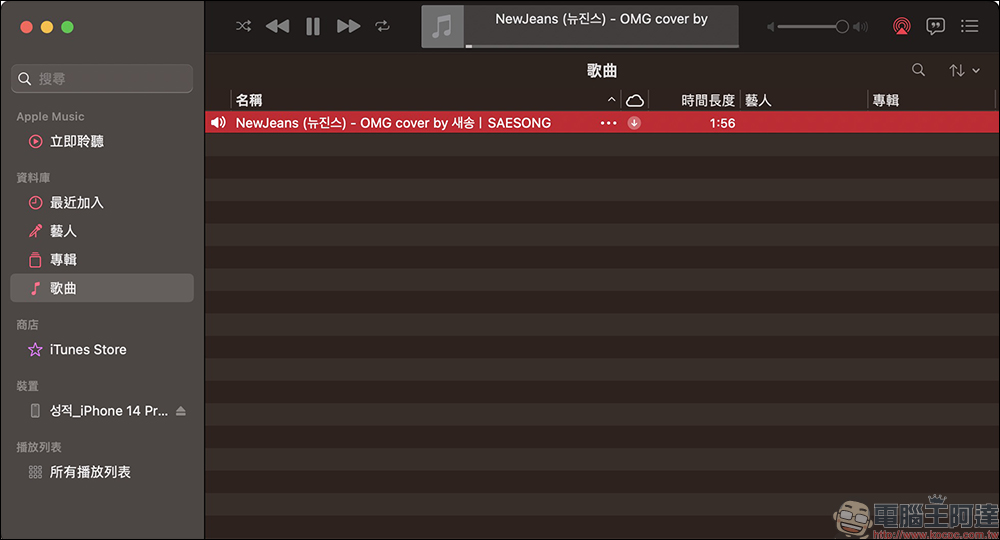
After downloading the music file, the file name may be garbled, but you only need to edit it yourself. According to actual tests, music files downloaded through Rip YouTube can also be played normally.
RipYoutube free YouTube video/music download platform (please click me)
Further reading:
Your mobile phone number is your bank account! Tutorial on setting up inter-bank transfer service with mobile phone number
Source: KOCPC Chinese