


Although Google’s Veo 2 video generation feature launched late last year, it has never been made freely available to everyone, and the VideoFX platform still requires joining a waitlist, so there haven’t been many chances to try it out. The good news is that with the recent AI Studio interface redesign, Google has quietly opened up the Veo 2 video generation feature, and it’s free to use—anyone with a Google account can try it.
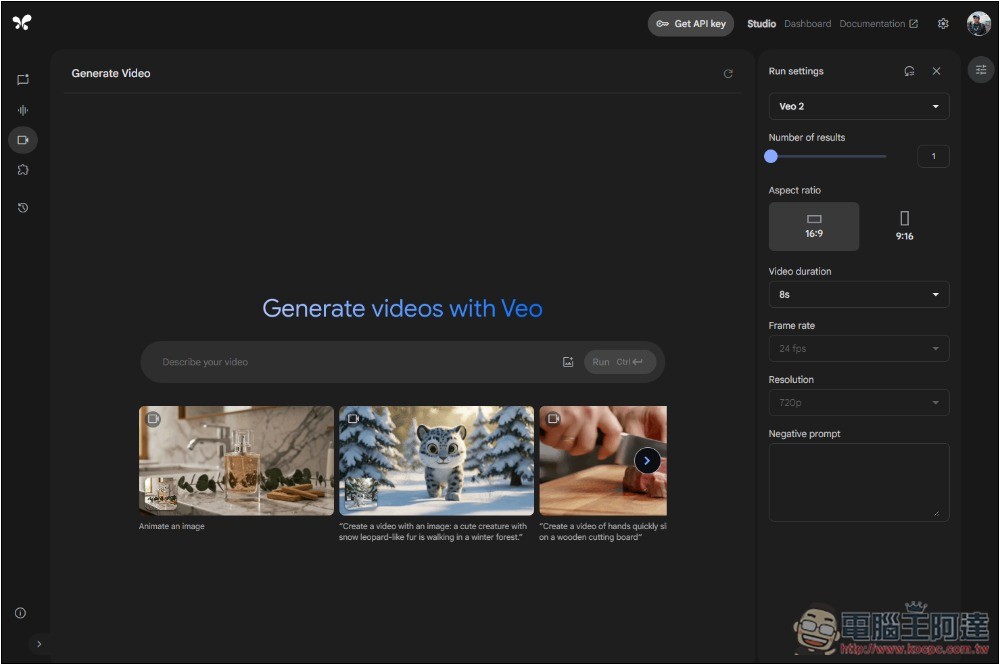
Google AI Studio now lets you try Veo 2 video generation for free.
In the past, the Google AI Studio interface always felt somewhat hard to approach, with a design that was overly complex and technical. After the recent redesign, I have to say it looks great—much cleaner than before and easier to get started with. The AI chat interface in particular is something I’d highly recommend trying out for anyone looking to experiment with Google’s various AI models.
In the left sidebar menu, there’s a new Video Gen image generation feature, and the model it provides is exactly Veo 2. However, note that according to reports from other users, it seems not everyone can see it at this stage, which means the feature is likely being rolled out to all users gradually. In my case, it has already appeared.
For those unfamiliar with Veo 2, here’s a brief explanation.
Veo 2 is the latest generation AI video generation model launched by Google DeepMind, capable of converting text or images into high-quality, realistic videos. Compared to its predecessor, Veo 2 shows significant improvements in image quality, physics simulation, motion performance, and cinematic control. Previously, many experts have also shared Test video of Veo 2。
After entering Google AI Studio, the third small video-recording icon on the left is the newly added video generation feature, and the model used is the latest Veo 2:
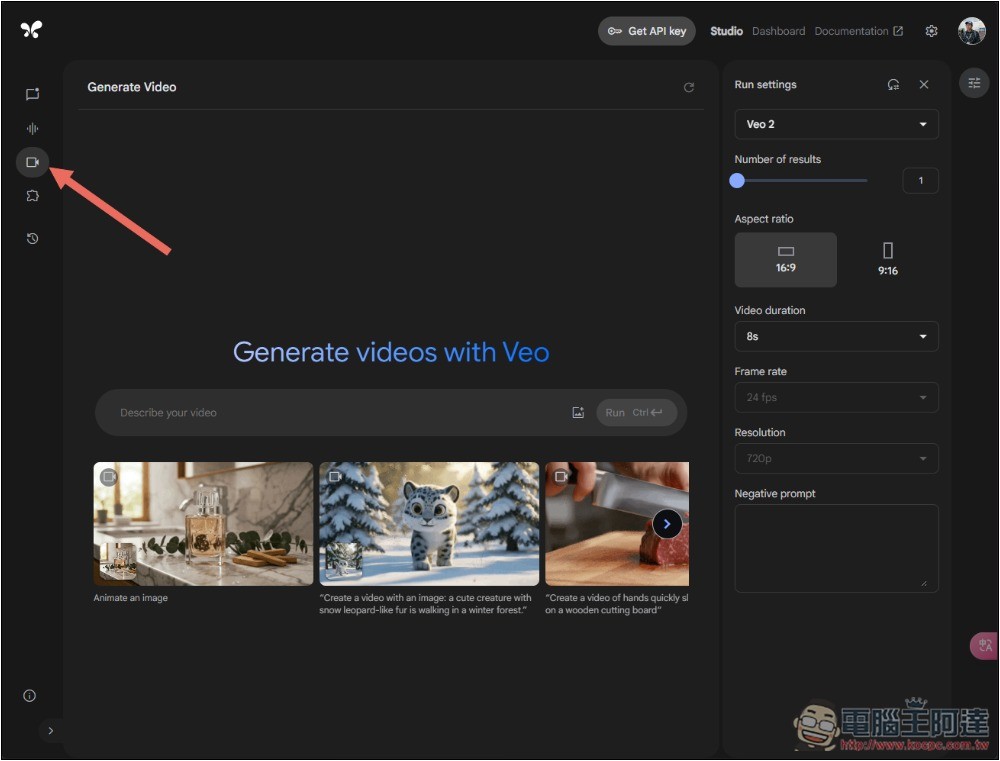
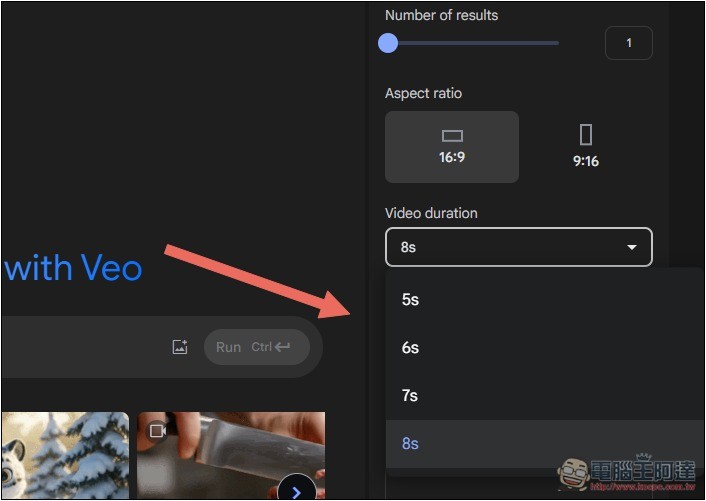
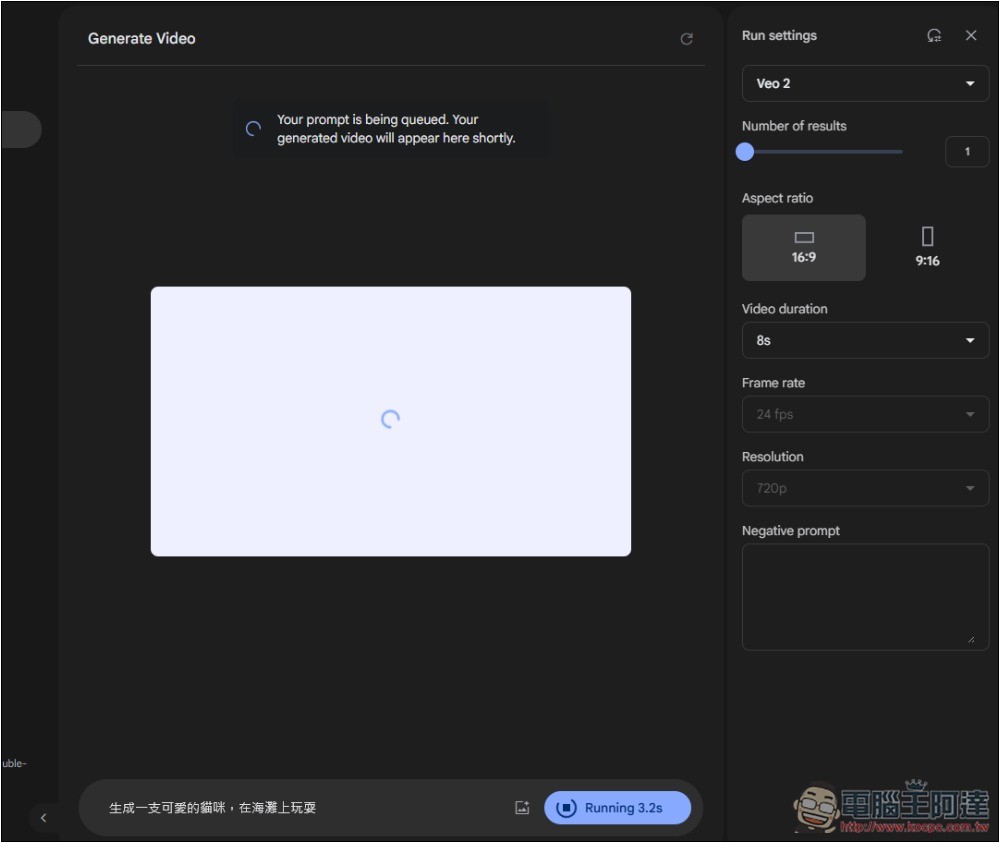
On the right side, there are some settings available, such as how many videos to generate at once (up to 2), aspect ratio options of 16:9 and 9:16, and video length with a maximum of 8 seconds and a minimum of 5 seconds. FPS is not configurable yet and is only provided at 24fps. The resolution is 720p, with no other options available at this time. If there are things you don’t want to appear in the video, you can enter the content in the Negative prompt:
Then simply input the video prompt you want to generate; it supports Chinese.
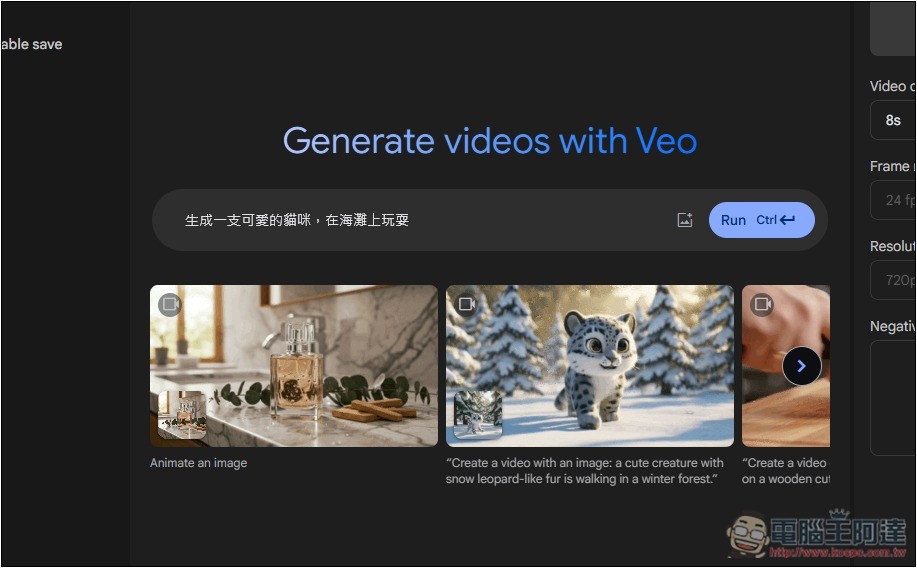
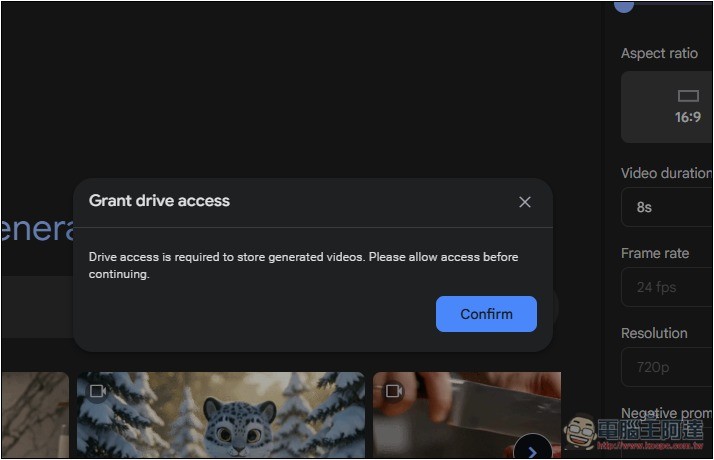
When you use it, it will ask for permission to access your cloud storage. This is because once the video is generated, you can save it directly to Google Cloud, or download it if you prefer:
Then it will start generating. It seems like it’s just been released, so stability isn’t great yet. I kept getting errors when I tested it this morning and couldn’t generate videos, but when I tried again in the afternoon, it worked. So if you run into the same issue, you can come back and try again later:
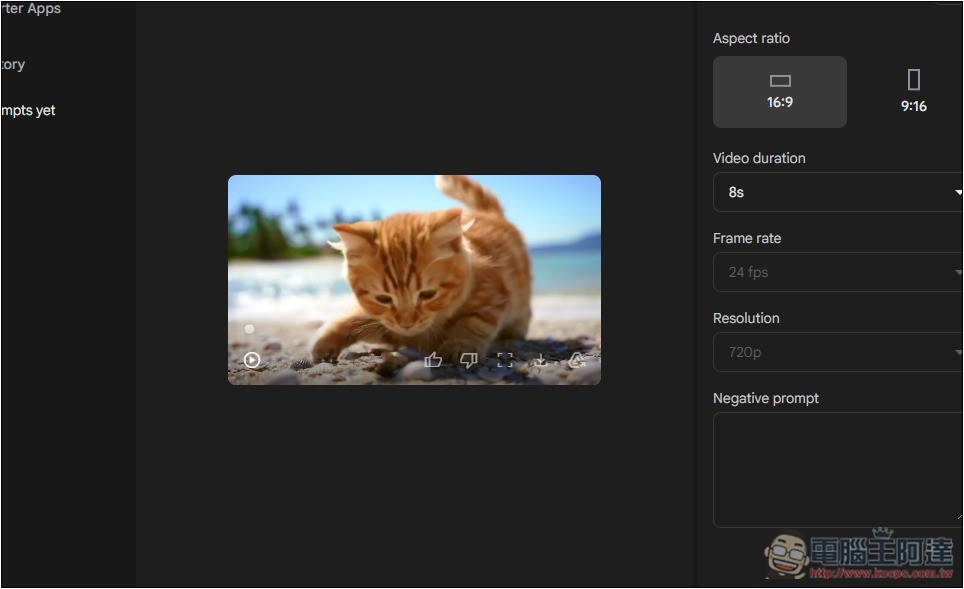
If things go smoothly, the video will be generated in just a few seconds—it’s incredibly fast, which honestly surprised me. Play the preview, and if you’re satisfied, there’s a download button below the video. Click it to download, or use the cloud icon on the right to save it to Google Cloud.
Google AI Studio’s video generation feature has a free quota, the exact number is not yet certain, but it could be 8 videos.
Source: KOCPC Chinese