


Recently, there really are more and more AI coding tools. Google has also officially entered the fray, launching a new free tool called Firebase Sudio. As long as you have a Google account, you can use it for free. I tried it out and it’s really quite good. Just tell the AI what features you want, and it can write them out quickly. You can even test it online directly. If everything checks out, you can publish and deploy it to the cloud.
Google’s Firebase Sudio Free AI Coding Tool Officially Launches
Firebase Studio is a free online tool that lets AI help you build applications through natural language, images, and more.
According to Google Introducing Firebase Studio, which brings together tools like Project IDX, Genkit, and Gemini in Firebase, letting users generate web app prototypes from prompts, images, or even hand-drawn sketches. It also offers QR code generation, so you can scan to test on other devices.
After completion, you can use Firebase App Hosting for one-click deployment on Google Cloud. This allows you to not only share the deployed app link with others, but also, if needed, share the entire workspace via URL to collaborate with others in real time within the same Firebase Studio environment.
Firebase Studio gives each user free access to 3 workspaces. Join the Google Developer Program to create up to 10 workspaces.
The only thing to note is that although there is a free tier, when you finally deploy to the cloud using Firebase App Hosting, a Cloud Billing account is required. That is, you must add your payment information to Google Cloud, and once you exceed the free quota, you will need to pay for the usage.
Firebase Studio Usage Tutorial
After entering Firebase Sudio, log in with your Google account, and then you can enter the app you want to build. You don’t have to describe all the features at once—you can start with a rough idea and add more later. Of course, the more detailed you are, the better. In addition to text, you can also upload images. After entering everything, click “Prototype with AI.”

Then Gemini will organize your requirements and present the interface style it plans to design, including color scheme, fonts, ICON, etc. If you don’t like it, or want to make fine adjustments, you can tell Gemini. You can also add other features you want:
Like when I suddenly realize I forgot to add a feature and ask for it to be added, Gemini will incorporate my request. If everything looks good, just click Prototype this App:
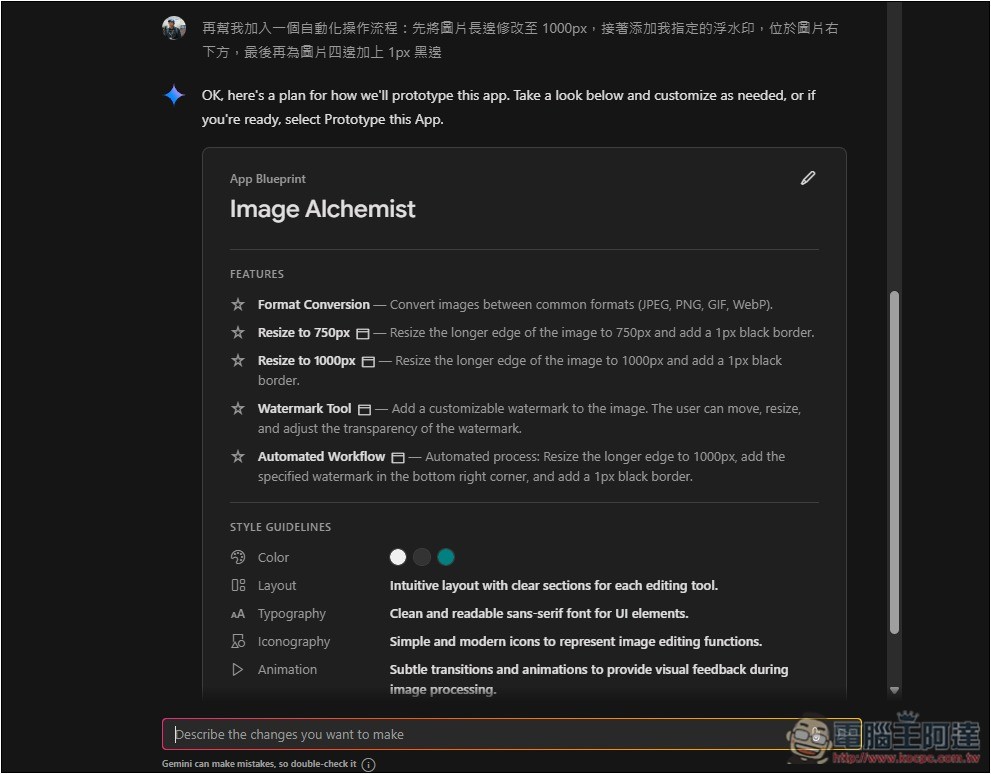
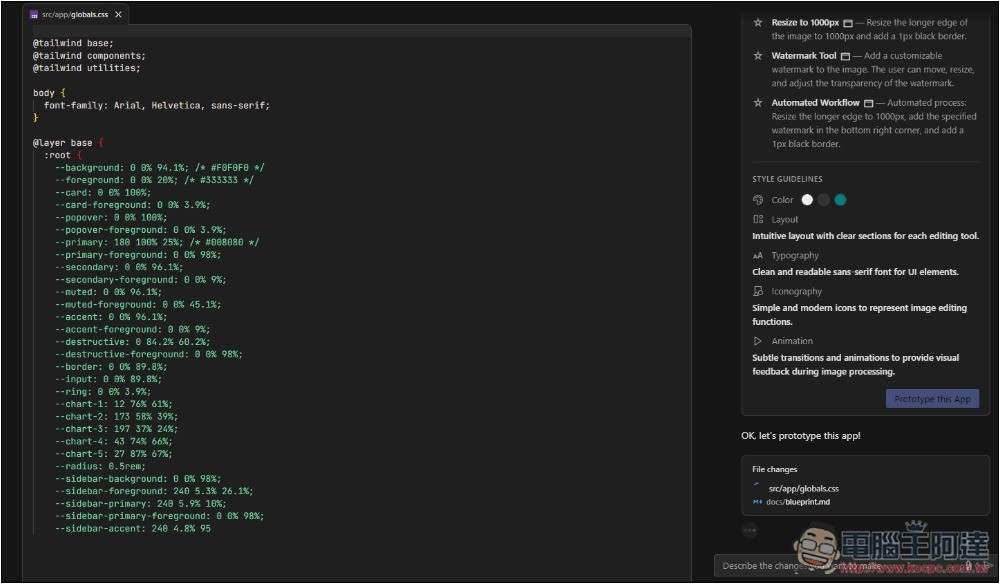
Then Gemini will start writing code. Compared to other AI coding tools, the speed is remarkably fast; each segment is completed in an instant:
Once it’s done, the left side will show the Web app for you to test. If there are any issues, or you want to adjust or add anything, you can type on the right side to tell Gemini. For example, the app I requested was missing many features, so I asked it to add them:
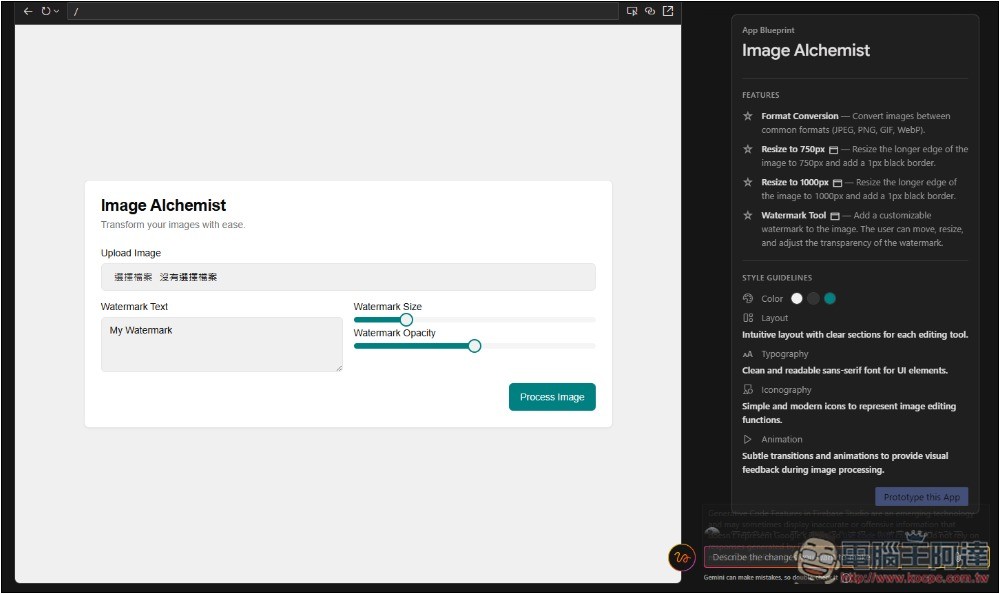
Then add every function and button. What makes Firebase Sudio so useful is that you don’t seem to have to worry about code errors; once Gemini is done, the web will definitely run, meaning it’s fine even if you don’t understand code:

If you want to test on a mobile device, tap the two circle icons above to create a QR Code, then scan it with your phone to test. Remember to sign in to the same Google account:

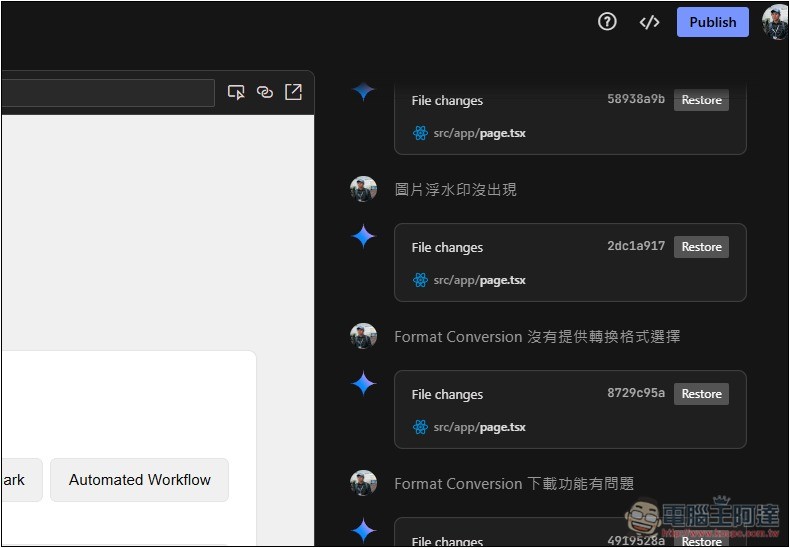
After finishing, if you want to deploy on Google Cloud, click Publish at the top right:
Next, connect your Billing account, and that’s it:
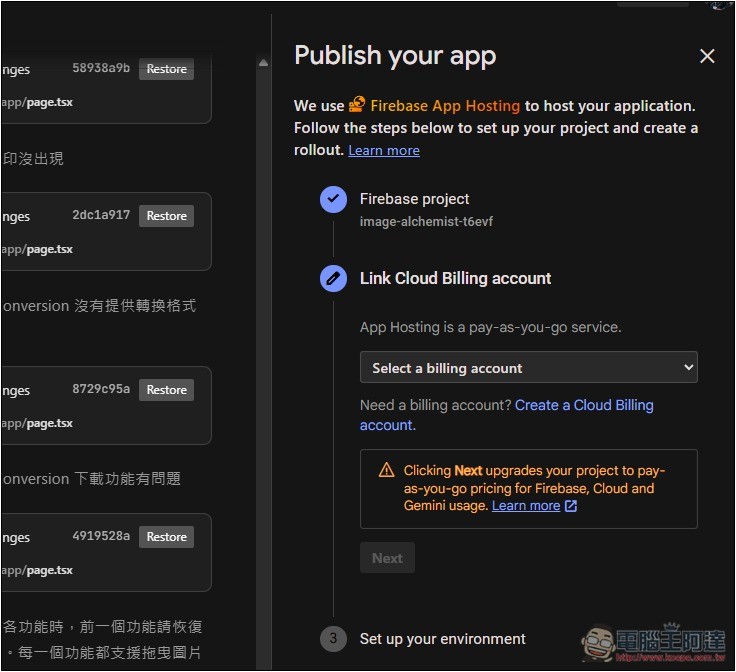
The free tier (Spark plan) for Firebase online deployment includes 1GB of storage and 10GB of bandwidth per month. If you exceed these limits, you will be charged based on usage.
Source: KOCPC Chinese