


MyEdit is a free online image editing tool launched by CyberLink. It has some commonly used functions, such as adjusting pictures, converting file formats, voice changer, removing vocals, editing music, etc. It is very fast. For friends who occasionally have such needs, it is worth collecting. It has no ads and is completely free, and the processed pictures do not have watermarks.
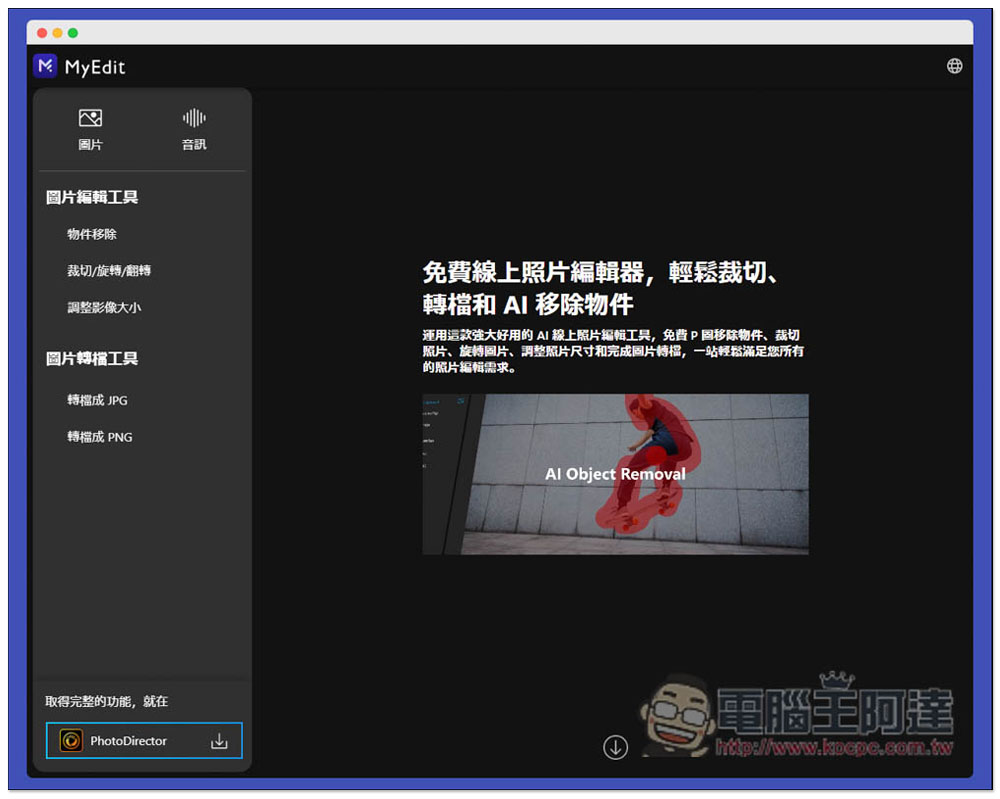
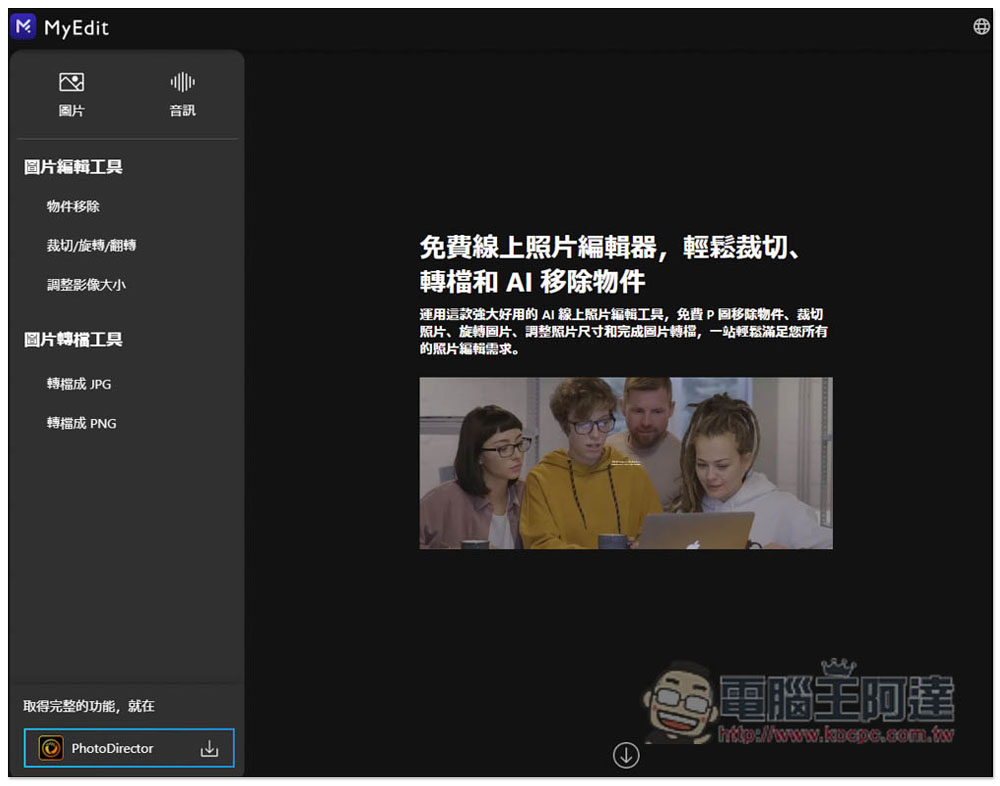
MyEdit is a free online image and audio editing tool that also has functions such as file conversion and voice changing.
MyEdit supports multiple languages, including Traditional Chinese, Simplified Chinese, English, Japanese, etc. You can modify it by clicking the globe icon in the upper right corner.
After entering, the function selection is on the left, including pictures and audio. Pictures provides “Picture Editing Tool” and “Picture Conversion Tool”. The former has three functions: object removal, cropping/rotating/flipping, and image resizing. The latter supports JPG and PNG format conversion:
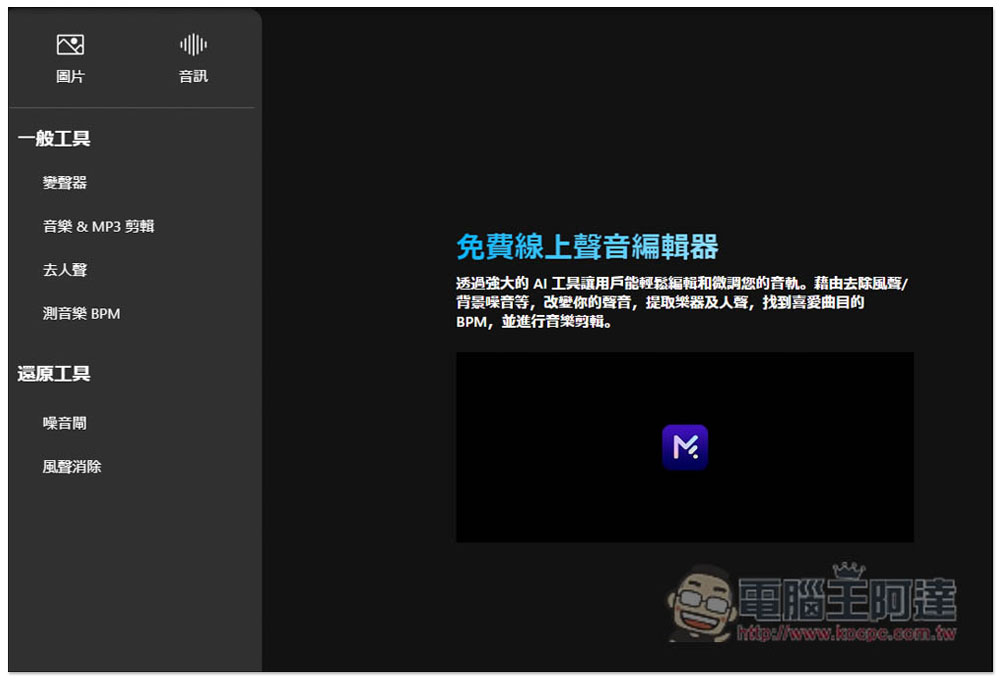
The audio section includes “General Tools” and “Restore Tools”. The former provides voice changer, music & MP3 editing, vocal removal, and music BPM measurement. The latter has noise gates (for removing noise) and wind noise elimination:
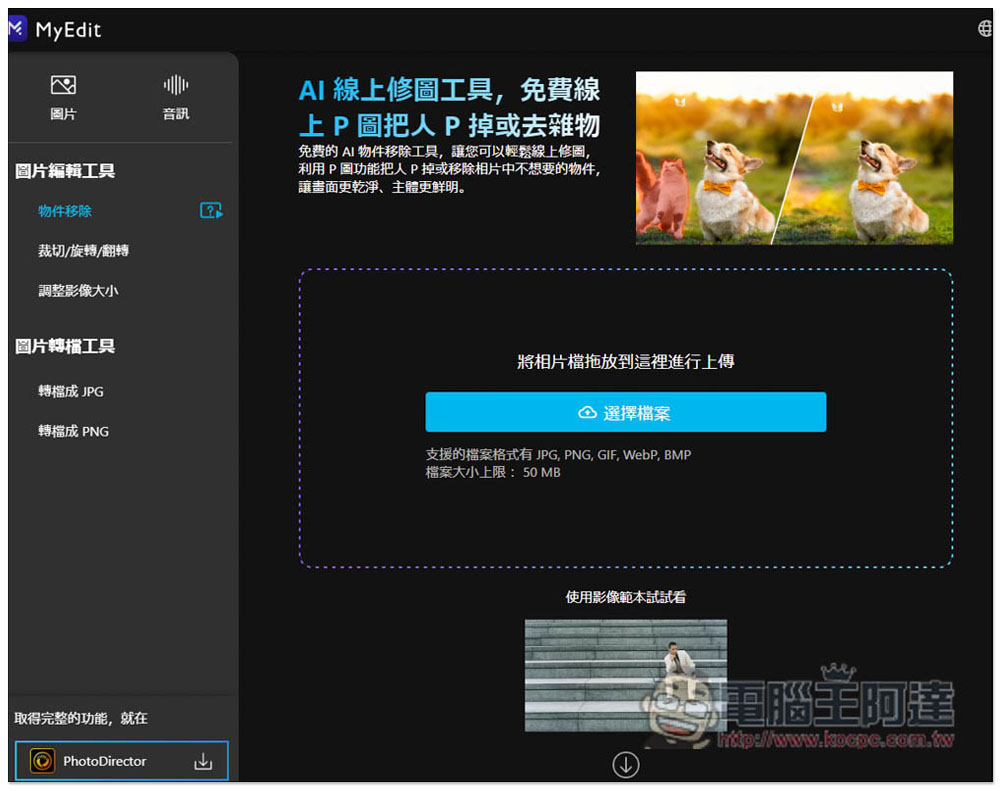
Each function has some file restrictions, such as object removal. The supported file formats are JPG, PNG, GIF, WebP, and BMP. A single file can be up to 50MB:
The operation method of each function is quite simple. For object removal, after uploading the image, use the mouse to circle the object to be removed. The brush size and eraser can be adjusted on the right side:
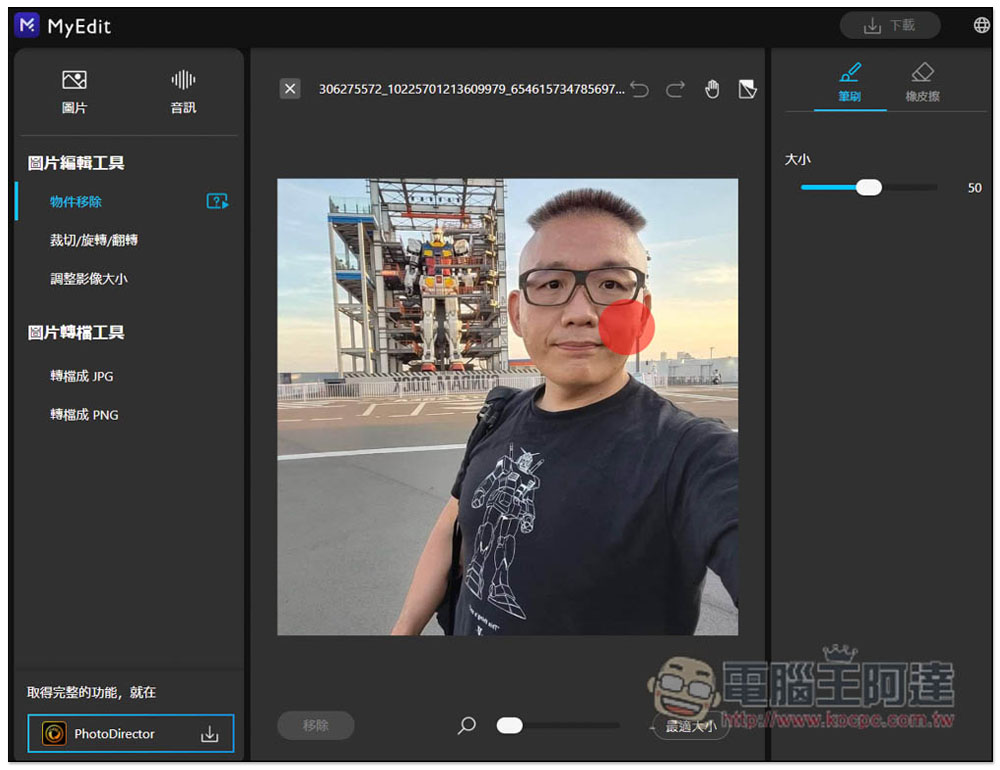
As shown in the picture below, click “Remove” below when finished:
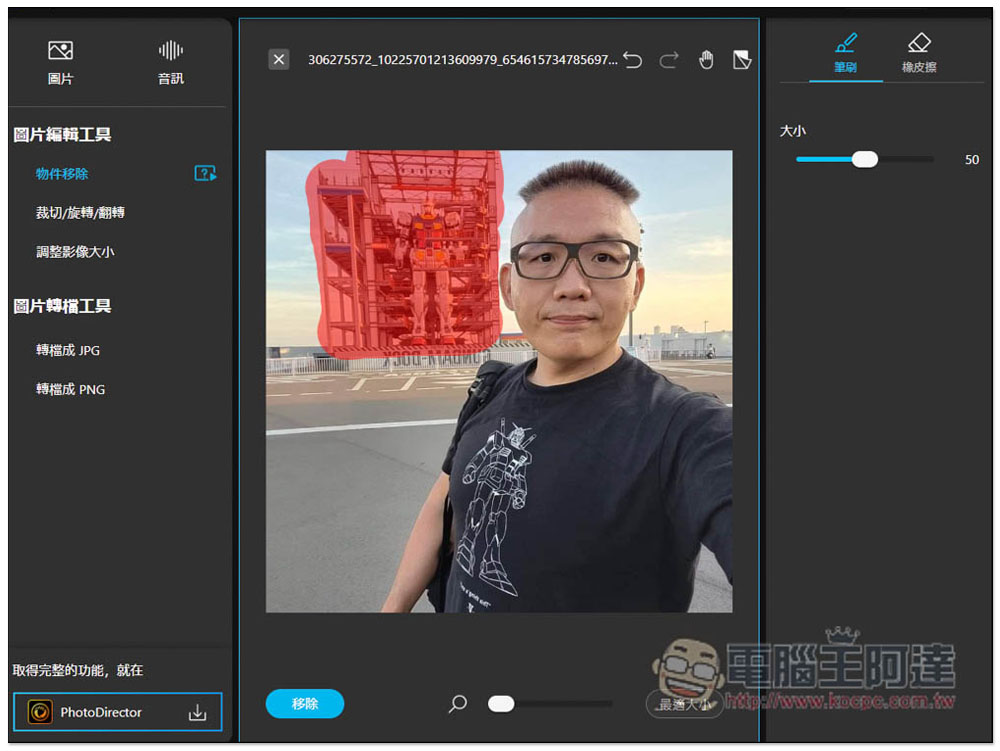
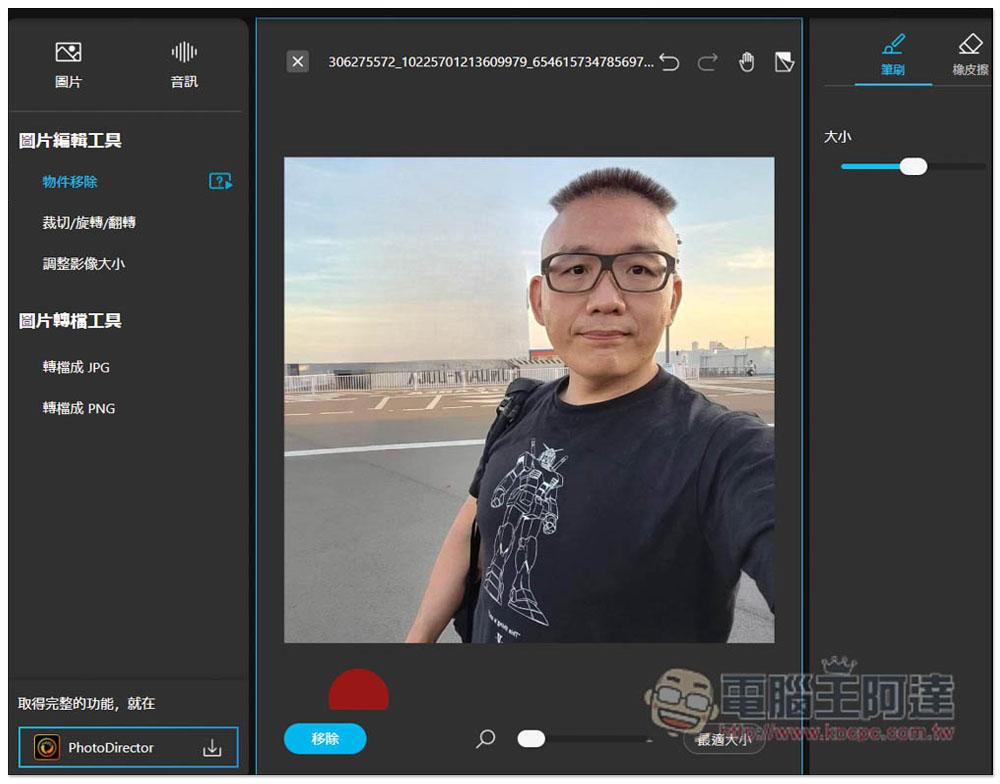
The object will be removed, but I think the removal effect of this one is average. Another one we introduced before SnapEdit It’s much more powerful. If you take the same picture and remove the same objects, the picture will look supernatural. Unlike this one, after removing it, the area on the left side of the ear is very strange. You can tell at a glance that the picture has been edited:
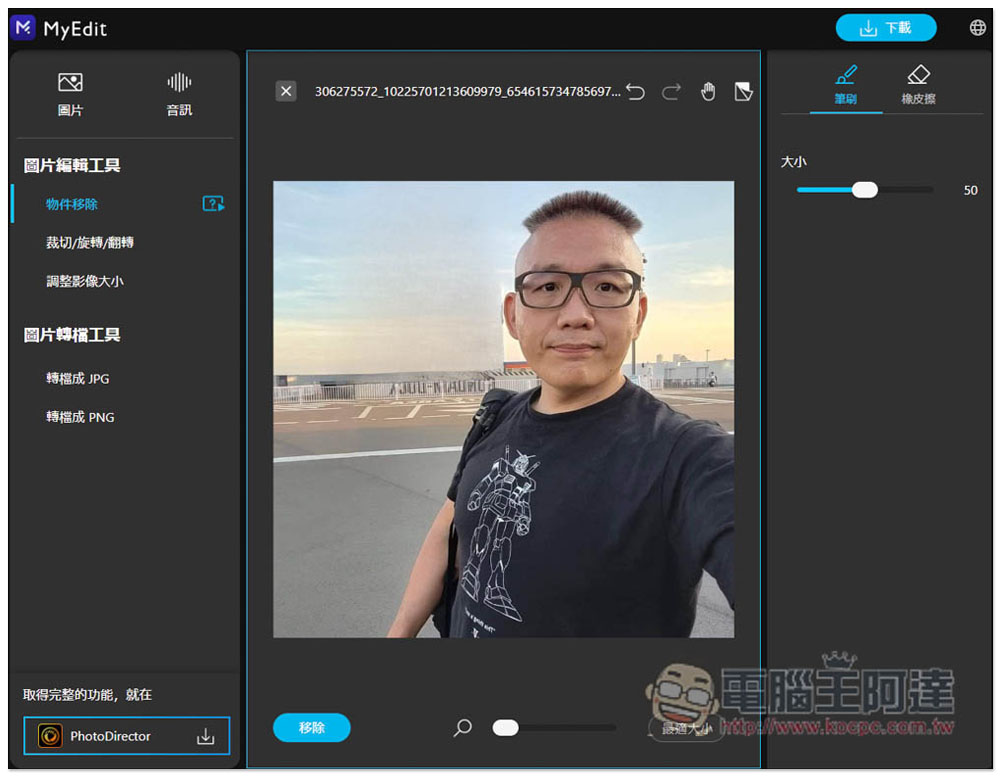
After no problem, click download in the upper right corner to download the image. According to actual testing, there is indeed no watermark:
You can resize an image by modifying pixels or percentages:
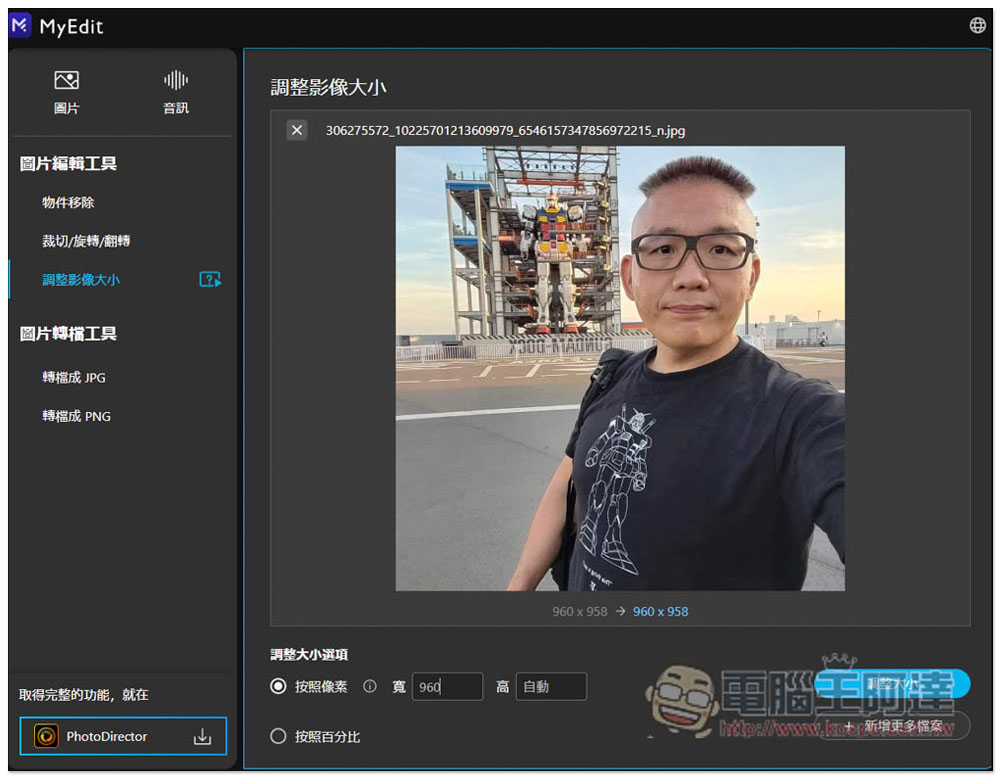
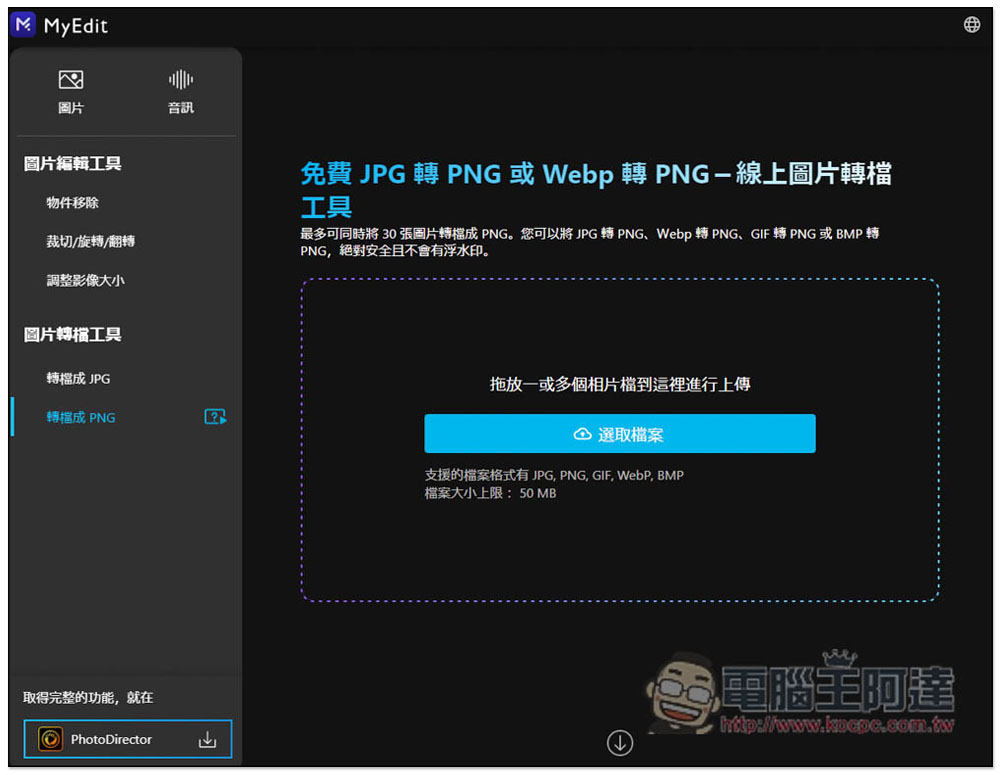
In the conversion part, multiple files can be converted at one time, up to 30 files, but it is not sure whether the 50MB file limit refers to a single file or all of them. You can convert JPG to PNG, Webp to PNG, GIF to PNG or BMP to PNG:
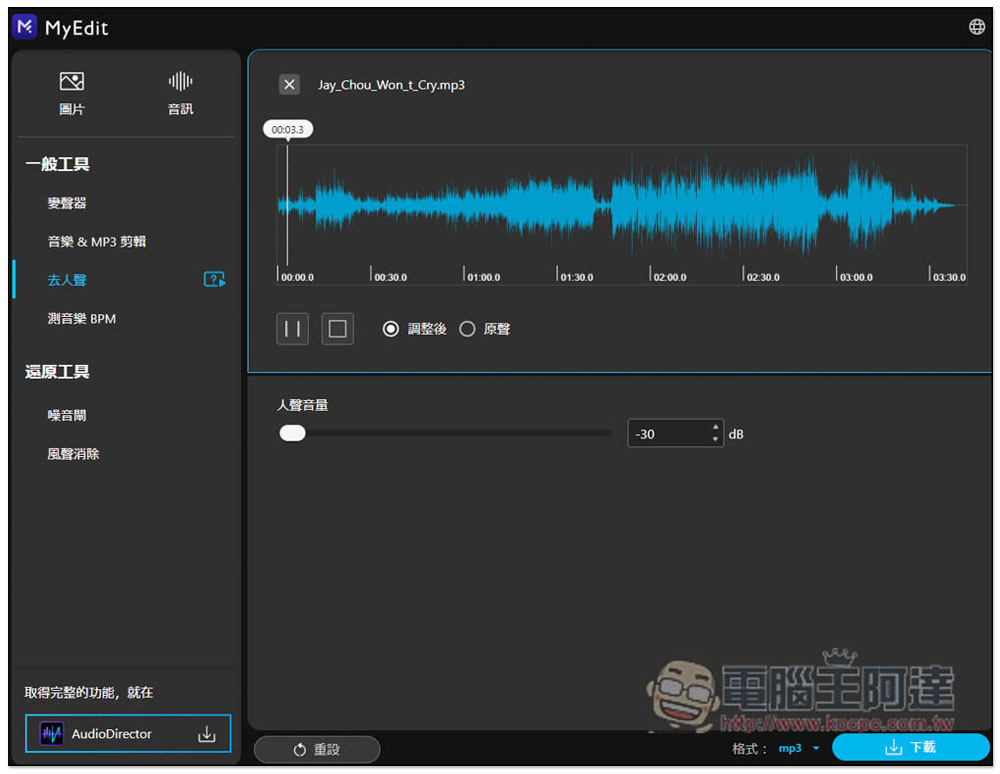
Go to the vocal part. The upper limit of a single file is 100MB and the duration cannot exceed 10 minutes. The supported file formats are MP3, WAV, FLAC and M4A. They will be removed after uploading. You can click “Adjusted” and “Original Sound” to listen to the difference before and after removing the difference. You can also manually adjust the vocal volume below. This one is pretty good, it can really remove the vocal part of the voice:
Another good thing about this product is that it provides samples for every function, whether it is pictures or audio, so you can try it out first, and then upload your own files if you are satisfied.
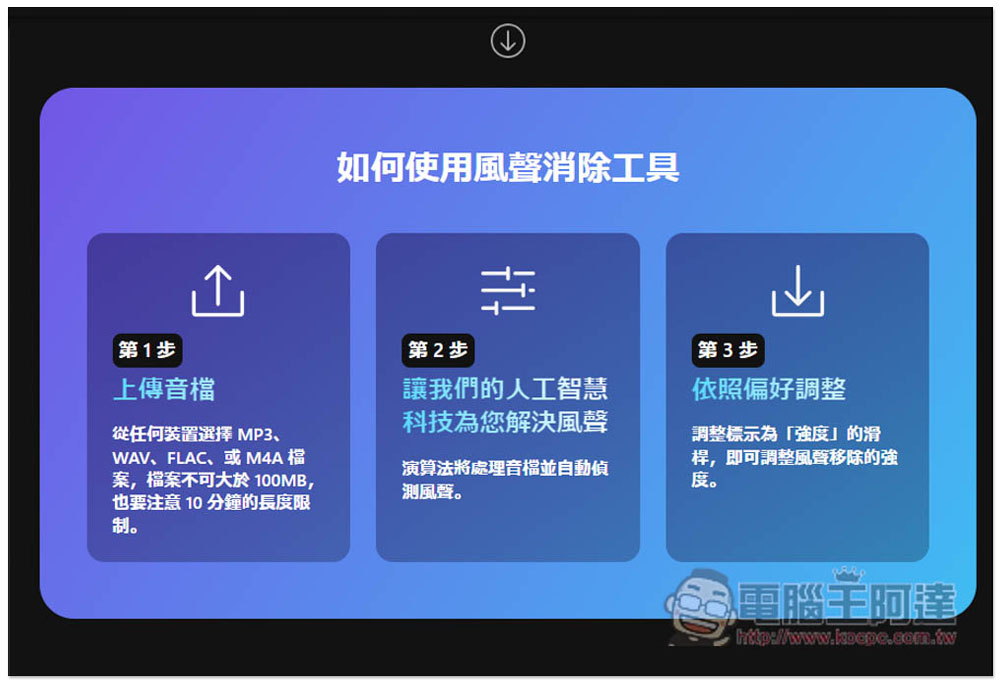
In addition, if you scroll down for each function, there will be instructions on how to use it and why you should use MyEdit. Friends who are interested can also take a look:
Source: KOCPC Chinese