


For PC users, there must be a backup software in the computer to ensure that data loss, system problems and other situations can be repaired. AOMEI Backupper Professional has always been one of our most recommended data backup software. It is not only simple to operate, but also powerful. It has backup, data synchronization, restore, etc., and even supports cloning the hard disk. That is, when you want to change the system disk, you can use this cloning function to completely copy the entire system hard disk to the new hard disk without having to refill it.
This set was originally priced at US$39.95. Recently, foreign websites have launched a limited-time free promotion. You can get a registration number for free without filling in any information. However, I am not sure when the limited-time free time will be. But when I wrote this article, I tested that it is fine. Those who need it should take advantage.
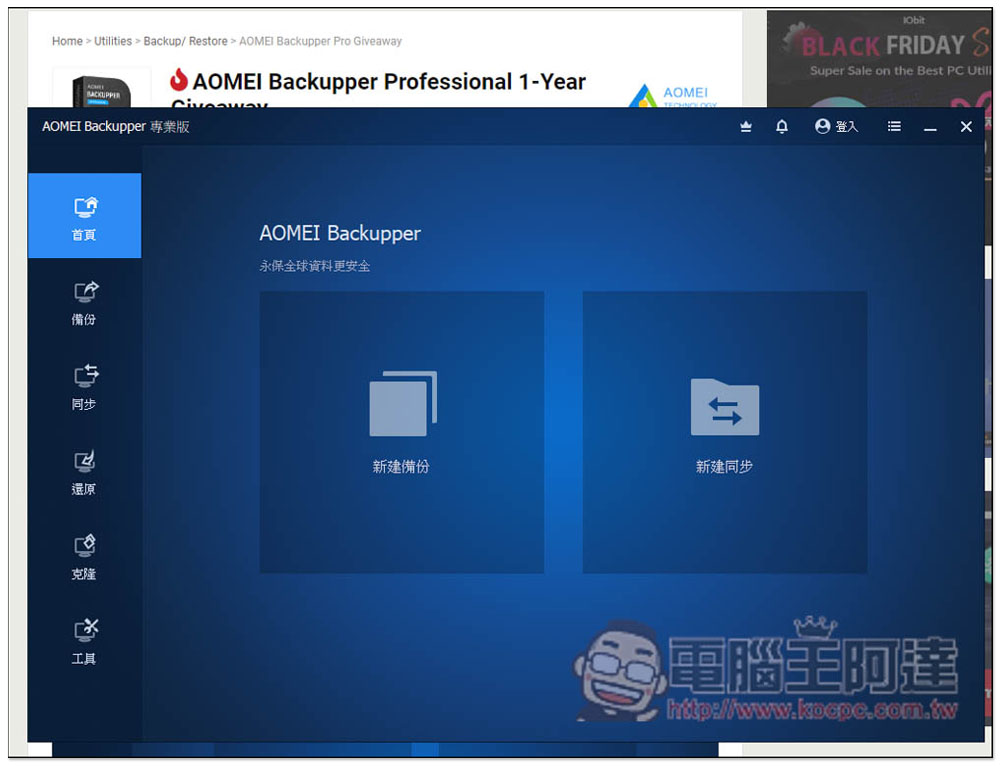
It is best to use hard disk data to back up, synchronize and restore AOMEI Backupper Professional. The professional version is free of charge. Every PC needs one set.
The website that launched the AOMEI Backupper Professional limited-free event this time is Tickcoupon, and what’s special about it is that it writes the registration number directly on the article, which means that after downloading and installing the software, you can register without filling in any information. Although the article also provides software installation file download points, I prefer to download them fromOfficial website download, I tested the version downloaded from the official website and there was no problem.
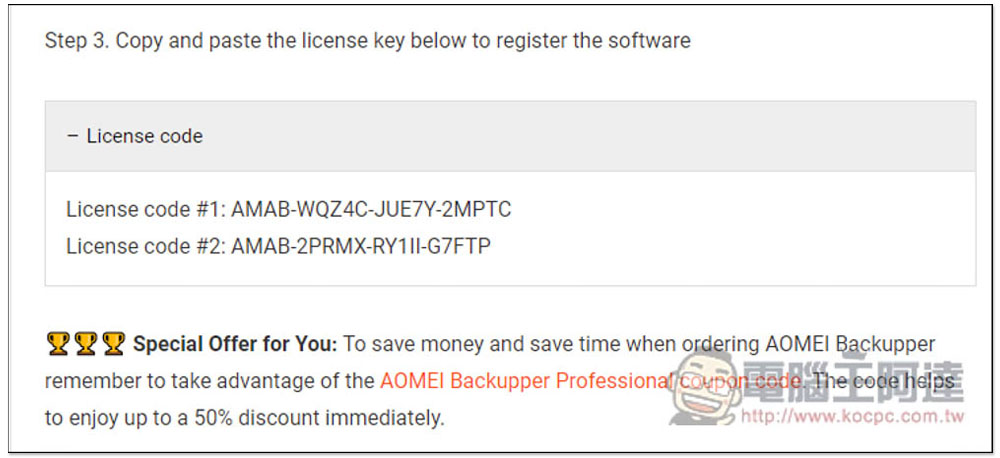
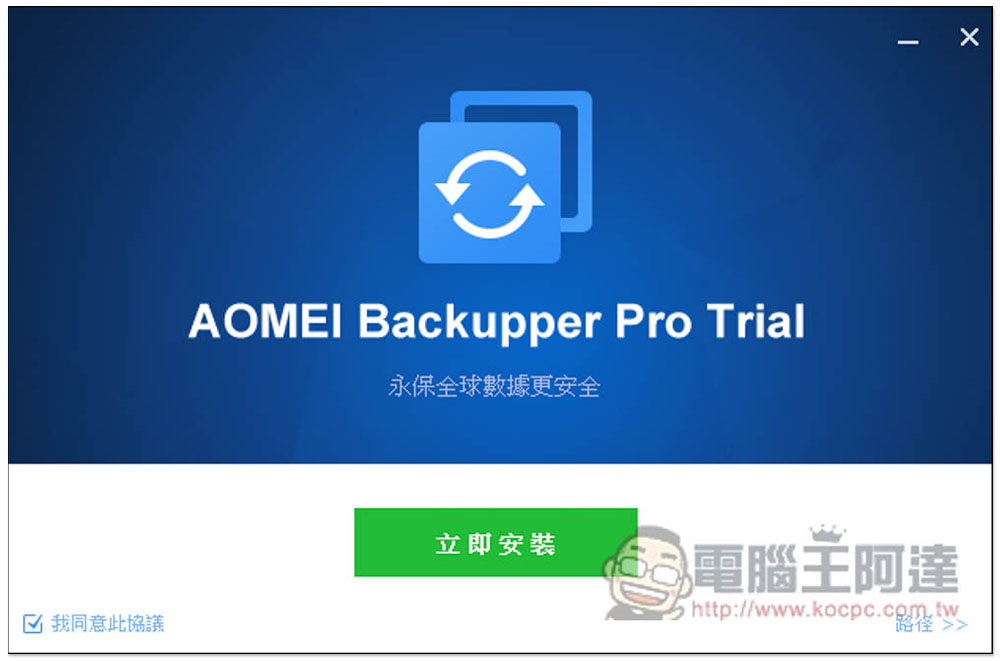
If there are no requirements during the installation process, just continue to the next step. This supports Traditional Chinese interface:
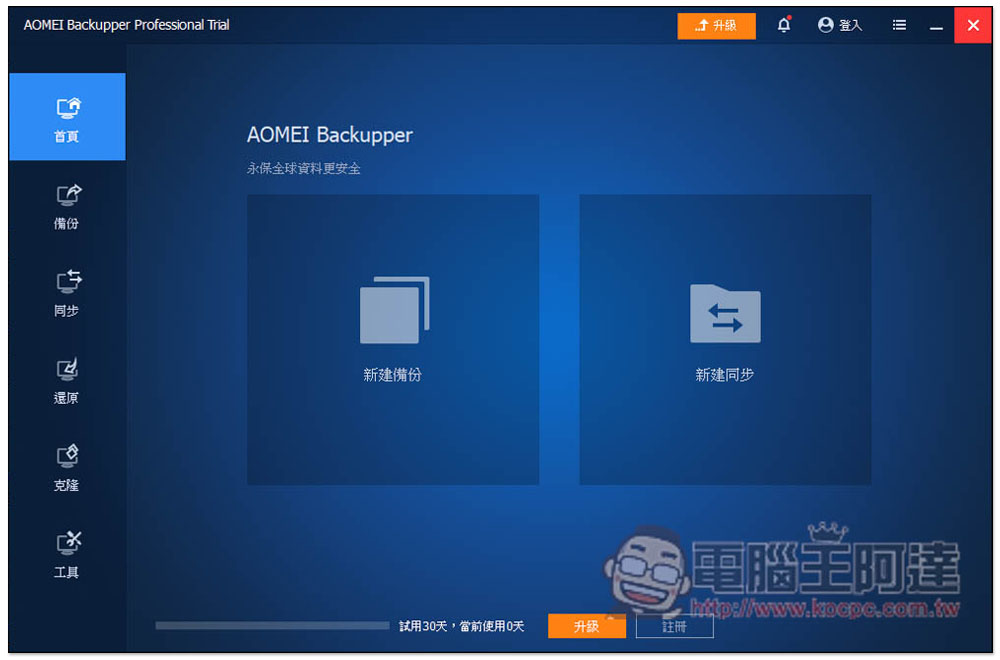
After installation, open it. Although a 30-day free trial is provided, remember to activate it as soon as possible. We are not sure when the serial number will expire. Click “Register” below:
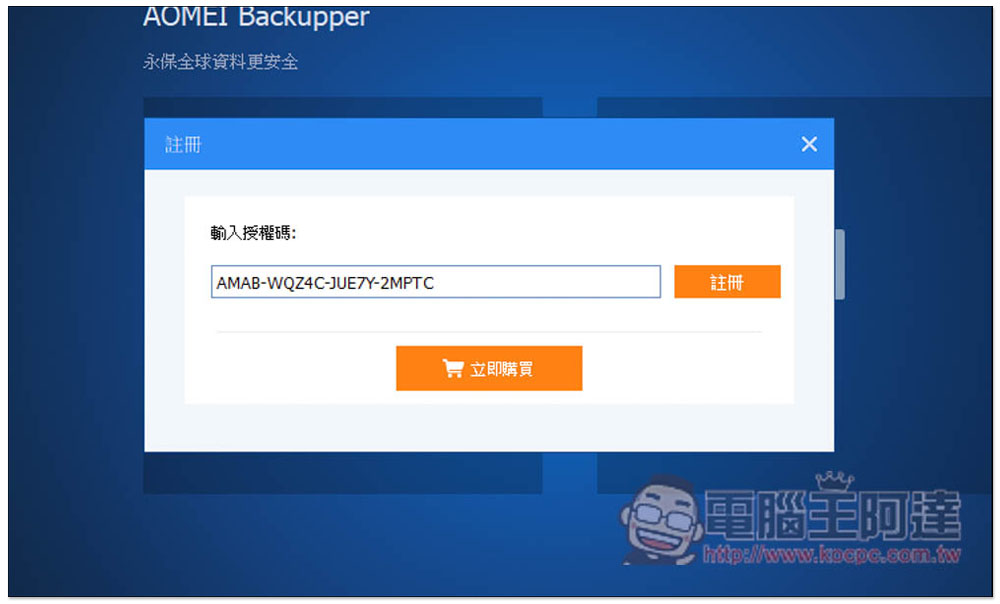
Then I pasted the Tickcoupon serial number and pressed register. My first test was successful:
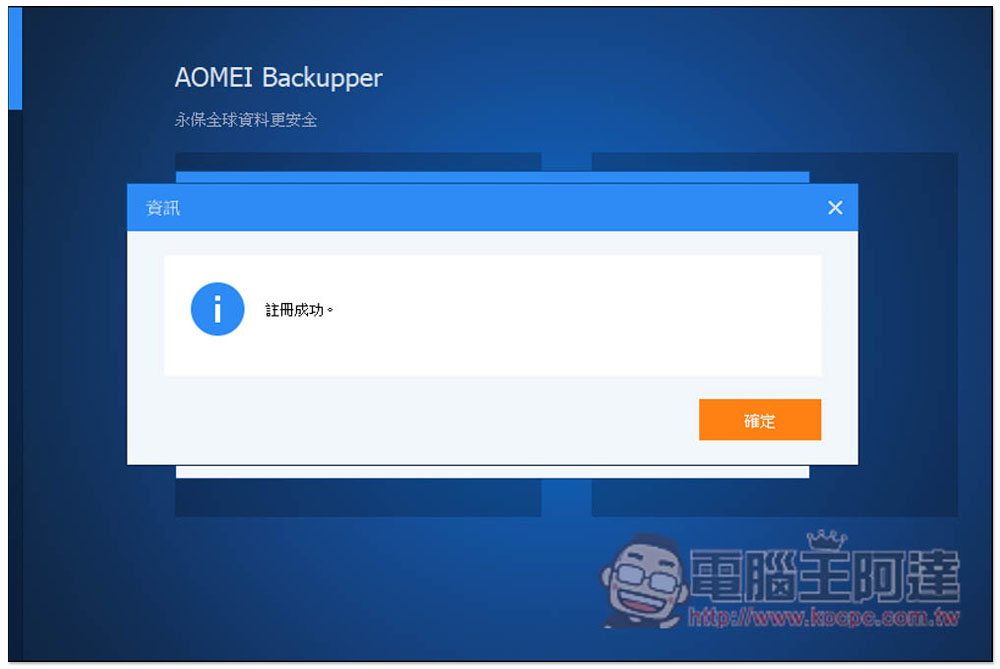
Successful activation will display a “Registration Successful” message:
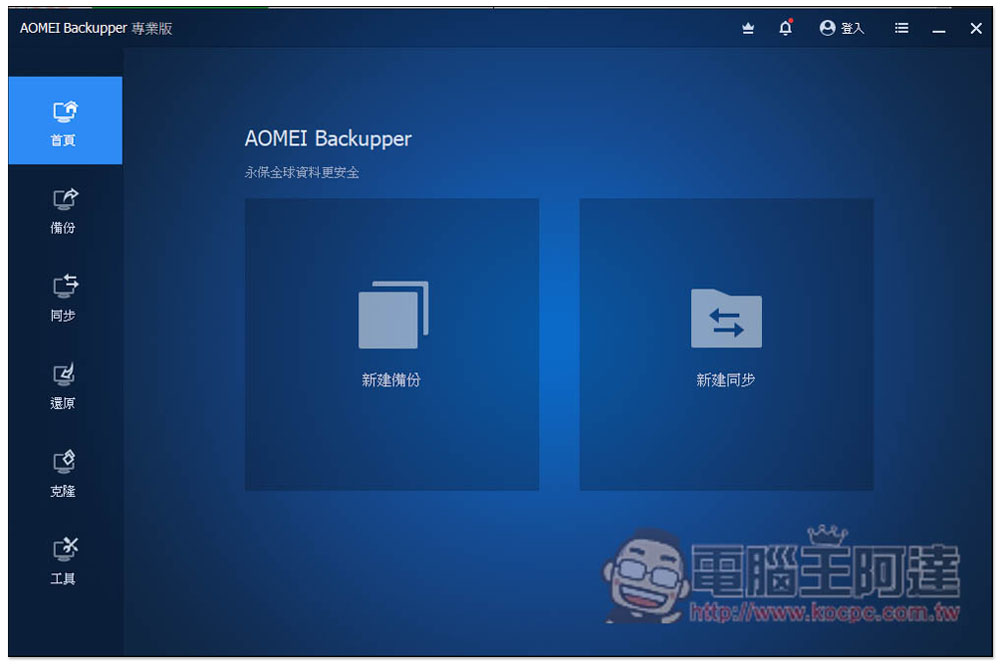
The original trial version Trial will also disappear and become the official version. The homepage provides two functions, “New Backup” and “New Sync”:
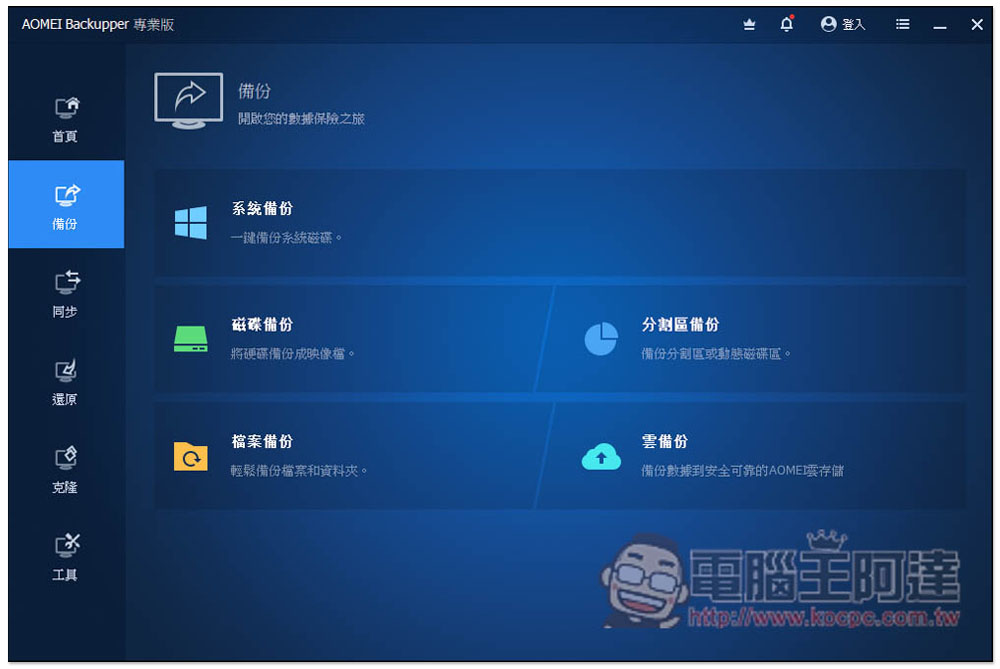
There are more backup options in the backup menu, including “System Backup”, “Disk Backup”, “Partition Backup”, “File Backup” and “Cloud Backup”:
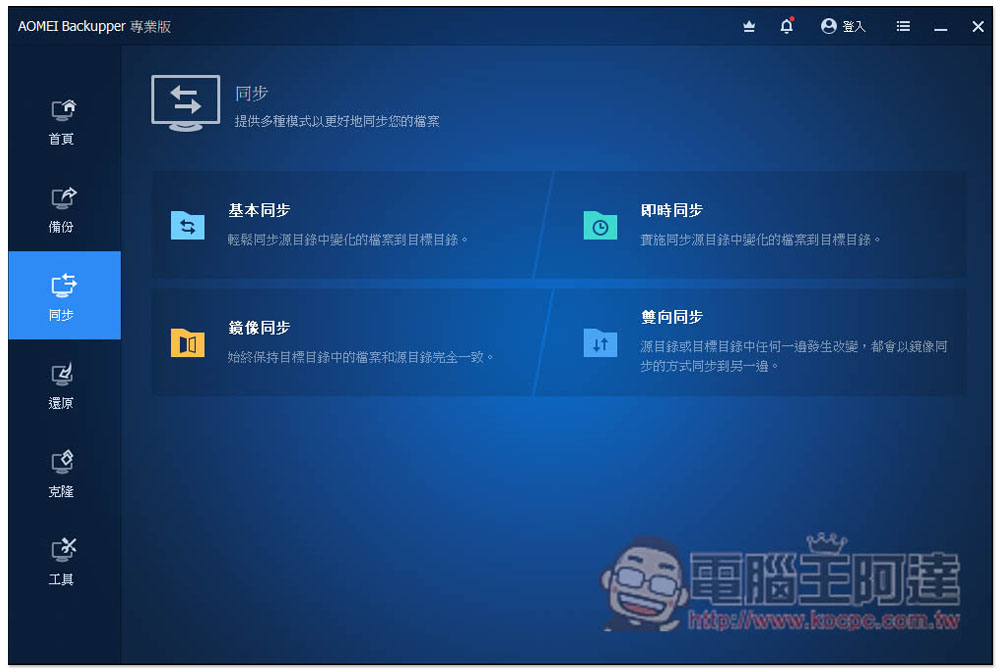
The synchronization menu includes “Basic Sync”, “Real-time Sync”, “Mirror Sync” and “Two-way Sync”:
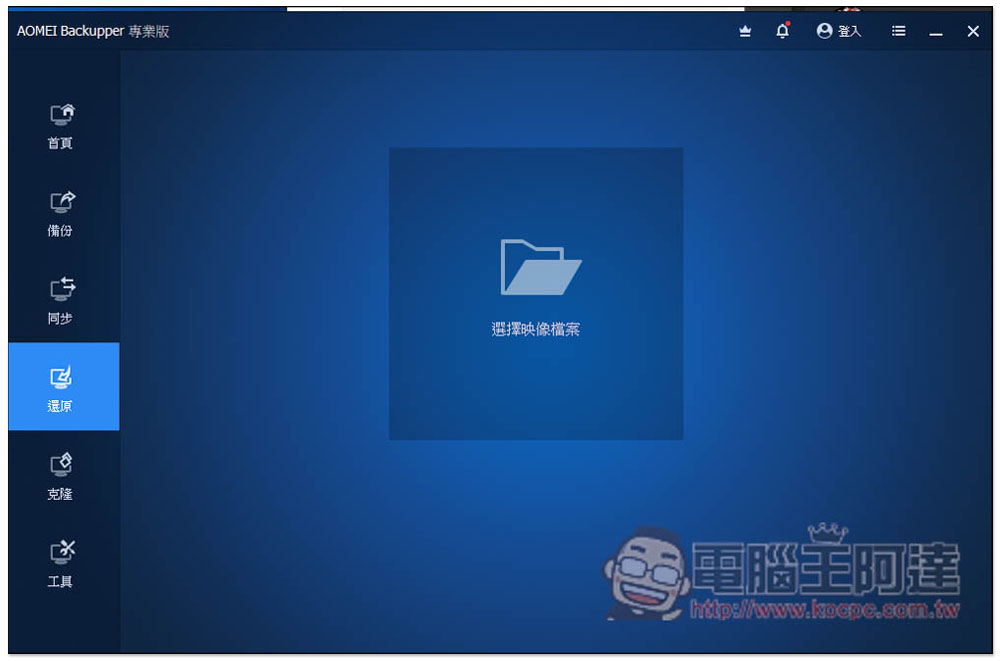
To restore, just read in the previous backup image file and restore:
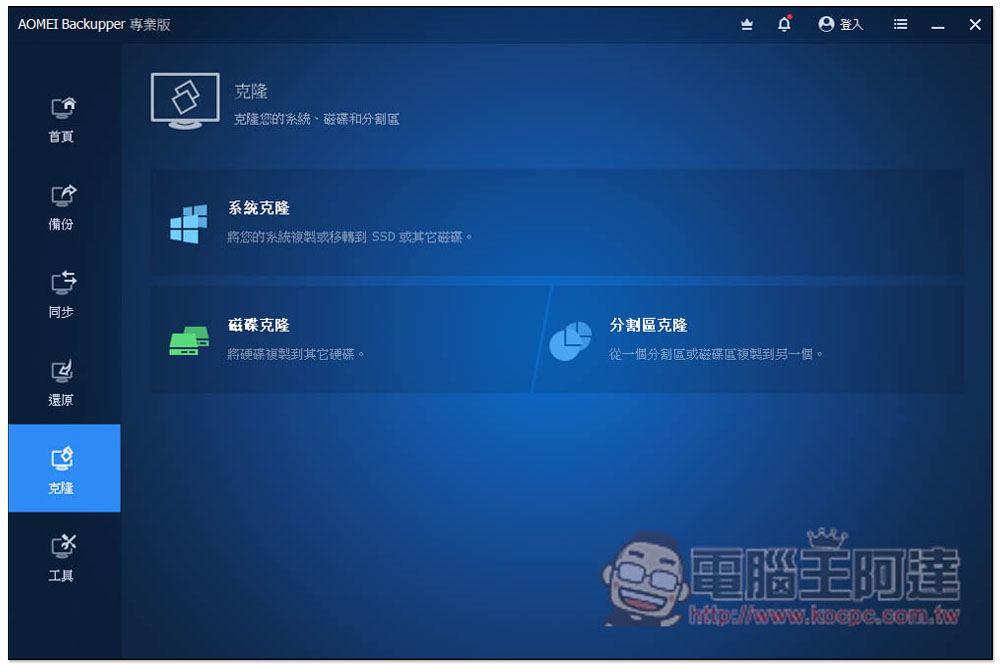
The cloning menu includes “System Clone”, “Disk Clone” and “Partition Clone”. Friends who want to change the system disk or even replace other hard disks with new ones can use this function to easily transfer:
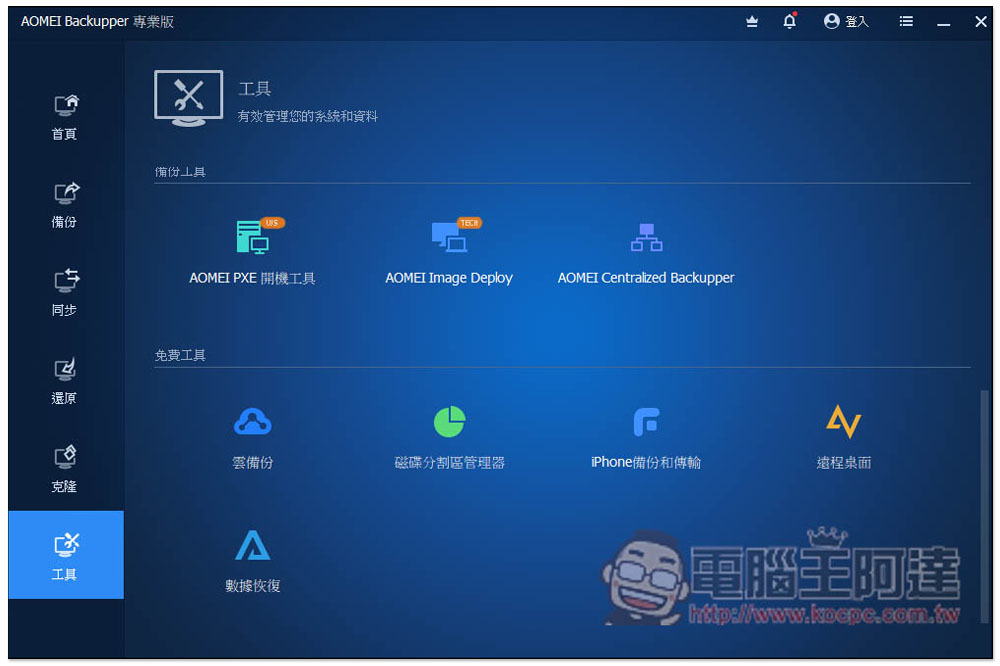
The Tools menu has more great and useful features, including Windows 11 Checkup Tool, Recovery Environment, Storage Management, Creating Portable Versions, and more:
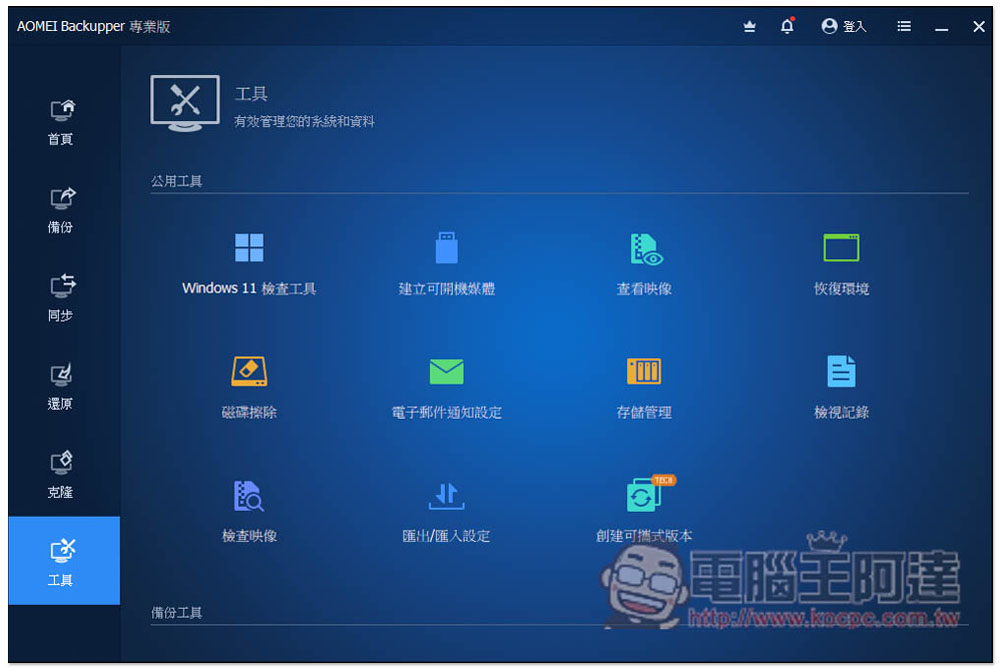
Some tools require the installation of other sets of software before they can be used, such as iPhone backup and transfer, data recovery, etc. There are also some functions that require upgrading before they can be used. This part is for readers to play with on their own:
Finally, I would like to remind you that the event page does not indicate when the limited exemption will end. This also means that it may end at any time. Those in need are advised to grab it as soon as they see it.
Source: KOCPC Chinese